You have a loyal group of paying supporters, and you want to hand them something that feels special: a sketchbook, a zine, a monthly magazine, a behind-the-scenes photo book. Attaching a raw PDF to a post works, but it gets forwarded, downloaded, and posted to public forums within a week. A better option is a page-turning flipbook that opens in the browser and sits behind a password. With Flipbooks AI, you can build one in minutes and give it only to the people who pay for it.
This article walks through the whole setup: what to publish, how to build the flipbook, how to lock it, how to deliver the password through Patreon, and how to keep it from leaking.
Why Flipbooks Beat Raw PDFs
A PDF is a file. A flipbook is an experience. Members open a link, see realistic page turns, and read on a phone, tablet, or laptop without installing anything. You keep control of the link, the password, and the branding.

Here is how the two formats compare for membership content:
| Feature | PDF attachment | Password protected flipbook |
|---|
| Reading experience | Download, then open | Opens in browser, page-turn effect |
| Mobile friendly | Pinch and zoom | Responsive layout |
| Access control | None once downloaded | Password on the link |
| Update after publishing | Re-upload and re-post | Replace content, same link |
| Branding | Whatever is in the file | Custom colors and logo |
| Tracking views | None | Analytics on the Professional plan |
💡 Pro tip: Members who feel they received something polished are less likely to cancel. The format itself is part of the perk.
What Patreon Members Actually Want
Before building anything, pick content worth locking. Creators across different niches already do this well.

Content That Works Well
- Sketchbooks and process pages for illustrators and designers
- Monthly zines that collect your best work
- Photo essays with captions and location notes
- Short stories or serialized chapters for writers
- Recipe collections for food creators, such as a Recipe Book Flipbook
- Worksheets and workbooks for teachers and coaches
- Lookbooks and mood boards for fashion and interior creators
Matching Content to Tiers
| Tier | Price example | Flipbook perk |
|---|
| Supporter | $3 | Monthly mini zine, 10 pages |
| Fan | $8 | Full monthly magazine plus archive |
| Collector | $20 | Extended art book, process files, early access |
| Patron | $50 | Everything above plus a personal dedication page |
Each tier can have its own flipbook and its own password. That gives you a clean way to separate who sees what.
Build the Flipbook Step by Step
Here is the exact workflow, using the PDF to Flipbook Converter.
Step 1: Prepare Your PDF
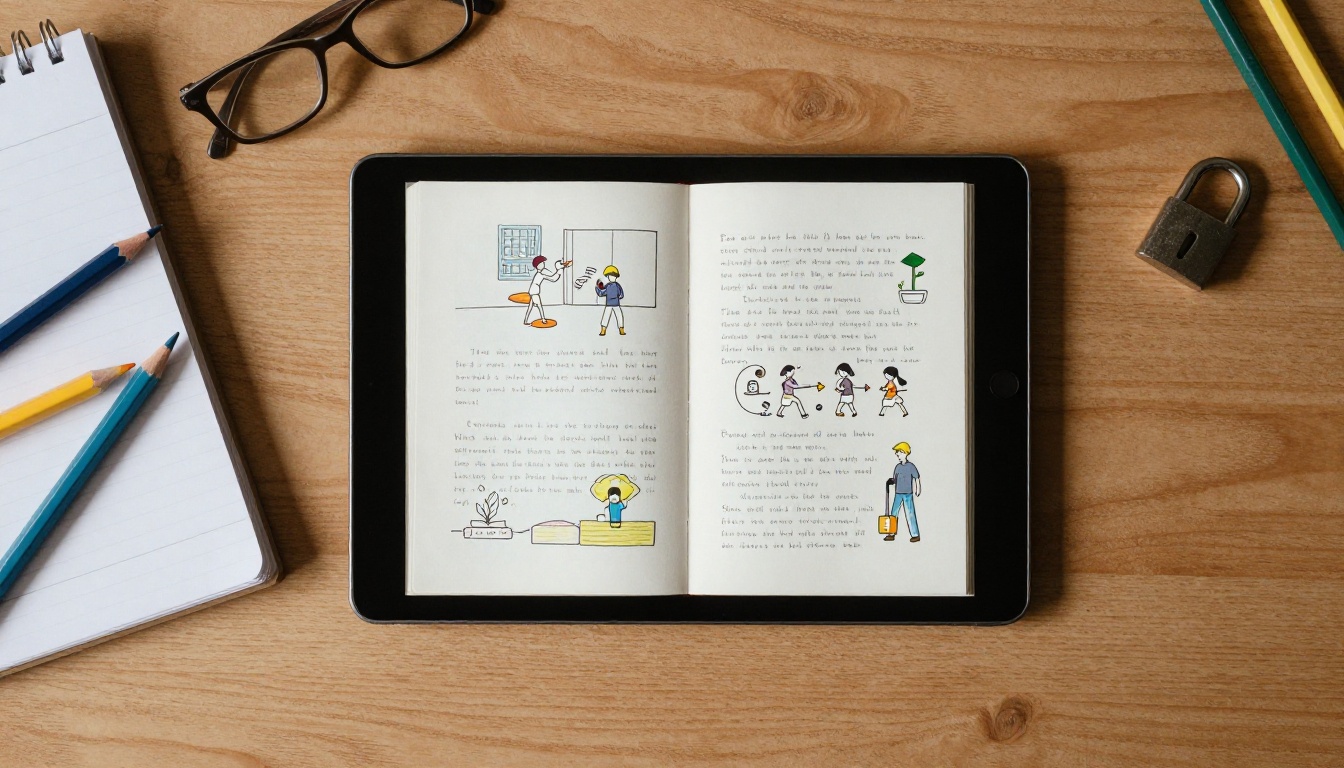
Export your design from Canva, InDesign, Affinity, or Procreate as a PDF. Use high resolution images, but keep the file under a reasonable size so pages load fast. If your work is a photo set, one image per page is fine.
Step 2: Create an Account
Head to the account page and sign up. Review the pricing plans to see which one fits your volume. Unlimited flipbooks are available on the Standard plan and above, and there are no watermarks on your pages.
Step 3: Upload and Convert
Upload the PDF. The platform converts each page into a flipbook spread automatically. Check that fonts and images look right, and that the page order matches your layout.
Step 4: Customize the Look
Add your logo, pick a background color that matches your Patreon banner, and choose the page effects. You can also embed video or audio, which is handy for a behind-the-scenes clip or a voice note to your members.
Step 5: Turn On Password Protection
Open the sharing settings and enable password protection. Choose a password you can remember and rotate later. Anyone who opens the link will be asked for it before a single page appears.
Step 6: Copy the Link
Use the direct link for Patreon, or use an embed code if you also run your own website with a members area.
✅ Best practice: Name each flipbook clearly, for example "March Zine, Fan Tier," so you never mix up passwords across tiers.
How to Deliver the Password Through Patreon
The flipbook is built. Now the question is how to get the link and password to members without exposing both to the public.

Option 1: Locked Post
Create a post limited to a specific tier. Paste the flipbook link and the password inside the post body. Because only paying members can see the post, the link stays private. This is the simplest path and works for most creators.
Option 2: Link in the Post, Password in a Message
Put the link in the locked post and send the password as a message to members of that tier. This adds a second layer, which helps if you worry about screenshots of the post.
Option 3: Pinned Welcome Post
Make one pinned, tier-locked post with a short list of all current flipbooks, each with its link. Update the password there when you rotate it.
| Delivery method | Effort | Security | Best for |
|---|
| Locked post with link and password | Low | Good | Most creators |
| Link in post, password by message | Medium | Better | Premium tiers |
| Pinned welcome post | Low | Good | Archives and back issues |
Keep Your Password From Leaking
Passwords get shared. It happens. The goal is to limit the damage, not to chase every leak.
Rotate on a Schedule
Change the password for each new issue. A member who cancels in April will not have access to the May issue, and a leaked March password does not open anything current.
Use Different Passwords per Tier
If a Supporter password leaks, your Collector content stays safe. This also lets you spot where a leak started.
Avoid Obvious Passwords
Skip your name, your channel name, or "patreon123." A short phrase with a number works better, such as "blue-heron-42."
Watch the Numbers
On the Professional plan, analytics show how many people open the flipbook. If you have 80 members and 600 views, something is off. Check pricing to see how analytics fit your plan.
⚠️ Warning: A password protects access to the link, not the screen. A determined member can still take screenshots. Treat protection as a deterrent, and keep your most valuable files in tiers with fewer people.
Real Examples From Different Creators
The Illustrator
An illustrator posts a 24 page sketchbook each month. Fans get the flipbook at $8, and collectors get an extended version with 40 pages of process work. Two flipbooks, two passwords, one afternoon of setup.
The Photographer
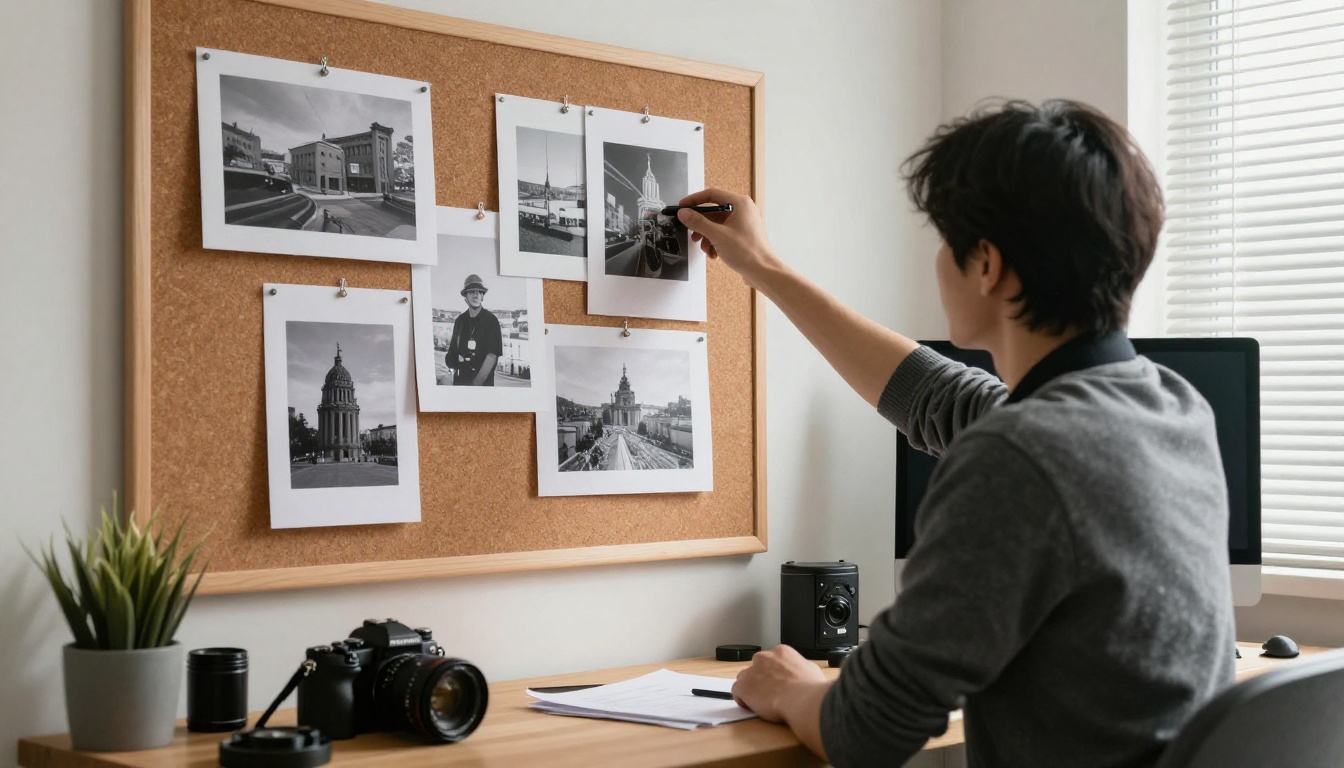
A travel photographer builds a photo essay after each trip using the Photography Portfolio tool. Higher tiers get larger image sets and location notes.
The Podcast and Music Duo
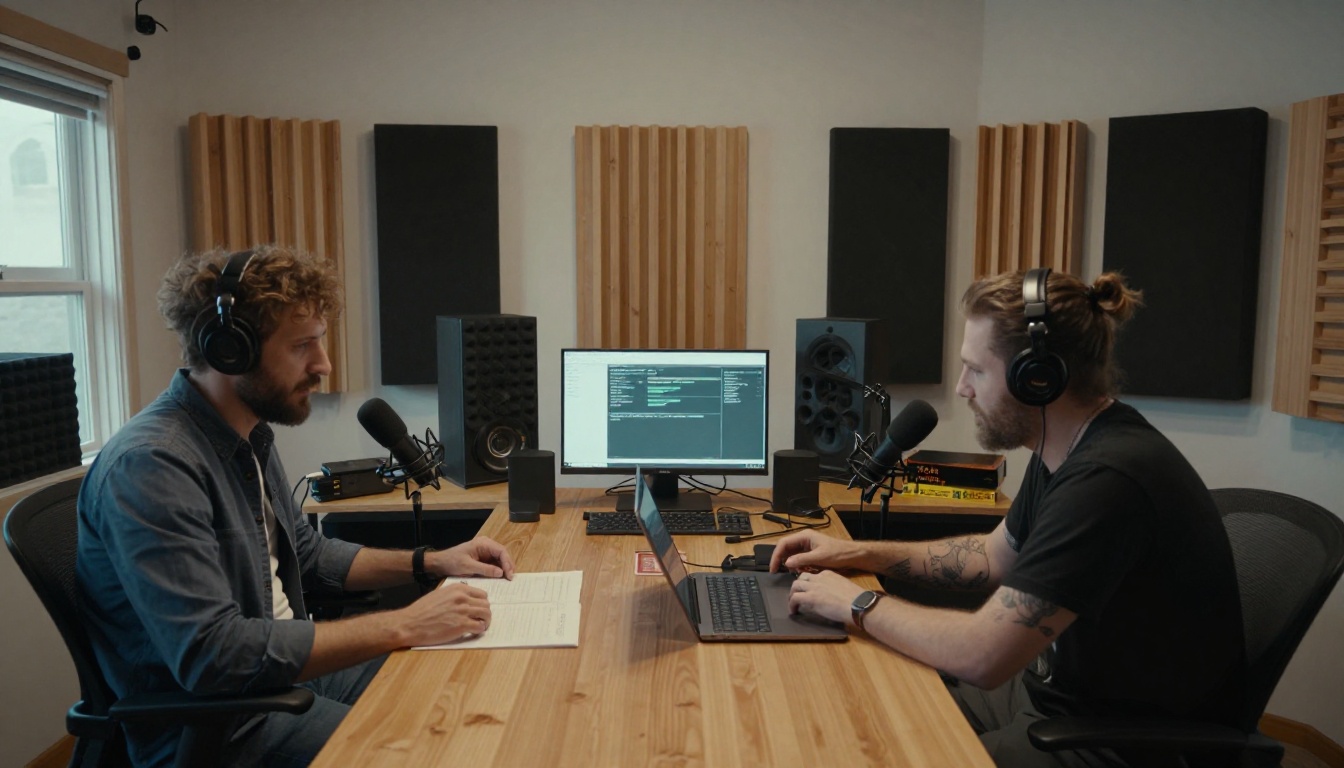
A duo publishes lyric books, tour diaries, and show notes as a quarterly flipbook with embedded audio previews. Members can read and listen in the same place.
The Writer
A fiction writer serializes a novel in monthly chapters. Each chapter is a flipbook using the Interactive E-Book Publisher, with the password changing each month. Late joiners can pay for an archive tier.

A Simple Monthly Workflow
Once you have done this once, it becomes a routine. Here is a schedule you can copy:
- Week 1: Finish the content and export the PDF.
- Week 2: Upload to Flipbooks AI, customize, and set a new password.
- Week 3: Preview on phone and desktop. Fix any page issues.
- Week 4: Publish the locked post, then message the tier with the password.
| Task | Time needed | Frequency |
|---|
| Export PDF | 10 minutes | Monthly |
| Upload and customize | 20 minutes | Monthly |
| Set password and copy link | 5 minutes | Monthly |
| Write the Patreon post | 15 minutes | Monthly |
| Check analytics | 5 minutes | Monthly |
That is under an hour of extra work per issue, and the result looks far more professional than a file attachment.
Mobile Reading Matters
Most members will open your flipbook on a phone, often while commuting or waiting somewhere. The flipbook layout is mobile-responsive, so pages resize without extra effort.
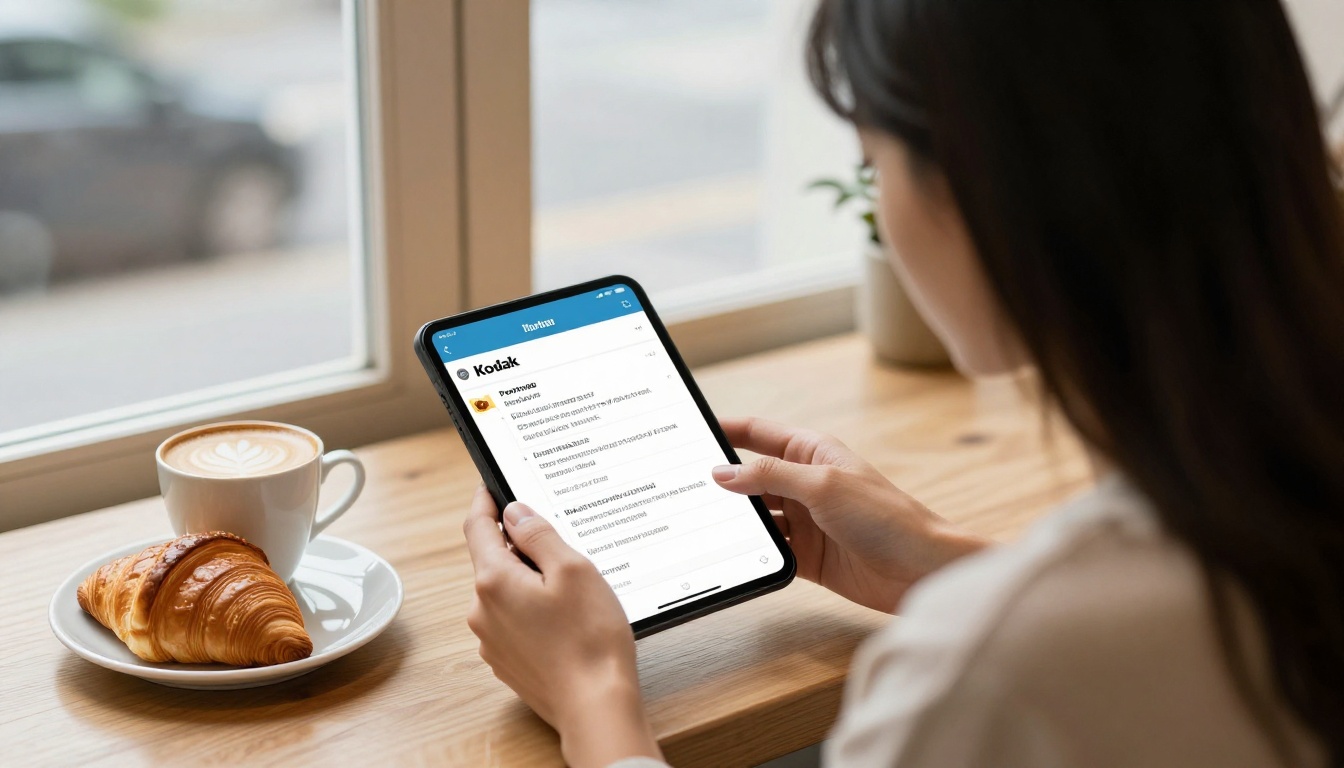
Design with small screens in mind:
- Use larger text sizes than you would for print
- Keep one main idea per page
- Avoid tiny captions over busy photos
- Test the first three pages on your own phone before publishing
💡 Pro tip: Offline downloads are available for members who need to read without a connection, which is useful for travelers and anyone on a patchy network.
Common Mistakes to Avoid
- Sharing the link in a public post. Always double check the post visibility before publishing.
- Using one password forever. Rotate it with every issue.
- Uploading a huge, unoptimized PDF. Slow loading frustrates members.
- Forgetting to test. Open the flipbook in a private browser window and enter the password as a member would.
- Skipping the welcome message. New members should know where to find the current issue and what the password format looks like.
Start Your First Private Flipbook
Your supporters already chose to back you. Give them something that feels worth the monthly payment. Ready to build yours? Get started for free on Flipbooks AI, browse all flipbook tools for formats that suit your work, and compare pricing plans when you are ready for analytics and lead generation. If you want a finished look fast, try the Digital Portfolio Creator or the Magazine Flipbook Creator for your next issue. Create your account through this link and publish your first protected flipbook today.



