Planning a baby shower means handling about a hundred things at once, and the invitation is where it all begins. A flat card in the mail sets a tone, but a baby shower invitation flipbook does something a card never can: it creates a moment. Guests tap, swipe, and flip through pages that feel personal, polished, and genuinely exciting. Flipbooks AI makes this possible without any design experience.
Why a Flipbook Invitation Changes Everything
The standard baby shower invitation has barely evolved in decades. It is a card, an envelope, a stamp, and a lot of hope that it does not get lost in someone's mail pile. Digital alternatives like group texts and Facebook events feel impersonal at the other extreme. A flipbook sits in a completely different category.
The Problem With Flat Invitations
Paper invites cost money to print, stuff, stamp, and mail. They can arrive late, get damaged, or end up in the recycling bin. Digital invitations sent as image files feel cheap. Neither one captures the warmth and excitement of welcoming a new baby into the world.
A good baby shower invitation should feel like a small celebration on its own. It should hint at the theme, carry the mood of the party, and make guests genuinely excited to RSVP. A single printed card struggles to do all of that.
What a Flipbook Invitation Actually Does
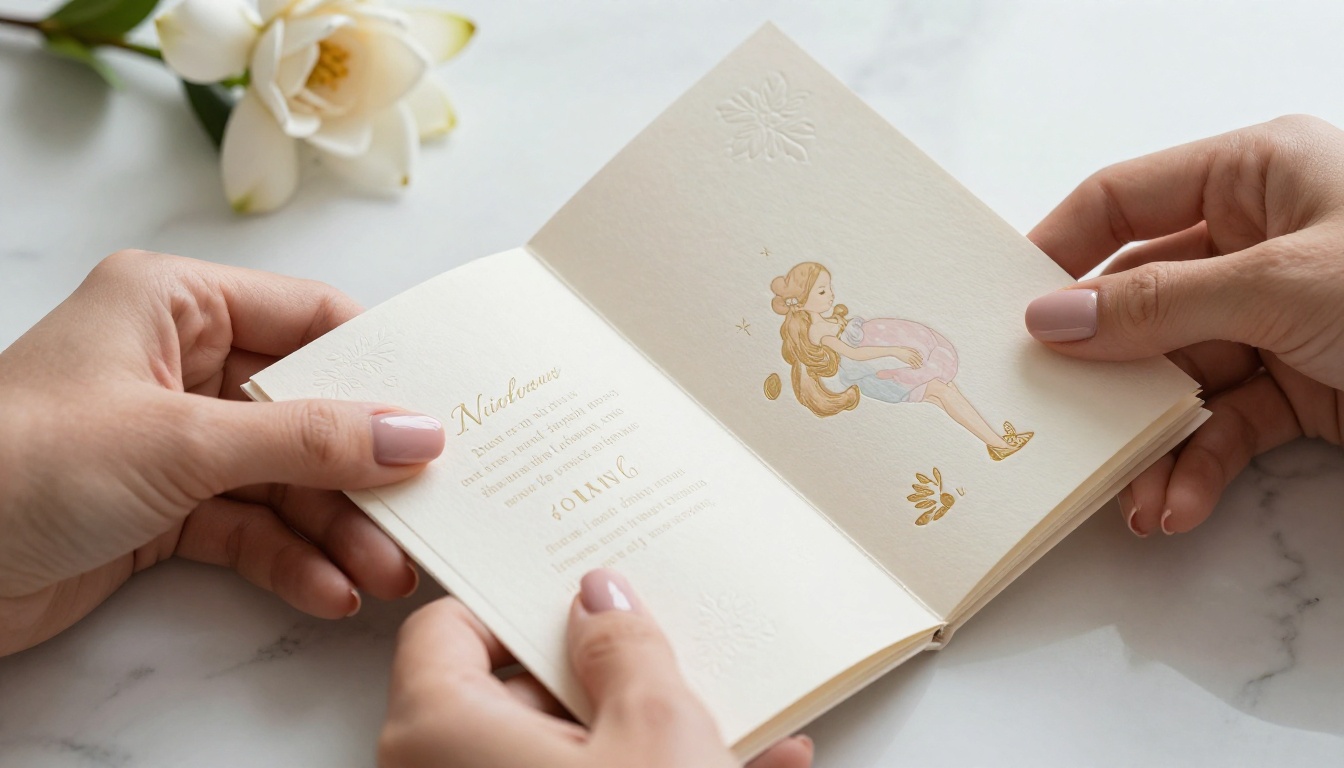
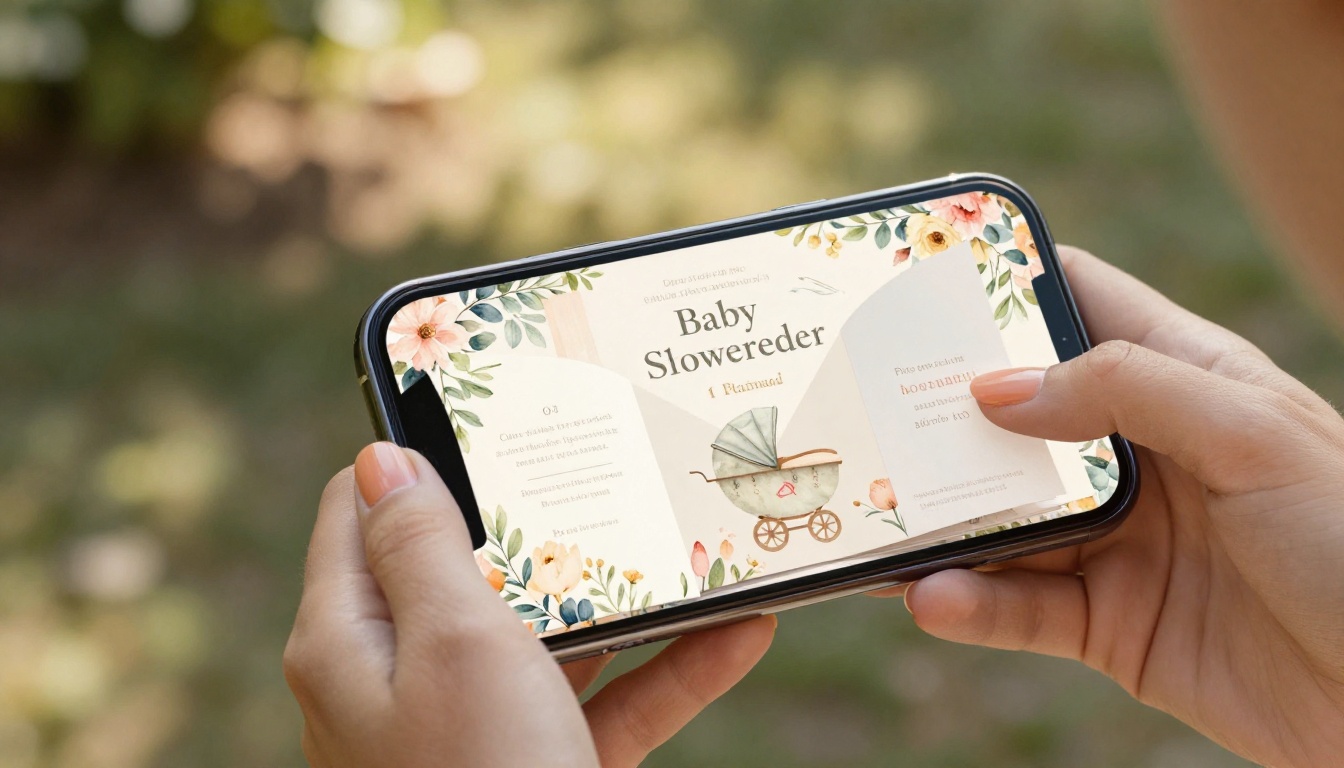
A digital flipbook invitation is a multi-page, interactive document that guests open in their browser or on their phone. Pages turn with a realistic flip animation. You can include photos of the expecting parents, the nursery color palette, the venue details, the registry link, the RSVP form, and a personal note, all across several beautifully designed pages.
Unlike a static image or PDF, a flipbook feels alive. It is the difference between showing someone a postcard and handing them a small photo album.
Planning Your Flipbook Content Before You Design
Before opening any tool, spend ten minutes mapping out what goes on each page. A baby shower flipbook typically runs four to eight pages, and each one needs a purpose.
Must-Have Details for Every Invite
Every baby shower invitation, digital or not, needs to cover the essentials. Use this checklist before you start designing:
- Who it is for: The mother-to-be's name (and partner's, if applicable)
- Date and time: Include the day of the week, not just the date
- Location: Full address plus parking notes if relevant
- Theme or dress code: Colors, attire suggestions, or party concept
- Registry information: Store names or a link to the registry
- RSVP details: Deadline, method (link, text, phone), and meal choices if needed
- Host contact: Who to reach for questions
Choosing Your Theme and Color Palette
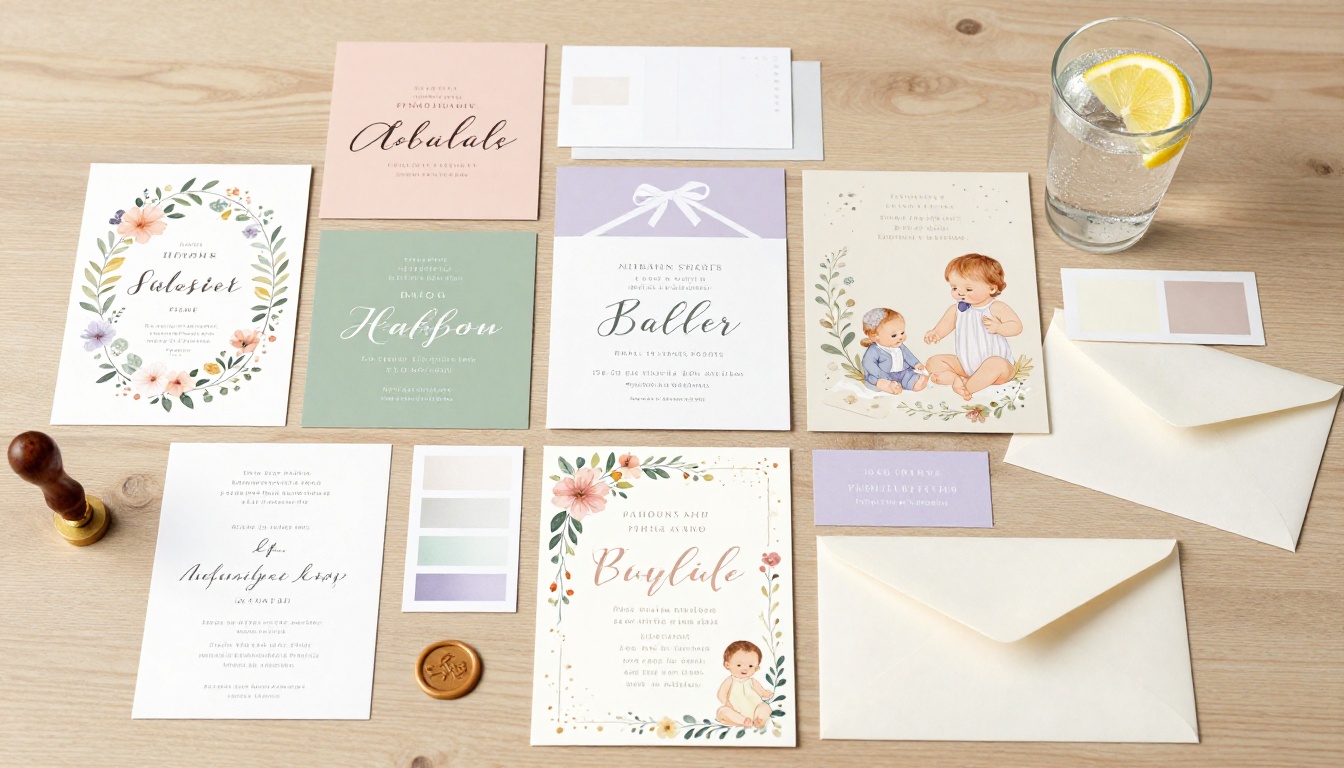
The theme shapes every design decision you make afterward. Here are some of the most popular baby shower aesthetics right now, along with the color palettes that work best for each:
| Theme | Primary Colors | Vibe |
|---|
| Garden Party | Sage green, blush, ivory | Romantic, floral, outdoor |
| Boho Neutral | Terracotta, sand, rust | Earthy, modern, minimal |
| Woodland Animals | Dusty rose, brown, cream | Whimsical, warm, illustrated |
| Classic Blue | Navy, gold, white | Timeless, elegant, boy |
| Pastel Rainbow | Lavender, mint, yellow, peach | Playful, gender-neutral, cheerful |
| Celestial | Midnight blue, gold, silver | Dreamy, mystical, sophisticated |
Pick one theme and stick to it throughout every page. Consistency is what makes a flipbook feel professional rather than patchwork.
💡 Pro Tip: Choose a palette of no more than three colors. Two primary tones plus one accent keeps the design clean and avoids visual clutter.
Designing the Pages Step by Step
Once your theme is locked in, you can start laying out the pages. Most baby shower flipbooks follow a natural flow that mirrors how a guest reads through a printed booklet.
The Opening Page: First Impressions Are Everything
The opening page is what guests see first. It should immediately communicate the mood. Include:
- A beautiful background image or illustrated pattern that reflects your theme
- The expecting parent's name in an elegant, readable font
- A short line like "You're invited" or "Join us" in secondary typography
- Minimal text overall. Let the design do the emotional work.
✅ Best Practice: Use a high-resolution photo of the expecting parents or a professional nursery flat-lay as the opening background. Personal photos make guests feel emotionally connected immediately.
Inside Pages: Where the Story Unfolds
Pages two through five are where your content lives. Consider structuring them like this:
- Page 2: Party details (date, time, venue) in large, readable text with a decorative border
- Page 3: A personal note or poem from the host, with a photo of the expecting family
- Page 4: Registry information, gift ideas, or what to bring
- Page 5: RSVP instructions with a clickable link or QR code
Each page should breathe. Resist the urge to fill every inch with text. White space is not wasted space.
Closing Page: End With a Warm Touch
The final page should feel like the end of a warm conversation. A simple "We cannot wait to celebrate with you" message, the host's name, and a contact detail for questions is all you need. You can also include a small photo of nursery items as a visual sign-off.

How to Build Your Flipbook on Flipbooks AI
Flipbooks AI is one of the fastest ways to turn a designed PDF into a fully interactive, shareable flipbook. Here is exactly how to do it.
Step 1: Create Your Account
Head to flipbooksai.com/account and sign up for free. No credit card required to get started. Once inside your dashboard, you will see the option to create a new flipbook.
Step 2: Design Your PDF First
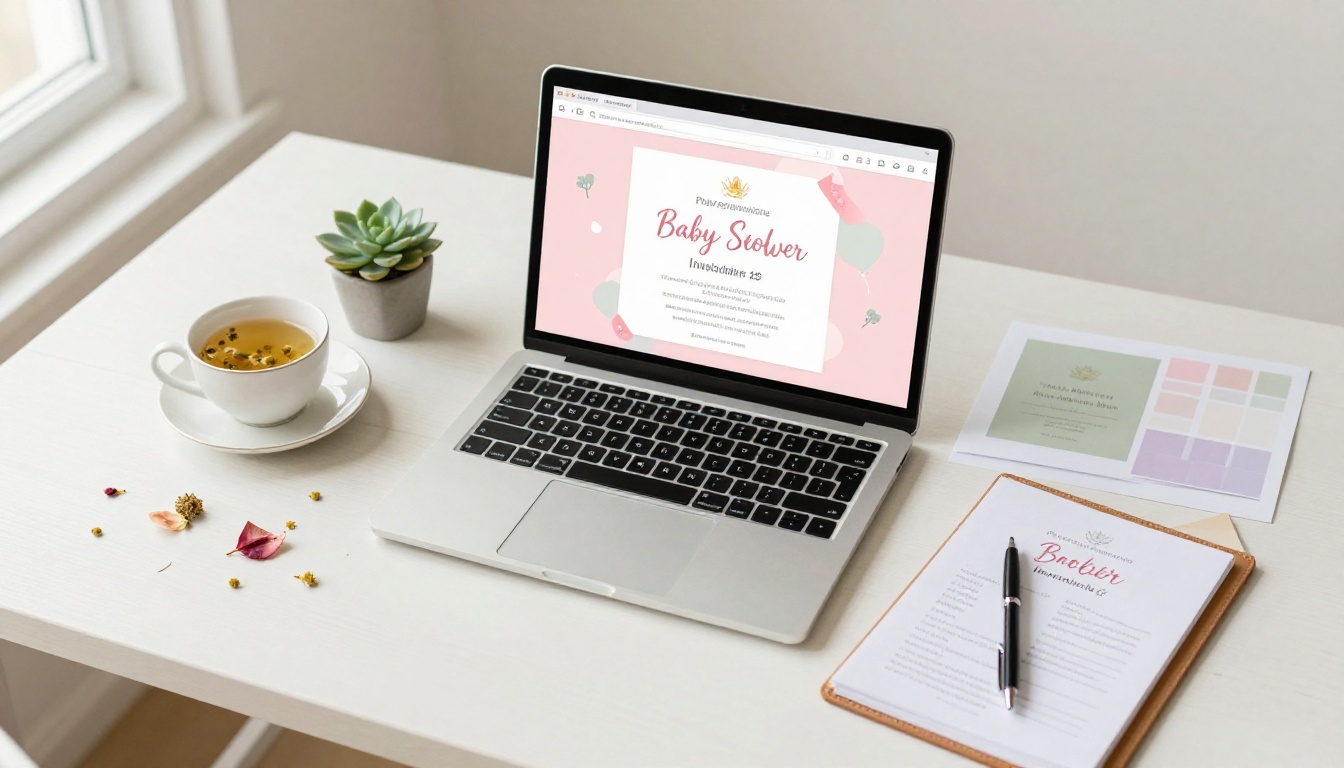
Flipbooks AI converts any PDF into a flipbook, so your first task is to design your invitation pages in a PDF format. You can use Canva, Adobe Express, or any design tool you prefer. Create your pages according to the theme you planned, export as PDF, and you are ready.
⚠️ Important: Design your pages at 16:9 or standard invitation ratios for the cleanest flip experience. Avoid very long or very narrow page proportions.
Step 3: Upload and Convert
From your dashboard, click "New Flipbook" and upload your PDF. The platform converts it instantly. Within seconds, you will see your pages loaded in the editor with the realistic page-flip animation active.
Step 4: Customize Branding and Appearance
Inside the editor, you can:
- Set a custom background: Choose a color or texture that frames your flipbook
- Add your logo or initials: Great if you want to personalize the invitation for the expecting parents
- Adjust page effects: Enable hard-cover mode, soft page turns, or auto-flip for a slideshow feel
- Embed multimedia: Add a background music track or a short welcome video message from the host
Step 5: Share It With Guests
Once the customization is done, click Share. Flipbooks AI gives you:
- A direct link you can paste into texts, emails, or WhatsApp
- An embed code if you have a baby shower website or event page
- Password protection for private events where you want to control who views the invite
- A QR code you can print on a small physical card to send as a teaser
💡 Pro Tip: Use the password protection feature for intimate gatherings. Send the password in a separate message to build a little anticipation before guests open the invite.
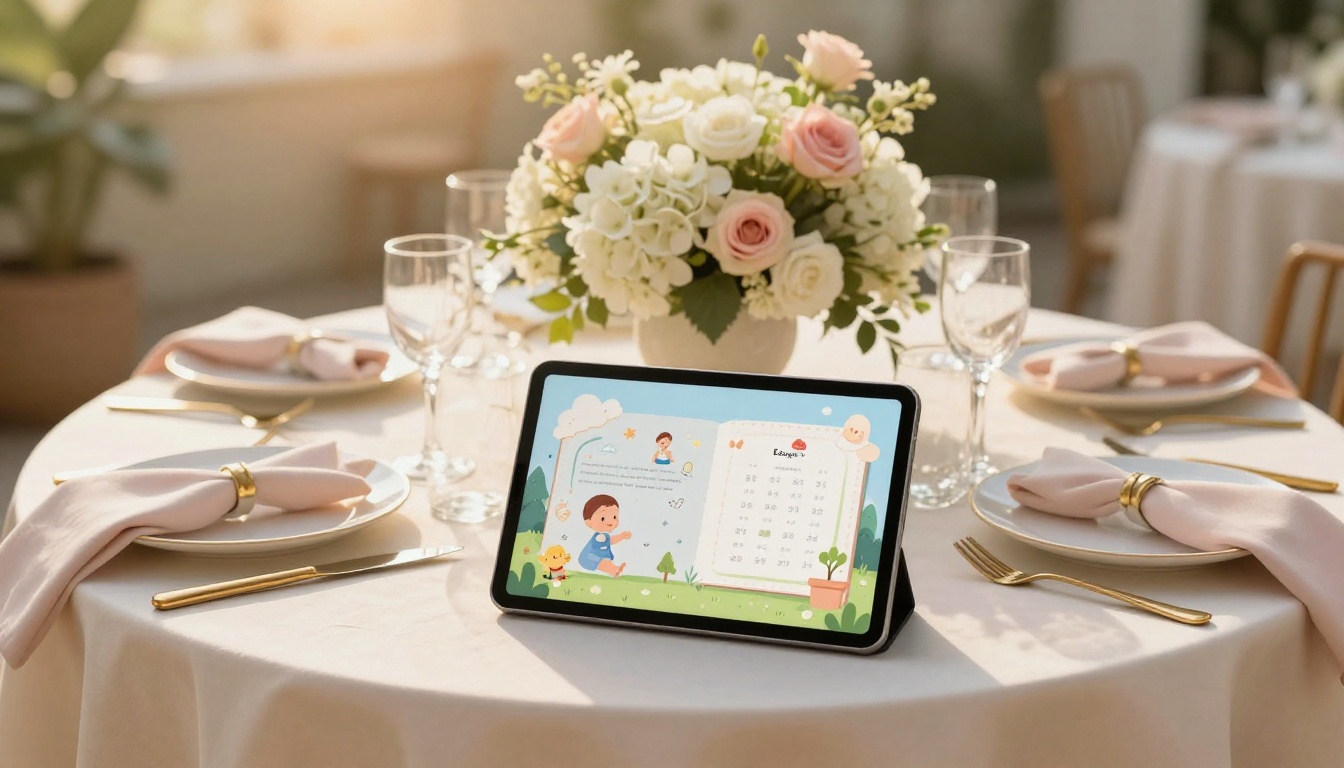
A side-by-side look at the most common baby shower invitation formats makes the differences clear.
| Format | Cost | Personal Feel | Interactivity | Eco-Friendly | Shareability |
|---|
| Paper card | $2-$5 each | High | None | No | Low |
| Digital image (PNG/JPEG) | Free | Low | None | Yes | Medium |
| Email HTML invite | Low | Medium | Basic links | Yes | Medium |
| Baby shower website | Medium | High | High | Yes | High |
| Flipbook invitation | Low | Very High | Full | Yes | Very High |
The flipbook wins on almost every dimension. It feels personal because it uses your photos and design. It is interactive because guests can flip through pages. And it costs a fraction of printed alternatives.
Flipbooks AI Plans for Personal Events
For a one-time baby shower, you do not need the most advanced plan. Here is how the options break down for personal use cases:
| Plan | Flipbooks | Password Protection | Analytics | Best For |
|---|
| Free | 1 | No | No | Testing it out |
| Standard | Unlimited | Yes | Basic | Baby showers, personal events |
| Professional | Unlimited | Yes | Full + Lead Gen | Frequent event planners |
For a single baby shower invitation, the Standard plan gives you everything you need, including unlimited flipbooks so you can iterate on your design as many times as you like. See all plans to find which fits your situation.
✅ Best Practice: Start with a free account to test the tool and see how your PDF converts. Upgrade only when you are happy with the design and ready to share.
Sharing Your Digital Invitation With Guests
Once your flipbook is live, getting it to guests is easy. Here are the most effective channels for baby shower invitations specifically.
Via Text and Email
Copy your flipbook link and paste it directly into an SMS or email. Most modern phones will generate a rich preview thumbnail when you share a URL, so guests will see a preview of the opening page before they even tap the link.
For email, consider writing a short personal note in the body and dropping the link at the bottom. Keep it warm and brief.
Social Media and WhatsApp Groups
If the baby shower guests are in a WhatsApp group or Facebook event, sharing the flipbook link there is fast and efficient. The link preview will show the opening page, and guests can open it directly in their browser.
⚠️ Note: If your event is meant to be a surprise, avoid sharing in group chats that include the expecting parent.
Embedding on a Baby Shower Website
If you have built a small event website, Flipbooks AI gives you an embed code you can drop directly onto any page. This creates a beautiful in-page flipbook experience where guests can browse the invitation without leaving your site. Check out the Embed Flipbook on Website tool for specific instructions.
5 Mistakes That Ruin Baby Shower Flipbooks
Even a beautiful design can fall flat because of execution errors. Watch out for these:
- Too much text per page: Guests flip quickly. If a page is wall-to-wall text, they will skip it. Aim for no more than 60 words per page.
- Low-resolution photos: Blurry photos look amateur. Use images at least 1920px wide.
- Inconsistent fonts: Mixing five different font families creates chaos. Stick to one heading font and one body font.
- Missing RSVP details: Guests want to know exactly how and when to respond. Be specific.
- Sending too late: Digital invitations should go out two to four weeks before the event, not two days before.
💡 Pro Tip: Before sending, open your flipbook link on both a phone and a laptop. The mobile experience is where most guests will view it.
Baby Shower Flipbook Themes That Actually Work
You do not have to start from scratch on theme direction. These three fully fleshed-out concepts are ready to build.
The Garden Party Flipbook
Opening page: An overhead photo of fresh flowers in blush and ivory against soft green foliage. The guest of honor's name in a thin, romantic serif font.
Inside pages: Soft watercolor botanical borders framing the party details. A photo of the host and the expecting mother together. Registry details on a background of pressed flower imagery.
Palette: Sage green, blush pink, ivory, soft gold accents.
The Boho Neutral Flipbook
Opening page: A styled flat lay of terracotta ceramics, dried pampas grass, and a small pair of baby booties on a warm linen background.
Inside pages: Clean, minimal layouts with generous whitespace. Handwritten-style fonts mixed with simple sans-serif. Earth tones throughout.
Palette: Terracotta, sand, cream, rust, muted brown.
The Celestial Flipbook
Opening page: A deep midnight blue background scattered with hand-illustrated gold stars and a crescent moon. The words "A little star is on the way" beneath the guest of honor's name.
Inside pages: Gold foil-style borders on each page. Constellation illustrations as section dividers. Dark navy and gold as the constant color story.
Palette: Midnight blue, gold, ivory, silver.
Beyond the Baby Shower: More Events to Flipbook
The flipbook format works far beyond baby showers. Once you have the workflow down, you will find it applies naturally to other occasions:
Once you have the workflow down, creating a flipbook invitation takes under thirty minutes from PDF to shareable link.
Your Invitation, Ready to Send
A baby shower is a celebration of new life, and the invitation is the first thing guests experience. When that first impression is an interactive, page-turning flipbook, it sets a tone that paper simply cannot match.
The process is straightforward: plan your content, pick your theme, design your PDF, upload it to Flipbooks AI, customize the experience, and share the link. The whole workflow takes an afternoon, and the result is an invitation guests will actually save and revisit.
Ready to make yours? Create your baby shower flipbook for free and have it ready to send today. If you want to see the full feature set, compare plans and find what works for your situation. You can also browse all available flipbook tools to see how far the format can take you.



