A photograph can bring back a name. A voice can bring back a feeling. When you put the two together in one dementia memory book, you give your loved one something printed albums rarely manage: a reason to smile on a hard afternoon. This article shows you how to make one, from choosing the first photo to adding recordings of the people who matter most. We will also show how a tool like Flipbooks AI can turn your pages into a digital book that plays sound, so it works on a tablet, a phone, or a laptop at the bedside.
You do not need design skills. You need an hour of quiet, a few dozen photos, and the willingness to hear some stories again.
Why Photos and Voices Work Together
Memory loss does not erase everything at once. Long-held emotional memories, especially those tied to music, faces and familiar voices, often stay accessible well after recent events fade. A memory book taps into that reserve.
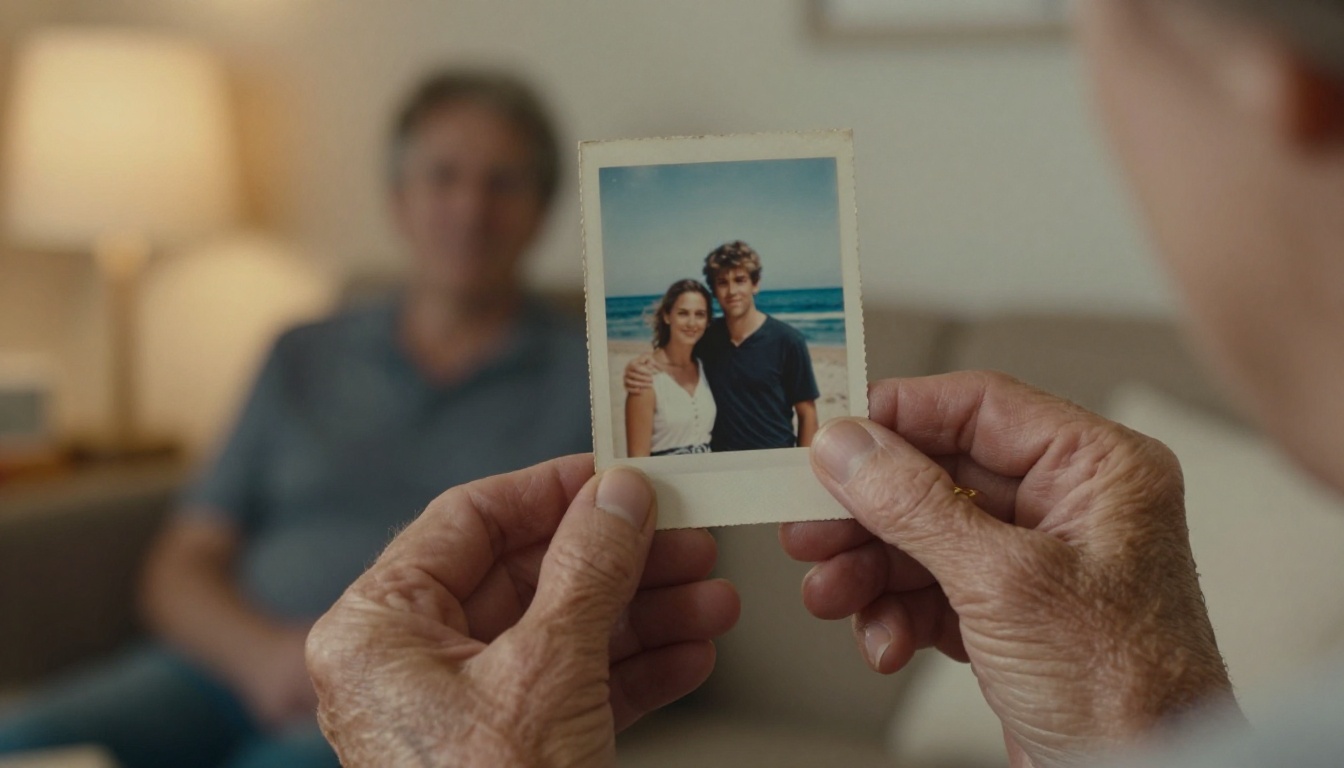
What a Memory Book Actually Does
A good book is not a test. It never asks "Who is this?" It simply tells the person: "This is you. This is Anna, your daughter. This is the lake house, where you laughed a lot." That gentle, repeated reassurance can:
- Lower anxiety during the evening hours
- Start conversations with visitors who are unsure what to say
- Give caregivers a calm activity for restless moments
- Help new carers learn who and what matters to the person
💡 Pro tip: Keep the tone warm and factual. Short, positive statements work better than long explanations or reminders about what has been forgotten.
Why Add Family Voices
A caption is read once. A voice is felt. Hearing a granddaughter say "Hi Grandpa, this is the day we went fishing" adds warmth that text cannot. It also lets distant relatives take part, and it preserves voices your family will treasure for years.
Plan Before You Collect Anything
Spend ten minutes planning and you will save hours later.
Pick a Time Period
Most people with dementia remember their younger years best. Start with childhood, young adulthood, marriage, and the years of raising children. Recent photos can come later, in a short final section.
Choose a Format
| Format | Best For | Sound Included | Easy to Update | Cost |
|---|
| Printed photo album | Hands-on touching, no screens | No | Hard | Low to medium |
| Printed book with QR codes | Mixed paper and audio | Yes, via a phone | Medium | Medium |
| Digital flipbook | Page-turning with embedded audio | Yes, built in | Very easy | Low |
| Slideshow video | Passive watching | Yes | Hard to edit | Low |
Many families end up with both: a small printed album for touch, and a digital flipbook for voices. The digital version is also easy to share with siblings who live far away.
Set Your Page Count
Aim for 15 to 25 pages. A short book is easier to finish and gentler on someone who tires quickly. You can always add a second volume.
Gather Photos and Stories
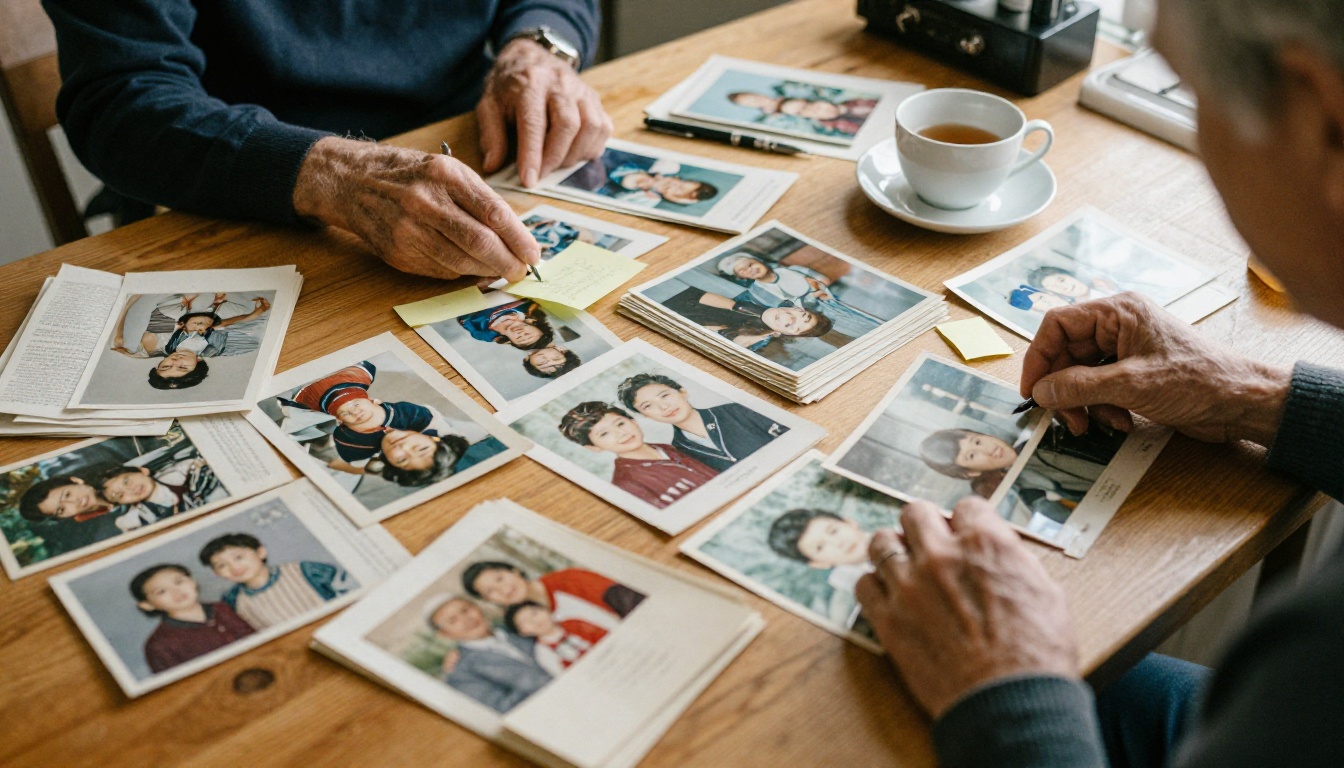
Where to Look
Ask relatives to send pictures. Check phones, cloud accounts, shoeboxes and the backs of picture frames. Old wedding albums, school photos, military portraits and holiday snapshots all work well.
Choose Clear, Happy Images
Pick photos that are in focus and show faces clearly. Avoid crowded scenes where it is hard to tell who is who. Favor moments of joy: celebrations, pets, favorite places, hobbies and long-time friends.
| Photo Type | Why It Works | Example Caption |
|---|
| Wedding or early romance | Strong emotional anchor | "Your wedding day, June 1964." |
| Childhood home | Long-term memory stays strong | "The yellow house on Maple Street." |
| Hobbies and work | Reinforces identity | "Your garden, where you grew the best tomatoes." |
| Pets | Simple, calming joy | "Max loved sitting by your feet." |
| Grandchildren | Names and relationships | "Your grandson Leo, age six." |
Scan and Name Everything
If you only have prints, scan them or photograph them flat in daylight. Name each file with the person and year, so you can find it later. If you plan to use Flipbooks AI, save your finished pages as a single PDF.
⚠️ Warning: Do not throw away originals after scanning. Keep the prints in a labeled box.
Record Voices That Comfort
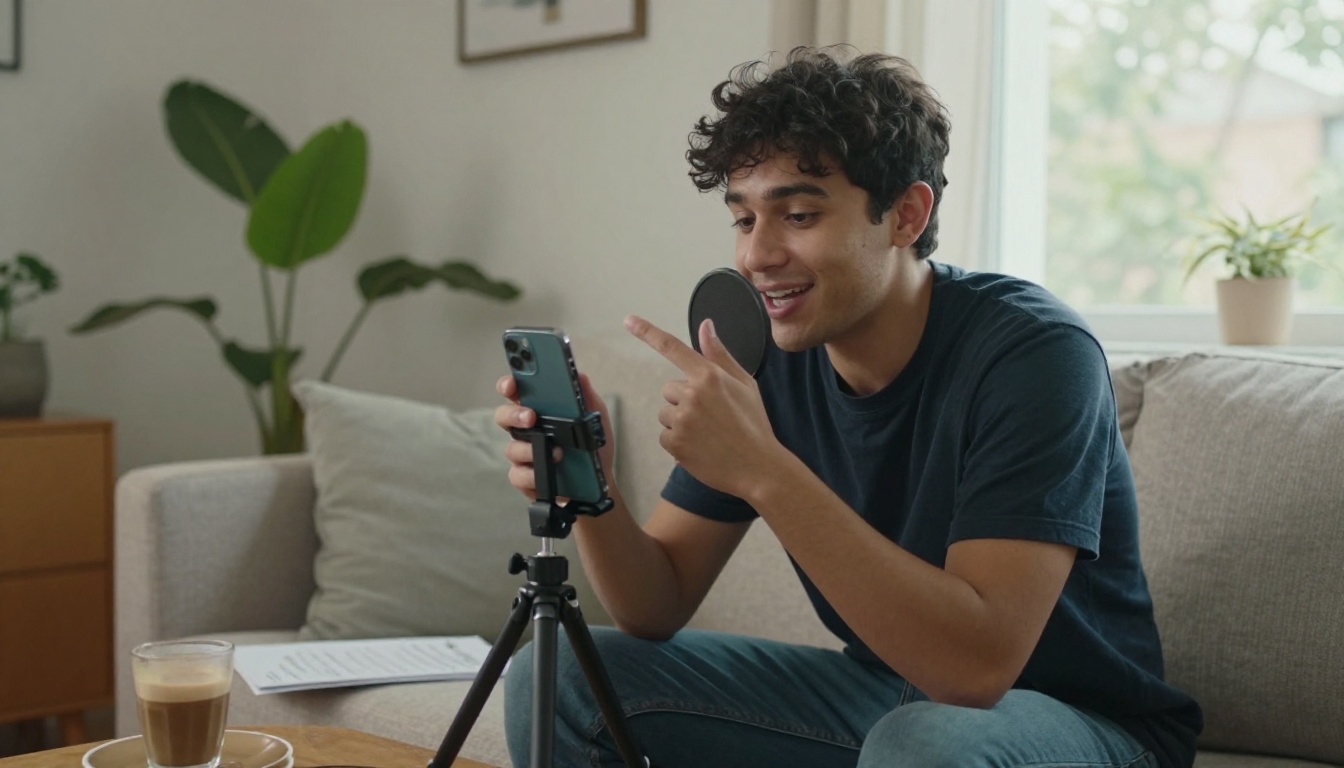
Equipment You Already Own
A smartphone is enough. Use the built-in voice memo app, find a quiet room, and hold the phone about a hand's width from your mouth. Record each message as a separate short file.
What to Say
Keep messages between 15 and 45 seconds. A simple structure works:
- Say who you are and how you are related ("Hi Mom, it's Sarah, your daughter.")
- Describe the photo in one or two sentences.
- Share a warm memory or a small detail ("You made the best pancakes.")
- End with love ("I love you. See you soon.")
✅ Best practice: Speak slowly, smile while you talk, and avoid questions. Statements are comforting. Questions can create pressure.
Voice Message Ideas
| Who Records | Message Style | Length |
|---|
| Spouse or partner | Shared memory and affection | 30 to 45 seconds |
| Adult children | Name, relationship, favorite moment | 20 to 30 seconds |
| Grandchildren | Simple greeting, a joke, "I love you" | 10 to 20 seconds |
| Old friends | A story from the past | 30 seconds |
| Caregiver | Daily reassurance and routine | 15 to 20 seconds |
Children's voices are especially powerful. A short "Hi Grandma, I drew you a picture" can brighten a whole day.
Write Captions People Can Follow
Keep Words Short
Use large type, simple sentences and present tense. One idea per page is plenty.
Name Relationships Every Time
Write "Your daughter, Anna" rather than just "Anna." Repeat names without apology. Repetition is a kindness here, not a flaw.
Avoid These Mistakes
- Putting too many photos on one page
- Including sad events, funerals or hospital stays
- Writing captions that start with "Remember when..."
- Using small, fancy fonts that are hard to read
- Mixing different time periods on the same spread
Build It as a Digital Flipbook
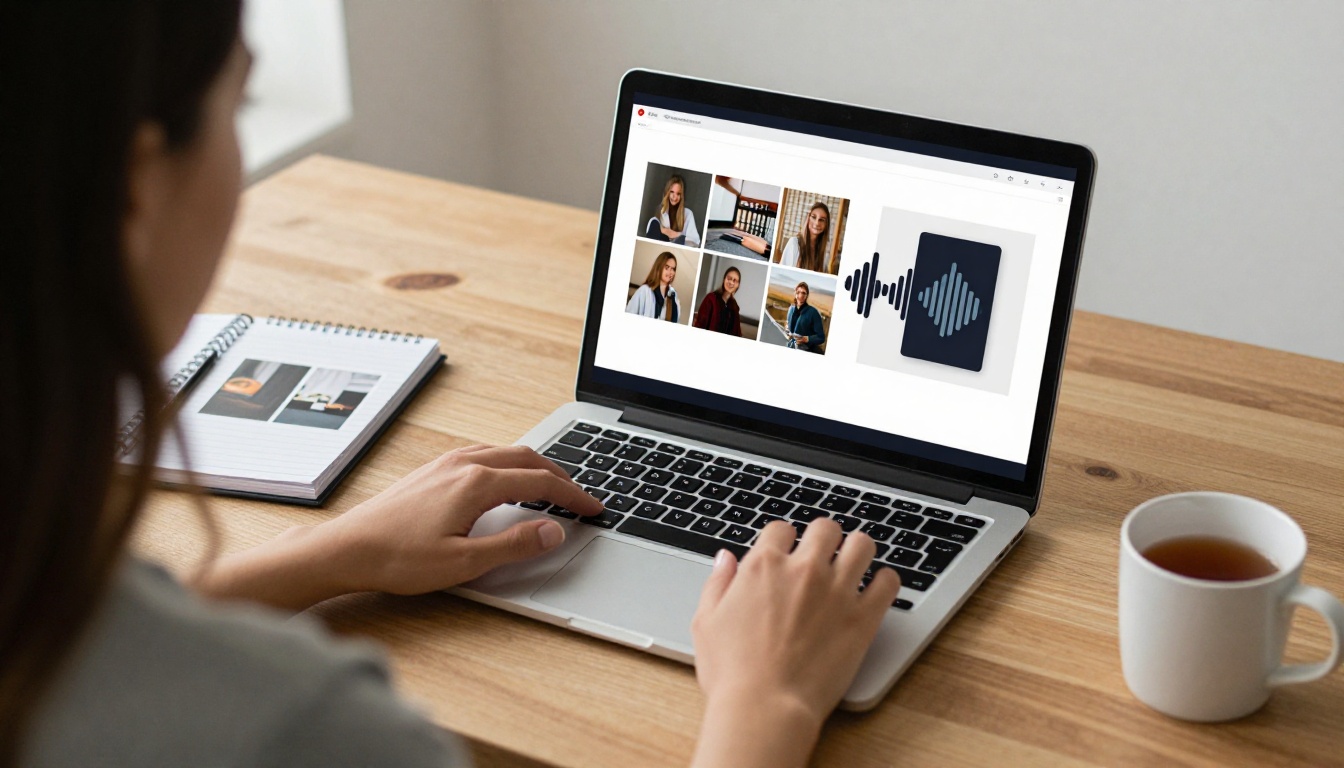
A printed book cannot speak. A digital flipbook can. Here is how to make one with Flipbooks AI, which has no watermarks and works on phones, tablets and computers.
Step 1: Design Your Pages as a PDF
Use any free design or word processing tool. Set pages to landscape or square, place one large photo per page, add a short caption underneath, and leave a small space for an audio button. Export the file as a PDF.
Step 2: Upload and Convert
Create your free account at Flipbooks AI, then upload the PDF. The PDF to Flipbook Converter turns your pages into a realistic page-turning book in seconds. If you prefer a book that reads like a story, the Interactive E-Book Publisher is a good fit. For a photo-led layout, try the Wedding Album Flipbook style, which suits any milestone album.
Step 3: Add Audio to Each Page
Upload your voice recordings and attach one to each page. You can also embed a favorite song from the person's youth. Music is one of the strongest triggers for recognition and mood.
Step 4: Customize the Look
Choose soft background colors, a large readable font, and a calm cover page with the person's name. Avoid flashing effects or busy animations.
Step 5: Share Safely
Turn on password protection, since this book holds private family moments. Then pick how to share:
- A direct link sent to relatives
- An embed code for a family website (see the Embed Flipbook on Website tool)
- An offline download for rooms without Wi-Fi
Family members can then add pages over time. See the pricing plans to compare features such as unlimited flipbooks and offline downloads.
| Feature | Why It Helps Here |
|---|
| Embedded audio | Voices play right on the page |
| Password protection | Keeps private memories private |
| Offline download | Works in care homes with weak Wi-Fi |
| Mobile-responsive design | Opens easily on a tablet |
| No watermarks | Looks personal, never branded |
💡 Pro tip: Put a tablet in a sturdy case with the book open and volume set. One tap on a page should be enough.
Use the Book Day to Day
Make It a Calm Routine
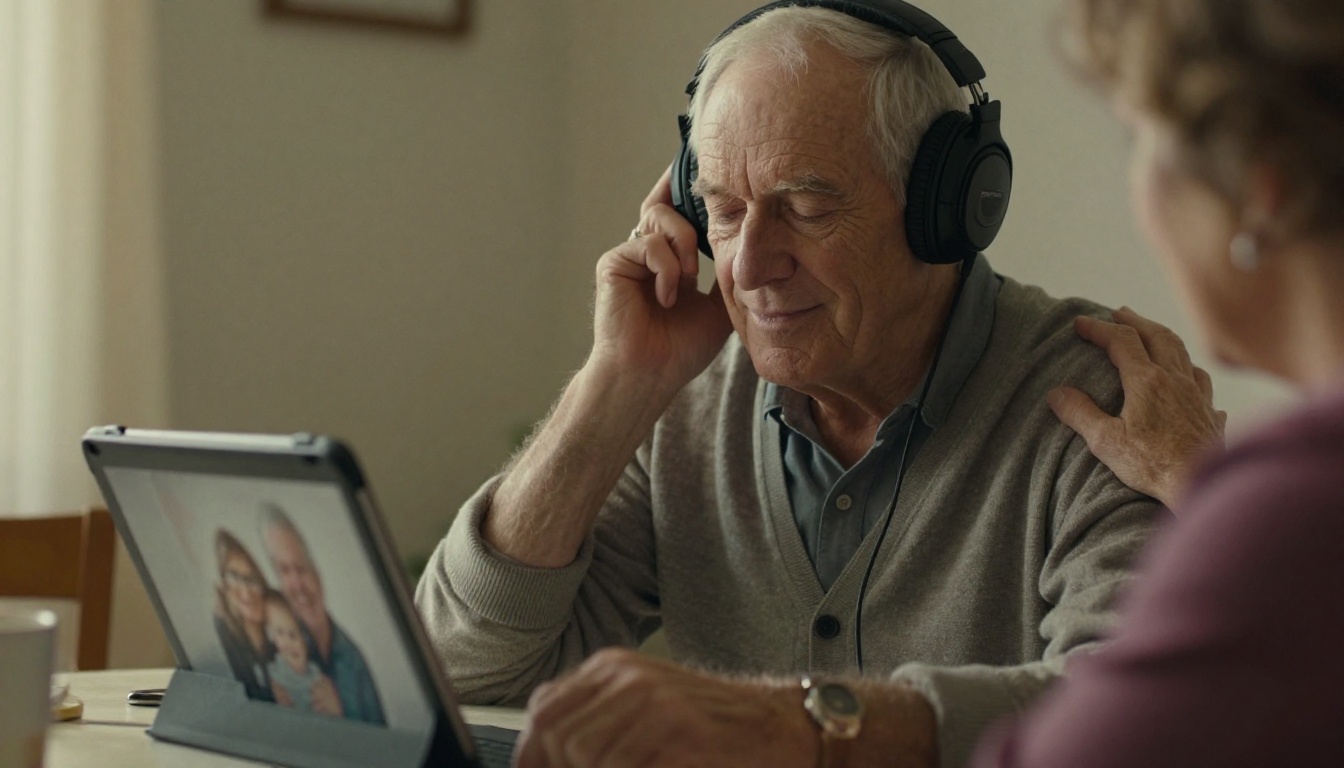
Choose a quiet moment, such as after breakfast or before the evening settles in. Sit beside the person, not across from them. Turn pages slowly and let the voices play fully.
Follow Their Lead
If they linger on a page, stay there. If they lose interest, stop. Never quiz them. Offer gentle comments like "You look so happy in this one."

Care Homes and Professional Carers
Staff can use the book to learn what a resident loved, what calms them, and who they are beyond their diagnosis. Share the link with the care team so everyone starts conversations from the same warm place.
| Situation | How to Use the Book |
|---|
| Late afternoon restlessness | Play one calming voice and a favorite photo |
| Family visit | Look at it together to spark stories |
| Moving to a new room | Keep the tablet nearby for comfort |
| Phone call from far away | Add a new recording for the next page |
Keep It Growing
Add New Voices Over Time
Birthdays, holidays and even ordinary Tuesdays are good reasons to record a short message. Because the digital version is easy to edit, you can refresh pages without rebuilding the whole book.
Include Letters and Keepsakes
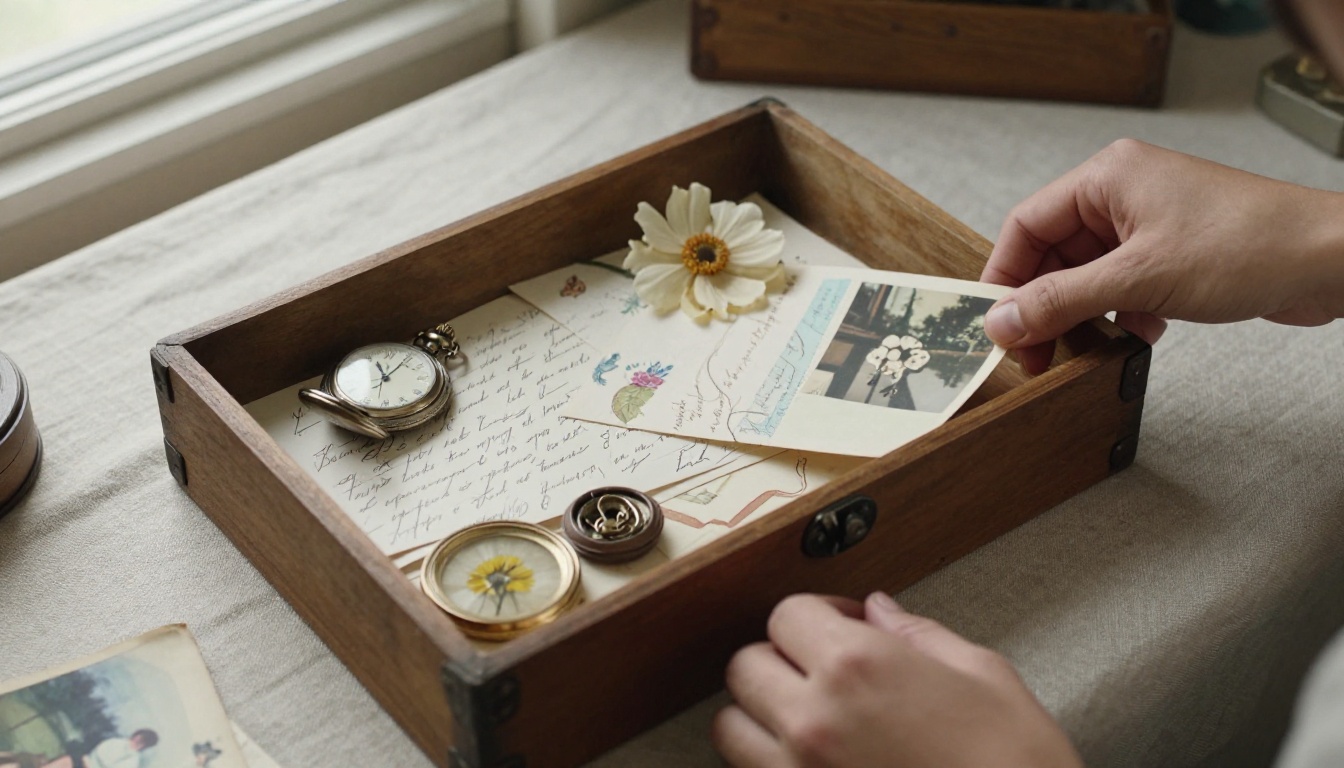
Photograph handwritten letters, medals, recipes and small objects. A recipe card in someone's own handwriting can be a powerful anchor.
Back Up Everything
Store a copy of your photos and audio files in two places, such as a cloud folder and an external drive. These recordings may become precious to the whole family.
Start Your Book This Week
You do not have to finish it all at once. Choose five photos, record five short messages, and build a first draft. Even a small book can bring comfort quickly.
Ready to begin? Create your free account on Flipbooks AI and upload your first PDF. Browse all flipbook tools to find a layout that fits your family, and review the plans when you want unlimited books, offline downloads or more storage.
The best time to record a loved one's favorite stories and voices is now. The second best time is today.



