Every December, the paper advent calendar on the shelf gives you the same twenty-four tiny chocolates, and by day six nobody remembers to open the next door. A digital version fixes that. With a page-turning flipbook built on Flipbooks AI, each of the 24 pages can hold a photo, a recipe, a voice message, a coupon or a short video, and the whole thing travels as one link. This tutorial shows how to plan it, build it and send it, even if you have never designed anything before.
Why a Digital Advent Calendar Works
A paper calendar is limited by the size of its doors. A digital advent calendar has no such limit. You can tuck a full photo story behind day 9 and a one-line joke behind day 10, and the reader still turns the page the same satisfying way.
There are three practical reasons people are switching:
- It reaches everyone. Grandparents overseas, cousins in another time zone and coworkers on a remote team all open the same calendar.
- It costs almost nothing. No molded plastic, no shipping, no leftover cardboard.
- It can be personal. A shared joke, a childhood photo or a recorded greeting beats a generic candy every time.

💡 Pro tip: Decide who the calendar is for before you decide what goes in it. A calendar for a partner, a class and a customer list are three very different projects.
Pick Your Calendar Style First
Before opening any tool, choose a theme. The theme decides your tone, your colors and the kind of surprise behind each page.
| Calendar Style | Best For | Typical Page Content | Effort Level |
|---|
| Family memories | Parents, grandparents, siblings | Old photos, short stories, voice notes | Medium |
| Romantic countdown | Partners | Love notes, date ideas, playlists | Medium |
| Recipe countdown | Food lovers, bloggers | One festive recipe per day | High |
| Customer rewards | Shops and brands | Coupons, product reveals, behind the scenes | High |
| Classroom countdown | Teachers and parents | Riddles, crafts, kindness challenges | Low |
| Team calendar | Remote workplaces | Tips, thank-you notes, fun polls | Low |
If this is your first one, a classroom or team calendar is the easiest to finish because the content is short and repeatable.
Plan All 24 Surprises on Paper
The biggest mistake is building pages one at a time without a plan. By day 14 you run out of ideas and the second half feels thin. Spend thirty minutes on a simple grid first.
Use a Mix of Surprise Types
Variety keeps people opening the next page. A good rule is to rotate between four types:
- Visual: a photo, a quote card, a short video.
- Useful: a recipe, a checklist, a coupon code.
- Playful: a riddle, a quiz, a silly fact.
- Personal: a memory, a thank-you, a voice message.
Assign them in a repeating pattern so no two similar pages sit side by side. Then add a few bigger moments on days 1, 12, 24 and one weekend in the middle.
Write a Quick Content Map
A table in a notebook or spreadsheet is enough:
| Day | Type | Surprise | Asset Needed |
|---|
| 1 | Personal | Welcome message | Photo |
| 2 | Playful | Holiday riddle | Text |
| 3 | Useful | Hot cocoa recipe | Photo and text |
| 4 | Visual | Snowy street photo | Image |
| 5 | Personal | Voice greeting | Audio file |
| ... | ... | ... | ... |
| 24 | Personal | Big finale message | Video or photo |

✅ Best practice: Keep day 24 your strongest page. People remember how an experience ends.
Gather Your Assets Before You Build
Collect everything in one folder named by day number: day-01.jpg, day-02.pdf and so on. This saves a surprising amount of time when you assemble the pages.
Photos and Images
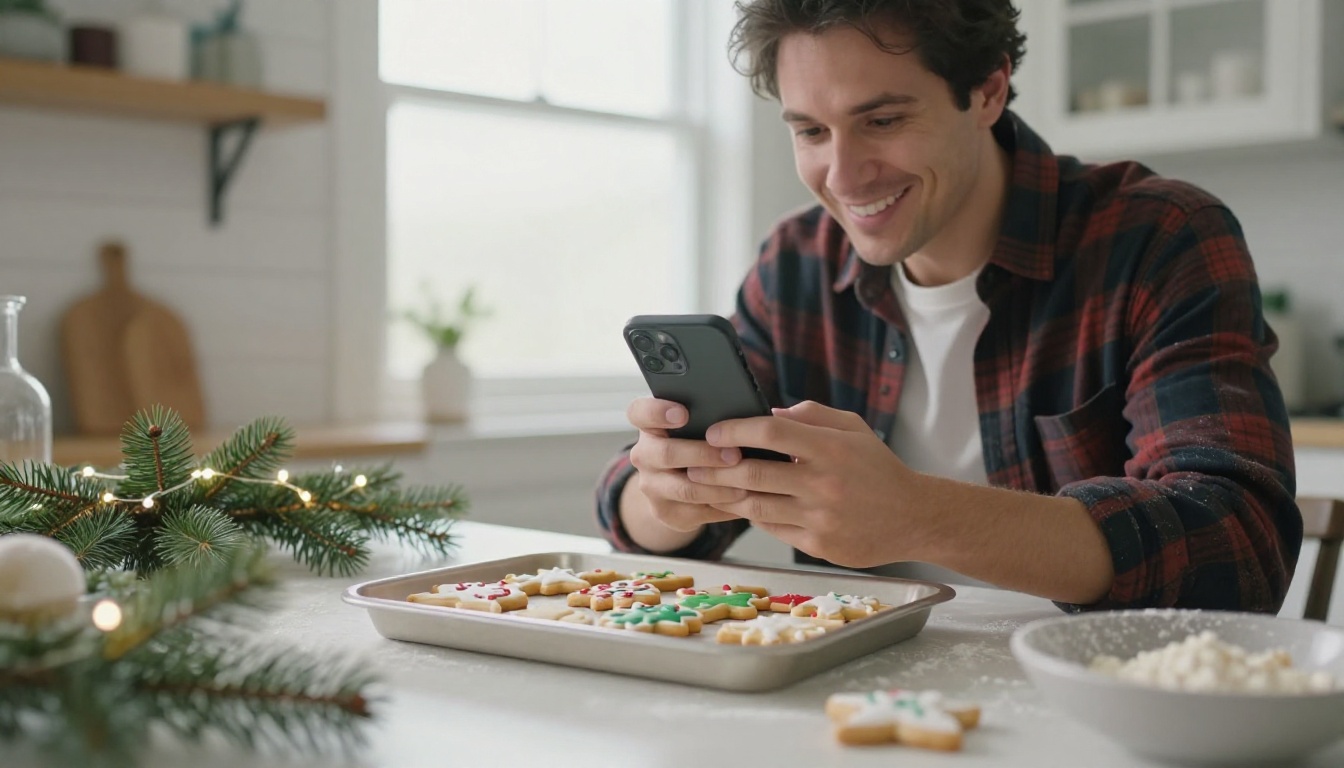
Shoot your own photos where you can. A phone camera near a window gives soft, flattering light, which suits holiday scenes perfectly. Keep images in landscape or square format so they sit neatly on a page.
Audio and Video
A thirty-second voice message is often the most loved page in the whole calendar. Record it on your phone in a quiet room, speak slowly and smile while you talk, because it changes how your voice sounds. Short videos under a minute load fastest on mobile.

⚠️ Watch out: Large video files slow down the flipbook on phones. Compress clips before uploading, and keep each one short.
How to Create a Digital Advent Calendar With Flipbooks AI
Flipbooks AI turns a PDF into a page-turning flipbook, so the simplest path is to design your 24 pages as a PDF first, then convert it. Here is the full process.
Step 1: Design the Pages as a PDF
Open any design or slide tool you already use. Set the page to a consistent size, such as landscape 16:9 or a square. Create a title page, then 24 numbered pages, then an optional closing page.
Each page should have:
- A large, clear day number.
- One main image or one main message.
- Plenty of empty space so mobile readers do not need to zoom.
Export the file as a PDF. If you want a ready starting point for layout ideas, browse the flipbook tools directory for formats like the Event Program Maker or the Interactive E-Book Publisher, which both suit a page-by-page calendar.
Step 2: Upload and Convert
- Create your account at Flipbooks AI.
- Choose to create a new flipbook.
- Upload your PDF.
- Wait a few moments while the PDF to Flipbook Converter builds the pages.
You now have a realistic page-turn effect with no watermark, and every page keeps the crisp quality of your original export.
Step 3: Customize the Look
This is where the calendar starts to feel festive. In the editor you can adjust:
- Branding: add your logo, a family name or a school crest.
- Colors: pick background shades like deep green, cream or burgundy.
- Page effects: choose the page-turn style and speed.
- Multimedia: attach audio and video to the pages that need them.
💡 Pro tip: Use the same two or three colors on every page. Consistency makes 24 different surprises feel like one thoughtful gift.
Step 4: Add the Media Surprises
Open the pages where you planned sound or video and attach the files. Flipbooks AI supports embedded video and audio, so your day 5 voice greeting plays right on the page instead of sending the reader to another site.
Check each attachment by clicking through the flipbook as a visitor would. A missing file on day 17 is much easier to fix now than on December 17.
Step 5: Choose Your Sharing Options
You have several ways to deliver the calendar:
| Sharing Method | Best Use | Notes |
|---|
| Direct link | Family and friends | Fastest, works in any message app |
| Embed code | Blogs and shop pages | Pair with the Embed Flipbook on Website tool |
| Password protection | Private gifts | Share the password separately |
| Offline download | Travelers with poor signal | Available for saved copies |
For a private gift, enable password protection so only your chosen person can open it.

Step 6: Use Analytics for Business Calendars
If the calendar is a marketing project, the Professional plan adds analytics and lead generation. You can see which pages get opened most and collect email addresses before a reader moves past the first page. Check the pricing plans to see which tier fits.
Make the "Surprise" Feel Real
A flipbook shows every page in order, so the challenge is keeping the mystery alive. There are two honest ways to handle it.
Option A: Release One Page a Day
Publish a new flipbook, or a new version, each morning. Send the link on a schedule and keep the earlier days available. This is the most authentic countdown, but it takes daily attention.
Option B: Ship It All at Once With a Rule
Send the full calendar on December 1 and ask recipients to open one page per day. It sounds like it should not work, yet most people enjoy the self-control game, especially children with a parent nearby.
| Approach | Pros | Cons |
|---|
| Daily release | True surprise each day | Needs daily action |
| Single link, honor system | Set it and forget it | Relies on willpower |
| Weekly batches of 7 | Balanced workload | Four release dates to remember |

✅ Best practice: Weekly batches suit most people. You build seven pages at a time, which keeps the project from piling up in late November.
24 Surprise Ideas You Can Borrow
If your content map still has gaps, here are ideas grouped by tone.
Warm and personal
- A photo from the year you first met, with a one-line caption.
- A thank-you note for something small they did.
- A recorded story from a grandparent.
- A playlist link for wrapping gifts.
Fun and playful
- A riddle where the answer appears on the next page.
- A "find the hidden snowman" photo game.
- A quick quiz about your family traditions.
- A silly holiday fact.
Useful and practical
- A cookie recipe with a photo of the finished tray.
- A gift-wrapping tip card.
- A printable checklist for holiday hosting.
- A discount code for your shop.
Kind and thoughtful
- A small act of kindness challenge for the day.
- A charity link with a short explanation.
- A gratitude prompt for a journal.
- A reminder to call someone you miss.
You can mix these freely. Aim for roughly six of each tone, then rearrange until the rhythm feels right.
Real-World Examples
A Boutique Shop
A small candle shop prepares 24 pages: ten product reveals, eight coupons, four behind-the-scenes photos and two customer stories. The shop embeds the flipbook on its homepage and uses a lead capture form before page one. By the end of the month, the mailing list has grown and each coupon page shows which products people care about.

A Primary School Teacher
A teacher builds a classroom countdown with a craft, a riddle or a kindness task on each page. Parents receive one link, and the class opens a page together each morning on a screen. Because it is a PDF underneath, the teacher can reuse the same layout next year and swap only the content. The School Newsletter Creator is a handy starting point for this kind of layout.

A Long-Distance Family
Three generations living in different countries share one password-protected calendar. Each household is assigned eight days. They add their own photos and recordings, then merge the pages into the PDF before uploading. The result feels like a shared kitchen table, even across oceans.
Common Mistakes to Avoid
- Starting without a plan. The second half of the calendar ends up thin.
- Using inconsistent page sizes. The flipbook looks uneven when pages jump between formats.
- Forgetting mobile. Most recipients open the link on a phone, so test with one.
- Overloading a single page. One idea per page is enough.
- Sharing too late. Send the link a day or two before December 1 so people can ask questions.
⚠️ Warning: Do not include private details such as addresses or account numbers in a calendar that is not password protected.
A Simple Timeline to Finish on Time
If you start in early November, this schedule works well.
| When | Task |
|---|
| Week 1 of November | Choose theme and write the content map |
| Week 2 | Collect photos, recordings and text |
| Week 3 | Design pages and export the PDF |
| Week 4 | Upload, customize, test on a phone |
| Nov 28 to 30 | Set sharing options and send the link |
Even starting in the middle of November is realistic if you keep the pages simple. A calendar with one strong image and one sentence per day still delights people.
Ready to Build Yours?
A digital advent calendar is one of the most personal things you can send in December, and it takes an afternoon rather than a week. Pick a theme, fill in your content map and turn it into a flipbook.
Twenty-four small surprises are waiting to be made. Start with day 1, and the rest will follow.



