Nobody enjoys opening a 40 MB PDF on a phone, pinching, zooming, and scrolling sideways to read one paragraph. A digital flipbook fixes that. It keeps the look of a printed publication, adds a realistic page turn, and loads in a browser with no download. In this article you will see how to make one, which free tools are worth your time, what good examples look like, and which page sizes work on every screen. If you want to skip ahead and build one right now, you can start on Flipbooks AI and follow the tutorial section below.
What a Digital Flipbook Really Is
A digital flipbook is an online publication that behaves like a physical book or magazine. Readers click or swipe to turn pages, zoom into details, and often jump to links, videos, or forms embedded in the pages. Most flipbooks start life as a PDF made in InDesign, Canva, Word, or Google Slides, then get converted into a web-friendly format.
Think of it as the middle ground between a static PDF and a full website. You keep your layout exactly as designed, but readers get a smoother, more interactive experience.
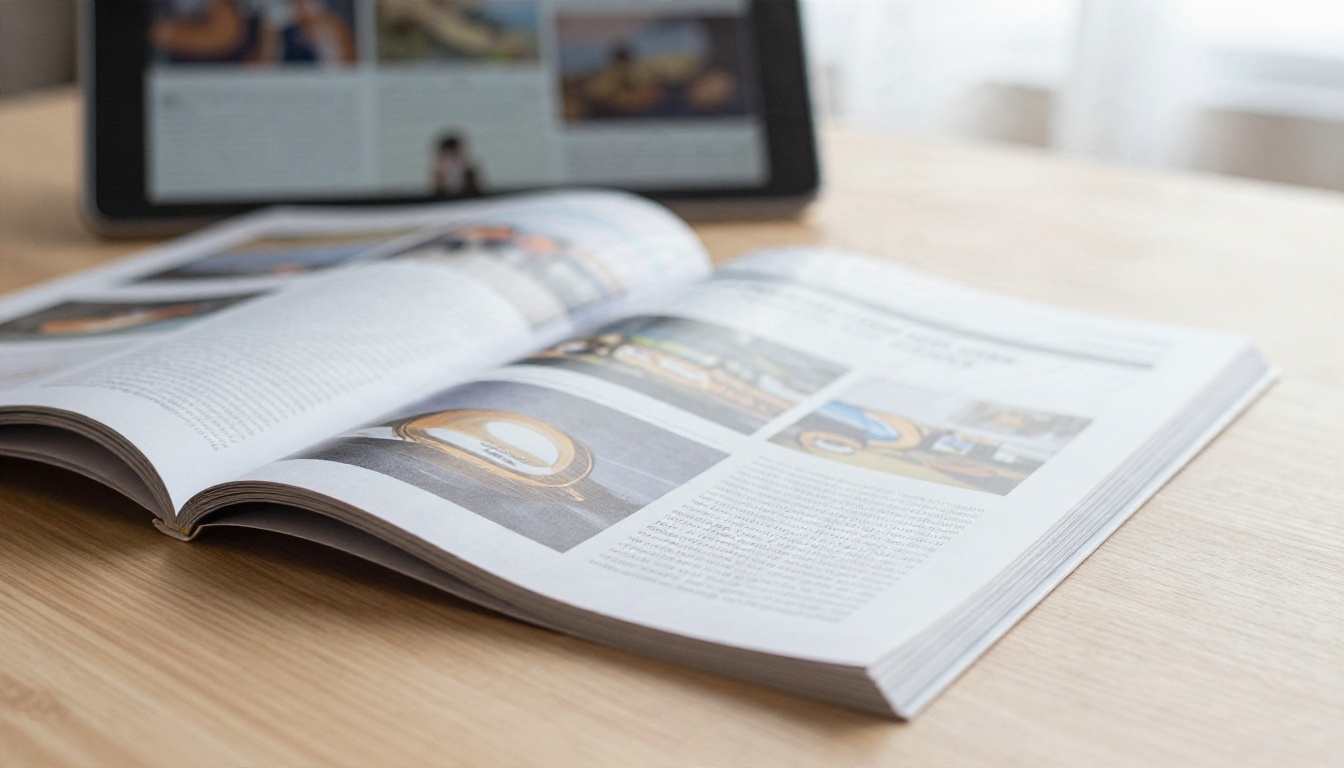
Flipbook vs PDF
| Feature | Plain PDF | Digital Flipbook |
|---|
| Page turn effect | None | Realistic, animated |
| Opens in browser | Often needs a download | Yes, instant |
| Mobile reading | Pinch and zoom | Responsive layout |
| Embedded video and audio | Rarely works | Supported |
| Link tracking | No | Yes, on higher plans |
| Password protection | Limited | Built in |
| Shareable by one link | Sometimes | Always |
Who Uses Flipbooks
- Restaurants publish menus that update without reprinting.
- Real estate agents send property brochures that look like glossy print.
- Photographers and designers show portfolios in a format clients actually finish.
- Teachers and trainers distribute course material and manuals.
- Retailers turn product lines into browsable catalogs.
💡 Pro tip: If your content has more than 8 pages and relies on layout, a flipbook will almost always beat a PDF attachment for open rates and reading time.
You can make a flipbook without paying anything. The catch is that free plans tend to trade features for limits. Before you pick a tool, check four things: watermarks, page limits, number of flipbooks, and whether sharing is public only.
What Free Plans Usually Limit
- Watermarks on every page or in the corner of the reader.
- Page caps, often somewhere between 10 and 30 pages.
- Public links only, with no password option.
- No embedding on your own website.
- No analytics, so you never learn who opened what.
Quick Tool Comparison
The table below compares the main kinds of tools you will run into, rather than naming every product, since plans change often.
| Tool type | Best for | Typical free limit | Watermark risk |
|---|
| Design app with flipbook export | Designers already building in it | Few templates, limited export | Medium |
| Dedicated flipbook maker | PDF to flipbook conversion | Page and flipbook caps | High on most |
| Open source scripts | Developers who like to tinker | None, but you host it | None |
| Flipbooks AI | Fast conversion with clean branding | Start free, upgrade as you grow | No watermarks, ever |
⚠️ Watch out: A "free" tool that stamps its logo on every page can cost you credibility with clients. Test with a sample file before you commit a real project.
If you want to see every option for a specific use case, browse the full list of flipbook tools.
How to Make One with Flipbooks AI
This is the fastest route if you already have a PDF. The whole process usually takes a few minutes. You can create an account first, then follow along.
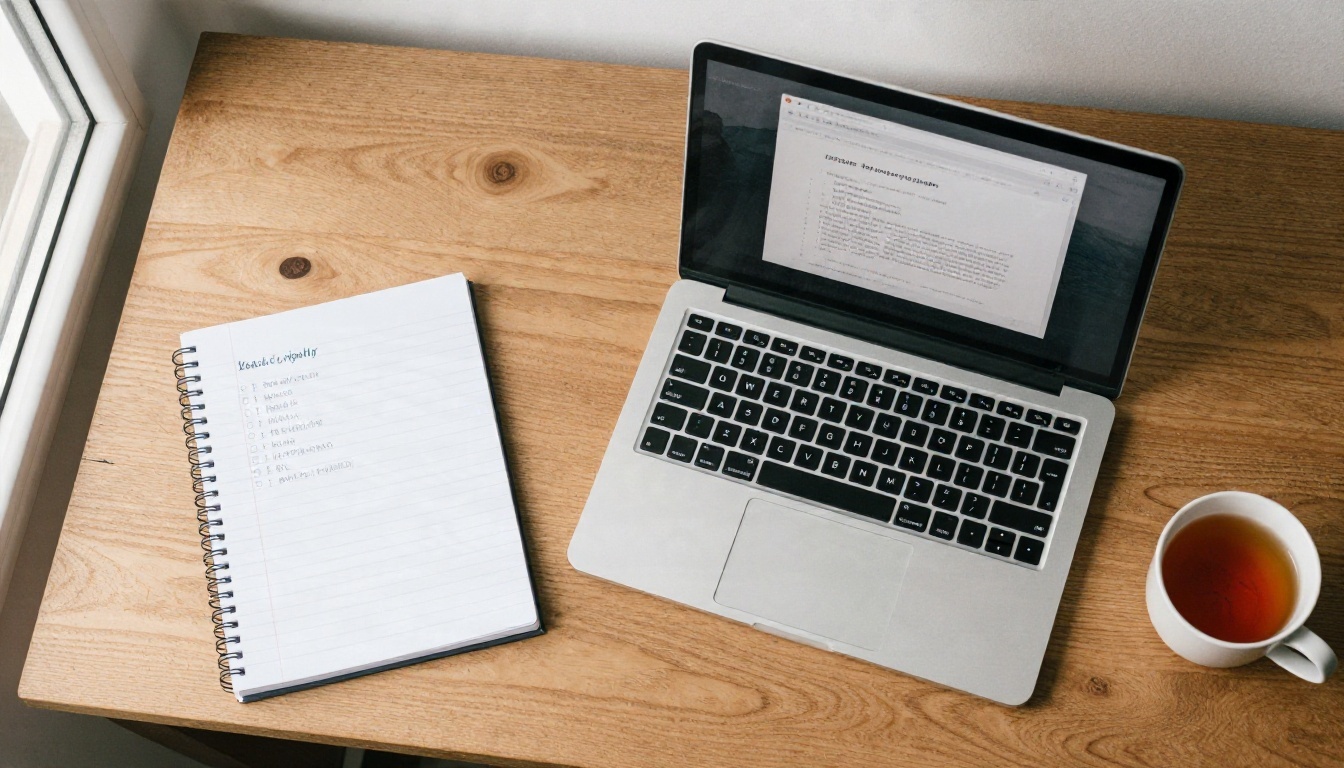
Upload Your PDF
- Go to Flipbooks AI and sign in or create a free account.
- Click the upload button on your dashboard.
- Drag your PDF into the window, or pick it from your computer.
- Wait for the conversion. Each page becomes a flipbook page, and text stays sharp.
- Preview the result in the built-in reader.
Prefer a dedicated converter? The PDF to Flipbook Converter handles this single task directly.
💡 Screenshot note: After upload you will see a thumbnail strip along the bottom of the editor. Click any thumbnail to jump to that page and check for cropped text or bleed issues.
Customize the Look
Once the pages load, open the settings panel and adjust the reading experience:
- Custom branding: add your logo and replace the default reader frame.
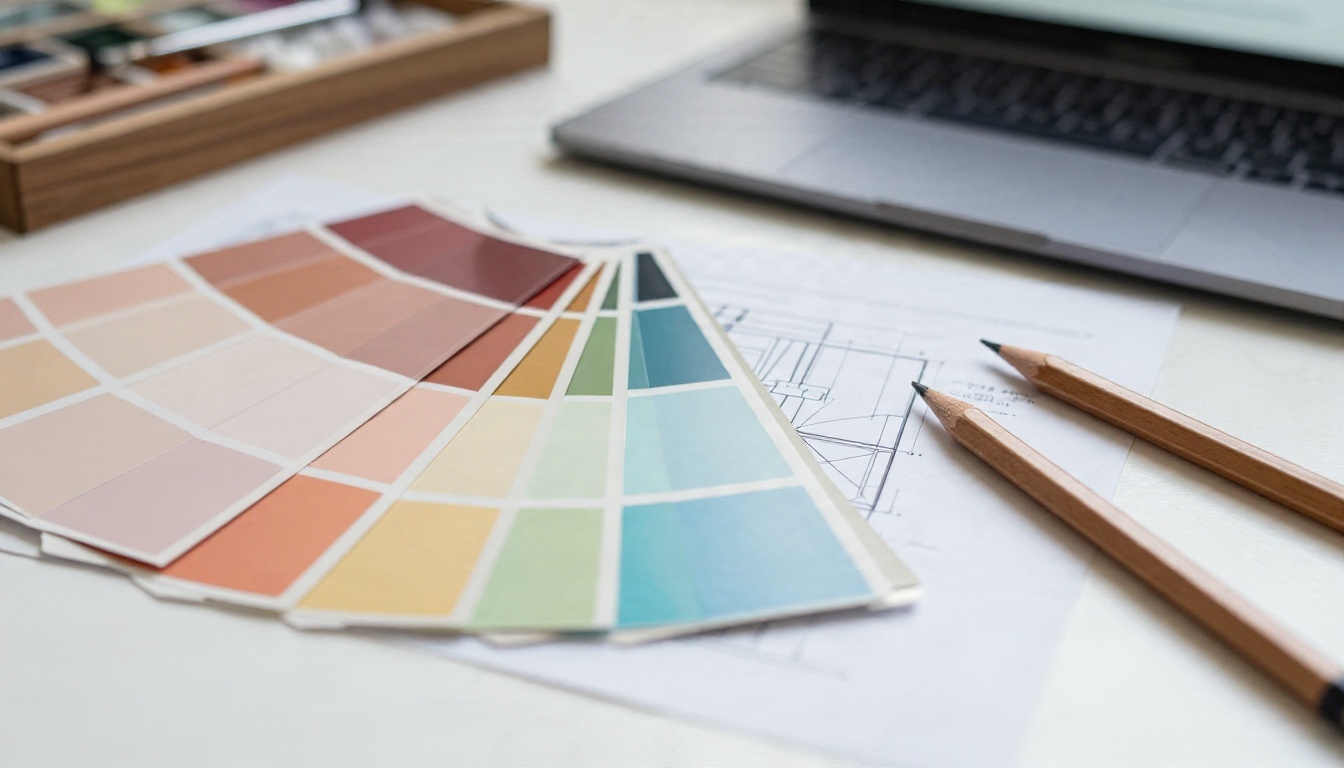
- Colors: match the background and toolbar to your brand palette.
- Page effects: choose how the page curls, how fast it turns, and whether it makes a sound.
- Multimedia: drop in video, audio, or links on any page.
- Mobile view: confirm the layout adapts to a phone screen.
Share and Protect It
- Click Share to copy a direct link.
- Use the embed code to place the flipbook on your own site. The Embed Flipbook on Website tool explains the options.
- Turn on password protection for private content such as investor decks or internal training.
- Allow offline downloads if readers need a copy for flights or poor connections.
Pro Features Worth Paying For
On the Professional plan you get analytics (which pages get read, for how long) and lead generation (collect an email before a reader opens the flipbook). Standard plans and above also give you unlimited flipbooks. Compare them on the pricing page.
| Plan feature | Free start | Standard | Professional |
|---|
| No watermarks | Yes | Yes | Yes |
| Unlimited flipbooks | No | Yes | Yes |
| Password protection | Check plan | Yes | Yes |
| Analytics | No | No | Yes |
| Lead generation | No | No | Yes |
| Offline downloads | Check plan | Yes | Yes |
✅ Best practice: Start on the free plan with one real project. Upgrade only when you hit a limit you can name.
Flipbook Examples That Work
Seeing a finished flipbook helps more than any feature list. Here are four real-world setups that consistently perform.
Restaurant Menus
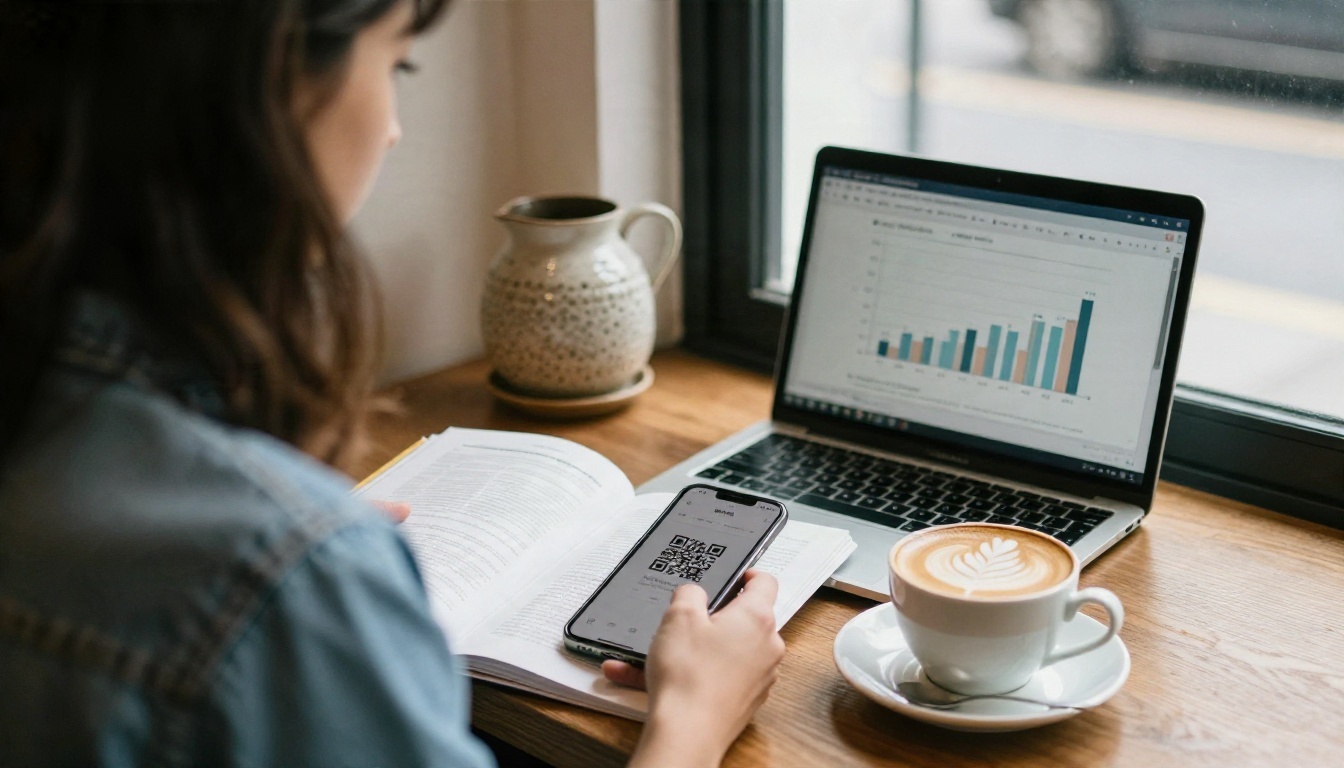
A restaurant can publish a seasonal menu as a flipbook, link it from a QR code on each table, and swap the PDF whenever prices change. The link stays the same, so printed table cards never go out of date. The Restaurant Menu Creator is built for this, and the Menu Flipbook Designer gives you more layout control.

Property Brochures
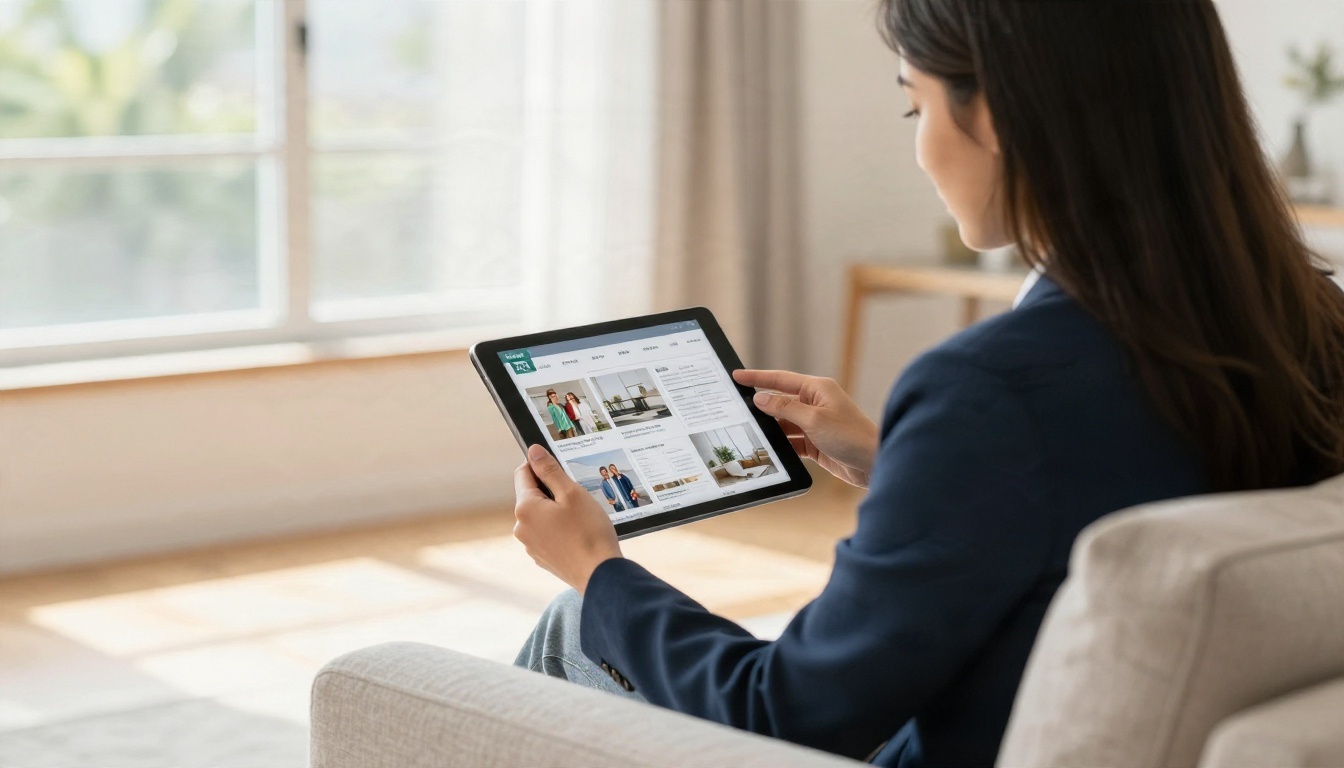
Real estate agents benefit from a brochure that opens on the buyer's phone without an attachment. Add a video walkthrough on page two and a contact form on the last page. Use the Real Estate Brochure Creator to start from a layout made for listings.
Photography Portfolios
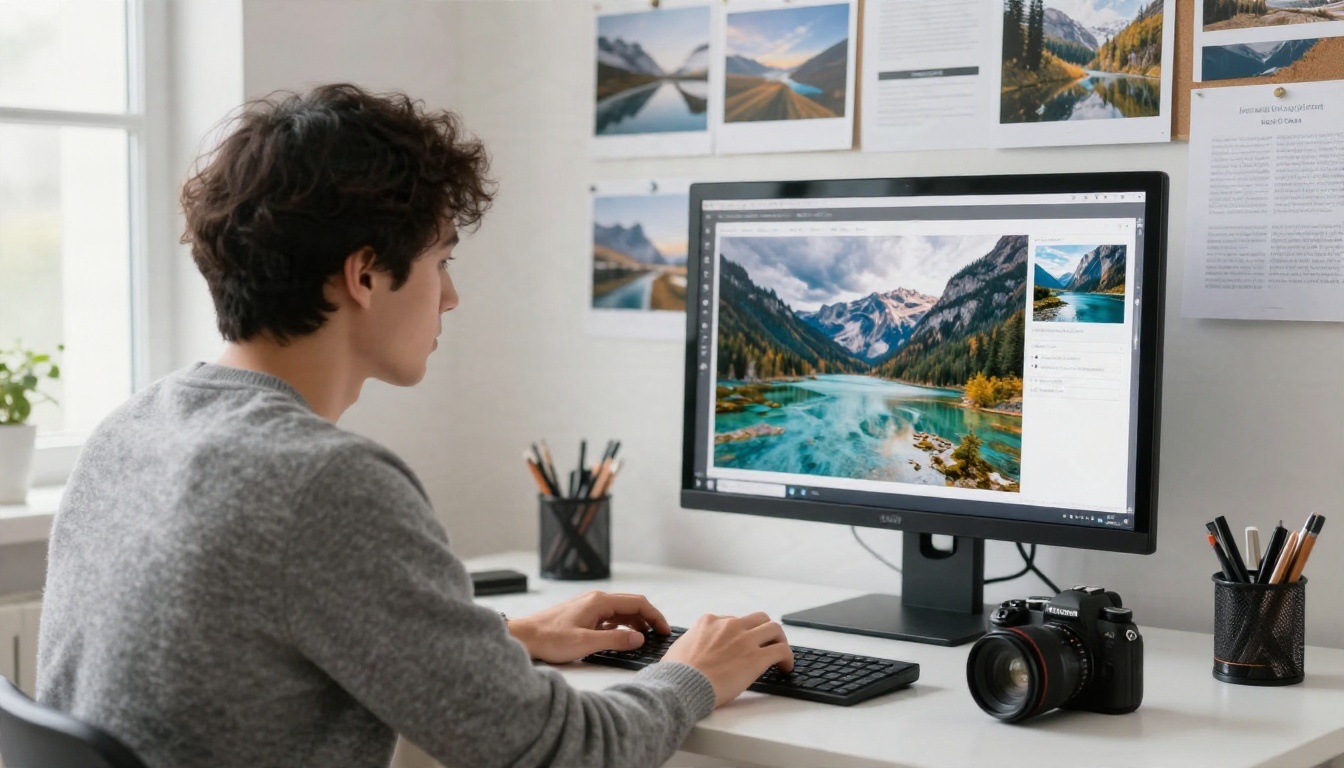
Photographers lose impact when images get compressed inside an email. A flipbook keeps the high-resolution look and gives the viewer a natural pace, one spread at a time. Try the Photography Portfolio tool, or the broader Digital Portfolio Creator.
Course Material
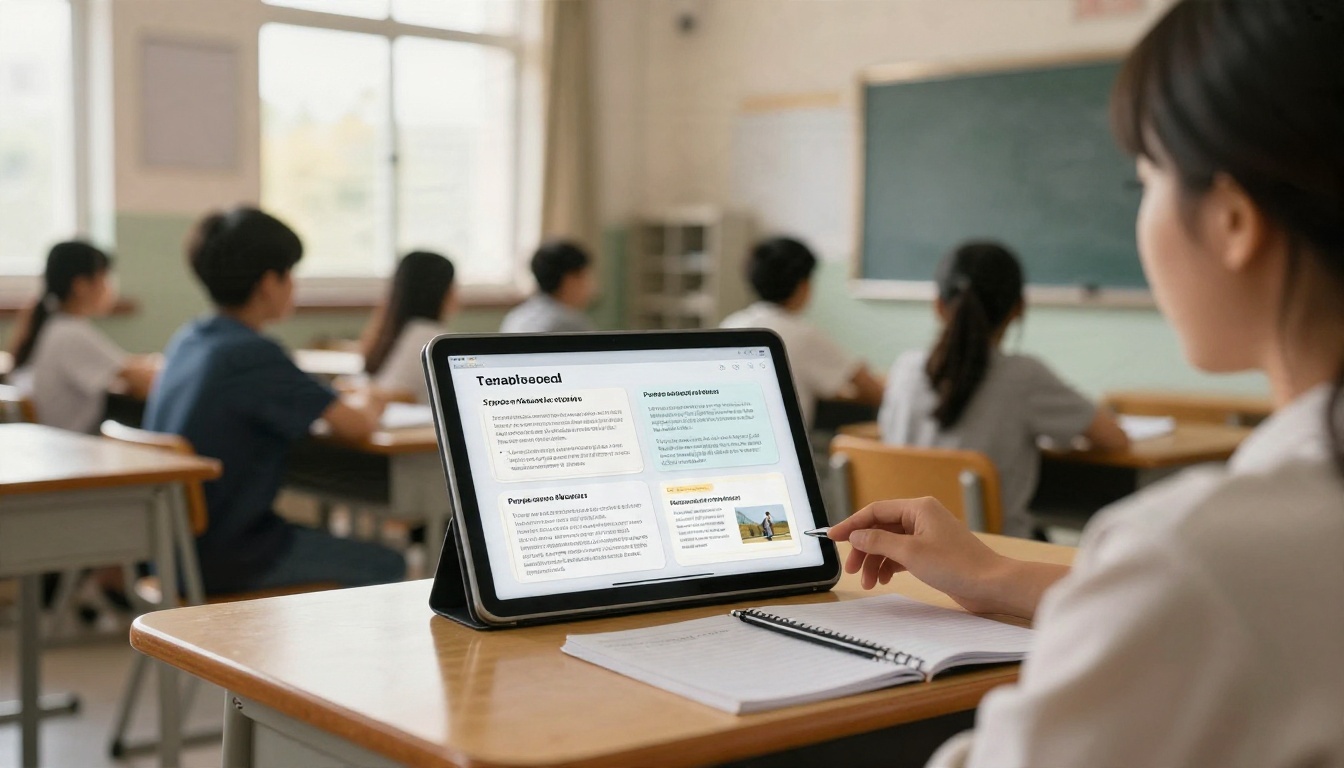
Teachers and corporate trainers can publish handouts, manuals, and workbooks with embedded videos. Students open one link and always get the latest version. See the Course Material Publisher and the Training Manual Flipbook.
More Use Cases at a Glance
Design Ideas Worth Copying
A flipbook is only as good as the pages inside it. These ideas apply whether you design in Canva, InDesign, or Google Slides.
Color and Type
- Limit your palette to three colors: one dark, one light, one accent.
- Use two fonts at most. One for headings, one for body text.
- Keep body text at 10 to 12 pt in the original PDF so it stays readable on phones after zooming.
- Leave generous margins. Page curls and toolbars can crowd the edges.
- Check contrast. Light grey text on white looks elegant in print and unreadable on a bright phone screen.
💡 Quick test: Open your flipbook on a phone outdoors. If you can read it in sunlight, it passes.
Page Turn and Media
- Put the strongest image on the first spread. It acts as your opening line.
- Add video on one or two pages, not every page. Too many players slow the load.
- Use clickable buttons with clear labels like "Book a table" or "See floor plan".
- Close with a single call to action. One goal per flipbook converts better than five.
- Keep a table of contents on page two for anything over 15 pages.
Design Checklist
| Element | Do this | Avoid this |
|---|
| Cover page | One strong photo, short title | Five fonts and a crowded layout |
| Body pages | Clear headings, short paragraphs | Walls of small text |
| Images | 150 to 300 dpi, compressed | Huge uncompressed files |
| Links | Descriptive button labels | "Click here" |
| Last page | One call to action | A list of ten contact methods |
Best Flipbook Sizes
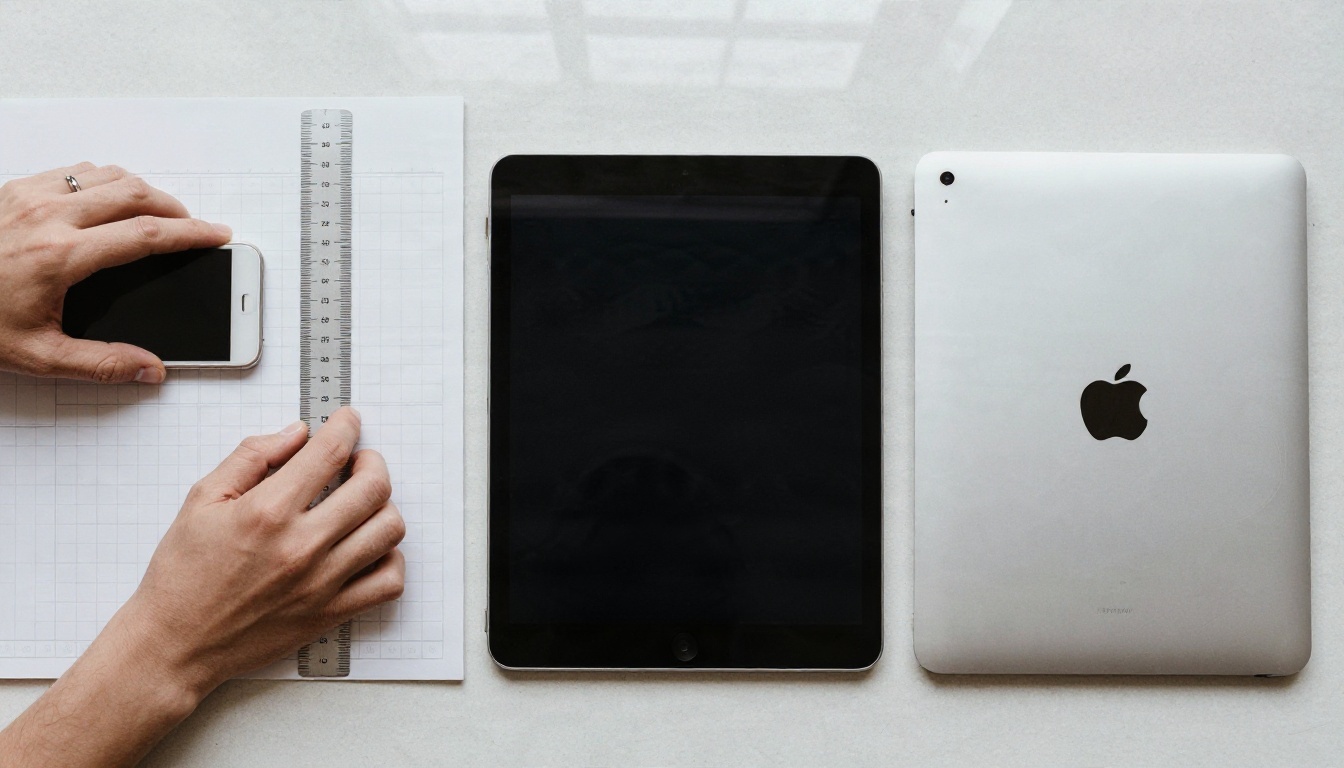
Size decisions affect how sharp your pages look and how fast the flipbook loads. Choose the size before you design, not after.
Common Page Sizes
| Format | Size | Pixels at 150 dpi | Best for |
|---|
| A4 portrait | 210 x 297 mm | 1240 x 1754 | Brochures, reports, magazines |
| US Letter portrait | 8.5 x 11 in | 1275 x 1650 | North American documents |
| A5 portrait | 148 x 210 mm | 874 x 1240 | Menus, small catalogs |
| Square | 8 x 8 in | 1200 x 1200 | Lookbooks, photo books |
| Landscape 16:9 | 1920 x 1080 px | 1920 x 1080 | Presentations, pitch decks |
| Mobile portrait 9:16 | 1080 x 1920 px | 1080 x 1920 | Phone-first stories |
Resolution and File Weight
- Aim for 150 dpi for screen reading. Go to 300 dpi only if readers will zoom deep or print.
- Keep your PDF under 25 MB if possible. Compress images before export.
- Use RGB, not CMYK, for a digital-only flipbook. Colors look more accurate on screen.
- Stick to one orientation. Mixing portrait and landscape pages makes the page turn feel uneven.
✅ Rule of thumb: If most of your readers are on phones, choose portrait or square. If they are on desktops in meetings, landscape works well.
Common Mistakes to Avoid
- Exporting at the wrong size. Redoing a 40-page layout is painful. Settle on the format first.
- Skipping the mobile check. Half your readers will open the link on a phone.
- Overloading with media. Five videos on one spread will slow everything down.
- Forgetting access settings. Public links get shared. Use a password for anything private.
- Ignoring analytics. If you cannot see which pages get read, you are guessing.
- Choosing a tool with watermarks and finding out after you have shared the link.
⚠️ Fix it early: Update a flipbook in place instead of publishing a new link. Old links keep working and nothing breaks.
Make Yours Today
You do not need a design team or a budget to publish a flipbook. You need a PDF, ten minutes, and a tool that does not stamp its logo on your work. Pick a size, keep the design simple, add one or two media elements, and share one link.
Ready to build? Here is where to go next:
- Get started for free on Flipbooks AI and upload your first PDF.
- Browse all tools and templates to find the right fit for menus, catalogs, brochures, and portfolios.
- Compare pricing plans when you are ready for analytics, lead generation, and unlimited flipbooks.
Your readers are already on their phones. Give them something that turns pages the way they expect.



