Christmas only comes once a year, but the memories it creates should last a lifetime. Most families have hundreds of holiday photos scattered across phones, hard drives, and old albums that nobody touches anymore. A flipbook changes that completely. Instead of static snapshots trapped in a drawer, you get an interactive, page-turning experience that brings those moments back to life every time someone opens it. This is exactly how to make a flipbook for Christmas memories that your family will actually want to revisit, share, and treasure for decades.
Why a Photo Album Is Not Enough Anymore
Printed photo albums had their moment. But in 2027, they sit unopened on shelves, their pages yellowing, photos fading. Nobody mails them to relatives across the country. Nobody shares them at a moment's notice during a Christmas video call. A digital flipbook solves every one of those problems.
A Christmas memory flipbook is interactive. Pages flip with a realistic animation. It lives online, accessible from any device. You can share it with a link, embed it on a family website, or send it to grandparents who live across the world. The physical limitation of a printed album simply does not exist anymore.
💡 Digital flipbooks do not fade, warp, or get damaged. A Christmas flipbook created this year will look exactly the same in 30 years.
What Makes a Christmas Flipbook Special
The Difference Between Print and Digital
The table below shows how a traditional printed album compares to a digital Christmas flipbook:
| Feature | Printed Photo Album | Digital Christmas Flipbook |
|---|
| Sharing with family | Mail or in-person only | Instant link, anywhere |
| Photo quality over time | Fades and yellows | Permanent, always sharp |
| Adding new content | Requires reprinting | Edit anytime |
| Interactive elements | None | Page flip animation, embedded video |
| Cost per copy | High (printing + shipping) | One flipbook, unlimited viewers |
| Mobile access | No | Yes, fully mobile-responsive |
| Password protection | N/A | Available on most platforms |
| Storage | Physical space required | Cloud-based, zero physical space |
The advantages for holiday use are clear. A digital flipbook reaches everyone in the family simultaneously, regardless of where they are on Christmas morning.
Who Actually Uses Christmas Flipbooks
Christmas flipbooks are not just for tech-savvy families. Parents use them to document their children's holiday experiences year after year. Grandparents use them to share old family Christmas photos with younger generations who never knew them. Adult siblings use them to compile memories from childhood Christmases and send them as gifts to aging parents. Teachers and school administrators create them for end-of-year holiday newsletters sent home to families.
The common thread: anyone who has meaningful Christmas photos and wants to do something beautiful with them.
How to Choose the Right Christmas Photos
Quantity vs. Quality
The biggest mistake people make when building a Christmas memory flipbook is including too many photos. A flipbook with 200 images becomes exhausting to flip through. The sweet spot is between 40 and 80 photos for a complete Christmas flipbook, depending on how many years of memories you want to include.
Before you start, do a ruthless first pass through your collection:
- Keep: Candid moments, genuine laughter, group shots with everyone present, unique holiday traditions
- Cut: Blurry photos, duplicate shots, photos where someone is mid-blink or turned away
- Prioritize: Photos that tell a story, not just posed portraits
✅ For each Christmas year, aim to include 5-8 photos maximum. This forces you to choose only the most meaningful images.
Organizing by Year or Theme
There are two main ways to organize a Christmas memory flipbook:
Chronological order works best for families documenting their Christmas history over many years. You start with the earliest photos and move forward in time, watching children grow and family traditions evolve.
Thematic order works better for single-year Christmas books or when you want to group by event type: Christmas Eve celebrations, Christmas morning gift opening, holiday meals, outdoor snow activities, and so on.
Most families creating a multi-year flipbook find that a hybrid approach works well: organize by year first, then by theme within each year's section.
How to Make a Flipbook for Christmas Memories Step by Step
Step 1: Gather and Sort Your Photos
Start by collecting photos from every source: smartphones, cameras, cloud backups, and even scanned prints from older relatives. Create a single folder on your computer organized by year, then sort photos within each year by date.
For best results, use photos that are at least 1MB in file size. Larger files mean sharper pages in your final flipbook. If you have old printed prints, a free scanning app on your phone can digitize them at high enough quality for a flipbook.
Step 2: Create a Layout Plan
Before uploading anything, sketch out your flipbook structure on paper or in a simple document. Decide:
- How many pages per Christmas year
- Whether you want cover pages between years
- Where captions or short text descriptions will appear
- Whether you want a title page and a final page
This pre-planning step saves significant time during the actual design process and prevents you from having to restructure everything mid-project.
Step 3: Build Your Flipbook Online
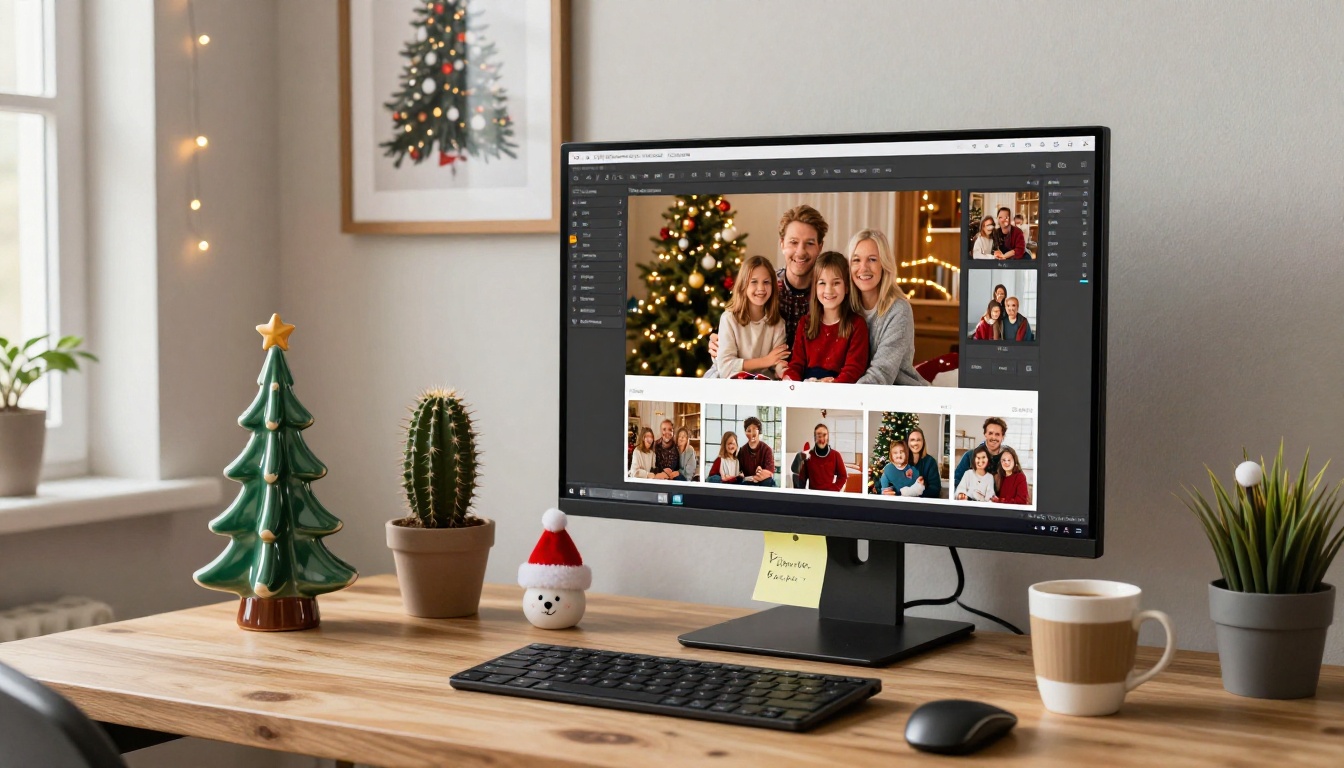
This is where the actual creation happens. Flipbooks AI makes this process straightforward. You create a PDF of your organized photos using any design tool (Canva, Adobe InDesign, even Google Slides), then upload it to Flipbooks AI and let the platform convert it into a fully interactive, page-turning flipbook automatically.
The PDF to Flipbook Converter handles the technical side instantly. You do not need any design expertise to get a professional result.
Step 4: Add Captions and Personal Touches
Once your flipbook is created, personalize it. Add short captions beneath key photos. Write a brief introduction on the first page about when the photos were taken and who is in them. Include short personal notes or funny family inside jokes that make the flipbook feel alive rather than just a photo dump.
💡 Keep captions under 20 words. Flipbook readers are flipping through, not reading essays. Short, punchy captions work best.
Step 5: Share It With Everyone
Once your flipbook is published, sharing it takes seconds. Copy the direct link and drop it into a family group chat, email it to relatives, or share it on a private family Facebook group. For more controlled sharing, use password protection to keep it accessible only to family members.
Creating Your Christmas Flipbook with Flipbooks AI
Flipbooks AI is built specifically for creating polished, professional digital flipbooks without needing design or technical skills. Here is how to create your Christmas memory flipbook from start to finish:
1. Create your account
Go to flipbooksai.com/account and sign up for free. No credit card is required to start.
2. Prepare your PDF
Compile your organized Christmas photos into a PDF. You can use Canva (free), Google Slides (free), or any design software. Export at the highest quality setting available. Aim for a 16:9 or 4:3 aspect ratio for the best visual results.
3. Upload and convert
Click "Upload PDF" and select your Christmas photo document. The PDF to Flipbook Converter processes your file in seconds, generating a fully animated, page-turning flipbook automatically.
4. Customize your flipbook
This is where Flipbooks AI separates itself from basic PDF viewers:
- Set a custom cover image, your best Christmas family photo
- Choose a color theme that matches the holiday feel (deep reds, forest greens, gold)
- Add a title to the cover page
- Enable background music if you want a holiday soundtrack
- Embed video clips from Christmas morning directly into specific pages
5. Set sharing preferences
Flipbooks AI offers several sharing options:
- Public link: Anyone with the URL can view it
- Password protection: Only family members with the password can access it
- Embed code: Use the Embed Flipbook on Website tool to paste the flipbook directly into a family website or blog
6. Download offline copies
On the Professional plan, you can download offline versions for family members who want to view the flipbook without an internet connection, which is especially useful for elderly relatives.
✅ Use password protection for family Christmas flipbooks. This keeps the content private while still allowing easy sharing via a single link.
Plan Options Worth Knowing About
Flipbooks AI offers multiple plans depending on how many flipbooks you plan to create and which features matter most to you. Here is a breakdown:
| Feature | Free Plan | Standard Plan | Professional Plan |
|---|
| Number of flipbooks | Limited | Unlimited | Unlimited |
| Watermark | Yes | No watermarks, ever | No watermarks, ever |
| Password protection | No | Yes | Yes |
| Custom branding | No | Yes | Yes |
| Analytics and tracking | No | No | Yes |
| Lead generation tools | No | No | Yes |
| Offline downloads | No | No | Yes |
| Embedded video and audio | No | Yes | Yes |
| Mobile-responsive | Yes | Yes | Yes |
For a personal Christmas family flipbook, the Standard plan gives you everything you need, including no watermarks and unlimited flipbooks so you can create one every year. The Professional plan is worth it if you want to track who is viewing the flipbook or use lead generation tools for a business holiday project.
Explore pricing plans to see which tier fits your needs.
Christmas Flipbook Ideas That Actually Work
The Annual Family Christmas Book
Create a new Christmas flipbook every year and build a series. Each December, compile the year's best holiday photos into a fresh flipbook. After ten years, you will have an incredible collection of annual Christmas books that show your family growing and changing over time.
💡 Keep a consistent title format for each year's book, such as "The [Family Name] Christmas 2024." It makes the series feel cohesive and intentional.
Kids' Christmas Through the Years
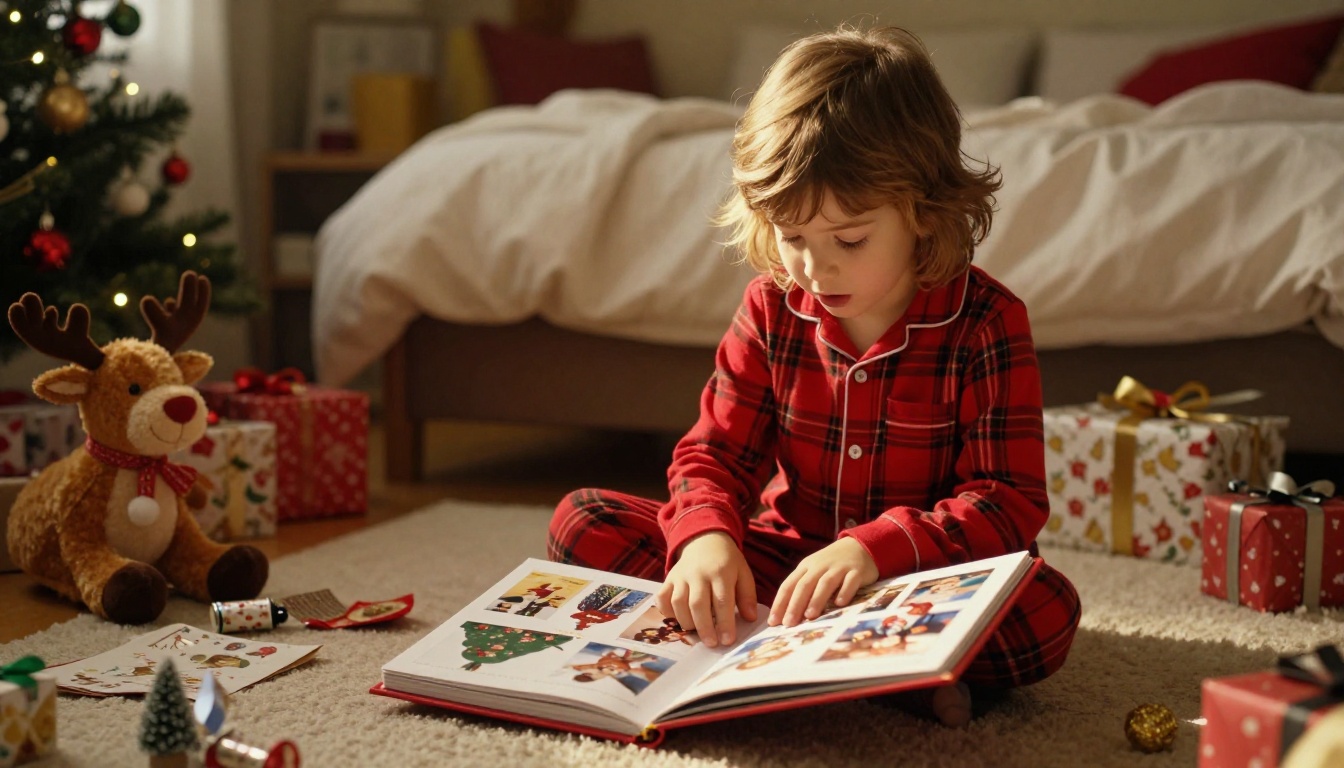
This is one of the most emotionally powerful flipbook formats. Collect Christmas morning photos of your children from their first Christmas through the current year and create a single flipbook that shows them growing up through the holiday lens. It makes for an extraordinary gift when a child reaches adulthood or leaves home for the first time.
For this style, a Wedding Album Flipbook layout works beautifully when adapted for family milestone content and childhood Christmas memories.
The Holiday Recipe Flipbook
Combine Christmas food photos with actual family recipes. Photograph the dishes as they are being prepared and plated during the holidays, then compile them with handwritten or typed recipe cards into a Recipe Book Flipbook. This becomes a living family cookbook with a holiday memory attached to every dish.
Giving a Christmas Flipbook as a Gift
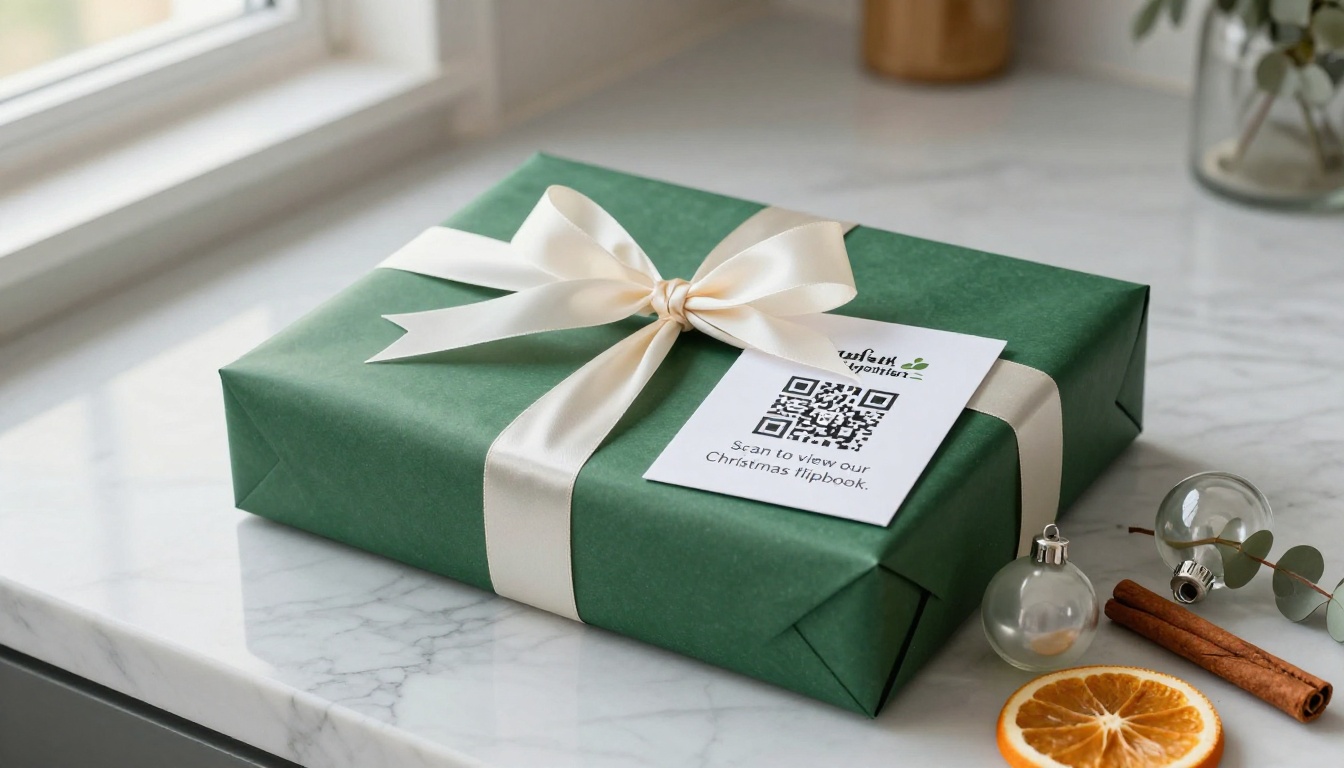
A digital Christmas flipbook is one of the most personal, zero-cost gifts you can give. Create a flipbook of photos featuring the recipient, compile memories you share, and send them the link on Christmas morning. It costs nothing beyond a few hours of your time but carries enormous sentimental value.
If you want to make it feel more tangible, print a simple card with a QR code linking to the flipbook. The recipient scans the code and immediately opens the interactive experience on their phone.
Tips for Better Holiday Photos Before You Start
If you are planning ahead for this year's Christmas flipbook, the photos you take now will determine the quality of the final product. A few practices make a significant difference:
- Shoot in natural light whenever possible. Window light during Christmas morning gift-opening creates warm, flattering photos without needing flash
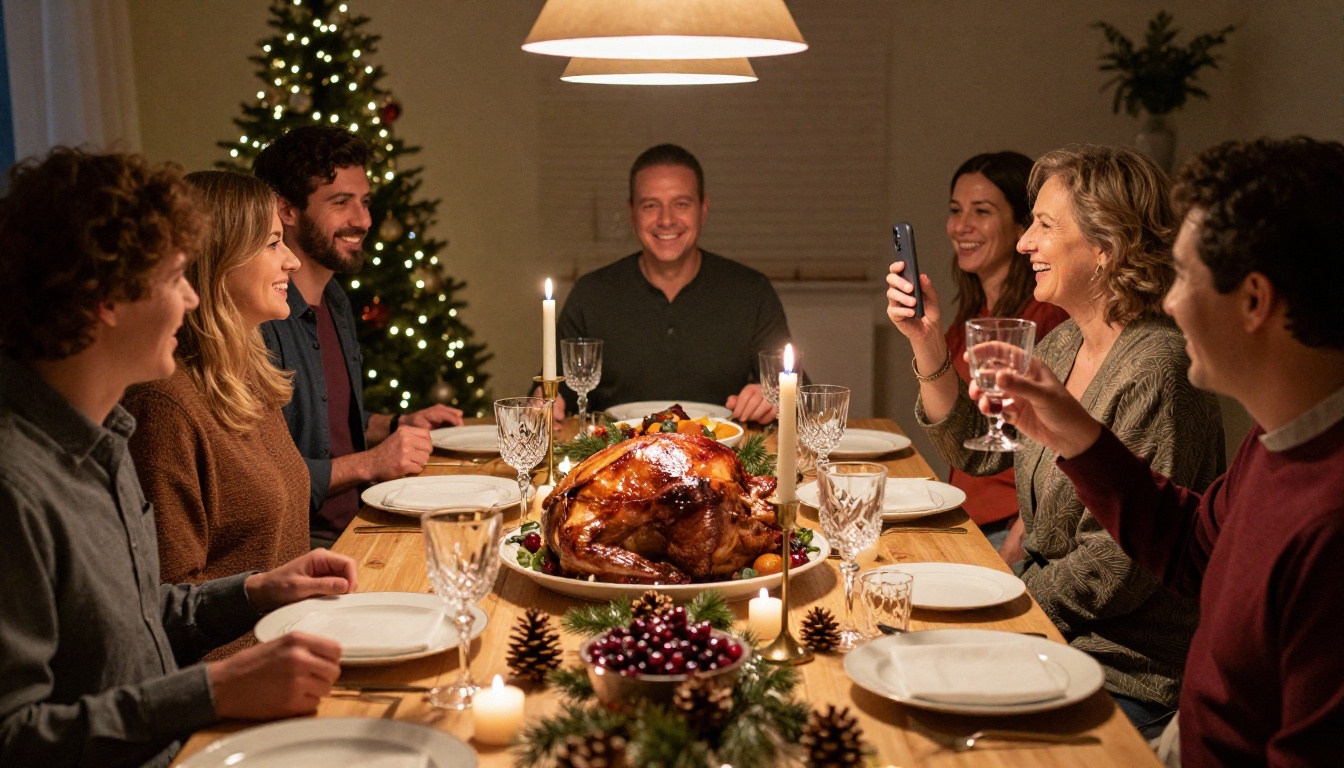
- Get candid, not posed. The photos people return to again and again are the ones that capture real moments, not staged portraits
- Vary your angles. Get low for child-level shots, shoot from above for table scenes, and use wide angles for group moments
- Include the details. Close-ups of the table setting, the Christmas tree ornaments, the cookies on the plate. These small moments become deeply nostalgic over time
- Make sure someone photographs the photographer. Too many family photo collections are missing one person entirely because they were always behind the camera
| Photo Type | Why It Matters | When to Capture It |
|---|
| Candid laughter | Most emotionally resonant | During gift opening, meal, games |
| Detail shots | Adds atmosphere and context | Before the chaos starts |
| Group portraits | Documents who was there | After dinner, relaxed setting |
| Child-level angles | Shows Christmas from their perspective | Morning excitement |
| Outdoor and snow shots | Seasonal context | Before the day's activities begin |
Make This the Year You Actually Do It
Every family has hundreds of Christmas photos sitting unused on hard drives and in camera rolls. The intentions are always there: "We should do something with these." But the doing never happens.
A Christmas memory flipbook is the doing. It is the action that turns scattered holiday snapshots into something your family will actually look at, share, and feel something when they open it.
Start your first Christmas flipbook today. Go to Flipbooks AI and create your account for free. Upload your first PDF and see the page-turning result in seconds. You do not need design skills, technical knowledge, or expensive software. You need your photos, a few hours, and the decision to finally do something meaningful with them.
Browse all flipbook tools to find the right format for your holiday project. Compare pricing plans if you want to remove watermarks and unlock unlimited flipbooks for every Christmas to come.
Your family's Christmas memories deserve more than a folder on someone's laptop. Give them a home worth revisiting.
Get started for free on Flipbooks AI and create your first Christmas memory flipbook before this holiday season passes.



