If your business still relies on static PDFs to share catalogs, menus, brochures, or reports, you're leaving real opportunity on the table. Interactive digital flipbooks change how readers experience your content, with smooth page-turn animations, clickable links, and embedded media that a flat PDF simply cannot offer. Flipbooks AI makes this process straightforward, even for teams with no design background whatsoever.
This article walks you through exactly how to make a flipbook for your business, from choosing your content type to customizing your brand identity, sharing across channels, and measuring how readers interact with your publications.
Why Businesses Are Switching to Digital Flipbooks
Static PDFs get downloaded, forgotten, and rarely tracked. A digital flipbook, by contrast, stays hosted online, loads instantly on any device, and gives you real data on who read what and for how long. For businesses that invest time creating catalogs, reports, or sales presentations, that visibility is valuable.

The shift from print-first to digital-first publishing is already happening across industries. Retailers publish interactive product catalogs. Restaurants offer digital menus that update in real time. Real estate agencies share property brochures with embedded virtual tours. Each of these use cases benefits from the same core advantage: content that feels alive, not static.
The format also solves a practical problem that most businesses overlook. When you email a PDF, you lose control of it the moment you hit send. The recipient has version 1 forever, even if you update the document the next day. A hosted digital flipbook means you update the content once and everyone with the link sees the latest version automatically.
💡 Pro Tip: A digital flipbook hosted online means no more emailing large PDF attachments. Share a single link, update the content anytime, and the reader always sees the latest version.
What Types of Business Content Work Best as Flipbooks
Not every document needs to become a flipbook, but a surprisingly wide range of business content benefits from the format. Here are the most effective use cases organized by industry:

The common thread across all of these is that the content has a natural reading flow, benefits from visual presentation, and is meant to be shared with an audience outside the organization. If your document has pages, it probably works better as a flipbook.
How to Create a Business Flipbook with Flipbooks AI
This section walks through the full process of creating a business flipbook using Flipbooks AI, from account setup to publishing a live, shareable link.
Step 1: Create Your Account
Visit Flipbooks AI and sign up for a free account. The free tier lets you test the platform before committing to a plan. For businesses that need unlimited flipbooks, custom branding, and no watermarks, the Standard plan is the right starting point. If you need analytics and lead generation tools, the Professional plan adds those capabilities.
✅ Best Practice: Start with a simple document you already have, like a product sheet or company brochure, so you can see the conversion result immediately.
Step 2: Upload Your PDF
Once inside the dashboard, click to upload your PDF. The platform accepts standard PDF files and converts them automatically into a page-turning flipbook. The conversion takes seconds for most documents. You do not need to reformat your existing PDF or use any special export settings before uploading.
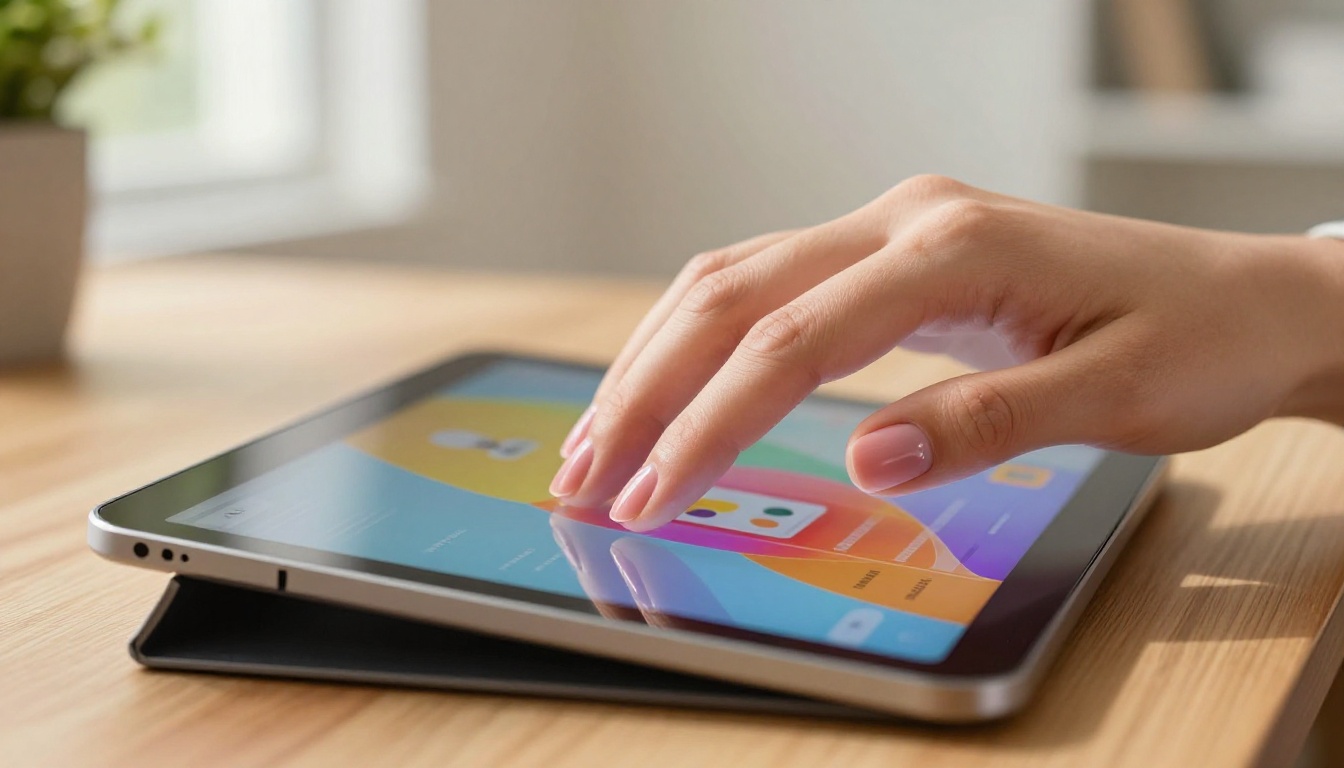
The PDF to Flipbook Converter tool handles all common PDF formats, preserving your typography, images, and layout exactly as designed. Multi-page documents convert fully, so a 50-page catalog becomes a 50-page interactive flipbook without any manual work on your end.
Step 3: Customize Your Branding
After conversion, you can customize the flipbook to match your brand identity. This is where a generic tool becomes a branded business asset. Taking 10 minutes here makes a significant difference in how the final product looks to clients and customers.
What you can customize:
- Brand colors: Apply your primary and accent colors to the flipbook interface and navigation controls
- Logo placement: Add your company logo so it appears consistently on the flipbook viewer
- Background: Choose from solid colors, gradients, or custom background images
- Page effects: Select page-turn animations that suit your content style
- Fonts: Match the interface typography to your existing brand guidelines
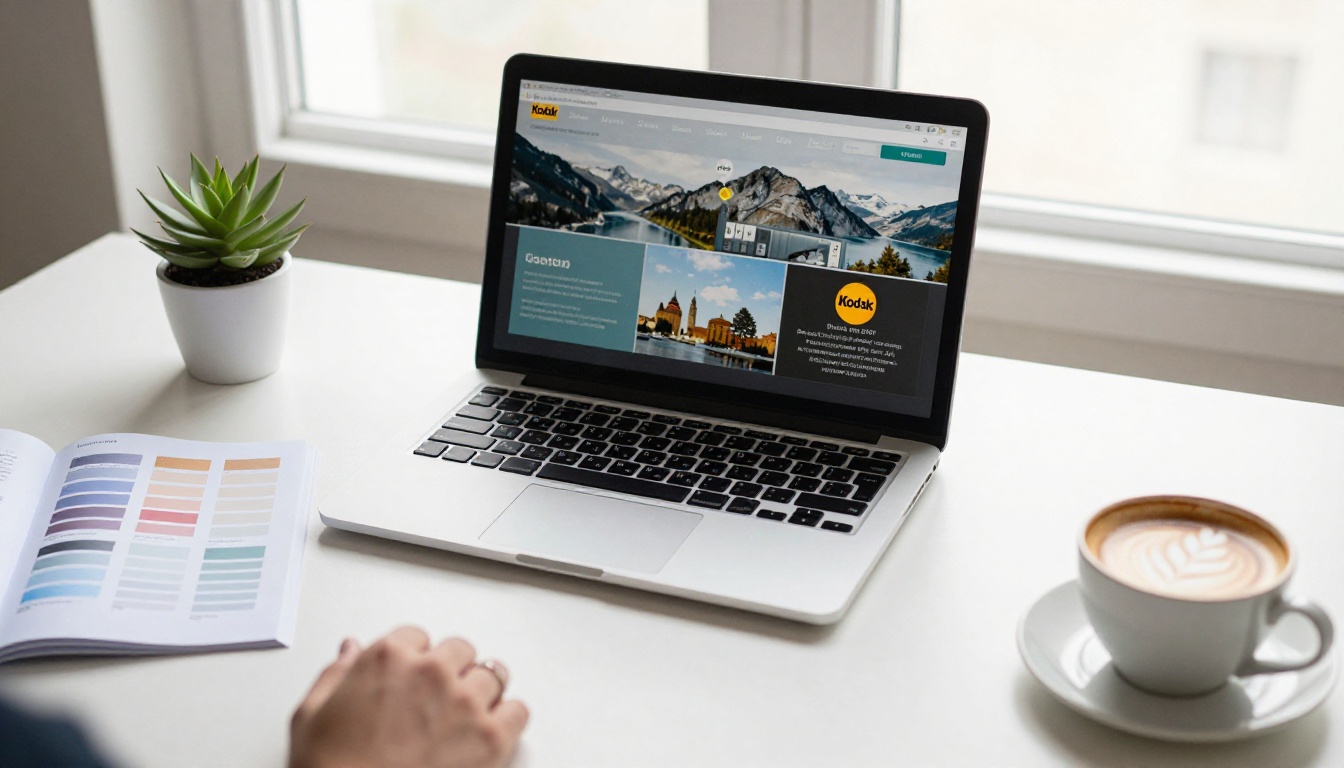
💡 Pro Tip: Consistent branding across your flipbook viewer and your website creates a seamless experience. Use the exact hex color codes from your brand style guide rather than approximating by eye.
Step 4: Add Multimedia
Static pages become interactive experiences when you embed media directly into the flipbook. This is one of the clearest advantages over a standard PDF, and it's available on the Standard plan and above.
Media you can embed:
- Videos: Product demos, testimonials, or short explainer clips
- Audio: Narration, background music, or voice-over commentary
- Links: Clickable buttons that route readers to product pages, booking forms, or contact pages
For a fashion retailer, embedding a short video of a clothing item in motion on a lookbook page dramatically increases the time readers spend on that spread. For a real estate agency, a virtual walkthrough video embedded directly into the property brochure page removes friction from the buyer's research process.
Step 5: Set Sharing and Privacy Options
Once your flipbook is ready, decide how you want to share it and who should have access. The platform offers several options depending on your use case.
Sharing options available:
| Option | Best For | Plan Required |
|---|
| Public link | Marketing campaigns, open catalogs | Free |
| Password protection | Internal documents, client proposals | Standard |
| Embed on website | Product pages or landing pages | Standard |
| Custom domain | Branded sharing experience | Professional |
| Offline download | Sales teams without internet access | Professional |
Use the Embed Flipbook on Website tool to get a simple embed code you can paste directly into any web page, CMS, or email template. The resulting embedded flipbook is fully interactive and mobile-responsive without any additional coding.
Step 6: Track Performance with Analytics
The Professional plan includes a built-in analytics dashboard that shows you exactly how readers interact with your flipbook. This is where digital publications pull ahead of both print and standard PDFs in terms of business intelligence.

Metrics available in the Professional plan:
- Total views and unique visitors
- Average reading time per session
- Most-viewed pages within the flipbook
- Geographic distribution of readers
- Lead capture form submissions
For a B2B sales team, knowing which pages of a proposal a prospect spent the most time on is information that changes how you follow up. That kind of data is simply not available with a standard PDF attachment. Check out the Professional plan to see the full breakdown of what's included.
💡 Pro Tip: Use the lead generation form feature on the Professional plan to capture contact details from readers before they access the full flipbook, turning a passive document into an active lead source.
Real-World Business Scenarios
Knowing the steps is one thing. Seeing how real business types apply them is another.
Restaurants and Cafes
A restaurant can convert its seasonal menu PDF into an interactive digital menu in under 10 minutes. The result is a scannable QR code for table use, a shareable link for social media, and a web-embeddable version for the restaurant website. When the menu changes, upload a new PDF and the link stays the same. No reprinting costs, no distribution headaches.
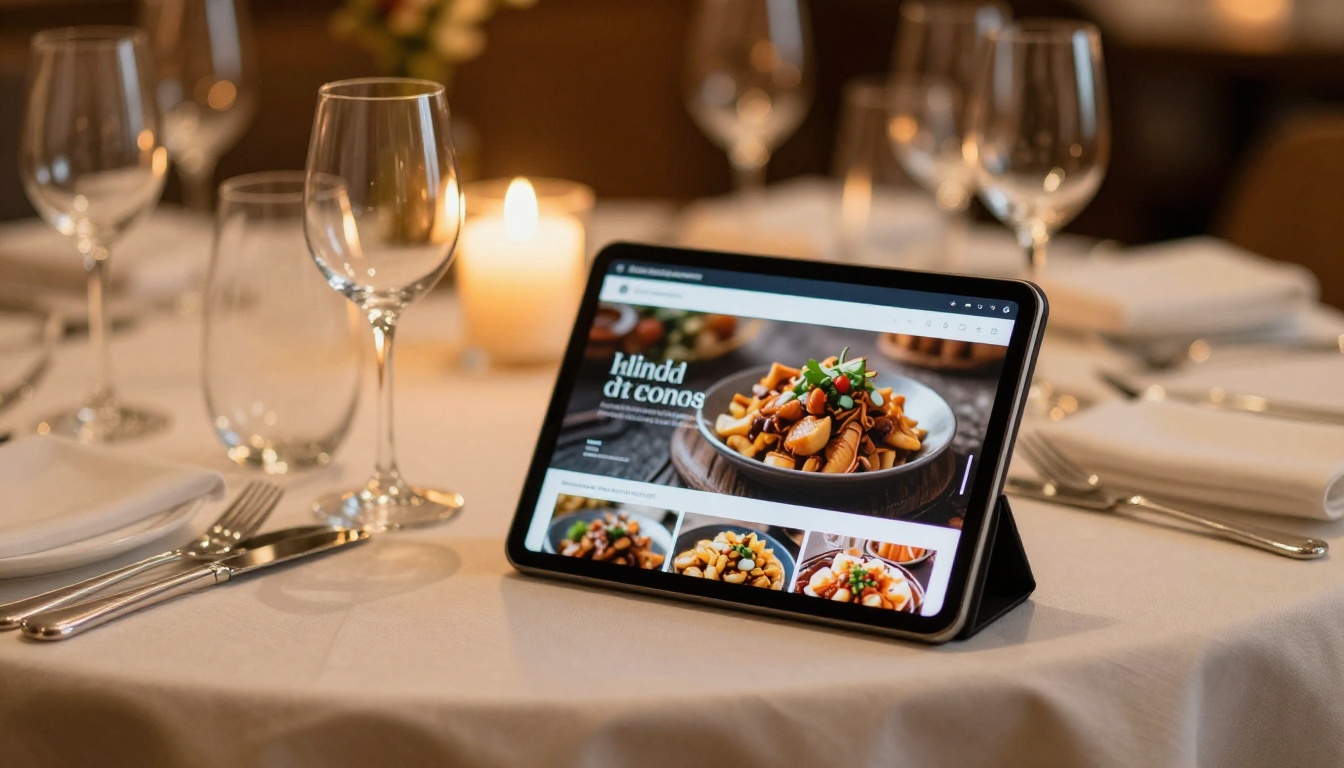
The Restaurant Menu Creator and Spa & Wellness Menu tools are purpose-built for hospitality businesses that want a polished digital presence without hiring a developer or paying for custom software.
Real Estate Agencies
Real estate agents benefit from flipbook brochures in two specific ways. First, a property brochure delivered as an interactive flipbook looks significantly more professional than a PDF attachment. Second, the analytics feature tells the agent exactly how long a prospect spent viewing the listing, which sections they returned to, and whether they clicked through to the contact form.

The Real Estate Brochure tool handles property presentations with features suited specifically for listing agents and property developers who need to share multiple listings across different audiences.
Corporate and Enterprise Teams
For companies that produce annual reports, investor decks, or board presentations, the stakes around document quality are high. A professionally formatted flipbook with the company's branding, hosted securely with password protection, is a step above emailing a PDF to a distribution list.
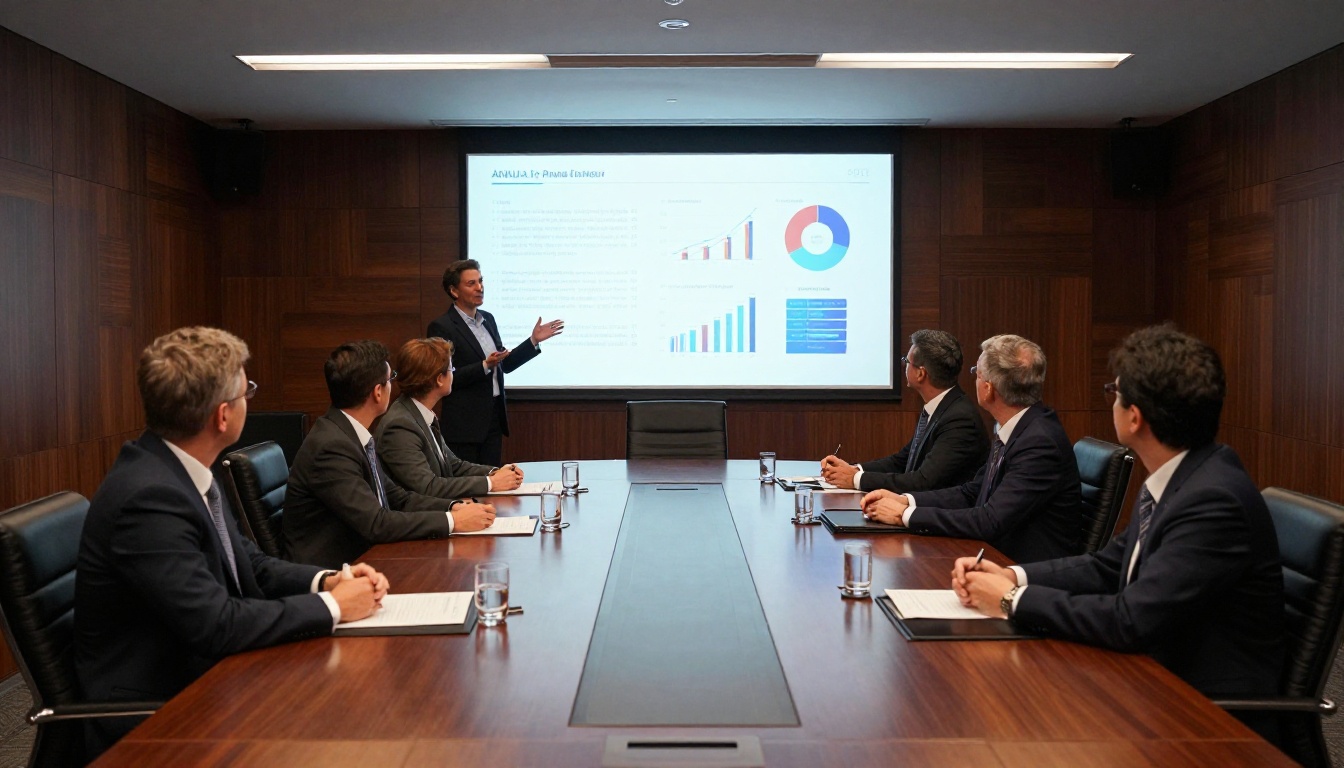
The Annual Report Creator and Corporate Report Maker tools are built for exactly this use case, with support for large multi-page documents and professional sharing workflows that maintain document integrity.
Retail and Fashion Brands
A fashion brand's seasonal lookbook is one of the highest-impact use cases for digital flipbooks. The visual nature of apparel lends itself perfectly to the page-turning format, and embedding short video clips of items in motion takes the experience further than any static PDF can.

The Interactive Lookbook Designer and Fashion Catalog tools give retailers a purpose-built path to publishing stunning digital lookbooks without starting from a blank slate.
Comparing Flipbooks AI Plans
Choosing the right plan depends on how many flipbooks your business needs and which features matter most for your specific workflow.
| Feature | Free | Standard | Professional |
|---|
| Flipbooks | Limited | Unlimited | Unlimited |
| Watermark | Yes | No | No |
| Custom branding | No | Yes | Yes |
| Password protection | No | Yes | Yes |
| Embed on website | No | Yes | Yes |
| Video and audio | No | Yes | Yes |
| Analytics dashboard | No | No | Yes |
| Lead generation forms | No | No | Yes |
| Offline downloads | No | No | Yes |
| Custom domain | No | No | Yes |
For most small and mid-size businesses, the Standard plan covers all core needs without requiring a large commitment. Teams that rely on document sharing for sales, investor relations, or client reporting will find the analytics capabilities in the Professional plan worth the investment. Review the full breakdown on the pricing page.
Common Mistakes Businesses Make
Even with a solid tool, a few avoidable mistakes can weaken the final result.
1. Using low-resolution source PDFs
The flipbook quality is only as good as the original file. Export from design software at 300 DPI or the highest resolution available before uploading.
2. Skipping branding customization
A default viewer with no brand colors or logo looks like a prototype, not a finished product. Take 10 minutes to apply your brand settings before sharing any external-facing flipbook.
3. Sharing a password-protected link without the password
This sounds obvious, but it happens regularly. When using password protection for client documents, always include the password in the same communication as the link.
4. Not testing on mobile before sharing
Most readers will open your flipbook on a phone. Test the mobile view before publishing any external-facing document, particularly for campaigns where the first impression matters.
⚠️ Warning: If you embed your flipbook on a website, test it across different browsers and screen sizes. An embed that works perfectly on Chrome may behave differently on Safari or Firefox.
5. Updating content without informing recipients
One of the advantages of a hosted flipbook is that you can update the content at any time. If readers saved the link from a previous version of a document, notify them that the content has been refreshed so they are not working from outdated information.
Flipbooks AI offers a full directory of purpose-built tools organized by business type. Instead of starting from a blank slate, you can select a tool matched to your specific use case and get a head start on the structure, layout logic, and feature set most relevant to your industry.
Browse the full tools directory to find options across:
Start Sharing Better Content Today
The businesses seeing the best results from digital flipbooks are not the ones with the biggest budgets or the largest design teams. They are the ones that simply started, picked a document they already had, converted it, and started sharing it via a proper link instead of an email attachment.
Create your first business flipbook on Flipbooks AI today. No design experience required, no large upfront commitment, and no watermarks on paid plans. Just a better way to share what your business has already built.
Compare pricing plans to choose what works for your business size and budget, or browse all available flipbook tools to find the right starting point for your industry.



