Catering is a visual business. Clients decide who they hire based on how good your food looks, how clearly you present your packages, and whether or not you feel professional enough to trust with their most important events. A digital flipbook gives you all three in one shareable link.
If you're still handing out printed menus or attaching flat PDFs to emails, you're losing bookings to competitors who figured this out earlier. Flipbooks AI turns your catering PDF into an interactive, page-turning digital publication that works on any device, looks stunning in any inbox, and costs nothing to distribute. Here's exactly how to build one.
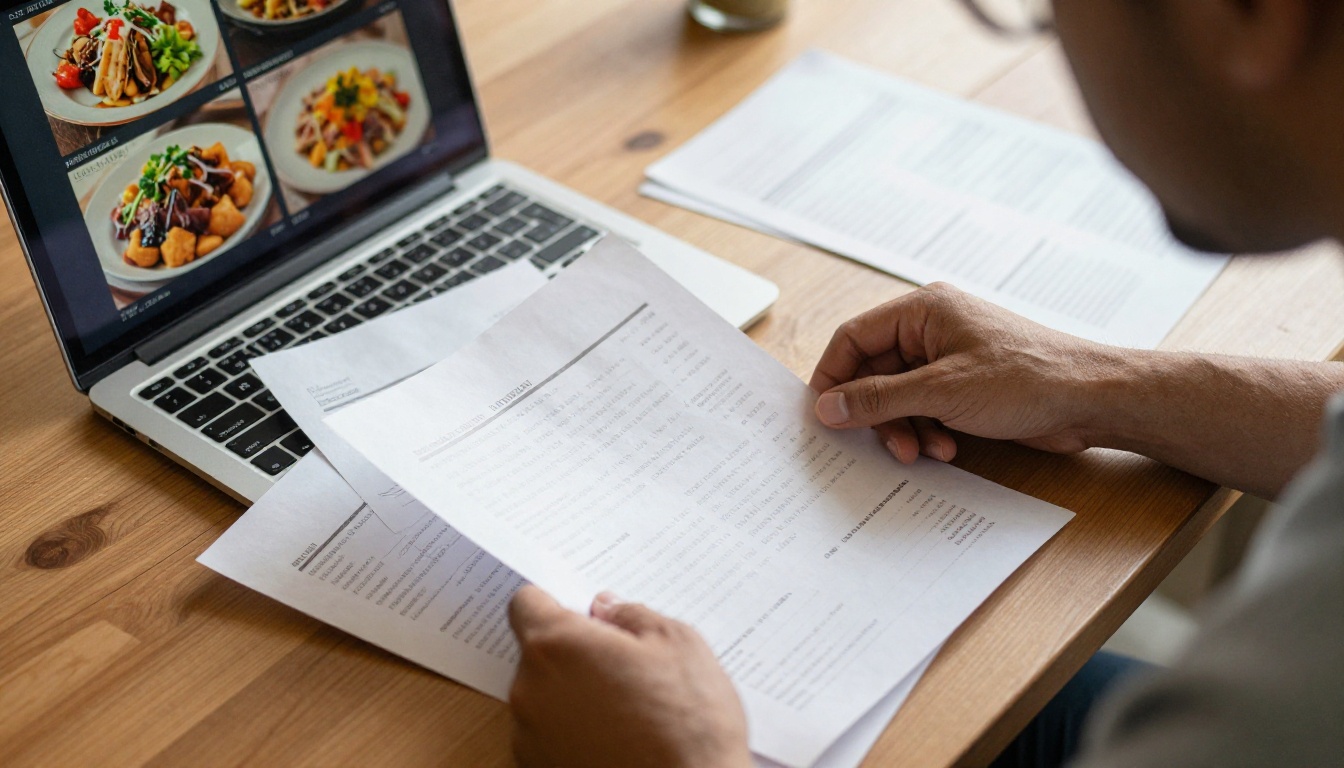
Printed menus had their moment. That moment passed.
When a prospective client asks for your catering options, they want an answer fast. They're comparing you to three other caterers at the same time, often from their phone during a lunch break. A PDF attachment gets downloaded, forgotten, or never opened. A printed menu gets lost in a stack of papers. Neither one makes an impression.
Here's what the data actually shows about digital vs. printed materials in service businesses:
| Format | Client Experience | Update Cost | Shareability | Impression |
|---|
| Printed Menu | Static, tactile | High per reprint | Zero | Dated |
| PDF Attachment | Flat, no animation | Free to edit | Low | Generic |
| Digital Flipbook | Interactive, visual | Free to update | Instant link | Professional |
| Website Page | Browsable | Dev time | High | Varies |
A digital catering flipbook wins on almost every metric. It loads fast, it flips like a real publication, and clients can share it directly with their partner, their event coordinator, or their boss without printing a single page.
💡 Pro tip: Caterers who send a flipbook link instead of a PDF report significantly higher response rates from prospective clients. The visual difference is immediate.
What a Catering Flipbook Actually Contains
A great catering flipbook is not just your menu reformatted. It is a full sales document that does the heavy lifting for you before a single phone call happens.
The Core Pages Every Caterer Needs
A high-converting catering flipbook typically includes these sections, in this order:
- Opening page with your brand, a stunning hero food photo, and your tagline
- About your service with a short, warm intro to who you are and what you specialize in
- Menu categories broken into clear sections (appetizers, mains, desserts, beverages)
- Package tiers with pricing or pricing guidance
- Dietary options (vegan, gluten-free, halal, kosher, allergy-friendly)
- Event types you serve (weddings, corporate, private parties, social events)
- Add-on services (staffing, equipment rental, setup, breakdown)
- Gallery spread with high-quality food and event photography
- Testimonials page with real client quotes
- Contact and booking information with direct links or QR codes
Each of these sections works better in a flipbook than in any other format because clients can browse at their own pace, zoom into food photography, and forward specific pages to decision-makers.
Event-Specific Versions Worth Building
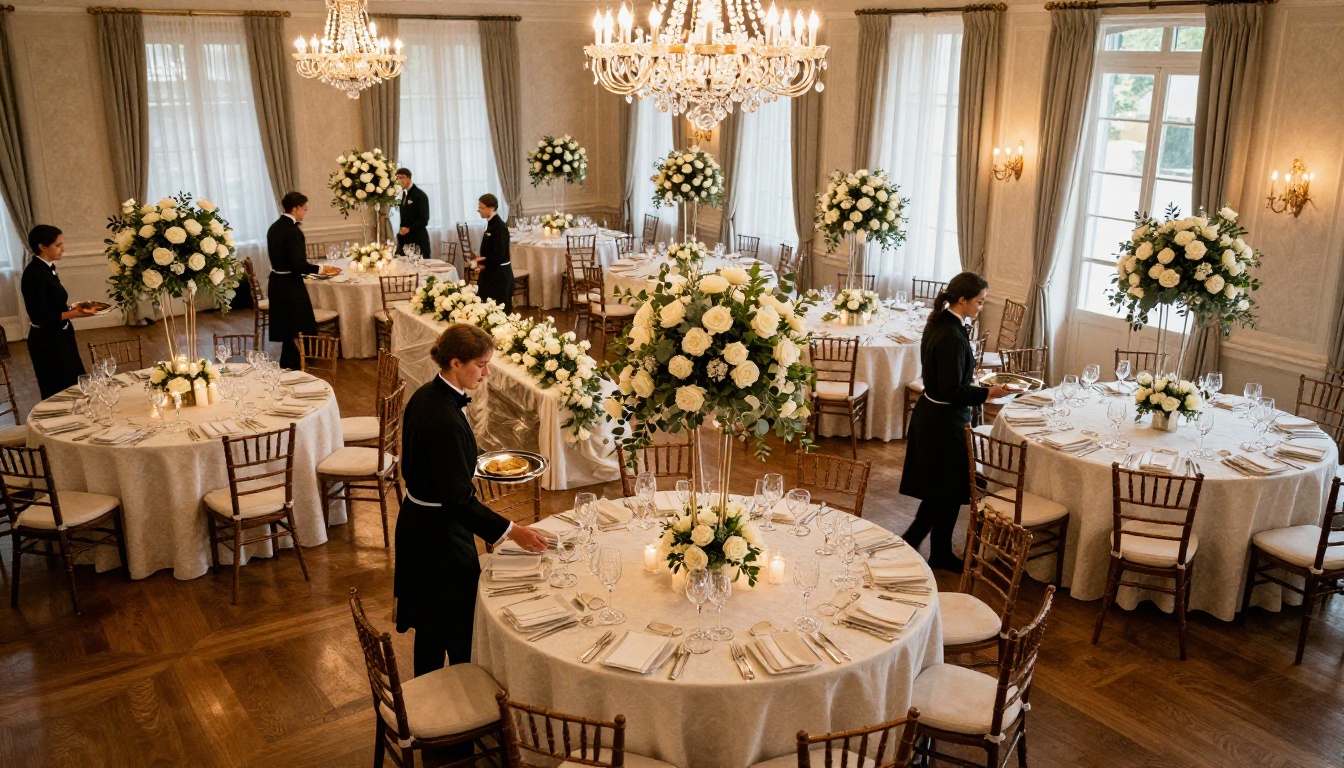
One of the most overlooked strategies in catering marketing is building event-specific flipbooks rather than one generic menu. Consider having separate flipbooks for:
- Wedding catering: Elegant presentation, ceremony and reception packages, tasting menu options
- Corporate catering: Drop-off lunch menus, buffet packages, dietary accommodations, per-head pricing
- Social events: Cocktail parties, birthday celebrations, backyard gatherings
- Holiday packages: Thanksgiving, Christmas, New Year's, seasonal specials
When a client asks about a corporate lunch, you send them the corporate flipbook. When a bride asks about reception catering, she gets the wedding version. Targeted materials close faster than generic ones.
How to Build Your Catering Flipbook Step by Step
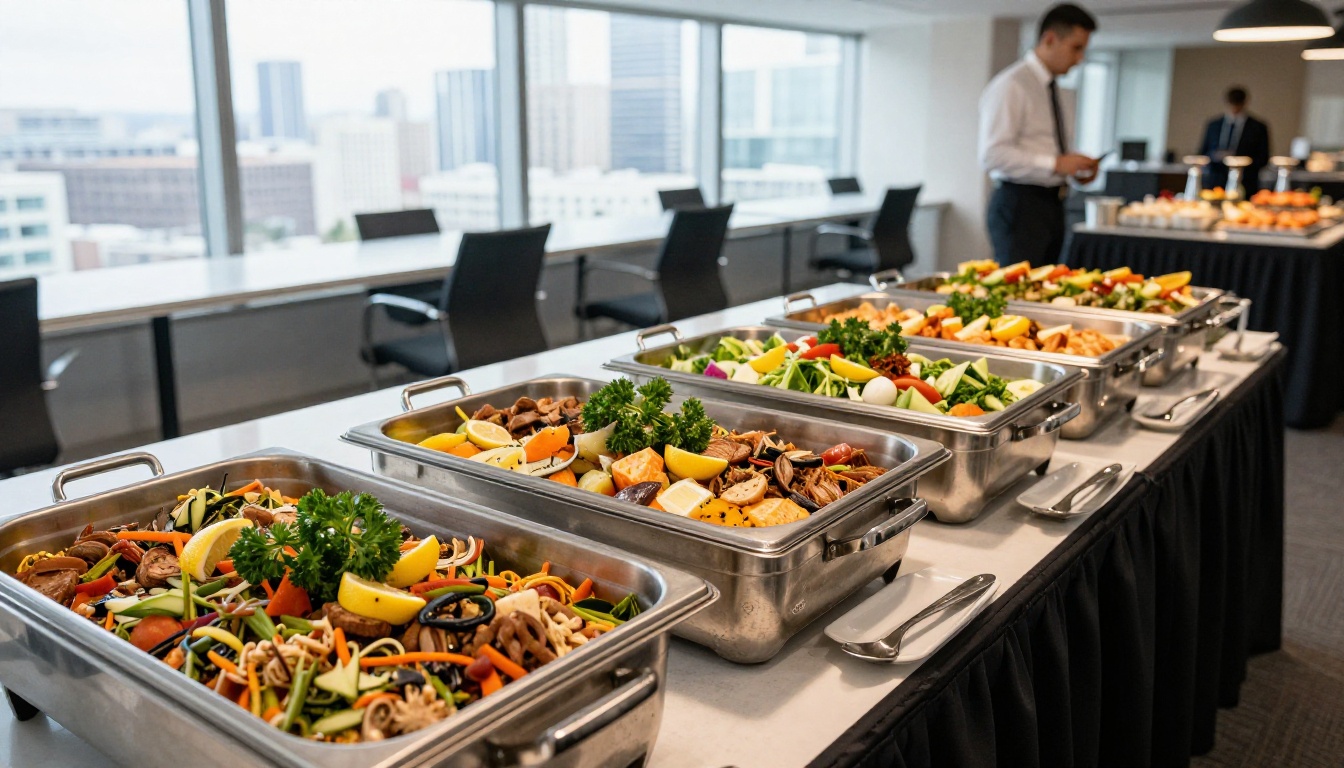
This is the actual process. It takes less time than you think.
Step 1: Build Your PDF in Your Preferred Tool
Start in whatever design tool you already use. Canva, Adobe InDesign, Google Slides, Microsoft Publisher, it doesn't matter. The goal is a well-designed PDF that includes your branding, your menu content, and your photography.
If you don't have a designer on staff, Canva has free catering menu templates you can customize in under an hour. The important thing is getting all your content into a single, well-organized PDF file before you move to the next step.
Keep these PDF specs in mind:
- Use high-resolution images (at least 300 DPI for print quality, though screen export works fine)
- Design in landscape or portrait consistently throughout
- Keep fonts clean and readable at small sizes
- Leave some white space; cramped menus feel cheap
Step 2: Create Your Account on Flipbooks AI
Go to Flipbooks AI and create a free account. The platform supports PDF uploads from any source and handles the conversion automatically.
No credit card required for the free tier. You can upload your first catering menu and see exactly how it looks as an interactive flipbook before committing to any paid plan.
Step 3: Upload and Convert Your PDF
Once you're logged in, upload your catering PDF. The conversion happens in seconds. The platform automatically creates a page-turning flipbook with smooth animations that replicate the feel of flipping through a printed publication.
✅ Best practice: Name your PDF file clearly before uploading (e.g., autumn-wedding-catering-menu-2025.pdf). This keeps your library organized as you build multiple flipbooks over time.
Step 4: Customize Your Branding
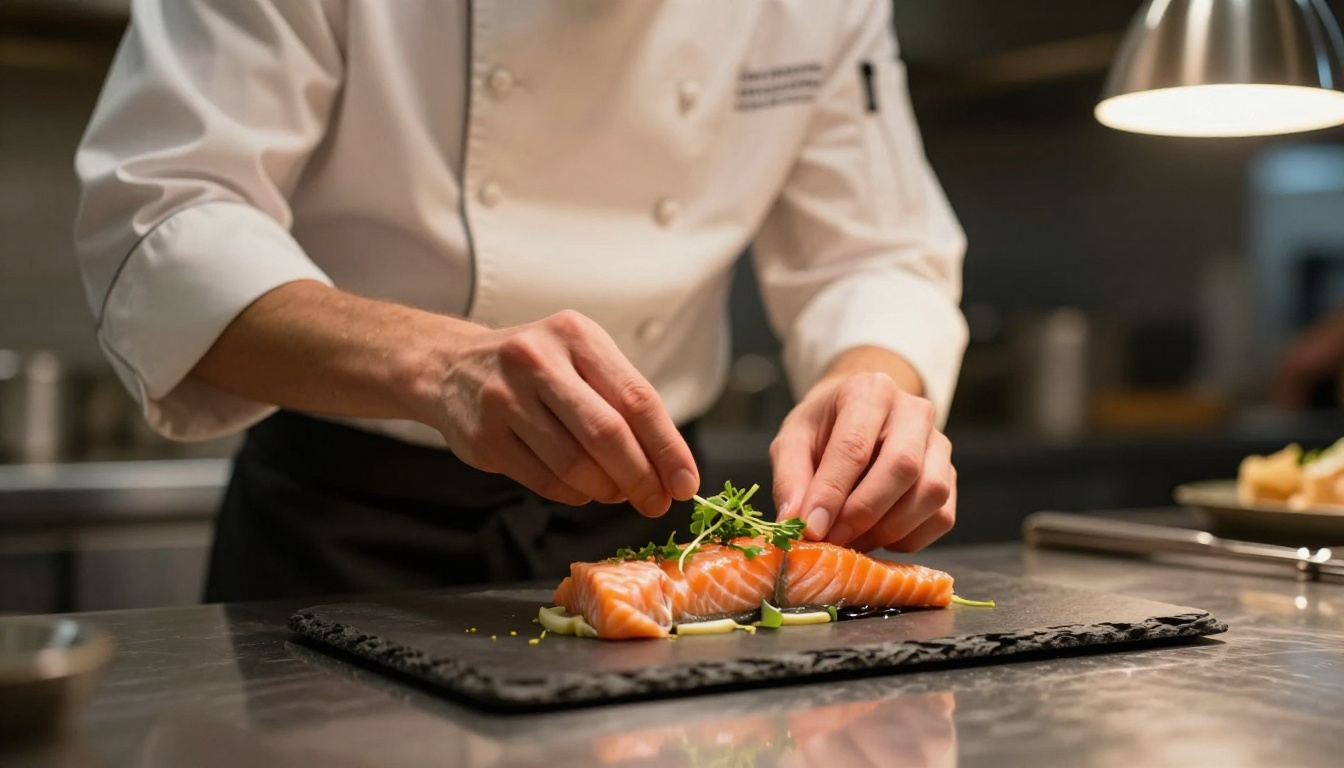
After conversion, customize your flipbook to match your brand. The Menu Flipbook Designer and Restaurant Menu Creator tools are particularly well-suited for catering businesses.
You can adjust:
- Background colors and themes to match your brand palette
- Logo placement on the flipbook viewer
- Custom domain (on higher plans) so the link looks like it belongs to your business
- Page effects including realistic page-flip sounds and smooth transitions
- Table of contents for easy navigation on longer documents
Step 5: Set Up Sharing Options
This is where digital flipbooks genuinely beat every other format.
Once your catering flipbook is published, you get:
- A direct shareable link you can paste into any email, WhatsApp message, or Instagram bio
- An embed code to place the flipbook directly on your website's catering page
- QR code to print on business cards, signage, or table cards at tasting events
- Password protection for confidential pricing documents (available on Standard plan and above)
The Embed Flipbook on Website tool makes the website integration seamless, even if you have no technical background.
Step 6: Share and Track Performance
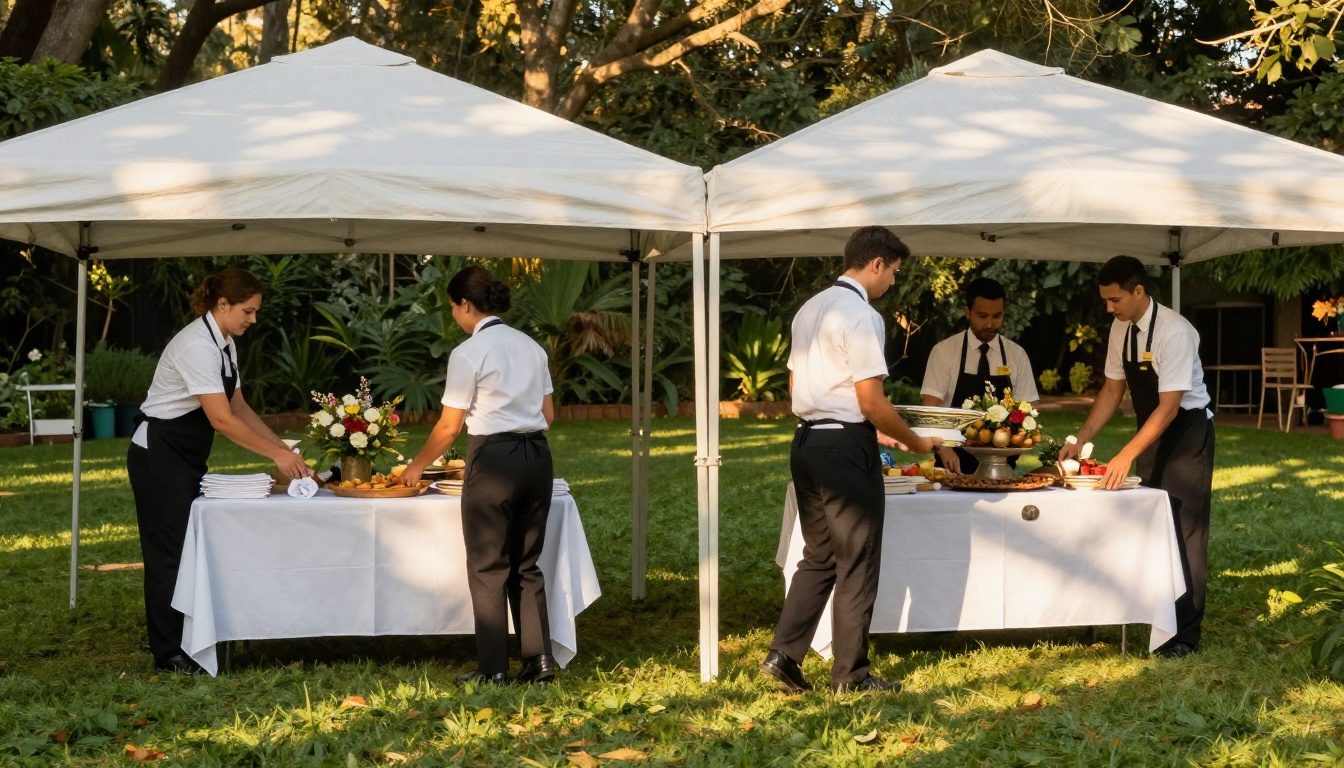
With the Professional plan, you gain access to analytics that show you exactly how clients interact with your flipbook. You can see:
- Which pages they spent the most time on
- How many times each flipbook was opened
- Where traffic came from
- Lead generation forms that capture contact info directly inside the flipbook
This data is genuinely useful. If you notice clients keep dropping off at page 7 (your pricing page), that tells you something about how you're presenting packages. If they spend three times as long on your desserts section, you know what to lead with in your next sales conversation.
What Makes a Catering Flipbook Actually Work
Most catering menus fail not because of the food but because of how the food is presented. Here are the three factors that separate a flipbook clients forward to their partners from one they close immediately.
Food Photography Is Non-Negotiable
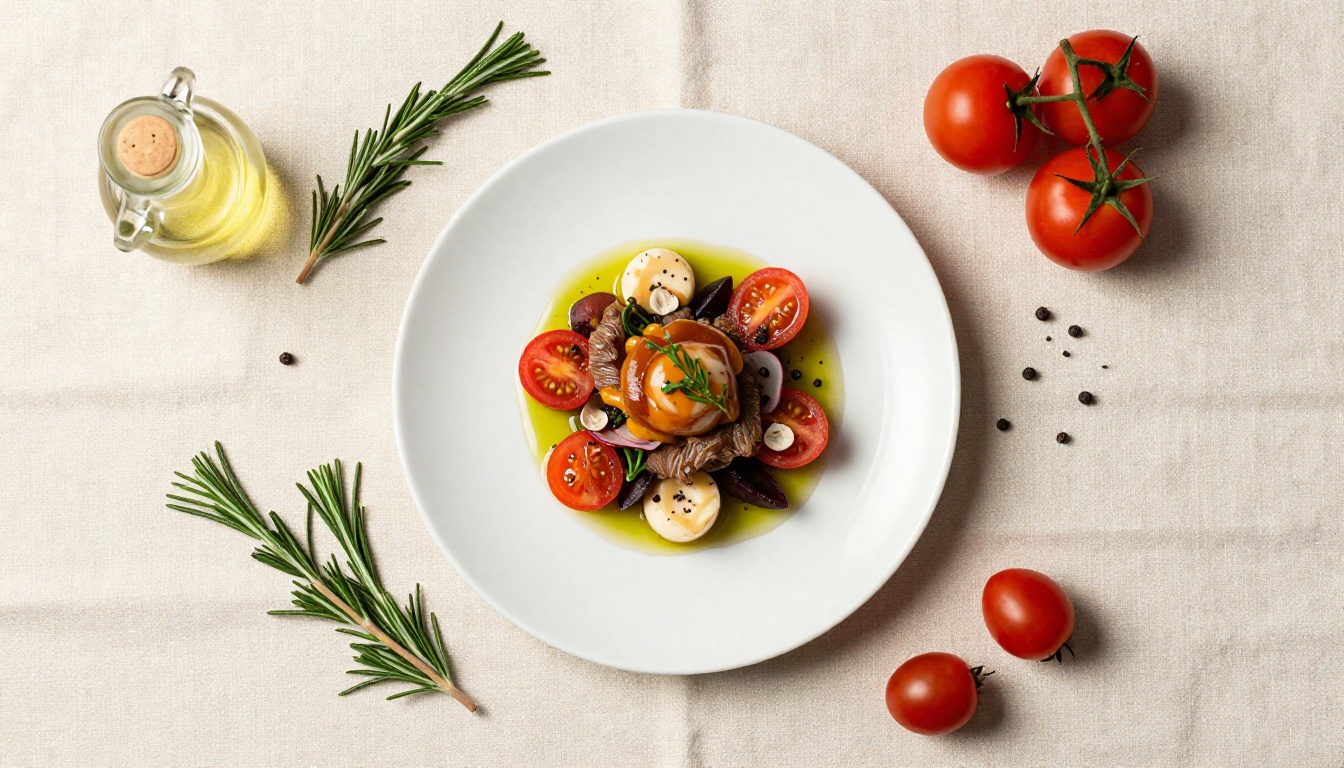
If you're using phone photos from events two years ago, your flipbook will not convert. Invest in one professional food photography session. A half-day shoot with a food photographer costs between $400 and $1,200 depending on your market. The return on that investment, measured in just one or two additional bookings, pays it back many times over.
What to shoot:
- Hero shots of your most popular dishes
- Spread shots showing full buffet or family-style setups
- Detail shots of garnishes, plating, and textures
- Behind-the-scenes prep shots that build credibility and warmth
Package Clarity Beats Endless Options
Caterers often over-complicate their menus. Clients don't want 47 options with custom pricing on every line. They want three clear packages at three clear price points, with obvious upgrade paths.
| Package | Best For | Typical Includes | Price Range |
|---|
| Essential | Small events (under 50 guests) | 2-course meal, basic staffing | $45-65/person |
| Premium | Mid-size events (50-150 guests) | 3-course meal, full staffing, setup | $75-110/person |
| Signature | Large or luxury events (150+) | Full menu, sommelier, decor coordination | $120+/person |
When clients can see exactly what they get at each tier, they make decisions faster and request fewer back-and-forth emails. A flipbook with a clean pricing table on a dedicated spread makes this even more effective.
Testimonials and Social Proof Close Deals
Real quotes from real clients, placed strategically in your flipbook (not buried at the end), do more for your conversion rate than any amount of promotional copy. Include the client's first name, the event type, and if possible a photo from their actual event.
💡 Pro tip: Ask for a testimonial within 48 hours of an event while the experience is still fresh. A quick text or email asking "Would you be willing to share a few words about your experience?" gets a much higher response than a formal review request two weeks later.
Catering Flipbook Ideas That Work for Every Event Type
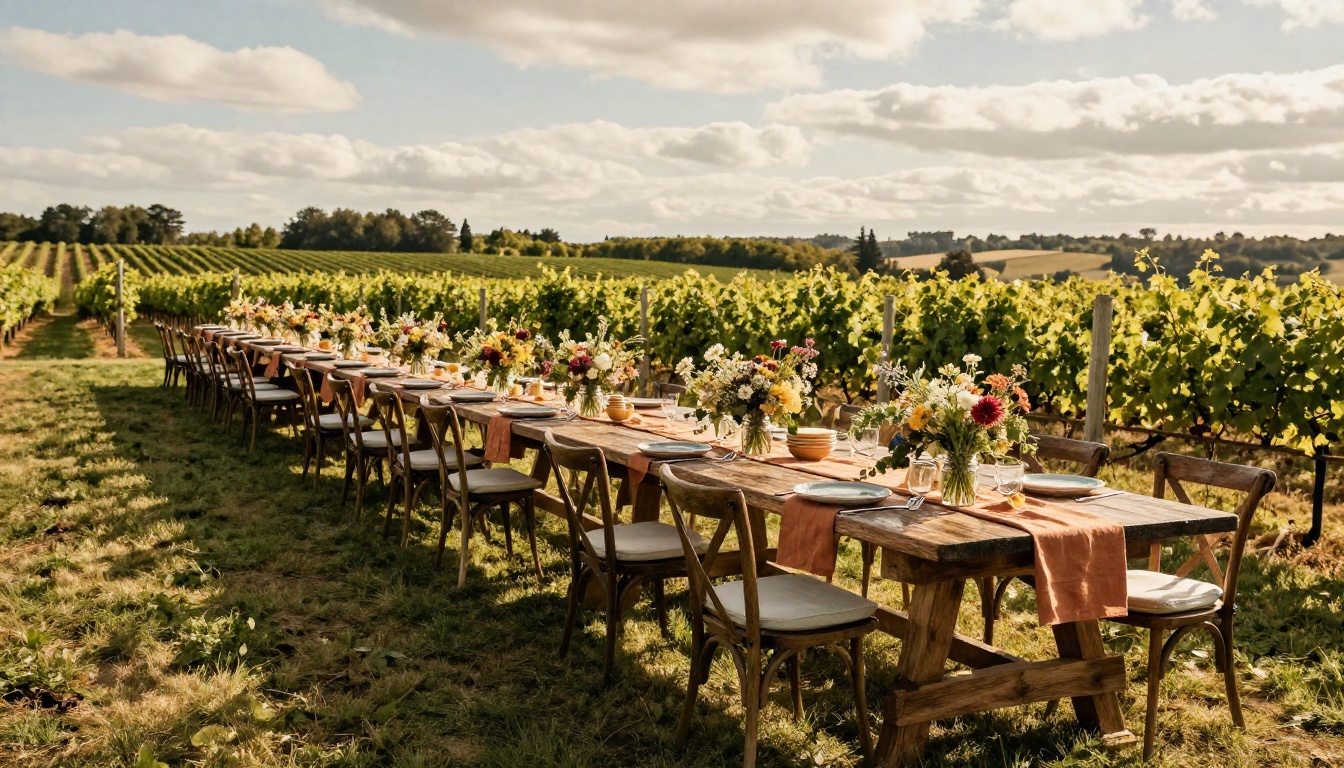
The flexibility of digital flipbooks means you can create targeted versions for every type of event you serve.
Wedding Catering Flipbooks
Wedding clients are doing serious research. They're comparing multiple caterers, bringing their partners into the decision, and caring deeply about presentation. A polished wedding catering flipbook signals that you take their event as seriously as they do.
Include a dedicated spread for:
- Cocktail hour appetizer selection
- Ceremony vs. reception menu differences
- Tasting session information
- Day-of staffing and coordination details
Corporate Catering Flipbooks
Corporate clients buy on two things: reliability and simplicity. They need to know you'll show up on time, the food will be good, and invoicing will be clean.
For corporate, your flipbook should front-load:
- Per-head pricing for different formats (drop-off, buffet, plated)
- Minimum order sizes and lead times
- Dietary accommodation confirmations
- Invoice and payment terms
Seasonal and Holiday Menus
Update your flipbook every quarter with seasonal ingredients and holiday-specific offerings. A Thanksgiving catering flipbook sent to your past clients list in early October is a simple email that converts reliably every year.
The Digital Price List Generator can help you build clean pricing spreads quickly as you roll out seasonal updates.
Flipbooks AI Plans for Catering Businesses
Here's a clear breakdown of what you get at each tier when you compare pricing plans:
| Feature | Free | Standard | Professional |
|---|
| Flipbooks | 1 | Unlimited | Unlimited |
| Watermark | Yes | No | No |
| Password Protection | No | Yes | Yes |
| Custom Branding | No | Yes | Yes |
| Analytics | No | No | Yes |
| Lead Generation | No | No | Yes |
| Offline Downloads | No | Yes | Yes |
| Embed on Website | Yes | Yes | Yes |
| Mobile Responsive | Yes | Yes | Yes |
For most catering businesses, the Standard plan covers everything needed: unlimited flipbooks, no watermarks, password protection for pricing documents, and offline downloads for clients who want a saved copy. The Professional plan makes sense once you're actively tracking which flipbooks convert and want to capture leads directly through the document.
⚠️ Watch out for: Free plan flipbooks include a watermark that appears on every page. For client-facing materials, this looks unprofessional. Upgrading eliminates it completely.
Getting Your Flipbook in Front of the Right People
Creating a great catering flipbook is half the job. The other half is making sure prospective clients actually see it.
Email Outreach That Works
Stop attaching PDFs to inquiry responses. Instead, paste your flipbook link directly in the body of the email with one line: "Here's our current catering menu. You can flip through it directly in your browser or forward it to anyone involved in the planning." That line converts better than any sales pitch.
Social Media Integration
Share individual pages from your flipbook as static image posts on Instagram or Facebook. Each dish photo, each pricing spread, each testimonial page can be its own piece of content. Then link back to the full flipbook in your bio.
Your Website's Catering Page
Embedding your flipbook directly on your catering page using the Embed Flipbook on Website tool keeps visitors on your site longer and gives them a full, professional experience without any downloads.
✅ Best practice: Create a dedicated catering inquiry page on your website where the flipbook is embedded front and center, with a contact form below it. Visitors who browse the full flipbook before submitting an inquiry are significantly more ready to book.
Build It Once, Use It Everywhere
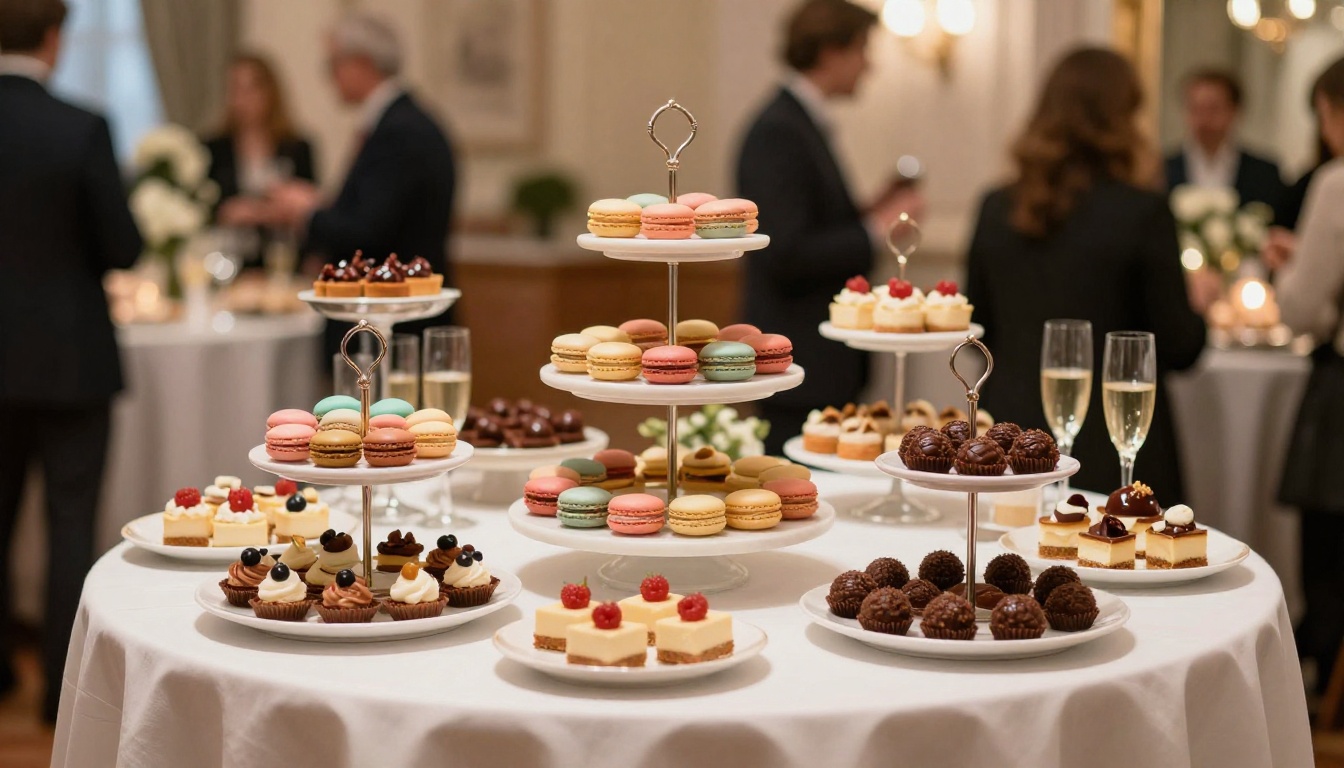
A catering flipbook is not a one-time project. It is a living sales asset that grows with your business.
You can update it any time your menu changes, swap photos as you shoot new events, add seasonal specials without reprinting anything, and create new versions for new markets you enter. Every update takes minutes, not days, and costs nothing beyond the time you put in.
The caterers who invest in this early, before their competitors do, build a compounding advantage. Their materials look better, their clients arrive more informed, and their booking conversations start from a position of credibility rather than explanation.
Ready to build yours? Get started for free on Flipbooks AI and have your first catering flipbook live by end of day. Browse all available tools and templates to find the right format for your business, or compare plans to choose the features that fit where you are right now.



