Running a membership site is harder than it looks. You spend hours creating resources, e-books, training materials, and monthly content drops, and then you attach a flat PDF to an email and hope for the best. Members download it, maybe. Or they close the tab and forget it exists. Flipbooks AI changes that equation entirely by turning your static documents into interactive, page-turning experiences that members actually want to open, read all the way through, and return to later.
Why Static PDFs Are Hurting Your Retention
You have built something valuable. The content is good. But the delivery format is working against you every single time a member has to download a file, wait for it to open, and zoom in on small text using a PDF viewer not designed for screen reading.
The problem with flat documents
PDFs were designed for printing. When a member downloads a PDF on their phone, they are squinting at small text, zooming in and out, losing their place, and fighting with a reading experience that was never built for their device. There is no interactivity, no visual hierarchy that adapts to screen size, and no way for you to see whether they actually engaged with the material at all.
The result is predictable: members skim the first page, feel vaguely satisfied, and move on. That pattern is a churn risk hiding inside every PDF you send. If your content does not feel worth opening, it will not feel worth renewing.
What members actually respond to
Interactive content holds attention differently. A flipbook has a visual, tactile quality that mimics print magazines and books, but it loads instantly in a browser, works perfectly on mobile, requires no download, and can be embedded directly inside your membership portal so members never have to leave your platform to access it.

Members who engage with interactive content are more likely to:
- Complete the material they started rather than abandoning halfway through
- Return to the member area when the next content drop goes live
- Share their positive experience with peers and colleagues in their network
- Stay subscribed because they associate your platform with polished, high-quality delivery
💡 Interactive formats consistently increase time-on-page by 40 to 60 percent compared to static documents. That number matters enormously when member retention is your primary growth lever.
What You Need Before You Start
A bit of preparation before you upload will save significant time and produce a sharper final result.
Preparing your PDF content
Your flipbook inherits the quality of the PDF you start with. Before uploading, check these five things:
- Consistent page size: Use A4 or Letter throughout. Mixed page sizes create awkward layout shifts in the reader.
- Readable typography: Use clean fonts at 11pt or above. Decorative fonts below 10pt become unreadable on mobile screens.
- High-resolution images: Embed images at 150 DPI minimum. Low-res images look blurry when the flipbook viewer zooms in.
- File size: Keep your PDF under 50MB for fast upload and smooth processing. Large files with embedded video should use the multimedia embed feature inside the flipbook instead.
- Adequate margins: Allow at least 10mm margins on all sides so content does not get clipped by the page-curl animation effect.
If you are creating fresh content specifically for your membership, design tools like Canva, Adobe InDesign, and Google Slides all export clean, print-quality PDFs in one click.
Choosing the right platform
Not all flipbook tools are built for membership sites. The features that free or basic converters lack, specifically password protection, custom branding, embed codes, and analytics, are exactly the features that make the difference between a professional member experience and a generic document viewer.
| Feature | Free Tools | Flipbooks AI Standard | Flipbooks AI Professional |
|---|
| Password protection | No | Yes | Yes |
| Custom branding and logo | Limited | Yes | Yes |
| Embed code for websites | Sometimes | Yes | Yes |
| Analytics and read tracking | No | No | Yes |
| Lead generation gate | No | No | Yes |
| Offline downloads for members | No | Yes | Yes |
| Unlimited flipbooks | No | Yes | Yes |
| Watermark-free output | No | Yes | Yes |
| Mobile-responsive reader | Partial | Yes | Yes |
✅ For most membership sites, the Standard plan on Flipbooks AI covers every feature you need to deliver polished, password-protected content. Upgrade to Professional when you want to track exactly who is reading what and for how long.
How to Create a Flipbook on Flipbooks AI
Here is the exact process, step by step, from account creation to embedding on your membership page.
Step 1: Create your account
Head to flipbooksai.com/account and sign up. The process takes under two minutes. Once you are inside, you will land on your dashboard where all of your flipbooks are organized and accessible.
Step 2: Upload your PDF
From the dashboard, click "Create New Flipbook" and select your prepared PDF file. The PDF to Flipbook Converter handles the conversion automatically. Processing typically takes between 20 and 60 seconds depending on the number of pages and embedded assets.

Once processing completes, you will see a live interactive preview. Flip through every page carefully before moving forward. Verify that images are sharp, text is legible at default zoom, and page order matches your source document.
Step 3: Customize the look and feel
This is where your membership brand comes through. The customization panel gives you direct control over how the flipbook looks and behaves for every member who opens it.

Settings you can configure include:
- Color scheme: Enter your exact brand hex codes for background, toolbar, and accent colors
- Page flip animation: Choose between soft page curl or hard page turn styles
- Logo placement: Upload your logo to appear in the reader toolbar on every page
- Background texture: Select solid color, gradient, or upload a custom texture image
- Multimedia embeds: Add videos and audio directly onto specific pages of the flipbook
- Reading controls: Toggle the sidebar, thumbnail strip, and fullscreen button on or off
💡 If your membership platform uses a specific brand palette, matching those colors exactly in the flipbook reader makes the content feel native to your site rather than hosted on a third-party tool. Members notice this, even if they cannot articulate why.
Step 4: Set up password protection
For member-only content, password protection is essential. Inside the Sharing settings panel, toggle on Password Protection and create a strong password that you distribute to active members only.

You have several practical options:
- Set a single password shared with all active members for a given content period
- Rotate the password with each monthly content drop to automatically lock out members who do not renew
- Combine password protection with a direct link sent via your membership platform's email system
⚠️ If you update your membership access credentials and forget to rotate your flipbook password at the same time, former members retain access to your premium content. Make it a habit to update both simultaneously at the start of each billing cycle.
Step 5: Embed the flipbook on your membership page
Once your flipbook is published and protected, copy the embed code from the Share panel. This is a standard HTML iframe snippet that you paste directly into any page editor your membership platform provides.
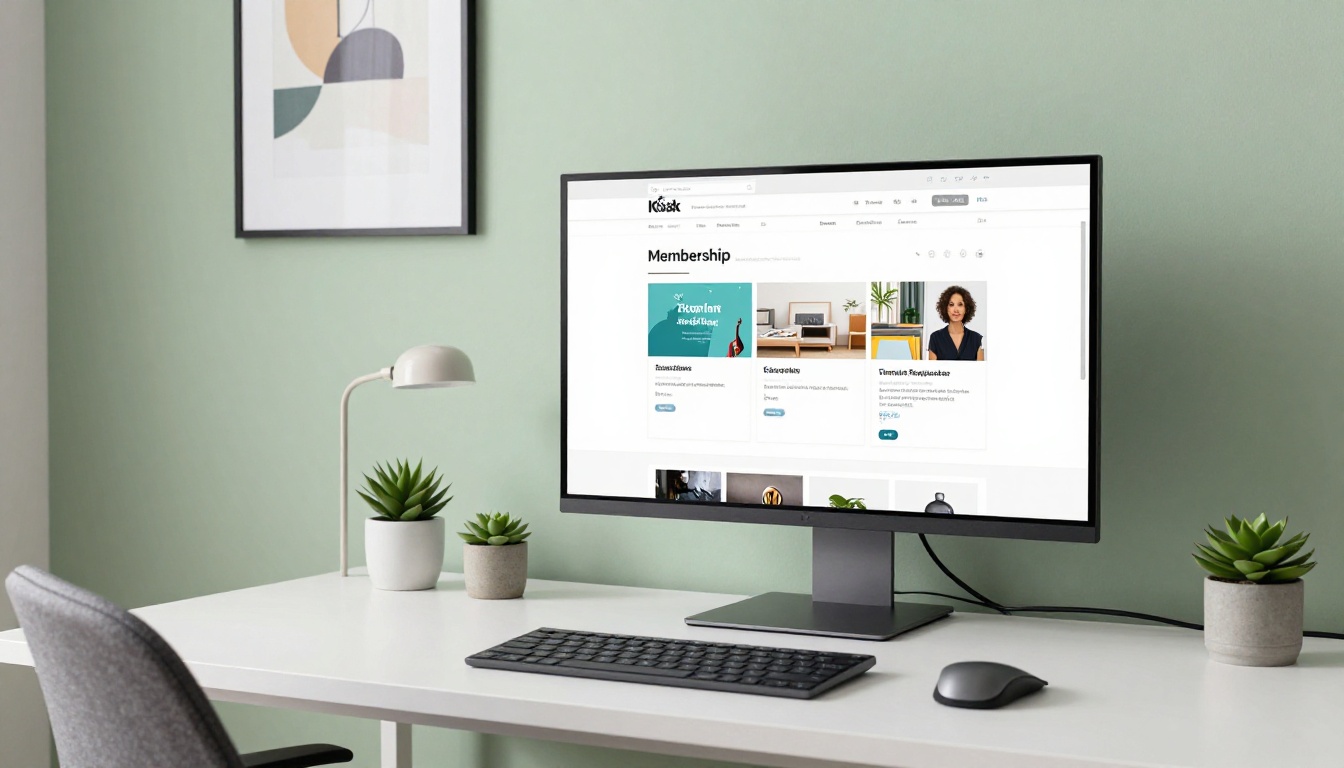
The Embed Flipbook on Website tool lets you configure the embedded reader precisely:
- Responsive sizing: The reader fills its container automatically across screen sizes
- Auto-flip timer: Set pages to advance automatically for presentation-style content
- Starting page: Deep-link members directly to a specific section without them having to scroll there
- Toolbar visibility: Hide controls for a clean, distraction-free reading experience
This embed approach works natively with WordPress, Kajabi, Teachable, Memberful, Podia, Circle, and any platform that accepts custom HTML blocks in the page editor.
Step 6: Track engagement with analytics
On the Professional plan, the analytics dashboard gives you visibility into how members are actually engaging with your content.

You can see:
- Total opens per flipbook, broken down by time period
- Average reading session duration
- Page-level heatmaps showing which sections hold attention longest
- Drop-off points where members stop reading
- Lead capture data if you have enabled the email gate feature
Knowing which pages get skipped tells you where your content loses momentum. Knowing which pages get re-read multiple times tells you what your members find most valuable and what to create more of next month.
Real Ways Membership Sites Use Flipbooks
The format is versatile enough to fit a wide range of membership models. Here is how different site owners are putting it to work.
Online courses and training modules
An educator running a marketing strategy course can publish each module as a standalone flipbook instead of a static workbook PDF. Members access the module directly on the course page, flip through the content without downloading anything, and return to specific sections using the built-in thumbnail navigation.
The Course Material Publisher and Training Manual Flipbook tools are built specifically for this use case, with layouts optimized for instructional content.

Monthly resource libraries and digital magazines
Subscription sites that publish monthly content bundles, whether recipe collections, investment research reports, or niche industry newsletters, can format each release as an interactive publication that feels premium from the moment it loads.
The E-Magazine Publishing Tool and Newsletter Flipbook Publisher handle exactly this workflow, converting editorial-style PDFs into richly designed digital publications with smooth page animations.

Creative and visual membership communities
Photography communities, fashion educators, and design curators use flipbooks to deliver visual content that simply does not work in a flat PDF. The Interactive Lookbook Designer creates gallery-quality presentations where images fill the full page and transitions feel intentional rather than mechanical.
Matching content to membership tiers
A structured tier system lets flipbooks do real work at every level of your membership program:
| Membership Tier | Flipbook Content Type | Access Method |
|---|
| Free / Trial | Sample chapter, preview issue | Public link, no password |
| Basic | Monthly newsletter, resource pack | Password protected direct link |
| Standard | Full course modules, workbooks | Embedded on member page |
| Premium | Research reports, exclusive guides | Analytics enabled, email gate |
| VIP / Mastermind | Custom branded reports, playbooks | Offline download, white-label branding |
Lead generation inside your flipbook content
The Professional plan lets you add a lead capture gate that triggers mid-read. A visitor reaches page 3, 5, or whichever trigger point you set, and sees a short email opt-in form before they can continue reading. This approach works well for:
- Publicly promoted sample flipbooks shared on social media
- Webinar follow-up resources sent to cold audiences
- Free preview chapters designed to convert browsers into paying members
3 Common Mistakes That Hurt the Experience
Getting the most from flipbooks means knowing where things tend to go wrong.
Uploading low-resolution source files
If your source PDF has blurry images or pixelated text, the flipbook inherits those problems directly. Always export your PDF at the highest resolution your design tool supports before uploading. In Canva, choose "PDF Print" not "PDF Standard." In InDesign, use the Press Quality preset.
Not testing on mobile before publishing
A significant portion of your members will open your content on their phone. Before hitting publish, view your flipbook on an actual mobile device, not just a responsive preview window. Check that body text is readable at default zoom and that any buttons or clickable elements are large enough to tap without precision.
✅ Flipbooks AI generates mobile-responsive flipbooks by default. Page-turn animations and all navigation controls automatically adapt to touch input, so the core reading experience is solid. Your job is to verify that the content inside the PDF is itself mobile-friendly.
Letting content go stale without a review process
A flipbook with outdated pricing, broken internal links, or last year's branding reflects badly on your entire membership operation. Schedule a quarterly review of every active flipbook in your account. Update any content that has changed, rotate passwords if needed, and retire flipbooks that are no longer relevant to your current curriculum or content strategy.
The Distribution and Visibility Advantage
Beyond the member experience itself, flipbooks offer distribution benefits that static PDFs simply cannot match.
Each flipbook hosted on Flipbooks AI gets its own permanent URL. You can share that link directly on social media, include it in email campaigns, or reference it from your blog without requiring any download. This frictionless access means more people actually view the content rather than saving it to a downloads folder they never open.
Because the flipbook content renders in a browser and is indexed by search engines, well-written flipbook content can drive organic traffic to your membership site over time. Potential subscribers may find your free sample flipbooks through search and convert into paying members after reading what you publish.
Sharing options at a glance
| Sharing Method | Best For | Password Support |
|---|
| Direct URL | Email campaigns, social media posts | Yes |
| Embed code | Membership pages, course platforms | Yes |
| QR code | Physical event materials, print collateral | Yes |
| Offline download | Members who travel or work without reliable internet | Yes (Professional plan) |
Ready to Build Your First Member Flipbook
If you are running a membership site and still sending content as email PDF attachments, you are leaving member satisfaction and long-term retention on the table. The switch to interactive flipbooks takes less than an hour for your first publication, and the difference in how members respond to the content is visible immediately.
Get started for free on Flipbooks AI and convert your first PDF today. Browse all available tools and templates to find the format that fits your specific content type, whether that is course modules, monthly magazines, resource packs, or curated lookbooks. When you are ready to add engagement analytics and lead generation to your membership content strategy, compare pricing plans to find the tier that fits your operation.
Your members are paying for real value. Make sure your content delivery matches the quality of what is inside it.



