Your salon's service menu deserves better than a laminated sheet behind the front desk. Whether you run a boutique hair studio, a luxury nail salon, a barbershop, or a day spa, how you present your services says everything about the experience clients can expect before they even sit in your chair. A digital salon flipbook changes that first impression permanently, and with Flipbooks AI, you can have one live and shareable within minutes.
This is everything you need to know about making a flipbook for your salon: what to put in it, how to build it, and why salons that make the switch never go back to paper.
Why Salons Are Moving Away from Print
Paper menus had a good run. But they come with problems that every salon owner recognizes:
- They get damaged. Stained, torn, or faded menus sitting in your waiting area signal neglect, even when the rest of your salon is spotless.
- Updating them costs money. Every price change or new service means reprinting, redesigning, and redistributing all over again.
- They cannot be shared. A client who loves your menu cannot forward it to a friend or save it for later.
- They do not show what you can do. A text list of services is not the same as a gallery of real transformations.
Digital flipbooks solve all four problems at once. They look like a real, physical publication, with realistic page-turning animation and a clean editorial layout, but they live on any device, update instantly, and can be shared with a single link.
The Problem with Static PDFs
A PDF is better than paper, but it still falls short. PDFs do not have page-flip animations. They feel like attachments, not experiences. They are not mobile-responsive by default, and they do not carry your brand. A flipbook built on Flipbooks AI loads instantly on any phone or tablet, feels like a premium magazine, and keeps clients engaged far longer than a flat file ever will.
💡 Pro tip: Share your salon flipbook link in your Instagram bio, your Google Business profile, and your booking confirmation emails. It works harder than a static PDF in every single one of those placements.
What to Put in Your Salon Flipbook
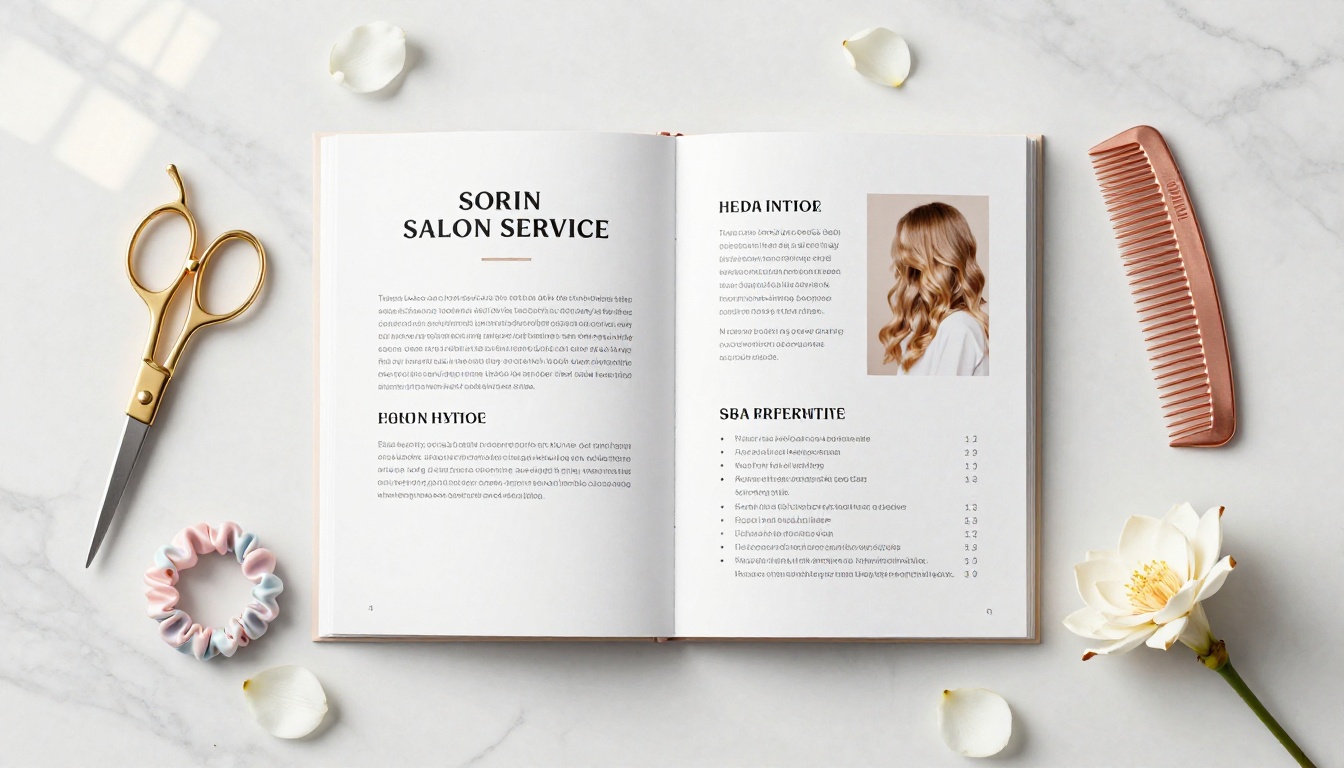
The best salon flipbooks are not just service lists. They are a miniature brand experience. Here is what to include:
Your Service Menu and Pricing
This is the core. Organize services by category: cuts, color, treatments, styling, add-ons. Include prices alongside each service and, where relevant, a note on timing ("Color correction: starting at $180, 3 to 4 hours"). Clients dislike surprises at checkout. Showing pricing upfront builds trust and attracts the right clientele.
A Before and After Portfolio
Nothing sells a stylist like results. Dedicate a spread or two to before-and-after transformations: balayage, keratin treatments, nail art, facial waxing, whatever your team specializes in. These pages do more selling than any headline could.
Staff Profiles and Specialties
Clients book people, not salons. A short profile for each stylist, their specialty, years of experience, and a headshot humanizes your team and helps new clients choose who to book with confidence.
Seasonal Promotions and Package Deals
A dedicated "Offers" section keeps clients checking back. Highlight packages ("Summer Refresh Bundle: cut + gloss + blowout") or seasonal pricing with clear start and end dates.
Retail Product Recommendations
If you sell retail, put it in the flipbook. A "Take Home" section featuring the products you use and recommend gives clients a reason to buy in-salon rather than ordering from a competitor online.
Print vs. Digital: The Real Comparison
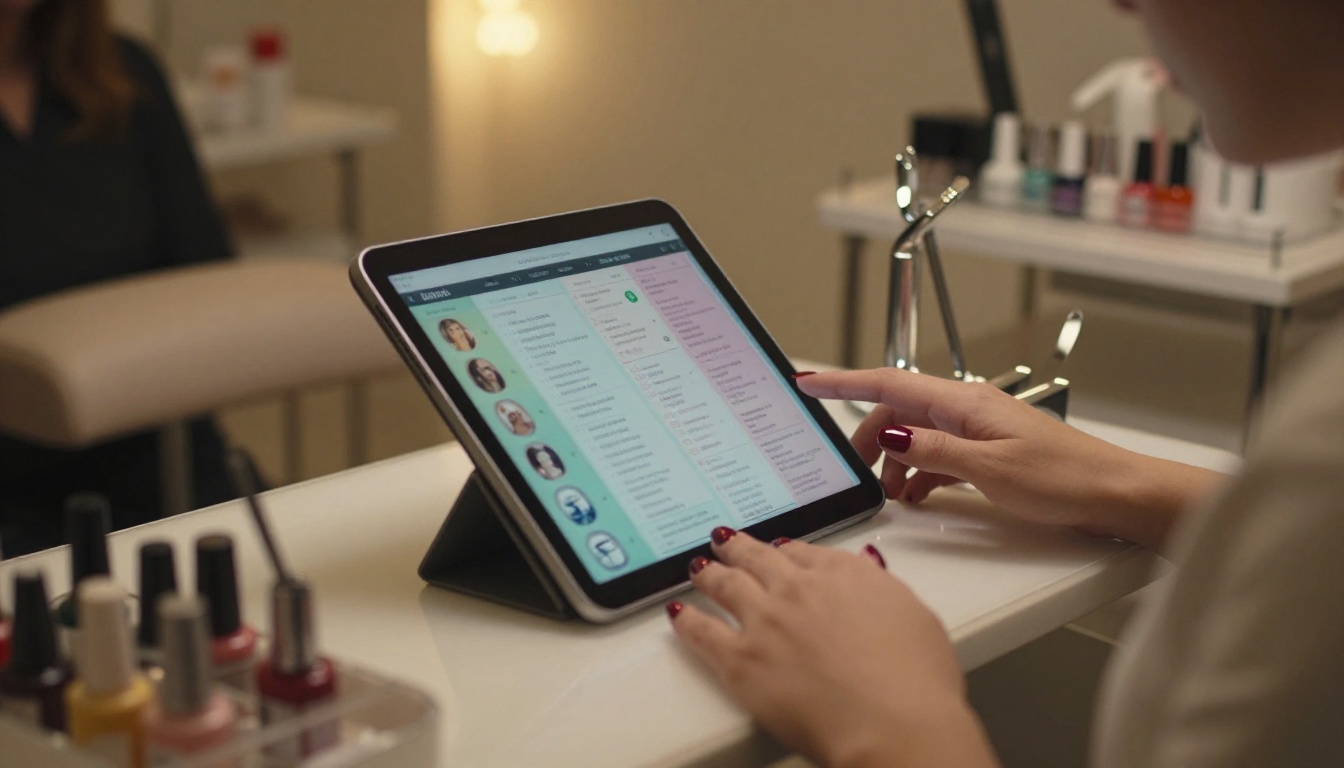
This is not a close race. Here is the honest side-by-side:
| Feature | Printed Menu | Digital Flipbook |
|---|
| Update cost | Reprint every time | Free, instant updates |
| Shareable via link | No | Yes |
| Mobile-friendly | No | Yes |
| Portfolio and images | Limited | Unlimited |
| Brand consistency | Fades over time | Always current |
| Password protection | Not possible | Available |
| Analytics (who viewed it) | Not possible | Available (Professional plan) |
| Embed on website | Not possible | Yes |
The verdict is clear. But the real advantage is not the feature list. It is the impression a polished flipbook makes on a first-time client who finds you through Instagram or Google before they ever call.
The Right Flipbook for Every Salon Type
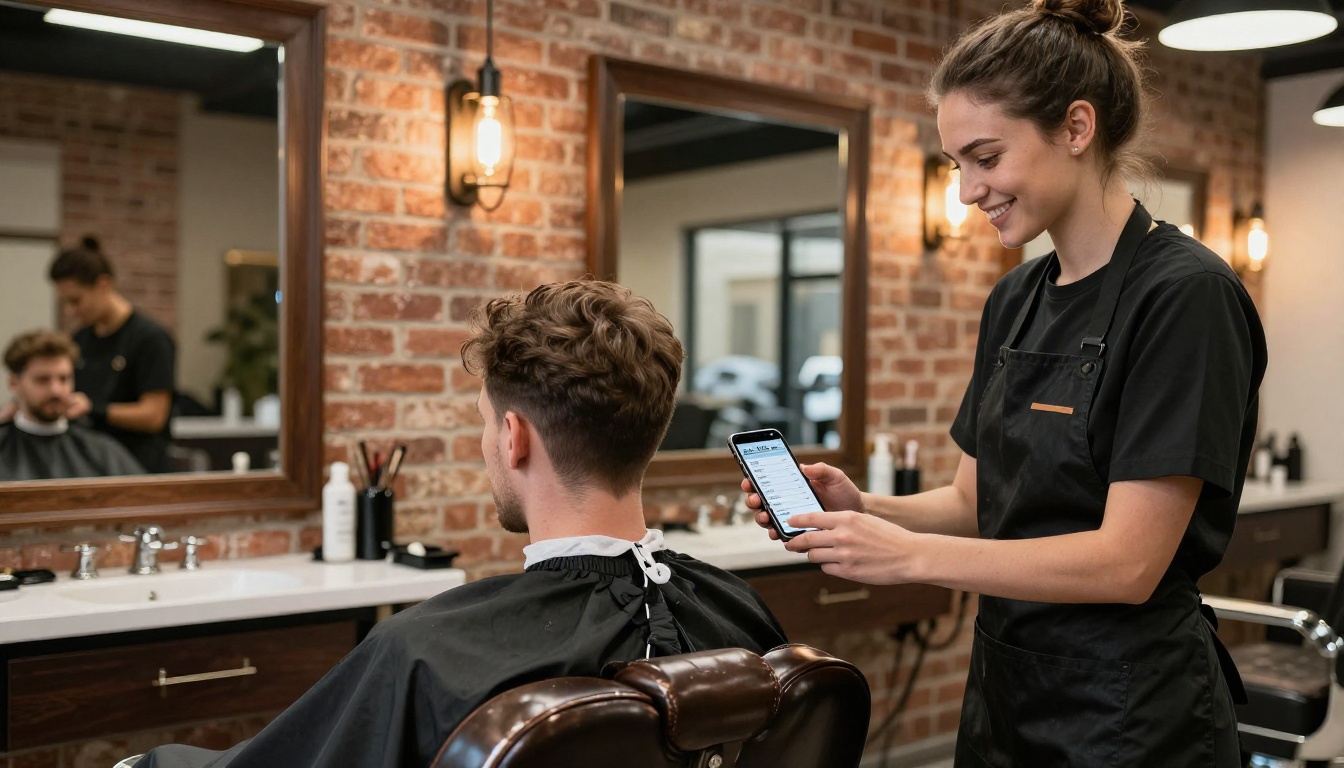
Every salon type has a distinct flipbook use case. Here is how they map:
✅ Best practice: Build separate flipbooks for different purposes. One for your service menu, one for seasonal promotions, one as a portfolio. Link all of them from your website or booking page.
How to Create Your Salon Flipbook with Flipbooks AI
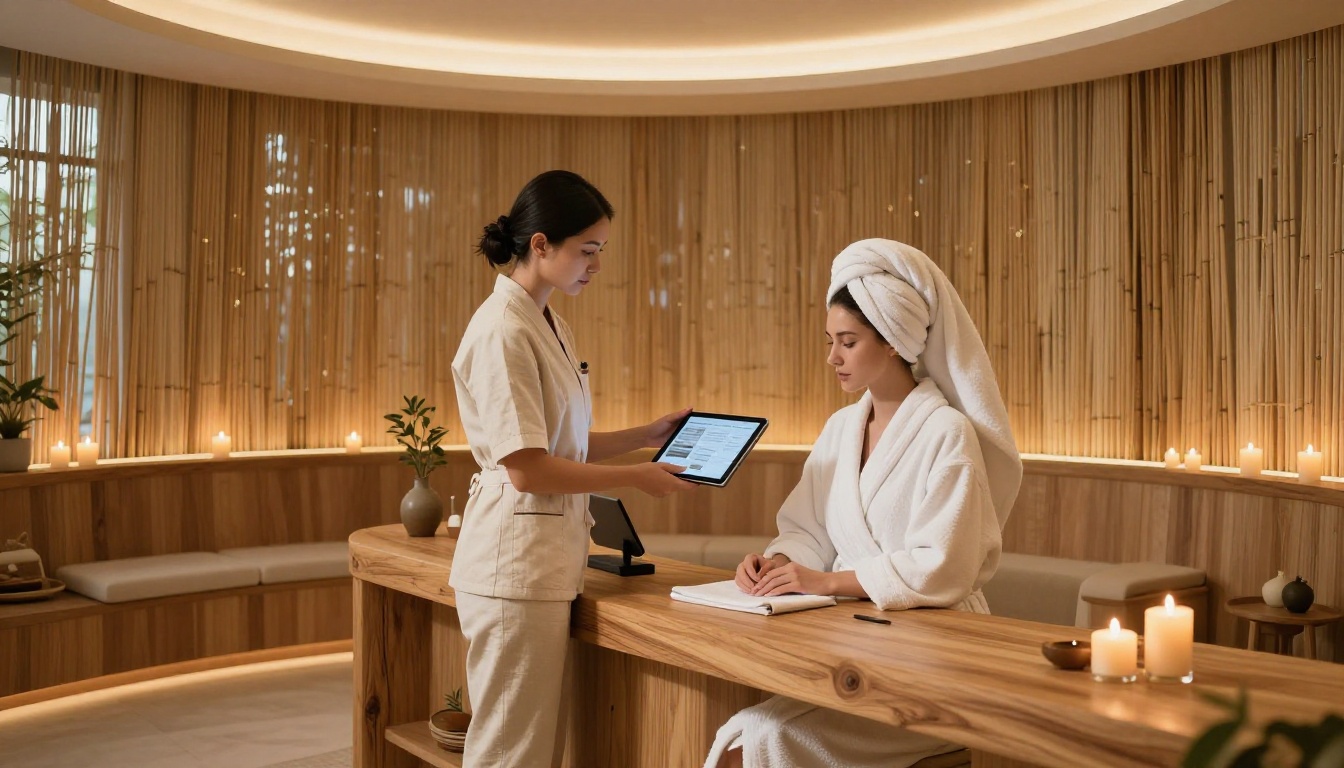
The process is straightforward. Here is exactly how to do it:
1. Design Your PDF
Before uploading, build your salon menu in Canva, Adobe InDesign, or even Google Slides. Use your brand colors, your logo, and high-quality photography. Structure it with clear sections: services, portfolio, team, promotions.
Size recommendation: A4 or US Letter in landscape or portrait. Flipbooks AI handles both with no quality loss.
💡 Pro tip: Use double-page spreads for portfolio sections. They look spectacular in the flipbook's page-turn view when clients swipe across.
2. Upload and Convert
- Go to Flipbooks AI and create your account.
- Click "New Flipbook" and drag your PDF into the upload zone.
- The converter processes it in seconds, even for multi-page documents.
- Preview the page-flip animation before publishing.
No technical skills required. No software to install.
3. Apply Your Salon's Branding
Once uploaded, open the editor to:
- Set your brand colors for the toolbar and background
- Upload your logo to display in the flipbook header or footer
- Choose a page-flip style (soft, realistic, or digital)
- Add a custom domain or embed code if you want it on your website
- Embed audio or video for added atmosphere, such as background music or a short welcome clip
4. Share It Everywhere
This is where a digital flipbook pulls ahead of anything printed:
- Copy the shareable link and drop it in your Instagram bio, WhatsApp Business profile, and email signature
- Embed it on your website using the one-click embed code via Embed Flipbook on Website
- Set a password if you are sharing an exclusive offer to a select client list
- Download it offline so you can show clients on a tablet in-salon without needing Wi-Fi
5. Track Who is Reading It
On the Professional plan, you get full analytics: page views, read time per page, total opens, and lead capture forms. For salons running promotions, this is genuinely useful data. You can see which service pages clients spend the most time reading and adjust your desk upsell script accordingly.
What the Plans Look Like
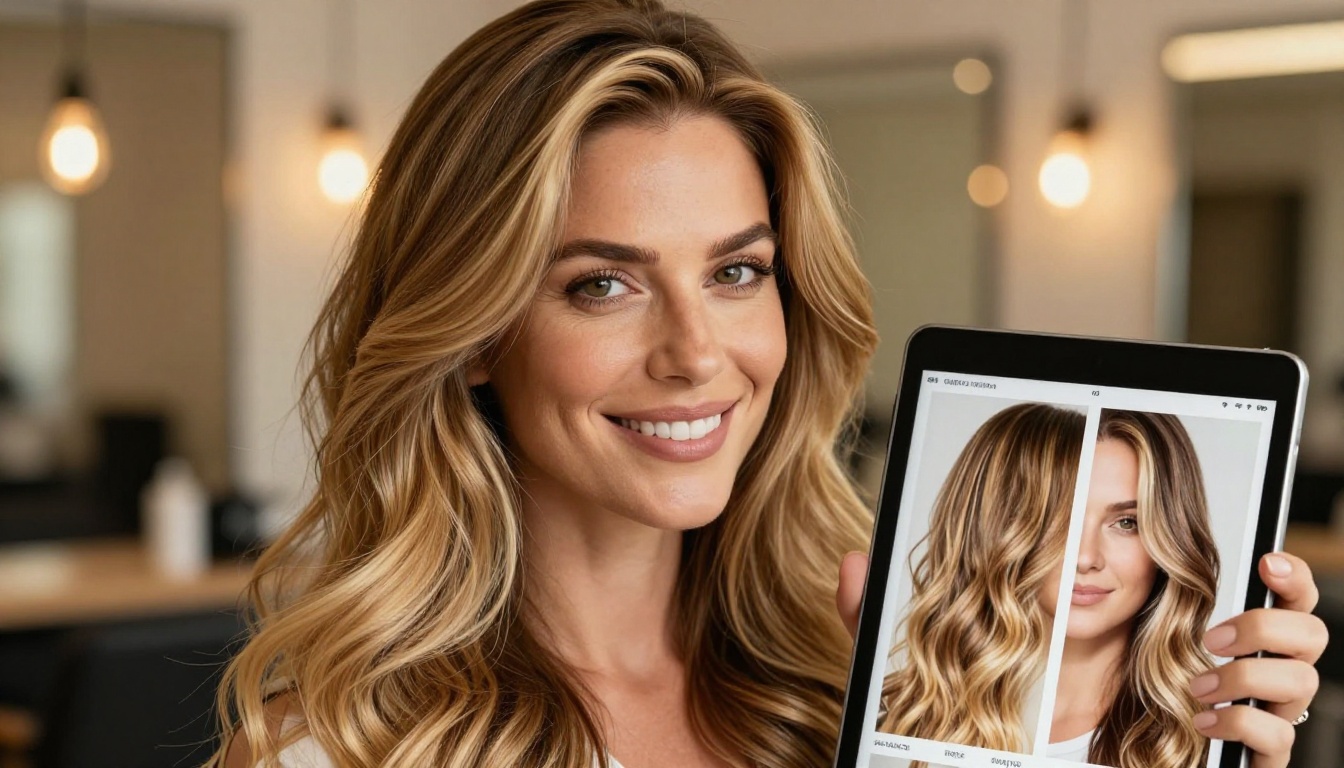
Here is how Flipbooks AI pricing maps to real salon needs:
| Plan | Best For | Flipbooks | Watermark | Analytics | Offline Download |
|---|
| Free | Testing your first flipbook | 1 | Yes | No | No |
| Standard | Small salons, solo stylists | Unlimited | No | No | No |
| Professional | Multi-service salons, growing chains | Unlimited | No | Yes | Yes |
⚠️ Worth noting: The Free plan includes a watermark on your flipbook. For anything client-facing, you will want at least the Standard plan to present a clean, professional appearance.
For most independent salons, Standard covers everything: unlimited flipbooks, no watermarks, custom branding, and all sharing options. Professional becomes worth it when you are running lead generation campaigns or want page-level analytics to inform your marketing.
Real Salon Scenarios That Work
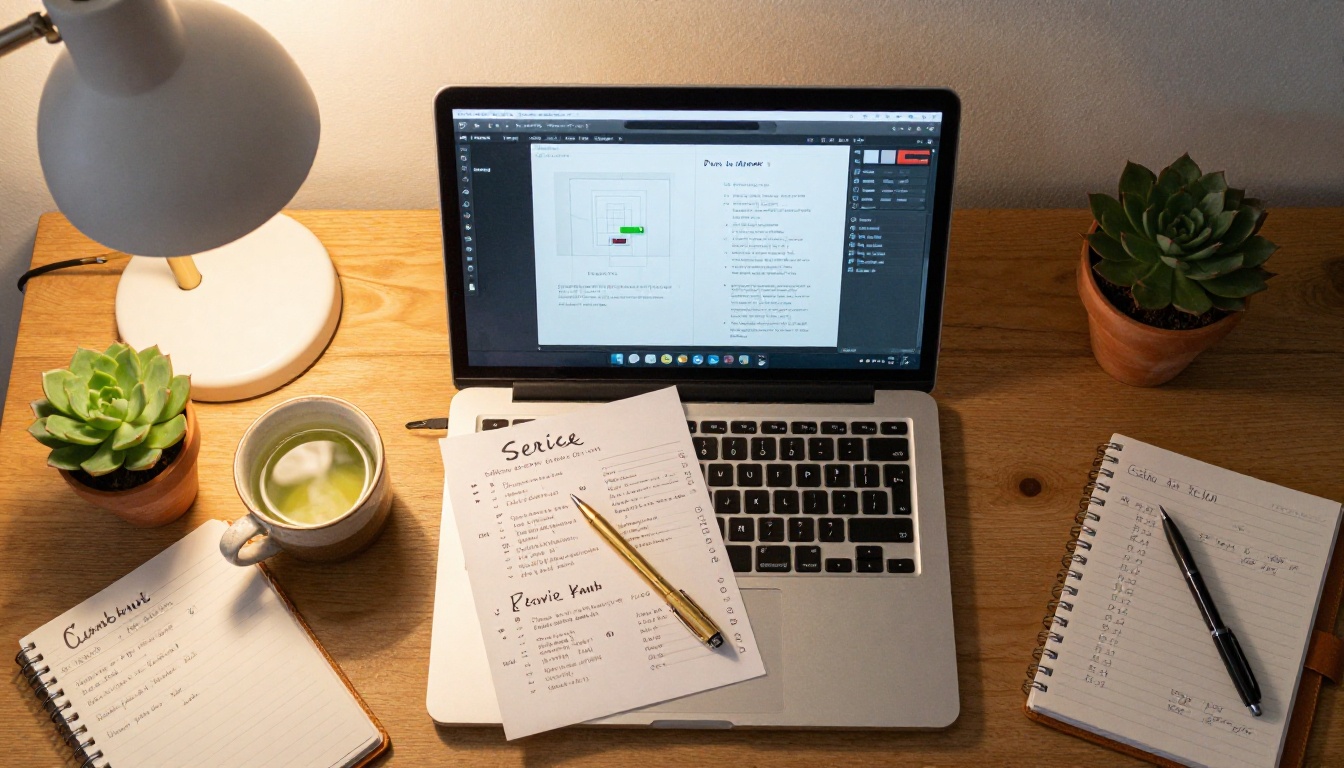
Here is what this looks like in practice:
Hair salon with 4 stylists: Each stylist gets their own portfolio section inside one shared lookbook. New clients booking for the first time can browse styles by stylist before they call. The salon shares the link on Google Maps and in every appointment confirmation email.
Nail salon running a seasonal offer: Creates a two-page promotional flipbook with holiday package details, pricing, and a gallery of nail art designs. Shares it via WhatsApp broadcast to their client list. Clients forward it to friends. Zero print cost.
Day spa launching a new treatment menu: Uploads a beautifully designed 12-page menu with lifestyle photography. Embeds it on the Services page of their website. Uses analytics to see which treatment pages get the most attention and adjusts the front desk upsell approach.
Barbershop on a tight budget: Uses the Digital Price List Generator to build a sharp, minimal price list flipbook without a graphic designer. Shares the link on Facebook and places a QR code on the counter that links directly to it.
Building a Lookbook That Clients Share
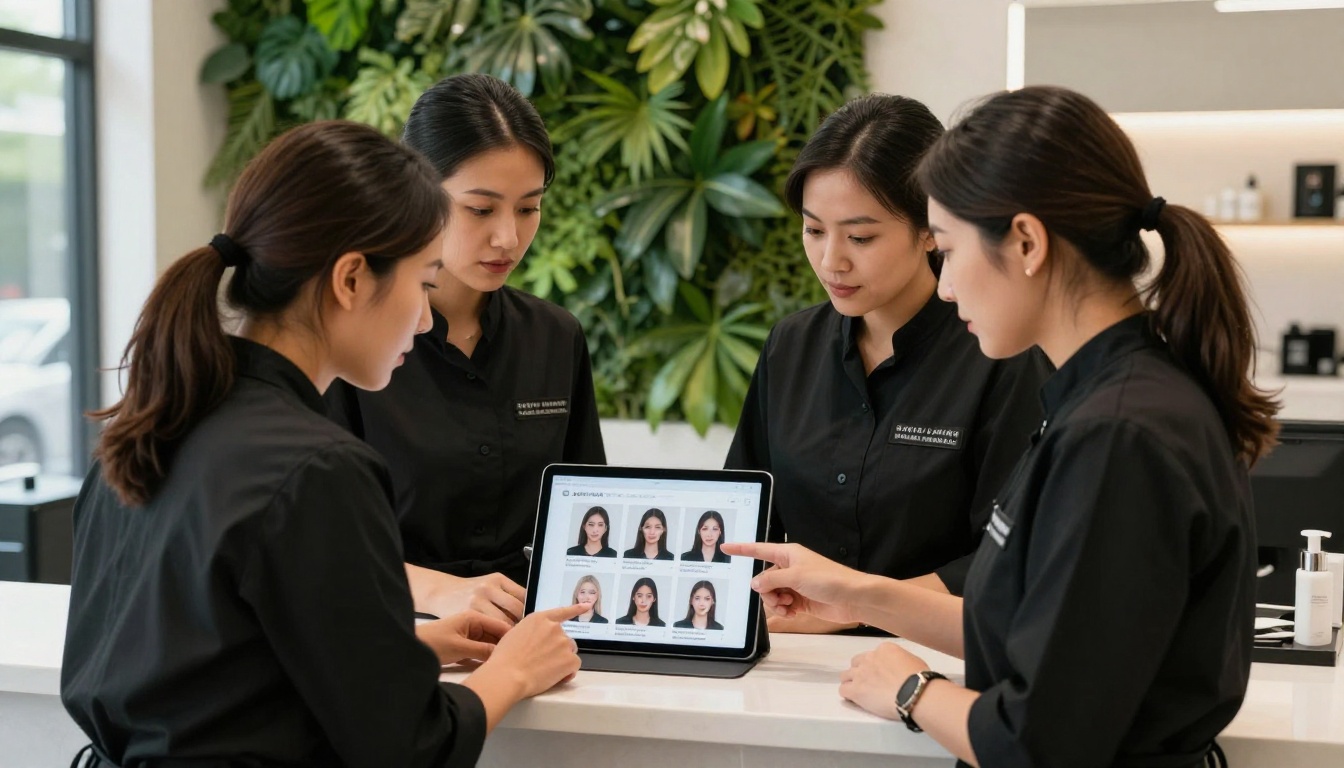
A service menu is the baseline. A lookbook is the upgrade. If your salon does strong portfolio work, a dedicated lookbook is one of the highest-return marketing assets you can create.
A salon lookbook should include:
- Seasonal trend pages: "This Season's Most-Requested Colors" or "Fall's Top Nail Art Styles"
- Signature service spotlights: One transformation per page with a short caption
- Client testimonials: Real words alongside real photos
- Stylist introductions: A short paragraph and portrait for each team member
Use the Interactive Lookbook Designer to build this as a standalone flipbook, separate from your service menu. Share it for brand awareness rather than direct booking. It performs well on Pinterest, Instagram Stories (as a link sticker), and in email newsletters to past clients.
💡 Pro tip: Refresh your lookbook with new portfolio photos every 8 to 12 weeks. A fresh lookbook gives you a genuine reason to post on social and re-engage your existing client base.
Sharing Your Flipbook the Right Way
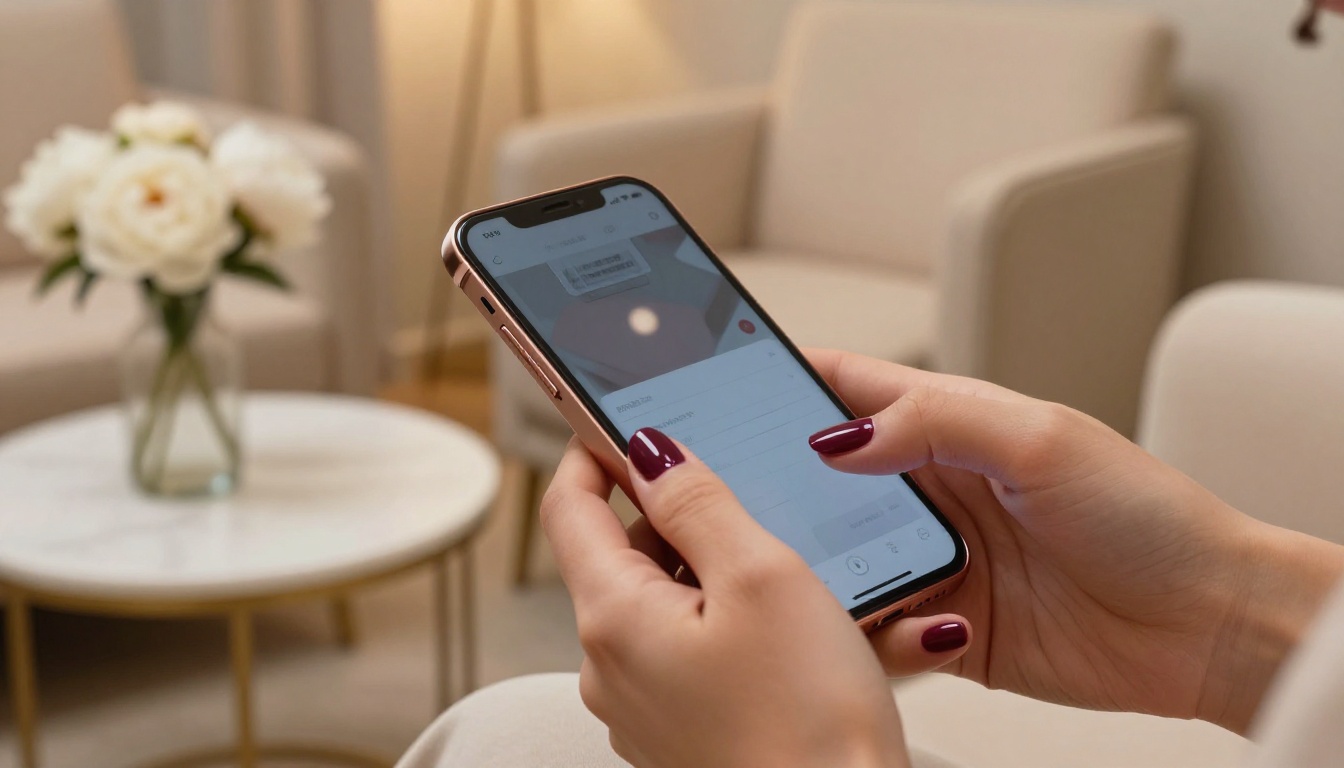
Where you share your salon flipbook matters as much as how it looks. Here is where it performs best:
Google Business Profile: Add the flipbook link to your website field or in a Google Post. Clients searching for salons in your area can view your full service menu before they visit.
Instagram Bio: Replace a generic link aggregator with a direct link to your service menu flipbook. Or use it as the top option in your link list.
WhatsApp Business: Set your flipbook as a catalog link or include it in your automated greeting message when new clients message you for the first time.
Email Confirmations: Add the flipbook link to your appointment confirmation emails. Clients arriving for their first visit will have already browsed your services and know what to expect.
In-Salon QR Code: Print a small QR code at the front desk and in the waiting area. Clients scan it and get instant access to your full menu, portfolio, and any current promotions. No paper menus needed.
Your Website: Embed the flipbook directly on your Services page using the embed code from Flipbooks AI. It renders beautifully on mobile and desktop, and keeps clients on your site longer.
Take Your Salon Marketing Somewhere New
Your clients' first impression of your salon often happens before they walk through the door. A polished, well-designed flipbook puts your best work in front of them at the exact moment they are deciding where to book. It replaces outdated paper menus, gives your portfolio a shareable home, and turns a static price list into a real brand experience.
Ready to build yours? Get started for free on Flipbooks AI and have your first salon flipbook ready today.
Want to see what formats fit your business? Browse all flipbook tools and pick the right one for your salon type. When you are ready to scale, compare plans and choose what works for you.



