Sewing pattern designers spend hours drafting, testing, and perfecting their work, then share it as a flat PDF that buyers download, lose, or forget to open. That gap between the effort you put in and how people actually experience your patterns is costing you sales, and a digital flipbook closes it. Flipbooks AI turns your pattern PDFs into page-turning, browser-based publications that look beautiful on any screen and feel like flipping through a real booklet.
Why PDF Patterns Are Losing You Sales
A downloaded PDF is invisible the moment it hits someone's downloads folder. No preview. No browsing. No "one more page" moment. Buyers who purchase your pattern often never print it, because the friction of opening a 40-page PDF, reading through instructions, and locating the right pieces makes them put it off indefinitely.
The Problem with Static Files
Static PDFs are fine for printing, but they are terrible for discovery. A buyer shopping on your Etsy store or website cannot leaf through your pattern to see if the instructions are clear, how many pieces are included, or whether the sizing matches what they need. They are making a purchase decision blind.
This is a conversion problem. Pattern sellers who add interactive flipbook previews consistently report higher buyer confidence and fewer refund requests, because customers know exactly what they are buying before they check out.
What Buyers Actually Want
Buyers of sewing patterns want three things before committing:
- Clarity: How detailed are the instructions? How many steps are there?
- Confidence: Are the diagrams clear? Is this pattern for my skill level?
- Browsability: Can I flip through it like a real booklet before deciding?
A flipbook delivers all three in seconds, right in the browser, without asking anyone to download a single file.
What a Sewing Pattern Flipbook Does
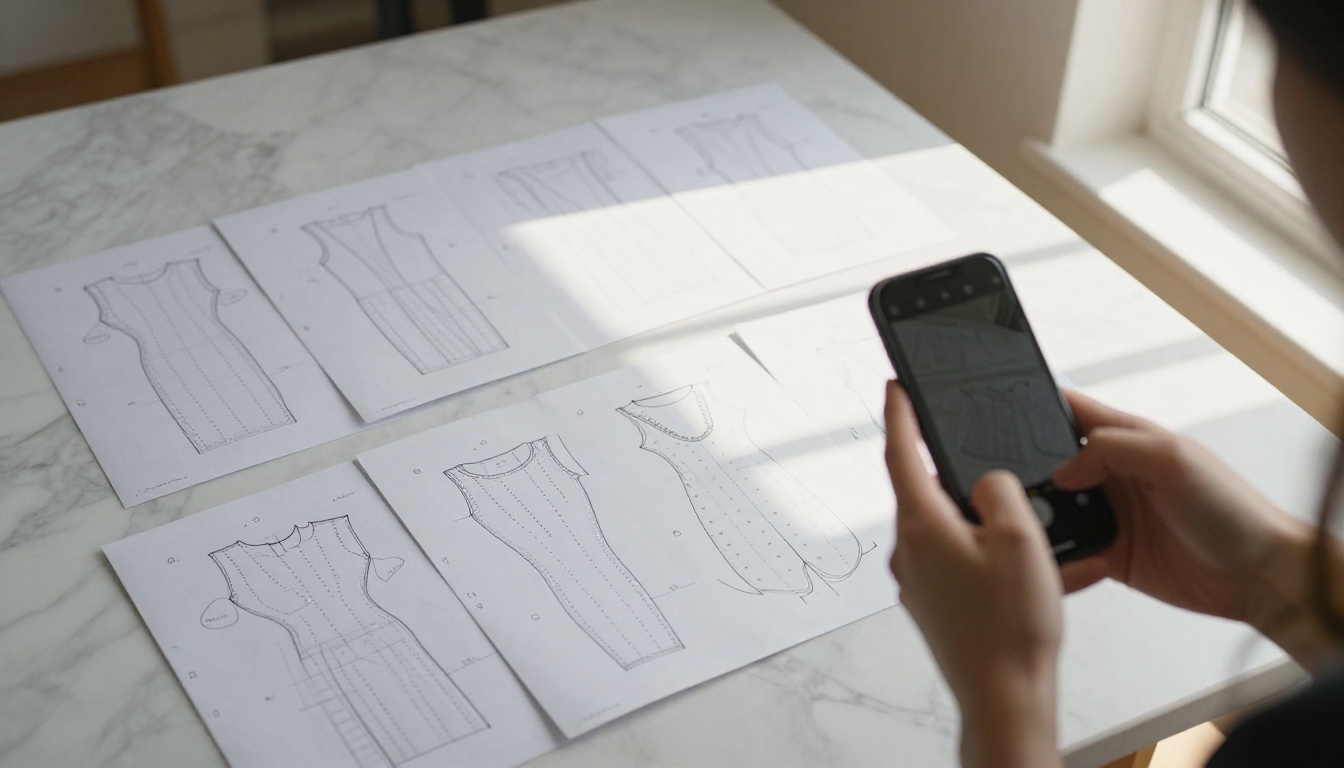
A sewing pattern flipbook is a digital publication built from your existing PDF. It renders your pages in a realistic page-turning format that readers navigate by clicking, swiping, or using keyboard shortcuts. The result looks like a proper booklet rather than a document download.
The Page-Turning Experience Explained
When someone lands on your pattern flipbook, they see your cover page first, with a realistic book spine and visible page edges that invite interaction. Clicking the edge flips to the next spread with a smooth page-turn animation. On mobile, they swipe. The experience is tactile in a way no static PDF can replicate.
Beyond aesthetics, flipbooks solve real practical problems for sewists:
- Zoom in on specific pattern pieces without losing your place in the instructions
- Share a direct link to specific pages (e.g., the sizing chart or materials list)
- Embed the flipbook directly in your shop, website, or blog post
- Password protect your paid patterns so only buyers can access the full content
- View on any device without downloading or installing anything
Before converting, it helps to understand how different formats compare so you can choose the right presentation for each use case.
| Format | Browsable | Shareable Link | Print-Ready | Mobile-Friendly | Buyer Confidence |
|---|
| Printed Pattern | No | No | Yes | No | High |
| PDF Download | No | Partial | Yes | Partial | Low |
| Pattern Flipbook | Yes | Yes | Yes (via PDF) | Yes | High |
| Pattern Video | No | Yes | No | Yes | Medium |
💡 You do not have to choose one or the other. Many successful pattern sellers use a flipbook as their storefront preview while still delivering the original PDF to buyers after purchase. The flipbook sells. The PDF delivers.
Preparing Your Patterns for Conversion
The quality of your flipbook depends heavily on what you feed into the converter. A well-prepared PDF produces a crisp, professional result. A messy scan produces a messy flipbook.
Organizing Your Pattern Pieces
Before exporting your final PDF, check these elements:
- Cover page: Your flipbook opens here. Make it look like a real pattern envelope with a garment photo, the sizes offered, and your brand name clearly visible.
- Page order: Instruction pages should come before pattern piece pages, just like a printed commercial pattern.
- Page size consistency: All pages should share the same dimensions. Mixing A4 and letter-size pages creates formatting issues in the flipbook viewer.
- Text legibility: Body text should be at least 10pt in the source file. Smaller text becomes unreadable at smaller zoom levels on mobile.
- Diagrams and illustrations: Ensure all line drawings have strong contrast. Light grey lines often disappear when viewed on a phone screen.
What Makes a Good PDF Source
| PDF Characteristic | Recommended | Avoid |
|---|
| Resolution | 150-300 DPI | Under 100 DPI (blurry output) |
| Page orientation | Consistent portrait or landscape | Mixed orientations throughout |
| File size | Under 50MB | Over 100MB (causes slow loading) |
| Fonts | Embedded in the PDF | Non-embedded (renders incorrectly) |
| Colors | CMYK or RGB | Spot colors (display inconsistencies) |
⚠️ If your PDF contains scanned pages rather than digitally designed files, the output flipbook will reflect any scanning artifacts. Run your scans through a PDF cleanup tool before uploading to get the best result.
How to Create a Sewing Pattern Flipbook on Flipbooks AI
Flipbooks AI is the fastest way to turn your pattern PDF into a shareable, embeddable flipbook. No design software required. No technical setup. Just upload and publish.
1. Create your account
Head to flipbooksai.com/account and sign up. The platform lets you publish and share flipbooks immediately, with no watermarks on any paid plan and a free tier available for getting started.
2. Upload your pattern PDF
Click "Create Flipbook" and select your PDF from your device. The PDF to Flipbook Converter processes your file automatically, converting every page into the flipbook format. Most pattern PDFs in the 20-60 page range convert in under 60 seconds.
3. Set your cover and title
Once conversion completes, you see a live preview of your flipbook. Give it a proper title (for example, "The Ardmore Shirtdress Pattern, Sizes 6-20") and verify that your cover page looks correct. Page reordering is available at this stage if needed.
4. Customize branding
Under the customization panel, add your brand colors, logo, and custom background. This takes two or three minutes and makes your flipbook look like a professional publication rather than a converted document. Consistent branding across all your patterns builds recognition over time.
5. Choose sharing settings
This is where flipbooks for sewing patterns get particularly useful:
- Public link: Paste anywhere for free previews, great for social media, Pinterest boards, or Etsy listing descriptions
- Password protection: Set a password for paid patterns so only buyers get access after purchase
- Embed code: Copy the embed snippet to add the flipbook directly to your Squarespace, WordPress, or Shopify store
6. Publish and share
Click publish. Your flipbook is instantly live on a hosted URL. Copy the link and add it wherever your pattern lives online. No hosting costs, no technical maintenance.
✅ Best practice: Create two versions of each pattern. A short 5-10 page preview flipbook with just the cover, sizing chart, and a few instruction pages, shared publicly. And the full flipbook shared only with buyers. This gives browsers a genuine taste without giving away the paid content.

Selling Your Pattern Flipbook Online
The flipbook itself is not the product — your pattern is. But how you present it changes how well it sells. Pattern flipbooks work as the presentation layer that gets buyers to actually click "Add to Cart" instead of saving your page to revisit later and forgetting about it.
Etsy and Direct Stores
On Etsy, you cannot embed a flipbook directly in the listing, but you can:
- Screenshot two or three compelling flipbook spreads and use them as listing photos
- Add your flipbook's public URL in the listing description with a clear label ("Preview the full pattern here")
- Include the full flipbook link in your buyer's confirmation message alongside the PDF download, so customers have both formats
On your own website running Squarespace, Shopify, or WordPress, you can embed the flipbook directly on the product page using the embed code. This transforms a standard product page into an immersive browsing experience where visitors actually stop and read instead of bouncing.
Embed on Your Own Site
The Embed Flipbook on Website tool gives you a simple iframe snippet. Paste it into any page editor and the flipbook loads inline. It scales automatically to fit the container width and works on mobile without any additional configuration.

Pricing Plans for Pattern Sellers
Different sellers have different needs. Here is how the Flipbooks AI pricing plans map to common pattern business sizes:
| Plan | Best For | Flipbooks | Password Protection | Analytics | Offline Download |
|---|
| Free | Testing and occasional sharing | Limited | No | No | No |
| Standard | Active sellers with up to 50 patterns | Unlimited | Yes | No | No |
| Professional | High-volume sellers and course creators | Unlimited | Yes | Yes | Yes |
💡 If you run sewing workshops or sell pattern bundles, the Professional plan's lead generation feature lets you capture buyer emails directly through the flipbook before they download. This is a powerful way to build a mailing list from browsers who are already interested in your patterns.
Who Uses Pattern Flipbooks
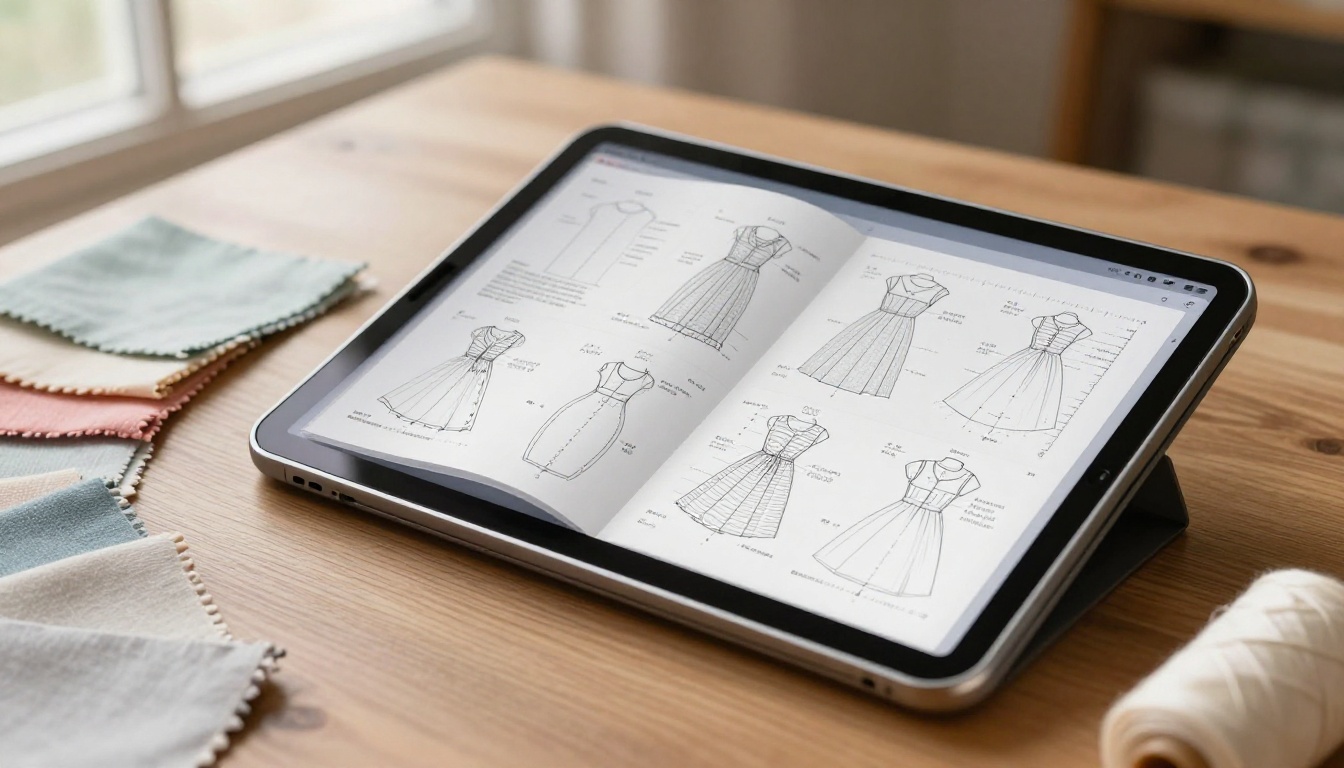
Pattern flipbooks are not just for solo Etsy designers. They show up across several types of sewing businesses, each using them differently.
Independent Pattern Designers
A single-person design studio selling 15-30 patterns online can use flipbooks to create a proper digital catalog, where buyers browse the full collection in one place rather than jumping between individual listings. The Digital Portfolio Creator tool is particularly suited to building this kind of browsable pattern portfolio.
A practical scenario: an independent designer creates a seasonal catalog flipbook featuring 12 new dress and blouse patterns. She shares the link in her newsletter, pins it on Pinterest, and embeds it on her shop page. Buyers browse the full collection and often add multiple patterns to a single order, rather than purchasing one at a time across multiple visits.
Craft Schools and Sewing Workshops
Instructors who teach in-person or online classes often use pattern flipbooks as course materials. Students receive a link instead of a stack of printed handouts. The password-protected version means only enrolled students access the pattern set for that course, which also prevents sharing outside the class.
The Course Material Publisher tool is built specifically for this instructional use case, with page-by-page navigation that works well for step-by-step content.
Pattern Bundle Sellers
Sellers who offer themed pattern bundles (for example, a 10-pattern beginner wardrobe collection) can build a single flipbook containing all 10 patterns in sequence, with a clean table of contents at the front. Buyers get one link, one password, and a beautifully organized collection they can reference at their own pace.
Pattern Flipbook Features That Actually Matter
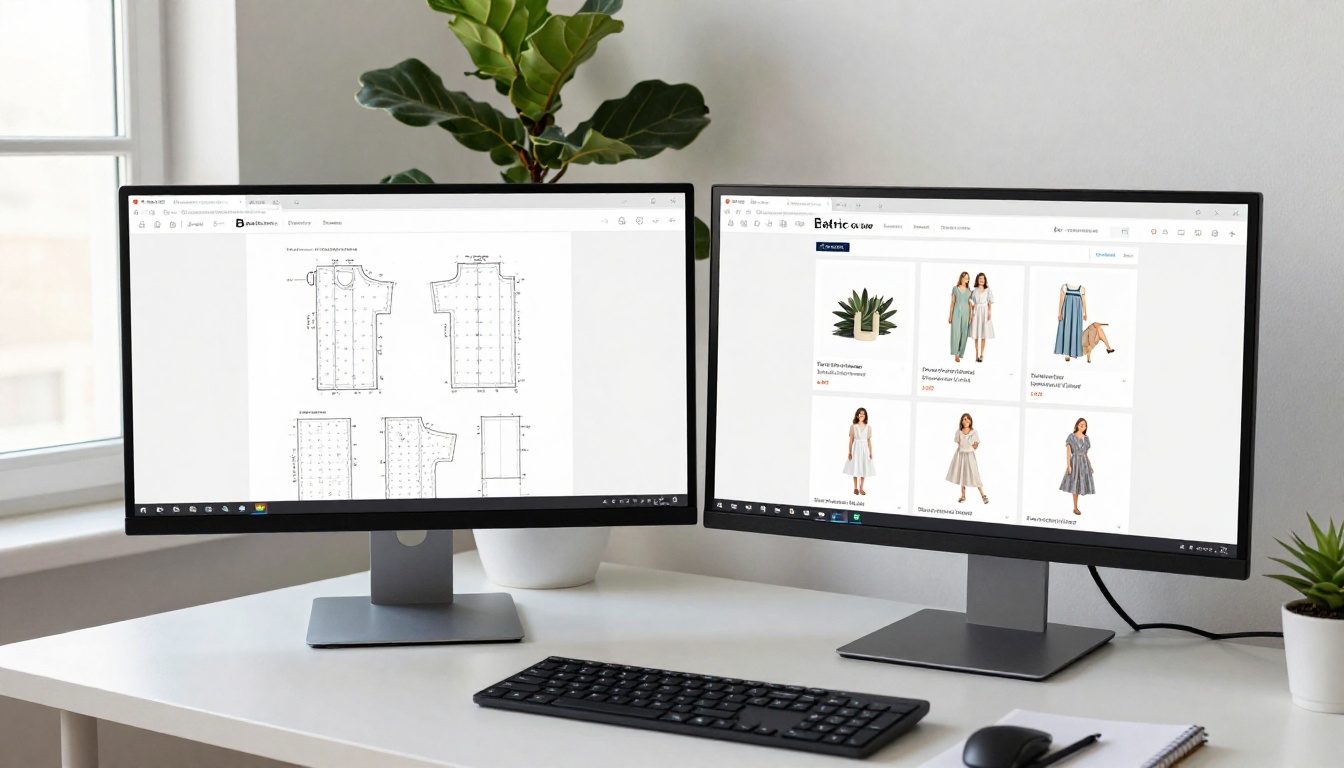
Not every flipbook feature matters equally for pattern sellers. Here is an honest breakdown of what to actually use and why.
| Feature | Why It Matters for Patterns | Available On |
|---|
| Password protection | Prevents non-buyers from accessing paid content | Standard+ |
| Direct page links | Share a link that opens exactly at the sizing chart | All plans |
| Embed code | Show the flipbook inline on product pages | All plans |
| Mobile responsive | Most buyers browse and shop on phones | All plans |
| Analytics | See which pattern pages buyers spend the most time on | Professional |
| Lead capture | Build your email list from pattern browsers before download | Professional |
| Offline download | Buyers save a copy to their device for offline use | Professional |
| Custom branding | Consistent visual identity across your full catalog | Standard+ |
✅ Start with the features that directly affect sales: password protection, embed code, and mobile compatibility. Upgrade to Professional when you are ready to scale with analytics and list-building tools that turn browsers into repeat customers.
Your Pattern Catalog Starts Here

The difference between a pattern that sells and one that sits in someone's downloads folder often comes down to presentation. A static PDF gives buyers nothing to browse. A pattern flipbook gives them a reason to stay, flip through every page, and buy with confidence.
You already have the hard part done: the pattern itself. Converting it takes minutes. The result is a professional, shareable, embeddable publication that works on every device and gives buyers the clarity they need to purchase without hesitation.
Ready to publish your first pattern flipbook? Create your free account on Flipbooks AI and upload your first PDF today. If you want to see all the tools available for different pattern types and publication formats, browse the full tools directory. When you are ready to unlock password protection, analytics, and unlimited flipbooks for your growing catalog, compare pricing plans and choose what fits your pattern business best.



