University departments generate enormous amounts of content every year: course syllabi, research reports, department newsletters, event programs, student handbooks, and faculty profiles. Most of it gets buried in email attachments or static PDFs that nobody reads past the first page. A well-made digital flipbook changes that entirely. It turns flat documents into interactive, page-turning publications that load instantly, look great on any device, and actually get read. If you want to modernize how your department communicates, Flipbooks AI makes it surprisingly straightforward.
Why University Departments Need Digital Flipbooks
Physical printing is expensive and slow. By the time a printed department brochure arrives from the printer, it may already be outdated. Digital flipbooks solve this problem while adding something static PDFs never had: genuine interactivity that readers respond to.
The Problem with Static PDFs
PDFs were not designed for reading. They were designed for printing. On mobile devices, a standard academic PDF requires constant pinching and zooming. There is no page-turn experience, no embedded video, and sharing usually means sending bulky email attachments that clog inboxes and bounce off file size limits.
What a Flipbook Does Differently
A digital flipbook renders your PDF content with realistic page-turn animations, making it feel like a real publication. Readers can zoom into charts, tap links, and navigate sections using an embedded table of contents. You can embed it directly on your department website, share it via a single URL, or send it by email without any attachment at all.
Departments That Benefit Most
Almost every university department has content that works better as a flipbook than a PDF. Here are the most common use cases across academic institutions:
| Department Type | Typical Flipbook Use | Key Benefit |
|---|
| Engineering & Sciences | Lab reports, research summaries | Interactive charts, data visualization |
| Humanities & Social Sciences | Course catalogs, reading lists | Easy navigation, mobile-friendly reading |
| Business Schools | Annual reports, case studies | Professional presentation for stakeholders |
| Arts & Design | Student portfolios, exhibition catalogs | Visual impact, full image quality |
| Medical & Health | Patient education materials | Accessible format, privacy controls |
| Communications Office | Department newsletters, event programs | Shareable links, easy website embeds |
What You Need Before You Start
A small amount of preparation before you convert anything saves a lot of revision time later. Getting these three things ready first means your flipbook will look polished from the start.
Your Content in PDF Format
Flipbooks AI works directly from PDFs. If your content currently lives in Microsoft Word, Google Docs, or Adobe InDesign, export it as a PDF first. The quality of your source PDF directly affects the quality of your flipbook output, so follow these practices:
- Use high-resolution images at 300 DPI minimum for clean rendering
- Embed all fonts during the PDF export process
- Keep page sizes consistent throughout the document
- Allow generous margins, as content near page edges may crop slightly on certain devices
Your Department's Brand Assets
You will want your university's official color codes (usually documented in the institution's brand guidelines), your department logo in PNG or SVG format, and any approved typefaces. Flipbooks AI lets you apply full custom branding so your flipbook looks like an official university publication rather than a generic document.
💡 Pro tip: Check with your university communications office before publishing. Most institutions have approved color palettes and logo usage policies that apply to all official department materials, digital or print.
A Clear Sharing Plan
Think about where this flipbook will live before you build it. Will it be embedded on the department website? Shared in the student learning management system? Sent via email newsletter to alumni? Your distribution plan affects which Flipbooks AI features you prioritize when configuring the publication.
How to Make a Flipbook for Your University Department with Flipbooks AI
This is where planning becomes action. The following steps cover everything from account creation to publishing a finished, branded department flipbook.
Step 1: Create Your Account
Go to Flipbooks AI and create a free account. The free tier lets you test the core conversion workflow and see exactly what the platform produces before committing to any paid plan.
Step 2: Upload Your PDF
From your dashboard, click New Flipbook and upload your department PDF. The platform accepts standard PDF files and processes them within seconds to a few minutes depending on file size and page count.

The PDF to Flipbook Converter handles documents of all sizes reliably. For a 20-page department newsletter, conversion typically completes in under 30 seconds.
Step 3: Apply Department Branding
Once converted, open the customization panel. This is where your flipbook stops looking generic and starts representing your department properly:
- Color scheme: Match your institution's official brand colors exactly using hex codes
- Logo placement: Upload your department logo to appear on the cover or in the header
- Page background: Choose from white, paper-textured, or custom colored backgrounds
- Navigation style: Select the table of contents layout that fits your content structure
- Font settings: Apply your institution's approved typefaces where supported
Step 4: Add Interactive Elements
This step is optional but significantly improves how readers experience academic content. These additions transform a static publication into something genuinely engaging:
- Clickable links: Every citation, URL, or reference in your PDF becomes a tappable hyperlink
- Embedded video: Add a welcome message from the department head or a research presentation clip
- Audio content: Valuable for language departments or accessibility accommodations
Step 5: Configure Privacy and Access
University documents often have different audiences with different access needs. A published course syllabus might be publicly available. A faculty governance report may need restricting to department staff only. Flipbooks AI handles both scenarios cleanly:
- Public link: Anyone with the URL can view and share the flipbook
- Password protection: Restrict access to enrolled students or authenticated department personnel
- Embed code: A single code snippet embeds the flipbook directly into your department website or CMS
Step 6: Publish and Distribute
Click Publish and your flipbook receives a permanent, shareable URL. From this point, distribution is immediate: share by email, post on social media, embed on your website, or link directly from your university's learning management system.
✅ Best practice: Use a descriptive custom URL slug for important department publications. Something like engineering-newsletter-fall-2025 is far easier to reference in emails and syllabi than an auto-generated string of random characters.
Choosing the Right Plan for Your Department
Different departments have different scales of need. A small humanities department running one annual newsletter has very different requirements from a large medical school producing dozens of publications per year. Here is a direct breakdown:
| Feature | Free | Standard | Professional |
|---|
| Flipbooks per account | 3 | Unlimited | Unlimited |
| Custom branding | No | Yes | Yes |
| Password protection | No | Yes | Yes |
| Remove watermark | No | Yes | Yes |
| Embed on website | Yes | Yes | Yes |
| Offline downloads | No | Yes | Yes |
| Analytics and readership tracking | No | No | Yes |
| Lead generation forms | No | No | Yes |
| Priority support | No | No | Yes |
⚠️ Worth noting: If your department plans to produce more than three publications per year, the Standard plan is the practical starting point. Unlimited flipbooks at a flat subscription rate makes budget planning straightforward for academic departments with predictable publication schedules.
For departments that need readership data to demonstrate communication impact to administration or external funding bodies, the Professional plan analytics are worth the upgrade. Visit the pricing page for current rates by plan.

Types of Flipbooks University Departments Actually Use
Different document types serve different audiences and purposes. Here is a practical breakdown of the most common academic use cases and the tools built specifically for each.
Department Newsletters
A monthly or quarterly newsletter keeps students, alumni, faculty, and external partners informed about department achievements, research news, and upcoming events. With the School Newsletter Creator, converting a standard newsletter layout into an interactive publication takes a few minutes at most.
The advantage over email newsletters is significant: a flipbook can be permanently embedded on the department website, linked from the university homepage, and archived as a browsable historical record of department activity.
Course Materials and Syllabi
Publishing course materials as flipbooks rather than downloadable PDFs reduces friction for students accessing content on mobile devices. A flipbook syllabus is navigable, fully searchable, and does not require downloading a file that immediately disappears into an overcrowded downloads folder.
The Course Material Publisher is built specifically for academic instructional content.
Department Annual Reports
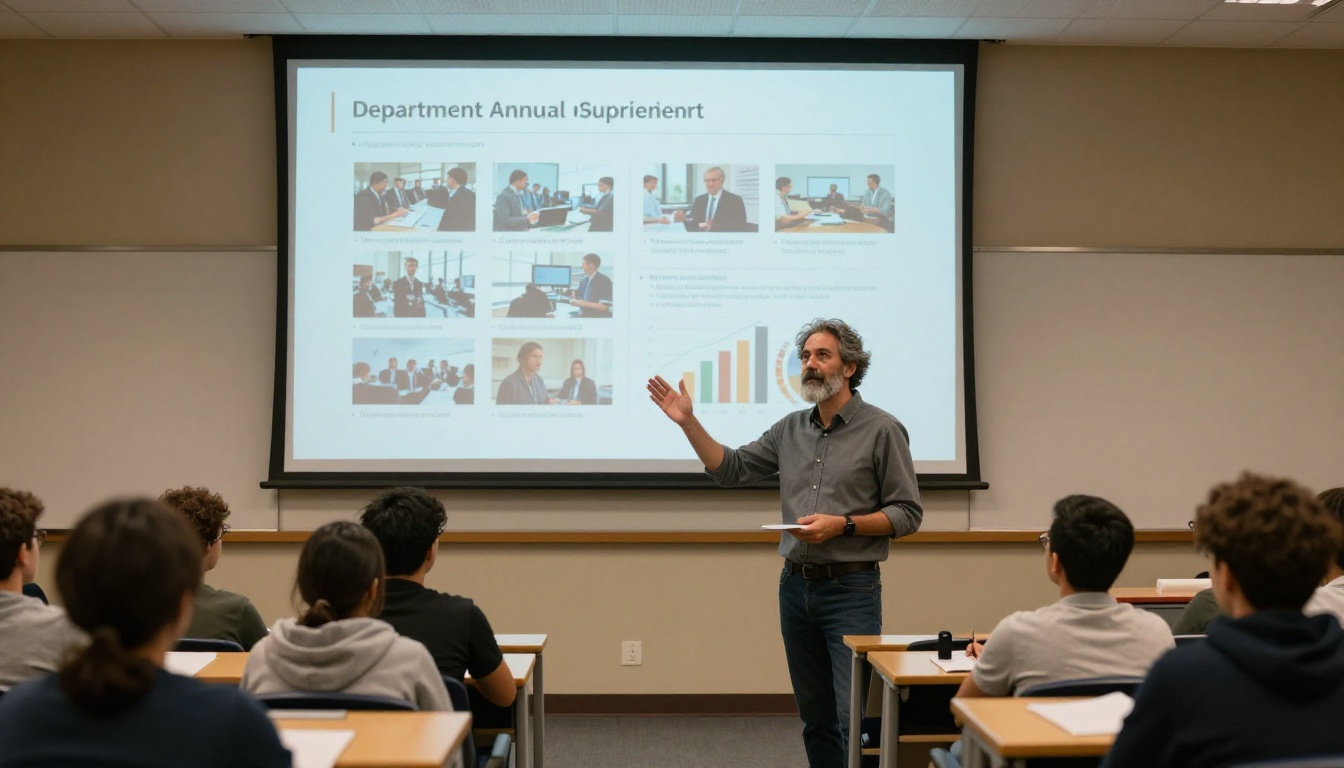
Annual reports are among the most important documents a university department produces. They demonstrate programmatic impact to deans, provosts, accreditation bodies, and prospective students. A well-designed interactive annual report commands far more attention than a static PDF.
The Annual Report Creator provides templates structured specifically for institutional reporting formats.
Research Summaries
For departments with active research programs, publishing findings as interactive flipbooks makes them accessible to non-specialist audiences, science journalists, and potential funding partners who would never work through a full academic paper.
Student Handbooks
A student handbook as a flipbook is easier to search than a printed booklet and substantially easier to update when policies change year to year. No reprinting, no wasted paper, no outdated copies in circulation.
Event Programs
From department symposia to graduation ceremonies, event programs work exceptionally well as flipbooks. They can include embedded schedules, speaker biographical notes, maps, and links to related content. The Event Program Maker handles these with professional templates designed for academic event contexts.

How to Share Your Flipbook Across Campus Channels
Creating a polished flipbook is only half the work. Getting it in front of the right readers completes the picture.
Embedding on Your Department Website
Flipbooks AI generates an embed code compatible with virtually any content management system, including WordPress, Drupal, Squarespace, and plain HTML. Copy the snippet and paste it into your page editor in seconds.
The Embed Flipbook on Website tool streamlines this process. The embedded flipbook loads directly on your department page with no external redirects.
Sharing via the University LMS
Most universities use learning management systems like Canvas, Blackboard, or Moodle. You can post your flipbook link directly in course pages, module resources, or announcement feeds. No file upload or storage quota required.
Email to Alumni and Stakeholders
A flipbook link in an email outperforms a PDF attachment on every metric that matters. It loads instantly in any browser, displays perfectly on mobile without requiring an app, and does not trigger spam filters the way large attachments routinely do.
Social Media and LinkedIn
For departments that maintain active social media presences, sharing a publication as a flipbook link generates substantially more interaction than a PDF download link. Readers engage immediately without any downloading friction.
💡 Pro tip: For LinkedIn posts, share a screenshot of the flipbook cover with the link in the first comment rather than in the caption itself. This format consistently performs better with platform algorithms.

Common Mistakes to Avoid
Even well-prepared department publications can fall flat if a few critical details are overlooked.
Ignoring Mobile Testing
More than half of email opens happen on mobile devices. If your flipbook source PDF uses small fonts or complex multi-column layouts that do not scale well, the mobile reading experience breaks down. Always test your flipbook on a smartphone before distributing it broadly.
Overloading Pages with Dense Text
Academic writing tends toward density by necessity. A flipbook is not a journal article. Each page should have room to breathe. Use generous white space, break long passages across multiple pages, and let images carry weight that might otherwise fall on blocks of unbroken text.
Skipping the Analytics
If you are on the Professional plan, use the analytics dashboard actively. Knowing which pages readers actually reach (and precisely where they stop reading) tells you exactly what to strengthen in the next edition. This data is also valuable for demonstrating communication reach to department leadership.
Treating It as a One-Time Effort
Departments that get the most value from digital flipbooks treat them as a consistent communication channel rather than a single experiment. Publishing on a regular schedule builds a readership expectation and creates a searchable archive of department history over time.
| Criteria | Flipbooks AI | Generic PDF Viewer | Print Distribution |
|---|
| Mobile reading experience | Excellent, fully responsive | Poor, requires constant zooming | No digital access |
| Custom university branding | Full control on paid plans | Rarely available | Print shop only |
| Password-protected access | Yes, all paid plans | Uncommon | Physical distribution |
| Embed on department website | Yes, all plans | Usually not supported | Not applicable |
| No watermark | Yes, Standard and above | Often branded by platform | Not applicable |
| Cost structure | Flat subscription | Variable or per-use | Per-print cost, ongoing |
| Update without reprinting | Instant re-upload | Re-upload required | Not possible |
| Readership analytics | Yes, Professional plan | Rarely available | Not possible |

Your First Flipbook Is Three Steps Away
Every department publication you have been distributing as a PDF attachment can become something readers actually look forward to receiving. Export your document as a PDF, upload it to Flipbooks AI, apply your department branding, and publish. That is the entire process.
Start with your next newsletter or the department's annual report. Once you see how readers respond to a properly interactive publication compared to a static PDF, reverting to old methods stops making sense.
Ready to create your first department flipbook? Get started for free and have your first publication live in under ten minutes. When you are ready for custom branding, password protection, and offline downloads, compare pricing plans to find the right fit for your department's scale and budget. Browse all available flipbook tools to find templates and converters built specifically for academic publications, from course materials and student handbooks to annual reports and event programs.



