Your phone is sitting in your pocket right now with hundreds of photos that no one ever sees twice. Birthdays, road trips, random Tuesday sunsets, candid family moments — they pile up in your gallery and stay there, buried under newer captures. Turning those shots into a digital flipbook gives them a second life: something people can actually sit with, flip through, and feel. And with tools like Flipbooks AI, making one takes less time than sorting through your camera roll.
Why Phone Photos Work So Well
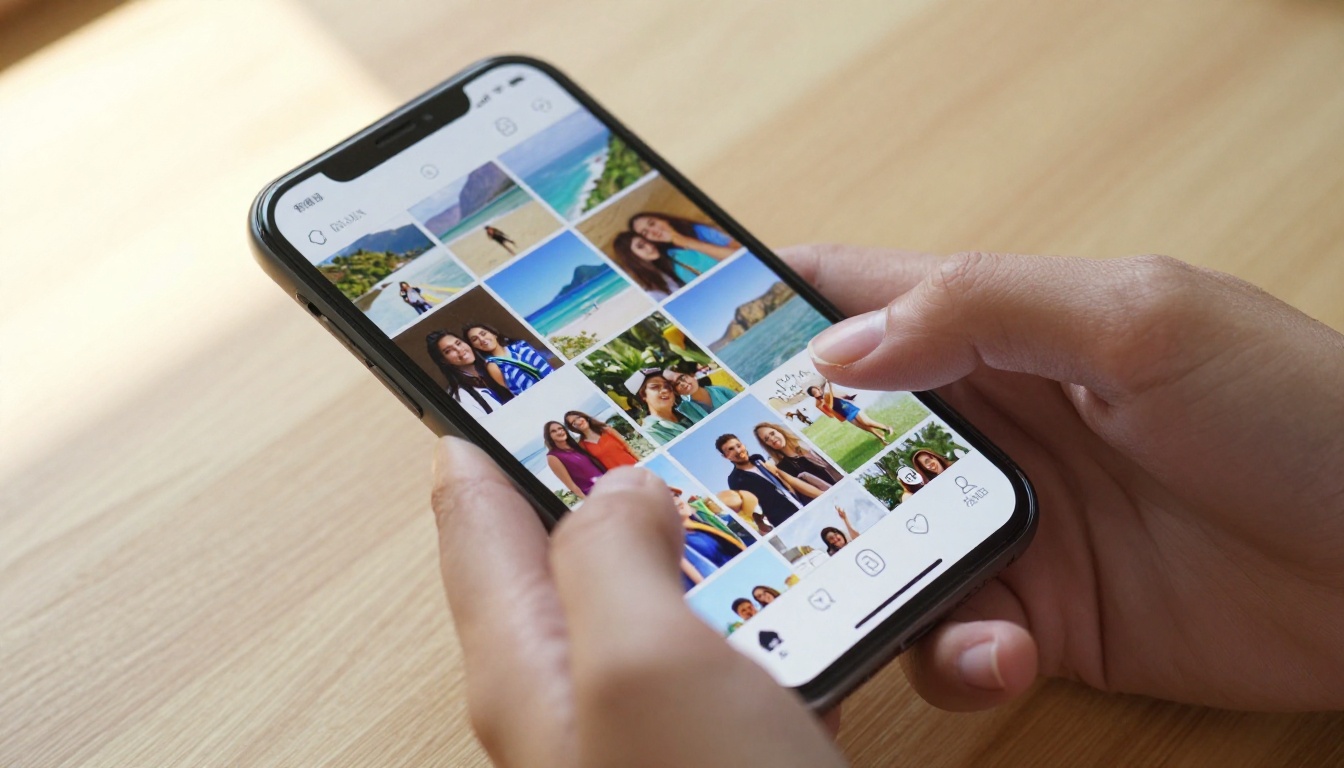
The photos you already have
Most people assume they need a fancy camera to make something worth sharing. That's not true. Modern smartphones shoot at resolutions that hold up perfectly on any screen, and the spontaneity of phone photography is part of what makes the results so compelling. The slight tilt, the motion blur on a kid running through the frame, the unplanned light flare at golden hour — that's atmosphere you can't stage.
The photos sitting in your gallery right now are raw material. They don't need to be technically perfect. They need to be real, and real is exactly what a flipbook thrives on.
What makes a flipbook feel alive
A flipbook's power comes from sequence. When photos follow each other in a logical order, whether chronological, spatial, or thematic, the viewer's brain naturally fills in the gaps between frames. That's the same principle that makes film work. Your job isn't to take perfect individual photos. It's to arrange them so they tell a story with momentum.
The most satisfying flipbooks aren't necessarily the ones with the best photos. They're the ones where you can feel the intention behind the ordering.
💡 Pro tip: Even 8 to 12 photos with a clear arc create a more satisfying flipbook than 40 random shots with no flow. Quality of sequence beats quantity every time.
Picking the Right Photos
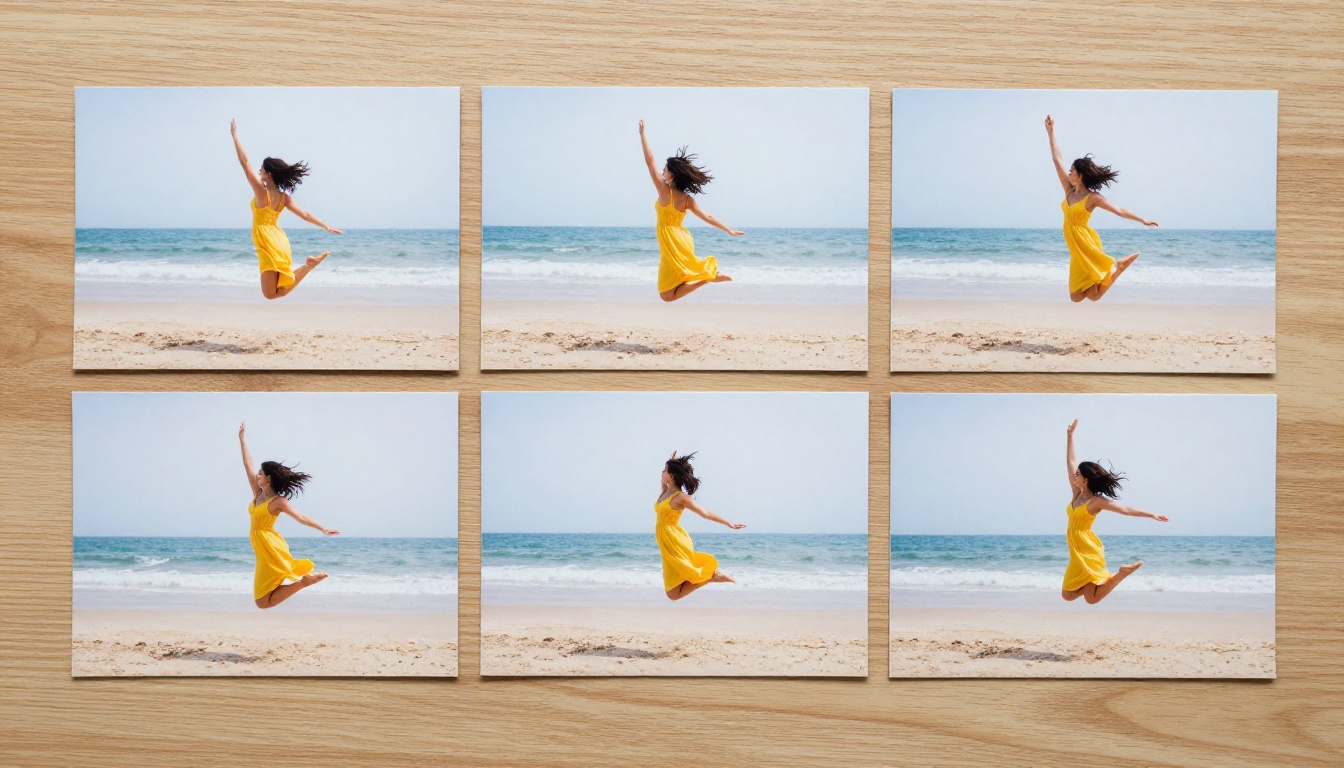
Sequence shots vs. random picks
There's a real difference between a flipbook built from intentional sequences and one assembled from random selections. Sequence shots move through something: a person walking across a beach, a flower opening across multiple days, a city street photographed at the same spot over seasons. Random picks feel more like a slideshow — which isn't bad, just different.
Here's how to decide which approach fits your content:
| Approach | Best For | Ideal Photo Count | Feel |
|---|
| Sequential action shots | Sports, animation, transformation | 10-30 | Dynamic, cinematic |
| Thematic collection | Vacations, events, milestones | 15-50 | Narrative, emotional |
| Before and after | Renovations, fitness journeys, projects | 6-20 | Dramatic, satisfying |
| Full chronological album | Birthdays, weddings, extended trips | 20-100+ | Complete, nostalgic |
How many photos do you actually need
The honest answer: 10 is enough to make something genuinely good. 20 to 40 is the sweet spot for most personal flipbooks. Beyond 80, you start to lose people's attention unless every single photo earns its place in the sequence.
Think about pacing like a filmmaker would. A flipbook that rushes through too many images gives the same disorienting feeling as a film edited with too many quick cuts. Your best moments deserve room to breathe.
⚠️ Avoid this: Never include near-duplicate shots just to pad the page count. Two nearly identical frames of the same scene slow the story down without adding emotional weight.
Editing Your Photos Before You Upload
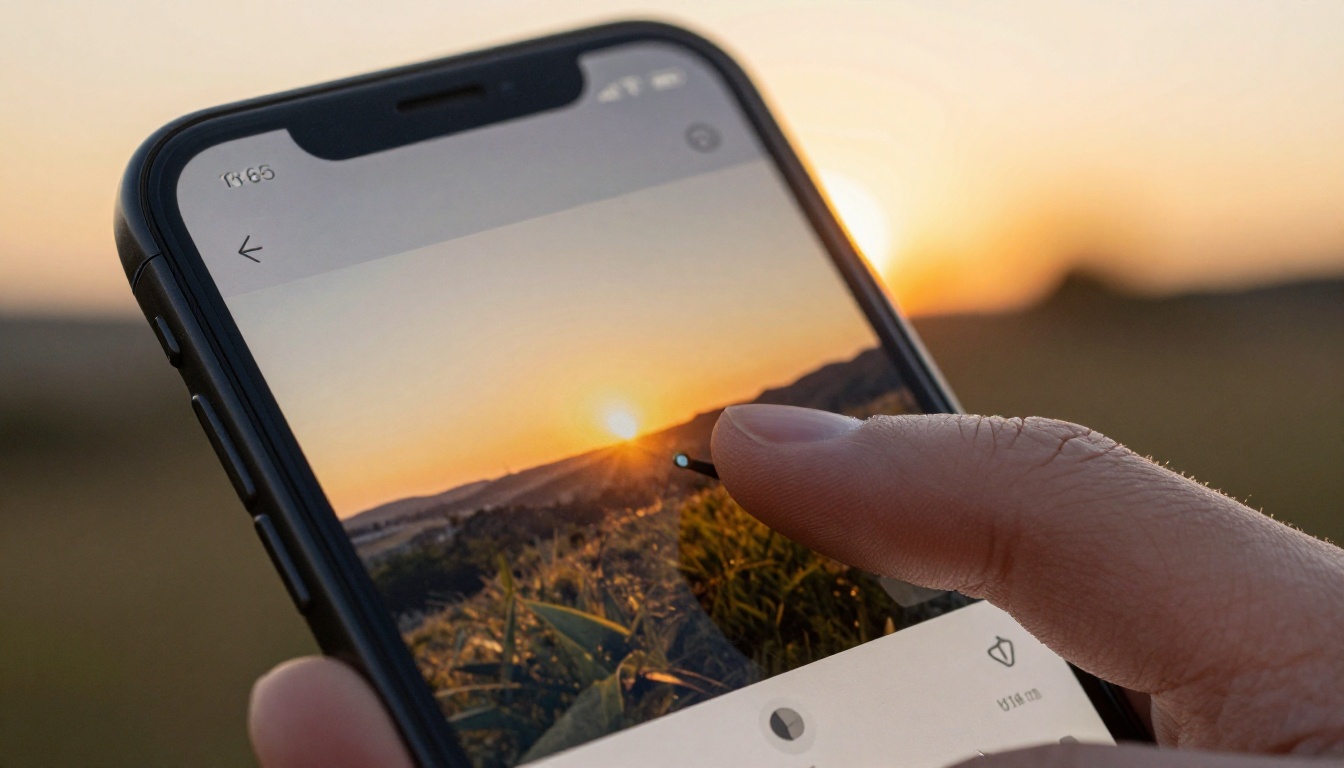
Quick edits that make a real difference
You don't need to spend an hour polishing each photo. A few targeted edits on your phone will make the entire flipbook feel more cohesive and intentional:
- Crop to one orientation: If some photos are portrait and some landscape, pick one and stick to it throughout. Mixing orientations mid-flipbook breaks the reading flow.
- Match brightness levels: Photos taken in different lighting conditions can look jarring when placed side by side. A quick brightness pass through your phone's built-in editor evens things out.
- Boost contrast slightly: Flat, low-contrast photos look dull on screen. A +10 to +15 contrast adjustment adds visual pop without looking over-processed.
- Warm up inconsistent indoor shots: If your flipbook mixes golden-hour outdoor shots with indoor fluorescent-lit photos, apply a warm filter to the indoor ones so they don't visually clash.
- Remove distracting elements: Most phone editing apps have basic object removal tools now. A stray arm at the edge of a photo or a trash can in the background of an otherwise beautiful landscape is worth a 30-second fix.
Best file formats for flipbooks
Most online flipbook platforms, including Flipbooks AI, accept JPG and PNG uploads. Here's what you need to know before exporting:
| Format | File Size | Quality | Best Use Case |
|---|
| JPG (high quality, 85%+) | Small to medium | Excellent | Photographs, landscapes, portraits |
| PNG | Large | Lossless | Screenshots, graphics containing text |
| HEIC (iPhone native) | Small | Excellent | Convert to JPG before uploading |
| WebP | Small | Very good | Web-optimized photography |
💡 Pro tip: iPhone users should set their camera to "Most Compatible" mode under Settings > Camera > Formats. This shoots directly to JPG and saves you a conversion step when uploading to flipbook platforms.
From Phone to PDF in Seconds
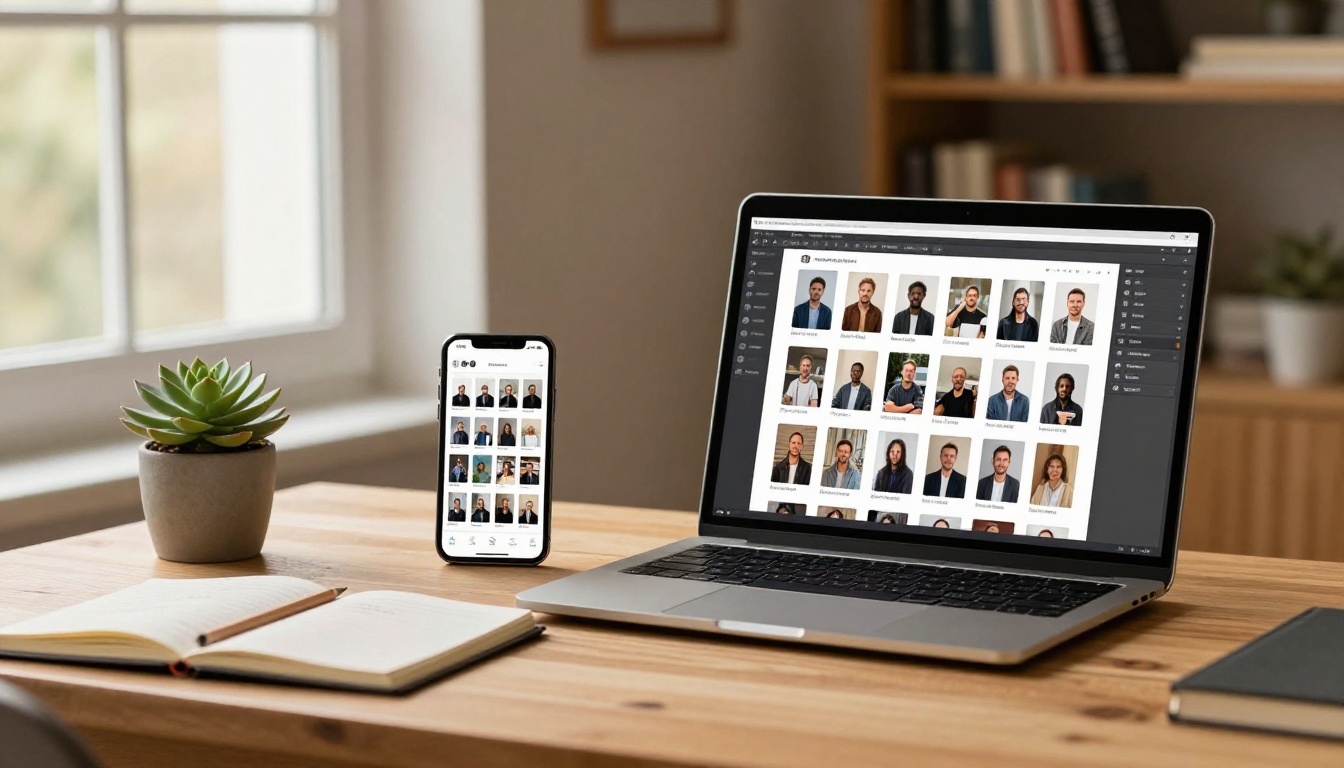
Most online flipbook platforms work with PDF uploads. That means your first task is gathering your selected, edited photos into a single PDF document. Here's the fastest way to do it on each platform:
On iPhone:
- Open the Photos app and select all the photos you want in order
- Tap the Share button, then choose "Print"
- In the print preview, pinch outward on the preview thumbnail to open it as a PDF
- Tap the Share icon again and save the PDF to Files
On Android:
- Select your photos in Google Photos in the order you want them
- Use Google Drive's "Create PDF" option from the share sheet, or
- Use a free app like "Image to PDF Converter" from the Play Store for more control over page size and quality
On desktop (after syncing via cable, AirDrop, or cloud):
- On Mac: Select all photos in Finder, right-click, then "Quick Actions > Create PDF"
- On Windows: Select all photos, right-click, choose "Print", then select "Microsoft Print to PDF" as the printer
Once you have your PDF ready, you're a single upload away from a published flipbook.
How to Build Your Flipbook with Flipbooks AI
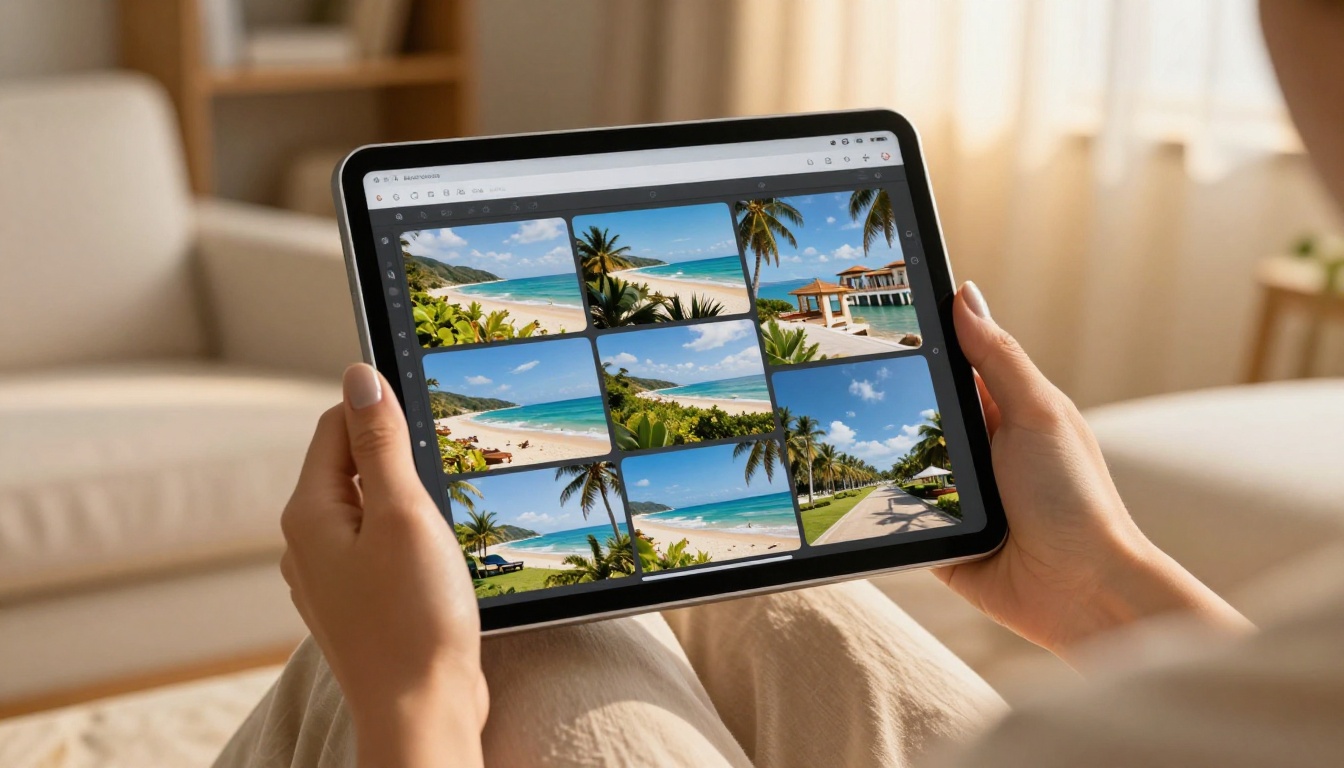
Flipbooks AI makes the entire process straightforward, even if you've never made a digital publication before. The platform is built around one core promise: you upload a PDF, and it becomes a beautiful, shareable flipbook in seconds.
Step 1: Create your account
Go to flipbooksai.com/account and sign up. The process takes about 30 seconds and you can start building immediately.
Step 2: Upload your PDF
From the dashboard, click "New Flipbook" and upload your prepared PDF. The platform converts each page into a high-quality flipbook page automatically. Depending on file size, the conversion usually takes under 60 seconds.
Step 3: Review page order
Once uploaded, all your pages appear in sequence. Scan through them quickly to confirm the order feels right. The drag-and-drop editor lets you rearrange pages if anything needs to shift.
Step 4: Customize the look
This is where your flipbook goes from functional to genuinely polished:
- Cover style: Choose a custom cover design or let your first photo serve as the natural cover
- Page-flip animation: Enable the realistic page-turn effect for that satisfying physical book feel
- Background: Pick a solid color, gradient, or texture that complements your photography without competing with it
- Branding: Add your name, a small logo, or a caption style if you're presenting the flipbook as part of a portfolio or gift
Step 5: Publish and share
When you're satisfied, hit Publish. Flipbooks AI generates a shareable link instantly. Your flipbook is immediately viewable on any device, fully mobile-responsive, with no app required for viewers.
✅ Best practice: Give your flipbook a proper title before sharing. A link labeled "Summer Road Trip 2024" gets opened far more often than one reading "untitled-flipbook-3."
Sharing Options That Actually Get Results

A flipbook that nobody sees is just a folder with extra steps. Here's a full breakdown of sharing options so you can pick what fits your situation:
| Sharing Method | Best For | Privacy | Effort Level |
|---|
| Direct link | WhatsApp, email, social media | Public by default | Zero |
| Password-protected link | Family albums, private content | Fully private | Minimal |
| Embedded on website | Blogs, portfolios, business pages | Configurable | Low |
| QR code | Printed invitations, physical gifts | Configurable | Low |
| Offline download | Sharing with limited internet access | N/A | Moderate |
Link sharing vs. embedding
A direct link is the fastest option and works everywhere without friction. If someone can click a URL, they can view your flipbook on any device — desktop, tablet, or phone — no app needed.
Embedding is the stronger choice if you have a personal website or blog. Paste the generated embed code into any page builder and the flipbook appears inline, giving visitors a fully interactive reading experience without them ever leaving your site. Flipbooks AI generates the embed code automatically once your flipbook is published.
💡 Pro tip: For family events and personal albums, password-protect the flipbook before sharing. This keeps private family photos off public search indexes while still making the link easy to share with people you trust.
Different Albums, Different Approaches
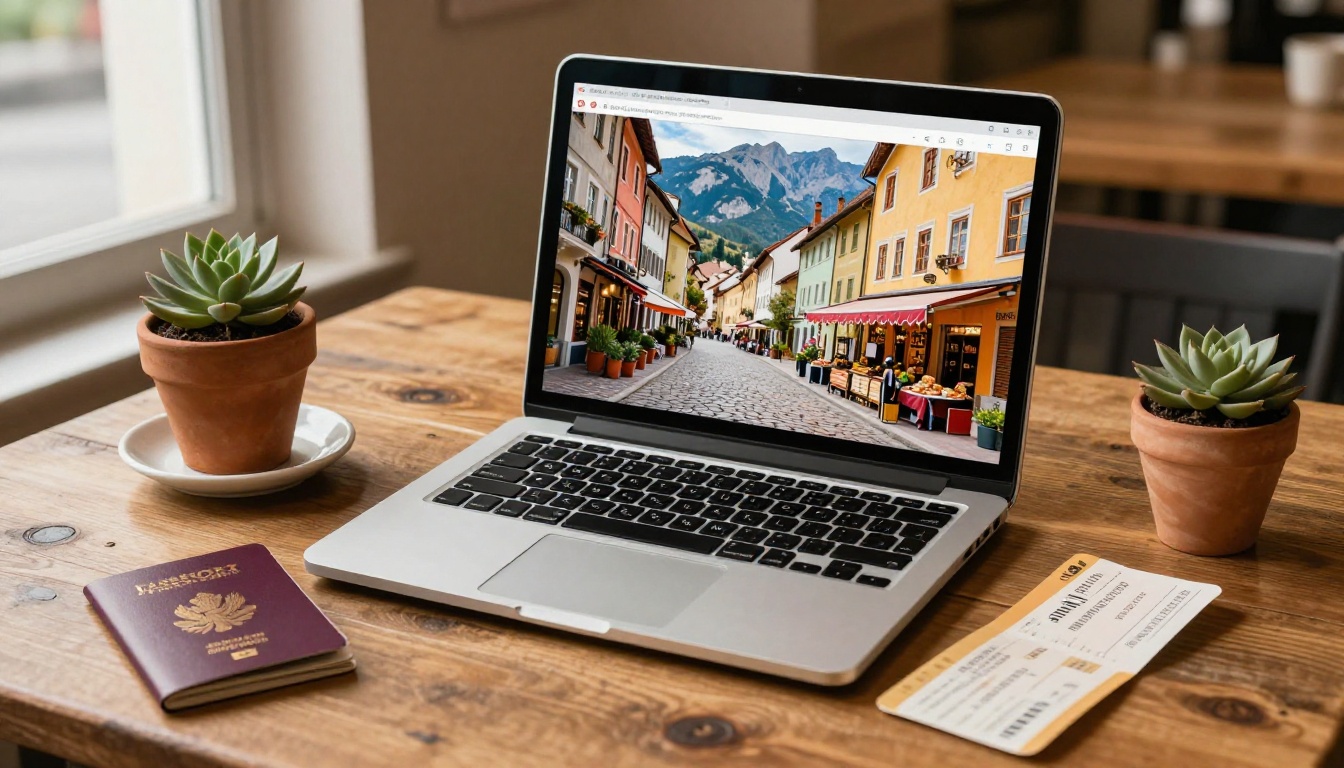
Travel and vacation albums
Travel photos have a natural built-in arc: departure, arrival, exploration, daily highlights, and the journey home. Lean into that structure. Organize your flipbook chronologically and let the destinations act as natural chapters. A good travel flipbook moves like a short film, carrying viewers from anticipation through experience to reflection.
The Travel Guide Flipbook tool on Flipbooks AI is designed for exactly this kind of content, with templates that handle location-based photography beautifully.
Family milestones and events
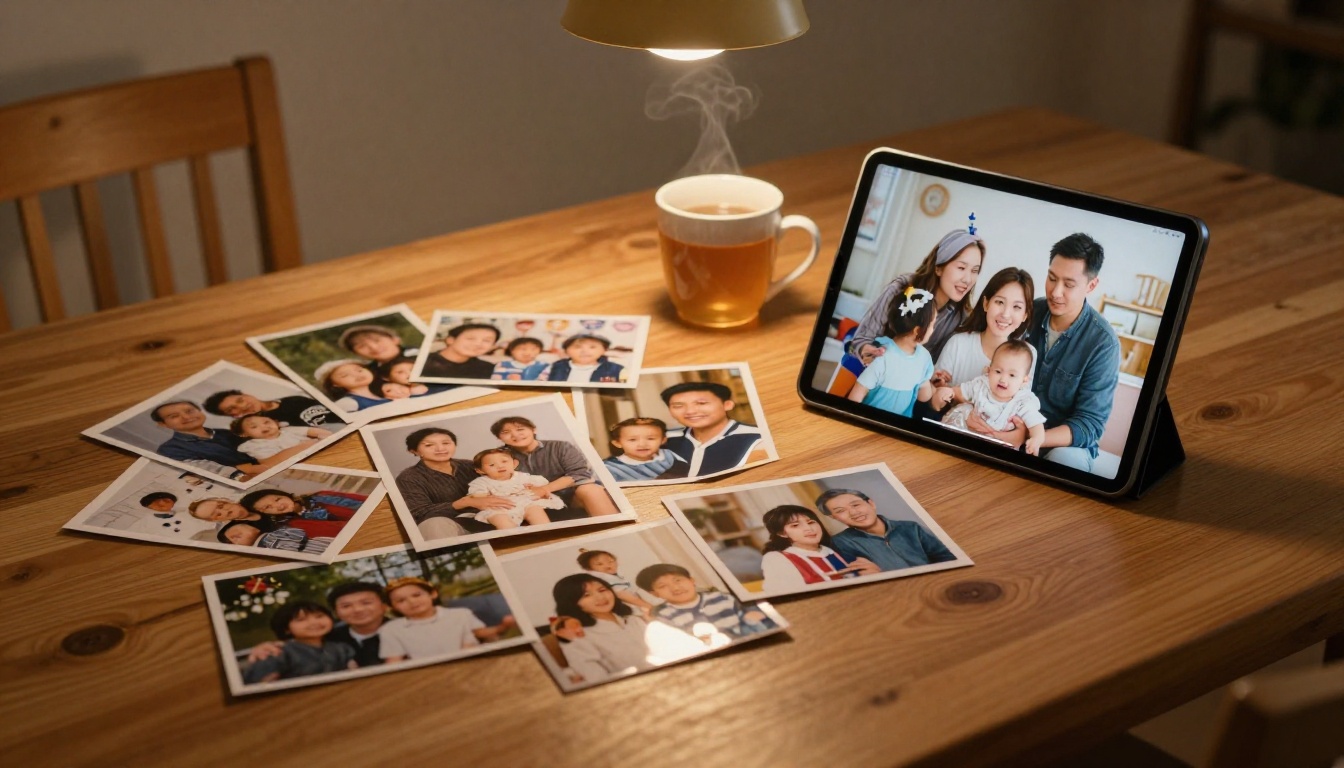
Birthdays, graduations, holidays, reunions — these events generate dozens of photos that everyone in the family wants access to for years afterward. A flipbook is far more satisfying than a shared Google Drive folder because it has intention: a beginning, a middle, and an end. It feels like a gift rather than a dump of files.
The Wedding Album Flipbook and Yearbook Flipbook Maker tools handle large photo collections gracefully, with layouts designed to give milestone moments the visual weight they deserve.
Photography portfolios
If you're taking phone photography seriously, whether that's street photography, portrait work, or travel documentary, a flipbook is one of the cleanest presentation formats available. It gives each image context within a sequence rather than displaying them as isolated tiles in a grid. The Photography Portfolio Flipbook tool is built for precisely this use case, with layouts that give individual images space to make an impression.
Advanced Features Worth Knowing About
Analytics and viewer tracking
On the Professional plan, you get detailed analytics showing how many people viewed your flipbook, which pages held their attention longest, and where viewers stopped reading. For personal use this is a curious insight. For anyone sharing a flipbook in a professional capacity, such as a real estate agent, photographer, or content creator, it's genuinely actionable data.
Embedding audio and video
The Professional plan also supports embedding audio clips and short video segments directly inside your flipbook pages. For a travel album, this means attaching a 15-second ambient clip of the market you photographed. For a family birthday flipbook, it means embedding the video of the cake moment between the photo pages. The result is a multimedia experience that a static photo album simply cannot replicate.
Offline downloads
If you're sharing with someone who has limited or unreliable internet access, the offline download option exports a self-contained flipbook file they can view without any connection at all. This is particularly valuable for sharing with older family members or sending flipbooks to people in areas with poor connectivity.
What Flipbooks AI costs
| Plan | Price | Flipbooks | Key Features |
|---|
| Free | $0 | Limited | Core tools, basic sharing |
| Standard | Paid monthly | Unlimited | No watermarks, custom branding |
| Professional | Paid monthly | Unlimited | Analytics, lead gen, offline, video embed |
See the full pricing breakdown to find what fits your needs.
3 Common Mistakes to Skip
1. Starting with too many photos: The instinct is to include everything. Resist it. A tight, 25-photo flipbook that moves well will always beat a 90-photo collection that wanders.
2. Ignoring orientation consistency: Mixing portrait and landscape photos in the same flipbook creates a choppy, uneven reading experience. Pick one and commit before you upload.
3. Sharing without a title or description: An unlabeled flipbook link gives people no reason to click. Write one sentence about what they're about to see and include it in the message alongside the link.
What to Do After You Publish
Once your flipbook is live, the options go beyond just sending the link once:
- Print the QR code and include it inside a physical photo card or gift package
- Embed it in a personal website or family blog so it lives somewhere permanent
- Save the URL in a shared family notes document everyone can bookmark
- Re-share it on the anniversary of the event — a flipbook from a trip two years ago hits differently when someone rediscovers it in their messages
Browse all the flipbook tools available on Flipbooks AI once you're comfortable with the process. The same workflow you used for a vacation album applies to recipe collections, event programs, digital portfolios, and more. Once you know the steps, each new flipbook takes less time than the last.
Your phone's camera roll is full of moments worth more than a double-tap. Start your first flipbook for free on Flipbooks AI and see how quickly a scattered gallery becomes something people actually want to sit with. When you're ready for more, check out the full pricing options to choose the plan that fits where you're taking this.



