You have a PDF that took hours to build, and you are about to send it as an attachment that most people will never open. A flipbook fixes that. It turns the same file into a page turning experience that loads in a browser, works on a phone and opens from one short link. This tutorial shows how to make a flipbook online, which free options are worth your time, which page settings actually matter, and how to share the result. You can follow every step on Flipbooks AI or apply the same logic to any other tool.
💡 Quick answer: Export your document as a PDF, upload it to a flipbook maker, adjust the page settings, then copy the share link. The whole process takes about five minutes for a 20 page file.
What a Flipbook Actually Is
A flipbook is a digital publication that imitates a printed book on screen. Readers click or swipe and the page curls over, sometimes with a soft paper sound. Behind the effect sits a simple idea: your static pages are converted into web friendly images and text layers that load quickly.
Flipbook vs Plain PDF
A PDF is a file. A flipbook is a web page. That difference explains almost every advantage below.
| Feature | Plain PDF | Online flipbook |
|---|
| Opens in browser | Sometimes, with a heavy download | Always, loads page by page |
| Page turn effect | None | Realistic curl or slide |
| Mobile reading | Pinch and zoom | Responsive layout |
| Shareable by link | Needs a file host | Built in |
| Tracking opens | No | Yes, on pro plans |
| Embed on a website | Awkward | One line of code |
| Interactive media | Limited | Video, audio, links |
Who Uses Flipbooks Most
The format suits any document that benefits from being browsed rather than read like a contract:
Free Options Compared
Almost every flipbook platform advertises a free plan. The details decide whether it is useful or just a trial in disguise.
What Free Plans Usually Limit
Before you upload anything, check these five points:
- Watermark. Many free tiers stamp a logo on every page, which makes the flipbook look unfinished.
- Page count. Some cap files at 10 or 20 pages.
- Number of flipbooks. Often you get one to three, and old ones expire.
- Download and print. Frequently locked.
- Branding. Custom colors, logo and domain are usually paid.
⚠️ A free flipbook with a watermark on every page can hurt a client facing document more than it helps. If the file represents your business, look for a plan without one.
Which Free Route Fits You
| Your situation | Best route | Watch out for |
|---|
| One off school or family project | Any free tier with page cap above your page count | Expiry dates on free links |
| Small business menu or catalog | A tool with no watermark and custom branding | Hidden branding on free exports |
| Portfolio or lookbook | A tool that keeps image quality high | Heavy compression |
| Client reports with tracking | Paid plan with analytics | Free tiers rarely track opens |
| Lots of publications over time | Unlimited flipbooks plan | Per document pricing |
With Flipbooks AI the point is simple: no watermarks, ever. Compare the pricing plans to see which tier matches the number of flipbooks you plan to publish.
Prepare Your PDF First
The quality of the flipbook is capped by the quality of the PDF. Ten minutes of preparation saves you from re uploading later.
Page Size and Orientation
Pick one page size and keep it for the whole document. Mixed sizes produce uneven spreads and odd white margins. For most flipbooks these sizes work well:
| Format | Typical size | Best for |
|---|
| A4 portrait | 210 x 297 mm | Reports, brochures, newsletters |
| US Letter portrait | 8.5 x 11 in | North American documents |
| Square | 210 x 210 mm | Lookbooks, photo books |
| Landscape 16:9 | 1920 x 1080 px | Presentations, sales decks |
Image Weight and Fonts
- Embed your fonts when you export so text never swaps to a default.
- Compress photos to roughly 150 to 200 DPI. Higher resolution makes files heavy without a visible gain on screen.
- Keep the PDF under 50 MB where possible. Smaller files convert faster and load faster for readers.
- Check link text. Clickable links in your PDF usually stay clickable in the flipbook.
Build It With Flipbooks AI
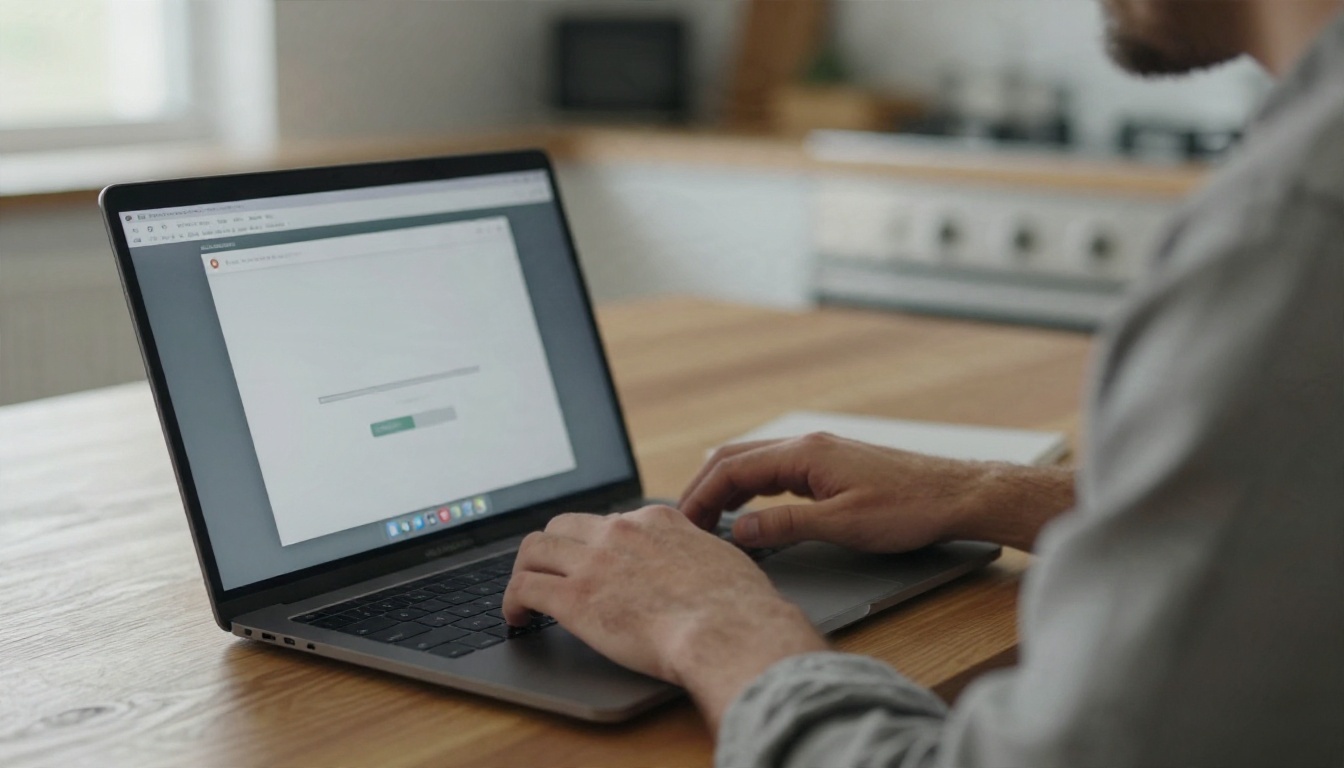
Here is the full workflow using the PDF to Flipbook Converter. The steps stay almost identical if you use another platform, only the button names change.
Step by Step Tutorial
- Open the platform. Go to Flipbooks AI and create an account. Signing up takes under a minute.
- Start a new flipbook. Choose the upload option from your dashboard.
- Upload your PDF. Drag the file into the upload area or pick it from your computer. A progress bar shows the conversion. Most documents finish in seconds.
- Check the preview. Flip through every page. Look for cropped text, missing images and blank pages.
- Name the flipbook. The title becomes part of your link, so keep it short and readable.
- Adjust the design. Pick a background color, add your logo and choose the page effect (details in the next section).
- Publish. Click publish and your flipbook receives its own link instantly.
- Copy and share. Use the link, embed code or download option, depending on where the audience is.
✅ Best practice: Always open the finished link on your phone before sending it. Most readers will see it there first.
Branding and Multimedia
A plain flipbook works. A branded one gets remembered. On Flipbooks AI you can:
- Upload your logo and place it in the toolbar
- Pick a background color or image that matches your site
- Add video and audio to specific pages, for example a chef introducing the dish of the month
- Add clickable links to products, booking forms or social profiles
- Keep the layout mobile responsive without extra work
Specific use cases have their own tools. A shop can use the Product Catalog Generator, a hotel can build a Hotel Brochure, and a writer can publish with the Interactive E-Book Publisher. Browse all flipbook tools to find the closest match.
Page Settings That Matter
Most people click publish without touching a single setting. That is a missed chance, because small changes alter how professional the flipbook feels.
Single Page or Double Page
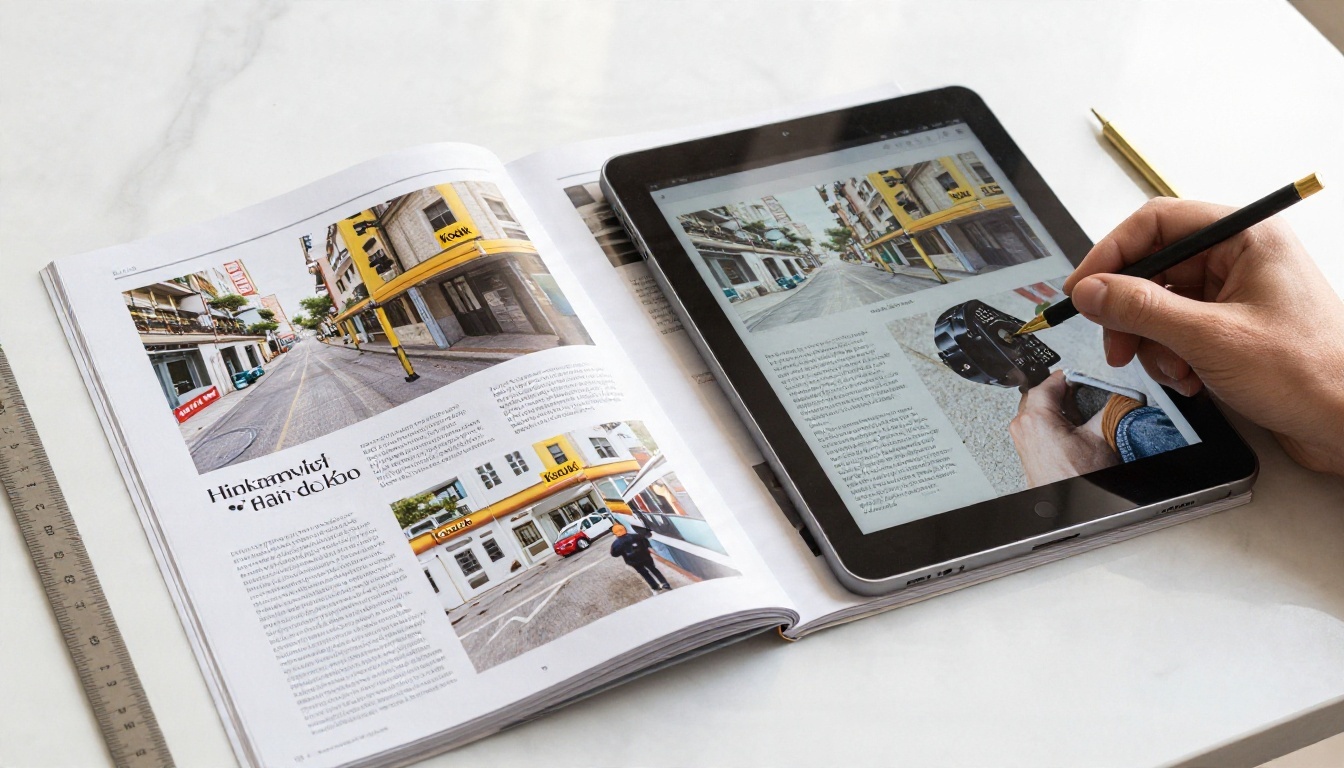
A double page spread mimics a real book and shows two pages together on desktop. It is ideal for magazines, lookbooks and anything designed with facing pages. A single page view works better for menus, forms and documents with dense text. On phones, nearly every flipbook falls back to single page automatically.
Page Effects and Speed
| Setting | Options | Recommendation |
|---|
| Page effect | Realistic curl, soft slide, fade | Curl for magazines, slide for reports |
| Flip speed | Slow, medium, fast | Medium for most readers |
| Page sound | On or off | Off for office audiences |
| Autoplay | On or off | Use only for kiosks and trade shows |
| Zoom | Click, double click, pinch | Keep enabled for text heavy pages |
| Background | Solid, gradient, image | Solid neutral keeps focus on pages |
Front Page and Back Page
The first page decides whether people keep reading. Make sure it is a strong title page, not a table of contents. Likewise, finish with a back page that includes a clear action: a phone number, a booking link or your website. Readers who reach the end are your most interested audience.
Table of Contents and Search
Add a clickable contents page if your document runs beyond 15 pages. Readers jump straight to the section they care about. Searchable text is also helpful for manuals and reports, so avoid exporting pages as flat images when you can.
💡 If your PDF came from a design tool, export with text kept as live text. It makes your flipbook searchable and accessible to screen readers.
Share by Link, Embed or Download
A flipbook only creates value when someone opens it. You have three main ways to deliver it.

The Direct Link
This is the fastest option. Copy the link and paste it in an email, a WhatsApp message, a social bio or a QR code on printed material. No login is needed for the reader, and the flipbook opens in any browser.
- Add the link to your email signature
- Turn it into a QR code for table cards and posters
- Place it in your Instagram or LinkedIn bio
- Send it in a proposal email instead of an attachment
Password Protection
Not every document should be public. Add a password when you send pricing sheets, internal reports or client proposals. Only people who have the password can open the flipbook, and you can change it whenever you like.
Embed on Your Website
If you want the flipbook to live inside a page on your own site, use an embed code. The Embed Flipbook on Website tool gives you a snippet to paste into your site builder. It adapts to the width of the container, so it looks right on desktop and mobile.
| Sharing method | Setup time | Best for | Privacy level |
|---|
| Direct link | 10 seconds | Email, chat, social | Anyone with the link |
| QR code | 1 minute | Print, packaging, events | Anyone who scans |
| Embed code | 3 minutes | Websites and landing pages | Public on that page |
| Password protected link | 1 minute | Clients, internal files | Restricted |
| Offline download | 30 seconds | Trade shows, poor connections | Depends on who gets the file |
Offline Downloads
Some audiences have bad signal: sales teams at conferences, travelers, field workers. An offline download lets them keep the flipbook on their device and read it anywhere.
Track Who Opens It
On the Professional plan you get analytics and lead generation. You can see how many people opened the flipbook, which pages held attention and where readers dropped off. A lead form can ask for an email address before the reader proceeds, which is useful for catalogs and gated reports. See what is included on the pricing page.

Mistakes That Break Flipbooks
Most problems come from the source file, not the platform. These are the ones that show up again and again.
Five Common Slips
- Tiny text. What looks fine on a desktop PDF is unreadable on a phone. Keep body text at 11 pt or larger.
- Mixed page sizes. The spread looks lopsided and the zoom behaves strangely.
- Huge uncompressed photos. The flipbook loads slowly and readers leave.
- No call to action. Readers reach the end with nothing to do next.
- Skipping the phone test. A layout that works on a laptop can feel cramped on a small screen.
A Real World Example
Picture a small bakery that updates its menu every season. Before, the owner emailed a PDF and printed copies for the counter. Now she exports the menu, uploads it once, shares the link on social media and prints a QR code for each table. When prices change, she uploads the new PDF and the link everyone already has keeps working. The same approach suits a real estate agent with a Real Estate Brochure or a school sending a School Newsletter.
⚠️ Before you send a flipbook to a client, check every link inside it. A dead link on page three looks worse than a missing feature.
Your First Flipbook Today
You now have the full process: prepare a clean PDF, pick a tool with no watermark, tune the page settings and choose the right way to share. The first flipbook is always the slowest. After that, publishing becomes a two minute routine.
- Ready to publish? Create your free account on Flipbooks AI and upload your first PDF.
- Looking for a template that fits your document? Browse the tools directory.
- Need analytics, lead capture or unlimited flipbooks? Compare plans and choose the one that matches your workload.
Your document is already written. Give it a format people actually want to open.



