Your customers are not going to download a 60 MB PDF, squint at it on a phone and then email you a question about page 14. They will close the tab. An online catalog fixes that: it opens instantly, turns pages like a real book, works on every screen and can be shared with a single link. With a tool like Flipbooks AI, you can go from a finished PDF to a shareable catalog in a few minutes, and you can start without spending anything.
This article walks through the whole process: what to put in the catalog, which free options are worth your time, which page size to choose, how to share the result and how to embed it on your own website.
What an Online Catalog Really Is
An online catalog is a digital version of your product range that people can browse in a web browser. No app, no installation, no attachments. The best ones keep the familiar feel of a printed catalog (page turns, spreads, a clear order) while adding things paper cannot do: clickable links, embedded video, search and tracking.

Flipbook, PDF or Web Page?
You have three basic formats to choose from, and each suits a different job.
| Format | Best for | Page-turn feel | Tracking | Mobile experience |
|---|
| Plain PDF | Quick internal sharing | None | Almost none | Pinch and zoom, often slow |
| Flipbook catalog | Product ranges, lookbooks, price lists | Realistic page flip | Views, clicks, time on page | Responsive and fast |
| Web product pages | Large stores with live stock | Not applicable | Full web analytics | Depends on your theme |
A flipbook sits in the middle. It keeps the editorial layout you designed, which matters for fashion, furniture, gifts and anything where presentation sells, and it still loads like a web page.
💡 Pro tip: You do not have to choose only one. Many small shops keep their web store for live stock and use a flipbook catalog as the seasonal "browse the whole range" experience.
Who Benefits Most
- Wholesalers who send the same range to dozens of buyers
- Boutiques and florists who change collections each season
- Furniture and home decor sellers whose products need room to breathe on the page
- Service businesses with packages, such as photographers or event planners
- Restaurants and spas that want a menu people can open from a QR code
Free Options That Actually Work
"Free" can mean very different things. Some tools are genuinely free for small catalogs. Others are free until you try to publish, at which point a watermark appears across every page. Before you invest hours in layout, check these four points.
What to Check Before You Build
- Watermarks: Will your published catalog carry someone else's logo?
- Page limits: Does the free plan cap the number of pages or flipbooks?
- Export and embed: Can you share a link and place the catalog on your site?
- Ownership: Can you download your file and leave if you want to?
⚠️ Warning: A watermark on a catalog you send to customers looks unprofessional and is difficult to remove after you have shared the link everywhere. Test the published result, not only the editor.
Free Routes Compared
| Route | Cost | Looks professional? | Embeds on your site? | Main drawback |
|---|
| PDF in cloud storage | Free | Low | Awkwardly | No page-turn, no tracking |
| Design tool with PDF export | Free tier | Medium to high | No | You still need a place to host it |
| Free flipbook plan | Free | High | Usually yes | Limits on pages or features |
| Your own website page | Hosting cost | Depends | Native | Slow to build and update |
The most practical combination for a small business is to design the catalog in any tool you like, export a PDF, and publish it as a flipbook. You can create your first one on Flipbooks AI, and compare plans on the pricing page when you need more room.
Plan the Content First
Before you touch a design tool, decide what the catalog needs to do. A catalog for a wholesale buyer is not the same as a catalog for a shopper on Instagram.

Structure That Sells
A reliable page order looks like this:
- Front page: brand name, season or year, one strong image
- Welcome page: two or three sentences about who you are
- Product sections: grouped by category, collection or use
- Price or order information: how to buy, minimum quantities, delivery
- Back page: contact details, website, social handles
Group products the way your customers think, not the way your warehouse does. A florist's buyer thinks "wedding" or "weekly office delivery," not "SKU range 200 to 299."
Photos Matter More Than Layout
Clean, consistent photography does more for a catalog than any template. Shoot near a large window, use the same background throughout, and keep the camera at the same height for similar items. A phone is perfectly good if the light is good.
✅ Best practice: Name each image file after the product before you start the layout. When you are 40 pages in, you will thank yourself.
Pick the Right Page Size
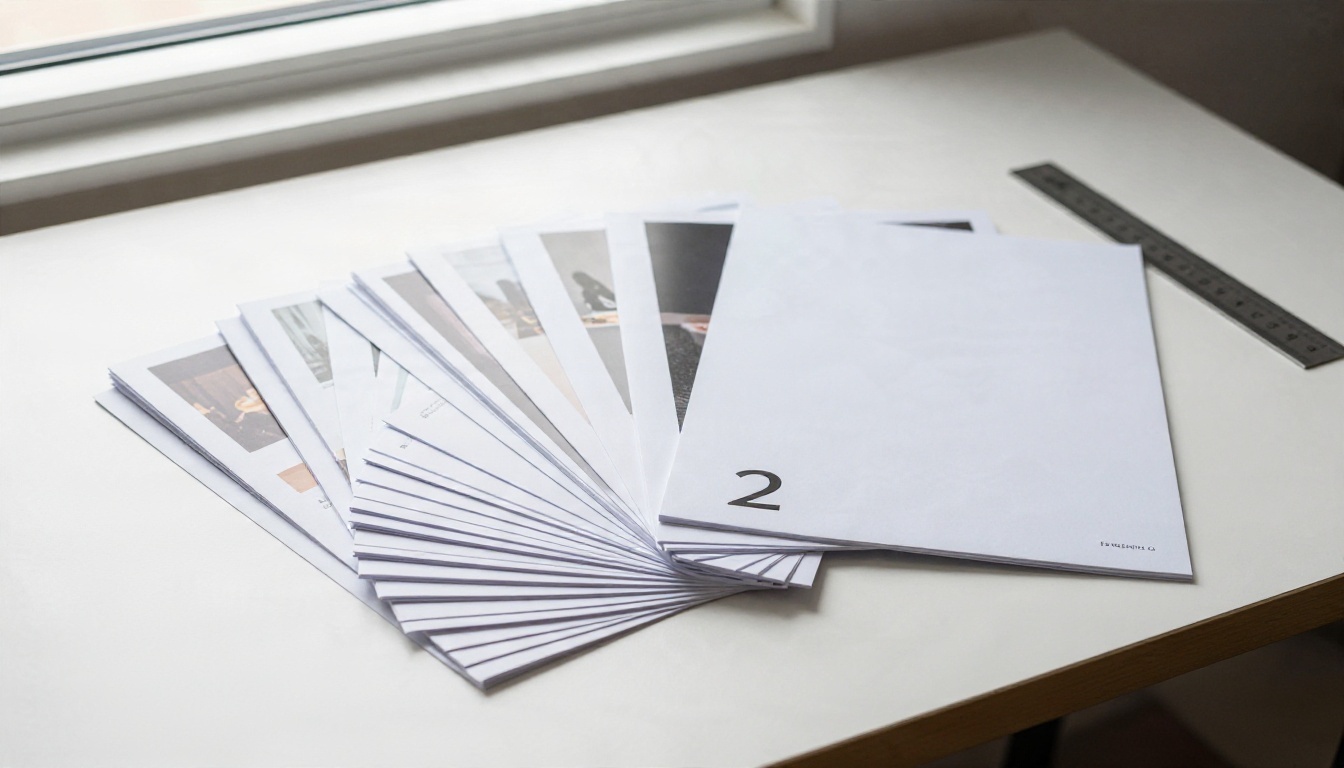
Page size is the decision people regret most, because changing it later means rebuilding the layout. The right choice depends on how customers will read the catalog: on a phone, on a laptop, or printed.
Common Catalog Formats
| Format | Dimensions | Orientation | Best for |
|---|
| A4 | 210 x 297 mm | Portrait | Standard product ranges, price lists |
| US Letter | 8.5 x 11 in | Portrait | Catalogs aimed at US and Canada |
| A5 | 148 x 210 mm | Portrait | Small ranges, gift lists, menus |
| Square | 210 x 210 mm | Square | Lookbooks, beauty, homeware |
| Landscape 16:9 | 1920 x 1080 px | Landscape | Screen-first catalogs, presentations |
A4 portrait is the safe default. It prints cleanly, reads well on a laptop as a two-page spread and is what most buyers expect. Square feels modern and gives photos a gallery look, but it wastes space for text-heavy price tables. Landscape suits catalogs that will mostly be viewed on desktop or shown on a screen at a trade stand.
Resolution and File Weight
For on-screen catalogs, images at 150 dpi are sharp enough and keep the file light. If you also plan to print, export a second copy at 300 dpi. A few more habits help:
- Compress photos before placing them, not after
- Use the same page size for every page, because mixed sizes cause odd gaps in a flipbook
- Leave a margin of at least 10 mm so nothing is cut off on small screens
- Keep body text at 9 pt or larger, since it will often be viewed on a phone
💡 If you only have one catalog to make this year, export an A4 portrait PDF at 150 dpi. It works for both screen and office printing.
How to Create a Catalog with Flipbooks AI
The step-by-step flow below uses Flipbooks AI, which converts a PDF into a page-turning online catalog with no watermarks. If you want a template-style starting point, the Digital Catalog Maker and the Product Catalog Generator are built for this exact job.

Step 1: Open Your Account
Go to Flipbooks AI and create an account. You will land in a dashboard where all your catalogs live in one place.
Step 2: Upload Your PDF
- Click the button to create a new flipbook.
- Drag in your exported PDF, or choose it from your computer.
- Wait a few seconds while the file is converted. Each PDF page becomes a flipbook page.
- Check the preview. Flip through every page and confirm images are sharp and text is readable.
The PDF to Flipbook Converter page explains the conversion in more detail. If the preview shows a blurry page, fix the source image, export again and re-upload. It takes less time than it sounds.
Step 3: Customize the Look
This is where the catalog starts to feel like yours:
- Branding: add your logo and pick background and toolbar colors that match your brand
- Page effects: choose how pages turn, and whether sound plays
- Multimedia: add product videos, audio or links to buy buttons on specific pages
- Layout: decide between single-page and spread view on desktop

A florist, for example, can add a short video of a bouquet being wrapped on the page where it is listed, and a link straight to an order form. The customer sees the product, the process and the next step without leaving the catalog.
Step 4: Choose Your Sharing Settings
Decide who can see the catalog. Keep it public for open browsing, or turn on password protection for wholesale price lists and private ranges. We go deeper on this in the sharing section below.
Step 5: Publish and Test
Publish, then open the link on your phone, on a laptop and, if possible, on a friend's device. Check page turning, zoom and every link. Fix anything odd before you send it out.
Professional Features Worth Having
On the Professional plan you also get analytics, lead generation and offline downloads, so you can see which pages people read, collect contact details before the catalog opens and let buyers save a copy. You can compare what each plan includes on the pricing page. Standard plans and above also include unlimited flipbooks, which suits businesses that publish a new catalog every season.

Share It the Smart Way
A catalog nobody opens is just a file. Sharing is where most of the value comes from, so use more than one channel.
Direct Links and QR Codes
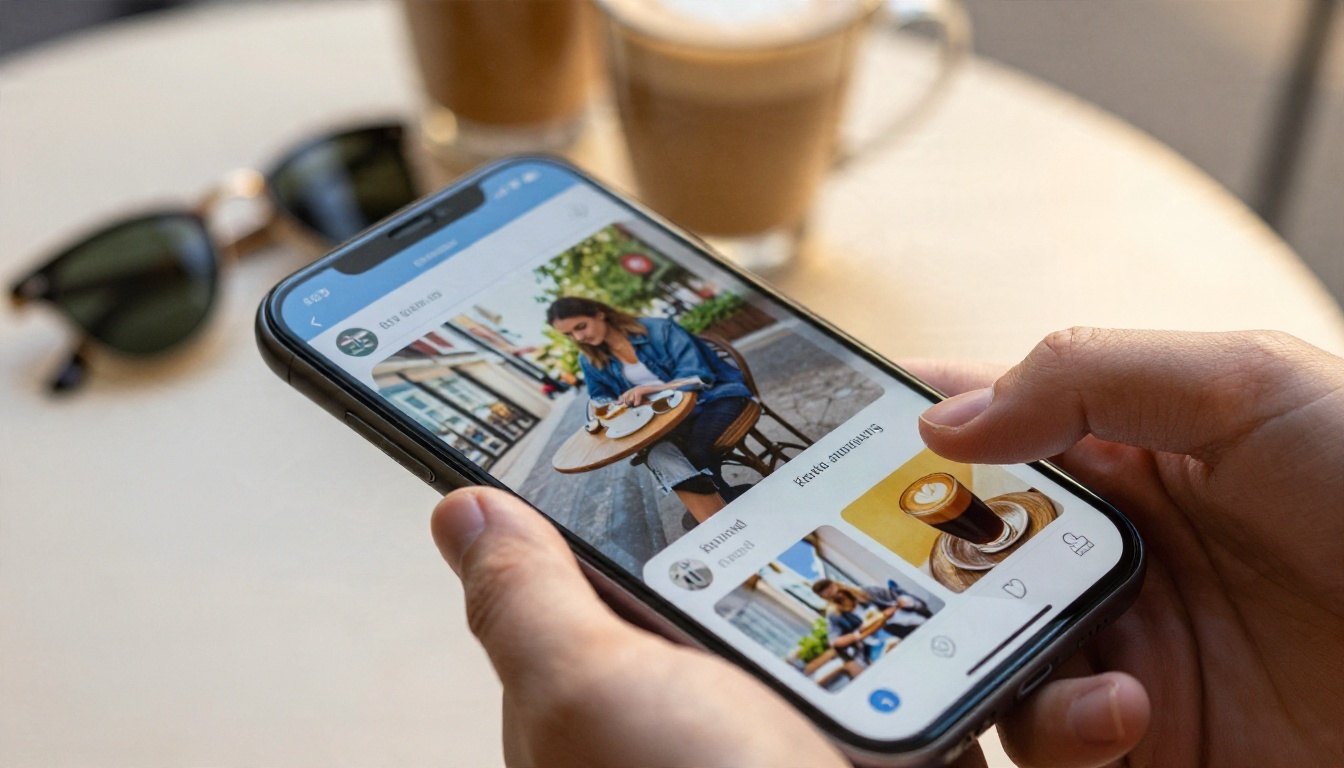
Every flipbook gets a direct link you can paste anywhere: email signatures, WhatsApp, Instagram bio, invoices. Turn the same link into a QR code and print it on shop windows, packaging, business cards and trade show banners. A restaurant or spa can put a QR code on every table and always show the current offer. See the Menu Flipbook Designer for a menu-focused version of this idea.
Password Protection for Private Ranges
If your wholesale prices are not for the public, protect the flipbook with a password and give it only to approved buyers. You can run two catalogs side by side: a public retail one and a private trade one.
| Sharing method | Setup time | Best use | Control level |
|---|
| Direct link | Seconds | Email, chat, social posts | Anyone with the link |
| QR code | Minutes | Print, packaging, signage | Anyone who scans |
| Password protected | Minutes | Wholesale and private pricing | Only people with the password |
| Website embed | 5 minutes | Product pages, landing pages | Visible to site visitors |
Email and Social Tips
- Use a preview image of the front page, linked to the catalog, rather than an attachment
- Put the link in the first line of the message, not buried at the end
- Add a short line about what is inside: "48 new pieces for spring, with prices"
- Mention the date or season so people know the catalog is current
Embed It on Your Website
Embedding places the catalog directly inside one of your pages, so visitors never leave your site. This keeps your brand in front of them and it is better for time on page than sending people to a separate address.

Embed Code in Three Steps
- In your Flipbooks AI dashboard, open the catalog and select the embed option.
- Copy the embed code. Set the width to 100% so it adapts to the screen, and choose a height that suits your layout.
- Paste the code into an HTML or "custom code" block on your page, then save and preview.
Most website builders, including Wix, Squarespace, WordPress and Shopify, accept this kind of block. The Embed Flipbook on Website page walks through the common platforms.
⚠️ Watch out: Some builders limit custom code on their lowest plans. If your block does not show, check your site plan before assuming the embed failed.
Where Embeds Work Best
- A dedicated "Catalog" page linked in your main menu
- The bottom of a category page, as a "see the full range" section
- A landing page for a campaign or seasonal launch
- A wholesale page behind a login, paired with a password-protected flipbook
Real Catalogs in Action
Different businesses use the same tool in quite different ways. Here are three realistic setups.

| Business | Page size | Sharing method | Extra features used |
|---|
| Furniture showroom | A4 landscape | Embed plus email | Videos of fabrics, price list links |
| Boutique clothing shop | Square | Instagram link, QR in store | Lookbook pages, buy links |
| Wholesale gift supplier | A4 portrait | Password protected link | Lead capture, offline download |
A furniture seller can use the Furniture Catalog Maker to show a sofa in three fabrics on a single spread. A boutique can lean on the Fashion Catalog Creator or the Interactive Lookbook Designer for a more editorial feel. Restaurants and bars can build a Digital Price List that updates without reprinting.
Mistakes That Cost Sales
After watching how small businesses publish catalogs, the same problems keep coming up:
- Too many products per page. Four to six items per page reads well on a phone. Twelve looks like a spreadsheet.
- No call to action. Every few pages, tell people how to order. A link, a phone number or a QR code is enough.
- Outdated prices. If you update prices, replace the flipbook and keep the same link when you can, so old shares still lead to the current version.
- Ignoring mobile. Open your own catalog on a phone before you send it. If you have to zoom to read it, the text is too small.
- Sending a PDF and a link. Choose one main version. Two versions in circulation always lead to confusion.
- Skipping tracking. Without analytics, you are guessing which products attract attention.
💡 Treat the first version as a draft. Send it to ten customers, ask what they could not find, and fix those pages before the wider launch.
Ready to Publish Yours?
You already have what you need: product photos, a price list and a clear idea of who the catalog is for. Pick a page size, export a PDF, and turn it into something customers can flip through on any device.
An online catalog does not need a design agency or a long project plan. It needs clear photos, a sensible page size, a link people can open in one tap and a spot on your website where they can find it. Build the first version this week, then improve it with real feedback from the people who use it.



