Product manuals have a reputation problem. Most customers crack open the box, see a folded paper booklet or a dense PDF link, and immediately set it aside forever. That moment, where your documentation fails to connect with the person who just bought your product, costs you support tickets, returns, and lost trust.
The fix is simpler than you think. Converting your product manual into an interactive flipbook means users can actually browse it like a real book, on any device, without downloading anything. Flipbooks AI makes this conversion take minutes, not days.
This article walks through exactly how to make product manuals as flipbooks, what makes the format so effective, and which features matter most when you are distributing documentation at scale.
The PDF Was Built for Printing
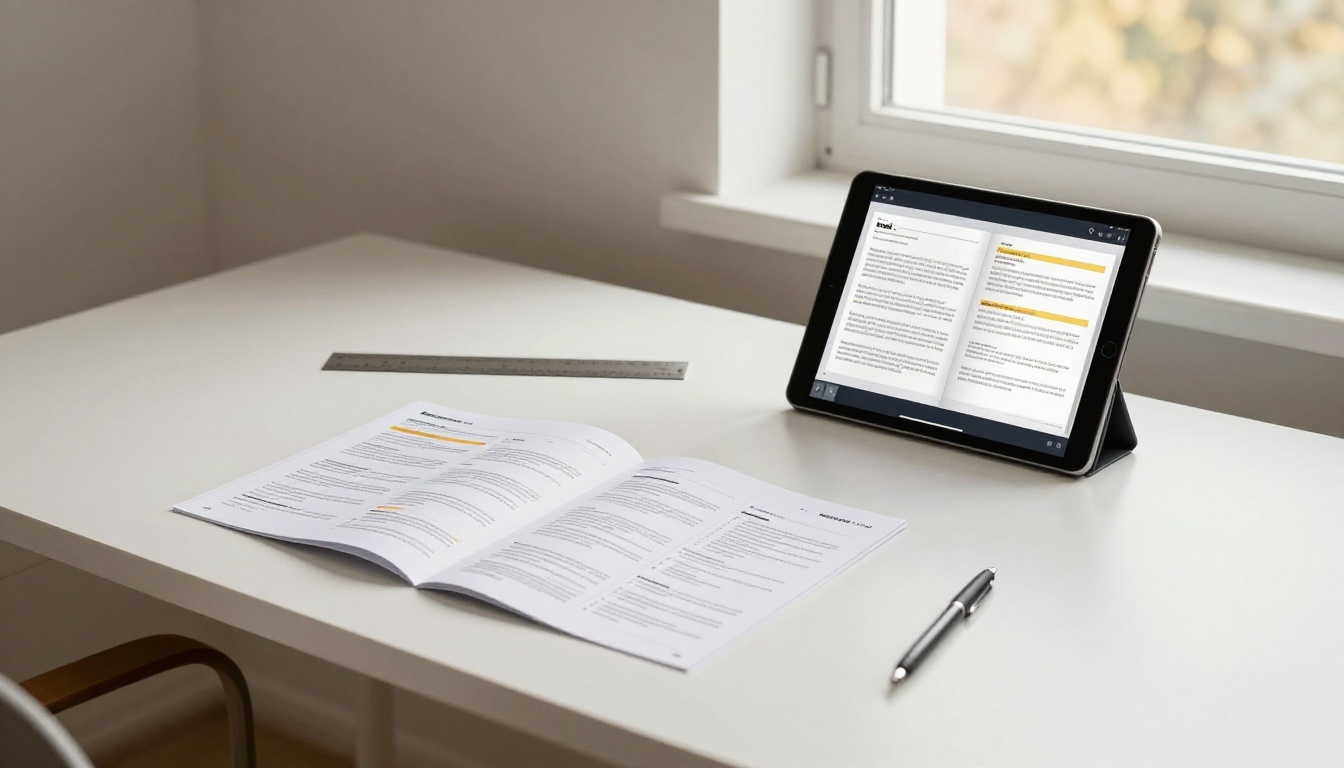
PDFs work well when your goal is to send a file to a printer. They are locked, static, and entirely linear. When users open a 48-page product manual in a PDF viewer on their phone, they face pinch-zooming through tiny text, no intuitive navigation, and zero incentive to scroll past page three.
Research consistently shows that most users abandon PDF documentation within the first few minutes. The format creates friction at every step: download, open, find the section, zoom in, lose your place, start over.
Mobile Is Where Users Actually Are
Over 60% of web traffic now comes from mobile devices, and that number is even higher when someone is standing in a room trying to assemble a new appliance or configure a new device. Static PDF files are not designed for portrait phone screens. Text wraps incorrectly, diagrams become thumbnails, and the document becomes useless at exactly the moment it matters most.
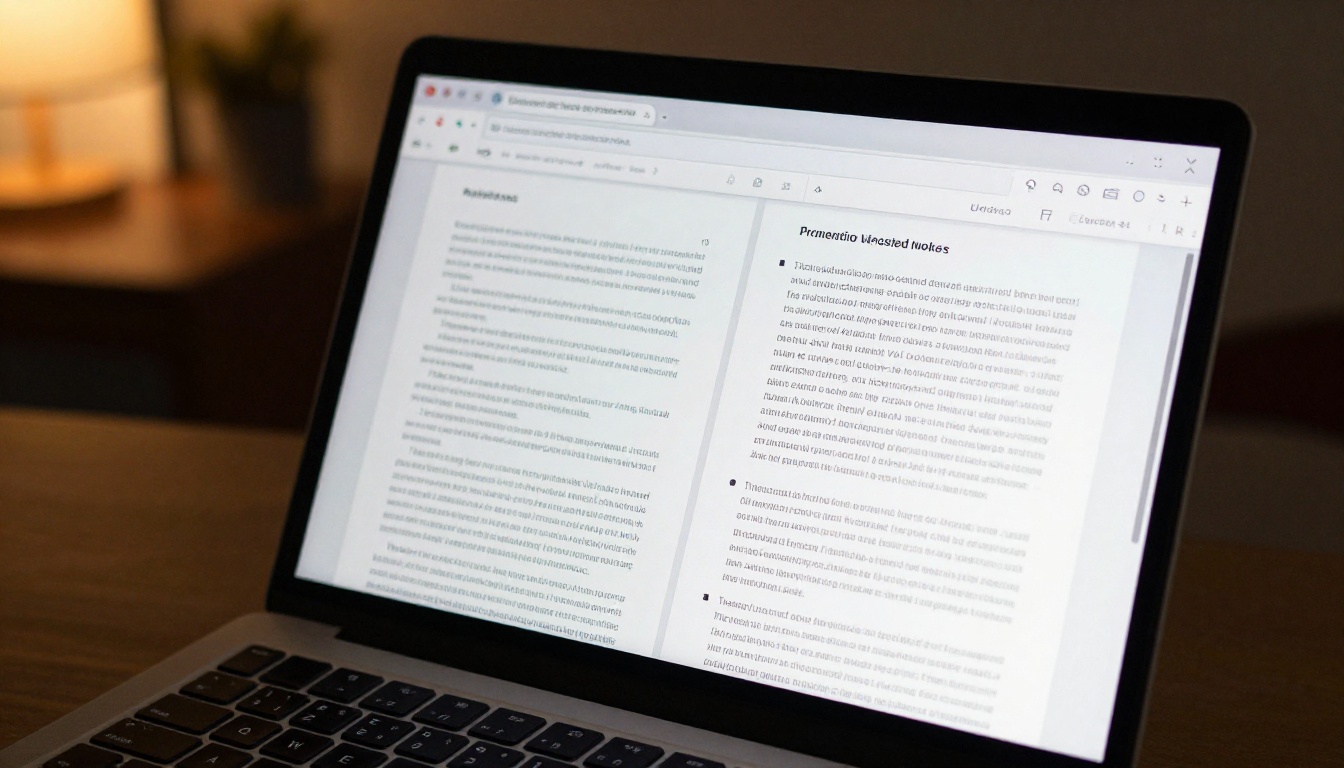
An interactive flipbook manual loads in a browser, adapts to any screen size, and lets users swipe through pages exactly like they would a physical booklet. The reading experience is natural and familiar, which dramatically increases how much of the content users actually consume.
Support Costs Go Up When Documentation Fails
Every support ticket filed because a user could not find the answer in your manual is a direct cost. When documentation is buried in an inaccessible PDF, support volume goes up, customer satisfaction scores go down, and your team spends time answering questions that your manual already contains.
Making your product documentation interactive and accessible is not just about aesthetics. It is a measurable business decision.
Static PDF vs Interactive Flipbook Manual
Here is a direct comparison of the two formats across the dimensions that matter most for product documentation:
| Feature | Static PDF | Interactive Flipbook |
|---|
| Mobile experience | Poor (requires zoom and scroll) | Excellent (responsive layout) |
| Page navigation | Linear scroll only | Clickable table of contents |
| Embedded video | Not supported | Fully supported |
| Analytics tracking | None | Full reader analytics |
| Download required | Usually yes | No download needed |
| Branding control | Limited | Full custom branding |
| Sharing method | File attachment | URL or embed code |
| Password protection | Requires third-party tools | Built-in feature |
| Print option | Yes | Yes (optional) |
| Search within document | Basic (reader-dependent) | Built-in search |
The difference in user experience is not incremental. It is categorical. A flipbook manual is a living document that users can interact with; a PDF is a static file they have to fight with.
What Product Manuals Work Best as Flipbooks
Not every product manual is identical. Here are the categories where the flipbook format delivers the most obvious improvement:
Hardware Assembly Instructions
Step-by-step assembly guides benefit enormously from the flipbook format because users need to hold a physical object while reading the instructions. Being able to navigate to a specific step by clicking a page number, rather than scrolling through a PDF, makes the process significantly faster. Embedded video clips showing the assembly motion are something a PDF simply cannot offer.
Software and App User Guides
Software documentation often needs frequent updates. Publishing a static PDF means every update requires redistribution. A flipbook hosted online updates instantly. Users always access the current version, and you can track which sections they visit most, giving you data to improve the documentation over time.
Consumer Electronics Quick-Start Guides
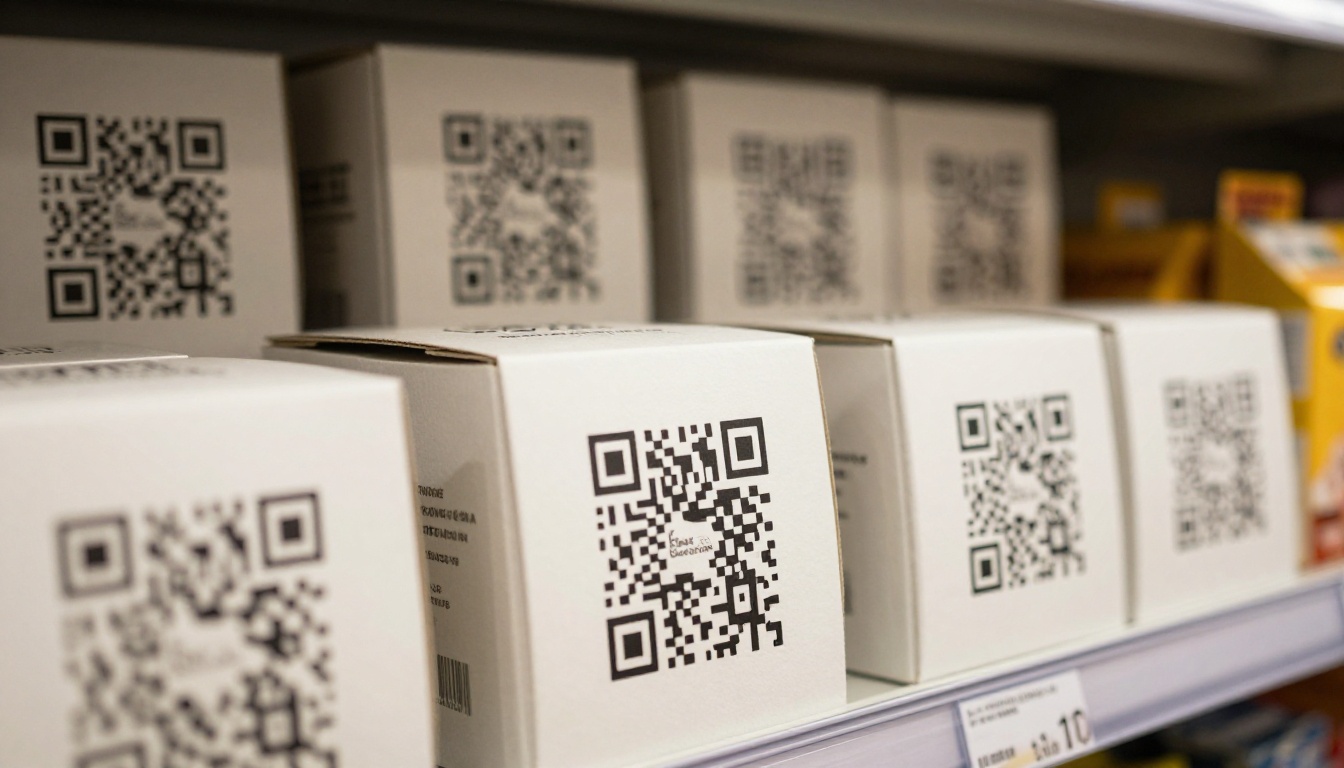
Quick-start guides are short and visual. When formatted as a flipbook, they load instantly, work on the phone screen the customer is already holding, and can include embedded links to video tutorials. Including a QR code on the physical product packaging that opens the flipbook manual directly is a clean, modern approach that customers respond well to.
Industrial and Technical Reference Manuals
Long-form technical documentation, reference manuals with hundreds of pages, is where table of contents navigation and search functionality make the biggest difference. Engineers and technicians who need to find specific specifications quickly cannot afford to scroll through a 200-page PDF. A flipbook with clickable chapters and built-in search turns a reference document into a functional tool.
How to Convert Your Manual to a Flipbook

Flipbooks AI converts your existing PDF product manual into a fully interactive flipbook in minutes. Here is exactly how the process works:
Step 1: Prepare Your PDF
Before uploading, make sure your PDF is clean and print-ready. This means:
- All fonts are embedded (not system fonts)
- Images are at least 150 DPI for crisp screen rendering
- The document has a proper table of contents with bookmarks if it is longer than 20 pages
- Page sizes are consistent throughout the document
If your manual was designed for print, it will convert well. If it was assembled informally, spend 10 minutes cleaning it up in your PDF editor first.
Step 2: Create an Account and Upload
Create your account on Flipbooks AI, then drag and drop your PDF into the upload area. The platform processes the file and converts each page to a high-quality digital format with the realistic page-turn effect automatically applied.
For product manuals specifically, also check the Training Manual Flipbook tool, which is optimized for instructional content with multiple steps and visual components.
Step 3: Set Up Your Branding
Once the conversion completes, open the customization panel. For product manuals, the key settings are:
- Brand colors: Match the flipbook interface to your product's color scheme
- Logo placement: Add your company logo to the viewer chrome
- Cover page: Set a custom thumbnail that represents the product clearly
- Background: Use a neutral color that does not compete with the content
Step 4: Configure Access and Sharing
Product documentation has different sharing needs depending on whether it is:
- Public: Direct URL for anyone with the link (no login required)
- Protected: Password-protected link for internal or B2B documentation
- Embedded: Placed directly on your product's support page using an embed code
Use the Embed Flipbook on Website tool to generate the embed code. For warranty and safety documentation, the direct URL approach is cleaner because it does not require users to navigate your website.
Step 5: Add the Link to Your Product Packaging
This step is often overlooked. Print a QR code that links directly to the flipbook URL and add it to:
- The product box
- A quick-reference card inside the packaging
- The "Getting Help" section of any printed insert
When a customer scans that QR code, they land directly on page one of your interactive manual. No downloads, no logins, no friction.
Flipbooks AI Features That Matter for Documentation

Not all flipbook platforms are equal. These are the specific features that make Flipbooks AI effective for product documentation:
Reader Analytics
Available on the Professional plan, analytics tell you:
- How many people opened the manual
- Which pages they spent the most time on
- Where in the document they stopped reading
- How they found the document (direct link, QR code, embed)
For product teams, this data is genuinely valuable. If 80% of your readers stop at page 12 and never reach the troubleshooting section, that tells you something is wrong with how the content is structured at that point in the document.
Password Protection
For products sold through B2B channels, or for internal documentation, password protection keeps your manual accessible only to the right people. This is especially useful for:
- Pre-release product documentation
- Internal service manuals with proprietary repair information
- Channel partner documentation for distributors and retailers
Offline Downloads
The Professional plan allows authorized users to download the flipbook for offline use. This is important for products used in environments without reliable internet access, such as industrial settings, remote locations, or areas with strict device policies.
No Watermarks, Ever
Every plan on Flipbooks AI delivers clean, professional output with no platform watermarks. For a product manual that represents your brand, this matters. Your customers should see your product documentation, not advertising for the tool that created it.
Plans and Pricing for Product Documentation Teams

Here is how Flipbooks AI plans break down for teams producing product documentation:
| Plan | Best For | Flipbooks | Key Features |
|---|
| Free | Testing and small projects | Limited | Basic conversion, direct link sharing |
| Standard | Small product teams | Unlimited | Custom branding, password protection, embeds |
| Professional | Established companies | Unlimited | Analytics, lead generation, offline downloads |
💡 For a team managing manuals for multiple product lines, the Standard plan's unlimited flipbooks is the critical feature. You can maintain a separate, branded flipbook for every product you sell without cost constraints.
⚠️ If your documentation strategy requires tracking which customers read which sections (useful for compliance documentation), you need the Professional plan for analytics access.
Which Plan Makes Sense
For most manufacturers and product companies:
- Single product, small audience: Free plan covers the basics while you evaluate the format
- Multiple products, ongoing updates: Standard plan handles unlimited flipbooks with custom branding
- Compliance, B2B, or analytics needs: Professional plan for the full feature set
Explore all pricing details to see the current plan limits and features.

If you are creating a manual from scratch rather than converting an existing PDF, design it with the flipbook viewing experience in mind from the start.
One Topic Per Spread
Design your content so that each two-page spread covers a single topic or step. When users arrive at a spread, they should be able to read everything relevant to that task without turning the page. This is the natural unit of a flipbook, and it aligns well with step-by-step instructional content.
Visual Hierarchy Is Non-Negotiable
In a flipbook viewed on a phone, small text is invisible. Use a visual hierarchy that works at mobile scale:
- Section headers: Large, bold, high contrast
- Step numbers: Very large, often circled or boxed in the product color
- Body text: At least 11pt equivalent, generous line spacing
- Diagrams: Full-bleed or half-page, never thumbnail size
Chapters as Bookmark Destinations
Every major chapter in your manual should be a named bookmark in the PDF before conversion. Flipbooks AI converts PDF bookmarks into clickable chapter navigation, giving users a table of contents that jumps directly to any section. Without bookmarks in the source PDF, users have to page-flip manually to find what they need.
Real-World Use Cases

Here is how different types of companies are using flipbook product manuals effectively:
| Industry | Manual Type | Key Benefit |
|---|
| Consumer electronics | Quick-start guides | QR code on box opens instantly on mobile |
| Power tools | Safety and operation manuals | Always up-to-date, version controlled |
| Kitchen appliances | Recipe and feature guides | Embed video demonstrations |
| Software companies | User documentation | Analytics show which features users struggle with |
| Medical devices | Regulatory compliance manuals | Password-protected, audit-ready distribution |
| Automotive aftermarket | Installation instructions | Step-by-step with embedded video support |
The common thread is that the flipbook format removes friction between the documentation and the person who needs it.
Updating Your Manual Without Reprinting
One of the most practical advantages of a digital flipbook manual is version control. When a product gets an update, a regulatory change requires a documentation revision, or you spot an error in the assembly steps, you do not reprint and redistribute anything.
Upload the revised PDF to Flipbooks AI and publish the updated version. Anyone who has bookmarked the URL or embedded the flipbook on a page gets the new version automatically. The QR codes on existing physical packaging still work. Nothing changes except the content.
This is something printed manuals and even static PDFs cannot offer. A PDF attached to an email or downloaded to a device stays at the version it was when the user got it. A flipbook hosted at a stable URL is always current.
✅ Best practice: Keep your flipbook URL stable across versions. Set a permanent URL for each product manual and overwrite the content when revisions are needed, rather than publishing new URLs each time. This way, every QR code and bookmarked link always stays valid.
Your First Flipbook Manual Starts Here
If your product documentation is currently a PDF that customers ignore, converting it to an interactive flipbook is one of the highest-return improvements you can make to the customer experience.
Get started for free on Flipbooks AI and upload your first manual today. The conversion takes minutes, and the difference in how customers interact with your documentation is immediate.
For teams managing documentation across multiple products, explore pricing plans to find the right fit. And if you are building documentation for a specific use case, browse all flipbook tools to find purpose-built templates for your industry.
The PDF to Flipbook Converter handles any standard PDF document and produces a professional result that works on every device, without any design work required on your end.
Your product is worth documentation that people actually use.



