Training manuals that sit unread in binders or buried in email attachments are a silent drain on corporate efficiency. When you convert your training content into an interactive flipbook, employees actually open it, read it, and remember what's in it. Flipbooks AI makes this conversion fast, professional, and genuinely effective for teams of any size, without any design or development skills required.

Why Static Manuals Are Failing Your Team
The Real Cost of Paper-Based Training
Printing a 60-page employee handbook costs money every time there's a revision. Emailing a PDF gives you zero visibility into whether anyone read it. Uploading it to a shared drive means it gets ignored inside a folder nobody opens twice.
The numbers tell the story clearly:
| Format | Update Cost | Open Rate | Mobile Access | Tracking |
|---|
| Printed Binder | High (reprint per revision) | Low | No | No |
| Static PDF | Low | Below average | Limited | No |
| Digital Flipbook | Minimal (instant updates) | High | Yes | Yes |
| Full LMS Course | High (dev cost) | Varies | Often limited | Yes |
Paper-based and static PDF training creates a one-way broadcast. Nobody knows if the content landed. Nobody can tell which sections got skipped entirely.
What Employees Actually Want
Employees respond to training materials that feel modern, are easy to browse, and work on any device they happen to have. A flipbook-format training manual delivers exactly that. Page-turning animations make the reading experience feel intentional rather than scrolling through a static document endlessly on a screen.
The format also signals professionalism. A new hire receiving a slick, branded digital flipbook on day one registers that differently than a printed packet or an email with an attachment. That first impression carries weight through their entire onboarding period.

💡 Companies that switch from PDF handouts to interactive digital formats report that employees voluntarily revisit digital manuals at a much higher rate than printed materials during the first 30 days.
What Makes a Flipbook Training Manual Different
Page-Flip vs. PDF: What Changes
A PDF is a container. A flipbook is an experience. When someone opens your training manual as a flipbook, they see a realistic page-turn animation, a clear visual table of contents, and a navigation system that feels intuitive rather than technical.
Here is a concrete comparison across the metrics that matter for corporate training delivery:
| Feature | Standard PDF | Training Manual Flipbook |
|---|
| Page-turn animation | No | Yes, realistic |
| Mobile responsive | Inconsistent | Always |
| Embedded video support | No | Yes |
| Password protection | Third-party required | Built-in |
| Completion tracking | No | Yes (Professional plan) |
| Branding and colors | None | Full customization |
| Shareable link | No | Yes, instant |
| Offline download | No | Yes |
| Searchable text | Sometimes | Yes |
| Update without resending | No | Yes |
Interactive Features That Drive Retention
Flipbook training manuals aren't just visually upgraded PDFs. The interactive elements change how information sticks. You can embed instructional videos directly inside the manual, add clickable links to external resources, and include audio narration for accessibility. The result is a multi-sensory training experience that works for different learning styles, from visual learners who retain diagrams to auditory learners who absorb narrated walkthroughs.
This matters particularly for compliance training, where retention rates directly affect workplace safety outcomes and audit readiness.

How to Make Training Manuals as Flipbooks
The process is simpler than most training managers expect. Here is how to do it from start to finish using the Training Manual Flipbook tool on Flipbooks AI.
Step 1 — Prepare Your PDF
Before uploading, make sure your training document is export-ready:
- Use a clear, consistent font (16px minimum for body text)
- Include a table of contents with page numbers
- Break long text blocks into short paragraphs with subheadings
- Replace any low-resolution images with high-res versions
- Keep total file size under 100MB for fast loading
- Avoid three-column layouts that collapse poorly on mobile screens
⚠️ Scanned PDFs with low DPI will produce blurry flipbook pages. Always export from the original editable file at 150 DPI or higher. If you only have a scanned copy, run it through an OCR tool first to create a proper text-based PDF.
Step 2 — Upload to Flipbooks AI
- Visit Flipbooks AI and sign in or create your account.
- From your dashboard, click Create New Flipbook.
- Drag and drop your PDF file into the upload area, or browse to select it.
- Wait for the automatic page rendering to finish (typically under 60 seconds for standard-length manuals).
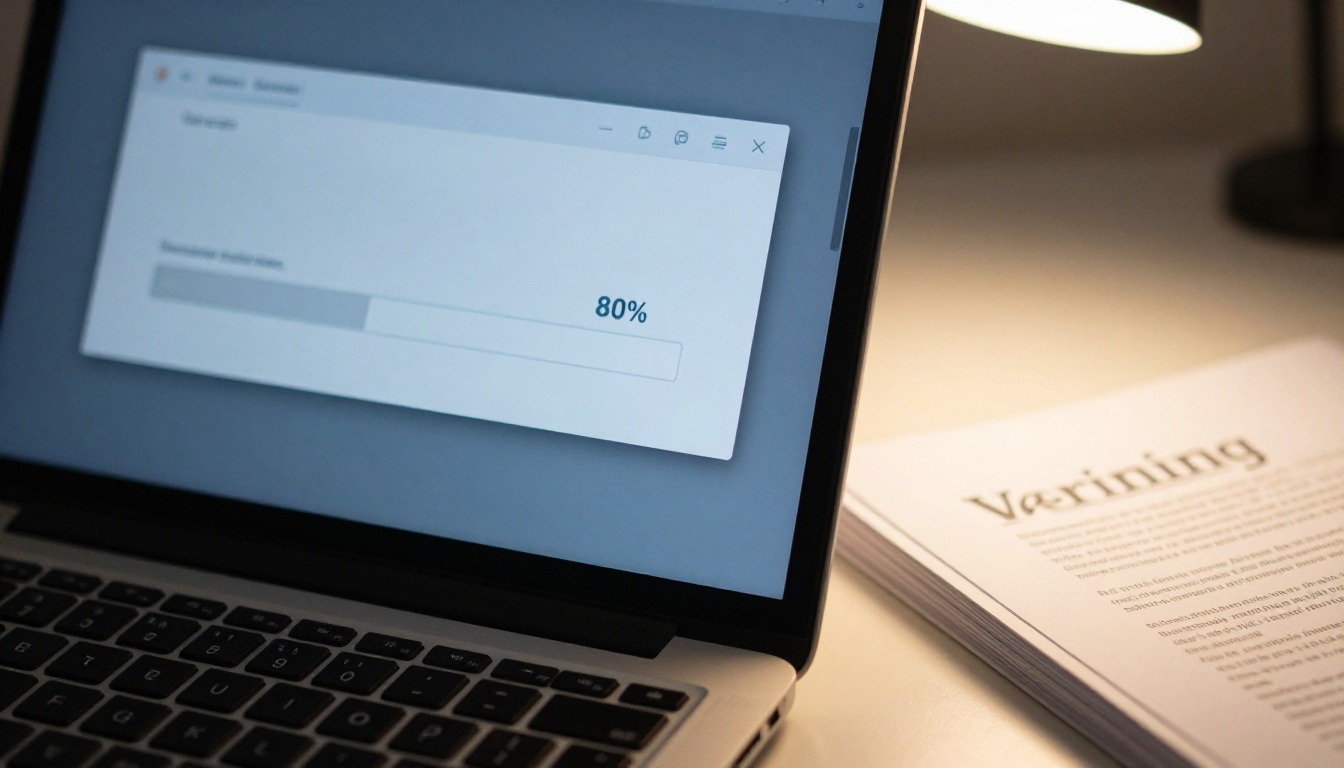
The platform automatically converts every page of your PDF into a crisp, navigable flipbook spread. No manual formatting required after the upload completes.
Step 3 — Customize Branding and Layout
Once your flipbook renders, the customization panel opens. For training manuals, focus on these settings:
- Company colors: Apply your brand palette to the flipbook background and toolbar
- Logo placement: Upload your company logo to appear on every page spread
- Background style: Choose from solid color, texture, or a custom image background
- Page layout: Select single-page or double-page spreads based on your content density
✅ Using consistent brand colors in your training flipbook reinforces professionalism and helps employees associate the content with your company culture from their very first interaction with the material.
Step 4 — Add Interactive Elements
This is where a training flipbook pulls clearly ahead of anything a static document can deliver:
- Embed video: Insert YouTube or Vimeo links directly on any page spread. Ideal for procedure demonstrations, welcome messages from leadership, or animated safety walkthroughs.
- Add audio: Record narration and embed it as an audio layer over specific pages to support accessibility and different learning preferences.
- Insert links: Make any text or image clickable, pointing to external policy documents, HR portals, or internal wikis.
- Include forms: On higher plan tiers, embed quiz-style forms for training knowledge checks and completion verification records.
Step 5 — Set Sharing and Access Options
Before publishing your flipbook, configure who can access it and how:
- Public link: Anyone with the link can view. Works well for general company policies and public-facing materials.
- Password protected: Employees must enter a password before accessing the content. Ideal for confidential onboarding materials and HR procedures.
- Embed code: Copy the iFrame snippet and drop your training flipbook directly into your intranet, HR platform, or LMS without requiring staff to navigate to an external URL.
- Offline download: Allow employees to save the flipbook locally for access during travel or in low-connectivity environments.
💡 The Embed Flipbook on Website tool generates a ready-to-paste iFrame code that places your training flipbook directly inside any internal portal, keeping the experience seamless for employees.
Onboarding Manuals
New hire onboarding is the highest-value use case for training flipbooks. The first 90 days define whether an employee stays long-term. A flipbook onboarding manual that includes welcome videos, office maps, benefits summaries, and procedure walkthroughs creates a far stronger first impression than a stack of printed handouts on day one.

Real-world scenario: A retail chain with 200 new hires per quarter switched from printed onboarding binders to a flipbook format. Managers reported that new employees arrived at their first shift with noticeably stronger product knowledge, because they had voluntarily re-read the digital manual on their phone during their commute.
Compliance and Safety Documents
Safety compliance manuals need to be read, acknowledged, and revisited periodically. Flipbooks resolve the acknowledgment problem through analytics available on the Professional plan, showing exactly which pages were viewed and for how long. If a compliance audit requires proof that employees reviewed updated safety procedures, flipbook analytics provide that documented trail without extra administrative overhead.
Product Knowledge Manuals
Sales teams and customer service reps perform better when product information is immediately accessible and visually clear. Converting product documentation into flipbooks lets reps flip to the relevant section during a customer call, search within the document, and view product images at full resolution on a smartphone rather than dealing with a compressed PDF that's hard to read in the field.
Standard Operating Procedures
SOPs that live in binders are SOPs that don't get followed when the binder isn't nearby. A digital flipbook version of any standard operating procedure means the current version is always one link away, always up to date, and viewable on any device on the floor, in the warehouse, or at the front desk.
Flipbooks AI Features That Matter for Training
Password Protection and Access Control
Not all training content is for everyone. New hire materials differ from manager resources. Confidential HR procedures should stay internal. Flipbooks AI includes native password protection with no third-party tools required. Set a unique password per flipbook and share credentials only with the relevant team or cohort.

Analytics to Track Completion
The Professional plan includes analytics that track reader behavior in meaningful detail:
| Analytics Feature | What It Tells You |
|---|
| Total views | How many times the flipbook was opened |
| Time per page | Which sections get the most attention |
| Page drop-off rate | Where readers stop reading |
| Unique visitors | Individual reader count |
| Lead capture data | Contact info if forms are embedded |
This data turns training delivery from a broadcast into a feedback loop. If analytics show that 60% of employees stop reading at page 8, that section needs to be rewritten, and now you have the evidence to justify doing it.
Mobile-First Design
Every flipbook generated on Flipbooks AI is automatically mobile-responsive. The page-turn interface adapts to swipe gestures on touchscreens, making it feel native on iOS and Android without any additional development. Employees who read on their phone during a break or commute get the full experience without a degraded layout or missing content.
✅ Mobile-responsive training materials are no longer optional in organizations with field-based or distributed workforces. More than 60% of document viewing in these environments happens on mobile devices.
No Watermarks on Paid Plans
One detail that matters for professional deployment: Flipbooks AI includes no watermarks on Standard plans and above. Your training flipbook looks exactly how you built it, with your company branding front and center, not a third-party platform's logo stamped across every page.
Pricing Plans at a Glance
| Plan | Flipbooks | Watermark | Password | Analytics | Offline Download |
|---|
| Free | Limited | Yes | No | No | No |
| Standard | Unlimited | No | Yes | No | No |
| Professional | Unlimited | No | Yes | Yes | Yes |
Full feature details and pricing are available at Flipbooks AI pricing.
Common Mistakes When Building Digital Manuals
Ignoring Mobile Readability
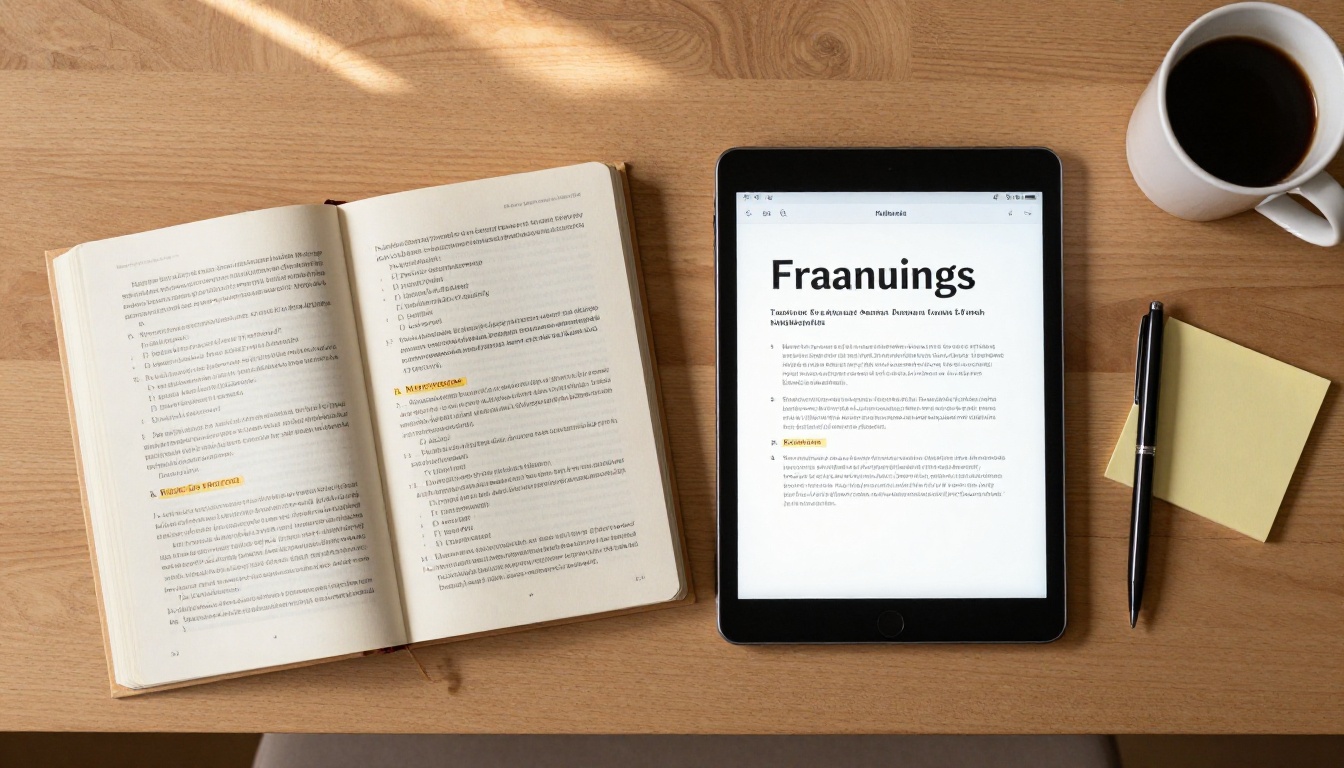
The most common error is designing training content purely for desktop. Pages with dense three-column layouts, small fonts, and multi-chart spreads collapse badly on mobile. When preparing your PDF, design for a single-column reading experience first. Wide content will still display correctly on desktop, but it will scale cleanly to smaller screens too.
Too Much Text Per Page
Training effectiveness drops sharply when pages are text-heavy without visual breaks. A realistic target is 150 to 200 words per page maximum, supplemented by visuals, callouts, bullet points, or diagrams. When converting a dense existing manual, treat the process as an opportunity to restructure the content, not just reformat it.
No Clear Navigation
Flipbooks should have a clickable table of contents that lets readers jump to any section instantly. If your PDF doesn't already have one, add it before uploading. A training manual that forces someone to flip through 40 pages to find the vacation policy is not useful when they need a quick answer in the middle of their workday.
⚠️ Never skip the table of contents. Employees will open a training flipbook to find a specific answer on the spot, not to read from page one every time they have a question.
Outdated Content With No Update Plan
One of the biggest operational advantages of digital flipbooks is that you can update content without redistributing anything. The shareable link stays the same while the content refreshes automatically when you upload a revised PDF. Set a review schedule, quarterly or annually for most training materials, and document who is responsible for updating each manual.
Real-World Industry Applications
Different industries are finding distinct value in flipbook-format training documents:
Hospitality: Hotel chains use flipbook training manuals to onboard seasonal staff quickly, embedding video walk-throughs of property facilities alongside written procedures. Staff can access the manual from their personal phones before their first shift.
Healthcare: Clinics distribute updated protocol manuals as password-protected flipbooks, ensuring only credentialed staff access sensitive clinical procedures while tracking who reviewed compliance updates for documentation purposes.
Retail: Store managers create product knowledge flipbooks for the sales floor, giving frontline employees a searchable quick-reference tool that works on a personal smartphone during a slow period or before a product demonstration with a customer.
Manufacturing: Safety orientation flipbooks replace bulky binders in plant environments. Workers scan a QR code posted in the breakroom to open the current version, ensuring nobody ever works from an outdated procedure.
Professional Services: Consulting firms embed training flipbooks into client onboarding portals, giving new client contacts a polished, branded resource without sending email attachments that get buried or forwarded without control.

The Course Material Publisher tool is built for organizations publishing multi-module training content across departments. For single-document conversions with full branding control, the Training Manual Flipbook tool handles everything from upload to publish in minutes.
Start Your First Training Flipbook Today
Your training content deserves a format that employees will actually open and return to. Flipbooks close the gap between producing solid training material and ensuring that material gets read, retained, and referenced when it matters most on the job.
The process needs no design background, no developer, and no expensive LMS subscription. You prepare the PDF, upload it, set your branding, configure access, and share a link. Updates are instant. Access is controlled. Completion is trackable. Every piece of the workflow lives in one place.
Create your account on Flipbooks AI and run your first conversion today. Paid plans include unlimited flipbooks with no watermarks, built-in password protection for sensitive training content, and mobile-responsive delivery that works wherever your team happens to be.
Browse all available tools to find the right format for every type of training and documentation your organization produces, from onboarding handbooks to compliance checklists to product manuals.
Compare pricing options and select the plan that fits your training volume before your next onboarding cycle or annual compliance review comes around.



