Selling products online has always been a visual game. When someone can flip through your catalog the same way they would pick up a magazine in a store, they spend more time, click more often, and buy more. That is the power of selling inside a flipbook, and Flipbooks AI makes it easier than most businesses realize.
Static PDFs and flat image grids have their limits. They do not allow you to embed clickable buy buttons, link directly to product pages, or track which items people spent the most time looking at. A well-built interactive flipbook does all of that, and it looks stunning doing it.
This article walks you through exactly how to sell products inside a flipbook: from setting up your first shoppable catalog to tracking conversions and fixing the mistakes that kill sales before they happen.
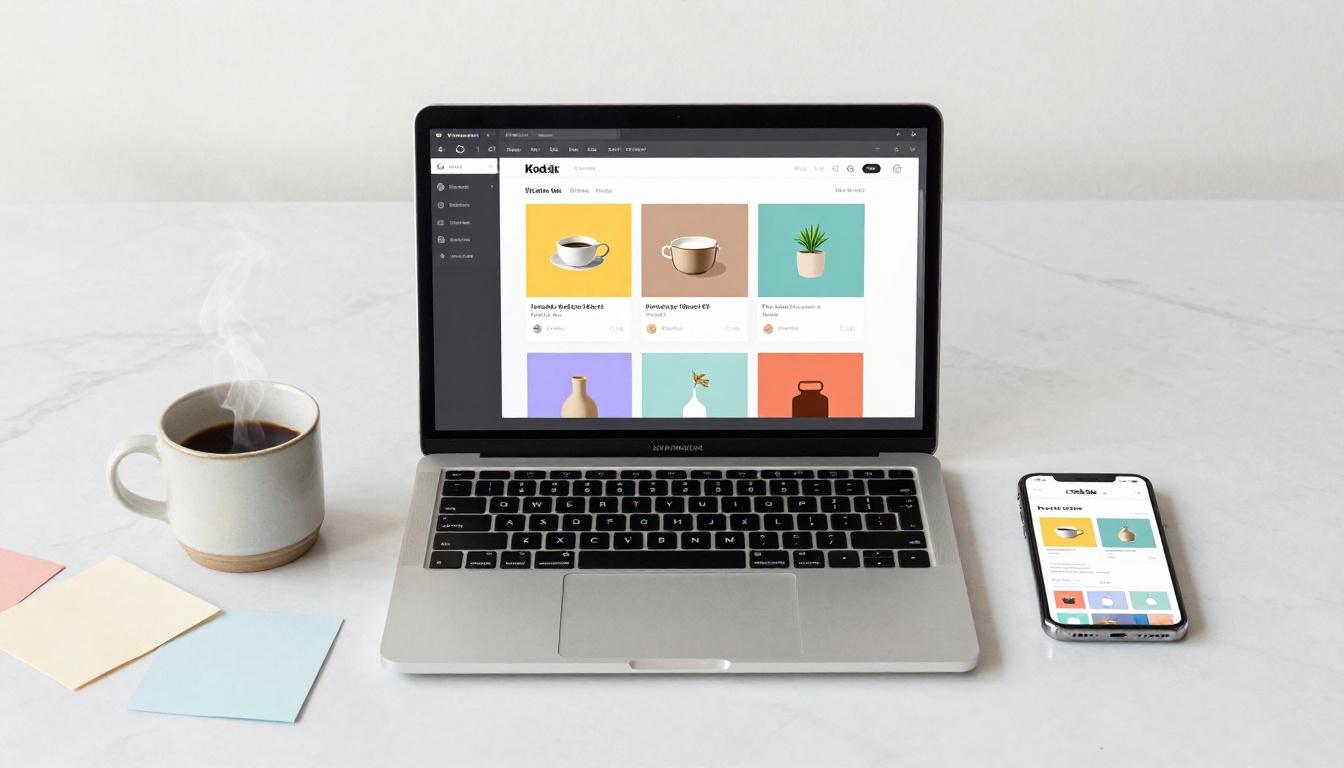
Most businesses still send customers a flat PDF catalog or a link to a product grid on their website. Both work. Neither works as well as an interactive flipbook.
The Problem With Flat Product Catalogs
A static PDF forces the reader to scroll endlessly through pages with no way to click, buy, or even zoom in without losing their place. There are no embedded links, no add-to-cart buttons, no way to know which pages people actually read.
The result? Most prospects close the PDF without taking any action. Your best products are buried on page 8 and nobody ever gets there.
How Interactive Content Changes Buying Behavior
Research consistently shows that interactive content drives significantly more conversions than passive content. When a customer can tap a product image in a flipbook and go directly to the checkout page, the friction disappears. The mental leap from "browsing" to "buying" becomes much shorter.
Interactive flipbooks with embedded links also feel premium. They signal that a business takes its presentation seriously, which builds the kind of trust that converts browsers into buyers.
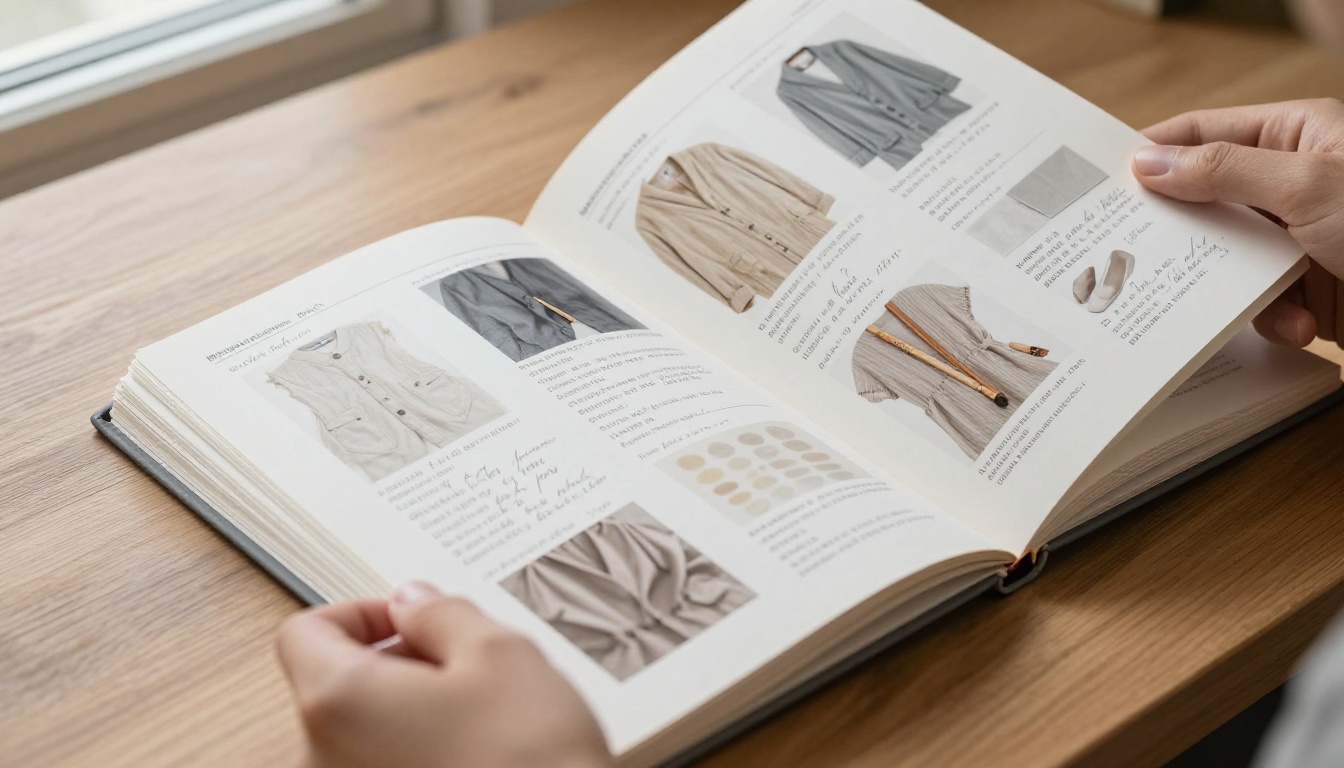
💡 Products shown in a catalog-style format with a page-turn effect generate longer browsing sessions compared to standard grid layouts, giving your products more time in front of the buyer.
What You Need Before You Start Selling
Before you build your shoppable flipbook, get these three things ready. This saves time and makes the whole process much smoother.
Your Product List and Pricing
Write out every product you want to feature, its price, a short description (2-3 sentences), and the direct URL of the product page or checkout link. Even if you are selling through Instagram or a WhatsApp number, have a landing page or link ready for each item.
A PDF Catalog or Brochure Ready to Go
Flipbooks AI converts your PDF into a flipbook in seconds. Your PDF can be:
- A product catalog designed in Canva or Adobe InDesign
- An existing brochure you already send to clients
- A simple price list formatted in Google Docs
- A lookbook with product photos and descriptions
You do not need a perfect PDF to start. You can always refine it later.
A Flipbooks AI Account
Create a free account on Flipbooks AI before you begin. The free tier is enough to test the concept, and the Standard plan gives you unlimited flipbooks with no watermarks, which is what you need for a professional product catalog.
How to Sell Products Inside a Flipbook with Flipbooks AI
This is where it all comes together. Follow these steps to build a shoppable flipbook that drives real sales.

Step 1: Upload Your PDF to Flipbooks AI
Log into your Flipbooks AI account and click New Flipbook. Upload your PDF catalog. The platform converts it into a fully interactive flipbook with a realistic page-turn effect within moments.
You can also use one of the purpose-built tools if you do not have a PDF yet:
Step 2: Add Product Links on Each Page
Once your flipbook is ready, you can add clickable hotspots directly on top of product images. Each hotspot links to a URL, so when a customer taps or clicks a product, they go directly to the product page, checkout, or order form.
How to add hotspots:
- Open the flipbook editor
- Select the page with the product you want to link
- Click Add Link or Add Hotspot
- Draw the clickable area over the product image or price
- Paste the product URL
- Repeat for every product in the catalog
✅ Best practice: Place hotspots over both the product image AND the price tag. Customers click both, and covering both doubles your chances of capturing that tap.
Step 3: Customize Your Branding
Before you share the flipbook, make it look like it belongs to your brand:
- Upload your logo to the toolbar
- Set your brand colors for the background and controls
- Add a custom thumbnail for the cover page
- Optionally, assign a custom domain or embed URL
This step matters more than most sellers realize. A branded flipbook looks like a real sales asset, not a free tool someone put together in ten minutes. First impressions in sales materials are everything.
Step 4: Publish and Share Your Shoppable Flipbook
Hit Publish and you get several sharing options immediately:
- Direct link: Share it via email, WhatsApp, Instagram bio, or LinkedIn
- Embed code: Paste the flipbook directly into your website or landing page using the Embed Flipbook on Website tool
- Password protection: Restrict access to wholesale clients or VIP customers only
- QR code: Print it on business cards, packaging, or in-store displays for offline-to-online traffic
💡 Embedding the flipbook on your website's product category pages increases time-on-page, which improves your search rankings as a secondary benefit on top of the direct sales impact.
Not every product converts the same way, and some categories perform exceptionally well in a flipbook format. Here are five that consistently outperform other presentation formats.
Fashion and Apparel
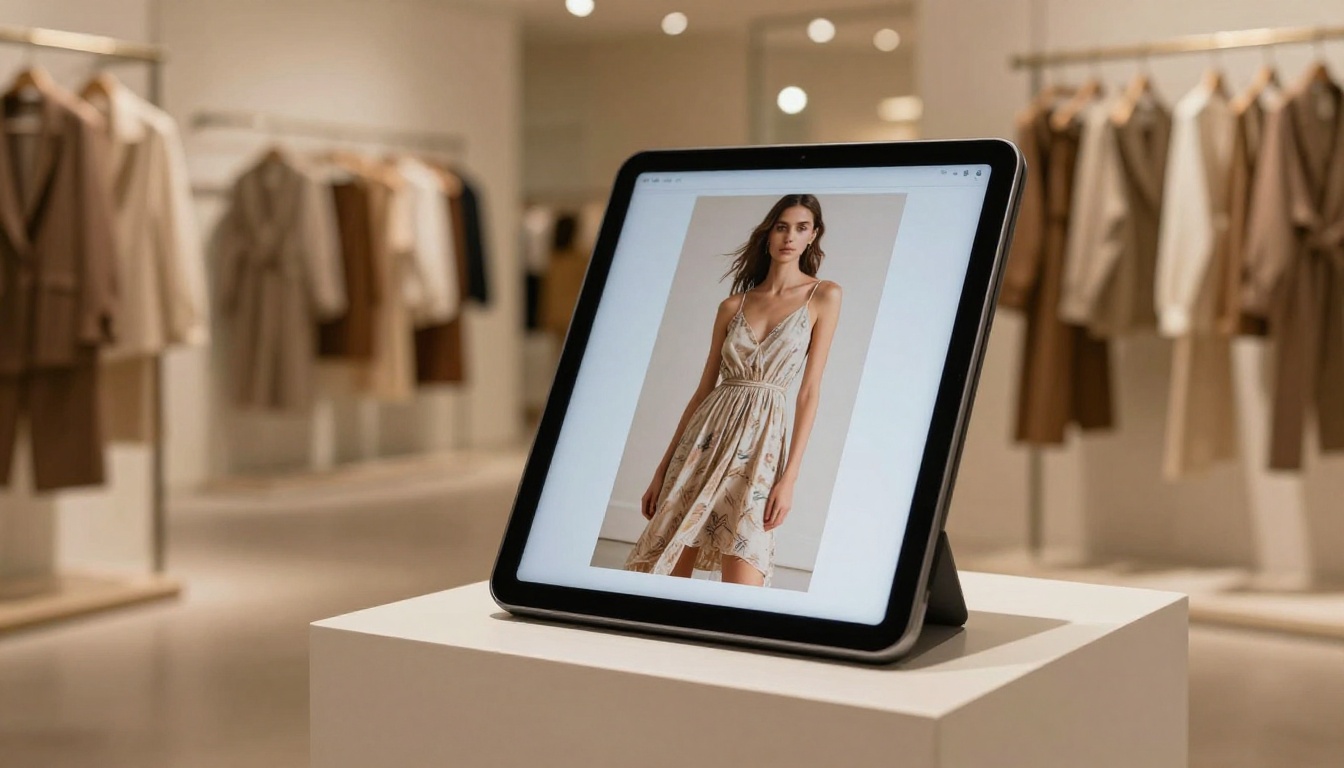
Clothing brands thrive in flipbooks because shoppers want to see the whole look, not just isolated product images. A flipbook allows you to show full outfits across multiple pages, link each garment to its product page, and let customers browse the collection the way they would a fashion magazine.
Use the Fashion Catalog Creator or the Interactive Lookbook Designer to build a high-converting fashion flipbook.
Furniture and Home Decor
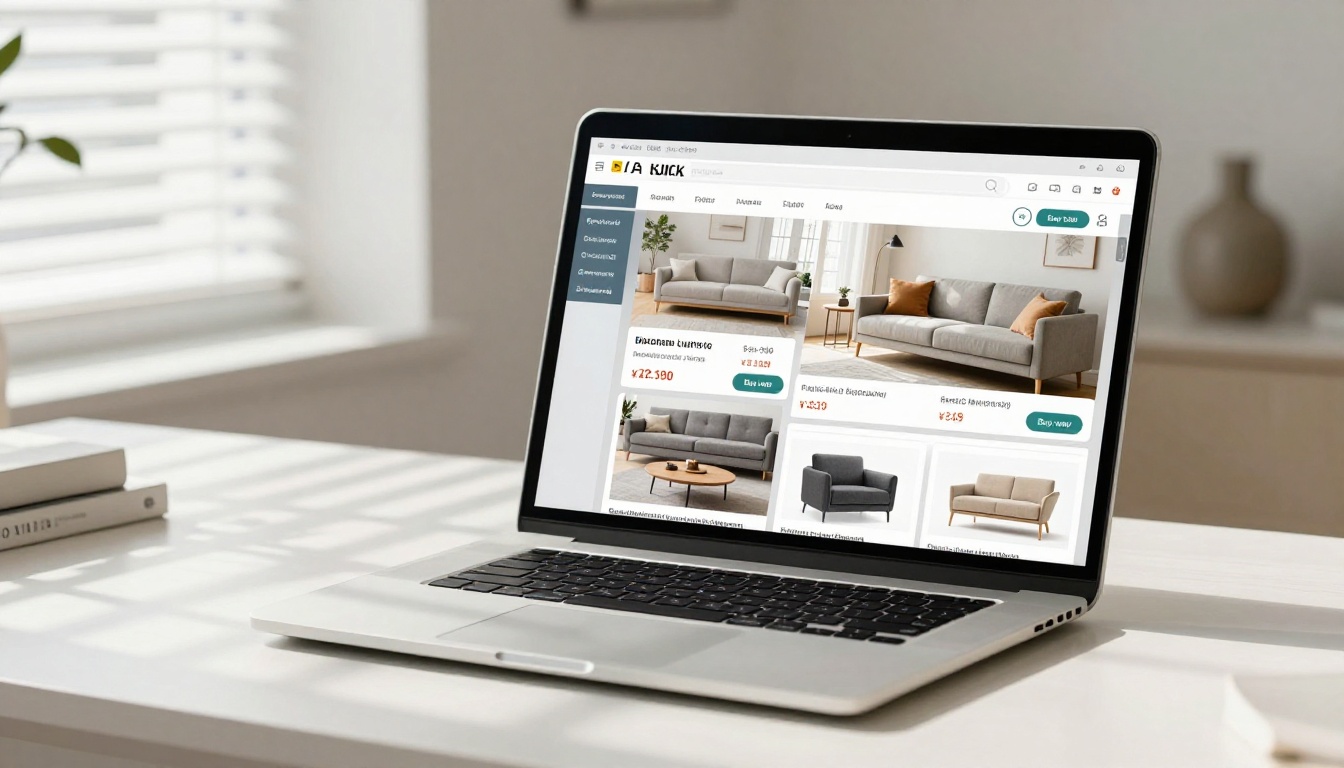
Furniture buyers need to see context. A sofa in an empty white room is harder to sell than the same sofa in a styled living room spread across two pages of a beautiful catalog. Flipbooks let you do exactly that, and the page-turn format mirrors the lifestyle magazines that furniture buyers already trust.
The Furniture Catalog Maker is built specifically for this use case, with layouts designed to showcase room settings and product specifications side by side.
Food and Restaurant Menus
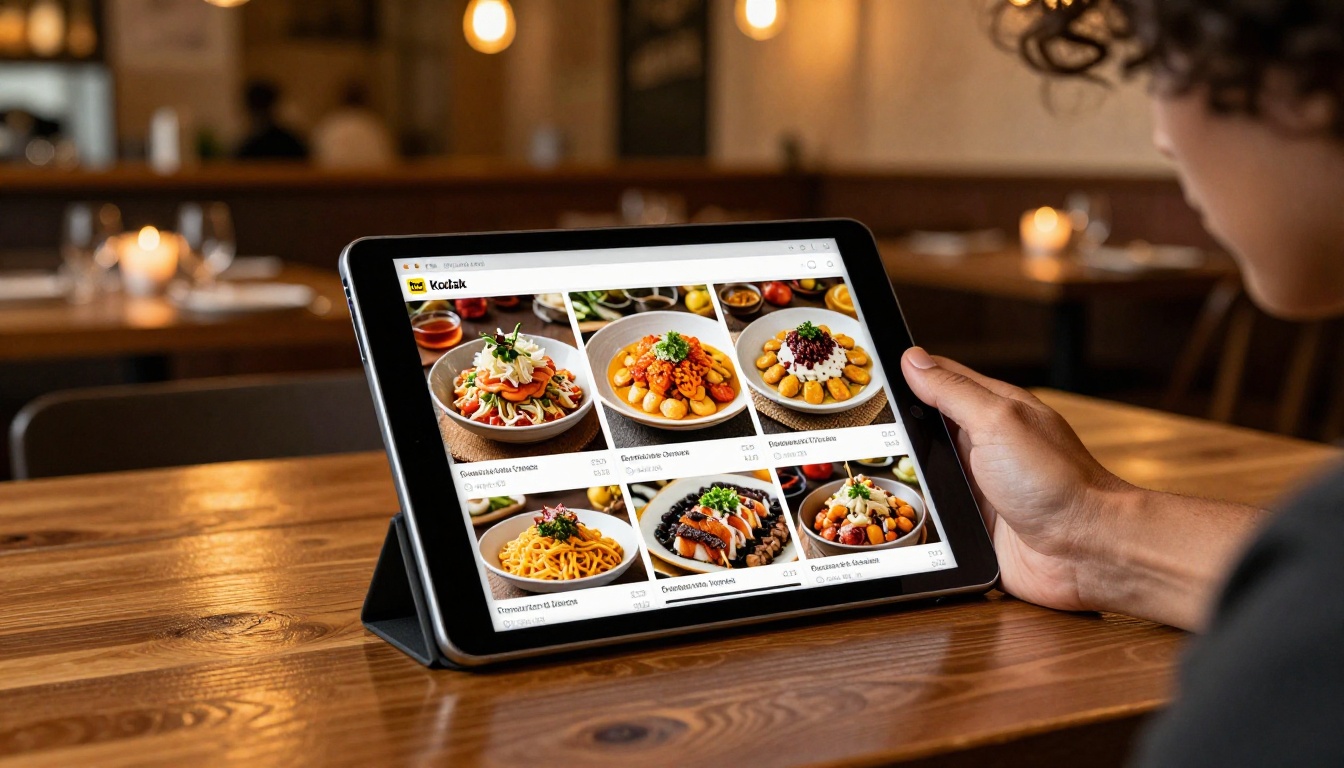
Restaurants and food businesses can use flipbook menus to show beautiful dish photography alongside prices and descriptions. Customers can tap a menu item to see its full ingredient list, place an online order, or make a reservation directly.
The Restaurant Menu Creator and Menu Flipbook Designer make this setup straightforward even for owners with no design background.
Real Estate Listings
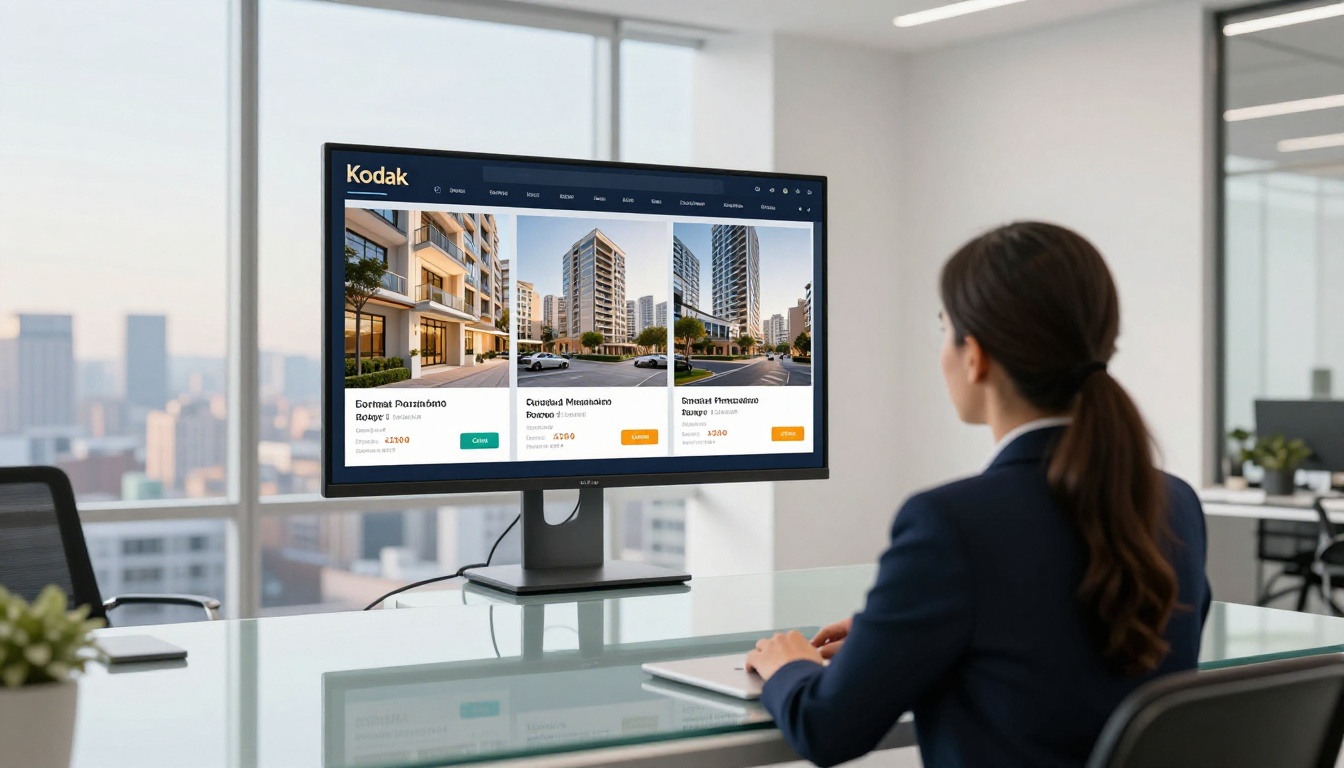
Real estate agents who send property brochures as static PDFs are leaving money on the table. A flipbook property brochure can include clickable floor plan links, a video tour button, and a direct link to book a viewing. Clients spend more time in the flipbook and arrive at viewings better prepared and more committed.
The Real Estate Brochure Creator handles this format with purpose-built layouts for property listings.
Digital Products and Courses
Selling e-books, courses, templates, or other digital products? A flipbook preview is one of the most effective sales tools available. Let potential buyers flip through a sample of the content, then place a buy button on the final page. It mirrors the experience of flipping through a book before buying it in a physical store.
The Interactive E-Book Publisher and E-Book Flipbook Generator are built precisely for this sales flow.
How to Track What Sells Inside Your Flipbook
Guessing which products get the most attention is a waste of time. The Professional plan on Flipbooks AI includes analytics and lead generation tools that show you exactly what is working.
Using Analytics to Find Hot Pages
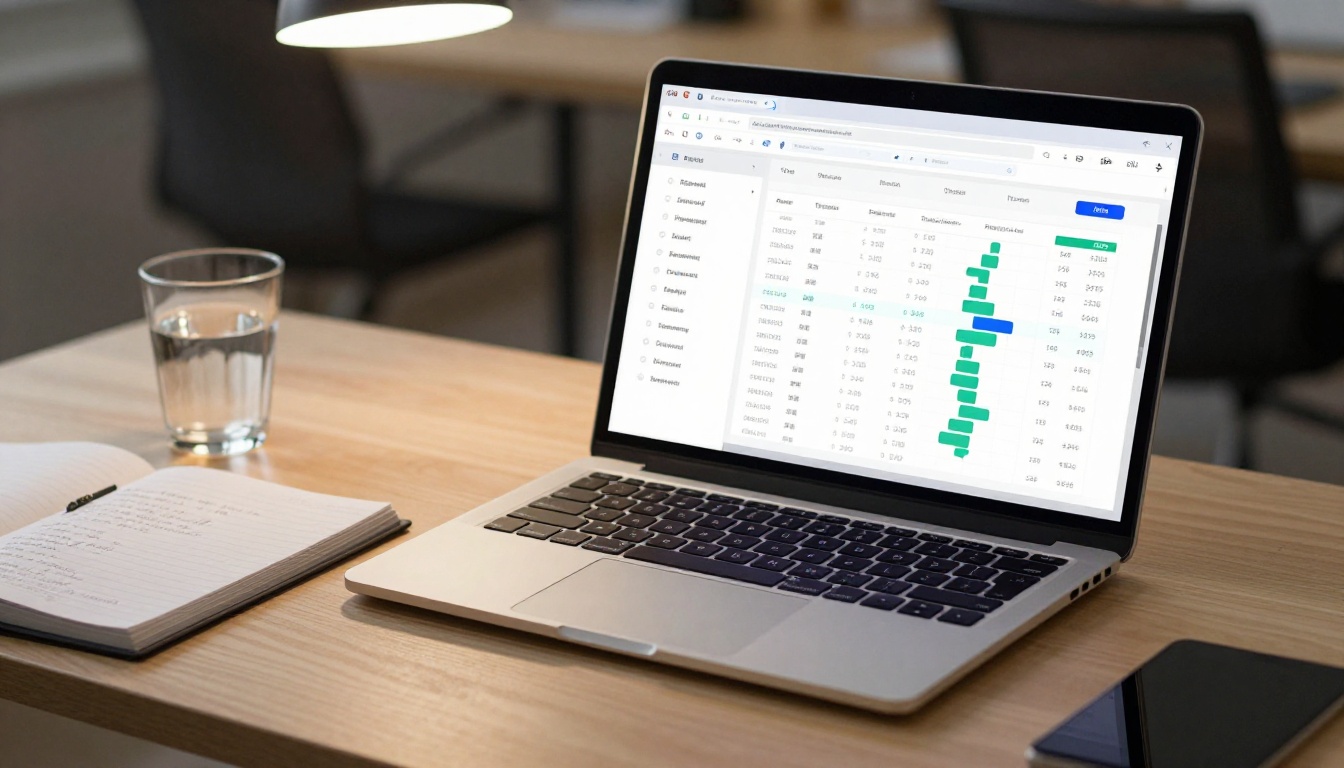
The analytics dashboard gives you clear data:
- Page views per page: Which products people actually stop to look at
- Average time on page: Where readers invest the most attention
- Click-through rates: Which hotspots and product links actually get tapped
With this data, you can rearrange your catalog to put high-interest products on the opening pages, rewrite descriptions for products that get views but no clicks, and remove items that nobody looks at. Every iteration of your catalog becomes smarter than the last.
Lead Generation Inside the Flipbook
Beyond click tracking, you can embed a lead capture form directly inside the flipbook. This is particularly useful for:
- B2B catalogs where buyers need a quote before purchasing
- Wholesale catalogs where you want to capture business contact details
- High-ticket items where a consultation is part of the sales process
A reader fills out the form without ever leaving the flipbook, and their contact information is captured automatically in your dashboard.
⚠️ Do not put the lead form on page 1. Let readers get invested in the catalog before asking for their information. Pages 3 to 5 tend to convert best for lead capture placement.
Mistakes That Kill Flipbook Sales
Even a beautifully designed flipbook can fail if you make these common errors.
| Mistake | Why It Hurts | Fix |
|---|
| No clickable links on products | Readers cannot buy directly | Add hotspots to every product |
| Too many products per page | Overwhelms the reader | Max 3-4 products per page spread |
| No call-to-action at the end | Readers finish and leave | Add a "Shop Now" final page |
| Outdated prices | Destroys trust at checkout | Update catalog every season |
| No mobile optimization | Over 60% of readers are on phones | Use a mobile-responsive platform |
| Missing branding | Looks unprofessional and generic | Add logo, colors, and custom URL |
| Sharing the PDF instead of the flipbook link | Defeats the entire purpose | Always share the flipbook URL |
⚠️ The single most common failure: businesses create a beautiful flipbook and then share the raw PDF file instead of the published flipbook link. Always share the live flipbook URL, not the source document.
Flipbook Plans Worth Considering for Sellers
Not every business needs the same feature set. Here is how the Flipbooks AI plans compare for sellers specifically:
| Feature | Free | Standard | Professional |
|---|
| Number of flipbooks | 3 | Unlimited | Unlimited |
| Watermark | Yes | No | No |
| Custom branding | No | Yes | Yes |
| Password protection | No | Yes | Yes |
| Embed on website | Yes | Yes | Yes |
| Analytics dashboard | No | No | Yes |
| Lead generation forms | No | No | Yes |
| Offline downloads | No | No | Yes |
| Custom domain | No | No | Yes |
For sellers just starting out, the Standard plan removes watermarks and allows unlimited flipbooks, which is the minimum for a credible professional presentation. The Professional plan pays for itself the moment you want to understand which products are driving the most interest and start capturing leads automatically.
Compare all plans in detail and choose what fits your current sales volume.
Who Gets the Most from Shoppable Flipbooks
Flipbooks are not just for large retailers. Here are the business types that see the fastest and most measurable results:

Start Selling Smarter Today
The gap between businesses using interactive flipbooks and those still relying on static PDFs widens every year. Customers expect more from digital sales materials. A flat price list is not enough. A product grid with no links is not enough. A flipbook that lets someone browse, tap a product, and buy in three clicks is what actually converts attention into revenue.
You do not need a large team or a complicated technical setup to make this work. You need a well-organized PDF, an account on Flipbooks AI, and about an hour to set everything up correctly the first time.

Ready to build your first shoppable flipbook? Get started for free and have your interactive product catalog live before the end of the day.
Want to see all the tools built for your specific industry? Browse the full tools directory and find the right starting point for your business type.
If you are serious about tracking performance and capturing leads from your catalog, check the Professional plan and see what the analytics and lead generation features can do for your sales numbers.



