You built a beautiful catalog, opened Klaviyo, looked for the attach button, and found nothing. That is not a bug. Klaviyo does not let you attach files to campaigns or flows, and even in tools that do, a heavy PDF is a bad idea. The good news: there is a cleaner way to put your catalog in front of subscribers. Host it online as a flipbook with Flipbooks AI, then send a link, a button, or a preview image inside your email. Below is the exact process, from file to inbox to click report.

Why Klaviyo Has No Attachments
Klaviyo is built for high-volume, personalized email. Attachments work against that goal, so the platform simply leaves them out. Every message is rendered from HTML, and anything heavy has to live on a URL somewhere else.
This is a deliberate design choice, and it protects your sender reputation. Large files slow delivery, trigger spam filters, and get stripped by corporate mail servers. A link has none of those problems.
💡 Pro tip: Think of the email as the invitation and the catalog as the destination. The email only needs to earn one click.
What Happens to Heavy PDFs
Even where attachments are possible, a 20 MB catalog creates trouble. Here is what typically goes wrong:
- Spam filtering: Messages with large attachments are flagged more often than plain HTML emails.
- Mailbox limits: Many inboxes reject anything above 10 to 25 MB.
- Mobile frustration: Phones download the entire file before a single page appears.
- No tracking: You cannot see who opened the PDF or which page they read.
- Stale versions: Once sent, the file cannot be updated. Prices change, the PDF does not.
The Link-First Alternative
Instead of attaching, you host. A hosted catalog opens in the browser, loads page by page, and can be edited after you send. The email stays light, and you keep control of the content.
Attachment vs Link: A Direct Comparison
Before building anything, look at how the two approaches stack up for a typical ecommerce brand.
| Feature | PDF Attachment | Hosted Flipbook Link |
|---|
| Supported in Klaviyo | No | Yes |
| Email file size | 5 to 25 MB | Under 100 KB |
| Spam risk | Higher | Low |
| Mobile experience | Slow download, tiny text | Fast, responsive pages |
| Click and read tracking | None | Yes |
| Update after sending | Impossible | Instant |
| Password protection | Manual | Built in |
The numbers speak for themselves. A link is lighter, safer, and measurable.
Turn Your PDF Into a Hosted Flipbook
You still need the catalog itself. If you already have a PDF, you are halfway there. The next step is to convert it into something people can flip through on any screen.

Step-by-Step Upload Process
Here is how to create your catalog flipbook on Flipbooks AI:
- Open Flipbooks AI and sign in or create an account.
- Click to create a new flipbook and upload your PDF. The PDF to Flipbook Converter turns each page into an interactive spread in seconds.
- Check the page order and thumbnails. Fix anything that looks off before you publish.
- Name the flipbook clearly, for example "Autumn Collection 2026".
- Publish and copy the public link.
That link is the only thing Klaviyo needs. If you are starting from scratch, the Digital Catalog Maker and Product Catalog Generator help you build one without a design team.
Customize Branding and Pages
A flipbook that matches your brand builds trust the moment it opens. Inside the editor you can adjust:
- Colors and background to match your store
- Logo placement so every page feels official
- Page-turn effects that feel like a real printed catalog
- Embedded video and audio for product demos
- Clickable hotspots that send shoppers straight to product pages
There are no watermarks, ever, so the catalog looks like it belongs to you.
✅ Best practice: Add clickable product links inside the flipbook. The email gets the click to the catalog, and the catalog gets the click to checkout.
Sharing and Privacy Options
Not every catalog is meant for everyone. Wholesale pricing, VIP previews, and seasonal drops often need protection. Flipbooks AI gives you several ways to share:
| Option | Best For |
|---|
| Direct link | Campaigns and flows in Klaviyo |
| Embed code | Landing pages and product pages (embed guide) |
| Password protection | Wholesale and VIP lists |
| Offline download | Buyers who need a file for a sales meeting |
Add the Catalog to a Klaviyo Campaign
With the link ready, building the email takes about ten minutes. Open Klaviyo and create a new campaign using the drag and drop editor.
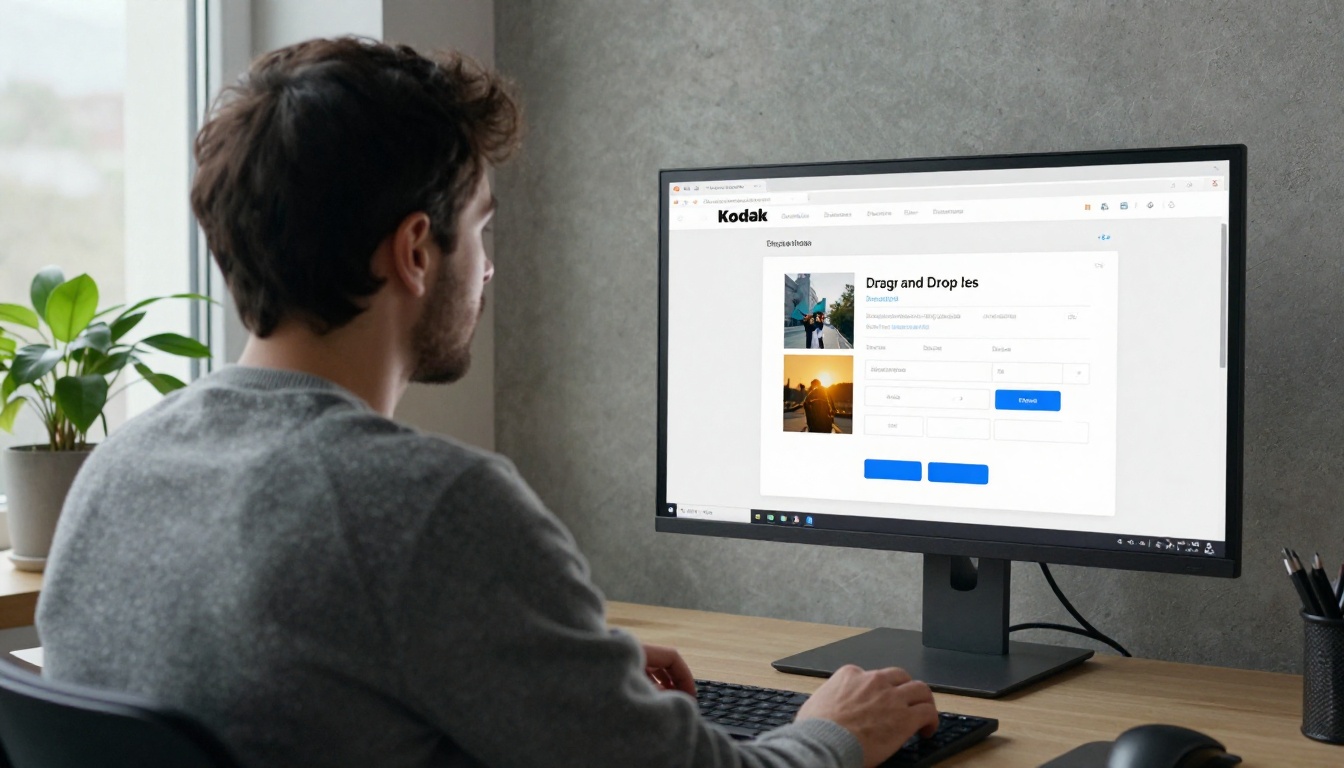
Method 1: A Button Block
The simplest approach. It works in every email client.
- Drag a Button block into your template.
- Write a short, specific label such as "Browse the Autumn Catalog".
- Paste your flipbook link into the URL field.
- Choose a high-contrast color and keep the button at least 44 pixels tall for thumbs.
- Send yourself a test on iPhone and Android.
Method 2: A Clickable Preview Image
People click pictures. Export the first page of your catalog as an image, place it in an Image block, and set the link to your flipbook URL. Add alt text like "Autumn catalog cover preview" so the message still makes sense when images are blocked.
Method 3: Text Link in Body Copy
A plain text link feels personal, almost like a note from a person. It works well in flows, such as a welcome series that says, "Here is our full catalog, flip through it whenever you like."
⚠️ Warning: Do not hide the link behind vague text such as "click here". Describe what the reader gets: "Flip through the 48-page catalog".
Which Method Should You Choose
Each placement has a role. Use this table as a quick decision tool.
| Method | Click Rate Potential | Effort | Best Use |
|---|
| Button block | High | Low | Main call to action |
| Preview image | Very high | Medium | Campaigns with visual impact |
| Text link | Medium | Low | Flows and plain-style emails |
| All three combined | Highest | Medium | Launch announcements |
For a major launch, combine them: a preview image near the top, a button below the intro, and a text link in the closing line.

Real-World Examples
Theory is fine, but here is how different stores put this into practice.
A Boutique Clothing Store
A boutique sends a seasonal lookbook every quarter. Instead of a PDF, it publishes a flipbook with the Interactive Lookbook Designer and sends a campaign with a hero image and one button. Subscribers who clicked but did not buy receive a follow-up two days later with the best-selling pages highlighted.
A Furniture Retailer
A furniture brand has a large catalog with hundreds of items. It uses the Furniture Catalog Maker to publish a searchable flipbook, then segments Klaviyo lists by room type. Living room shoppers get a link that opens to the sofa section, bedroom shoppers to the beds.

A Wholesale Supplier
A supplier shares pricing only with approved buyers. The flipbook is password protected, and the password is sent in a separate Klaviyo flow after account approval. The catalog stays private, and the buyer gets a smooth experience.
Use Klaviyo Flows for Automatic Delivery
Campaigns are one-time sends. Flows keep selling in the background. Here are the best places to drop a catalog link.
| Flow | Catalog Placement | Goal |
|---|
| Welcome series | Email 2 or 3 | Introduce the full range |
| Browse abandonment | Below the viewed product | Show related items |
| Post-purchase | After delivery email | Prompt a second order |
| Win-back | Subject-led "What's new" | Re-open dormant buyers |
| Wholesale onboarding | Approval email | Share price lists |
Segment by Interest
Klaviyo's strength is segmentation. Create separate flipbooks, or at least separate links, for different audiences: men's and women's collections, retail and trade, new and returning customers. The more relevant the catalog, the more pages people read.

Track What Happens After the Click
A PDF attachment is a black box. A hosted flipbook is not. On the Professional plan you get analytics and lead generation, so you can see how readers behave once they land.

Metrics Worth Watching
- Klaviyo click rate: Did the button or image earn the click?
- Flipbook views: How many people actually opened the catalog?
- Pages read: Do readers stop at page 4 or reach page 40?
- Time on page: Which products hold attention?
- Lead capture: Gate a section behind an email form to grow your list.
Compare Klaviyo click data with flipbook views. A big gap means the landing experience needs work, such as a slow page or a confusing first spread.
Use UTM Parameters
Add UTM tags to the flipbook link so the traffic shows up cleanly in your analytics:
https://yourflipbook.link/autumn?utm_source=klaviyo&utm_medium=email&utm_campaign=autumn_catalog
Klaviyo can also add UTMs automatically, so check your account tracking settings before you double up.
Mistakes to Avoid
Even a simple setup can fail in small ways. Watch for these.
- Linking to a PDF anyway. A link to a raw PDF file still downloads slowly on phones. Link to the flipbook.
- A weak first page. The opening spread decides whether people keep reading. Put your best products first.
- No test send. Always check links on both iOS and Android.
- Ignoring dark mode. Preview images with white backgrounds can look harsh. Test them.
- Forgetting to update. Edit the flipbook when prices change, and the email link stays the same.
💡 Pro tip: Keep one permanent catalog link in your Klaviyo footer. Every email you send then doubles as a catalog delivery.
Send Your Catalog the Easy Way
You do not need attachments. You need a link people want to click and a catalog worth opening. Publish your PDF as a flipbook, drop the URL into a Klaviyo button or preview image, and let flows deliver it on autopilot.
Ready to build yours? Get started for free on Flipbooks AI, browse all flipbook tools, and compare pricing plans to see where analytics and lead capture fit. When you are ready to upgrade, go straight to your account and pricing.



