You spent three hours putting together the perfect trip itinerary. Flight times, hotel addresses, restaurant reservations, day-by-day plans. You sent it as a PDF. Two days later, half the group still hasn't opened it, and the other half can't find the attachment. Sound familiar? There's a much better way, and it starts with Flipbooks AI.
Sending a trip itinerary as a flipbook means your travel plans become an interactive, page-turning digital document that anyone can open instantly on any device with just a link. No app to download, no email attachment to dig through, no formatting that breaks on someone's phone. Just a beautiful, scrollable travel document your group will actually enjoy reading.
This article walks you through the entire process, from prepping your itinerary PDF to sharing a polished flipbook link with your travel group in minutes.
Why Nobody Reads Your Itinerary PDF

PDFs are practical for printing. For sharing travel plans with a group? They fall apart fast.
Here's what usually goes wrong:
- Mobile rendering is terrible. A well-formatted PDF with columns, tables, and embedded images often becomes a pinch-and-zoom nightmare on a smartphone screen.
- People can't find the attachment. It gets buried in email threads, lost in a WhatsApp scroll, or forgotten entirely.
- No interactivity. There's no clickable table of contents, no easy way to jump to Day 3, no embedded links to the hotel's booking page.
- Version control is chaos. You update the itinerary, and now you're resending a new PDF hoping everyone uses the right version.
A shareable travel flipbook solves all of this. One link, always up to date, works everywhere.
💡 Pro tip: A flipbook link can be pinned at the top of a WhatsApp group or Slack channel, so nobody ever has to search for it again.
What a Travel Flipbook Actually Is

A digital flipbook is an interactive online document that mimics the experience of flipping through a physical brochure or booklet, complete with a realistic page-turn animation. Unlike a static PDF, it lives in a browser, loads instantly, and can be shared with a single URL.
For travel itineraries specifically, flipbooks offer several clear advantages:
- Visual presentation: Your hotel photos, destination maps, and day-by-day plans look dramatically better in a flipbook layout than in a plain document.
- Instant access: Recipients click a link and it opens immediately, no software required.
- Mobile-first design: Flipbooks scale perfectly to any screen size, from a 6-inch phone to a 27-inch desktop monitor.
- Always current: Update the source PDF, re-upload it, and your shareable link instantly reflects the new version.
The Travel Guide Flipbook tool on Flipbooks AI is built exactly for this kind of content, making it simple to turn any itinerary document into something your travel group actually wants to open.
Before You Upload: Prep Your Itinerary

The better your source PDF, the better your flipbook will look. You don't need a graphic design degree, but a few structural decisions before you export will make a real difference.
What to Include in Your Itinerary
A strong travel itinerary flipbook typically covers:
| Section | What to Include | Why It Matters |
|---|
| Trip Overview | Dates, destination(s), group size, travel theme | Sets the stage, gets everyone aligned |
| Day-by-Day Schedule | Activities, timings, locations, booking confirmations | Core of the itinerary, used daily on the trip |
| Accommodation Details | Hotel name, address, check-in and check-out times, confirmation numbers | Reduces "where are we staying?" questions |
| Transport Info | Flight numbers, train times, car rental details, transfer logistics | Prevents missed connections |
| Restaurant Reservations | Names, times, addresses, dress codes if relevant | Saves scrambling on the night |
| Emergency Contacts | Local embassy, travel insurance hotline, group members' numbers | Critical safety information |
| Packing Suggestions | Weather forecast, dress codes, gear specific to activities | Personal touch that adds real value |
Design Tips Before You Export
You can build your itinerary in Google Docs, Canva, Microsoft Word, or any tool that exports a PDF. Keep these things in mind:
- Use wide margins so text isn't crowded near the page edge
- Choose clear, readable fonts at 11pt or larger for body text
- Include one hero image per day if you want a visual feel throughout
- Design in A4 or Letter format for optimal flipbook conversion
- Keep your table of contents on page 2 so it becomes a navigation reference
✅ Best practice: Canva's travel presentation templates export cleanly and look great in flipbook format. Start from a template and customize your content rather than building from a blank document.
How to Create Your Travel Flipbook with Flipbooks AI
Now for the practical part. Here's exactly how to turn that PDF into a shareable travel flipbook using Flipbooks AI.
Step 1: Create Your Account
Head to Flipbooks AI and create a free account. No credit card required to get started. The free plan lets you test the tool and see how your itinerary converts before committing to anything.
Step 2: Upload Your Itinerary PDF

Once logged in, click Create New Flipbook and drag your PDF into the upload area. Flipbooks AI uses the PDF to Flipbook Converter to automatically process your document and generate the interactive page-turn format.
The conversion typically takes under a minute for a standard itinerary PDF (10 to 30 pages).
- Supported formats: PDF
- Max file size: varies by plan
- Pages: unlimited on Standard plan and above
⚠️ Watch out: If your PDF uses unusual fonts or complex embedded vector graphics, preview the flipbook carefully after conversion to make sure everything rendered correctly.
Step 3: Customize the Look
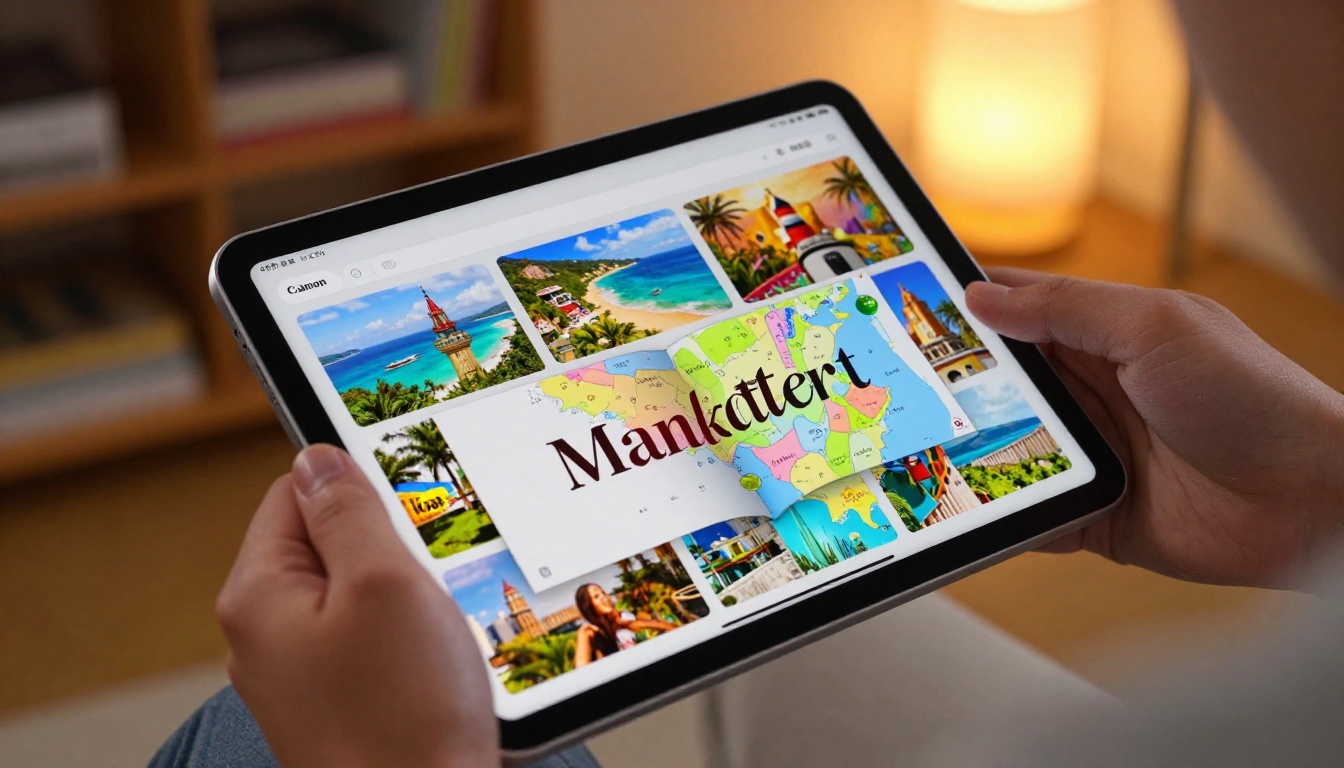
This is where a good travel flipbook becomes a great one. Flipbooks AI gives you control over several visual and functional elements:
| Customization | What You Can Do | Impact |
|---|
| Cover Design | Set a custom thumbnail image | First impression when the link is previewed in a chat |
| Brand Colors | Match your trip theme or travel group palette | Cohesive visual feel throughout |
| Page Flip Style | Choose the transition animation | Affects the overall reading experience |
| Background Color | White, dark, or custom color behind the flipbook | Sets the mood for the content |
| Table of Contents | Auto-generated from your PDF headings | Easy navigation for longer itineraries |
| Custom Domain | Share via your own domain (Professional plan) | Polished option for travel agencies |
For a group vacation flipbook, choosing a background color that matches your destination (soft blues for a beach trip, warm terracotta for a Spanish city) adds a thoughtful touch without requiring any design work beyond one click.
Step 4: Set Your Title and Thumbnail
Give your flipbook a clear, descriptive title like "Italy 2025, 10 Days in Rome, Florence and Amalfi." This appears in browser tabs and link previews. Upload a cover photo of your destination as the thumbnail so the link looks inviting when shared in a group chat.
Step 5: Share It with Your Group
Once you're happy with the preview, click Publish. Flipbooks AI generates a clean, shareable link instantly. Copy it and send it wherever your travel group communicates, whether that's WhatsApp, email, Slack, or a shared Notion page.
Sharing Options That Actually Work

One of the best things about a flipbook is how many ways you can share it. There's no single right method. Pick what fits your group.
| Sharing Method | Best For | How to Use |
|---|
| Direct Link | WhatsApp, iMessage, Telegram | Copy the URL and paste directly into any chat |
| Email | Formal trips, work travel, large groups | Paste the link in the email body, no attachment needed |
| QR Code | In-person meetups before the trip | Generate a QR from the flipbook link, print or show on screen |
| Pinned Message | WhatsApp groups, Slack channels | Pin the link so it's always visible at the top |
| Embed on a Site | Travel blogs, agency sites, event pages | Use Embed Flipbook on Website to get an iframe code |
| Social Story | Instagram, Facebook Stories | Screenshot the cover and link in bio or story sticker |
💡 Pro tip: If your group uses Notion for trip planning, paste the flipbook link directly into a Notion page and it will render as an embed preview, no extra steps needed.
What Happens When They Click the Link
Recipients don't need to download anything. The flipbook opens directly in any modern web browser on any device. They can:
- Swipe through pages on mobile using a finger gesture
- Click navigation arrows on desktop to move between pages
- Use the built-in table of contents to jump to a specific day
- Zoom into maps or fine print without any distortion
This is the single biggest advantage over a PDF attachment: zero friction for the recipient.
Keep Your Itinerary Private
Not every itinerary should be publicly accessible. If your document includes flight confirmation numbers, hotel booking references, or any personal information, you'll want to lock it down.
Flipbooks AI includes password protection on Standard plans and above. Here's how it works:
- In your flipbook settings, toggle Password Protection on
- Set a shared password your travel group will use to access it
- Anyone who clicks the link will be prompted for the password before the flipbook opens
- The flipbook content is not indexed by search engines
This is especially useful for:
- Family trips that include minors' personal information
- Corporate travel with sensitive booking or expense data
- Honeymoons where you want complete privacy for the itinerary
- Travel agents sharing client itineraries in a professional context
✅ Best practice: Use a simple, memorable password like the destination and year ("Barcelona2025") so nobody gets locked out on the morning of the trip.
Reading on Any Device

A travel group rarely has everyone on the same type of device. Flipbooks AI's mobile-responsive design means the itinerary looks and works correctly for everyone, regardless of what they're using.
| Device | Experience | Notable Features |
|---|
| iPhone and Android | Full-screen, swipe to turn pages | Touch-optimized, fast loading on mobile data |
| iPad and Tablet | Two-page spread view like a real book | Ideal for longer, more detailed itineraries |
| Laptop and Desktop | Full browser view with on-hover controls | Easy zoom, page jump, and sharing |
| Smart TV Browser | Full-screen presentation mode | Great for group review sessions before the trip |
| Offline Download | Available on Professional plan | Access without any internet connection |
The offline download feature is worth calling out specifically. If any members of your travel group will be in areas with unreliable data coverage, such as remote hiking destinations or international trips where roaming is limited, they can download the flipbook locally before departure and access it without WiFi.
Check pricing plans to see which plan includes offline downloads.
Track Who Actually Opened It

If you're organizing a trip for a large group or managing itineraries professionally as a travel agent, the analytics feature on Flipbooks AI's Professional plan gives you real data on how your flipbook is being consumed.
You can track:
- Total views: How many times the flipbook has been opened
- Unique visitors: Individual people who have accessed it
- Page-by-page engagement: Which pages get the most time and attention
- Device breakdown: Mobile vs. desktop, useful for future format decisions
- Geographic data: Where your viewers are accessing from
For a travel group, this mostly matters to the trip organizer. You can confirm that everyone has actually opened and read the itinerary before departure, which removes a lot of last-minute "wait, where are we going first?" questions at the airport.
Travel agents and tour operators will find this particularly valuable. Seeing which pages clients spend the most time on helps refine future itinerary designs for better client experience.
Explore the Professional plan features to see if analytics fits your workflow.
3 Real-World Uses for a Trip Flipbook
Flipbooks work across a wide range of travel scenarios. Here are three specific situations where sending an itinerary as a flipbook makes a noticeable difference.
| Scenario | Who Benefits | Key Feature Used |
|---|
| Bachelor or Bachelorette Trip | Organizer plus 8 to 15 guests | Password protection, single shareable link, visual day-by-day layout |
| Family Reunion Vacation | Multi-generational group, mixed tech comfort | Mobile-responsive, no app needed, simple link sharing |
| Corporate Retreat | HR and events team, employees | Custom branding, analytics, Professional plan for tracking |
For the bachelor or bachelorette trip: The organizer builds one polished flipbook with all the surprise locations, timings, and dress codes. Password-protected so the guest of honor doesn't accidentally see it. Shared in the WhatsApp group with a single link.
For the family reunion: Grandparents can open the link on an older Android phone without any issues. Kids can swipe through on a tablet during the drive. Parents can pull up flight details on a laptop at the airport. One link covers everyone.
For the corporate retreat: The HR team adds company branding and colors, uses the analytics to confirm that employees have reviewed the schedule, and shares the flipbook as a pinned item in the company Slack. The Presentation Flipbook Designer works well for this kind of structured, formal content.
💡 Pro tip: For multi-day trips, consider building a separate one-page "Quick Reference" flipbook with just the critical times and addresses. Share both the full itinerary flipbook and the short one. The quick reference gets opened most on the day of travel.
Before committing to the flipbook approach, it's worth seeing how it stacks up against the alternatives most travel organizers already use.
| Format | Mobile Experience | Sharing | Updates | Visual Quality | Access |
|---|
| PDF Attachment | Poor (zoom required) | Email attachment | Resend new version | Depends on design | Download required |
| Google Doc | Decent | Link sharing | Live edits visible | Minimal formatting | Requires Google account |
| Google Slides | Moderate | Link sharing | Live edits | Decent visuals | Requires Google account |
| Travel Flipbook | Excellent | One URL | Re-upload PDF | High, visual | No app, instant access |
The flipbook wins on the metrics that matter most for a group travel scenario: mobile experience, access simplicity, and visual quality.
Your Next Trip Starts Here
Sending a trip itinerary as a flipbook takes the same document you were going to attach to an email and turns it into something your travel group actually looks forward to opening. The setup takes under five minutes once your PDF is ready.
Ready to give it a try? Create your first flipbook on Flipbooks AI, no credit card needed. Upload your itinerary PDF, customize the look, and share a single link with your entire group before the trip even begins.
If you'd rather build your itinerary from scratch with a ready-made layout, the Travel Guide Flipbook tool has templates that take the formatting work off your plate entirely.
For groups that need password protection, analytics, or offline access, take a look at available pricing plans to find the right fit. And if you work in travel professionally, browse all flipbook tools to see what else you can build for your clients.
Your travel group deserves better than a forgotten PDF attachment. Give them something they'll actually flip through.



