Somewhere in your phone is a conversation you would hate to lose: a grandmother's voice notes, a partner's daily jokes, a group thread where your family planned every birthday for six years. WhatsApp is a terrible place to keep it. Scrolling back to 2021 takes forever, and one lost phone can erase everything. This tutorial shows you how to turn a WhatsApp chat into a flipbook keepsake you can flip through, share with a link, or print as a gift. We will use Flipbooks AI for the final step, and the whole process takes about an hour.
Why Chats Make Great Keepsakes
A photo album shows how things looked. A chat shows how things sounded. The nicknames, the running jokes, the typos and the "call me when you land" messages are the texture of a relationship, and they rarely end up in a traditional album.
People already do this in small ways. They screenshot a funny exchange, save a voice note, or forward a sweet message to themselves. A flipbook simply gathers all of that into one object with pages, a start and an end.

Who Does This Most
- Couples marking an anniversary with a "year in messages" book.
- Families preserving a grandparent's voice, jokes and recipes.
- Friend groups turning a trip chat into a memory book.
- Parents collecting funny messages from a child's school years.
- Long-distance relationships that lived almost entirely in text.
Chat Keepsake vs Traditional Photo Album
| Feature | Photo Album | WhatsApp Chat Flipbook |
|---|
| Captures personality and humor | Limited | Excellent |
| Includes voice notes and video | No | Yes, as embedded media |
| Searchable text | No | Yes |
| Cost to share with 20 relatives | High (printing) | Free, one link |
| Risk of loss | Physical damage | Backed up online |
| Time to build | Hours of sorting | About one hour |
💡 Pro tip: You do not have to choose. Many people build the flipbook first, then order a printed copy of the best pages as a physical gift.
Step 1: Export the Chat
WhatsApp has an export tool built in. It produces a text file, plus a folder of photos and media if you want them.
- Open the chat you want to save.
- Tap the three dots (Android) or the contact name (iPhone).
- Choose More, then Export chat.
- Pick Include media for photos and voice notes, or Without media for text only.
- Send the file to yourself by email or save it to a cloud drive.
You will receive a .zip file on most devices. Unzip it on your computer. Inside you will find a .txt file with every message and, if you included media, the images, audio and video files.
Know the Export Limits
WhatsApp limits how much it exports. With media, you get roughly the latest 10,000 messages. Without media, the limit is around 40,000. For a very long chat, export it in sections: export once, then archive or clear the older portion and export again, or simply choose the period that matters most.
| Export Option | What You Get | Best For |
|---|
| With media | Text plus photos, voice notes, video | Family and couple keepsakes |
| Without media | Text only, larger message history | Long chats, quote-style books |
| Screenshots | Visual look of the real app | Funny exchanges, short threads |
⚠️ Warning: Exports include phone numbers and names exactly as they appear in your contacts. Check the text file before you share anything.
Step 2: Choose What Belongs in the Book
A raw chat is far too long. Ten thousand messages would produce a book nobody finishes. The goal is a story, not an archive.
Pick a Theme
Decide what the book is about before you cut anything:
- A timeline: from the first message to today.
- A highlight reel: the 50 best moments.
- A single event: a wedding, a trip, a pregnancy, a move.
- A voice collection: one person's best messages and recordings.
Select the Moments
Open the text file and search for words that tend to mark good moments: "love you", "haha", "congrats", "miss you", "happy birthday", the names of places, and the names of pets. Copy the exchanges you want into a new document. Aim for 40 to 80 short exchanges.

Handle Privacy First
This is the step people skip, and it matters. A chat involves at least two people, and each of them may have said things they never expected to see in print.
- Ask the other person or people if they are happy with the book.
- Remove phone numbers, addresses, passwords and financial details.
- Cut anything about third parties who did not agree to appear.
- Decide whether the flipbook will be private or shareable.

✅ Best practice: For a gift book, a little consent goes a long way. For a family group thread, share a draft with the group before you publish.
Step 3: Turn Messages into Pages
You have two approaches. You can recreate the look of the chat, with bubbles, timestamps and names, or you can present the messages as clean quotes. Both work.
Option A: Screenshot Style
Take screenshots of your best exchanges on your phone. This keeps the real look, including emoji and the green or grey bubbles, and it keeps the authenticity people love. Crop out the status bar and any private details.
Option B: Designed Text Pages
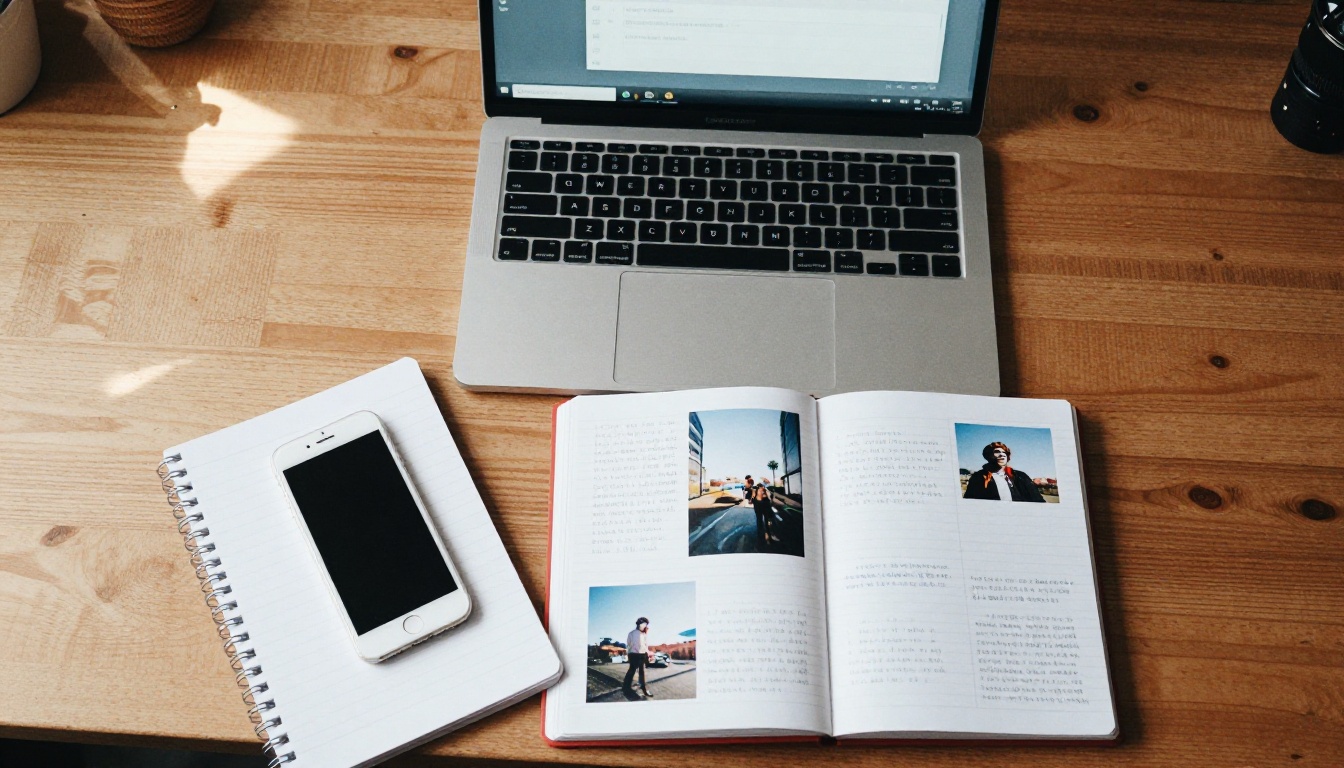
Paste the selected messages into a document (Google Docs, Word, Canva or any editor). Format each exchange as a short block:
- A bold name for each speaker.
- The date in small italic text.
- One or two photos beside the text.
Which Layout Fits Your Project
| Layout | Look | Effort | Ideal Use |
|---|
| Screenshot pages | Real app feel | Low | Funny threads, short books |
| Designed text pages | Polished, editorial | Medium | Anniversary and gift books |
| Mixed (text plus photos) | Scrapbook style | Medium to high | Family histories |
| Photo-led with quotes | Visual first | Medium | Travel and event chats |
Keep each page simple. One exchange and one photo is plenty. Leave white space. A page that breathes is far nicer to flip through than a page crammed with text.

Add the Photos From the Chat
If you exported with media, the photos from the chat are in the unzipped folder. Match them to the messages around them. A photo of a birthday cake sitting next to the "happy birthday!" message tells the story better than either one alone.
💡 Pro tip: Name your media files with a number prefix (01, 02, 03) so they stay in chapter order when you upload them.
Step 4: Build the Flipbook
Once your pages are ready, export them as a single PDF. Every editor has this option under File, Download, PDF or Export as PDF. Check that pages follow the order you want and that images look sharp.
Now the fun part: turning the PDF into a page-turning book.
How to Create It with Flipbooks AI
- Go to Flipbooks AI and create an account.
- Click to upload your PDF. The PDF to Flipbook Converter turns each page into a realistic page that flips.
- Wait a few seconds for the conversion to finish. A 40-page book usually takes under a minute.
- Open the editor and preview the flipbook on desktop and mobile.
- Adjust the look: background color, page-turn effect and sound.
- Publish and copy your link.
Flipbooks AI never adds watermarks, so the finished book looks like it belongs to you, not to a platform. It is also mobile responsive, which matters because most relatives will open your link on a phone.
Customize the Look
- Background: a soft cream or a deep navy suits a romantic book. A bright color suits a friends' trip.
- Page-turn effect: a gentle curl feels like a real album.
- Branding: add a title, a dedication or a small logo if the book is a gift.
- Media: embed the voice notes and videos from the chat so the reader can press play on the page. See the Interactive E-Book Publisher for how media fits in a publication.
Embedding a voice note is the single most moving thing you can do. Hearing a loved one's voice on a page of their own messages is hard to match in any printed book.
Related Tools for Similar Projects
Step 5: Share It the Right Way
A keepsake is only useful if the right people can open it, and only them.
Sharing Options Compared
| Method | Privacy | Convenience | Best For |
|---|
| Direct link | Medium | Very high | Family group chats |
| Password protection | High | High | Couples, sensitive threads |
| Embed on a website | Public | Medium | Memorial or event pages |
| Offline download | Private | Medium | Gifts on a USB or tablet |
For a private project, use password protection. Share the link in one message and the password in another. If the book is a surprise, schedule your message for the day of the event.
If you want to put the book on a family site or a memorial page, the Embed Flipbook on Website tool gives you embed code you can paste into most website builders.

⚠️ Warning: A link is only as private as the people who receive it. If the chat contains sensitive details, use a password and keep the audience small.
Extra Options on Higher Plans
Standard plans offer unlimited flipbooks, which helps if you want a different book for each person or each year. The Professional plan adds analytics, so you can see whether Grandma has opened the book yet, and offline downloads. Compare options on the pricing page.
Real-World Examples
The Anniversary Book
Marta exported three years of chat with her partner, kept 60 exchanges, added photos from each month, and embedded one voice note per chapter. She published it with a password and sent the link at midnight on their anniversary. The book had 48 pages and took her one evening.
The Grandparent Tribute
A family used a grandfather's WhatsApp messages, mostly short, formal and full of proverbs, as the spine of a memory book. They added scanned photos from old albums. Each cousin received a link, and the oldest relatives opened it on a tablet.
The Trip Memory
A group of six friends turned a two-week road trip chat into a flipbook of 30 pages. Funny misunderstandings became chapter titles. Photos shared in the chat became full-page spreads.
Quick Comparison of the Three
| Project | Pages | Media Included | Sharing |
|---|
| Anniversary book | 48 | Photos plus voice notes | Password link |
| Grandparent tribute | 36 | Scanned photos | Direct link to family |
| Trip memory | 30 | Photos and short videos | Group chat link |

Common Mistakes to Avoid
- Using the whole chat. Choose highlights. Nobody wants 10,000 messages.
- Skipping consent. Ask before you publish a conversation that includes someone else.
- Leaving private data in. Check for numbers, addresses and passwords.
- Low-quality screenshots. Take them at full brightness and crop tightly.
- Forgetting the story. Give the book a beginning, a middle and an end, even if the end is only "to be continued".
- No backup. Keep the original export zip on a cloud drive.
Ideas to Make the Book Better
- Open with a dedication page that explains why you made it.
- Add a short note before each chapter, such as "Summer 2023".
- Pick the funniest typo of the year and give it its own page.
- End with a blank page where the other person can write their reply.
- Pair the flipbook with a small printed card showing the link as a gift.
The best keepsakes feel personal, not polished. A slightly imperfect page with a real message will always beat a perfectly designed one with nothing to say.
Your First Chat Flipbook
You do not need design skills or special software. You need a chat worth keeping, an hour of free time and a PDF. Export the thread, choose your favorite moments, lay them out, and publish.
Ready to build yours? Get started for free on Flipbooks AI, browse all the flipbook tools to find the best fit for your project, or compare pricing plans if you want unlimited books, analytics and offline downloads.



