Turning a flat PDF into a page-flipping digital publication used to take a professional designer, expensive software, and several days of revisions. AI changed that. Today, anyone with a PDF file and ten minutes can publish a polished, interactive flipbook that works on any device, anywhere. Whether you're building a product catalog, a restaurant menu, a school newsletter, or a corporate brochure, the process is faster and more accessible than most people expect. Platforms like Flipbooks AI have made the entire workflow automatic, so the biggest challenge is simply knowing how it works.

What an AI Flipbook Actually Is
A flipbook, in the digital sense, is an interactive document that simulates the physical experience of flipping through printed pages. When you upload a PDF to a platform like Flipbooks AI, the AI processes your document and converts it into a fully animated, page-turning publication. Readers click or swipe through pages, zoom into details, and interact with embedded content like videos and clickable links.
The "AI" part is not a buzzword here. It refers to automated processing that handles layout detection, page ordering, image optimization, and responsive formatting across devices, without you touching a line of code or spending hours in a design application.
This matters because traditional PDF publishing is passive. A PDF doesn't adapt to screen sizes, can't embed interactive media, and offers no data on who read what or for how long. An AI-generated flipbook solves every one of those limitations in a single conversion step.
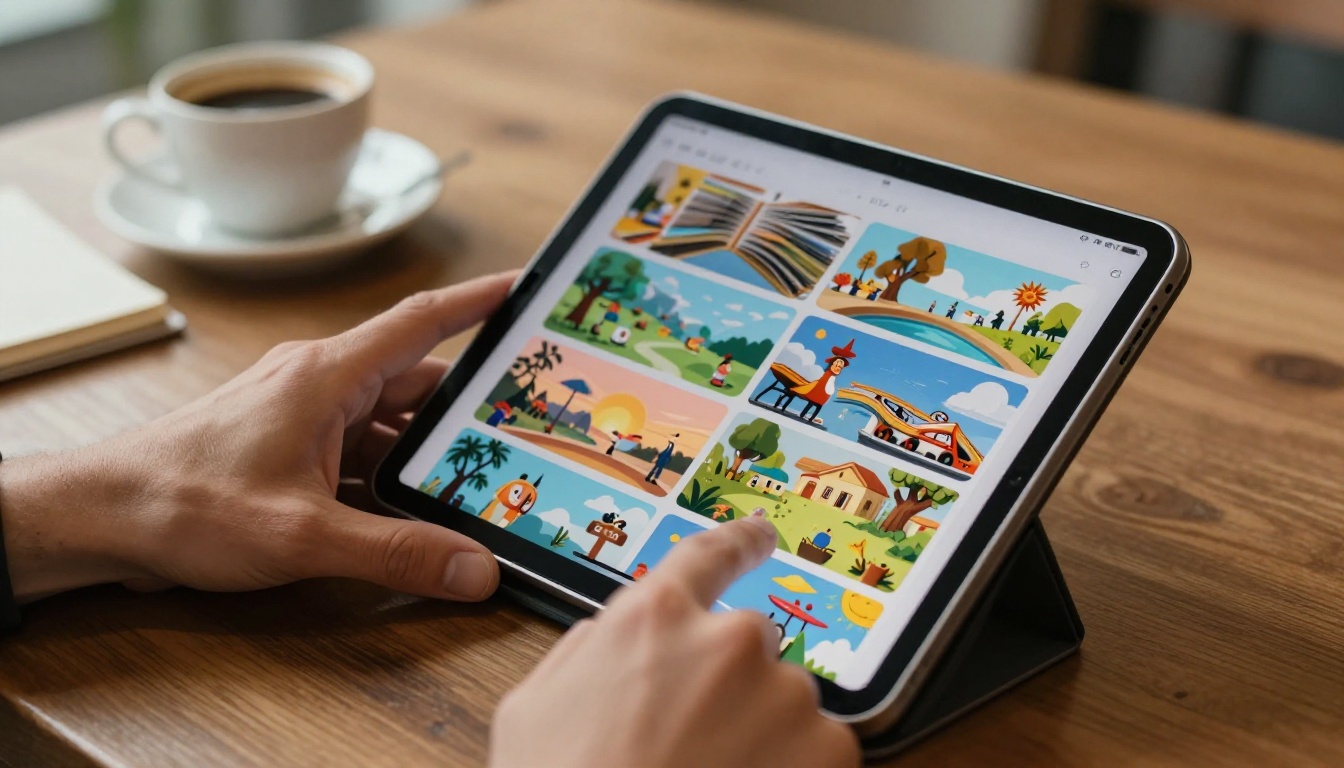
Static vs Interactive: The Real Difference
The gap between a static PDF and an AI-powered flipbook is not just visual. It is functional. Here is a direct comparison of what each format actually offers:
| Feature | Static PDF | AI Flipbook |
|---|
| Page-turn animation | No | Yes |
| Mobile-responsive layout | Inconsistent | Always |
| Video and audio embed | No | Yes |
| Page-level analytics | No | Yes (Professional) |
| Shareable via link | Yes | Yes |
| Password protection | No | Yes |
| Custom branding | No | Yes |
| Offline download | No | Yes |
| Lead capture forms | No | Yes (Professional) |
| Embed on website | Limited | Yes, clean code |
When a potential customer receives a flipbook link instead of a PDF attachment, they open it in their browser instantly, no download required, no plugin needed. That friction reduction alone changes how people interact with your content.
How to Create Your Flipbook with Flipbooks AI
The step-by-step process on Flipbooks AI is designed so that someone without any technical background can publish their first flipbook in under fifteen minutes. Here is exactly how it works.

Step 1: Sign Up and Access the Platform
Go to flipbooksai.com/account and create your free account. No credit card is required to start. Once inside the dashboard, you will see a clean interface showing all your flipbooks and a prominent button to create a new one. The free plan lets you test the core conversion experience before committing to a paid tier.
💡 Every paid plan on Flipbooks AI includes no watermarks. This is rare in the digital publishing space, where most competitors add their branding to free and entry-level outputs.
Step 2: Upload Your PDF Document
Click "Create New Flipbook" and drag your PDF into the upload area. The platform accepts standard PDF files and begins the AI conversion automatically. Large files with many pages are handled without compression artifacts, and the original formatting, fonts, and embedded images are preserved during conversion. Most documents under 100 pages convert in under two minutes.
⚠️ Finalize your PDF before uploading. While you can replace the source file later, updating content requires a new upload rather than in-place editing of individual pages.
Step 3: Customize the Look and Feel
After conversion, the visual editor opens with a real-time preview of your flipbook. You can:
- Set a background color or texture for the reading environment surrounding your pages
- Choose a page-turn effect: soft curl, hard cover flip, or flat horizontal slide
- Apply a custom cover thumbnail that viewers see before they start reading
- Upload your logo to appear persistently in the viewer for brand recognition
- Select a color scheme that matches your organization's visual identity and marketing materials
Every change is previewed instantly, so there is no guessing about how the final product will look across different devices.
Step 4: Add Multimedia and Interactive Elements
This is where a standard digital document becomes something readers remember. Once the base design is set, you can layer in interactivity:
- Embed YouTube or Vimeo videos directly onto specific pages, so a product demo or tutorial plays in context
- Add clickable hyperlinks pointing to product pages, contact forms, or external resources
- Insert audio narration for guided reading experiences, useful for training materials and presentations
- Activate lead capture forms (Professional plan) to collect reader information at strategic points in the document
This functionality is particularly valuable for catalogs, training manuals, and marketing materials where you want readers to act, not just browse.
✅ The Interactive E-Book Publisher tool is specifically optimized for long-form content with video chapters and hyperlinked table of contents.
Step 5: Publish, Share, or Embed
When the flipbook is ready, you have three main distribution options:
- Direct link: A unique URL anyone can open in any browser, no app installation required
- Embed code: A snippet you paste into your website to display the flipbook inline, responsive to any container width
- Password-protected link: Restricted access for confidential documents, investor materials, or premium content
The Embed Flipbook on Website tool generates clean, lightweight embed codes that work on WordPress, Squarespace, Webflow, Wix, and any HTML-based platform. No plugin required.
Best Use Cases for AI Flipbooks
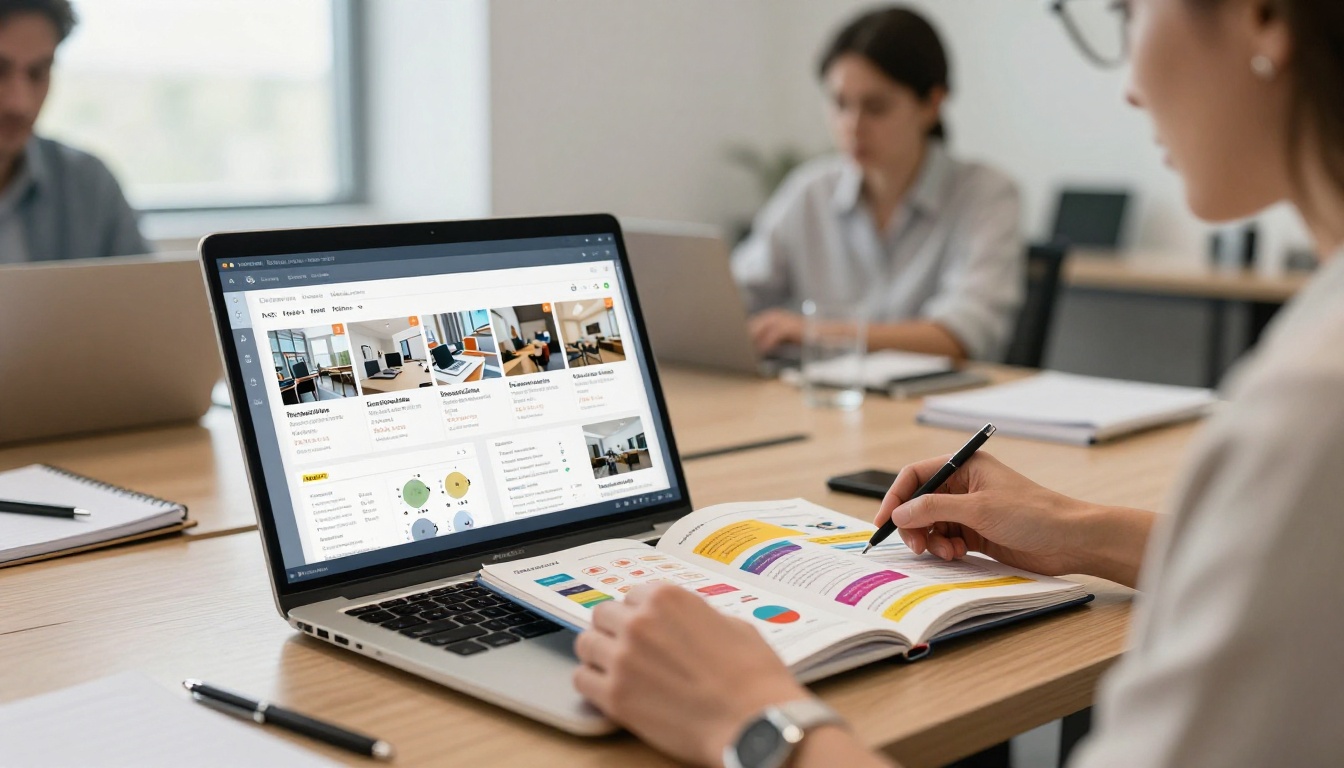
The format performs well across almost every industry. Here are the specific scenarios where AI flipbook creation delivers the strongest results.
Business Catalogs and Brochures
Product catalogs were among the first documents to move from print to digital, and AI flipbooks have made that transition far more effective. A Product Catalog in flipbook format lets buyers browse SKUs with the tactile feel of a printed book while clicking directly to purchase pages. Businesses report shorter sales cycles and more qualified inquiries when switching from static PDF catalogs to interactive flipbooks.
Specialized tools handle specific verticals. The Furniture Catalog Maker is built for room-by-room visual layouts, while the Fashion Catalog Creator prioritizes full-bleed photography and seasonal collection structures. For brochures, the Real Estate Brochure Creator, Hotel Brochure Designer, and Automotive Brochure Generator each come with industry-specific templates that reduce setup time significantly.
Restaurants and Hospitality
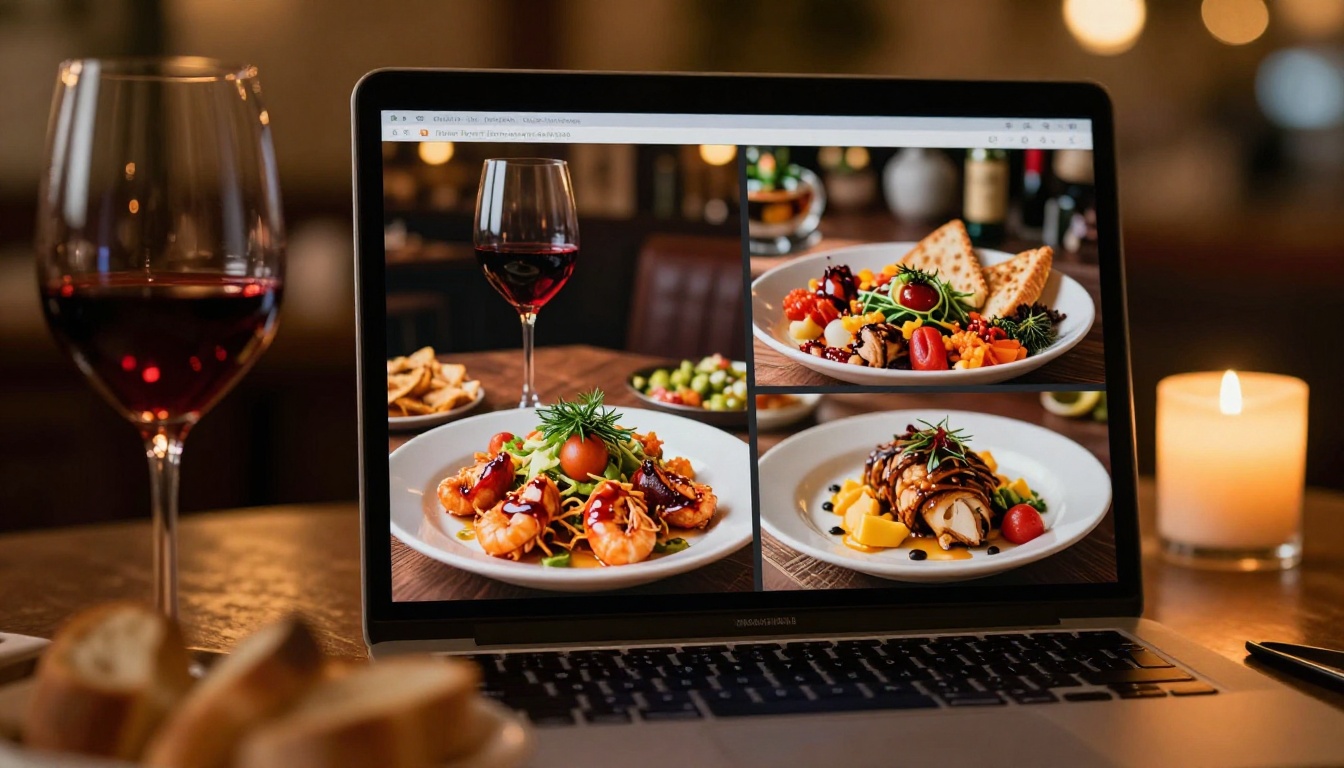
Printed menus accumulate damage, go out of date after every price adjustment, and cannot show a video of the dish being prepared. The Restaurant Menu Creator tool converts your existing menu PDF into an interactive version that can be updated instantly and shared via QR code at every table. When prices change, you update the source PDF, re-upload, and the QR codes all point to the new version automatically.
The Spa and Wellness Menu Creator serves spas, salons, and wellness studios that want a premium client experience without the ongoing cost of reprinting every season.
Real Estate
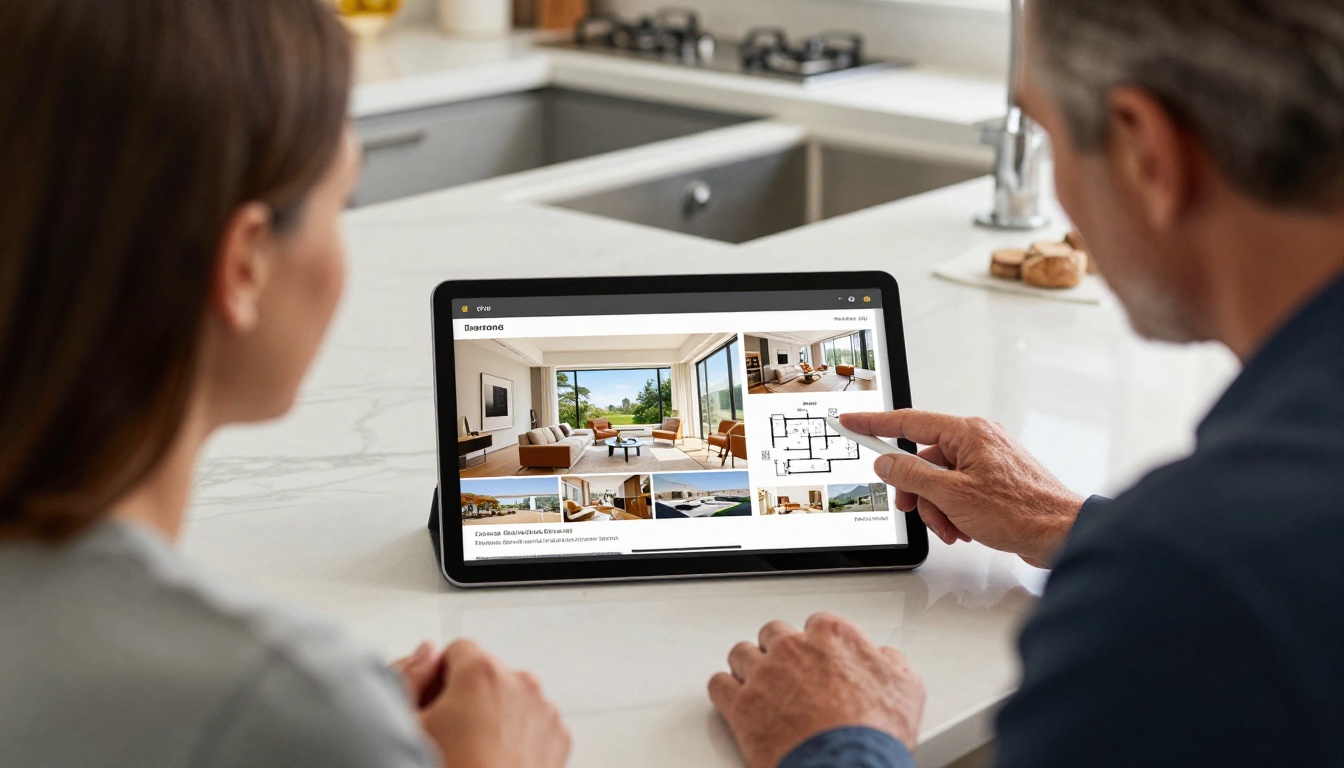
Property agents need materials that communicate quality before a showing. A listing brochure flipbook with high-resolution photos, floor plans, neighborhood context, and embedded virtual tour links says more in two minutes than a flat PDF ever could. The Real Estate Brochure Creator places photography first and lets agents apply custom branding per listing, so every property has its own distinct presentation.
Education and Training
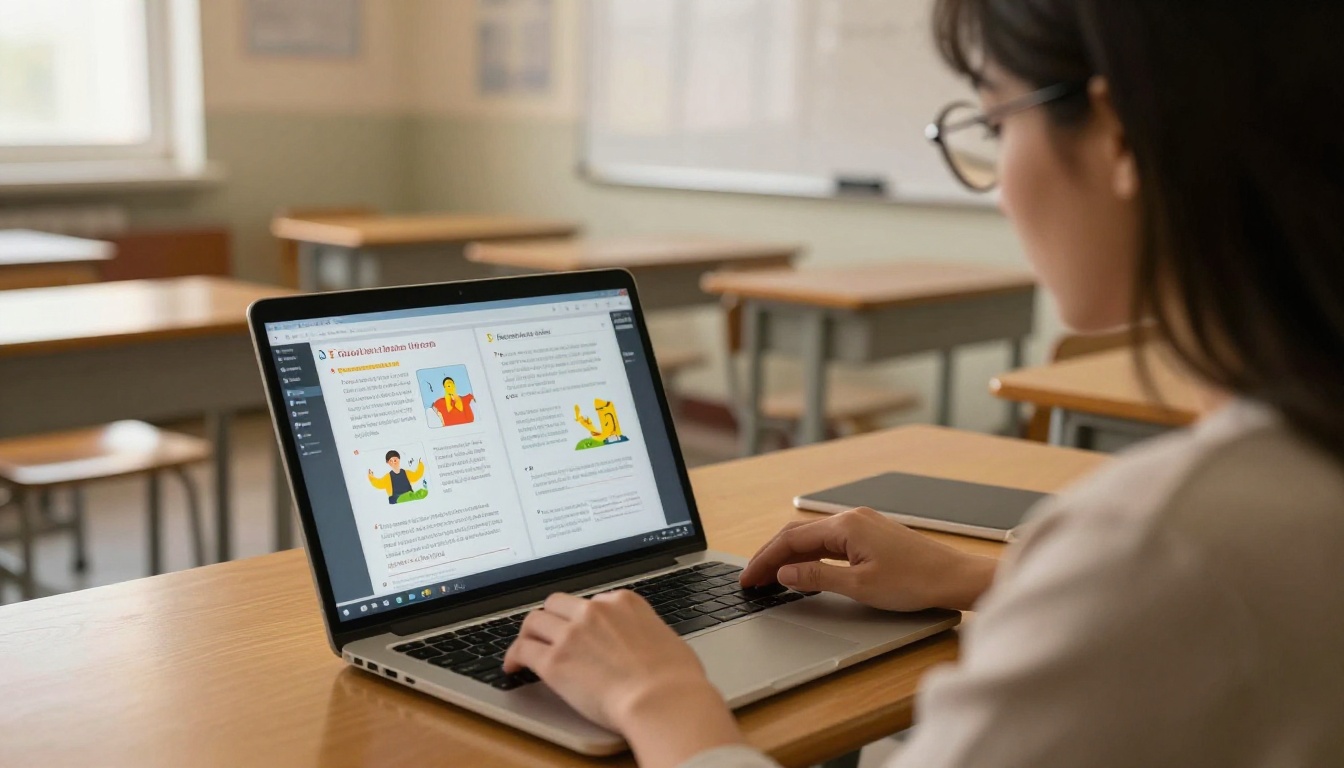
Instructors and learning and development teams benefit from course materials that readers actually interact with. Learners can navigate chapters, watch embedded instructional videos, and click links to supplementary resources, all within a single published document that works on any device.
The Training Manual Flipbook, Course Material Publisher, and School Newsletter Creator each address specific education contexts with relevant default structures.
Fashion and Creative Portfolios
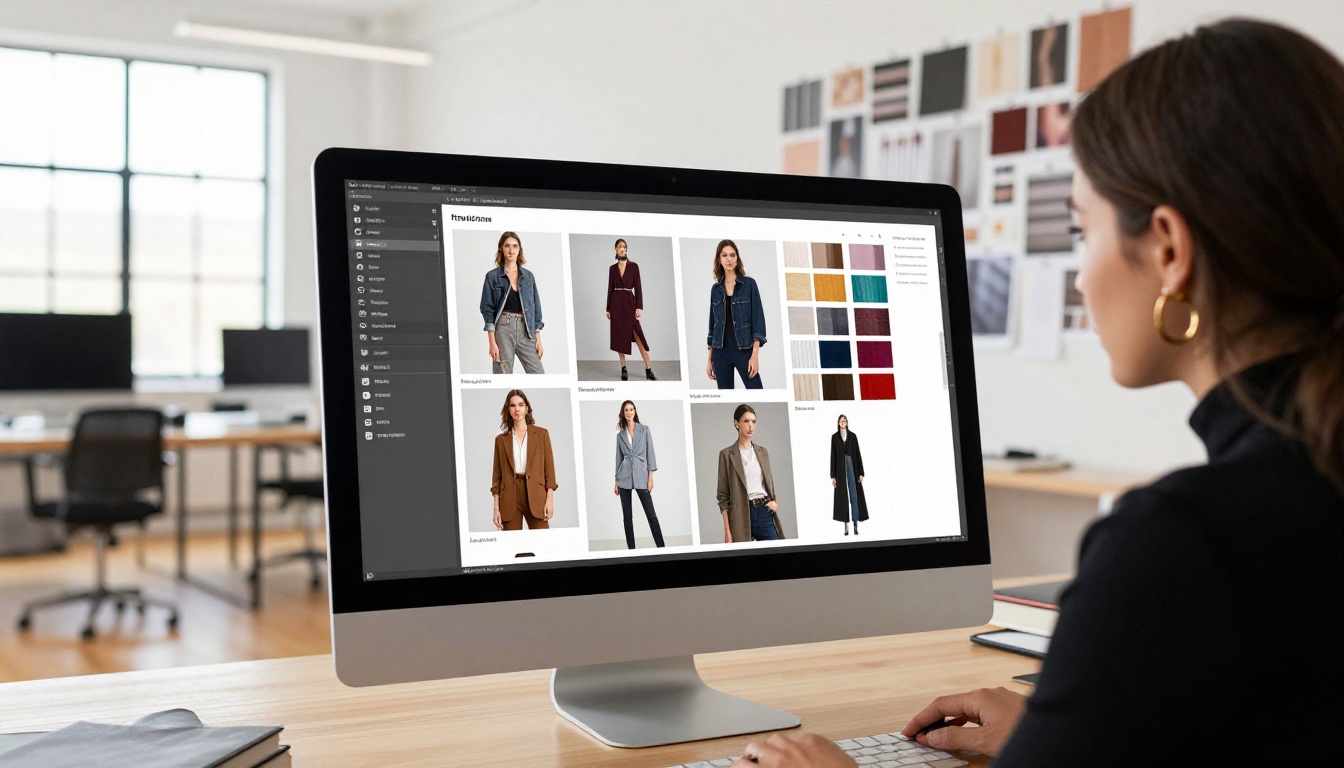
Lookbooks and portfolios are a natural fit for the flipbook format. The visual-first layout, high-resolution photography, and seasonal publishing cycle make static PDFs impractical for fashion brands and photographers. The Interactive Lookbook Designer and Photography Portfolio tools give creatives a polished way to present their work to clients, buyers, and collaborators.
Use Case to Tool Matching
Flipbooks AI Plans at a Glance
Selecting the right plan comes down to three factors: how many flipbooks you publish per month, whether you need analytics, and whether lead generation is part of your content strategy. Here is a direct comparison:
| Feature | Free | Standard | Professional |
|---|
| Monthly flipbooks | Limited | Unlimited | Unlimited |
| Watermark | None | None | None |
| Custom branding | No | Yes | Yes |
| Password protection | No | Yes | Yes |
| Offline download | No | Yes | Yes |
| Video and audio embed | No | Yes | Yes |
| Page analytics | No | No | Yes |
| Lead capture forms | No | No | Yes |
| Priority support | No | No | Yes |
💡 Start on the free plan to test your first conversion. Upgrade when you need branding or publishing volume. The full breakdown is on the pricing page.
Features That Actually Make a Difference
Not every feature on a platform's list changes how you work. These ones do.
No Watermarks on Any Paid Plan
Most digital publishing tools add their branding to your output unless you pay for the highest tier. Flipbooks AI removes watermarks from Standard and above. When you present materials to clients or publish publicly, the reading experience is entirely yours.
Analytics at the Page Level
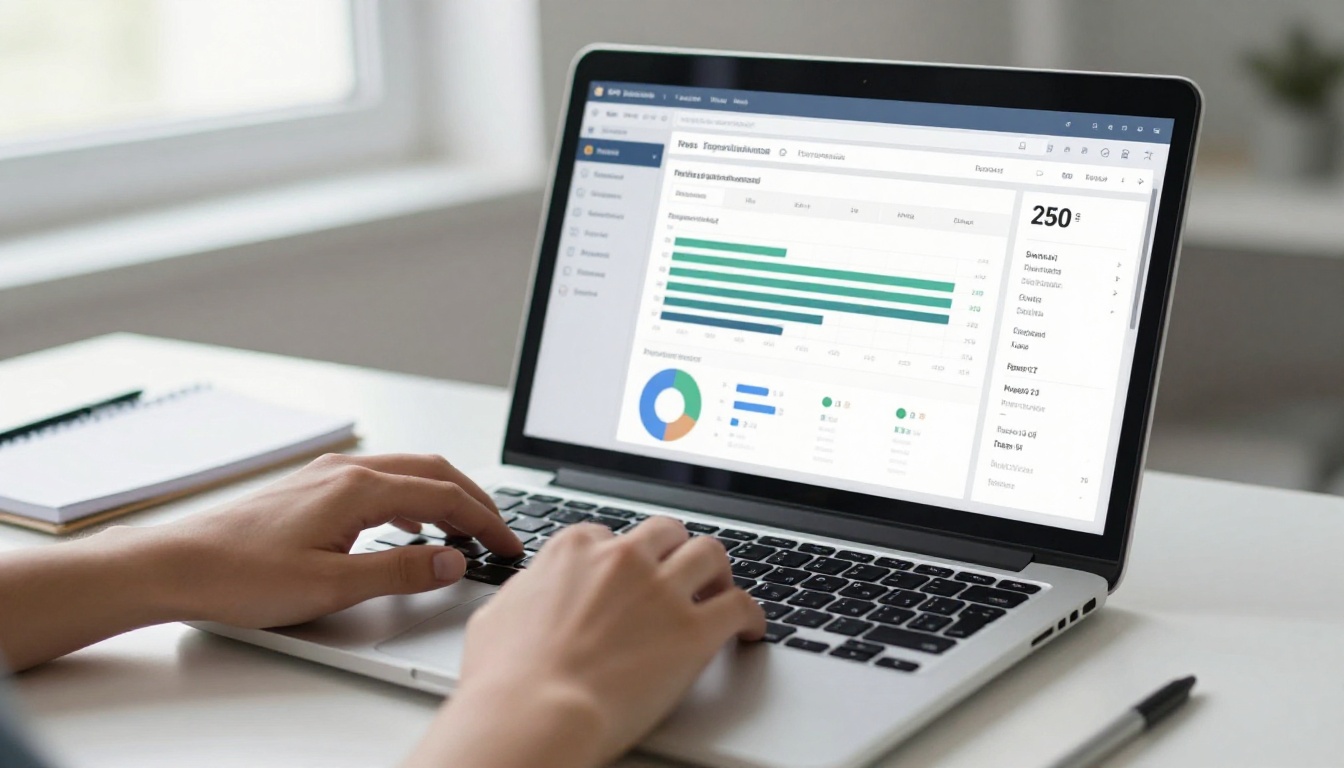
The Professional plan includes per-page data showing where readers spend time, where they stop reading, and how they found your flipbook. This insight directly informs your next document: you see which pages hold attention and which cause drop-offs, which is far more useful than a raw download count.
Lead Generation Built Into the Reading Experience
The lead capture feature lets you gate content behind an email entry prompt. A potential buyer browses your catalog, reaches page eight, and is asked to enter their email to continue reading. That friction converts browsers into leads without disrupting the experience until the right moment. This feature is available on the Professional plan through the pricing page.
Offline Downloads
Readers can save a flipbook for offline access without losing the visual formatting. This is practical for field sales teams who present in environments without reliable internet, and for event materials distributed before the day of the event.
Mobile-Responsive Without Extra Work
Every flipbook adapts automatically to phone screens, tablets, and desktops. The conversion handles responsive layout, so you never create multiple versions of the same document for different devices.
3 Mistakes People Make When Creating Flipbooks
Knowing what goes wrong saves time.
1. Uploading a Low-Resolution Source PDF
The AI conversion preserves exactly what is in your source file. Compressed images, small fonts, or low-quality exports will appear exactly as low-quality in the flipbook. Always export your source document at full resolution, typically 300 DPI for print-quality originals, before uploading.
2. Skipping the Customization Step
The default settings produce a functional flipbook, but they do not reflect your brand. Spending five extra minutes setting a background, uploading a logo, and choosing the right page-turn style makes a substantial difference in how readers perceive your content. Generic outputs signal low effort.
3. Ignoring the Analytics Data
If you are on the Professional plan and not reviewing page-level analytics after publishing, you are missing the most valuable part of the platform. Which pages hold attention longest? Where do readers stop? That data tells you what content is working and what to improve in the next version.
✅ Before publishing, preview your flipbook on both desktop and a phone screen to catch any layout issues specific to smaller viewports. The platform has a built-in preview toggle for this.
⚠️ Do not share the editor link with clients or readers. Always use the published viewer link or embed code for final distribution.
Start Building Your First Flipbook Today
AI-powered flipbook creation removes every barrier that used to make digital publishing slow and expensive. You do not need a designer, a developer, or a large budget to produce materials that look and feel professional. You need a PDF file and about ten minutes.
Create a free account on Flipbooks AI and convert your first document today. The conversion is immediate, the output is professional, and no watermarks appear on any paid plan.
If you want to see all available tools organized by industry and use case, the full tools directory covers everything from Recipe Book Flipbooks to Digital Portfolio Creators to Press Kit Designers.
When you are ready to add analytics, lead capture, and offline downloads, the plans page shows exactly what each tier includes so you can choose what fits your publishing volume and goals.



