Running a dropshipping store without a way to visually differentiate yourself is like opening a boutique with no window display. Everybody sells the same products, often sourced from the same suppliers. So the real competition isn't price — it's presentation. Flipbooks AI gives dropshipping entrepreneurs a powerful way to showcase products through interactive, page-turning digital catalogs that feel premium, load instantly, and work on every device.
Why Static Product Pages Lose Sales
Most dropshipping stores rely on the same product page template: a few imported images, a bullet-point description, and an add-to-cart button. That formula made sense a decade ago. Today, shoppers are more visually demanding, and they bounce from stores that don't immediately communicate value.
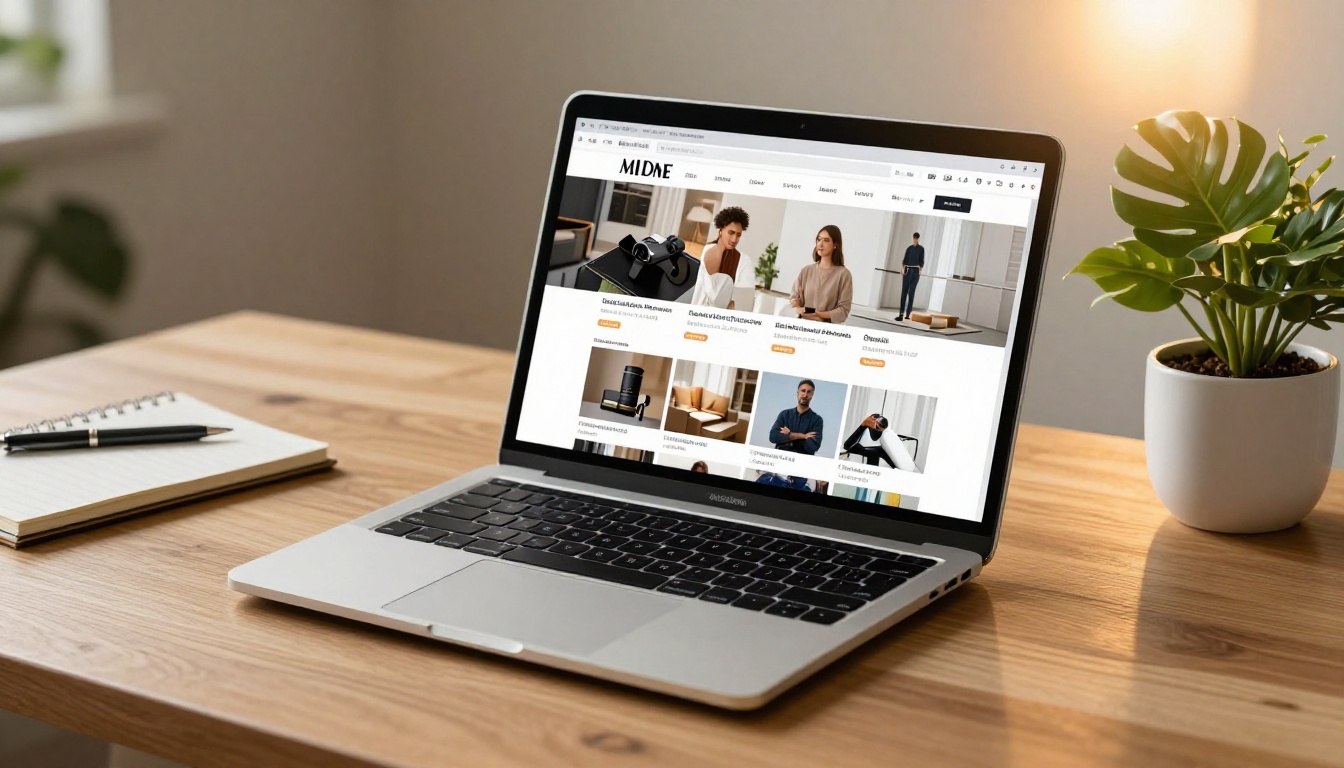
Static pages have real limitations:
- No storytelling: A single product image doesn't build desire or context
- Low perceived value: Supplier photos look the same across hundreds of stores
- Zero interactivity: Shoppers scroll and leave with nothing to hold their attention
- Poor mobile experience: Long product pages are tedious to scroll on phones
Interactive flipbooks solve each of these problems in one format.
💡 Stores that replace basic product landing pages with interactive catalog flipbooks typically see higher average session duration — buyers stay longer when they're flipping through pages.
What a Dropshipping Flipbook Actually Does
A flipbook is a digital publication with realistic page-turning animations, clickable links, embedded media, and full mobile responsiveness. When applied to dropshipping, it functions as a living product catalog that feels closer to a luxury brand lookbook than a generic product grid.
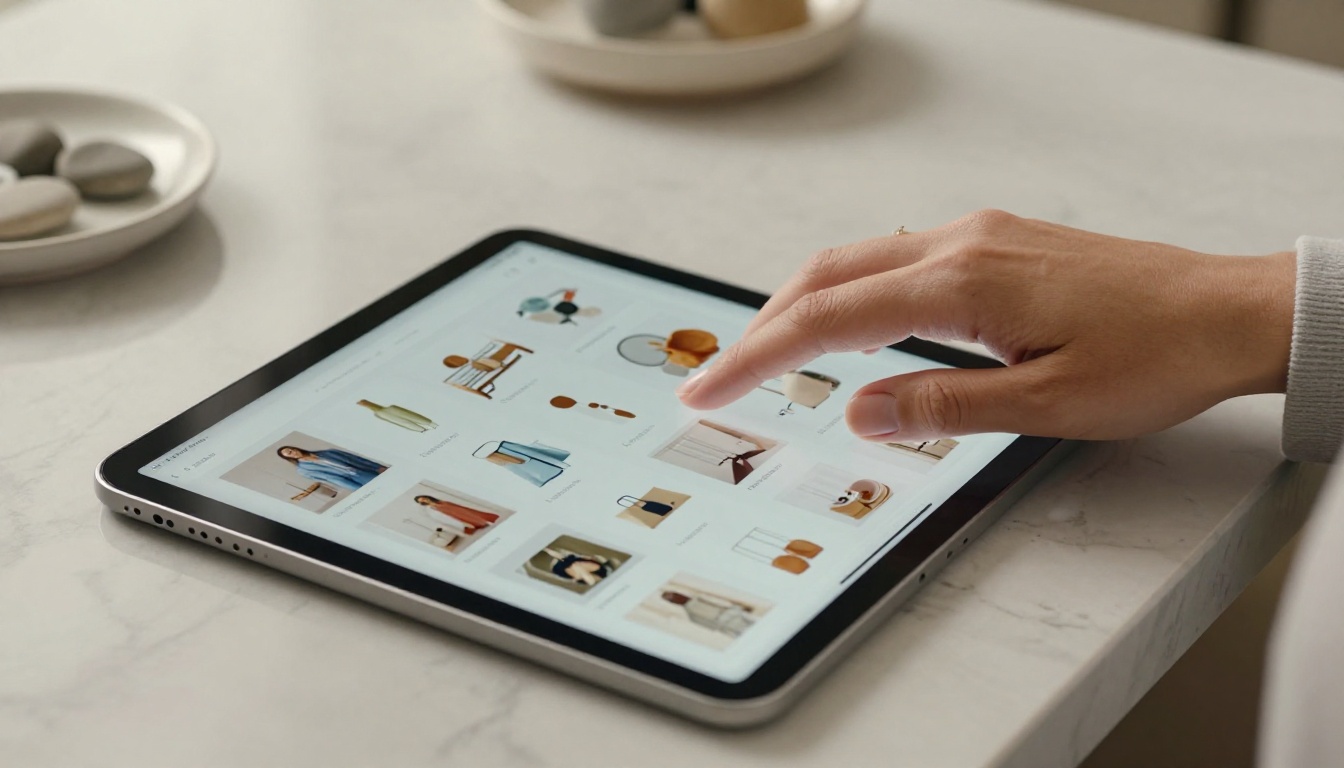
Here's what makes the format particularly effective for dropshipping:
- Multiple products in one document: Group related SKUs into themed collections
- Storytelling layouts: Mix product shots with lifestyle images and copy
- Direct buy links: Each page can link directly to that product's checkout page
- Shareable URL: One link covers your entire catalog for emails, ads, and social
- Embeddable on your site: Drop the flipbook directly onto collection pages or landing pages
Static PDF vs. Interactive Flipbook
| Feature | Static PDF | Interactive Flipbook |
|---|
| Page-turn animation | No | Yes |
| Mobile responsive | Inconsistent | Always |
| Clickable buy links | No | Yes |
| Analytics tracking | No | Yes (Professional) |
| Embeddable on website | No | Yes |
| Password protection | No | Yes |
| Offline access | Yes | Yes (download option) |
| Video/audio support | No | Yes |
5 Ways Dropshippers Use Flipbooks
There's no single way to deploy a flipbook in a dropshipping business. Here are the most proven approaches:
1. Seasonal Product Catalogs
Build a themed catalog for each major shopping season: summer essentials, back-to-school, Black Friday deals, holiday gift guides. A flipbook lets you curate a story around the season, increasing perceived value well beyond individual product listings.
2. Niche Collection Showcases
If your store sells multiple categories, create a separate flipbook for each niche: fitness gear, kitchen accessories, pet products. Then link each flipbook from its relevant collection page. Buyers interested in one niche stay focused, and conversion rates improve.
3. Email Marketing Attachments
Instead of sending a flat product grid in a newsletter, include a "View Our New Arrivals Catalog" CTA that links to a hosted flipbook. Click-through rates on flipbook links consistently outperform static image galleries in emails.

4. Social Media Previews
A few pages from your catalog make compelling Instagram Stories or Facebook carousel content. The visual format immediately reads as premium, and "swipe to see the full catalog" CTAs drive traffic back to your store.
5. Wholesale and B2B Outreach
If you're pitching bulk orders to local businesses or retailers, a password-protected flipbook catalog looks far more professional than a shared Google Drive folder of product images.
✅ Best Practice: Build one evergreen "hero" catalog for your full product range, then create seasonal or themed sub-catalogs for campaigns. This gives you both a permanent asset and fresh marketing material throughout the year.
How to Build Your Dropshipping Catalog on Flipbooks AI
Flipbooks AI makes the creation process straightforward even if you have no design experience. Here's how to go from zero to a live catalog:
Step 1: Design Your PDF Catalog
Before uploading, you need a PDF. Use Canva, Adobe Express, or Google Slides to create your catalog. Include:
- A compelling cover page with your store name and catalog title
- Collection divider pages between product categories
- Individual product pages with image, name, price, and a short description
- A final page with your store URL and social handles

💡 Keep product images consistent: same background color, same image dimensions, same crop style. Inconsistent photos are the fastest way to make a catalog look unprofessional.
Step 2: Upload to Flipbooks AI
Head to Flipbooks AI and create your account. The upload process takes under two minutes:
- Click New Flipbook from your dashboard
- Drag and drop your PDF file
- The platform automatically converts each page into a high-resolution interactive spread
- Preview the result in real time before publishing
The PDF to Flipbook Converter handles files of any size, preserving your fonts, colors, and image quality exactly as designed.
Step 3: Customize Branding
Once uploaded, apply your store's visual identity:
- Custom colors: Match your flipbook's UI chrome to your brand palette
- Logo placement: Add your store logo to the viewer interface
- Background: Choose a background color or texture for the reading experience
- Page effects: Adjust shadow depth and flip animation speed
These details take five minutes but dramatically raise the perceived quality of your catalog.

Step 4: Add Clickable Links
This is where the flipbook converts browsers into buyers. In the editor:
- Select any area on a product page
- Add a hyperlink pointing to that product's checkout URL on your store
- Repeat for every product in the catalog
Shoppers can now click directly from the catalog page to buy, with no extra navigation steps required.
Step 5: Share and Embed
Flipbooks AI gives you multiple distribution options:
- Direct link: A clean URL you can share anywhere
- Embed code: Drop the flipbook into your Shopify, WooCommerce, or Wix collection page with a single paste
- Social sharing: One-click share buttons for major platforms
- Password protection: Lock the catalog for VIP customers or wholesale clients
✅ The Embed Flipbook on Website tool generates a ready-to-paste snippet that works with any website builder.
Step 6: Track Performance
On the Professional plan, you get full analytics:
- Page-by-page view counts (see which products attract the most attention)
- Time spent on each page
- Click-through rates on product links
- Lead generation forms embedded directly inside the catalog
This data tells you exactly which products are generating interest even before a sale happens.
Catalog Types That Work Best for Dropshipping
Not all catalog formats perform equally. Here's a breakdown by product niche:
Mobile Buyers Are Your Biggest Audience
Over 70% of ecommerce traffic comes from smartphones. This makes mobile optimization non-negotiable. A standard PDF sent via email looks terrible on a phone. A Flipbooks AI catalog automatically adapts to any screen size, with touch-enabled page turns and pinch-to-zoom on product details.
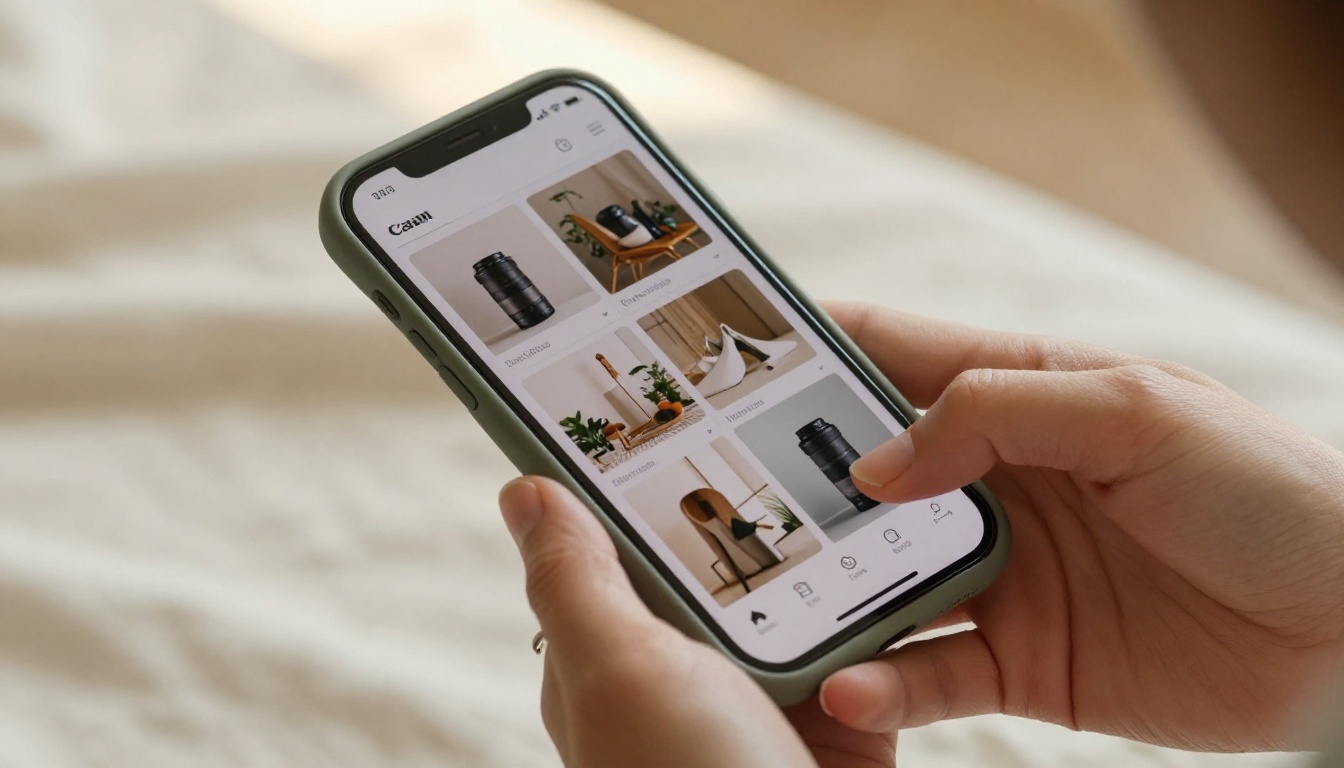
The mobile reader experience includes:
- Touch swipe navigation: Natural page-turning with a simple finger swipe
- Double-tap zoom: Buyers can inspect product details up close
- Full-screen mode: Immersive reading without browser chrome distractions
- Fast load times: Flipbooks AI serves images through optimized CDN delivery
⚠️ Never share a raw PDF as your "catalog" on mobile. The reading experience is frustrating, and buyers close it before reaching the second page.
Print vs. Digital: The Real Cost Comparison
Many dropshipping store owners still think of printed catalogs as the premium option. The numbers tell a different story:
| Factor | Printed Catalog | Digital Flipbook |
|---|
| Production cost | $500-$3,000 per run | No extra cost after creation |
| Update cost | Reprint the entire run | Edit and republish instantly |
| Distribution cost | Postage and logistics | Share a link for free |
| Analytics | None | Full page-level data (Pro plan) |
| Clickable links | Not possible | Native feature |
| Reach | Physical recipients only | Unlimited worldwide |
| Environmental impact | Paper waste | Zero |
For dropshipping specifically, the ability to update instantly matters enormously. Supplier inventory changes constantly. With a printed catalog, a sold-out product means reprinting everything. With a flipbook, you update one page and republish in seconds.
The Flipbooks AI Plans at a Glance
Choosing the right plan depends on your store's volume and needs:
| Feature | Free | Standard | Professional |
|---|
| Flipbooks | 1 | Unlimited | Unlimited |
| Watermark | Yes | No | No |
| Custom branding | No | Yes | Yes |
| Analytics | No | No | Yes |
| Lead generation | No | No | Yes |
| Offline downloads | No | Yes | Yes |
| Password protection | No | Yes | Yes |
| Embedded video and audio | No | Yes | Yes |
💡 The Standard plan is the sweet spot for most dropshipping stores: no watermarks, unlimited catalogs, custom branding, and offline downloads for trade show use. Upgrade to Professional when you need conversion data to optimize your product mix.
Explore all options on the Flipbooks AI pricing page.
Real-World Results: What Changes When You Add a Flipbook
Here's what typically shifts when dropshipping stores add a flipbook catalog to their marketing mix:
Customer trust increases. A professionally designed catalog signals that you're a real brand, not just another generic reseller. Trust is the number one barrier to first purchases from unknown stores.
Average order value rises. Buyers who browse a full catalog before purchasing tend to add more items. The browsing experience encourages discovery, not just search-and-buy behavior.
Return rates drop. When buyers see products in context, styled with complementary items and shown in lifestyle shots, they make more informed purchase decisions before clicking buy.
Social sharing improves. A catalog link is shareable content. Buyers forward "check out this catalog" messages far more often than plain product URLs.

Where to Place Your Flipbook for Maximum Visibility
Creating the catalog is step one. Placing it where buyers will actually find it multiplies the impact:
- Homepage hero section: "Browse Our Full Catalog" above the fold
- Collection pages: Embed the relevant themed catalog at the top of each collection
- Email welcome sequence: Include the catalog link in your new subscriber welcome email
- Facebook and Instagram ads: Use catalog page screenshots as ad creative, linking to the full flipbook
- Product page cross-sells: "See this in our seasonal collection" with a flipbook link
- Checkout thank-you page: "While your order ships, browse what's new" drives repeat purchases
Start Building Your Store's Catalog Today
Static product pages are a floor, not a ceiling. The dropshipping stores growing fastest right now have one thing in common: they've invested in visual presentation that makes their brand feel real and trustworthy.
Flipbooks AI gives you everything you need to build that presence: beautiful interactive catalogs, seamless embedding, mobile optimization, and the analytics to improve over time, all without watermarks and with unlimited flipbooks on the Standard plan.
Ready to create your first product catalog? Get started for free and have your first flipbook live within the hour.
Need a specific catalog format for your niche? Browse all available catalog tools to find the right template for your products.
Want to see everything that's possible before committing? Compare pricing plans and choose the tier that fits where your store is today.



