Every spring, a tourism board somewhere prints 50,000 copies of its official visitor magazine, ships them to hotels and airports, and hopes travelers pick one up. Meanwhile, most of those travelers are already planning on their phones. The good news is that the same PDF your designer delivered to the printer can become a shareable, page-turning online edition in an afternoon. This article shows how tourism boards do it, with a workflow you can copy using Flipbooks AI.
Why Print Alone Falls Short
A printed visitor magazine is beautiful, but it only reaches people who are already standing in your destination. The traveler deciding between your region and the one next door never sees it.
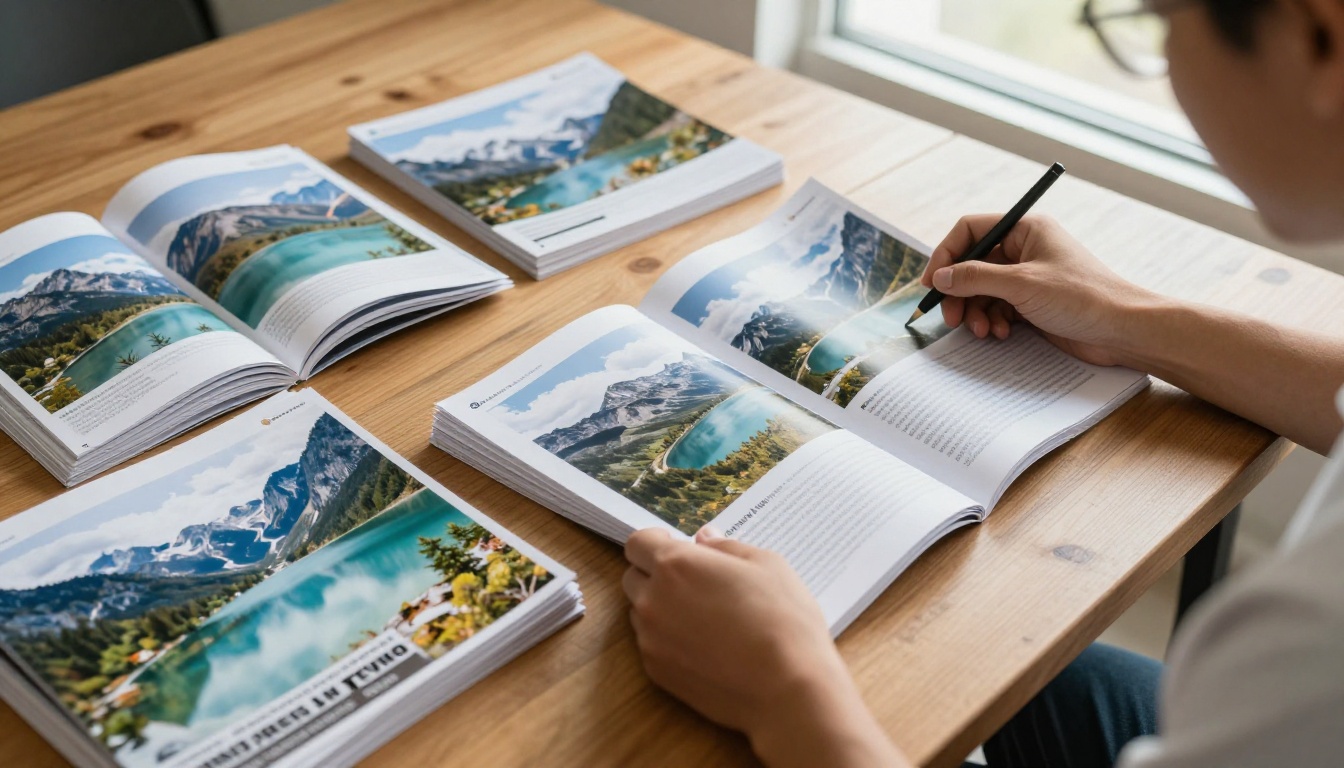
Here is what tourism teams usually report once they go digital:
- Reach beyond the border. An online edition travels by link, email and social post to future visitors in other countries.
- Zero shipping. No pallets, no customs forms, no missed distribution points.
- Instant updates. A festival gets rescheduled? Replace the file and every shared link shows the new version.
- Trackable results. Print gives you a guess. A digital edition gives you page views and reading time.
- Lower environmental footprint. A growing number of destinations promote sustainability, and a smaller print run supports that story.
💡 Pro tip: Do not drop print entirely. The strongest boards keep a smaller print run for welcome centers and add the online edition for everyone else.
Print vs Online: The Real Numbers
Costs vary by destination, but the pattern is consistent. The table below compares a mid-size regional board producing one 64-page annual magazine.
| Factor | Print only | Online flipbook only | Hybrid (recommended) |
|---|
| Production per edition | High (printing, freight) | Low (PDF export) | Medium |
| Reach | Local, physical | Global, instant | Global and local |
| Update speed | Next print run | Minutes | Minutes for digital |
| Tracking | Almost none | Page level analytics | Mixed |
| Multimedia | None | Video, audio, links | Video, audio, links |
| Shelf life | Season | Evergreen | Evergreen |
The hybrid column wins for most boards because welcome centers still hand out paper while the website, newsletter and social channels carry the digital edition.
What a Good Online Edition Needs
Not every digital magazine feels like a magazine. A plain PDF download buried on a website rarely gets read. A flipbook keeps the page-turn feel visitors expect.
Page turning that feels natural
Readers should flip pages the way they would with paper, on desktop and on a phone. That emotional familiarity keeps people reading past page three.
Fast loading on mobile
Travelers often browse on hotel Wi-Fi or roaming data. Heavy files that stall on the first page lose readers immediately.
Clickable everything
Every restaurant, trail, museum and tour operator in your magazine should be a link. Printed magazines cannot do that. Yours now can.
Your branding, not someone else's
A destination magazine represents a whole region. Watermarks and third-party logos undermine that. Flipbooks AI never adds a watermark, and you can apply your own colors, logo and background.
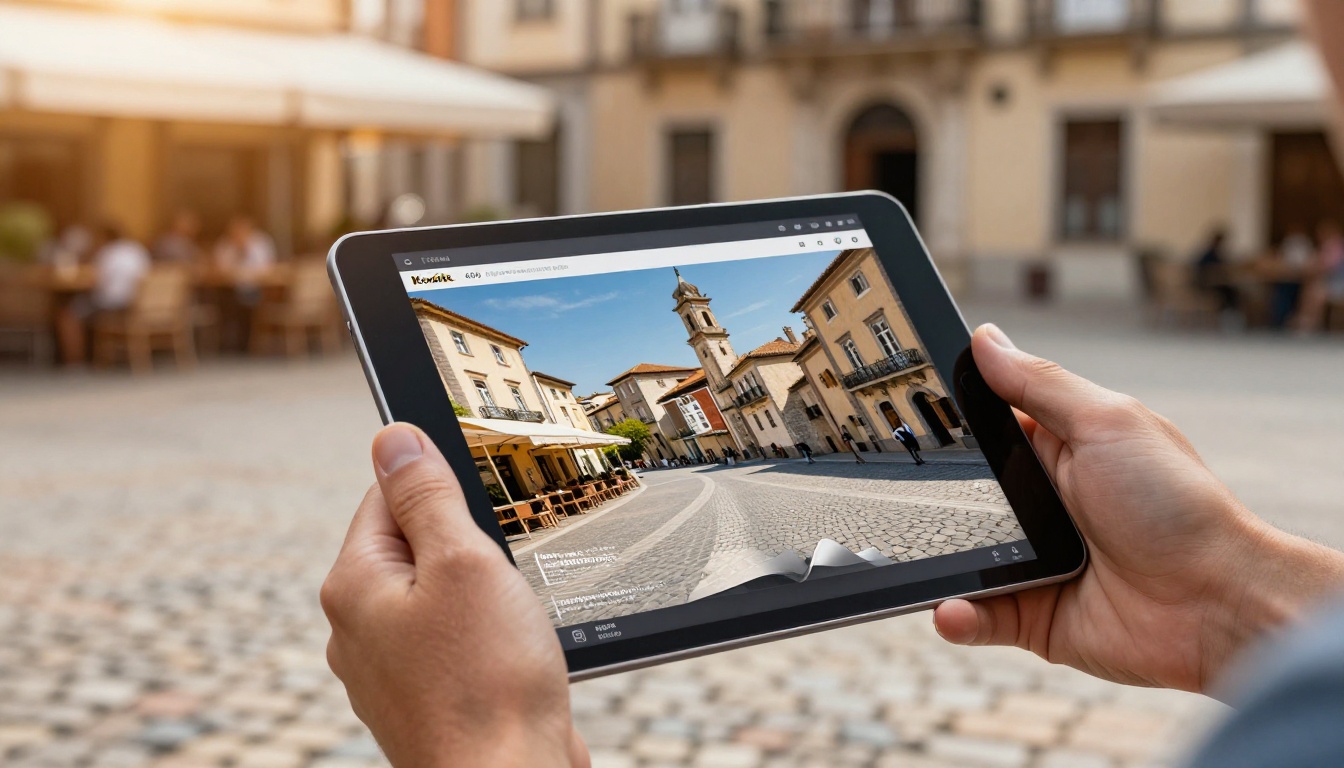
How to Publish Your Visitor Magazine Online
This is the workflow most tourism teams follow. It works with any PDF exported from InDesign, Canva, Affinity or similar tools.
Step 1: Export a clean PDF
Export the final layout at screen resolution, not print resolution. A 64-page magazine at 150 DPI usually lands between 15 and 40 MB, which is plenty sharp for screens. Keep spreads as single pages if your designer built them that way, or export as individual pages for the best flip effect.
Step 2: Upload and convert
Create an account and upload the PDF. The PDF to Flipbook Converter turns each page into a flippable spread within minutes. If your piece reads like a periodical, the Magazine Flipbook Creator and the E-Magazine Publishing Tool are built for exactly that layout.
Step 3: Brand the reader
Choose the background color to match your destination palette, add your logo and pick the page-turn effect. Coastal boards often go for a soft sand background, mountain regions for deep forest green.
Step 4: Add the interactive layer
This is where digital beats print. Add:
- Links from every listing to the operator's booking page.
- Videos of a drone flight over the coastline or a 30 second festival recap.
- Audio such as a local musician or a pronunciation clip for place names.
- Map links that open directions on the traveler's phone.
Step 5: Publish and share
Copy the direct link, grab the embed code for your website, or create a QR code for print materials. You can also protect a special edition, such as a trade partner edition, with a password.
✅ Best practice: Use one permanent link for your "current" edition on your website, and replace the file each year. Search engines and partners keep the same URL.
Content That Works in Digital Form
A visitor magazine written for print can be improved slightly for the screen without redesigning it.
Lead with the experience
Opening spreads with a big landscape photograph and one strong sentence outperform long welcome letters from the mayor. Readers decide in seconds whether to keep flipping.
Break up long itineraries
A seven day itinerary written as one long column is tiring on a phone. Use short daily blocks, a tidy table and a link for each stop.
| Itinerary format | Print reader | Mobile reader |
|---|
| Long narrative column | Acceptable | Tiring |
| Day by day blocks | Good | Very good |
| Table with times and links | Good | Excellent |
Show seasons
Visitors search by season. Label sections "Summer on the Coast" or "Winter Trails" so a reader can jump straight to what matters to them.
Credit local businesses
Each featured business is a potential sharer. When a restaurant sees itself in the official magazine, it often posts the link on its own social channels, which multiplies your reach for free.
Real Examples From the Field
Here are the scenarios we see most often.
A coastal city board publishes its annual visitor magazine in six languages. Instead of printing six versions, it prints English and Spanish for welcome centers and offers the other four as online editions. Each language has its own link, shared by the matching market's travel agents.
A mountain region embeds a video of a ski lift ride on the winter cover spread. The video autoplays when the page opens, which sells the season faster than any caption.
A wine route association adds clickable cellar door listings with opening hours. Visitors tap a winery, see directions, and book a tasting without leaving the magazine.
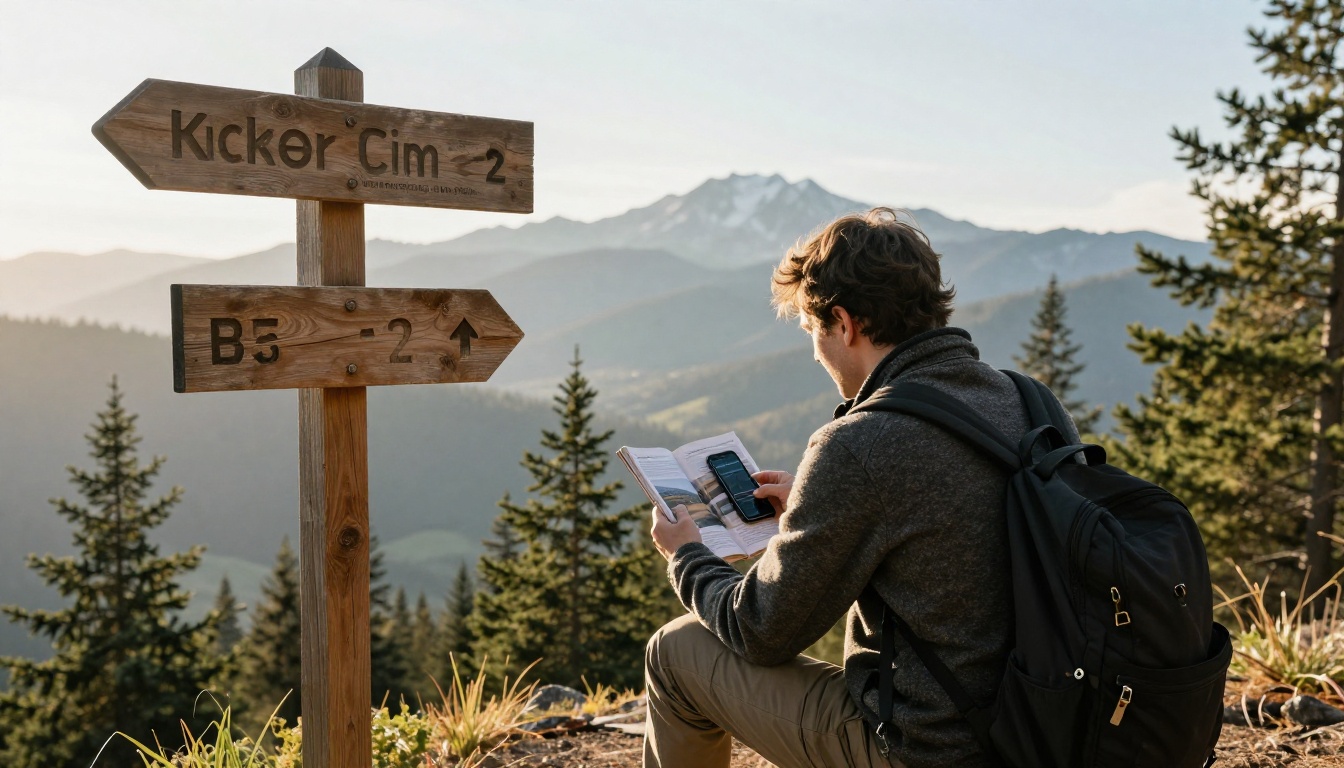
A national park partnership publishes a trail edition with a downloadable offline version, so hikers can read without signal at the trailhead.
Where to Distribute Your Edition
Publishing is half the job. Getting it opened is the other half. The table below ranks the channels tourism teams rely on.
| Channel | Effort | Best for | Tip |
|---|
| Official website | Low | Evergreen discovery | Use the embed code on a dedicated page |
| Email newsletter | Low | Past and future visitors | Link to the flipbook, not an attachment |
| QR codes in print | Low | Welcome centers, posters | Put one on every rack card |
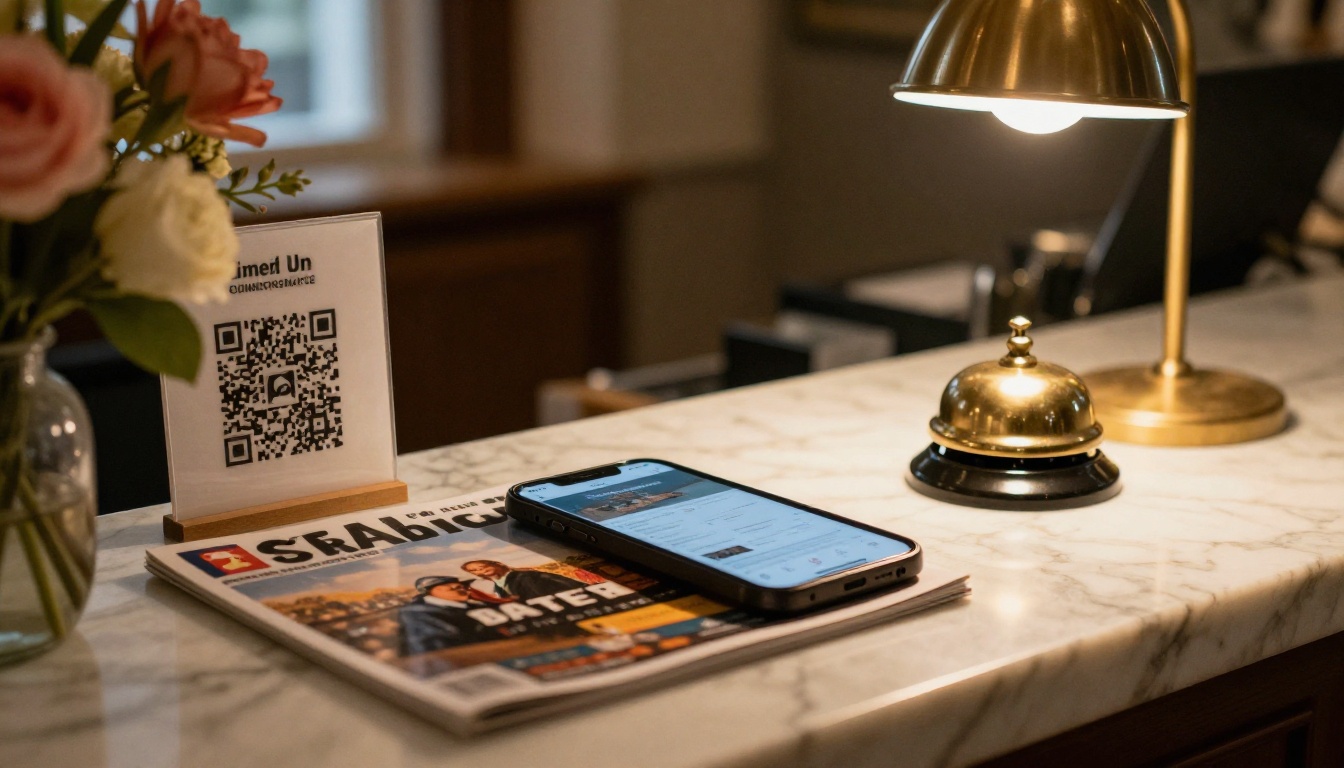
| Hotel front desks | Medium | Arriving guests | Offer a small card with a QR code |
| Travel trade partners | Medium | Agents and tour operators | Send a password protected trade edition |
| Social media | Low | Inspiration | Post a single spread, link to the whole edition |
| Press and media | Medium | Coverage requests | Pair with a press kit |
Make partners do the sharing
Give every hotel, restaurant and attraction a ready link and a short suggested post. Ten minutes of preparation can mean hundreds of extra shares across the region.
Do not forget hotels
Many visitors open the magazine for the first time at a hotel. A QR card at check in, linking to the current edition, works better than a rack of magazines nobody picks up. Hotels can also use the Hotel Brochure Designer for their own materials, and boards can bundle both.
Measuring What Works
Print gives you one number: how many copies you shipped. A flipbook gives you far more. On the Professional plan, analytics and lead generation show you:
- Total views and unique readers
- Which pages hold attention longest
- Which links get clicked
- Where readers come from
- Email captures, if you gate a premium edition

Use the data in your next edition
If page 12 about hidden beaches is read three times longer than page 30 about the bus timetable, you know where to put the next feature. Over two or three editions, your magazine gets sharper without guessing.
Report to stakeholders
Boards answer to councils and funding bodies. A simple monthly screenshot of views, countries and top clicked listings turns the magazine from a cost line into a measurable asset.
⚠️ Watch out: Do not compare digital views to print copies one to one. A printed copy may be skimmed by one person or by a whole family. Treat the numbers as separate signals.
Common Mistakes to Avoid
- Uploading the print resolution file. It loads slowly and loses readers on mobile.
- Forgetting links. A digital edition without clickable listings wastes its biggest advantage.
- Changing the URL every year. Keep the same link and replace the file so partners and search engines stay in sync.
- No promotion plan. Publishing without distribution is like printing and leaving boxes in the basement.
- Ignoring accessibility. Use readable font sizes and sufficient contrast, since many readers are older travelers on small screens.

A visitor magazine is rarely the only publication a board produces. The same platform handles the rest:
Browse the full list of flipbook tools to see what else fits your calendar.
Plans and Pricing in Brief
Most boards start small and scale as editions pile up.
| Need | Plan fit |
|---|
| One annual magazine, public link | Entry level plan |
| Several editions, languages and campaigns | Standard plan with unlimited flipbooks |
| Analytics, lead capture, offline downloads | Professional plan |
See the current pricing plans for details.
Your Next Edition Starts Today
You already have the hard part: stunning photography, local stories and a designed layout. Publishing online simply puts it in front of the people who have not booked yet.
Ready to publish your visitor magazine? Create your first flipbook on Flipbooks AI, test it with your own PDF, and share the link with a few partners this week. When you are ready for analytics and lead capture, compare plans here and choose what works for your team.



