A toy store owner in a small town can receive forty catalog emails in a single week, and most of them look the same: a 60 MB PDF, a vague subject line and a price list buried on page 38. The brands that win shelf space are the ones that make browsing and ordering feel easy. If you sell toys wholesale, the way you package and deliver your catalog matters almost as much as the toys inside it. Tools like Flipbooks AI let you turn that heavy PDF into a fast, page-turning catalog that opens on any phone with one link.
This article walks through how toy brands share wholesale catalogs with independent toy stores today, what works, what quietly kills orders, and how to build a catalog flow your retail partners will actually use.
Why Toy Catalogs Are Different
Toy wholesale is not like selling office supplies. Buyers shop with their eyes, their kids and their gut. A retailer wants to see the toy, picture it on a shelf and know the margin in a few seconds.
Several things make toy catalogs unusual:
- Seasonality is brutal. Most orders land between January and June for holiday delivery, so catalogs go out in waves.
- SKU counts are high. Even a small brand may list 150 items across ages, play types and price points.
- Visuals drive decisions. Packaging, scale and play value need to be visible, not described.
- Stores are small. Many independents have one to three staff members, and the owner often does the buying from a phone between customers.
💡 Pro tip: Assume your catalog will be opened on a phone, standing up, in a shop with a customer waiting. If it is not comfortable to read like that, it will not get read.
The Independent Store Buyer
Independent toy stores usually care about three things: margin, exclusivity and ease of reorder. They compare your catalog with dozens of others, and they rarely have time to call each rep. A clear catalog is your silent salesperson.
Where Retailers Actually Browse
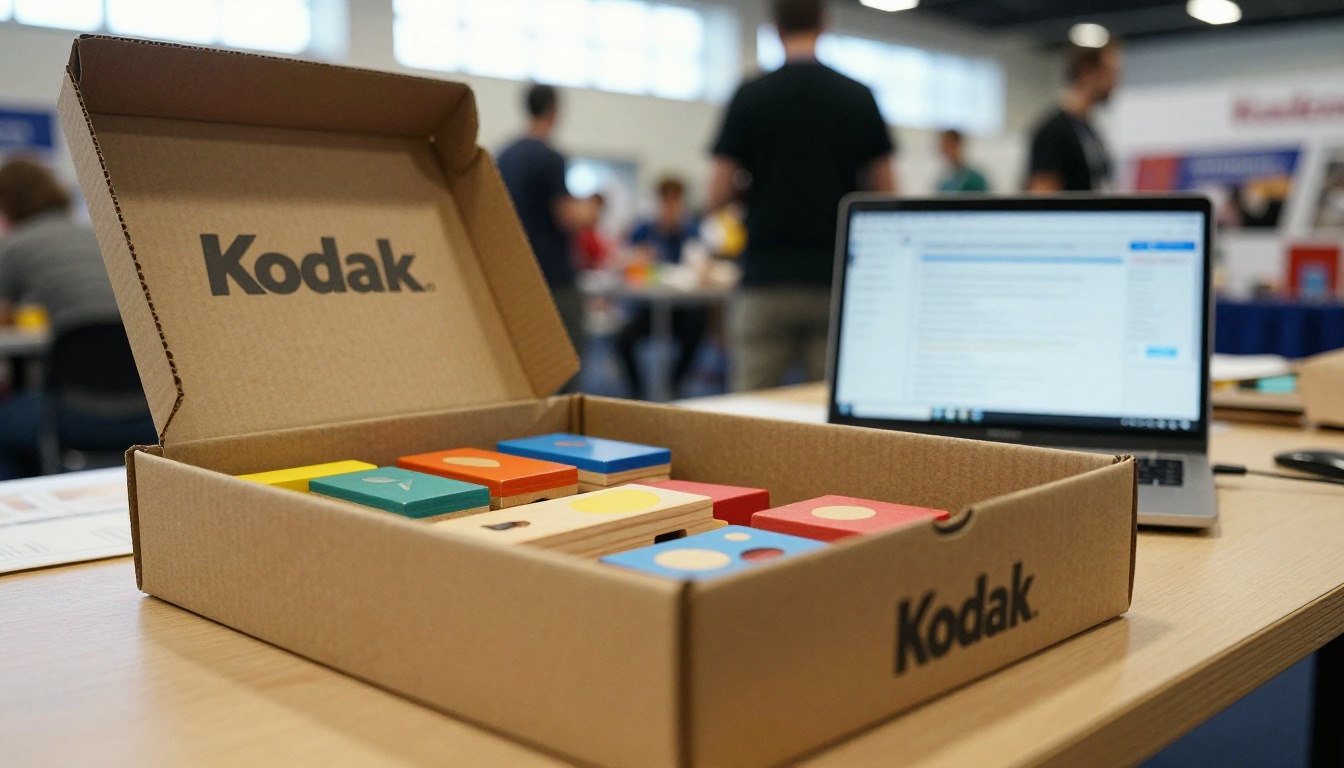
Buyers still meet brands at trade shows, but follow-up happens digitally. After the show, your catalog link is the thing that lives on in their inbox, their notes app and their group chats with staff.
The Old Ways Toy Brands Share Catalogs
Before looking at better options, it helps to be honest about the methods most brands still use. Each one has a place, and each one has a cost.
Printed Binders and Mailers
Printed catalogs look great and feel premium. They also cost a lot to produce, go out of date the moment a price changes and end up in a stockroom drawer. For a small brand shipping 300 copies, printing and postage can easily reach several dollars per piece.
Email Attachments
The default option is attaching a PDF. It is fast to send, but large files get blocked by mail servers, land in spam or get ignored. Once it is sent, you have no idea whether anyone opened it.
Shared Drive Links
Links to cloud folders feel modern but create friction. The buyer must click through folders, download files and often sign in. Many never reach the actual catalog.
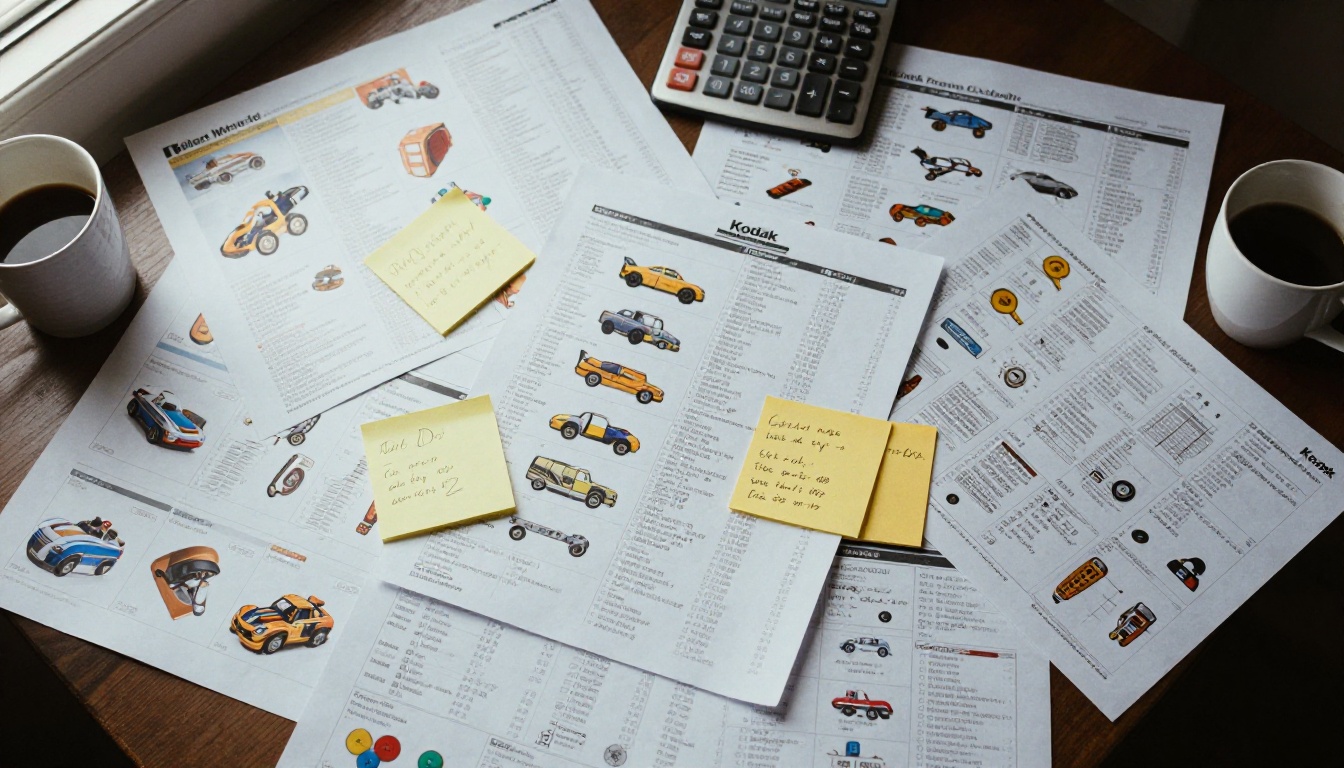
Here is how the common methods compare:
| Method | Cost per Retailer | Speed to Send | Easy to Update | Open Tracking |
|---|
| Printed catalog | High | Slow | No | None |
| Email PDF attachment | Very low | Fast | No | Limited |
| Shared drive folder | Very low | Fast | Partly | Limited |
| Online flipbook link | Low | Fast | Yes | Detailed |
What Independent Toy Stores Want to See
Retailers have told brand after brand the same things. When your catalog delivers these, they tend to reorder.
- Clear wholesale and retail price on the same page as the product. No flipping to a separate sheet.
- Minimum order and case pack information. Buyers need to plan cash flow.
- Age range and play category. This helps them fill gaps in their shelves.
- Lifestyle photos next to clean product shots. Scale and packaging both matter.
- New arrivals flagged clearly. Returning buyers want to skip what they have already seen.
- A direct way to order. A button, a form or an email link, right where they are looking.
✅ Best practice: Put your contact details and order link in the footer of every page, not just the last one.
Lead Time and Availability
Toy retailers plan months ahead. Add ship windows and restock dates for every item or section. A beautiful product with no delivery date creates doubt, and doubt delays orders.
Why Flipbooks Work for Wholesale Toy Catalogs
A flipbook is a digital catalog that behaves like a real one: pages turn, products are laid out as designed and the whole thing opens from a single link. For wholesale, that combination is powerful.
- One link replaces many files. Put it in emails, text messages, trade show follow-ups and your wholesale portal.
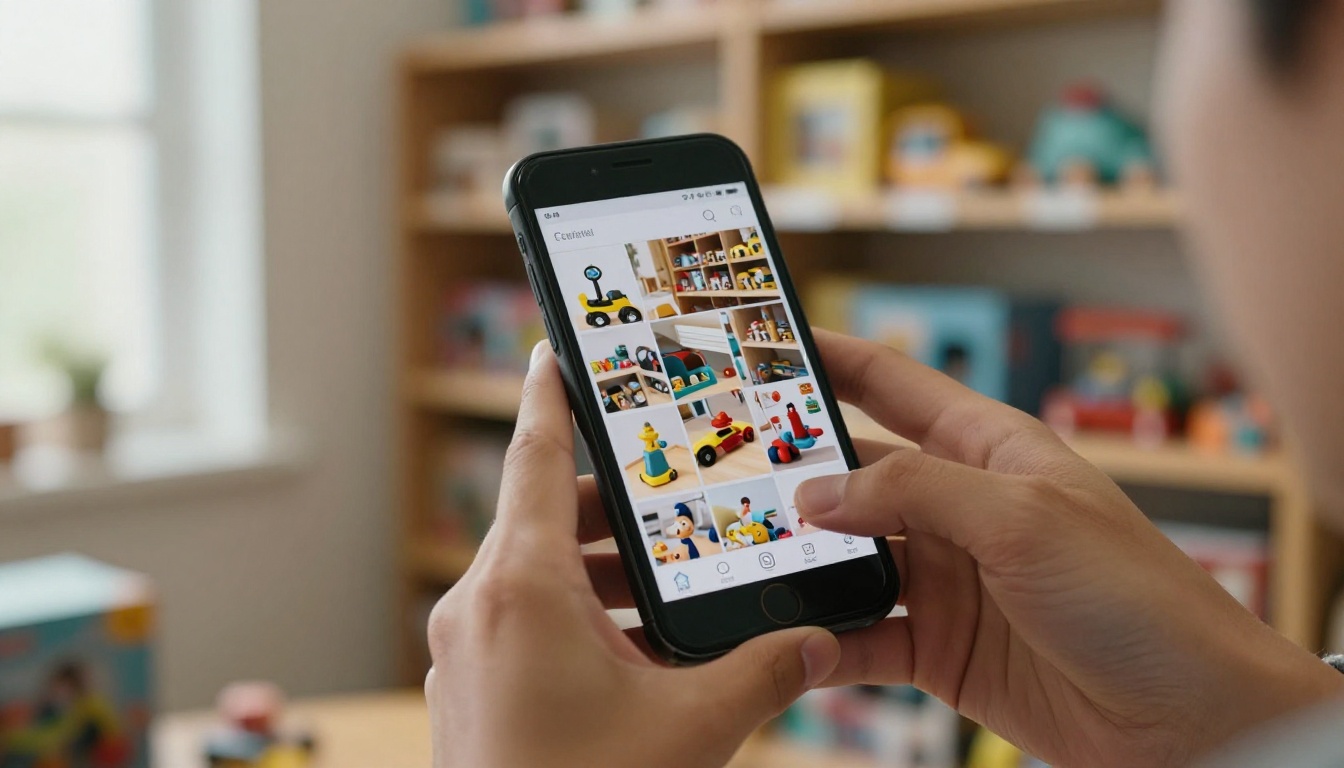
- Fast on mobile. The catalog is responsive, so pages read well on a phone.
- Always current. Replace the PDF and every shared link shows the new version.
- Trackable. You can see which retailers opened the catalog and what they looked at when you use analytics on the Professional plan.
- No watermarks. Your brand stays the only brand on the page.
Embedding Videos and Audio
Toys are about motion and sound. A music box, a remote control car or a building set in action sells itself in ten seconds of video. Flipbooks let you embed videos and audio so buyers see the product doing what it is meant to do.
Password Protection for Trade Pricing
Wholesale prices are not meant for the public. With password protection, you can share a catalog with retail partners only, and change the password when a season ends. This keeps your margins private while still keeping access simple for approved stores.
How to Create a Wholesale Toy Catalog Flipbook
If you already have a PDF from your designer, you are most of the way there. Here is a simple process using Flipbooks AI.
- Prepare your PDF. Export at a reasonable size, with product photos on white or soft backgrounds. Include wholesale price, retail price, SKU and case pack on each product.
- Create your account. Sign up on Flipbooks AI and open the dashboard.
- Upload and convert. Drop your file into the PDF to Flipbook Converter. The pages become a page-turning flipbook in moments.
- Customize the look. Add your logo, set brand colors, choose a page turn effect and select a background that suits your packaging.
- Add media. Embed demo videos for your top sellers and audio for any toys that rely on sound.
- Set privacy. Turn on password protection if your catalog includes trade pricing.
- Share. Copy the direct link, or use an embed code to place the catalog on your wholesale page. See the embed flipbook on website tool for details.
- Track and follow up. With analytics and lead generation on the Professional plan, you can see which stores opened your catalog and reach out while interest is fresh.
For toy brands with many SKUs, the Product Catalog generator and the Digital Catalog Maker are good starting points.
💡 Pro tip: Offline downloads let buyers keep a copy for a trade show floor or a shop with weak signal. Enable them for your most loyal retailers.
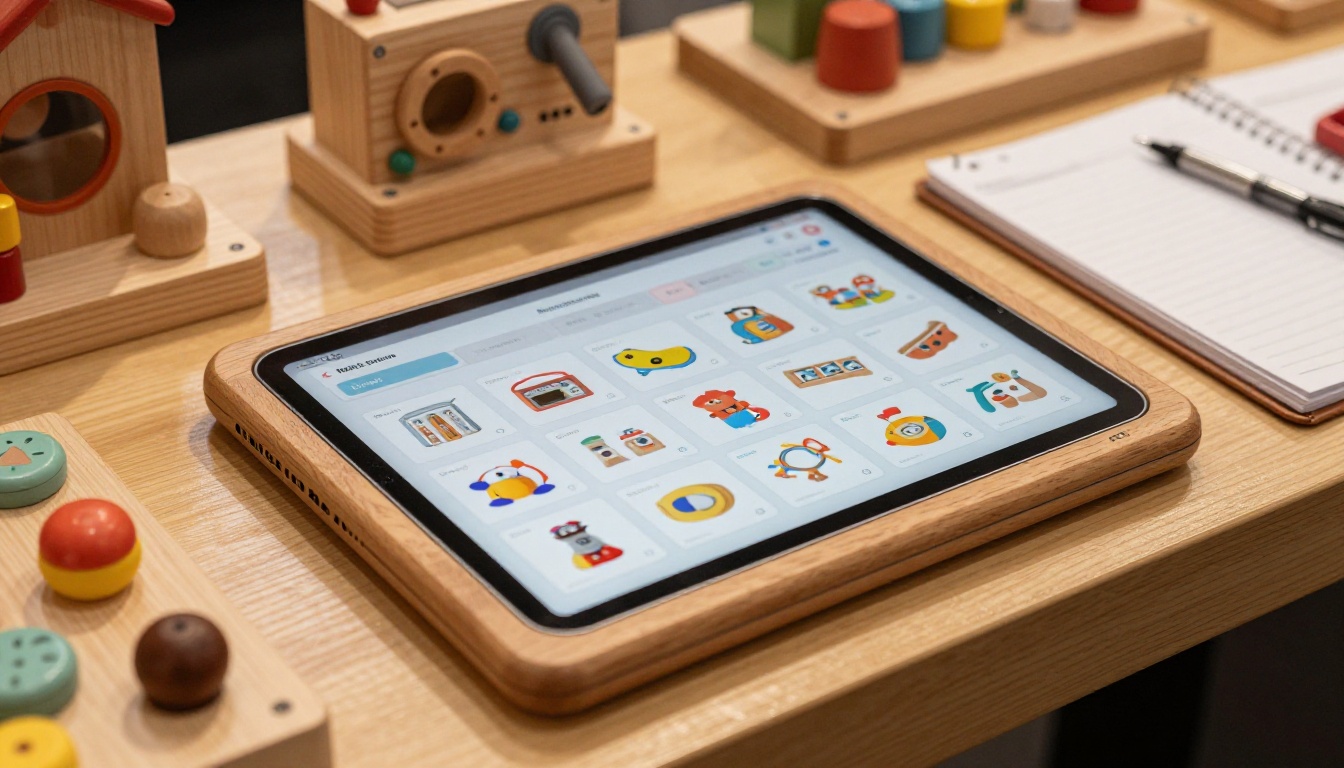
Real Examples of Toy Catalog Sharing
Here are three realistic scenarios that show how brands can use this approach.
A Wooden Toy Maker After a Trade Show
A small wooden toy brand meets 60 retailers at a spring show. Instead of mailing binders, the founder sends a text with a password-protected flipbook link the same evening. Buyers open it on the way home. The founder sees which stores viewed the pricing pages and calls those first.
A Plush Brand With Seasonal Drops
A plush brand releases new characters every quarter. Rather than emailing a new PDF each time, they update the same flipbook. Retailers keep one bookmark, and the latest lineup is always there.
A Puzzle Publisher With a Wholesale Portal
A puzzle publisher embeds its catalog directly on a trade-only page of its website. Retailers browse inside the site, then click an order button at the bottom. No download needed, no confusion about versions.

Building the Catalog Itself
Sharing is only half the job. The catalog has to be built so that a busy retailer can decide quickly.
Structure by How Stores Buy
Group products the way a store shelves them, not the way your factory ships them. Typical sections include:
- By age range: infants, toddlers, preschool, school age
- By play type: pretend play, building, puzzles, outdoor, games
- By price tier: under 15 dollars retail, 15 to 40, premium
- New and bestsellers: first pages, clearly labeled
Page Design Basics
- One hero image per product, then one lifestyle or scale image.
- Large text for prices and SKUs, since phones are small.
- Consistent layout from page to page so buyers stop thinking about the layout and start thinking about the toys.
- Short descriptions, ideally under 30 words.

Sample Page Elements
| Element | Why Retailers Want It | Where to Place It |
|---|
| Wholesale price | Margin check in seconds | Beside the product photo |
| Suggested retail price | Shelf pricing and margin | Under wholesale price |
| Case pack and minimum | Cash flow planning | Product info strip |
| Age range | Shelf placement | Top corner icon |
| Ship date | Season planning | Section header |
| Order link | Fast reorder | Page footer |
Not every retailer wants the same thing. Larger buyers may want a spreadsheet, smaller stores prefer something visual. Most brands end up using two or three formats together.
| Audience | Best Format | Reason |
|---|
| New independent stores | Flipbook catalog | Visual, easy to browse, one link |
| Existing accounts | Flipbook plus order form | Fast reorders |
| Chain buyers | Spreadsheet plus flipbook | Data for systems, visuals for decisions |
| Trade show visitors | QR code to flipbook | Instant follow up |
| Sales reps in the field | Offline flipbook download | Works without signal |
Using QR Codes at Shows
Print a QR code on your booth signage and sample cards. Visitors scan it and open the flipbook instantly. You skip business card piles and manual email entry.
⚠️ Warning: Do not use a public link for a catalog with trade pricing. Always apply a password, or limit the content to retail prices if you plan to share broadly.
Common Mistakes Toy Brands Make
Even good brands stumble on the same few points.
- Sending a huge file. If the file takes more than a few seconds to load on a phone, many buyers close it.
- Hiding wholesale terms. Retailers should not have to ask for the minimum order.
- Letting versions drift. Three different PDFs in circulation means pricing mistakes and awkward calls.
- Skipping follow-up. The catalog is the start of the conversation, not the end.
- Ignoring the small stores. Independent shops often reorder reliably and promote your brand with real enthusiasm, even if their first order is modest.
A Simple Follow-Up Rhythm
- Day 0: Send the catalog link with a short, friendly note.
- Day 3: Check analytics and reach out to stores that opened it.
- Day 10: Share a new arrival or a seasonal highlight from the same catalog.
- Day 30: Offer a sample pack or a reorder reminder.

Measuring What Works
Once your catalog is digital, you can finally measure it. Useful signals include:
- Open rate by retailer: who is interested?
- Pages viewed: which categories get attention?
- Time spent: are buyers reading, or bouncing?
- Link clicks: are the order buttons used?
Use that data to reorder your catalog. If buyers spend the most time on puzzles but your puzzles sit on page 40, move them forward. The next version can be better than the last one, and every update reaches every retailer instantly.
Start Sharing a Better Catalog
Independent toy stores want to say yes to brands that make buying easy. A clean, fast, mobile-friendly catalog gets you remembered, and a trackable link tells you who to call next.
Ready to try it? Get started for free on Flipbooks AI and turn your next wholesale PDF into a flipbook. Browse all available tools and templates to find the right fit for your line, or compare pricing plans to choose what works for you.



