It is 9:47 p.m. and your phone buzzes again. A guest wants to know the Wi-Fi password. Ten minutes later, another asks how the coffee machine works. By midnight, someone is asking where to put the trash. If you manage vacation rentals, you know this rhythm well, and you know that most of these messages are questions you answered last week, and the week before. A well-built digital house manual, made as a flipbook with Flipbooks AI, can remove a large share of that noise without making guests feel ignored.
This article shows how vacation rental managers cut repeat guest messages with house manuals: what to put in them, how to organize them, how to deliver them so guests actually read them, and how to measure whether they work.
Why Guests Keep Asking the Same Questions
Guests are not careless. They are in an unfamiliar home, tired from travel, and they want one thing: to feel in control. When the answer is not obvious, messaging the host is the fastest path.
The Hidden Cost of Small Questions
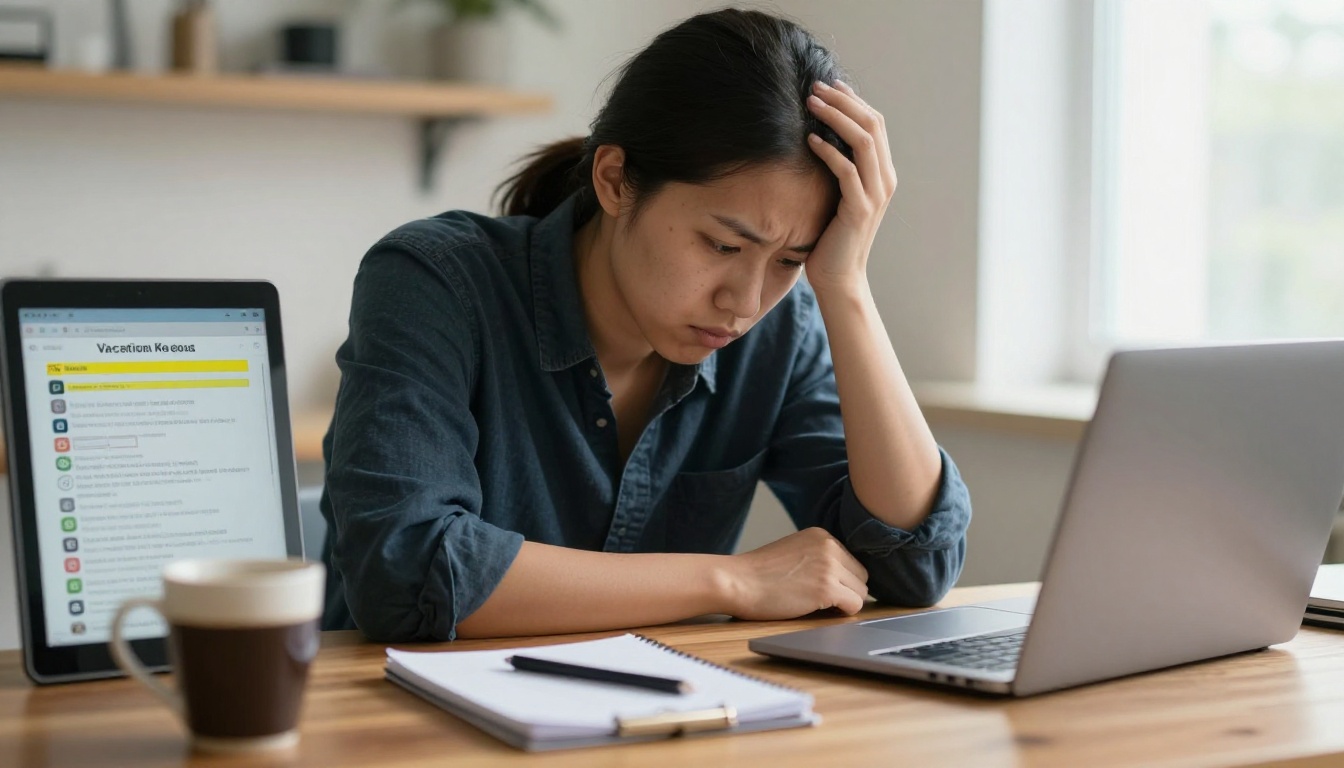
A single "how do I turn on the heating?" message takes under a minute to answer. Multiply that by 8 questions per stay, 20 stays per month, and you lose more than two hours monthly per property. Across a portfolio of ten homes, that is a full working day gone, plus the mental cost of being interrupted at dinner or at 11 p.m.
💡 Pro tip: Export your last 90 days of guest messages and tag each one by topic. The top five topics usually account for more than 60% of all messages. Those five topics are your manual's first chapter.
Where Existing Welcome Messages Fail
Most hosts already send a welcome message. The trouble is that it is buried in a booking platform inbox, written as a long block of text, and impossible to search. Guests scroll past it. A printed binder is better, but it gets out of date, gets stained, and cannot show a video of how the shower valve works.
| Delivery Method | Easy to Update | Searchable | Shows Video | Reaches Guests Before Arrival |
|---|
| Platform welcome message | Yes | No | No | Yes |
| Printed binder | No | No | No | No |
| PDF attachment | Somewhat | Yes | No | Yes |
| Digital flipbook manual | Yes | Yes | Yes | Yes |
What Belongs in a Great House Manual
A manual is not a rulebook. It is an answer sheet. Every page should resolve a question a guest would otherwise send you.
Arrival and Access
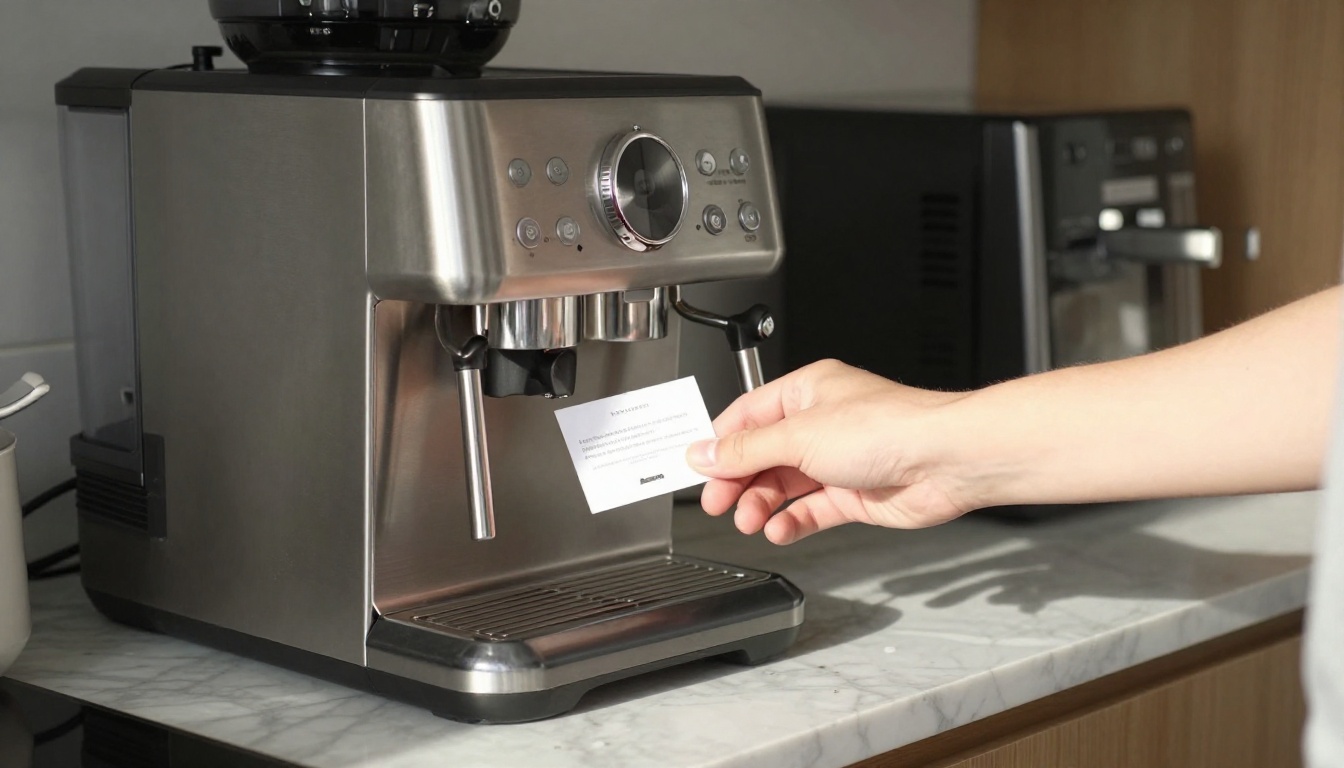
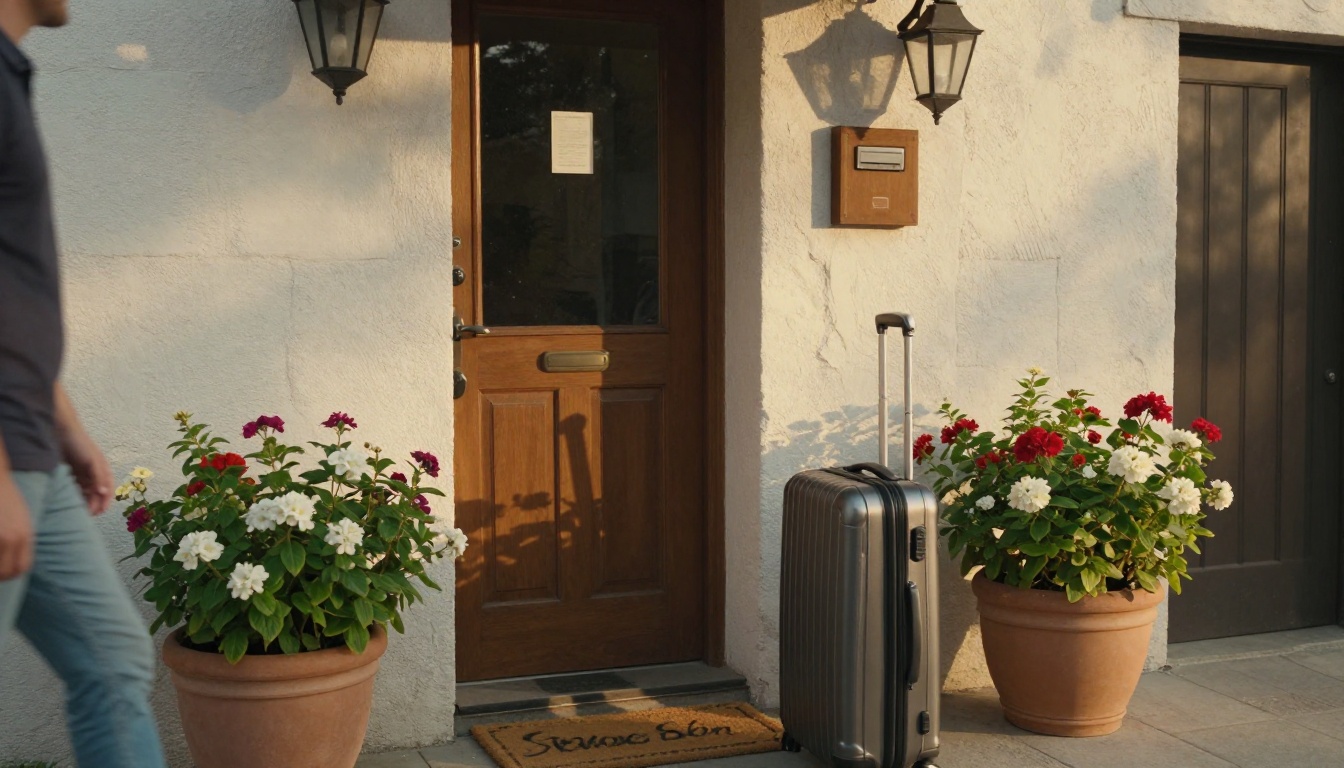
This is the highest-stress moment of a stay, so it comes first. Include the address with a map pin, parking instructions, the lockbox or smart lock code process, and what to do if the door does not open. Add a photo of the front entrance so guests know they have the right building.
Wi-Fi, Heating, and Devices
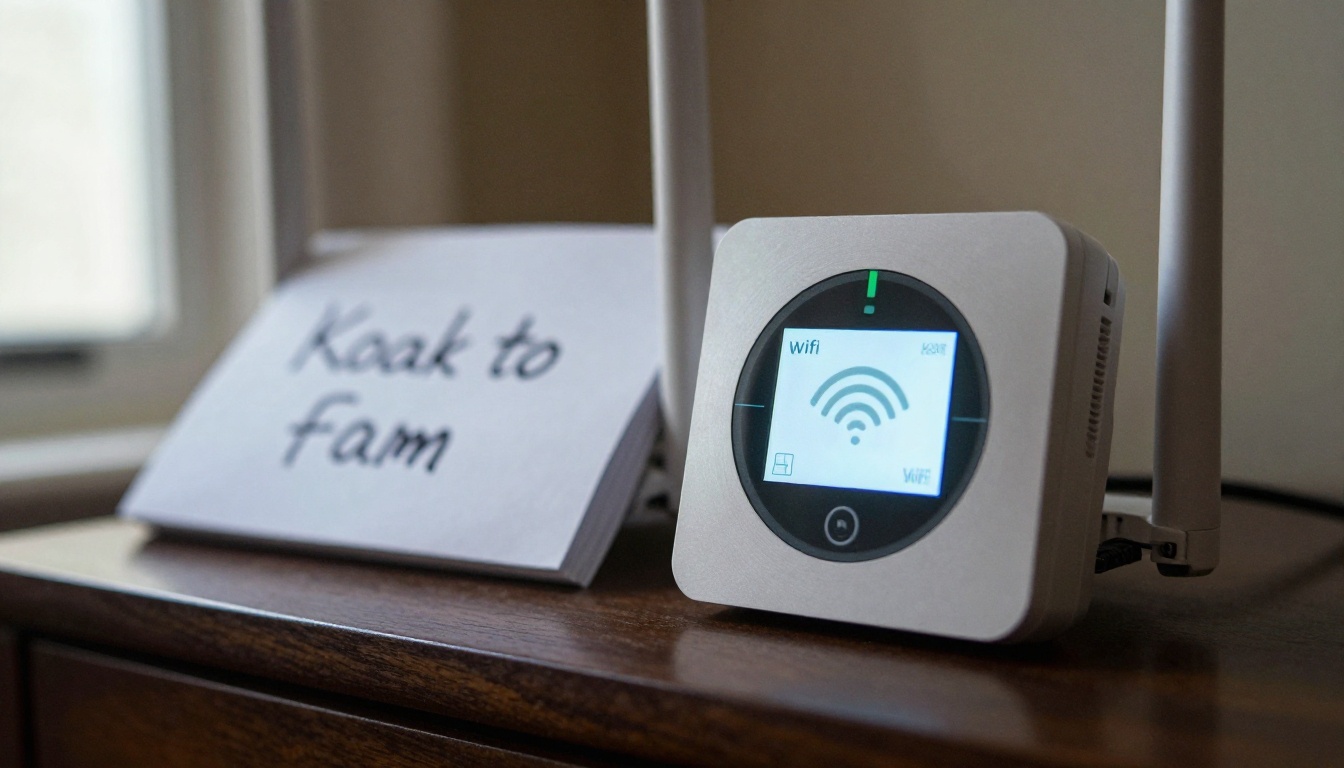
The Wi-Fi network name and password should appear on the first page and again inside the section on devices. Add a photo of the router, the thermostat, and the TV remote. A guest who sees the thermostat they are holding will not message you.
Kitchen, Laundry, and Appliances
Each appliance with more than one button deserves a half page: a photo, three steps, and one warning. Coffee machines, dishwashers, induction hobs, and washers generate the most confusion. Keep the language plain, and name the appliance exactly as it appears on the label.
Trash, Recycling, and Local Rules
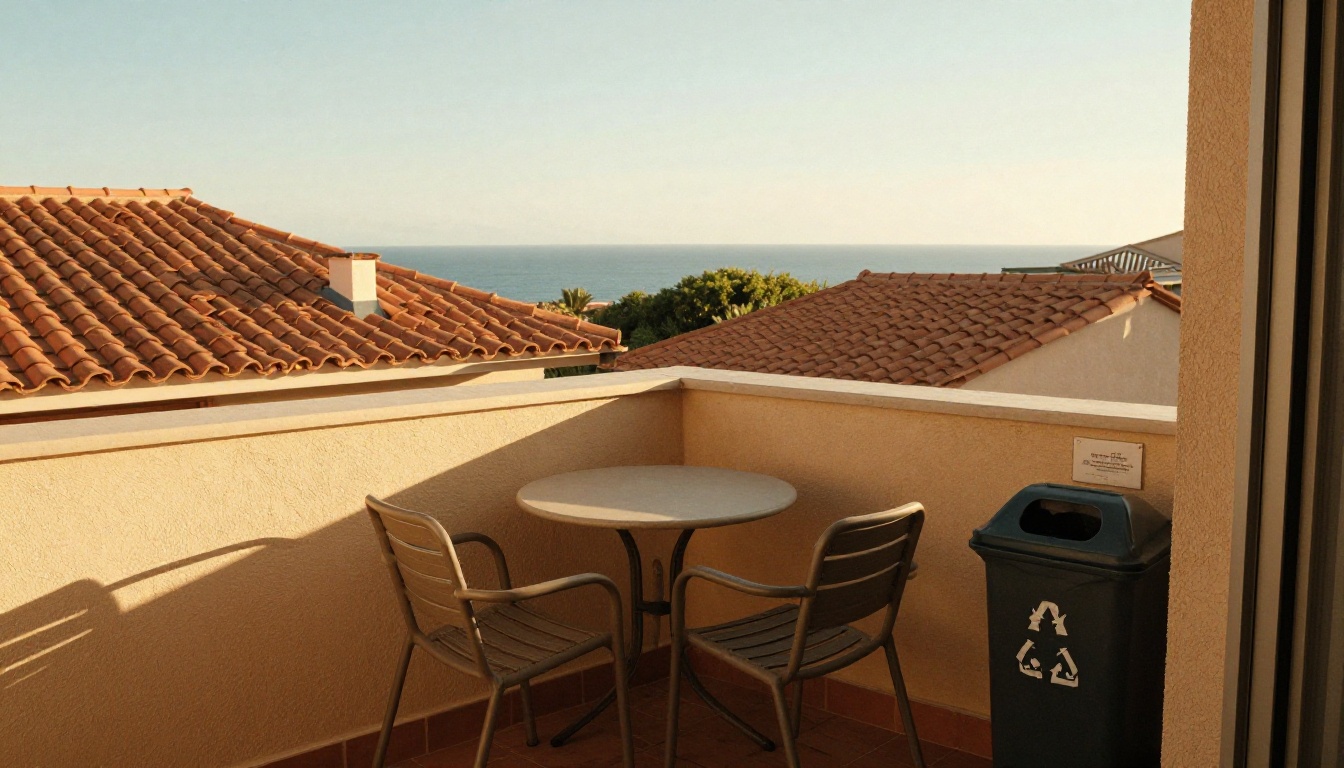
Trash rules differ by city, and guests are rarely sure what to do. Show where the bins are, which day collection happens, and what goes in each bin. Add quiet hours and parking limits here too, phrased kindly.
Checkout and Local Tips
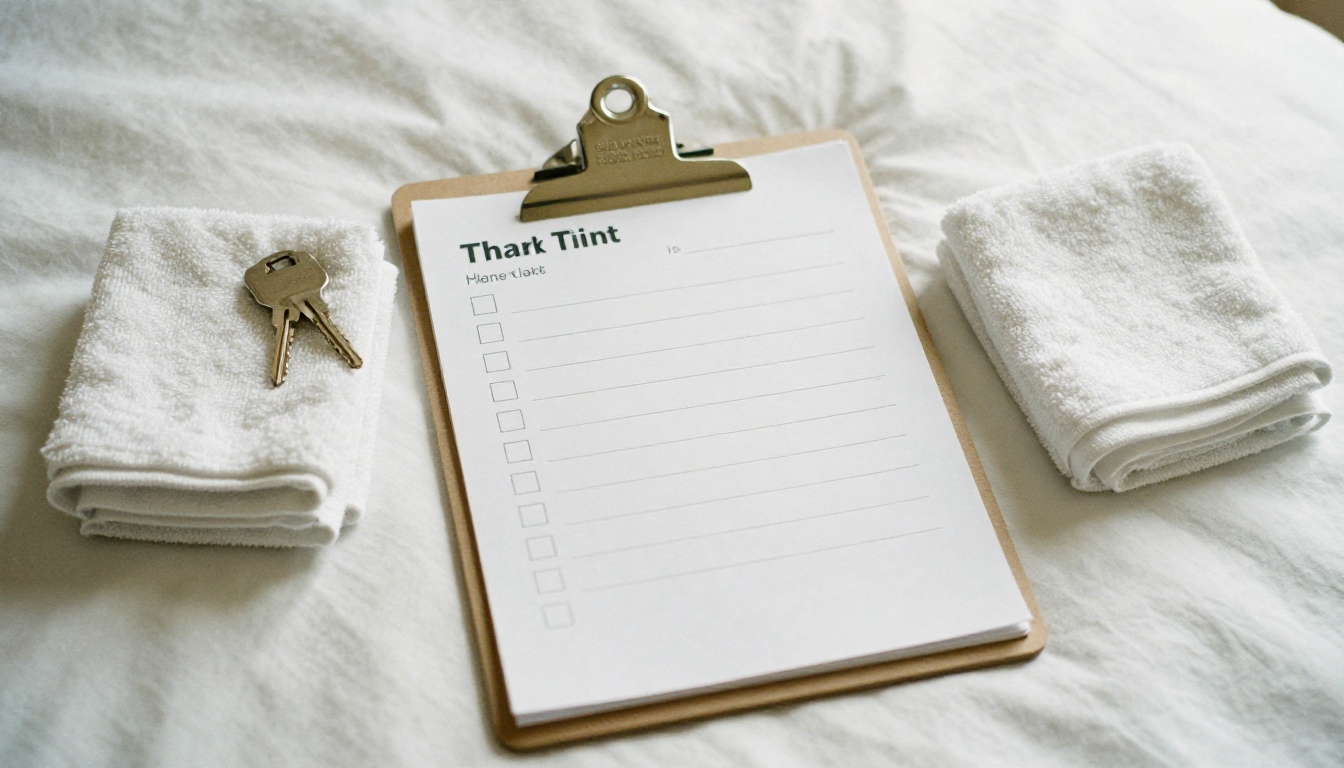
End the stay on a clear note. A short checkout checklist prevents the last-day messages: "Do I strip the beds?" "Where do I leave the access card?" Follow it with your favorite local spots, which turns a rulebook into a hospitality touch.
| Manual Section | Typical Questions It Removes | Suggested Format |
|---|
| Arrival and access | "How do I get in?" "Where do I park?" | Photos plus numbered steps |
| Wi-Fi and devices | "What is the password?" "How do I use the TV?" | Large text, one photo per device |
| Kitchen and laundry | "How does the dishwasher work?" | Short video or three step list |
| Trash and rules | "Where do the bins go?" | Table with days and bin colors |
| Checkout | "What should I do before leaving?" | Checklist |
| Local tips | "Where can we eat tonight?" | Short curated list with map links |
Why a Flipbook Beats a PDF or Binder
Plenty of managers already have a PDF. It is better than nothing, but a flipbook is closer to what a guest expects on a phone: tap, swipe, done.
Mobile First Reading
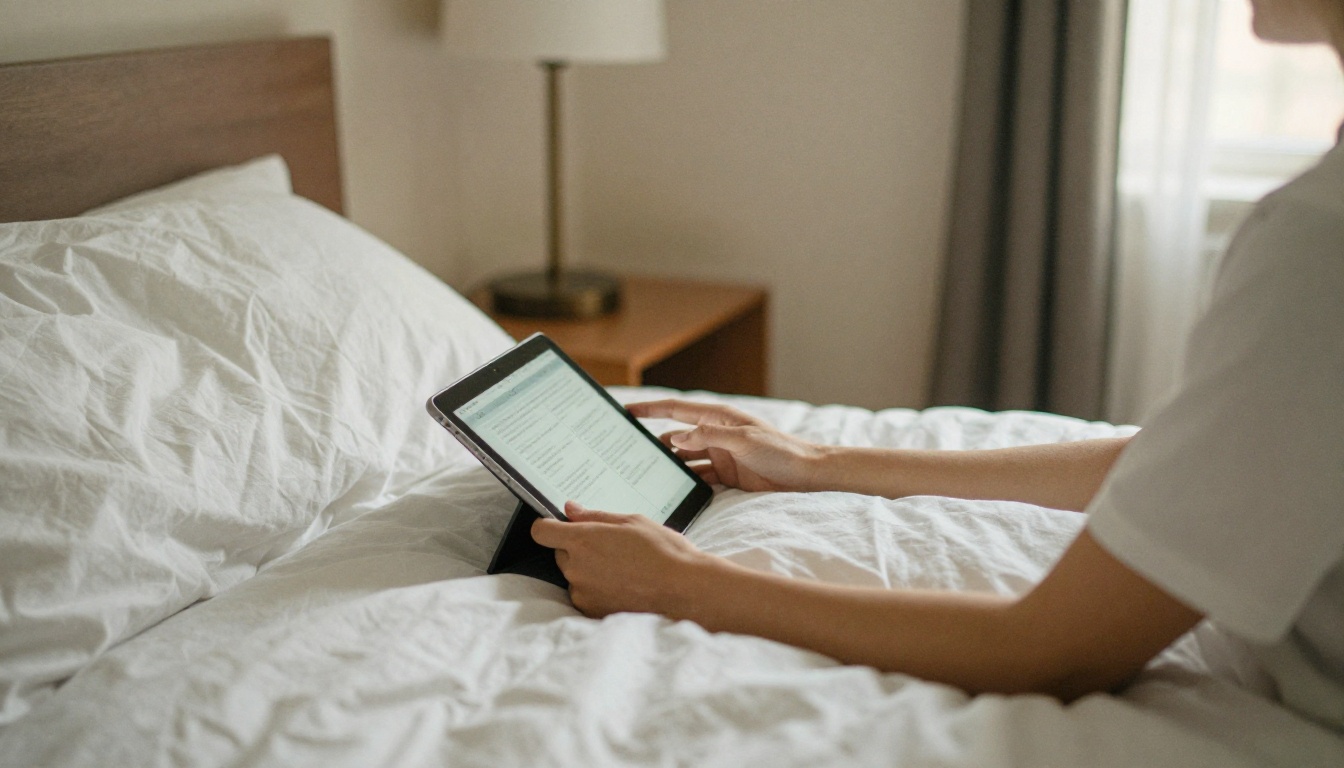
Most guests open the manual on their phone, often standing in the entryway. A PDF to flipbook converter turns a static document into a mobile-responsive, page-turning experience with zoom and fast loading, so text stays readable on a small screen.
Updates Without Reprinting
When the Wi-Fi password changes or the trash day shifts, you update the source file and the same link shows the new version. No reprinting, no stale binder in the kitchen drawer, no guest following outdated instructions.
Video and Audio Where Words Fail
Some things are easier to show. Embed a 20 second clip of how to jiggle the stiff shower handle, or how to open the gate. Flipbooks AI lets you embed videos and audio directly in pages, which is something paper never could.
| Feature | Printed Binder | PDF | Flipbooks AI Manual |
|---|
| No watermarks | Not applicable | Yes | Yes, always |
| Embedded video | No | No | Yes |
| Password protection | No | Sometimes | Yes |
| Custom branding | Manual effort | Limited | Yes |
| Usage analytics | No | No | Yes (Professional plan) |
| One link for all guests | No | Somewhat | Yes |
How to Create a House Manual with Flipbooks AI
If you already have a Google Doc or a PDF, you are 80% done. Here is the process from there.
Step by Step Setup
- Write the content. Use the sections in the table above. Keep each page to one topic.
- Add photos. Take pictures of every device and entrance, in daylight, from the guest's point of view.
- Export as PDF. Keep pages in a landscape or portrait layout that reads well on a phone.
- Create an account. Sign up for Flipbooks AI and open the upload screen.
- Upload the PDF. The platform converts it to a flipbook in seconds. Preview the page flip and check every page.
- Customize. Add your logo, pick brand colors, choose a page effect, and embed videos for the trickier appliances. For a travel flavored layout, the Travel Guide Flipbook tool is a good starting point, and the Training Manual Flipbook works well for the step by step appliance pages.
- Share. Copy the direct link, or embed the flipbook on your website for direct bookings.
Share Options That Fit Rentals
Direct links work well for platform messages. A QR code printed on a small stand in the entryway gives guests a second route. Because Flipbooks AI supports password protection, you can keep the Wi-Fi and access information private to guests who hold the code, and you can generate a fresh code per season.
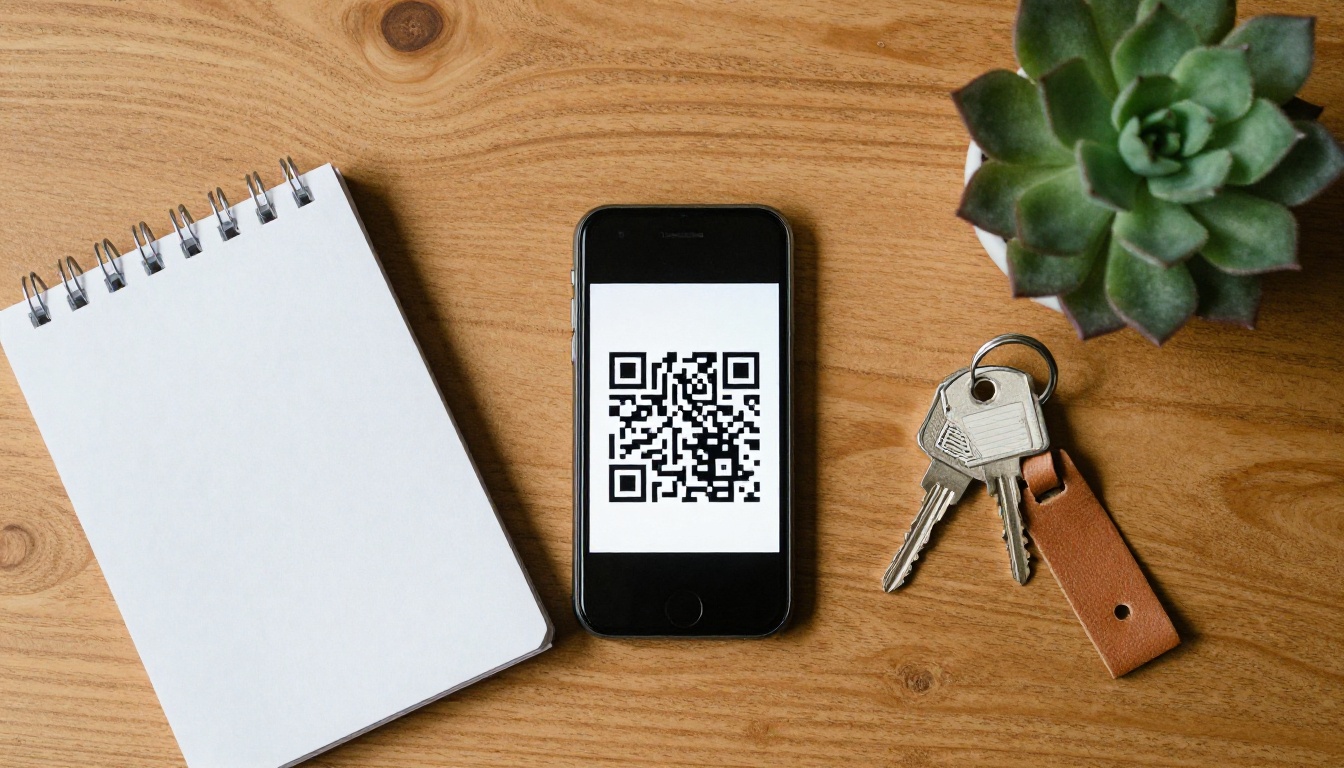
✅ Best practice: Place the QR code in three spots: the entryway, the kitchen counter, and the booking confirmation. Guests look at different places depending on the question.
Offline Downloads for Weak Signal Spots
Cabins, island villas, and mountain rentals often have weak mobile coverage. Offline downloads let guests save the manual before they arrive or once they connect to Wi-Fi, so instructions still load without signal. See the pricing plans to confirm which features come with each tier.
When and How to Send the Manual
A great manual does nothing if guests never open it. Timing matters.
The Three Message Moments
- At booking confirmation: Send the link with a one line explanation: "Everything about your stay is in this quick manual."
- 48 hours before arrival: Resend with the arrival page highlighted.
- On arrival day: Send a short reminder with the QR code location.
Word the Message Carefully
Do not say "please read the rules." Say "here is everything to make your stay easy." The tone sets whether guests treat the manual as help or homework.
⚠️ Warning: Never put your complete message history into the manual. Guests stop reading after about 15 pages. If your manual runs long, split it into a short arrival version and a longer reference version.
| Moment | Message Goal | Manual Page to Link |
|---|
| Booking confirmed | Set expectations | Welcome page |
| 48 hours before | Remove arrival stress | Arrival and access |
| Arrival day | Prevent first night questions | Wi-Fi and devices |
| Day before checkout | Smooth departure | Checkout checklist |
Real World Examples
A Coastal Apartment Manager
A manager with six coastal apartments tagged three months of messages and found that Wi-Fi, parking, and the beach towel policy made up nearly half of all inbound questions. After placing those on the first three pages of a flipbook and sending the link at booking, repeat messages dropped sharply within two months, and the freed time went into faster replies for real problems like maintenance.
A Mountain Cabin Host
A cabin host dealt with fireplace and hot tub questions at all hours. A short embedded video for each, plus a safety warning callout, replaced dozens of late night phone calls. Guests also reported feeling more confident using the equipment.
A Property Management Company
A company with 40 units used one master template and duplicated it per unit, only swapping unit specific pages. This reduced onboarding time for each new property from half a day to about an hour. For larger teams, the Hotel Brochure Designer and Real Estate Brochure Creator offer layouts that fit portfolio style presentations.
Track Results and Improve
A manual is a living document. Treat it like a product.
Measure Message Volume
Count messages per stay before the manual and after it. A drop of 30% to 50% in routine questions is a realistic goal for most properties, though results vary with how thoroughly the manual covers your top topics.
Use Analytics to Find Weak Pages
On the Professional plan, analytics show which pages guests open and how long they stay. If the Wi-Fi page is opened twice as often as any other, make it larger and easier to find. If a page is never opened, remove it or merge it. View the plans to see the analytics tier.
Review After Every Season
Once per season, read your latest guest messages and add any new repeat question to the manual. After two or three rounds, the document gets very close to complete for that property.
| Metric | Before Manual | Target After 60 Days |
|---|
| Routine messages per stay | 8 to 10 | 4 to 5 |
| Late night messages (after 9 p.m.) | 2 to 3 | 0 to 1 |
| Average response time to urgent issues | Slower, buried in noise | Faster, clear inbox |
| Guest review mentions of clear instructions | Rare | More frequent |
Your Next Step
Start small. Pull your top five repeat questions, write one page for each, add a photo, and publish. You can have a working manual in an afternoon, and the first guest who skips a message because the answer was one tap away makes the effort worth it.
Ready to build yours? Get started for free on Flipbooks AI, browse all available flipbook tools and templates, or compare pricing plans to choose the one that fits your portfolio.



