A retreat sells out when a stranger can picture their own week before they pay a deposit. That picture almost always comes from one document: the program brochure. Hosts who treat it as a brochure-shaped sales page, not a leaflet, fill spots weeks earlier than hosts who rely on a vague Instagram post. With a tool like Flipbooks AI, you can turn that document into an interactive flipbook that loads on any phone, tracks who reads it, and never carries a watermark.
This article walks through exactly what top hosts put inside their brochures, how they structure pricing and schedules, and how they distribute the final file so inquiries turn into bookings.
Why a Brochure Beats a Landing Page
A landing page is scanned. A brochure is read. Retreat guests are spending anywhere from several hundred to several thousand dollars, and they want to take their time. A page-by-page format mirrors the slow, curated feeling of the retreat itself.
Here is what a brochure does that a web page struggles to do:
- Tells a story in order: arrival, daily rhythm, closing ceremony.
- Holds attention: one page at a time, one idea at a time.
- Travels easily: guests forward it to partners, friends, and travel companions.
- Feels premium: generous photography and white space signal quality.
💡 Pro tip: Guests rarely book alone. Write your brochure so a hesitant partner can read it in five minutes and say yes.
The Decision Is Emotional First
Nobody books a retreat because of a bullet list. They book because they imagine feeling rested, lighter, and cared for. The brochure's job is to supply those images and then back them with logistics, so the rational side of the brain can approve what the emotional side already wants.
The Trust Gap Is Real
A stranger is handing a deposit to a person they have never met, often in another country. A polished program brochure with your name, your story, your cancellation terms, and real guest quotes closes that trust gap faster than almost anything else.
What Goes Inside a Booking-Ready Brochure
Hosts who sell out consistently follow a similar page order. You can adapt this sequence for a weekend, a week, or a month-long residency.
| Page | Content | Purpose |
|---|
| 1 | Full-bleed cover photo, retreat name, dates, location | Instant mood and clarity |
| 2 | Host story and promise in 80 words | Build trust |
| 3 | Who this retreat is for (and not for) | Qualify the right guests |
| 4 to 6 | Day-by-day schedule | Let readers picture the week |
| 7 | Accommodation and food | Remove comfort doubts |
| 8 | Pricing tiers and what is included | Make the decision easy |
| 9 | Testimonials from past guests | Social proof |
| 10 | Travel logistics and FAQ | Handle objections |
| 11 | Booking steps and deadline | Drive action |
Open With a Single Promise
Skip the long mission statement. State one outcome in plain words: "Seven days to sleep deeply, move gently, and eat well on the coast of Portugal." Everything else in the brochure should support that sentence.
Show the Day Hour by Hour
Guests want to know whether mornings are early, whether there is free time, and how intense the practice is. An hour-by-hour sample day is one of the most read pages in any retreat brochure. If you offer several formats, show each.
| Time | Sample activity | Intensity |
|---|
| 7:00 | Gentle yoga and breathwork | Low |
| 9:00 | Long breakfast on the terrace | Rest |
| 11:00 | Guided forest walk | Medium |
| 13:30 | Lunch and free time | Rest |
| 16:00 | Workshop or spa session | Low |
| 18:30 | Sunset meditation | Low |
| 20:00 | Shared dinner | Social |
✅ Best practice: Always label optional activities. Guests who feel pressure to attend everything often hesitate to book.
Pricing Pages That Convert
Pricing is where many hosts lose bookings by being vague. A clear tier table does two things: it anchors a higher price and it lets guests self-select.
| Tier | Room type | Included | Typical share of bookings |
|---|
| Essential | Shared room | Meals, daily classes, transfers | 25% |
| Comfort | Private room, shared bath | Everything above plus one treatment | 50% |
| Signature | Private suite | Everything above plus private session | 25% |
The middle tier usually wins, which is exactly why you design it to be the obvious best value. Show the Signature tier first so the Comfort tier feels reasonable.
List What Is Included, Line by Line
Vague phrases such as "all-inclusive" create doubt. Name the meals, the classes, the transfers, and the extras. Then name what is not included: flights, travel insurance, optional excursions.
Use Early-Bird Deadlines Honestly
A real deadline works. A fake one erodes trust. Offer a modest early-bird discount that ends on a specific date, and print that date on the pricing page and the booking page.
⚠️ Warning: Never advertise "last spots" unless it is true. Guests talk, and retreat communities are small.
Make Every Page Feel Like the Retreat
Photography carries more weight than copy in this category. Guests are buying an atmosphere, so each image should answer a silent question.
- Where will I sleep? Show the actual rooms in natural light.
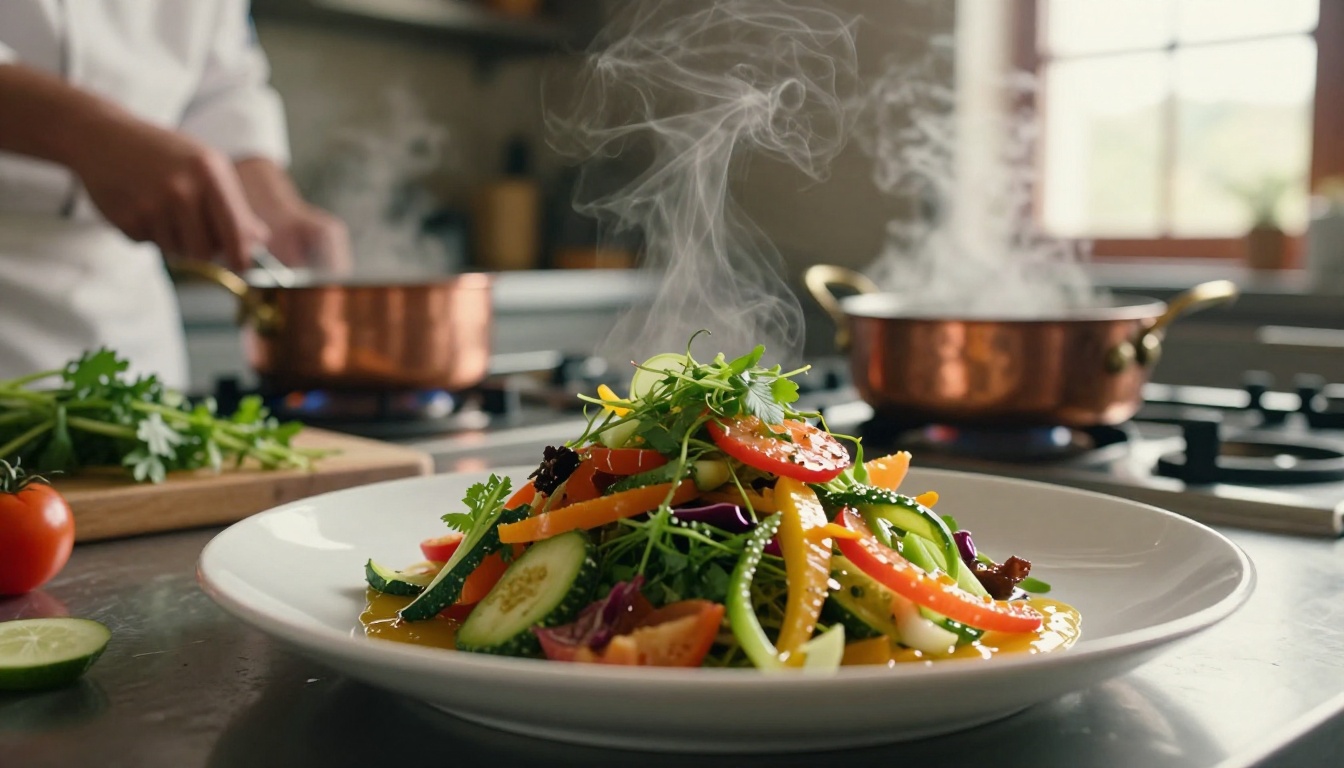
- What will I eat? Show real plates from your kitchen.
- Who will guide me? Show the host and teachers smiling, in context.
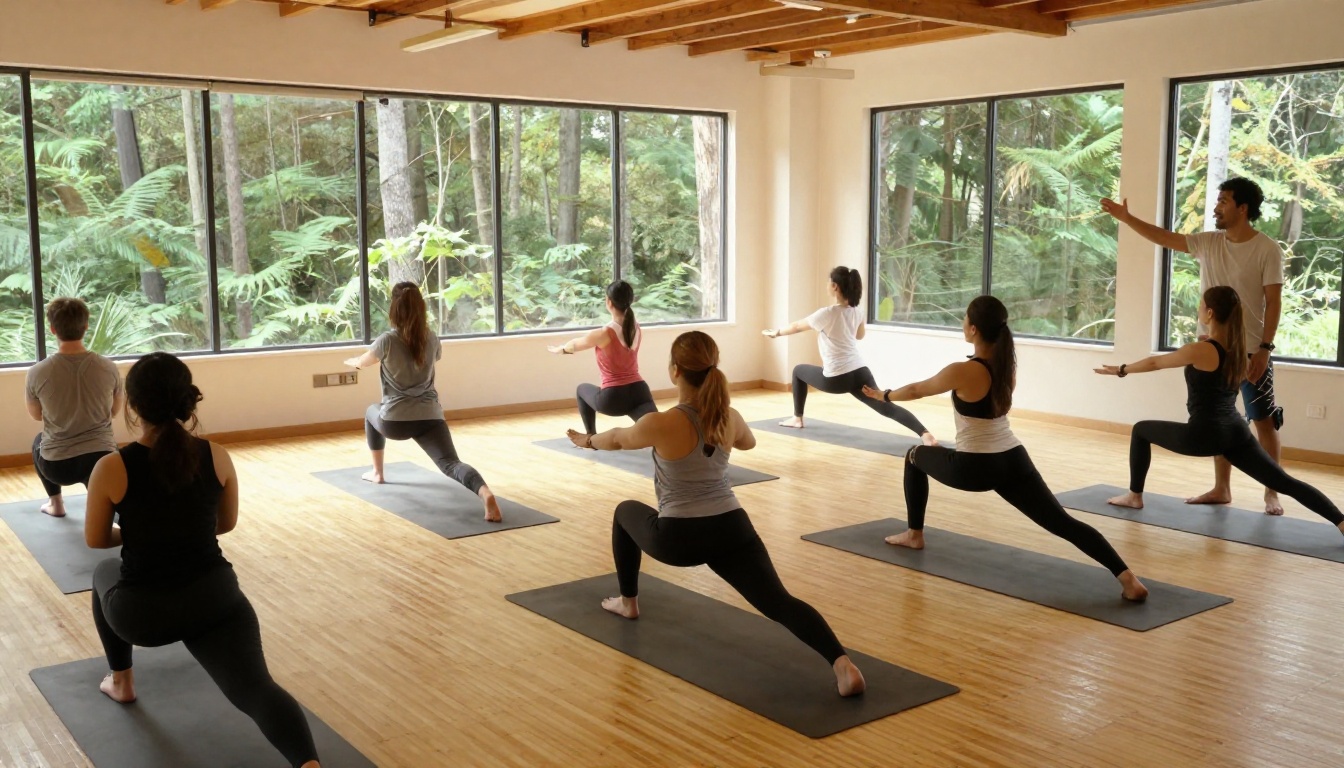
- Will I fit in? Show a mix of ages and body types practicing together.
Rooms Deserve a Full Page
Sleep quality is the quiet deciding factor for many guests. A page with one wide room photo, one bathroom photo, and three lines about bedding and quiet hours reassures light sleepers and couples.

Food Is a Selling Point, Not a Footnote
Mention dietary options clearly: vegetarian, vegan, gluten free, allergy handling. One short paragraph and one strong photo is enough. Guests with restrictions will book faster when they see you have already thought about them.
Add Proof From Real Guests
Testimonials should sound like people, not marketing. Use a full name, a city, and one specific detail.
"I almost skipped the sunset session on day three. It ended up being the moment I cried in a good way. I booked next year before I left." Maria, Lisbon
Place two or three quotes near the pricing page, because that is where doubt peaks. Add a small row of numbers if you have them: guests hosted, repeat rate, countries represented.

Put a Face on the Host Page
People book people. A short host page with a clear portrait, your training, and why you started the retreat does more than any claim about quality. Keep it warm and specific, and skip the list of certifications unless they matter to the program.
Answer the Top Five Questions Before They Are Asked
- What is the cancellation policy?
- How do I get there from the airport?
- What should I pack?
- Can I come alone?
- What level of experience do I need?
A short FAQ page reduces inquiry emails and speeds up decisions.
How to Build the Brochure With Flipbooks AI
If you already have a design in a PDF, you can publish it in minutes. If you are starting from scratch, a template-driven tool such as the Brochure Flipbook Maker or the Travel Guide Flipbook tool gives you a clean page structure to fill. For retreats with a spa component, the Spa and Wellness Menu creator is handy for treatment pages.
Follow these steps:
- Create your account. Sign up on Flipbooks AI and open the dashboard.
- Upload your PDF. Drag in the file. The PDF to Flipbook Converter turns each page into a turnable spread with realistic page effects.
- Customize the look. Add your logo, set brand colors, choose a page-turn effect, and pick a background that matches your retreat palette.
- Embed media. Drop a short welcome video from the host or ambient audio of waves or birdsong onto the pages. Videos and audio play inside the flipbook.
- Set sharing options. Copy a direct link for email and social bios, or use the embed tool to place the brochure on your booking page.
- Protect early access. Use password protection for a waitlist or alumni preview before opening general sales.
- Turn on analytics and lead capture. On the Professional plan, see which pages get read and collect emails before a reader reaches the last page. Review pricing plans to see what fits your volume.
💡 Pro tip: Enable offline download for guests traveling to remote locations with poor signal. They can keep the schedule and packing list on their phone.
Why a Flipbook Beats a Plain PDF
| Feature | Plain PDF | Flipbook |
|---|
| Opens smoothly on phones | Often awkward, needs zoom | Mobile responsive |
| Page-turn feel | None | Realistic effect |
| Video and audio | Rarely works | Embedded |
| Tracking | None | Page and lead analytics |
| Updates after sending | New file, new email | Same link updated |
| Branding | Limited | Custom colors and logo |
The "same link updated" row matters more than it looks. When a date shifts or a room type sells out, you edit once and every link you already shared shows the latest version.
Distribute It Where Guests Already Are
A brilliant brochure that nobody opens will not fill a retreat. Share it through several channels and give each one a purpose.
| Channel | How to use the brochure | Best for |
|---|
| Email list | Link in a launch email with one sentence of context | Past guests and warm leads |
| Instagram bio | Direct flipbook link | Cold followers |
| Booking page | Embedded flipbook above the form | Visitors ready to decide |
| Partner studios | Share link with teachers and local studios | Referral traffic |
| WhatsApp and DMs | Link after a first conversation | High-intent inquiries |
Follow Up Based on What They Read
With page analytics, you can tell when a lead lingers on the pricing page but never reaches the FAQ. That is your cue to send a short note answering the cancellation policy. Personal follow-up like this often turns a quiet reader into a booking.
Build a Simple Launch Rhythm
- Week 8 before launch: Share a password-protected preview with past guests.
- Week 6: Open general sales with the early-bird price.
- Week 4: Send a reminder highlighting one page, such as the sample day.
- Week 2: Close early-bird and share a short guest story.
- Final week: Offer last-minute transport help to remaining leads.

Common Mistakes That Leave Spots Empty
Even beautiful brochures can underperform. Watch for these five issues.
- Too much text per page. Aim for short paragraphs and one clear image per spread.
- No visible price. Hiding it feels evasive and invites unnecessary emails.
- Stock photography. Guests spot it immediately. Use your real venue.
- No next step. Every brochure needs a final page with one booking button and one deadline.
- Outdated information. A wrong date or sold-out room type destroys trust. Updating a flipbook link is easier than resending files.
✅ Best practice: Ask two past guests to read the draft and tell you what they would still want to know. Add those answers before you publish.
A Real-World Example
Picture a yoga teacher hosting an eight-guest weekend retreat in a mountain lodge. She builds a nine-page brochure with a cover photo, a sample day, three room types, a price table, two testimonials, and a booking page. She publishes it on Flipbooks AI, adds a short welcome video on page two, and shares the link with her email list of 600 people.
Analytics show that most readers stop at the pricing page. She adds a line on the page explaining what the lodge fee covers and a small FAQ with the cancellation policy. Within a week, inquiries rise and six of the eight spots fill. The last two go after she sends the link, with a deadline, to people who had opened it three times without booking.
Nothing about the retreat changed. The brochure simply answered the questions guests were already asking.
Start Filling Your Next Retreat
You do not need a design agency or weeks of work. You need a clear promise, a real schedule, honest pricing, strong photos, and a format that feels good to read. Ready to publish yours? Get started for free on Flipbooks AI, browse the full list of flipbook tools, and compare pricing plans to pick the one that supports analytics and lead capture. If you run events beyond retreats, the Event Program Maker uses the same approach for workshops and festivals. When you are set to track leads and grow bookings, upgrade through your account and publish your first retreat brochure today.



