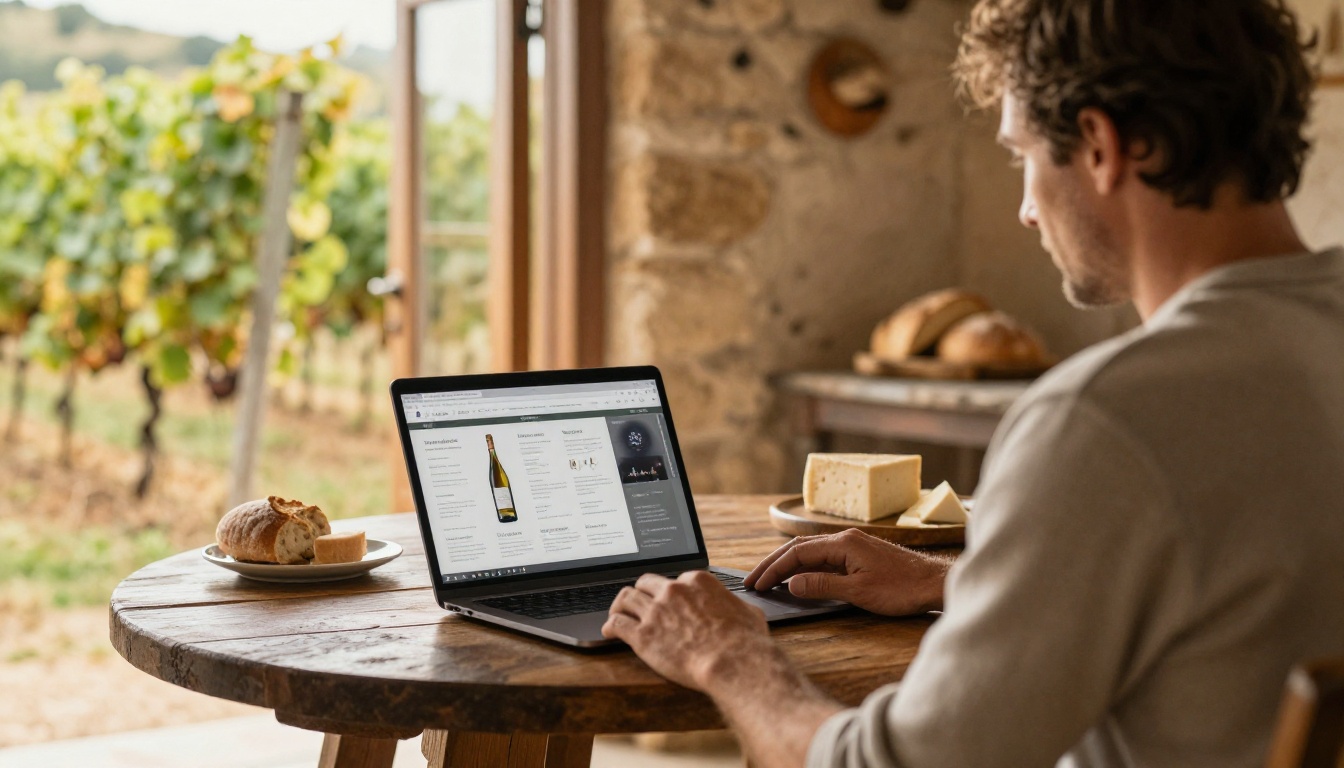
A trade tasting lasts a few hours, but the decision to buy usually starts days earlier. The importers who fill their tables are the ones whose buyers already know which wines they want to taste. That preparation lives in the tasting book, and the way you deliver it matters as much as what is inside. Many importers now publish it as a page-turning digital edition built with Flipbooks AI, so a buyer can open it on a phone, flip through producers, and arrive with a shortlist.
This article walks through how importers actually share tasting books before a trade event, what goes into them, which delivery methods work, and how to follow up with data instead of guesswork.
Why Send a Tasting Book First
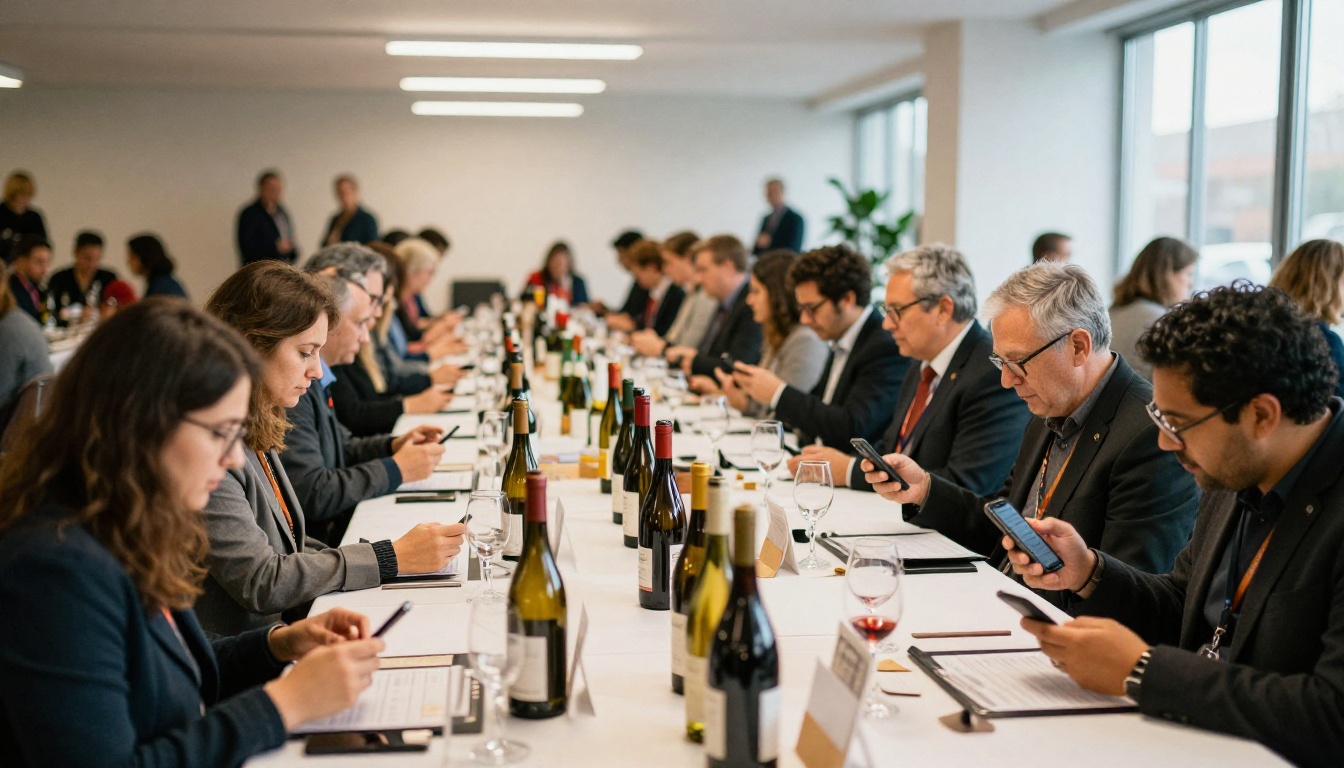
Buyers at a trade tasting are overloaded. A restaurant group buyer may taste sixty wines in two hours across eight tables. Without preparation, they rush, skip your table, or taste your wines without context and forget them by the evening.
A tasting book sent in advance fixes three problems at once:
- Context: the buyer knows the producer, region, grape, and price band before the glass arrives.
- Priority: they mark the wines they care about and ask for those first.
- Memory: after the event, the same book becomes the reference they reopen when ordering.

💡 Pro tip: Send the book 7 to 10 days before the event. Earlier and it gets buried. Later and buyers have already built their tasting route.
What Goes Inside the Book
A strong tasting book is not a price list with adjectives. It is a short, scannable document organized the way buyers think.
The Opening Spread
Start with who you are in one page: your portfolio philosophy, the number of producers, the regions you cover, and where the tasting takes place. Add the date, time slots, and a contact for booking.
Producer Pages
Each producer gets one page or a spread. Keep it consistent so buyers can compare quickly:
- Producer name, region, and farming approach
- Two or three wines to be poured at the event
- Grape, vintage, alcohol level, closure, and case size
- A tasting note in plain language, written by someone who tasted it
- Food pairing or menu fit for on-trade buyers
Pricing and Terms
Whether to show prices is a real debate. Many importers show trade price bands rather than exact figures, or place pricing on a separate protected page. More on that below.
Five Ways Importers Share Tasting Books
There is no single standard. Here is how the main options compare in practice.
| Method | Speed | Mobile friendly | Tracking | Main drawback |
|---|
| PDF by email | Fast | Poor | None | Heavy files, pinch and zoom |
| Printed book by courier | Slow | Not applicable | None | Cost and shipping time |
| Shared cloud folder | Medium | Average | Basic | Looks unfinished, link sprawl |
| Spreadsheet price list | Fast | Poor | None | No story, no images |
| Digital flipbook link | Fast | Excellent | Detailed | Needs a few minutes of setup |
Most importers end up combining two: a flipbook link for everyone, and a few printed copies for top accounts and the tasting table itself.
Why Flipbooks Beat Heavy PDFs
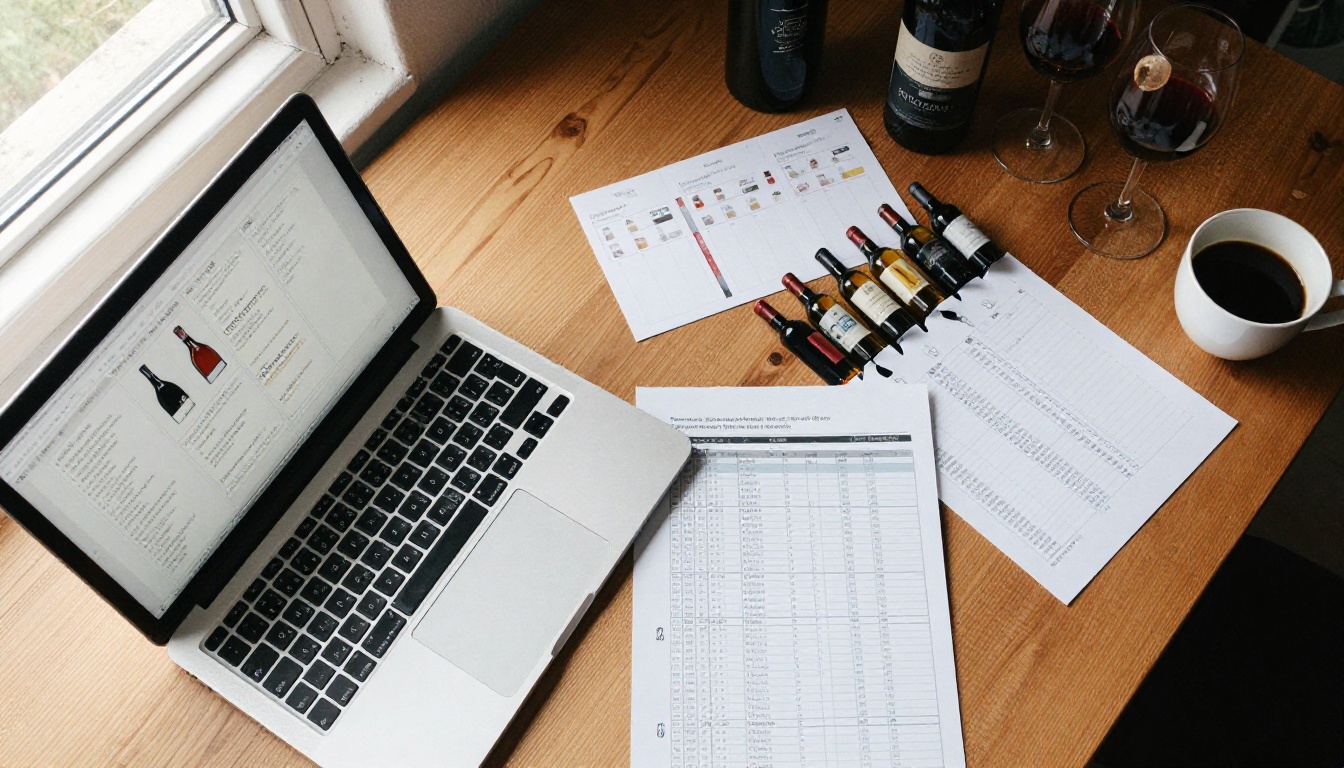
A 60 page PDF packed with label photos can reach 80 MB. Mail servers reject it, phones struggle to open it, and buyers on a train will not wait. A flipbook loads page by page, looks like a real book, and works on any screen.
For wine specifically, a few features matter:
- Fast loading on weak connections in cellars and warehouses
- Clickable links from a producer page straight to a technical sheet or video from the winemaker
- A single link you can reuse in email, WhatsApp, and your newsletter
- Updates without resending: if a vintage changes, you fix the page and the same link stays valid
If your tasting book started as a catalog, the Digital Catalog Maker is a natural starting point. For files you already have, the PDF to Flipbook Converter turns them into a shareable edition in minutes.
How to Build Your Tasting Book Flipbook
Here is the workflow most importers follow, step by step.
- Prepare the PDF. Export your layout from InDesign, Canva, or Word at screen resolution. Keep one wine or producer per page and compress images to a sensible size.
- Create an account. Sign up on Flipbooks AI and open the upload screen.
- Upload and convert. Drag the PDF in. The platform converts every page into a flipbook with realistic page turning, usually within a minute or two.
- Customize the look. Add your logo, pick colors that match your portfolio, and choose the page effects. Keep it restrained: wine buyers respond to calm, editorial design.
- Add multimedia. Embed a short video of the winemaker or an audio note about the vintage directly on the producer page.
- Set protection. Use password protection for pricing or allocation sections, so only approved accounts can see them.
- Share. Copy the direct link, or use the Embed Flipbook on Website option to place the book on your trade portal.
- Track. Check analytics after sending to see who opened it and which pages they read.
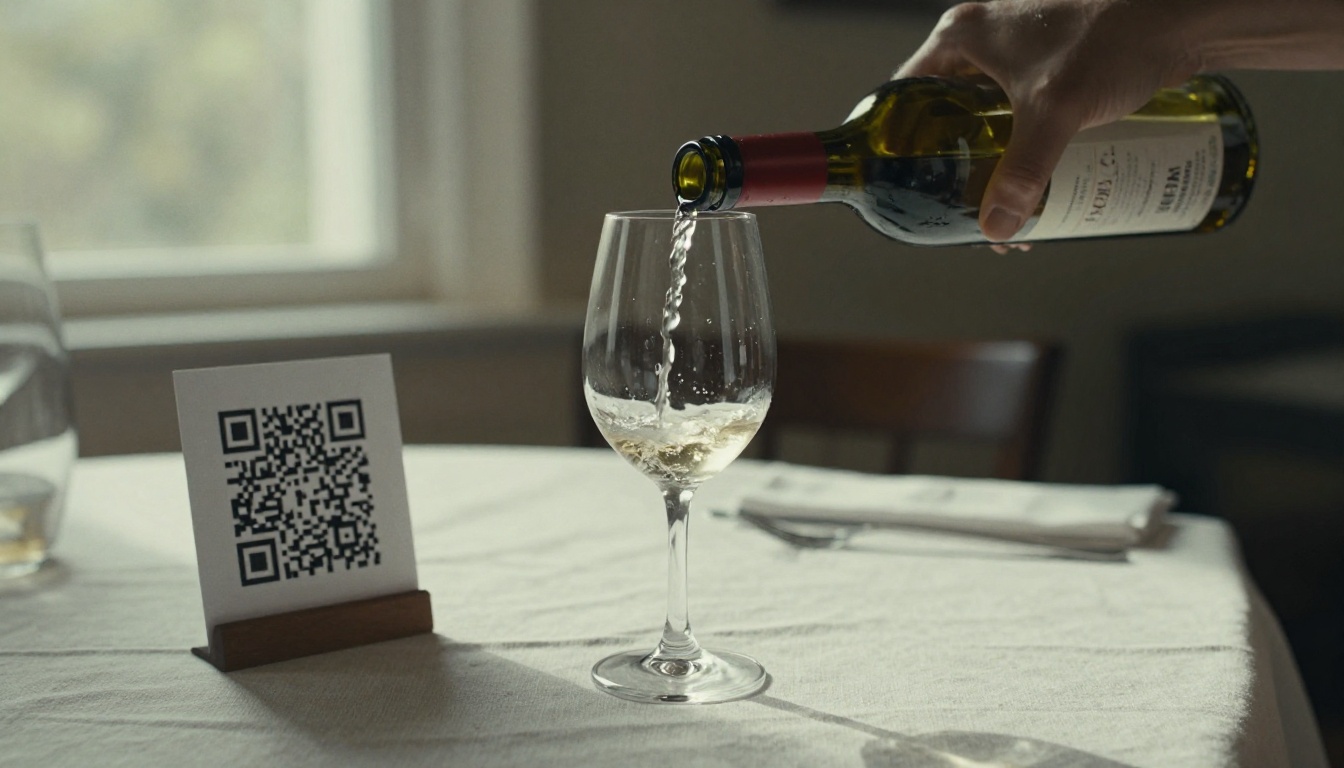
✅ Best practice: Put a QR code on every table card at the event that opens the same flipbook. Buyers scan, and the book follows them home.
Every flipbook is free of watermarks, and the Standard plan and above allow unlimited flipbooks, which suits importers who publish a fresh book for each event. See the pricing plans for details.
Protecting Prices and Allocations
Importers worry about one thing when they send a book: it forwarding to the wrong person. A competitor seeing your FOB costs or a retailer seeing on-trade pricing can damage relationships.
Three Practical Safeguards
- Split the book. Produce a public edition with wines and tasting notes, and a private edition with prices and allocations.
- Use passwords. Give the private edition a password and change it each season.
- Track access. Watch analytics for unexpected activity and revoke access if something looks off.
Here is how the two editions usually differ:
| Section | Public edition | Private edition |
|---|
| Producer stories | Yes | Yes |
| Tasting notes | Yes | Yes |
| Trade price bands | Sometimes | Yes |
| Exact case pricing | No | Yes |
| Allocation limits | No | Yes |
| Order form link | No | Yes |
⚠️ Warning: Never attach exact pricing to a mass email. Once a PDF is forwarded, you cannot take it back. A password protected flipbook can be closed with one click.
Sending the Book to the Right Buyers
Different buyers want different things, and a smart importer tailors the message even when the book is the same.
Restaurants and Bars
On-trade buyers care about by-the-glass potential, margin, and menu fit. Point them to the pairing notes and the glass pour price suggestions.
Retail Shops
Independent retailers want story, shelf appeal, and turnover. Highlight the producer pages and any press scores.
Distributors and Group Buyers
Larger accounts look for volume, consistency, and logistics. Direct them to case sizes, lead times, and allocation terms.
A simple segmentation looks like this:
| Buyer type | What to emphasize | Best channel | Follow up timing |
|---|
| Restaurant sommelier | Pairings, by-the-glass margin | Email and WhatsApp | 2 days after the event |
| Wine shop owner | Producer story, scores | Email | 3 days after |
| Group buyer | Volume, logistics | Direct email from the account manager | Next business day |
| Hotel F&B manager | Consistency, staff training | Email and phone | 1 week after |

A Realistic Example
Picture a mid-size importer with 24 producers from Spain, Portugal, and Italy. They plan a trade tasting for 120 invited buyers.
Ten days before the event, they email a single link to a flipbook with all 24 producers. Each page lists the wines being poured. Three days later, analytics show that 68 buyers opened the book, and that the Portuguese pages were read the longest. The importer reorders the tasting table so the Portuguese wines sit near the entrance, and sends a reminder to the 52 buyers who have not opened it yet.
At the event, buyers arrive knowing what they want. Conversations start with "I read about the Dão red, can I try it?" instead of "What do you have?" Afterward, the same link goes out with a thank you note and a private pricing page.
That is the real value: less time explaining, more time selling.
Using Analytics to Follow Up
Analytics turn a mailing into a conversation. With the Professional plan, you can see opens, time spent per page, and capture buyer details through lead generation forms.
Use that data in three ways:
- Prioritize calls. Contact buyers who spent minutes on a producer page before the event.
- Adjust your table. Place the most read wines where traffic is highest.
- Fix weak pages. If a page gets skipped, rewrite the tasting note or swap the image.
💡 Pro tip: Enable offline downloads for buyers who travel. Sommeliers often review books on flights and in cellars with poor signal.
Common Mistakes to Avoid
Even experienced importers repeat the same errors. Watch for these:
- Too many wines per page. One wine with a clear note beats five with cramped text.
- Stock photos of vineyards. Buyers want the actual bottle, label, and producer.
- No call to action. Add a link to book a table time or request samples on every producer page.
- Stale information. An outdated vintage in the book damages trust fast.
- Sending once. Follow up with a reminder and then a post-event version of the same link.
A tasting book is one piece of a larger set of sales materials. These tools fit nearby needs:
You can browse all of them in the flipbook tools directory.
Send Your First Tasting Book
The routine is simple. Build one clean book, protect the sensitive pages, send a single link, and read the analytics before you pour a drop. Your next trade tasting will feel different when buyers arrive with a shortlist.
Ready to publish yours? Create a free account on Flipbooks AI, upload your PDF, and send the link this week. If you want analytics and lead capture, compare the pricing plans or go straight to the account upgrade.