Every product business eventually hits the same argument: do we print the catalog or just email a link? The honest answer is both, but not in equal parts and not for the same buyer. A hybrid catalog strategy treats paper and screen as two tools with different jobs. With a platform like Flipbooks AI, you can turn the same PDF you send to the printer into a shareable page-turning catalog in minutes, so the choice stops being either/or.
This article gives you a practical way to decide, with real costs, a decision table, and a simple workflow you can start this week.
Buyers do not behave the same way in every situation. A purchasing manager walking a trade show floor wants something to hold. That same person, back at their desk on Tuesday, wants a link they can forward to a colleague. Forcing one format on both moments costs you sales.
What Print Does Best
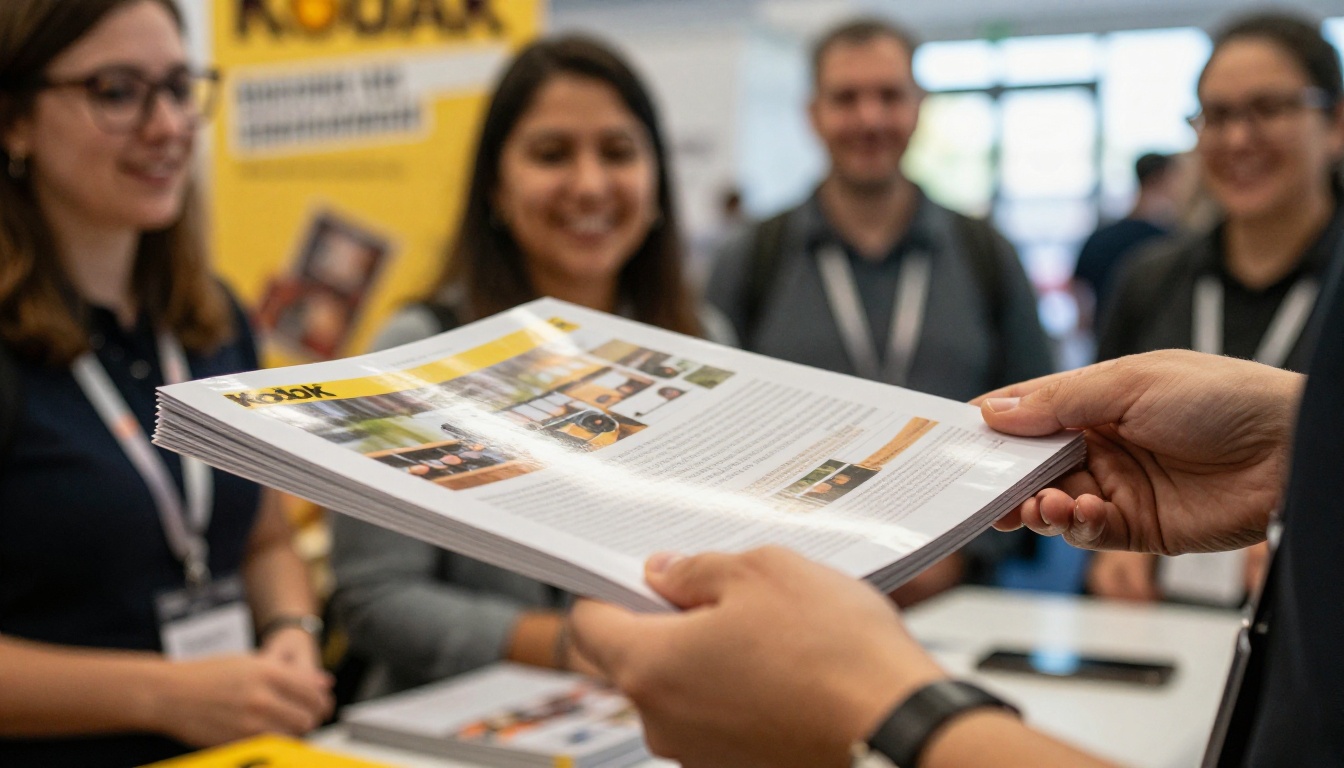
Paper is physical proof that your company exists. It sits on a desk, gets flipped through during a phone call, and stays visible for months. For high-ticket products, tactile quality (paper weight, finish, color accuracy) signals the quality of what you sell.
What a Link Does Best
A digital catalog is instant, searchable, and trackable. It reaches a buyer in another country in seconds, costs nothing per additional recipient, and can be updated the moment a price changes. You also learn who opened it and which pages held attention, something paper can never tell you.
The Cost of Choosing Only One
Print-only brands overspend on copies that end up in recycling bins and cannot fix a wrong price after the run. Digital-only brands lose the in-person moments where trust is built fastest. The hybrid model keeps the strengths of each.
💡 Pro tip: Start with the digital version. Build the flipbook first, watch which pages get attention, then print only what proves itself.
When Printing Still Wins
Print is not outdated. It is specialized. Use it where physical presence changes the outcome.
Trade Shows and Events
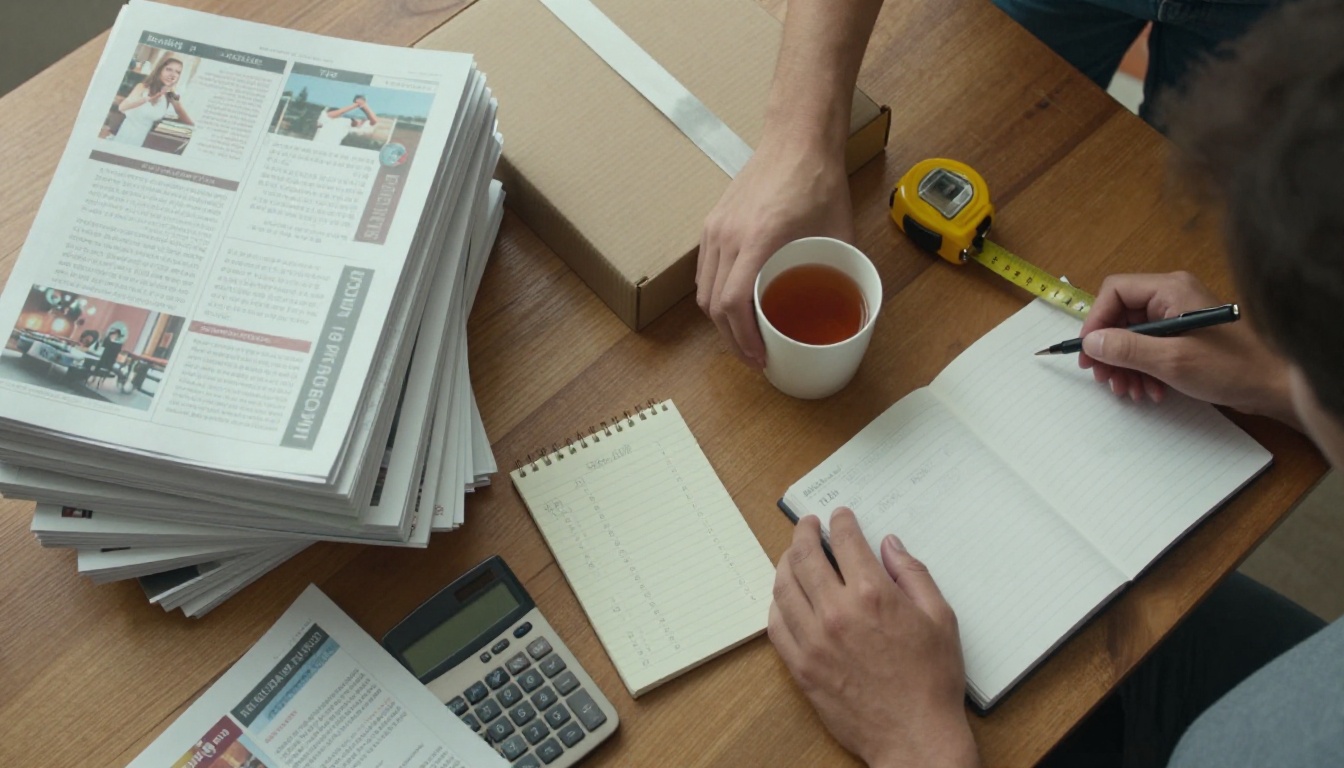
Visitors collect dozens of brochures, and the ones they keep are the ones that feel valuable. A well-made printed catalog at your booth gives people a reason to come back to your table. Pair it with a QR code (more on that below) so the paper leads to a live version.
High-Value Showroom Sales
Furniture, jewelry, architectural materials, and luxury goods are often chosen slowly and together. A couple on a sofa flipping through a printed book is a very different experience from squinting at a phone. Photography looks richer on coated stock, and the catalog becomes part of the buying ritual.

Packaging Inserts and Direct Mail
A slim printed catalog dropped into a shipping box reaches a customer who has already bought from you. That is the warmest audience you have. A small insert with a QR code to the full digital catalog costs pennies and encourages a second order.
✅ Best practice: Print short, focused editions (12 to 24 pages) for inserts and mailers, and send the full catalog as a link.
When a Link Is the Smarter Move
Digital wins whenever speed, scale, or change matter more than touch.
Cold Outreach and Email
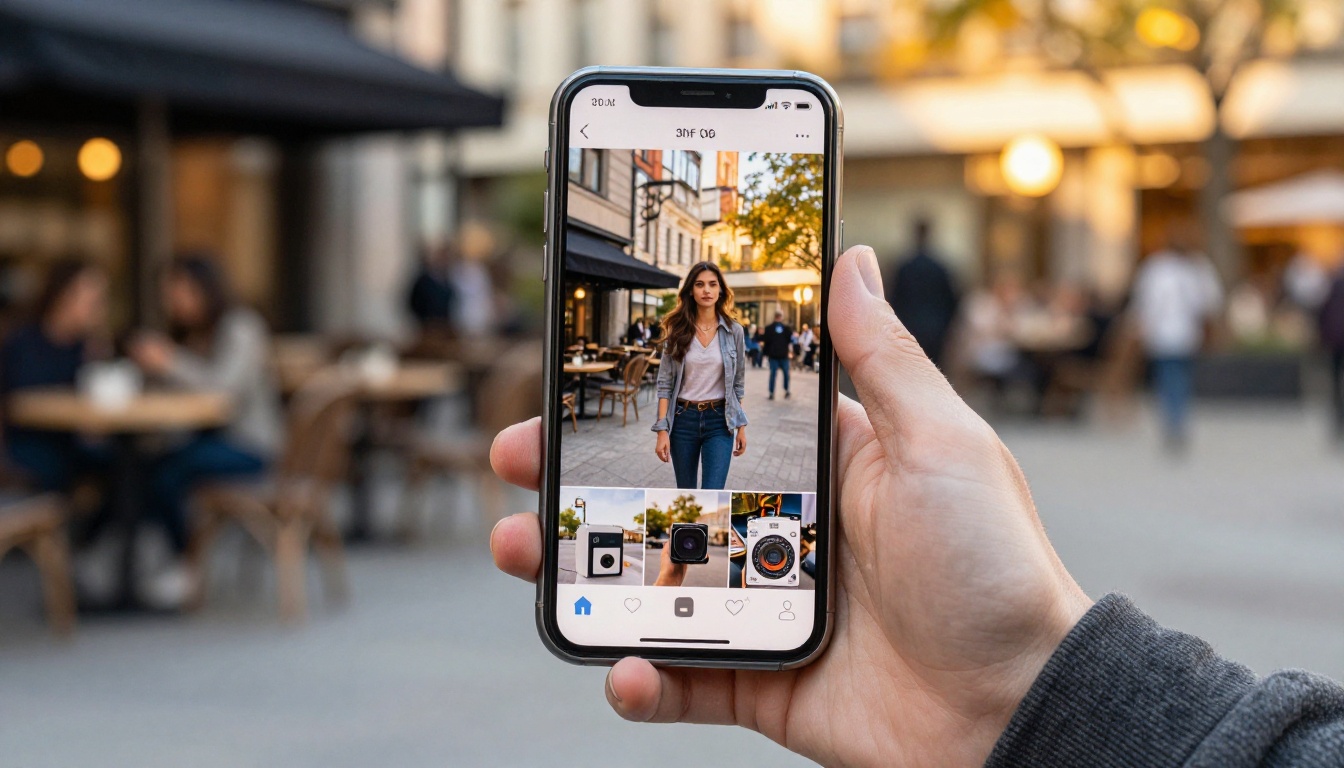
Nobody mails a 100-page book to a stranger. A single link in an email or message gets your catalog in front of a prospect immediately, with zero shipping cost. Because a flipbook opens in the browser, there is no heavy attachment to block the inbox.
Large or Frequently Changing Ranges
If you sell hundreds of SKUs or adjust prices monthly, print goes stale quickly. A digital catalog can be replaced at the same link, so everyone who bookmarked it sees current information. This matters most for ecommerce sellers with seasonal stock.
Global and Mobile Buyers
Wholesale buyers abroad cannot wait two weeks for a parcel. A mobile-responsive flipbook loads on any phone, and you can add embedded video or audio to show products in motion, something print cannot do.
Measuring What Works
This is the biggest practical advantage. With analytics on the Professional plan, you can see opens, time on page, and where readers drop off. Those numbers tell you which categories deserve premium print space next season.

Print vs Link: Side-by-Side Comparison
Here is how the two formats stack up across the factors that usually decide the matter.
| Factor | Printed Catalog | Digital Flipbook Link |
|---|
| Cost per additional reader | Rises with every copy | Close to zero |
| Time to reach a buyer | Days to weeks | Seconds |
| Updating prices | Needs a reprint | Replace the file, same link |
| Tactile impression | Excellent | None |
| Trackable behavior | Almost never | Opens, pages, time spent |
| Multimedia | None | Video, audio, links |
| Shelf life on a desk | Months | Depends on bookmarks |
| Best for | Events, showrooms, inserts | Outreach, large ranges, global reach |
⚠️ Warning: Do not judge print by cost per copy alone. Judge it by cost per qualified conversation. A 10 dollar catalog handed to the right buyer can beat a free link sent to the wrong one.
A Simple Decision Framework
When you are unsure, run the situation through three questions.
Question 1: Is the Buyer in the Room?
If you are face to face, print adds weight to the moment. If not, send a link.
Question 2: How Often Will the Content Change?
Stable, evergreen ranges justify a print run. Volatile ranges belong online, with a short printed highlights edition at most.
Question 3: Do You Need Data?
If you want to know what interests buyers, you need a digital version somewhere in the journey. Print alone leaves you guessing.
Use this table to match common situations to a format.
| Situation | Recommended Format | Why |
|---|
| Trade show booth | Print plus QR code | Memorable in hand, trackable after |
| Cold email to new prospects | Link only | No cost, instant, measurable |
| Luxury showroom visit | Print plus tablet | Premium feel with fast lookup |
| Wholesale price list | Link only | Prices change often |
| Repeat customer shipment | Small print insert plus QR | Warm audience, low cost |
| International distributor | Link only | Speed and no shipping |
| Seasonal collection launch | Both | Print for VIPs, link for everyone else |
The strongest results come when paper and screen point at each other.
Use QR Codes as the Bridge
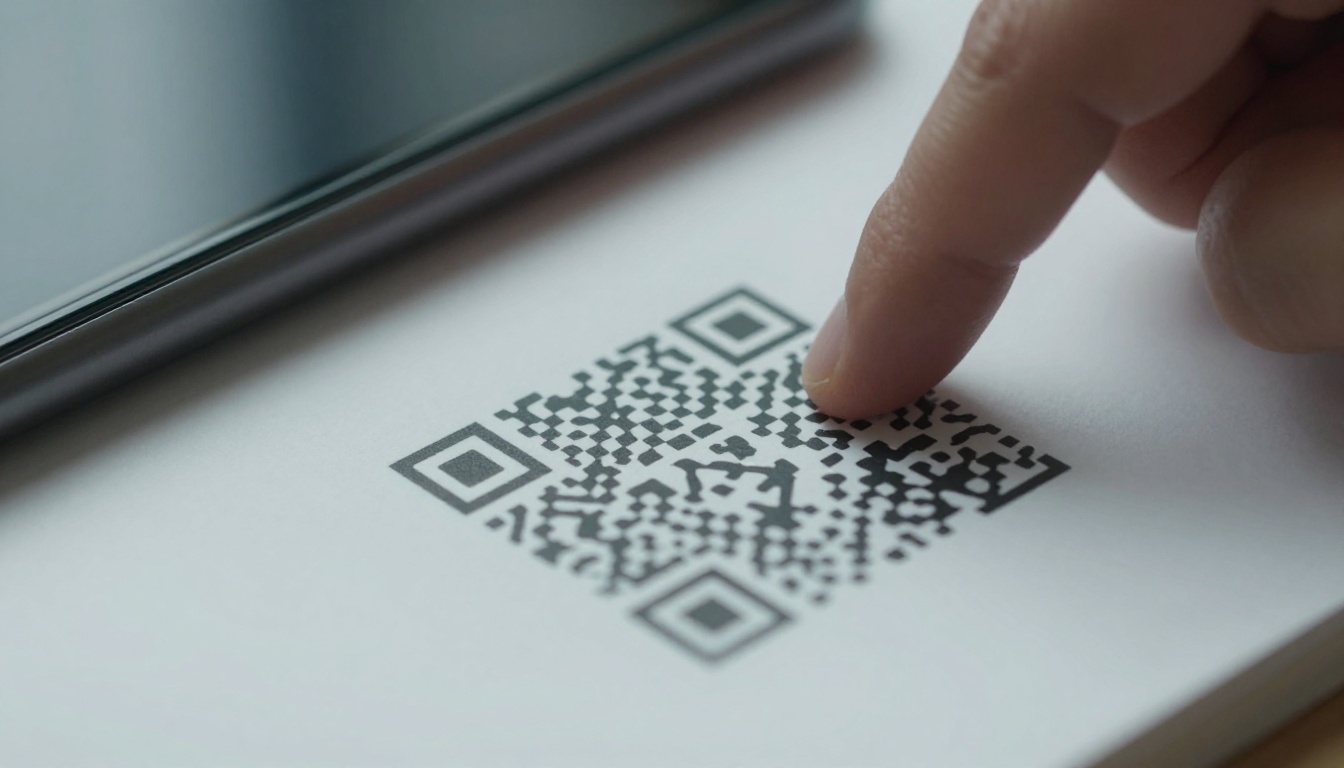
Place a QR code on the back cover and on key product pages of your printed book. It should lead to the matching page in your digital catalog, where readers can see more photos, watch a product video, or reach a contact form. Every scan also becomes a data point showing which printed pages sparked curiosity.
Send a Follow-Up Link After Every Meeting
After a trade show or showroom visit, email the digital catalog within 24 hours. The buyer already has your paper copy, and the link lets them share it with whoever approves the order. This single habit closes more loops than most teams expect.
Keep One Source File
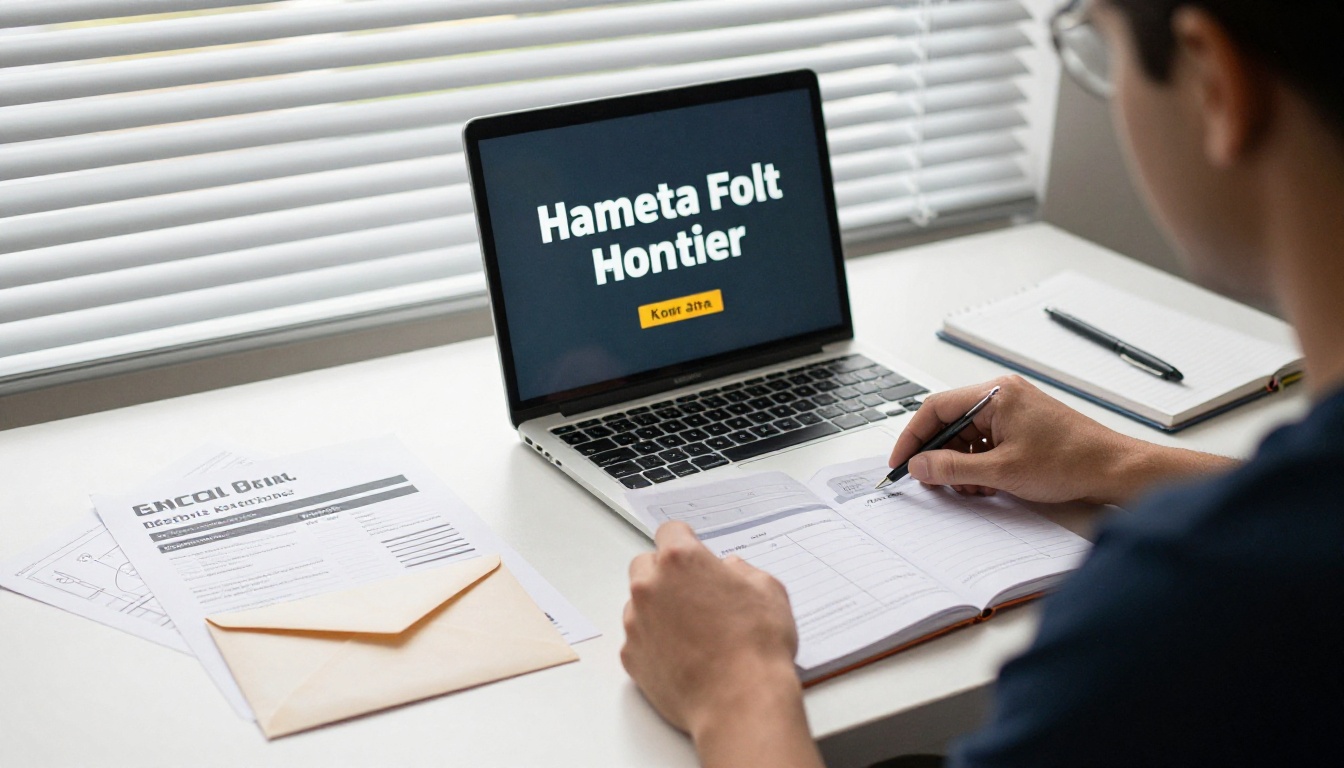
Design one master PDF. Send it to the printer, and upload the same file to the PDF to Flipbook Converter. This keeps branding, product numbers, and photography identical across both formats, which avoids confusing buyers who see both.
Budget Example: A Mid-Size Catalog Brand
Imagine a homeware company with 400 products and about 3,000 active buyer contacts. Here is one realistic way to split a catalog budget.
| Item | Quantity | Approx. Cost | Purpose |
|---|
| Full printed catalog (60 pages) | 300 copies | 2,400 dollars | Trade shows, top accounts, showroom |
| Short printed insert (16 pages) | 3,000 copies | 1,800 dollars | Shipping boxes, with QR code |
| Digital flipbook | Unlimited readers | Monthly plan | Email, social, distributors |
| Monthly page updates | As needed | No reprint cost | Price and stock changes |
The printed pieces total roughly 4,200 dollars and reach 3,300 people physically. The digital catalog reaches every contact and anyone they forward it to, for the price of a subscription. Compare that to printing 3,000 full books, which would cost several times more and go out of date within a season.
💡 Pro tip: Treat the print run as a premium channel for your best accounts, and the link as your default channel for everyone else.
How to Build the Digital Half
Turning your print-ready file into a shareable catalog takes only a few minutes. Here is the process.

Step 1: Create Your Account
Go to Flipbooks AI and sign up. You can try the basics before committing to a plan.
Step 2: Upload the Master PDF
Drag in the same PDF you prepared for print. The platform converts each page into a realistic page-turning layout. For catalog-specific features, try the Digital Catalog Maker or the Product Catalog generator.
Step 3: Customize the Look
Add your logo, brand colors, and page-flip effects. You can embed product videos and audio so your digital edition does what paper cannot. Plans include no watermarks, so the catalog looks like it belongs to your company.
Step 4: Choose How to Share
You have several options:
- Direct link for email and messaging.
- Embed code to place the catalog on your site, using the Embed Flipbook on Website tool.
- Password protection for wholesale price lists meant for approved buyers only.
- Offline download for buyers with unreliable connections.
Step 5: Track and Adjust
Open your analytics after a week. Look at which pages were viewed longest and which were skipped. Move strong categories to the front of the next edition, and consider printing only the best performing sections.
✅ Best practice: Use separate links for separate audiences (for example, one for trade show leads and one for email subscribers) so you can compare their behavior.
Common Mistakes to Avoid
A hybrid approach can fail if it is done carelessly. Watch for these.
- Printing everything. Large runs of full catalogs are the fastest way to waste budget. Print less, and print smarter.
- Skipping the QR code. Without a bridge, your print and digital efforts stay disconnected and you lose tracking.
- Using different content in each version. Mismatched prices or product numbers destroy trust.
- Forgetting mobile. Over half of catalog views often happen on phones. Check that your flipbook reads well on a small screen.
- Never retiring old links. Replace outdated files at the same link rather than creating new ones, so older emails still lead to current prices.
Your Next Move
Here is a quick plan you can act on today:
- Export your current catalog as a single master PDF.
- Convert it to a flipbook and send the link to ten existing customers.
- Add a QR code to your next print order that points to the flipbook.
- Check analytics after 30 days and decide which sections deserve premium print.
Ready to build the digital half? Get started for free on Flipbooks AI, browse all flipbook tools, or compare pricing plans to see which one fits your catalog. When you are ready to commit, you can also pick a plan right after signing in.



