You finished the report. The numbers are checked, the charts look sharp, and now comes the question nobody budgets time for: in what format does it reach your readers? An interactive PDF is familiar and portable. A flipbook feels like a real publication and tracks who reads it. Both can work, but they solve different problems, and choosing the wrong one costs you readers. Platforms like Flipbooks AI exist precisely because many teams want the polish of a flipbook without rebuilding their report from scratch.
This article compares the two formats the way a practical team would: by reading experience, mobile behavior, sharing, tracking, security and cost. By the end you will have a clear rule for picking one.

Before comparing, it helps to be precise, because the terms get blurred in everyday conversation.
The interactive PDF
An interactive PDF is a regular PDF file with extra features layered on top: clickable table of contents, hyperlinks, bookmarks, fillable form fields, embedded buttons, and sometimes attached media. It is a file that readers download or open in a browser tab. Everything lives inside that one document.
The flipbook
A flipbook is a web-based publication that displays your pages with a page-turning effect. The reader opens a link, and the report loads in the browser as a book. There is nothing to download unless you allow it. Because it lives at a URL, it can be updated, tracked, branded and protected independently of the file you started with.
💡 Pro tip: These formats are not rivals in the workflow. Most flipbooks start life as a PDF. You can build the PDF once and then convert it with a PDF to Flipbook Converter to get both versions.
Reading Experience Compared
The first thing a reader notices is how the report feels in the first ten seconds. That impression decides whether they scroll past page three.
A PDF opens in whatever viewer the reader has. On a desktop, that is usually a plain scrolling column. On a phone, it often means pinching and zooming to read text that was designed for a letter-size page. Interactive elements work, but they depend entirely on the viewer. Some browser viewers ignore buttons and form fields altogether.
A flipbook controls the viewer for you. Pages turn, the layout adapts to the screen, and zoom, search and thumbnails are consistent no matter which device opens it. Readers who would skim a PDF often stay longer with a flipbook because the format signals that this is a designed publication, not a raw export.
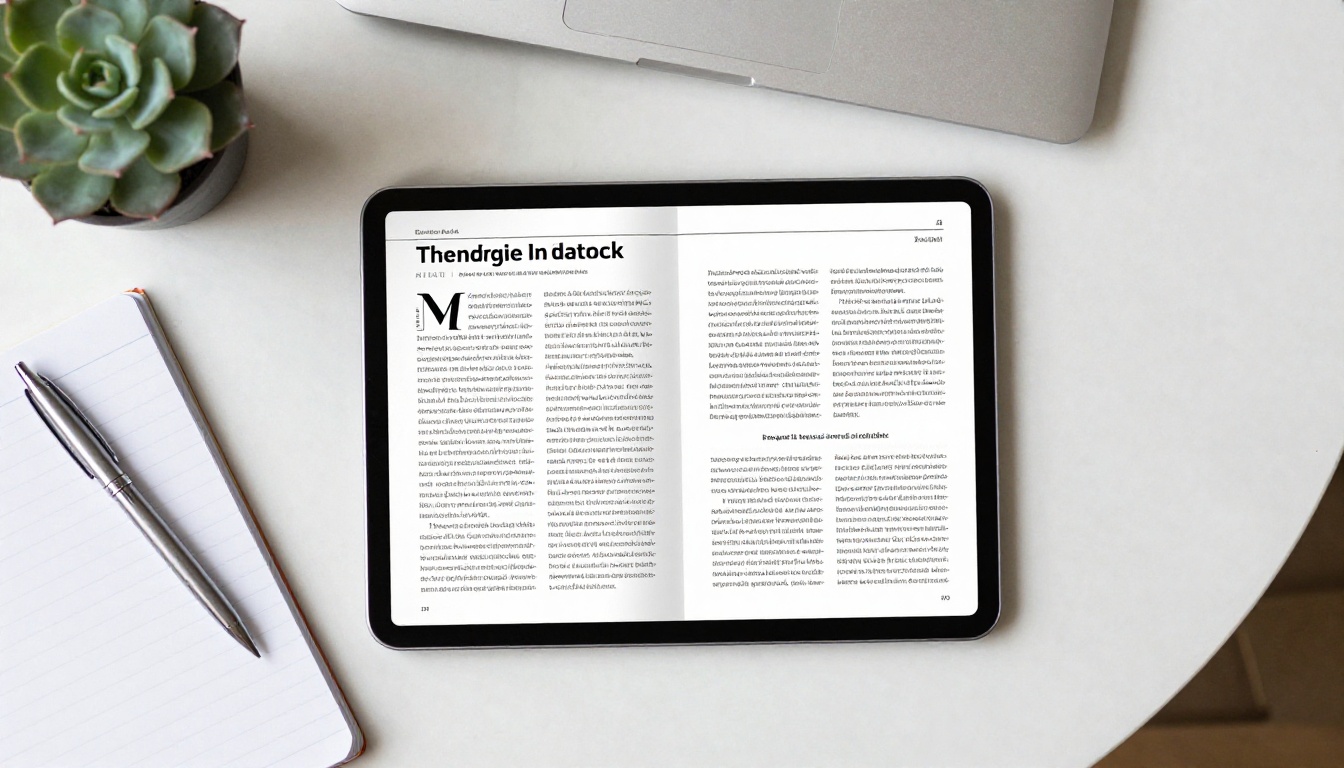
Feature comparison at a glance
| Feature | Interactive PDF | Flipbook |
|---|
| Opens without download | Sometimes, depends on browser | Yes, via link |
| Page-turning effect | No | Yes |
| Consistent on every device | No, depends on viewer | Yes |
| Clickable links and contents | Yes | Yes |
| Embedded video and audio | Limited, viewer dependent | Yes |
| Fillable form fields | Yes | Limited |
| Branded viewer | No | Yes |
| Works fully offline | Yes, once saved | Only if offline download is enabled |
Mobile Reading Is the Deciding Factor
Think about where your report actually gets opened. For a large share of business readers, the first open happens on a phone, on a train, between meetings, or in an email preview. That one fact changes the comparison more than any other.

A standard PDF page is a fixed sheet. On a six-inch screen, body text shrinks to a size nobody wants to read, and readers pan left and right to follow a line. Interactive buttons become tiny tap targets. Large tables turn into a frustrating experience.
A flipbook built for the web is mobile-responsive. Pages scale to the screen, tapping a corner turns the page, and double-tap zoom is smooth. It still shows the same layout, but the experience is designed for touch.
⚠️ Warning: If your audience is mostly executives reading on phones, a heavy PDF that needs pinch-zooming will quietly lose them. Test your report on a real phone before you send it.
Sharing and Distribution
How your report travels matters as much as how it looks.
Sending a PDF
PDFs are attached to emails, uploaded to shared drives, or linked from a web page. Large files bounce off inboxes, and once a PDF is attached, you have no control over where it goes. Anyone can forward it. Old versions linger in inboxes long after you have published a correction.
Sharing a flipbook
A flipbook is shared by link. You can paste it in an email, send it in a chat, or embed it on your website so it appears right inside a page. If a number changes, you update the flipbook and everyone using the link sees the latest version. For reports that go through revisions, that single point of truth saves a surprising amount of confusion.
| Sharing need | Interactive PDF | Flipbook |
|---|
| Email attachment | Easy, but file size can be a problem | Not needed, link instead |
| Website embed | Awkward | Native embed code |
| Update after sending | Resend a new file | Update once, link stays |
| Password protection | Basic file password | Link-level password |
| Social sharing | Poor preview | Clean link preview |

Tracking and Analytics
This is where the formats diverge most sharply. When you send a PDF, you generally know only that you sent it. Open rates on the email are visible, but what happens after the click is a mystery. Did they read past the executive summary? Did anyone reach the financial appendix? You cannot tell.
A flipbook can report on reader behavior: how many people opened it, which pages held attention, how long they stayed, and where they dropped off. On the Professional plan, you can also use lead generation to ask for an email address before a reader gets in. For sales reports, investor updates and marketing white papers, that data is often worth more than the report itself.

✅ Best practice: If you need to prove that a report was read, or find out which section needs rewriting, choose a format that measures reading. A PDF cannot do that on its own.
Design and Branding Control
A PDF carries whatever design you export. That is both a strength and a limitation. You get precise typography and print-ready layouts, but the viewer around the PDF looks like Adobe, Chrome or a phone's default reader. Your brand ends at the page edge.
A flipbook adds a branded layer around the report: your colors, your logo, a custom background, page effects and a clean frame. Readers see your identity from the moment the link opens. For agencies, consultancies and corporate communication teams, that frame is a quiet signal of quality.
| Design element | Interactive PDF | Flipbook |
|---|
| Print-ready layout | Excellent | Depends on source PDF |
| Branded viewer | No | Yes |
| Custom colors and logo | Inside pages only | Pages and viewer |
| Page-turn animation | No | Yes |
| Watermark-free output | Yes | Yes, on Flipbooks AI |
Neither format is better in every situation. Here is a simple breakdown by report type.
Choose an interactive PDF when
- The report must be printed or archived as a formal document.
- Readers need to fill in fields, sign, or return a form.
- Legal or compliance rules demand a fixed, unchangeable file.
- The audience works offline and expects a downloadable attachment.
- The document is internal and short, such as a one-page memo.
Choose a flipbook when
- The report is read mostly on phones and tablets.
- You want to track who reads it and which pages matter.
- The report will be embedded on a website or landing page.
- You need to publish updates without resending files.
- Brand impression matters, as with investor, client or marketing reports.
Real-world scenarios
A finance team publishing a quarterly results report for shareholders benefits from a flipbook. Shareholders open it on their phones, the team sees which pages get read, and a correction goes live without a second email. The same team keeps a printable PDF for regulators.
A procurement department circulating a supplier questionnaire should send an interactive PDF with fillable fields. Suppliers fill it in and return it, and a flipbook would add friction.
A nonprofit sending its yearly impact summary to donors gets more from a flipbook. A page-turning story with photos, video and a donate button feels personal, and the Non-Profit Annual Report tool is built for this exact job.
A consultancy delivering a client deliverable can send both: a PDF for the client's files and a branded flipbook for the board presentation.
File Size, Speed and Cost
A report with large images can easily reach 30 or 50 MB as a PDF. That slows email, frustrates mobile readers, and sometimes blocks delivery. Optimizing it means compressing images, which can hurt quality.
A flipbook loads pages progressively, so the first page appears quickly and the rest stream in as the reader moves forward. The experience feels fast even for long reports.
On cost, the picture is simple. PDFs are free to produce if you already have design software. Flipbooks require a platform, but pricing is modest compared with the time saved on formatting, redistribution and reporting. Check the current pricing plans to see what fits your volume, including unlimited flipbooks on Standard and above.
| Cost factor | Interactive PDF | Flipbook |
|---|
| Software to create | Design or office tools | Source PDF plus platform |
| Hosting | Your own storage or email | Included in plan |
| Updating a published report | Manual redistribution | One update |
| Reader analytics | Needs extra tools | Built in on Professional |
| Typical effort per report | Low | Low after the PDF exists |
How to Turn a PDF Into a Flipbook
If you decided on a flipbook, the process is short. Here is the workflow on Flipbooks AI, using the Report Flipbook Creator as a reference point.

Step 1: Create your account
Go to the account page and sign up. You can start without a credit card and see the result before choosing a plan.
Step 2: Upload your PDF
- Click the upload button on your dashboard.
- Select your finished report. Any standard PDF works, whether it was exported from Word, InDesign, Canva or a reporting tool.
- Wait a few moments while pages are converted. Text stays sharp and links stay clickable.
Step 3: Customize the look
- Pick your brand colors and add your logo.
- Choose a background that suits your report, such as a neutral gray for financial work or a deeper tone for creative decks.
- Adjust the page effect and flip speed so the motion feels natural.
- Add multimedia where it helps: a short intro video, a narrated summary, or background audio.
Step 4: Set sharing and protection
- Copy the direct link for emails and chats.
- Grab the embed code to place the report on your site.
- Turn on password protection for private or confidential content.
- Decide whether readers can download the file for offline use.
Step 5: Turn on tracking
On the Professional plan, switch on analytics and lead generation. You will see page-level reading behavior and collect contact details from readers who open the report. Review the numbers a few days after sending to find out which sections need attention.
💡 Pro tip: Send the flipbook link in the email body and keep the PDF as a secondary download. Readers who want a printable copy still get one, and you keep the tracking benefits.
For related reporting needs, take a look at the Annual Report Creator and the Corporate Report Maker.
A Simple Decision Framework
If the choice still feels unclear, answer these five questions honestly.
- Where will most people read it? Phones point to a flipbook. Desktop printing points to a PDF.
- Do you need to know who read it? If yes, pick a flipbook.
- Will the content change after sending? If yes, a flipbook saves rework.
- Does the reader have to fill in or sign something? If yes, use an interactive PDF.
- Is brand presentation part of the goal? If yes, a flipbook gives you the frame.
If you answered flipbook three or more times, build one. If the answers split evenly, publish both: PDF for the record, flipbook for the audience.

Common Mistakes to Avoid
- Sending a 60 MB PDF by email. Use a link instead.
- Assuming interactive features work everywhere. Many phone viewers ignore PDF buttons and forms.
- Skipping the mobile test. Open the report on a phone before you publish.
- Treating the format as an afterthought. The way a report arrives shapes how it is read.
- Publishing without measuring. A report with no reader data is a guess.
The honest answer to the question in the title is that it depends on the job. Interactive PDFs are best for print, forms and formal records. Flipbooks are best for mobile reading, tracking, branding and easy updates. Because a flipbook starts from a PDF anyway, you rarely have to give up one to get the other.
Ready to see your own report as a flipbook? Get started for free on Flipbooks AI, browse all flipbook tools and templates to find the one that fits your report type, and compare pricing plans to choose what works for you.



