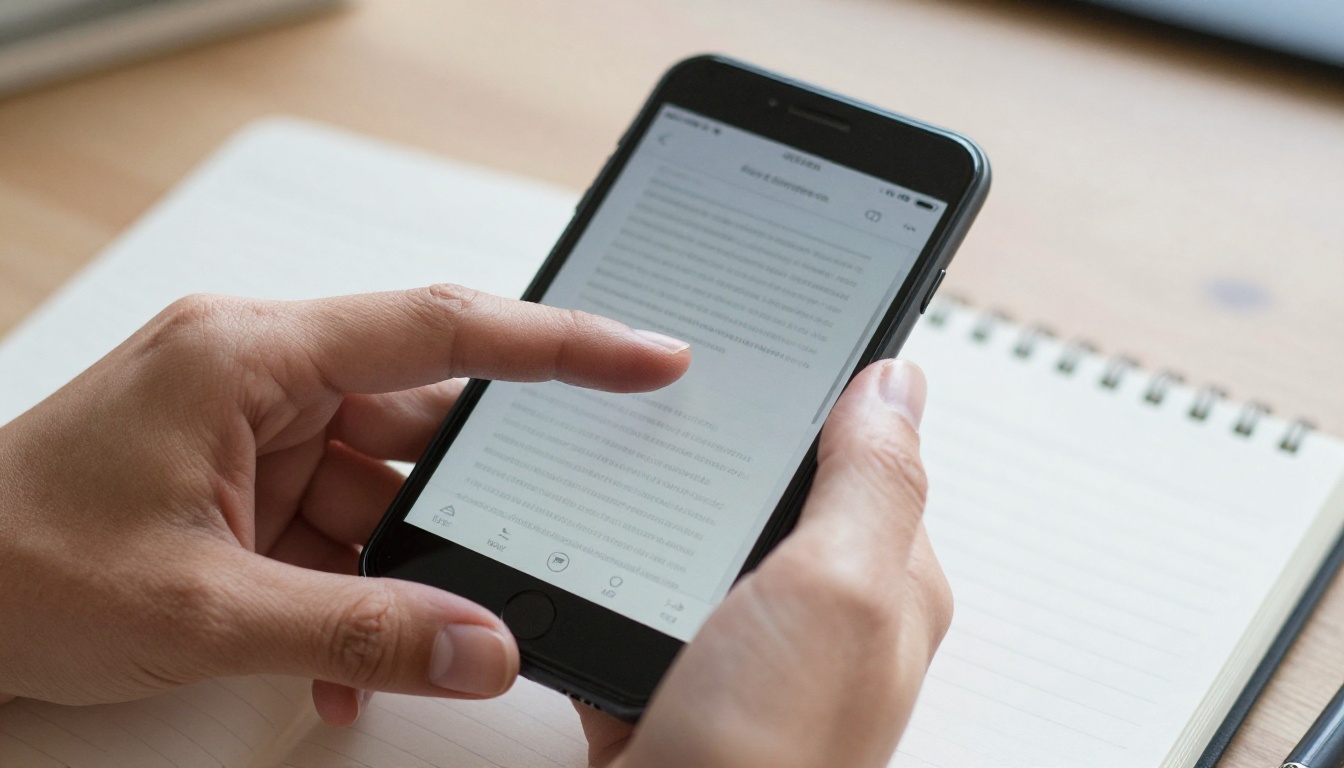
You open a PDF on your phone, and within three seconds you are pinching, zooming, and dragging sideways just to finish one sentence. Then you open an EPUB, and the text simply fits. That small difference decides whether people finish your content or abandon it. So, is EPUB better than PDF for reading on phones? For long-form text, yes, almost always. For designed layouts, the answer flips. This article breaks down exactly where each format wins, and shows how a mobile-friendly flipbook built with Flipbooks AI can give you the best of both.
The Short Answer
If your content is mostly flowing text, such as novels, essays, manuals, or newsletters, EPUB is the better phone format. It adapts to the screen. If your content depends on exact page design, such as catalogs, magazines, brochures, or forms, PDF keeps your design intact, but it punishes small screens.
Here is the quick verdict before we dig deeper:
| Scenario | Better Format | Why |
|---|
| Reading a novel on a commute | EPUB | Text reflows, font size adjusts |
| Viewing a product catalog | PDF (or flipbook) | Layout and images stay fixed |
| Studying a textbook with diagrams | PDF (or fixed-layout EPUB) | Figures must stay aligned |
| Reading in bed in dark mode | EPUB | Themes and night mode built in |
| Sharing a signed contract | PDF | Universal and layout-locked |
| Mobile-first marketing content | Flipbook | Responsive, trackable, no app needed |
💡 Pro tip: Ask one question before choosing: "Does the page design matter more than the reading comfort?" If comfort wins, choose EPUB. If design wins, choose PDF or a flipbook.
What EPUB does differently
EPUB is essentially a zipped bundle of HTML, CSS, and images. Because it is built like a small website, the reading app decides how to lay out each page. Change the font, the margin, or the screen size, and the text reflows instantly.
That is why an EPUB on a 6-inch phone feels natural. There are no fixed page boundaries fighting your screen.
What PDF does differently
PDF was designed to look identical everywhere, from a laser printer to a laptop monitor. Each page is a fixed canvas, usually A4 or US Letter. On a phone, that canvas shrinks to roughly the size of a postage stamp unless you zoom.
PDF is brilliant at preserving design. It was just never designed around a 390-pixel-wide display.
The core technical gap
| Feature | EPUB | PDF |
|---|
| Layout type | Reflowable (or fixed-layout) | Fixed |
| Font size control | Full, per reader | Zoom only |
| Text wrapping on small screens | Automatic | None |
| Embedded fonts | Supported | Supported |
| Interactive elements | Limited, depends on app | Links and forms |
| Typical phone experience | Smooth | Zoom and pan |
Readability on a Small Screen

Readability is where this debate is usually settled. A standard A4 PDF page contains roughly 45 to 75 characters per line at 11 or 12 point type. Shrink that to fit a phone width and the type renders at about 5 or 6 points. Nobody can read that comfortably.
So you zoom. Once zoomed, a line of text is wider than your screen, and you scroll left and right for every line. This is the single biggest complaint about PDFs on mobile.
EPUB solves it by reflowing. A phone shows about 35 to 45 characters per line, which is actually a very comfortable measure for reading.
Real reading scenarios
Think about three common situations:
- The commuter. One hand holds a rail, the other holds the phone. Pinching and panning a PDF is nearly impossible. Tapping to turn pages in an EPUB works one-handed.
- The bedtime reader. Dark mode and warm tones reduce eye strain. Most EPUB readers offer these themes. A PDF stays white-on-black-ink unless the app inverts colors, which often damages images.
- The student. Highlighting, searching, and looking up words are smoother in EPUB readers. PDF annotation works, but each tool is different across apps.
Accessibility matters here

For readers with low vision, dyslexia, or aging eyes, the ability to raise font size without breaking the page is not a luxury. EPUB supports it natively, along with adjustable line spacing and dyslexia-friendly fonts in many apps.
PDF can be made accessible through tagging, but it requires careful preparation, and most PDFs found in the wild are untagged scans or exports.
✅ Best practice: If your audience skews older or includes readers with visual needs, deliver text-heavy content as EPUB, or provide both formats side by side.
File Size, Speed, and Battery
Performance matters more on phones than on desktops. Here is how the two formats typically behave.
| Factor | EPUB | PDF |
|---|
| Average novel file size | 0.5 to 3 MB | 2 to 15 MB |
| Image-heavy document | 5 to 20 MB | 20 to 100+ MB |
| Opening speed on mid-range phone | Fast | Moderate to slow for big files |
| Memory use | Low | Higher for complex pages |
| Battery drain while reading | Lower | Higher with heavy rendering |
| Works offline | Yes | Yes |
Text-only EPUBs are tiny because they store text and a few styles. PDFs embed fonts, vector graphics, and often full-resolution images, so the same book can be several times heavier.
A large, image-rich PDF can also stutter on older phones, because every page must be rendered as a complex graphic. EPUB readers mostly render text, which is lighter work.
Where PDF Still Wins
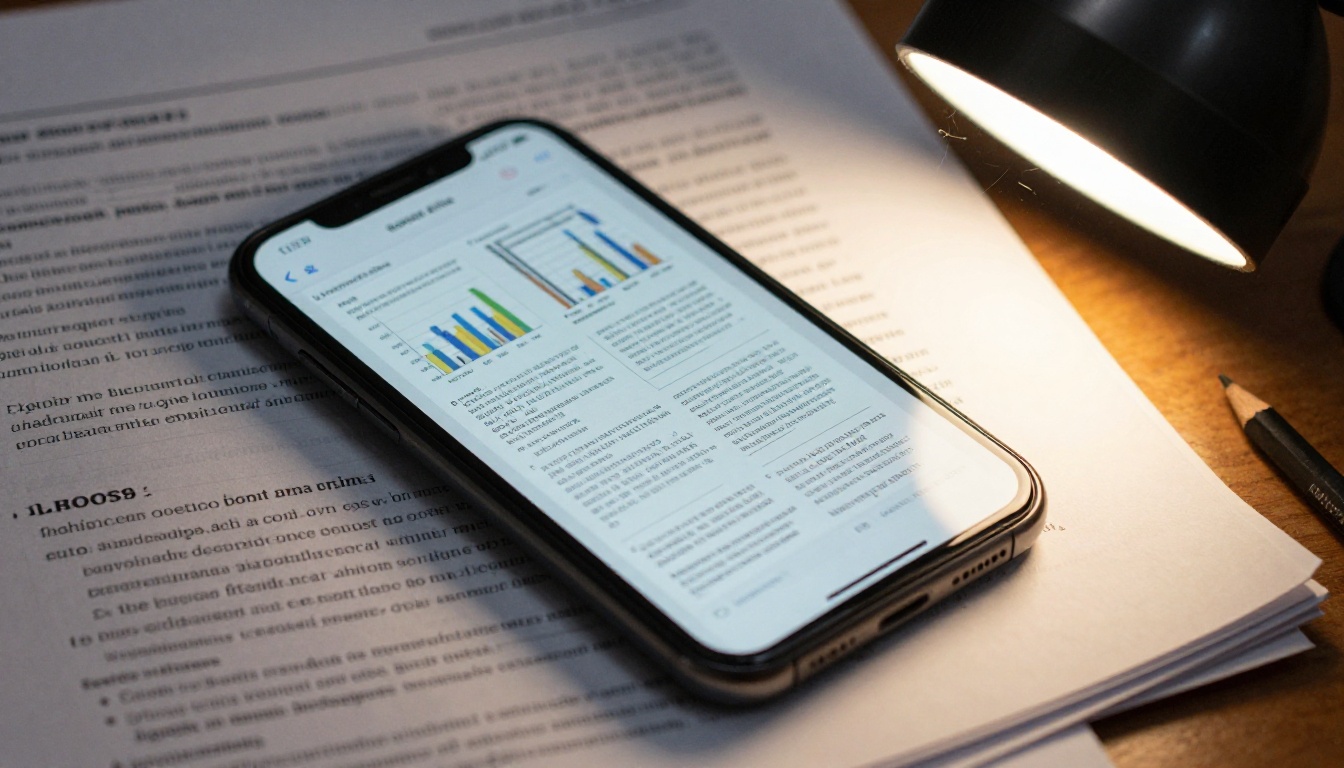
It would be dishonest to call EPUB a universal winner. PDF remains the stronger choice in several cases.
Design-critical documents
Brochures, lookbooks, annual reports, and restaurant menus rely on exact placement of images, columns, and typography. Reflowing them destroys the design. A fixed layout is the entire point.
Forms and signatures
Fillable forms, legal contracts, and invoices are PDF territory. Digital signature standards, printing fidelity, and universal support make PDF the default for official documents.
Universal compatibility
Every phone opens a PDF with no extra app. EPUB often requires a reader app, although Apple Books and Google Play Books handle it well. For one-off sharing with non-technical recipients, PDF is simply easier.
Scientific and technical content
Equations, tables, and multi-column figures depend on precise alignment. A fixed-layout format preserves that accuracy.
⚠️ Warning: Do not convert a design-heavy PDF to a reflowable EPUB automatically. Tables and multi-column pages often break into unreadable fragments.
Head-to-Head Scorecard
Let us score both formats across the factors readers care about most, on a scale of 1 to 5.
| Criteria | EPUB | PDF |
|---|
| Phone readability | 5 | 2 |
| Layout accuracy | 3 | 5 |
| Accessibility | 5 | 3 |
| File size | 5 | 3 |
| Compatibility without an app | 3 | 5 |
| Design flexibility | 2 | 5 |
| Interactivity | 3 | 3 |
| Print quality | 1 | 5 |
| Total | 27 | 31 |
PDF edges ahead on raw points because of print and design. But look closely: for the single question "reading on a phone," EPUB takes the two most important categories, readability and accessibility. Weight the scorecard for mobile reading and EPUB wins comfortably.
The Third Option: Mobile-Friendly Flipbooks
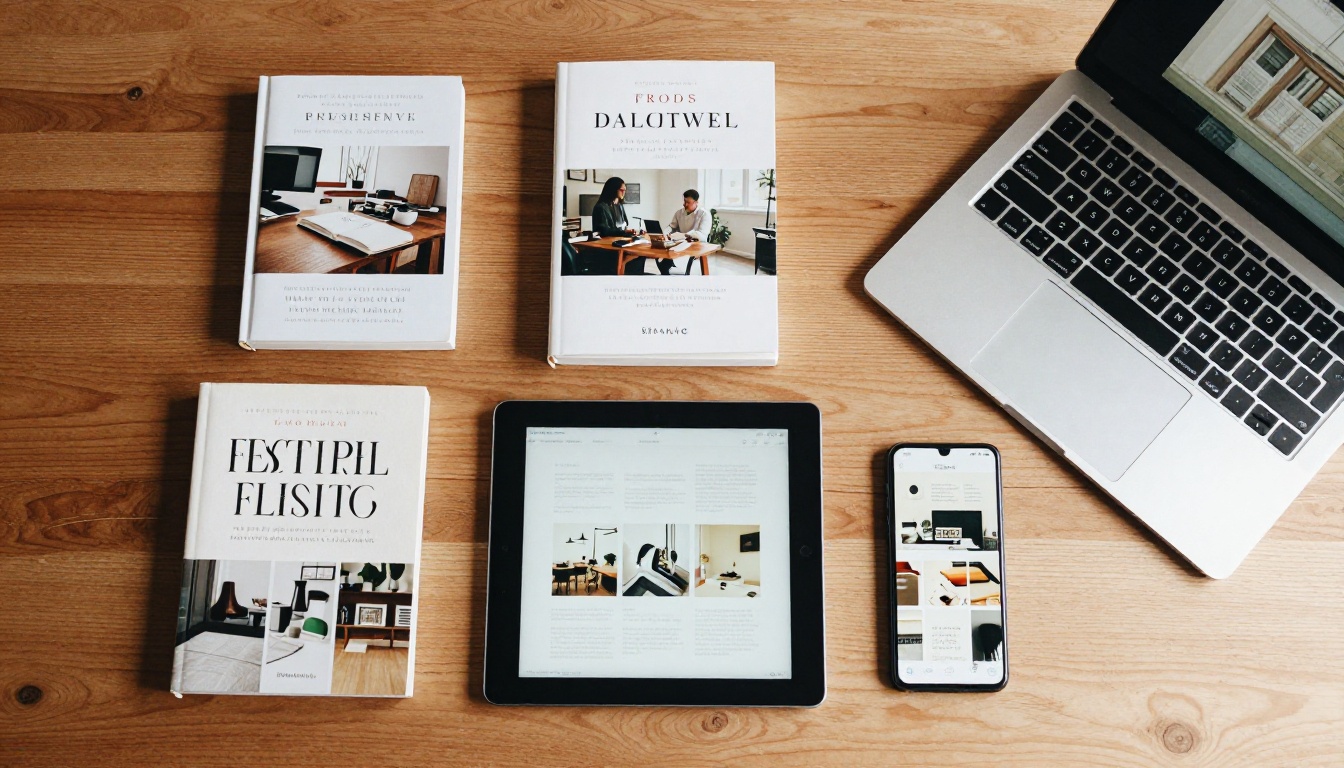
Here is the part most comparisons skip. What if you need the visual fidelity of a PDF and the comfort of a phone-friendly experience? That is the gap a flipbook fills.
A flipbook takes your PDF and turns it into a responsive, page-turning web experience. Readers open a link in any browser. No download, no reader app, no zooming through a postage-stamp page.
How a flipbook compares
| Feature | EPUB | PDF | Flipbook |
|---|
| Keeps original design | Partly | Yes | Yes |
| Comfortable on phones | Yes | No | Yes |
| Needs an app | Often | No | No |
| Shareable link | Rarely | Via file | Yes |
| Embeddable on a website | No | Awkward | Yes |
| Analytics on readers | No | No | Yes |
| Password protection | Limited | Basic | Yes |
| Video and audio inside | Limited | Poor | Yes |
If you publish catalogs, magazines, or brochures, a flipbook solves the problem both older formats struggle with. You keep the design, and your phone readers get smooth navigation.
Real-world examples
- A boutique clothing brand converts its seasonal lookbook into a flipbook. Customers tap a link in an Instagram bio and flip through on their phones, with no file downloads. Try the Lookbook Flipbook Builder for this.
- An independent author shares a sample chapter. Readers open it instantly in a browser, and the author sees how far people read. The E-Book Flipbook Generator fits this case.
- A restaurant puts a menu on a table QR code. Guests open it on their phones without installing anything, using the Restaurant Menu Creator.
- A real estate agent sends property brochures that display crisply on a phone, built with the Real Estate Brochure Creator.
How to Turn a PDF Into a Phone-Friendly Flipbook
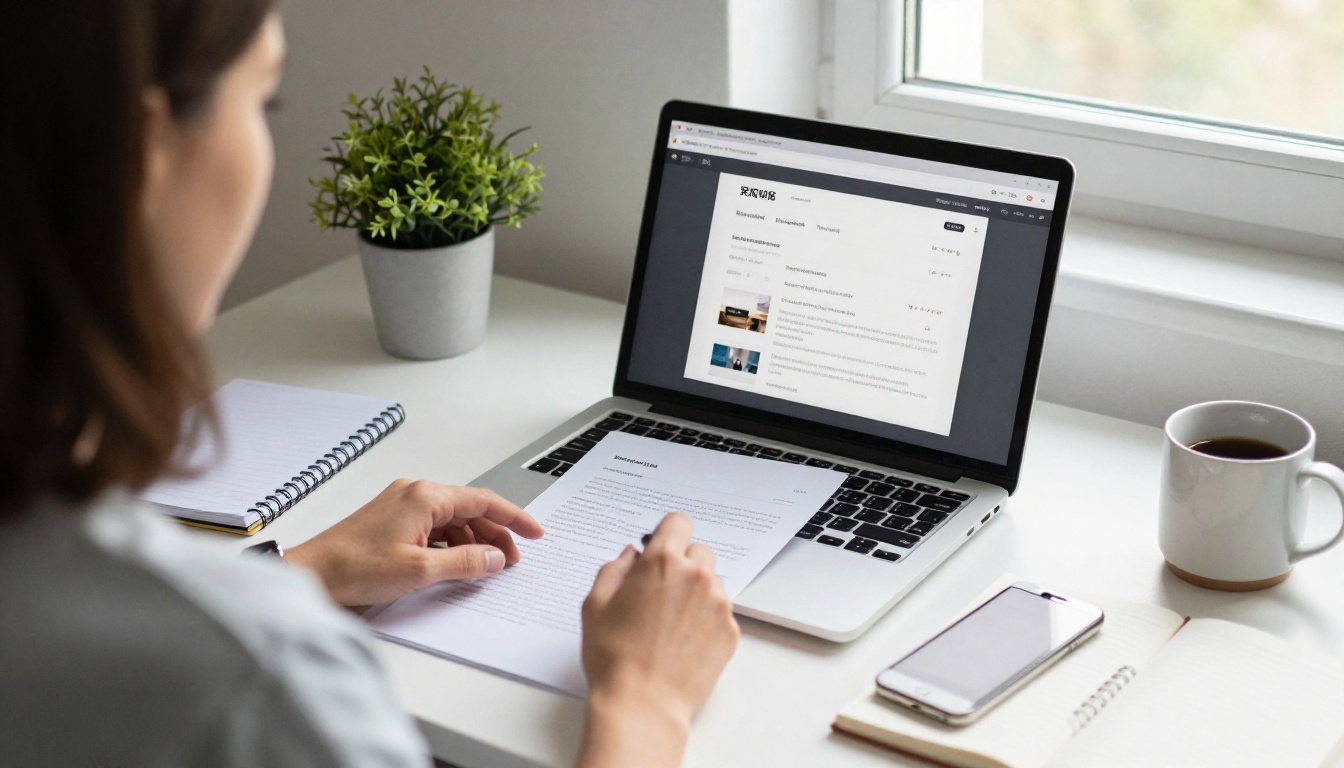
If your content is design-driven, here is the fastest route from a stubborn PDF to a smooth mobile experience.
Step-by-step tutorial
- Start your account. Go to Flipbooks AI and sign up. You can try the platform before committing to a plan.
- Upload your PDF. Drag your file into the dashboard. The PDF to Flipbook Converter processes every page and keeps your layout, fonts, and images sharp.
- Customize the look. Add your logo, pick background colors, and choose page-turn effects. No watermarks appear on your flipbook, ever.
- Add multimedia. Drop in embedded videos or audio to enrich pages that a standard PDF could never support.
- Preview on a phone. Open the preview link on your own device. Check that text is legible without zooming and that links are easy to tap.
- Share it. Copy the direct link, or use the Embed Flipbook on Website option to place it on any page. Add a password if the content is private.
- Track results. On the Professional plan, view analytics and capture leads. Compare options on the pricing page.
💡 Pro tip: Before uploading, export your PDF with larger body text (11 pt or above) and generous margins. Phones will display it far more clearly even before any zooming.
What you get at each level
| Capability | Entry Plans | Standard | Professional |
|---|
| Mobile-responsive viewer | Yes | Yes | Yes |
| No watermarks | Yes | Yes | Yes |
| Unlimited flipbooks | No | Yes | Yes |
| Password protection | Yes | Yes | Yes |
| Offline downloads | Yes | Yes | Yes |
| Analytics | No | No | Yes |
| Lead generation | No | No | Yes |
Check the current details on the pricing page, since plan limits can change.

Use this decision list as a fast filter.
Pick EPUB when
- The content is mostly text, like fiction, essays, or long reports.
- Readers will mainly use phones or e-readers.
- Accessibility and font control are priorities.
- File size must stay small for slow connections.
- You sell books through stores that expect EPUB.
Pick PDF when
- Print is a major use of the file.
- You need signatures, forms, or legal permanence.
- The layout carries meaning, such as technical drawings.
- Recipients just need a quick, universal attachment.
Pick a flipbook when
- You need visual design and a good phone experience together.
- You want a shareable link rather than a file attachment.
- You want to measure who reads, how far, and where they stop.
- You publish marketing materials such as catalogs, magazines, or brochures.
- You need to embed the document into a website. Browse all flipbook tools to find a match for your content.
Common Mistakes to Avoid
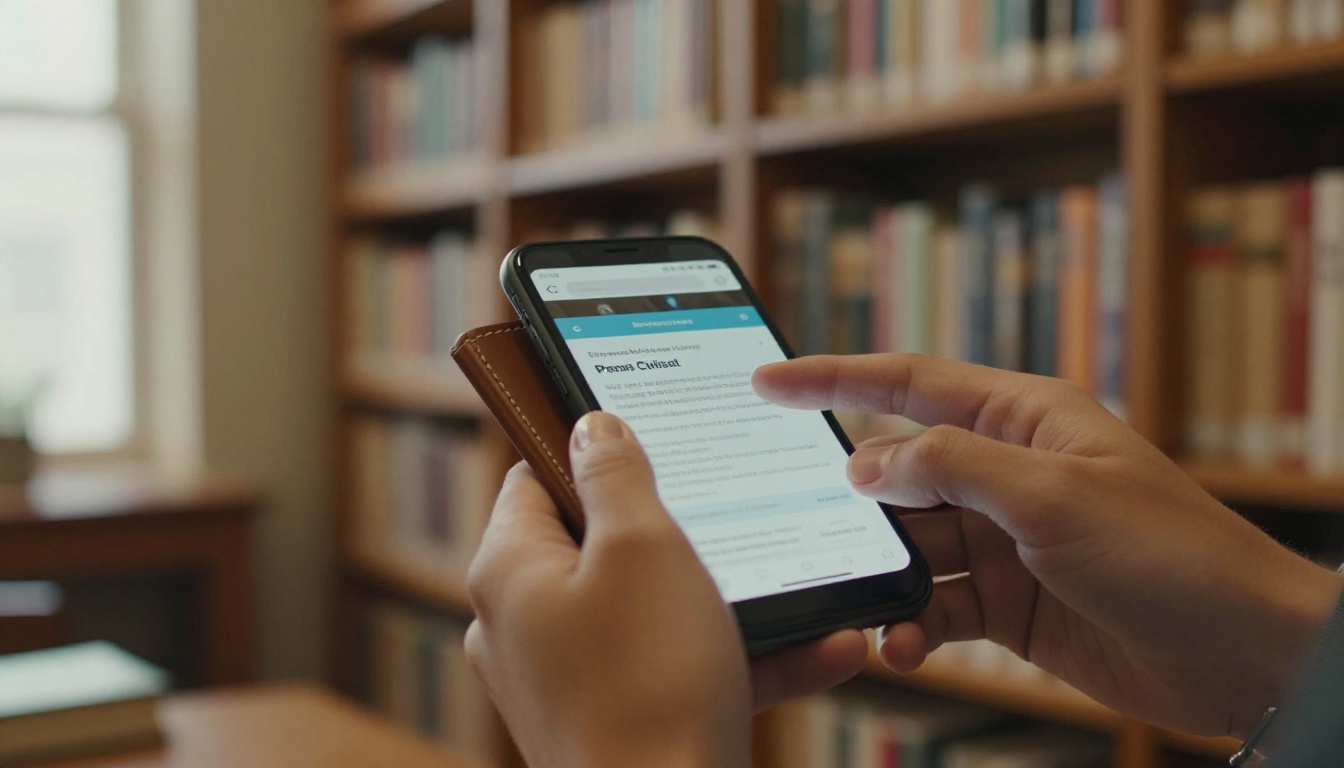
Many publishers lose mobile readers for avoidable reasons. Watch for these.
- Sending a print-sized PDF to phone users. An A4 file with 9 pt text is nearly unreadable on a small display. Create a separate mobile-friendly version.
- Auto-converting without checking. Automated PDF-to-EPUB tools often scramble tables, headers, and footnotes. Always review the output on a real phone.
- Ignoring image resolution. Oversized images slow loading and drain data. Compress them, but keep them sharp enough for retina screens.
- Forgetting navigation. Long files need a clickable table of contents. Both EPUB and PDF support this, yet many creators skip it.
- Not testing across devices. An EPUB can look different in Apple Books, Kindle apps, and Google Play Books. Test at least two.
- Assuming everyone has a reader app. A flipbook link avoids this entirely because it opens in a browser.
A quick pre-publish checklist
What Readers Really Prefer

Phone reading has grown steadily, and many people now read most of their digital text on a handset rather than a tablet or laptop. When the format fights the screen, they leave. When the format respects the screen, they stay longer and finish more.
Published reading studies consistently point to the same pattern: shorter line length, adjustable type, and minimal horizontal scrolling lead to better comprehension and less fatigue. That pattern describes EPUB's strengths precisely, and it also explains why responsive flipbooks perform well for visual content.
In practice, the best publishers rarely pick one format forever. They deliver:
- EPUB for text-driven books sold through stores.
- PDF for print-ready and official copies.
- Flipbook links for marketing, catalogs, and anything that benefits from design plus phone comfort.
Ready to Publish for Phone Readers?
So, is EPUB better than PDF for reading on phones? For text, yes, because reflowing, adjustable fonts, light files, and accessibility make it the natural fit. For layout-driven content, PDF still protects your design, but it demands too much zooming on a small screen.
If you want a PDF's polish without the pinching, get started for free on Flipbooks AI and turn your next document into a smooth mobile experience. Explore the full list of tools and templates to find the right fit, and compare pricing plans to choose what works for your goals. When you are ready to commit, the account page with pricing takes you straight to your plan.



