Your supporters open your charity magazine for about ninety seconds, and in that time a watermark, a slow page load or an ad for someone else's brand can undo a year of trust building. That is the quiet problem with many free publishing plans, and it is why so many small organizations are looking for Issuu alternatives for nonprofits that keep the spotlight on the mission. This article compares the realistic options, shows where each one fits, and walks through publishing a donor-ready issue on Flipbooks AI in under an hour.
💡 Quick answer: If you need a clean, unbranded reader, password protection for board packs, and a budget that does not grow with every issue, pick a flipbook platform with no watermarks and unlimited publications. Then check the details below before you commit.
Why Nonprofits Leave Issuu
Issuu is a well known name, and it does a lot of things well. It has a large public audience and a familiar reader. But a nonprofit magazine has different priorities from a lifestyle publisher. You are not chasing a public marketplace. You are talking to donors, volunteers, partners and funders you already have.
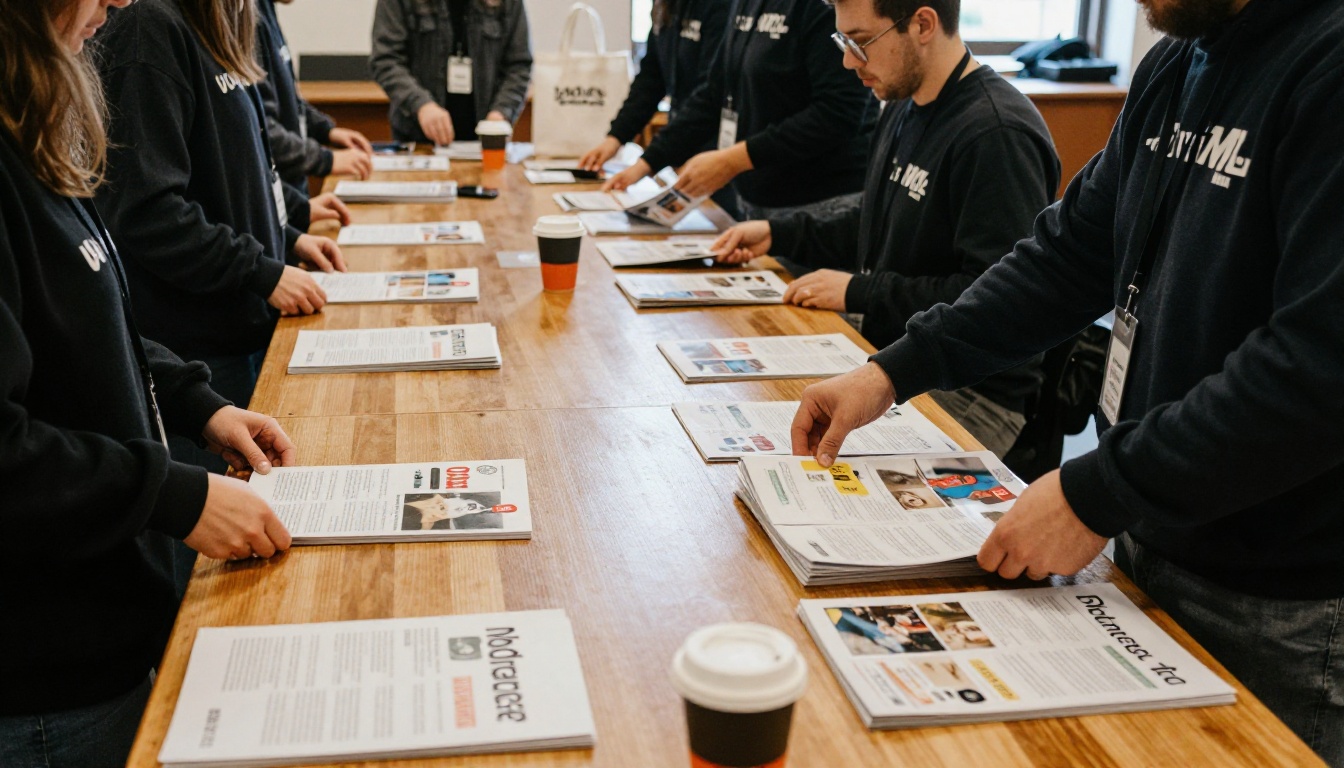
Branding and Watermarks
On many free or entry-level tiers of publishing platforms, the reader carries the platform's branding, and related-content suggestions can point readers to other publishers. For a charity, that matters. A donor reading your impact report should not be one click away from an unrelated magazine.
Cost That Grows With Output
Nonprofits publish in bursts: a spring appeal, a gala program, an annual report, a volunteer newsletter. Plans that cap the number of publications, or lock custom branding behind higher tiers, force small teams to pick which story gets a proper home.
Private Content Needs
Board packets, major donor briefings and grant reports are not meant for the open web. You need password protection and link control, not public discovery.
Before comparing tools, write down your must-haves. Most charities land on a similar list.
- No watermarks on the reader or the embed.
- Custom branding with your logo, colors and domain-friendly embedding.
- Password protection for private issues.
- Mobile-responsive reading, because most donors open emails on phones.
- Embedded video and audio, so a beneficiary story can be heard, not only read.
- Analytics to show which stories your supporters actually read.
- Offline downloads for events and low-connectivity regions.
- A predictable price that fits an annual budget line.

Who Will Read It
A volunteer in her thirties reads on a phone during a commute. A long-time donor reads on a tablet at home. A funder downloads a PDF to annotate. A good platform supports all three without three separate workflows.
Who Will Maintain It
Most nonprofit teams are one to three people. If the tool needs a designer or a developer for every issue, it will be abandoned by the second quarter. Look for upload-and-publish simplicity.
Issuu Alternatives Compared
There are several credible options. Features and pricing change often, so treat the table as a starting framework and verify current details on each vendor's site before you decide.
| Platform | Typical Strength | Typical Watch-Out for Nonprofits |
|---|
| Flipbooks AI | No watermarks, unlimited flipbooks on Standard and above, password protection | Newer name than long-established platforms |
| Issuu | Large public audience, familiar reader | Branding and discovery features may not suit private donor content |
| Flipsnack | Design tools and templates built in | Per-seat and feature tiers can add up for volunteers |
| FlippingBook | Strong business and sales focus | Pricing is geared toward companies rather than small charities |
| Heyzine | Simple conversion from PDF | Fewer built-in lead and reporting options |
| Publuu | Straightforward embeds | Check limits on publications and branding by tier |
| Canva | Great for designing the pages | Not a dedicated publication hosting platform on its own |
How to Read the Table
Look at the right-hand column first. For charities, the watch-outs matter more than the headline features, because a limitation you discover after publishing costs you donor trust.
Where Flipbooks AI Fits
Flipbooks AI turns a PDF into a page-turning flipbook with no watermarks, ever. Standard plans and above allow unlimited flipbooks, and the Professional plan adds analytics and lead generation. See the current pricing plans for specifics.

Feature Checklist for Charity Publishers
Use this second table as a scoring sheet. Mark each platform yes, partial or no, then add up the results.
| Requirement | Why It Matters to a Charity | Priority |
|---|
| No watermark | Keeps donor attention on your cause | High |
| Unlimited publications | Appeals, reports and newsletters all fit one plan | High |
| Password protection | Safe sharing of board and major donor material | High |
| Embed on your website | Keeps traffic on your own domain | High |
| Video and audio embeds | Beneficiary stories feel real | Medium |
| Analytics | Proves value to funders and trustees | Medium |
| Offline download | Works at events and in low-signal areas | Medium |
| Lead capture | Turns readers into newsletter subscribers | Medium |
Weighting Your Own Score
A small food bank may rate password protection low and embeds high. A foundation that circulates quarterly reports to trustees will reverse that. Adjust the priorities to match your audience before you compare.
⚠️ Watch out: A low entry price is not the same as a low total cost. Check what happens to your published issues if you downgrade or cancel.
Real Scenarios From the Field
Concrete examples make the choice easier. These are illustrative scenarios, not case studies of named organizations.

The Community Food Bank
A two-person team publishes a quarterly newsletter and a yearly impact report. They need a clean reader, a link to share in email, and an embed on their homepage. A tool with unlimited flipbooks and no watermark fits, and the Newsletter Flipbook Publisher is built for exactly this workflow.
The Wildlife Conservation Trust
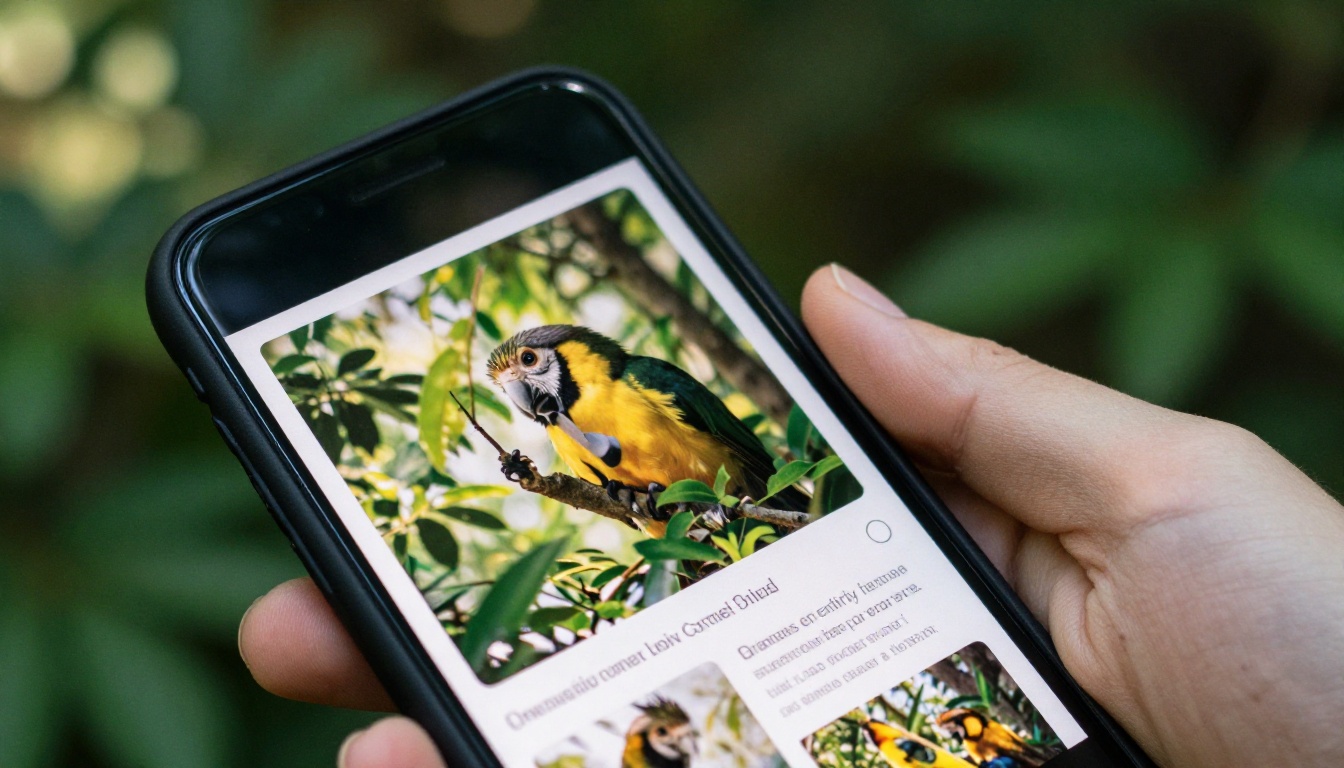
Photography is the product. They publish a glossy supporter magazine with video clips from field researchers. Embedded video and audio, plus fast mobile loading, matter more than anything else. The Magazine Flipbook Creator suits this kind of image-heavy issue.
The Regional Foundation
Trustees receive a confidential quarterly pack, while the public receives a lighter summary. Here, password protection is the deciding feature, and the Non-Profit Annual Report tool saves time on the yearly document.
The Gala Committee
Event programs are time-sensitive and rarely reused. The committee wants a quick PDF conversion, a link on a table card, and offline access in a venue with poor Wi-Fi. The Event Program Maker covers that need without a design contract.

How to Publish a Charity Magazine With Flipbooks AI
Here is the full workflow, from finished PDF to shared link. It assumes you have already designed your pages in a tool you like, such as Canva, InDesign or Word.

Step 1: Create Your Account
Go to Flipbooks AI and sign up. Review the pricing page to pick a plan that matches how many issues you publish each year.
Step 2: Upload and Convert Your PDF
Drag your magazine PDF into the dashboard. The PDF to Flipbook Converter turns each page into a turnable spread. Export your PDF at a moderate file size so pages load quickly on phones.
💡 Pro tip: Keep photo-heavy issues under a size your slowest-connected donor can open. Compress images before export, not after.
Step 3: Customize the Look
Add your logo, pick brand colors, and choose the page-turn effect. Embed beneficiary videos or a short audio message from your director directly on the relevant page.
Step 4: Set Your Sharing Rules
Choose how the issue travels:
- Direct link for emails and social posts.
- Embed code for your website, using the Embed Flipbook on Website tool.
- Password protection for board packs and major donor briefings.
- Offline download for events and funders who prefer a file.
Step 5: Track What Works
On the Professional plan, analytics and lead generation show which pages were read and who asked for more. That evidence belongs in your next grant report.
| Task | Time Needed | Who Does It |
|---|
| Upload and convert | 5 minutes | Communications lead |
| Branding and media | 15 to 20 minutes | Communications lead |
| Sharing setup | 10 minutes | Anyone on the team |
| Review and publish | 10 minutes | Director or trustee |
Cost, Privacy and Donor Trust
Money is not only about price. It is about predictability and risk.
Budget Planning
Map your annual publishing calendar first. If you release six or more items a year, a plan with unlimited flipbooks usually beats paying per publication. If you publish a single annual report, a smaller plan may be enough.
Data and Privacy
Donor information is sensitive. When you capture leads, only collect what you need, state why, and follow the rules that apply in your region. Use password protection for anything that names individuals or reports financial detail.

Accessibility
Many supporters are older, and some use screen magnifiers. Pick readable fonts, keep contrast strong, and offer a downloadable PDF alongside the flipbook so nobody is left out.
✅ Best practice: Send the flipbook link and the PDF in the same email. Donors choose what suits them, and your open rates reflect real interest.
Common Mistakes When Switching
Moving platforms is easy to get wrong when a team is stretched thin.
Breaking Old Links
Before you cancel any account, list every place your old issues are linked: emails, website pages, social bios, grant applications. Redirect or replace each one.
Skipping a Test Read
Open your published issue on a phone, a tablet and a laptop. Check that videos play, links work and the cover loads fast.
Ignoring the Archive
Past issues are proof of impact. Re-upload the best ones so a new funder can read three years of stories in one place.

The right Issuu alternative is the one that keeps your mission in front and your costs steady. Score the options with the checklist above, test one real issue, and let the results decide.
Ready to publish your next donor issue? Get started for free on Flipbooks AI, browse all flipbook tools for annual reports, newsletters and magazines, or compare pricing plans to see what fits your budget. If you are ready to go straight to a plan, sign in and choose your tier.



