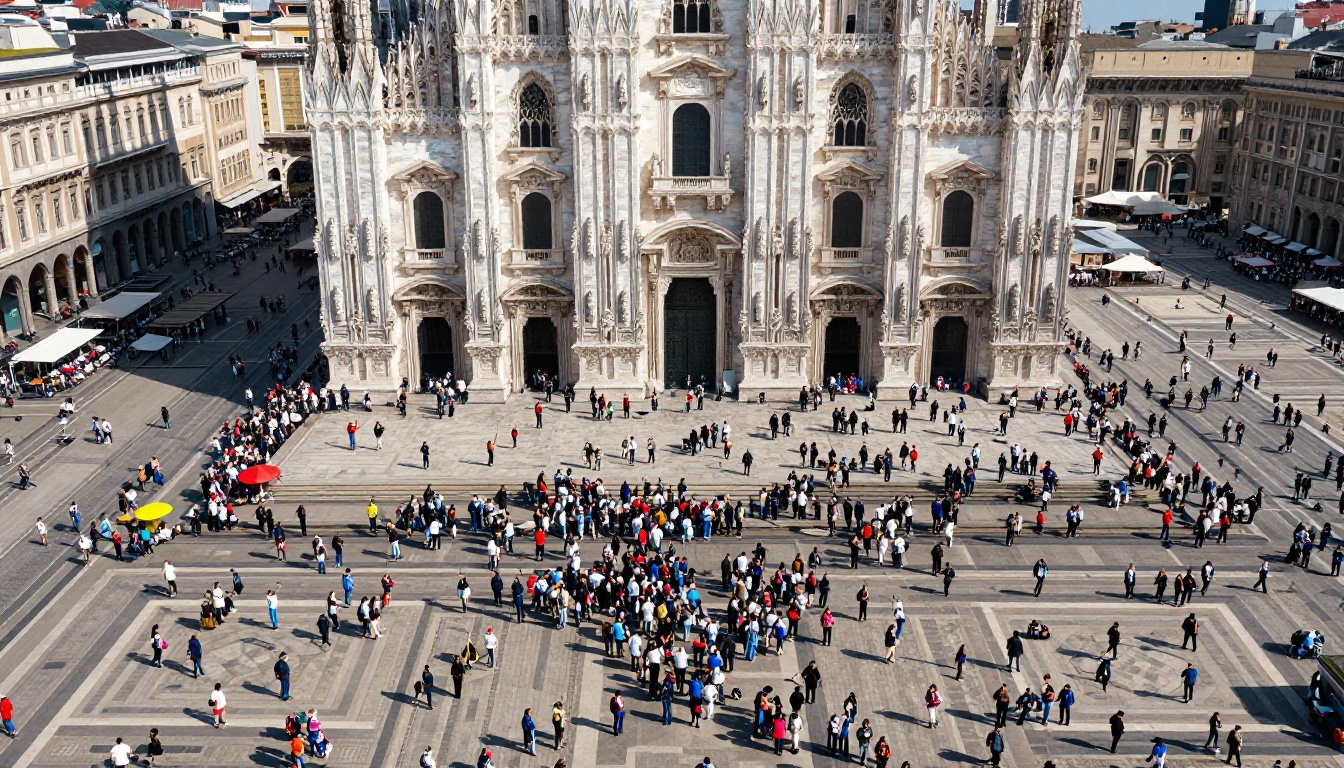
Ask any local tourism officer which square gets 80% of the foot traffic and they will answer without blinking. Ask which lanes, bakeries and viewpoints sit ten minutes away with nobody in them, and they will sigh. The gap between those two answers is a design problem, and one of the cheapest fixes is an itinerary booklet that hands visitors a better plan before they default to the same five landmarks. With Flipbooks AI you can publish that booklet as a page-turning digital edition that works on every phone.
Why Crowds Pile Up in One Place
Overtourism is rarely about too many visitors. It is about too many visitors doing the same thing at the same hour. Search results, social feeds and old printed brochures all repeat the same short list, so the crowd compounds itself.
Three forces keep visitors clustered:
- Information scarcity. People cannot choose what they have never seen.
- Fear of wasting time. A short trip feels risky, so travelers pick the safe, famous option.
- Weak local signposting. Lesser-known spots have no map pin, no photo and no story.
💡 A booklet does not fight the famous sites. It adds a second and third option that feel just as safe.
The Hidden Cost for Locals
Congested centers push up rents, wear down infrastructure and sour residents on visitors. Meanwhile, family-run shops two streets away close because nobody walks past them. Spreading footfall helps both sides.
Why Printed Maps Fall Short
A folded map shows streets, not reasons to walk them. A booklet can tell a story about a chapel, give a 20-minute route and explain what to order at the corner cafe.
What a Dispersal Booklet Contains
The strongest booklets read like a friend's advice, not an advertisement. Each page answers a simple question: what do I do next, and how long will it take?
| Section | Purpose | Example |
|---|
| Half-day routes | Give a ready plan | Old tannery district and river steps, 3 hours |
| Time-of-day tips | Shift visits away from peak hours | Cathedral at 8 a.m., market at 11 a.m. |
| Local voices | Build trust | A baker explaining the morning bread rush |
| Mini maps | Reduce navigation worry | Walking times between each stop |
| Getting around | Link to buses, trails, bike hire | Hourly bus 14 to the hill village |
| Etiquette notes | Protect residents | Quiet hours, where to leave bags |
Lead With the Famous Spot
Do not pretend the landmark does not exist. Start each route with a brief nod to it, then branch. Visitors feel they are still seeing the highlight, only with a quieter companion stop.
Use Real Photography
Pages with true-to-life photos beat illustrations because visitors can recognize the place when they arrive. A shot of the bakery door tells them they are in the right street.

Route Ideas That Actually Redirect People
The best routes pair a reason with a reward. Here are formats that work across coastal towns, mountain regions and city districts.
- The market morning. Start at a neighborhood food market, finish at a bakery. Reward: a tasting list.
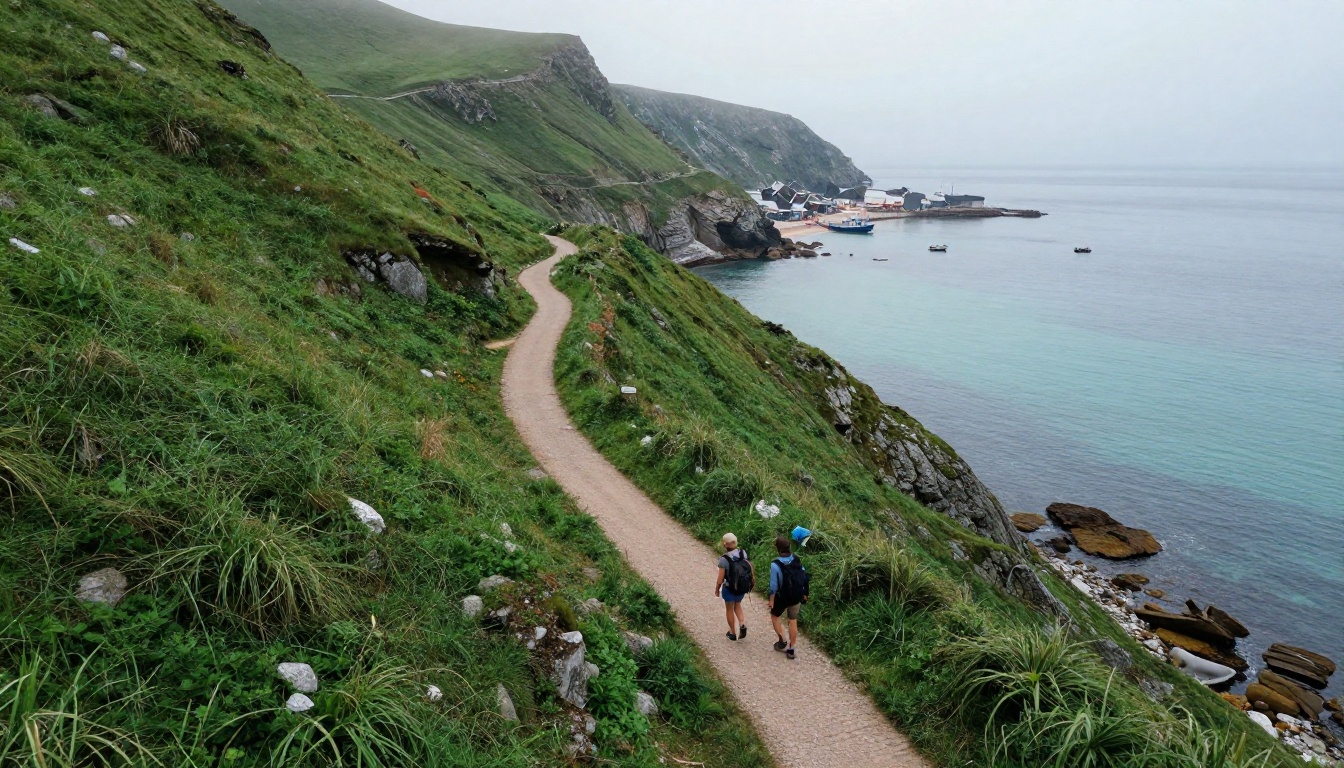
- The ridge walk. A trail with views as good as the main viewpoint but half the people.
- The craft trail. Five workshops within walking distance, with opening hours.
- The sunset alternative. Three places to watch the sun go down that are not the postcard terrace.
- The rainy day plan. Small museums, covered passages and cafes.

Example: A Hillside Coastal Town
A town of 12,000 residents receives most visitors on one harbor promenade. Its tourism office creates a 24-page booklet with four routes. Two of them end in villages along the coast path. Within one season, side-village cafes report busier lunch services, while the promenade sees steadier, less spiky crowds.
Example: A Capital City District
A city agency publishes a booklet for a neglected district beyond the old center. It pairs each stop with a metro line and a five-minute walk. Walking times matter more than adjectives, because they remove the fear of getting lost.
✅ Always print walking time, not distance. Visitors think in minutes.
Print, Digital or Both
Printed booklets still win at hotel desks, ferry terminals and tourist offices. Digital editions win everywhere else, since they can be updated, linked and shared before the trip begins. Most destinations need both.
| Format | Strengths | Weaknesses |
|---|
| Printed only | Tangible, good at desks | Costly to reprint, no analytics |
| PDF only | Cheap to share | Awkward on phones, flat reading |
| Flipbook | Page-turn feel, links, video, tracking | Needs a stable connection or offline copy |
| Print plus flipbook | Reach at every touchpoint | Two files to maintain |
A flipbook is the sweet spot because one source PDF drives both outputs. You export for print, then convert the same file for the web and add links, embedded video and audio clips of local musicians.
How to Build the Booklet With Flipbooks AI
If you already have a layout in a design tool, you are minutes away from a published edition. Here is the workflow.
- Create your account. Sign up on Flipbooks AI and open your dashboard.
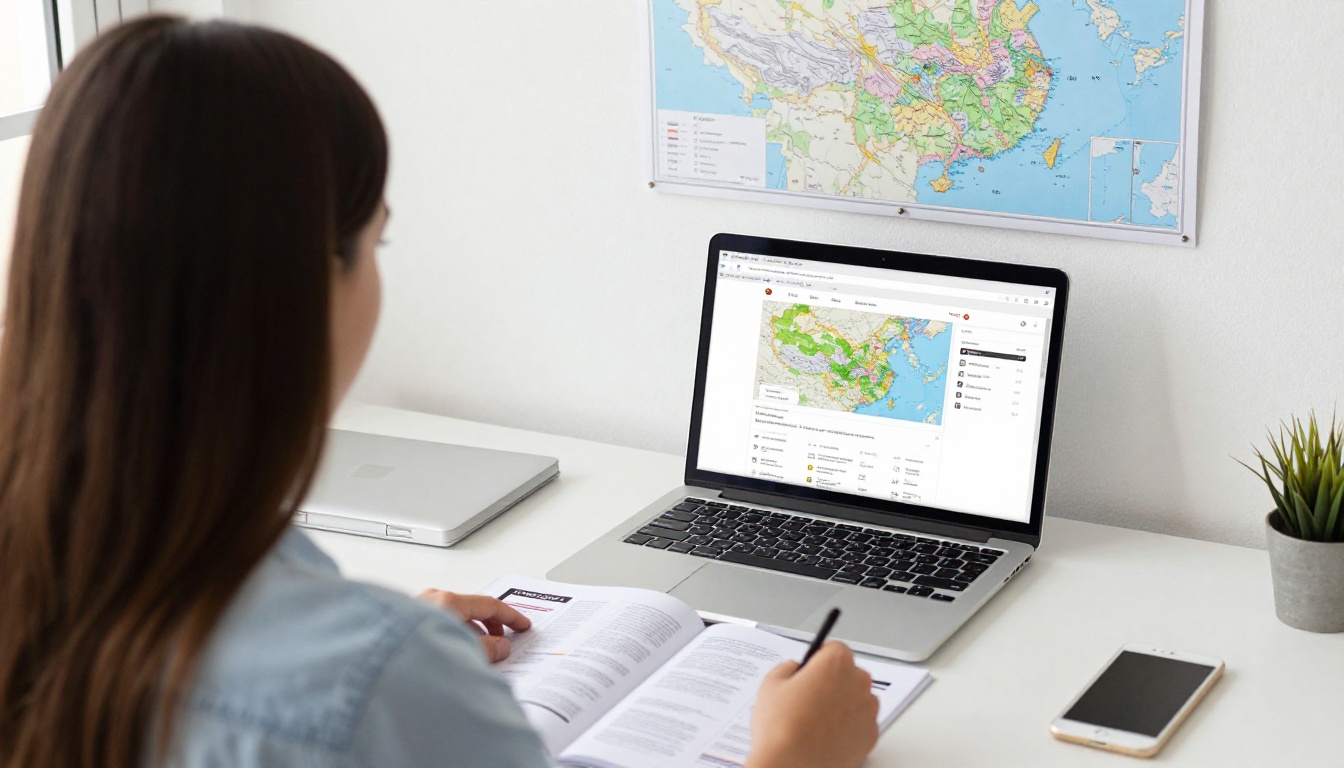
- Upload the PDF. Drop in your booklet file. The PDF to Flipbook Converter keeps your fonts, images and page order intact.
- Apply your branding. Set colors, a logo and the page-turn effect so the edition looks like your destination, not a generic template. The Brochure Flipbook Maker and the Online Brochure Designer are useful starting points.
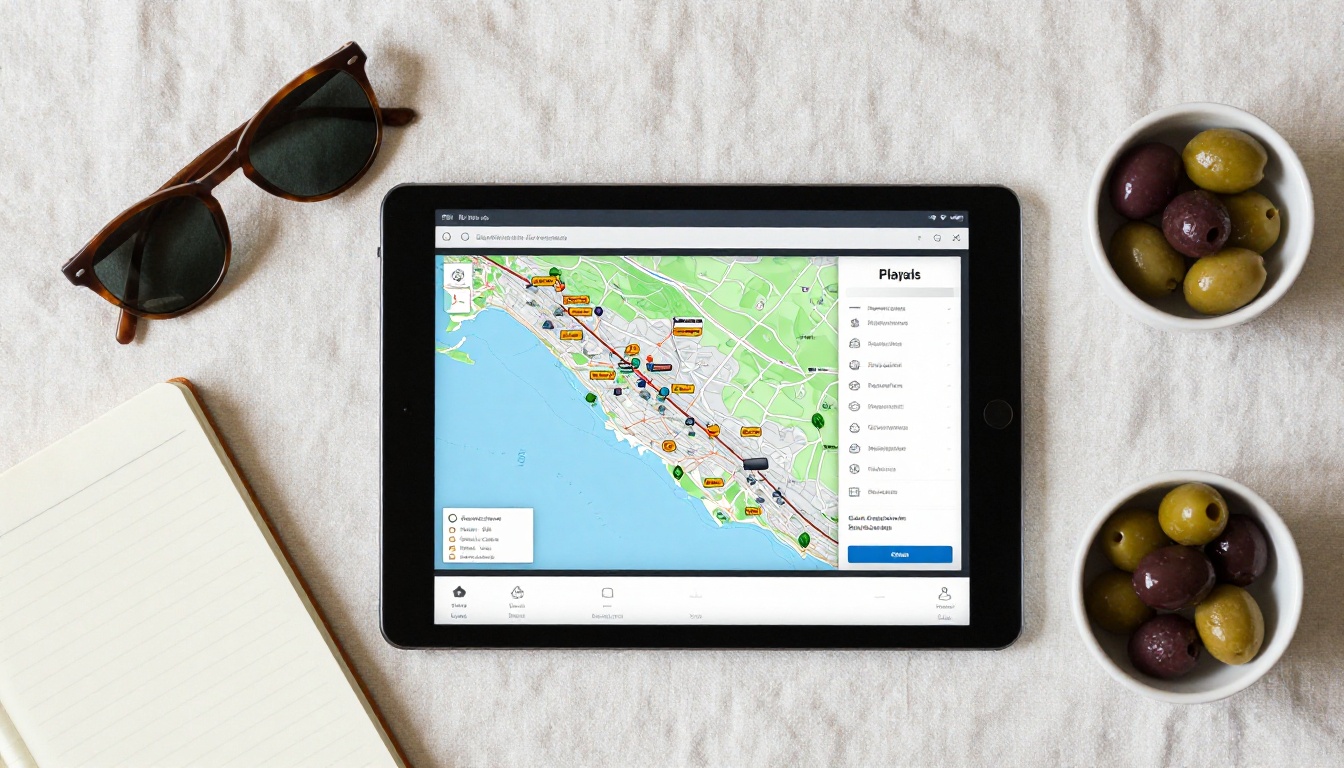
- Add links and media. Turn each stop into a tappable map pin, add a short clip of a local guide talking, or embed a bus timetable.
- Choose sharing options. Copy a direct link for QR codes, grab an embed code for your website with the Embed Flipbook on Website tool, or use password protection for partner-only editions.
- Publish and track. With the Professional plan you get analytics and lead generation. See the pricing plans for details.
There are no watermarks on any plan, and flipbooks are mobile-responsive, so the same link works on a small phone screen on a trail. Offline downloads help visitors in areas with weak signal.
💡 Print a QR code on a sticker for café tables and ferry seats. Visitors scan once and the booklet is in their pocket.
Tools That Fit Tourism Teams
Layout Rules That Move People
Good dispersal depends on page design as much as on route choice. Visitors skim, so each spread must work in five seconds.
- Put a photo, a title and a time on every route card.
- Keep paragraphs under 50 words.
- Use one accent color for "quiet alternative" stops, so they are easy to spot.
- Show a map on every second spread.
- End each route with an obvious next step, such as lunch or a bus stop.
Cut the Fluff
Avoid phrases such as "hidden gem" or "off the beaten path." Visitors have seen them a thousand times. Describe the thing itself: "A 14th-century washhouse where neighbors still rinse laundry on Fridays."
Write for Local Pride
Ask residents to review the text. If they would not recommend the place to a friend, remove it. A booklet that locals respect gets passed along.
Getting Hotels and Shops on Board
A booklet works only if people see it. Distribution is half the project.
| Partner | Where the booklet appears | What they gain |
|---|
| Hotels and rentals | Front desk, room QR card | Happier guests |
| Cafes and bakeries | Table stickers | New customers |
| Ferry and bus operators | Seat-back QR | Smoother loads |
| Tour operators | Pre-trip email | Better reviews |
The receptionist is your strongest channel. A guest who hears "try this route, it's quieter" from a person trusts it more than any sign.
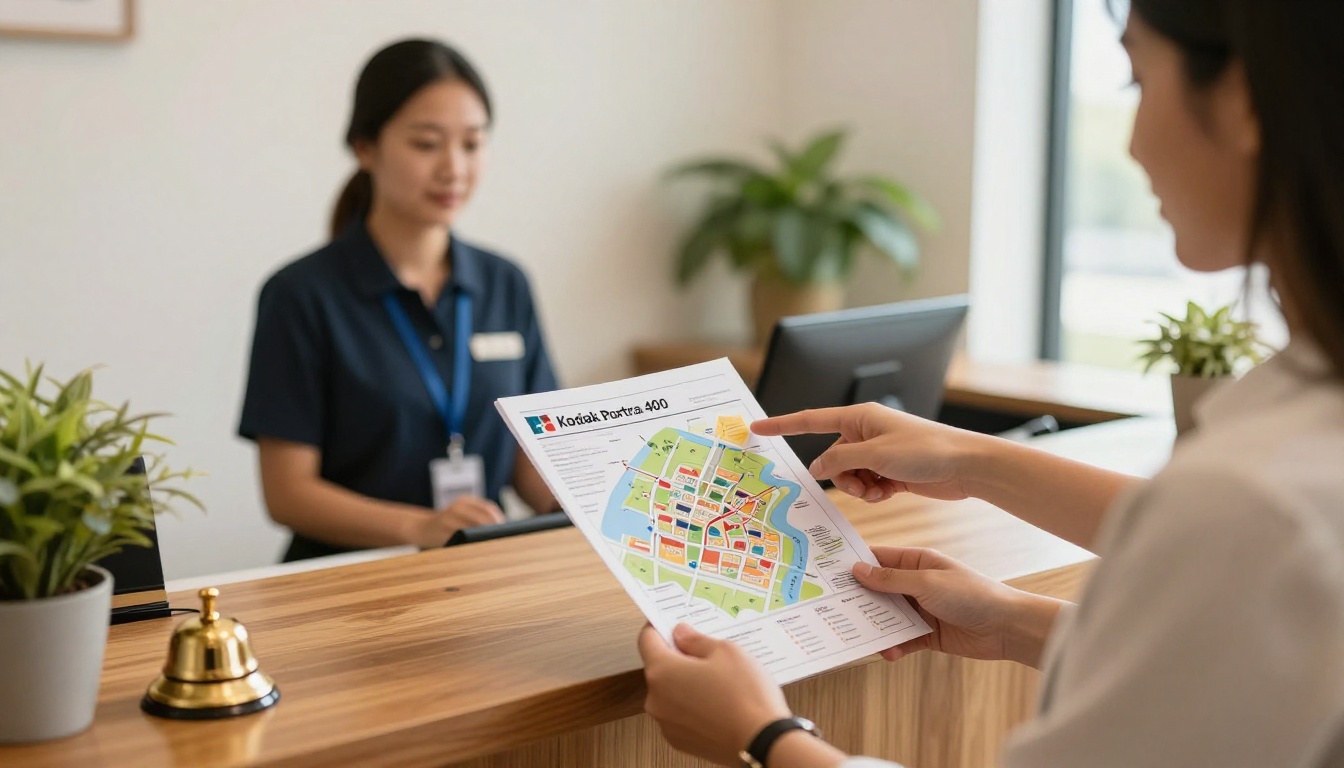
Share Early
Send the digital edition in booking confirmations. Visitors who plan around quiet routes before arriving are far likelier to follow them than people who see a leaflet on day three.
Keep One Master Link
Use a single flipbook link everywhere, then update the file when opening hours change. Every QR code on every sticker keeps working.
Measuring Whether It Works
Without numbers, a booklet is a hope. Pick three or four metrics before launch.
- Reads and page views. Which routes get opened most?
- Link clicks. Which stops do visitors tap for directions?
- Partner feedback. Do side-village businesses report new customers?
- Footfall counts. Compare sensor or ticket data at the main landmark across peak hours.
- Visitor comments. Short surveys at departure points.
⚠️ Do not count success by total downloads. A booklet opened ten thousand times but never followed has not moved anyone.
Iterate Each Season
Read the stats after each month. Retire routes nobody opens, expand the favorites, and add seasonal pages for harvest festivals or snow conditions. The Digital Portfolio Creator can also help showcase photography contributed by local residents.
Common Mistakes to Avoid
- Too many routes. Four strong ones beat fifteen weak ones.
- No timing information. Visitors need to know how long it takes.
- Ignoring residents. Keep noise and privacy notes front and center.
- Letting the file go stale. Old opening hours destroy trust.
- Hiding the booklet. Place the link where visitors already look: booking pages and ticket confirmations.
A small bakery in a side street can fill its morning queue simply because one page of a booklet told visitors the bread comes out at 7:30.

Your Next Step
Choose one crowded landmark and three quiet places within a 20-minute walk. Write the route, take honest photos, and publish it. Get started for free on Flipbooks AI, browse all flipbook tools, or compare pricing plans to pick what suits your team.
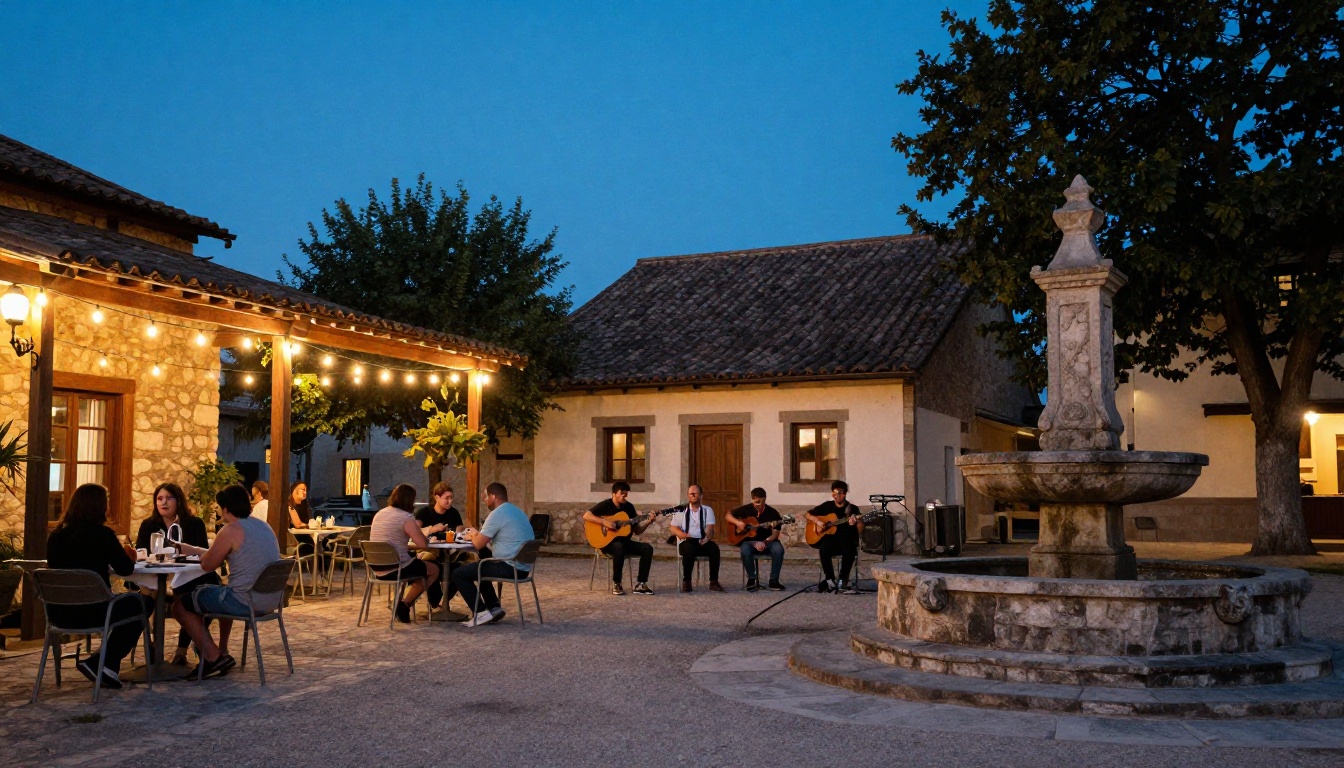
By dusk, the village square that nobody visited last year might have musicians, tables of visitors and a line at the fountain, all because a small booklet gave people a reason to turn the page.