You have a magazine to publish, a deadline, and two tabs open: Joomag and Flipsnack. Both turn pages into something readers can flip through on a screen, yet they feel very different once you start working inside them. This comparison breaks down what each editor does well, where each one slows you down, and when a PDF-first tool such as Flipbooks AI is the faster route to a finished issue.

The Short Answer
If you want to build a magazine from scratch inside the browser, Joomag leans toward a publishing platform with a built-in design editor, a digital newsstand, and subscription features. If you want a flexible design tool plus fast flipbook output, Flipsnack leans toward a template-driven designer with strong branding controls and team features.
Neither one is "better" for everyone. The right pick depends on three things:
- Where your layouts are designed (inside the tool or in InDesign, Canva, Affinity)
- Whether you need to sell or gate issues
- How many people touch each issue
💡 Pro tip: Write down your last three issues' workflow before you compare tools. The best editor is the one that removes the slowest step you already have.
Joomag vs Flipsnack at a Glance
| Feature | Joomag | Flipsnack |
|---|
| Core identity | Digital publishing platform | Online design and flipbook maker |
| Built-in page editor | Yes, magazine focused | Yes, template and design focused |
| PDF upload | Supported | Supported |
| Templates | Magazine and brochure layouts | Large template library across formats |
| Interactivity | Links, video, audio, forms | Links, video, shopping tags, GIFs |
| Selling issues | Subscriptions and paywalls | Possible via links and integrations |
| Analytics | Reader stats per issue | Stats and lead tools on higher tiers |
| Team workflow | Roles and collaboration | Shared workspaces and brand kits |
| Best for | Recurring periodicals | Marketing collateral and catalogs |
Treat the table as a starting map. Plan names, limits and prices change often, so confirm details on each vendor's pricing page before you commit.
Editors Compared Head to Head
How Joomag's Editor Feels
Joomag's editor is built around the idea of an issue. You create a publication, add issues to it, and each issue becomes a page in a library your readers can browse. Layout tools are comfortable if you think in columns, spreads and article blocks.
Strengths that publishers mention often:
- A publication-first structure that keeps back issues organized
- Interactive elements such as embedded video, audio and forms
- A reader app and newsstand-style presence
- Paywall and subscription options for paid periodicals
Common friction points:
- The learning curve is steeper if you only wanted to convert a PDF
- Design freedom can feel narrower than a dedicated design suite
- Some features sit behind higher plans
How Flipsnack's Editor Feels
Flipsnack feels closer to a design app. You start from a template, drag elements around, swap fonts, and apply brand colors saved in a kit. It also accepts PDFs, so teams that design elsewhere can skip the editor.
Strengths:
- Big template library that shortens the blank-page problem
- Brand kits that keep colors, logos and fonts consistent across issues
- Interactive layers such as video, links and product tags
- Shared workspaces for approvals
Common friction points:
- Magazine-specific publishing features (like deep subscription logic) are lighter
- Template-heavy workflows can make issues look alike if you never customize
- Analytics depth depends on the plan you choose
Design Freedom and Templates
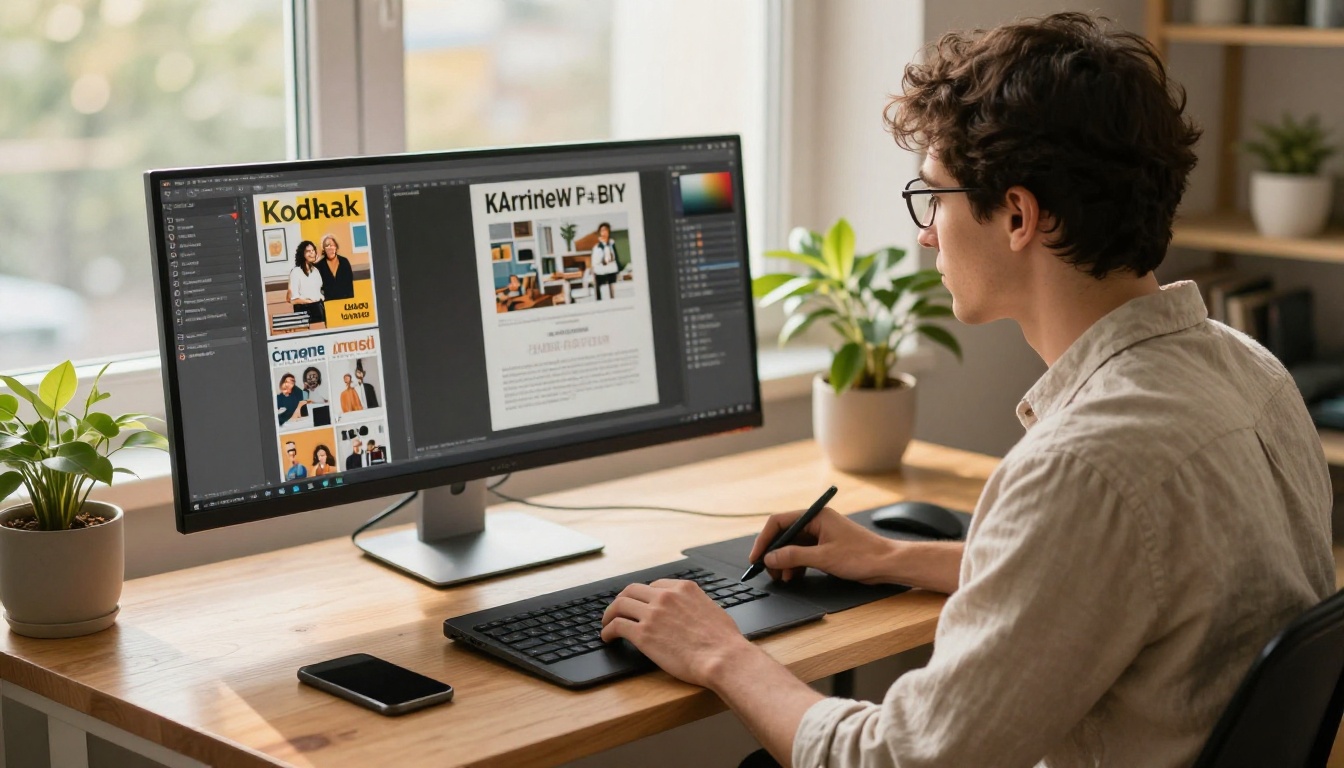
Magazines live or die on layout. A weak grid makes even strong writing feel cheap, so the design side matters more than most feature lists admit.
Built-In Layout Tools
Both platforms offer text boxes, image frames, shapes and basic typography controls. Neither replaces a professional layout program for complex editorial design. Expect to hit limits with:
- Advanced kerning and baseline grids
- Detailed text wrapping around irregular shapes
- Print-ready bleed and color management
For a polished editorial look, many magazine teams design in InDesign or Affinity Publisher, export a PDF, and use the flipbook tool only for presentation.
Template Quality
Flipsnack's wider template range helps small teams that produce lookbooks, catalogs and newsletters alongside the magazine. Joomag's templates skew toward periodicals, which helps if every project is an issue.
| Need | Better fit |
|---|
| Fast first draft from a template | Flipsnack |
| Periodical structure with issue library | Joomag |
| Editing a finished PDF layout | Either, plus PDF-first tools |
| Brand consistency across many formats | Flipsnack |
⚠️ Watch out: Templates speed up the first hour, but they can also lock you into a look. Change at least the typography and color palette so your issue does not resemble every other one on the web.
Interactivity and Reader Experience
Readers judge a digital magazine in seconds. Page flip speed, mobile behavior and clean navigation matter more than a long list of widgets.
What Readers Notice First
- Load time on a phone connection
- Zoom and text legibility on small screens
- Table of contents links that jump to the right page
- Video and audio that start only when tapped

Joomag has a reader environment aimed at subscribers, which suits loyal audiences who return every month. Flipsnack focuses on embeddable flipbooks and shareable links, which suits campaigns and marketing readers who arrive from a single click.
Interactive Elements Side by Side
| Element | Joomag | Flipsnack |
|---|
| Embedded video | Yes | Yes |
| Audio | Yes | Yes |
| Clickable links | Yes | Yes |
| Shopping or product tags | Limited | Stronger |
| Forms and lead capture | Yes | Plan dependent |
| Slideshows and GIFs | Yes | Yes |
✅ Best practice: Use interactivity with purpose. A single well-placed video beats ten animated buttons that slow every page.
Analytics, Leads and Monetization
A magazine that nobody measures is a magazine you cannot improve.
Reader Analytics
Both tools report views and reader behavior. Look for these metrics when you compare plans:
- Total views and unique readers
- Time spent per page
- Link clicks and video plays
- Traffic sources and devices
- Download counts

Selling or Gating Content
Joomag is the stronger story for paid periodicals, with subscription and paywall options built around the issue library. Flipsnack suits lead generation: gate a download behind a form, send the lead to your CRM, and track which page convinced them.
A regional lifestyle magazine that sells annual subscriptions will lean toward Joomag. A fashion brand that publishes a seasonal lookbook to drive store traffic will lean toward Flipsnack.
Pricing Logic Without the Guesswork
Exact prices change, so focus on how each vendor structures limits instead of memorizing numbers.
| Pricing factor | What to check |
|---|
| Number of publications | Per issue or per account caps |
| Watermarks | Which plans remove branding |
| Storage and page counts | Limits on pages per document |
| Seats | Cost of adding editors |
| Analytics | Basic stats versus detailed reports |
| Custom domains | Required for a professional look |
| Downloads | Offline or PDF download rights |

Hidden Costs to Watch
- Watermark removal locked to a higher tier
- Seat fees that multiply once an editor and a designer both need access
- Annual billing that looks cheap per month but demands a large upfront payment
- Add-ons for custom domains or white labeling
Run the numbers for a full year of issues, not for one month. A twelve issue magazine with three collaborators can cost twice what the headline price suggests.
Real Workflows for Real Publishers
The Monthly Lifestyle Magazine
A small team designs in InDesign, exports a PDF, and wants a polished online edition within an hour. They need a library of back issues and a clean share link. Joomag fits the periodical structure, though a PDF-first flipbook tool will be quicker if there are no paywalls involved.
The Brand Lookbook
A clothing label produces four lookbooks a year. They want shoppable tags and consistent branding. Flipsnack's brand kits and product tagging match that need.
The Association Newsletter
A nonprofit sends a quarterly digital magazine to members. Budgets are tight, and nobody on staff is a designer. A template library helps, and a PDF upload keeps volunteers productive.

Plenty of publishers already finished their layout. For them, an editor is a detour. What they need is a clean conversion that keeps the design intact and adds only what matters: page flip, links, sharing and analytics.
That is where Flipbooks AI fits. You upload a PDF and receive a mobile-responsive flipbook with no watermarks. Plans from Standard upward allow unlimited flipbooks, and the Professional plan adds analytics and lead generation. Check the pricing page for current details.
Useful tools for magazine publishers:
How to Create a Magazine Flipbook with Flipbooks AI
Here is the quick path from finished PDF to shareable issue.
Step by Step
- Create your account. Go to Flipbooks AI and sign up.
- Upload your PDF. Drag your exported magazine into the PDF to Flipbook Converter. Conversion keeps fonts, images and page order intact.
- Customize the look. Add your logo, pick background colors, and choose page turn effects. Drop in video or audio where it adds value.
- Set sharing options. Copy a direct link, grab an embed code for your site with the Embed Flipbook on Website tool, or add password protection for members only issues.
- Track and refine. On the Professional plan, use analytics and lead generation to see which pages hold attention. Enable offline downloads for readers on the move.
💡 Pro tip: Export your PDF with compressed images at around 150 dpi for screen reading. Files load faster and conversions finish sooner.
Feature Checklist
- ✅ No watermarks, ever
- ✅ Unlimited flipbooks on Standard and above
- ✅ Password protection for private issues
- ✅ Embedded video and audio
- ✅ Mobile-responsive design
- ✅ Custom branding
Three-Way Comparison
| Criteria | Joomag | Flipsnack | Flipbooks AI |
|---|
| Starts from | Built-in editor or PDF | Templates or PDF | PDF upload |
| Speed to publish | Moderate | Moderate to fast | Fast |
| Subscription features | Strong | Lighter | Password protection |
| Brand kits | Basic | Strong | Custom branding |
| Watermark-free | Plan dependent | Plan dependent | Always |
| Best for | Paid periodicals | Marketing collateral | Finished PDF layouts |
Common Mistakes When Choosing
- Buying for features you never use. Paywalls matter only if you sell issues.
- Skipping a trial issue. Publish one real issue before signing an annual plan.
- Ignoring mobile. Most readers open links on a phone. Test every page there.
- Forgetting exports. Check whether you can download your content if you switch tools later.
- Overlooking team seats. Count every person who edits, approves or reports.

Quick Decision Checklist
Pick Joomag if:
- You publish recurring issues and want a library
- You plan to sell subscriptions
- You prefer building layouts inside the platform
Pick Flipsnack if:
- You produce many formats beyond magazines
- Brand consistency and templates matter most
- You want shoppable or lead-focused flipbooks
Pick a PDF-first tool if:
- Your layout is already done elsewhere
- You want a fast, watermark-free result
- You need simple sharing, embeds and analytics
Your Next Issue
Test before you commit. Take your most recent PDF, run it through each option, and time how long it takes to reach a share link you would be proud to send. The tool that gets you there with the least friction is the one that suits your magazine.
Ready to publish? Get started for free on Flipbooks AI, browse all flipbook tools, or compare pricing plans to choose what works for you. When you are ready to go live, finish with the account and pricing flow.



