A family walks in, the kids are already restless, and the first thing the server hands over decides whether the next hour is calm or chaotic. That piece of paper is your kids menu. A good kids menu template restaurants can print or share online gives children something to choose, color and enjoy, and gives parents a fast, clear way to order. If you want one that works on paper and on a phone screen, a tool like Flipbooks AI lets you build it once and publish it both ways.
This article walks through what belongs on a children's menu, how to lay it out, how to price it, and how to turn a single PDF into a printable sheet and a shareable digital page. Every section includes examples you can copy this week.
Families order more than food. They order time. A table with children stays longer, spends on drinks and desserts, and returns when the visit went smoothly.
Parents Choose Places That Plan for Kids
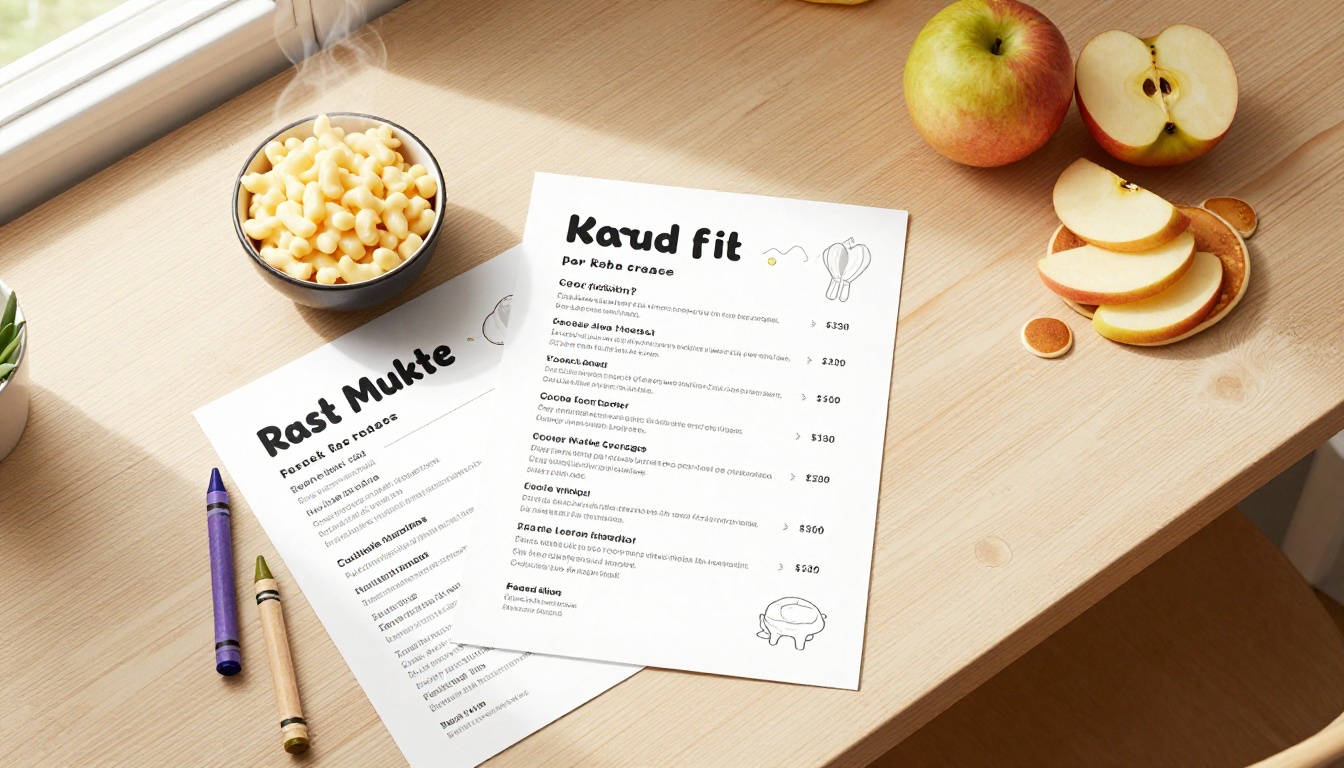
When a parent searches for a restaurant, they look for signs that children are welcome. A dedicated menu is the clearest sign. It says smaller portions, simple flavors and no awkward negotiation with the kitchen.
Faster Ordering Means Calmer Tables
Children decide quickly when options are visual and short. Six to eight dishes are plenty. A restaurant that hands over a clean one page menu often sees the order placed within two minutes instead of ten.
A Printable Format Doubles as Entertainment
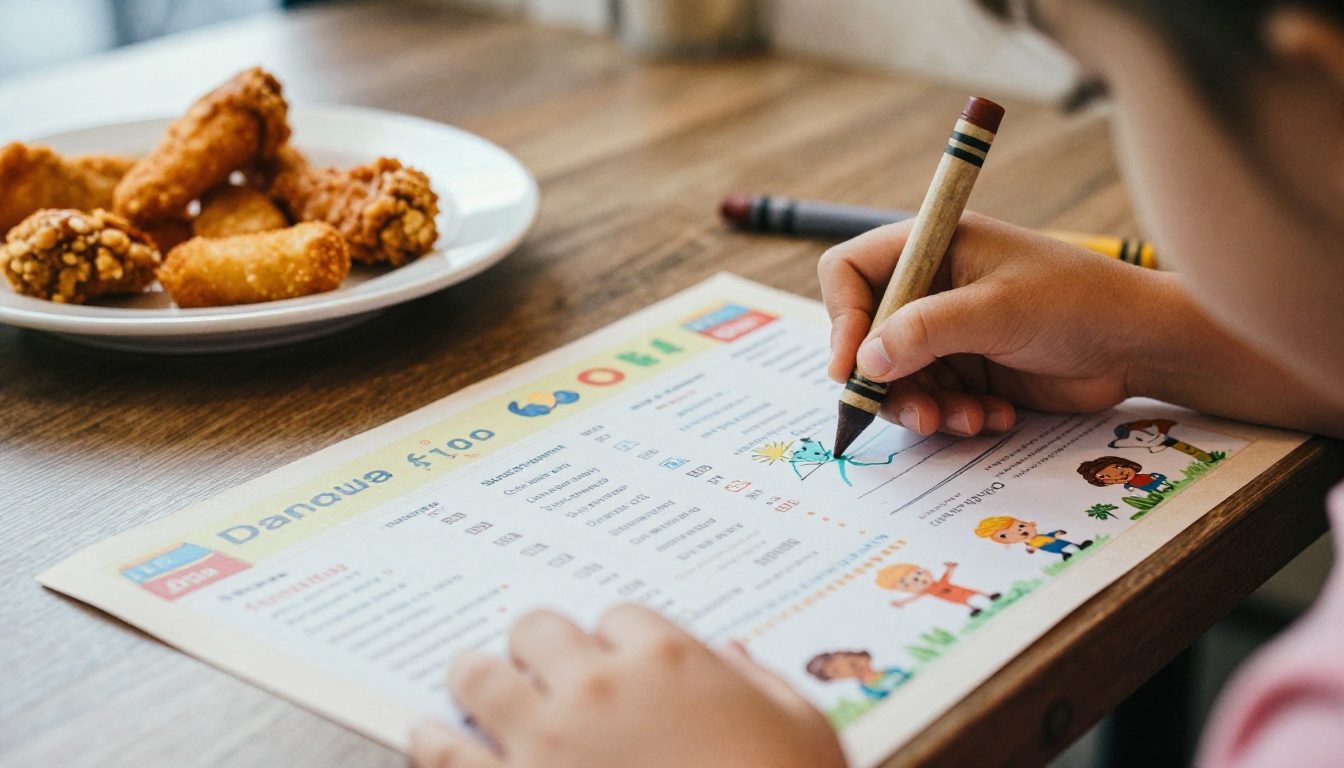
A menu with a puzzle, a maze or a coloring area keeps small hands busy until the food arrives. That is the reason many owners print the kids menu as a placemat rather than a plain list.
💡 Pro tip: Add a small activity on every kids menu, even a simple connect the dots. It costs nothing to print and prevents the dreaded "I'm bored" before the starters land.
The best children's menus are short, familiar and flexible. They avoid long descriptions and focus on dishes children already recognize.
Core Sections to Include
Keep the structure predictable so parents can scan it in seconds:
- Mains: chicken tenders, mini burgers, pasta with butter or tomato sauce, grilled cheese, cheese quesadilla
- Sides: fries, steamed vegetables, fruit cup, mashed potatoes, corn
- Drinks: milk, juice, lemonade, water with a fun straw
- Sweet endings: a scoop of ice cream, a small brownie, fruit with yogurt
- Allergen notes: a clear line for nuts, dairy, gluten and eggs
Portion and Price Sizing
Most restaurants price kids dishes between 40 and 60 percent of the adult equivalent. A combo that includes a main, a side and a drink makes pricing simple and lifts the average check.
| Menu Item | Typical Price Range | Best Format on Menu |
|---|
| Chicken tenders and fries | $7 to $10 | Combo with drink |
| Mini cheeseburger | $8 to $11 | Combo with side choice |
| Buttered pasta | $6 to $9 | Single dish, add protein |
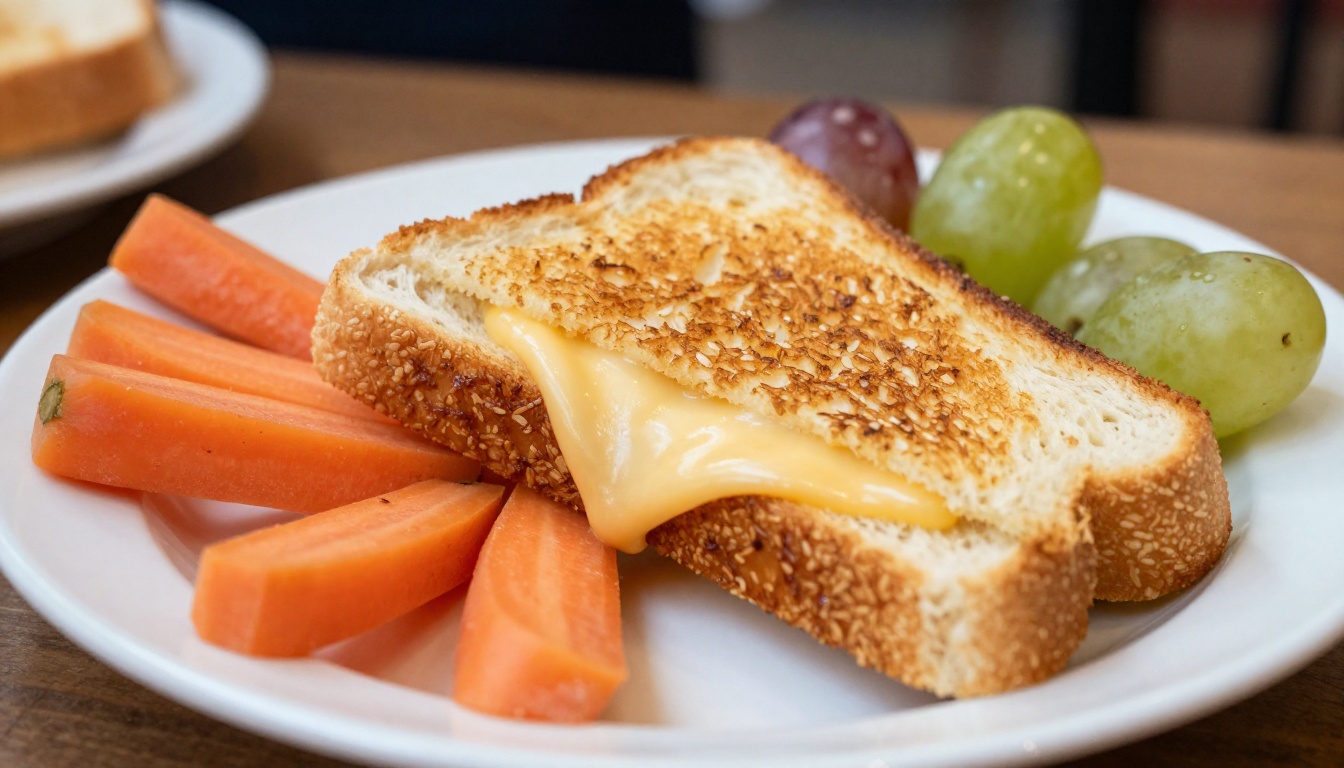
| Grilled cheese triangles | $6 to $8 | Combo with fruit |
| Ice cream scoop | $2 to $4 | Add on at the end |
Healthy Options Parents Notice
Parents scan for vegetables and fruit. Offering carrot sticks, apple slices or steamed broccoli as a side swap quietly builds trust. You do not need a separate healthy section. Just make the better choice easy to pick.
Design Rules That Keep It Simple
A children's menu is read by two audiences at once: a child who looks at pictures and a parent who reads prices and ingredients. Design for both.
Typography and Color
Use one rounded, friendly font for headings and one clean sans serif for dish names. Keep body text at 12 points or larger. Pick two or three bright accent colors that match your brand and let plenty of white space breathe between sections.
Illustrations and Photography
Simple icons beside each dish help non readers choose. Real food photos also work well, as long as the plate on the picture looks like the plate that arrives. Overpromising on a photo is the fastest way to disappoint a five year old.
Print Size and Material
For printed copies, these are the sizes restaurants use most:
| Format | Size | Best Use |
|---|
| Single sheet placemat | 11 x 17 inches | Casual dining, coloring area |
| Folded card | 8.5 x 11 inches folded | Mid range restaurants |
| Laminated card | 5.5 x 8.5 inches | Reusable, easy to wipe |
| Digital flipbook | Responsive | Phones, tablets, QR links |
⚠️ Warning: Always test your print file on a real sheet. Colors on a screen look brighter than ink on paper, and small text can blur on cheaper stock.
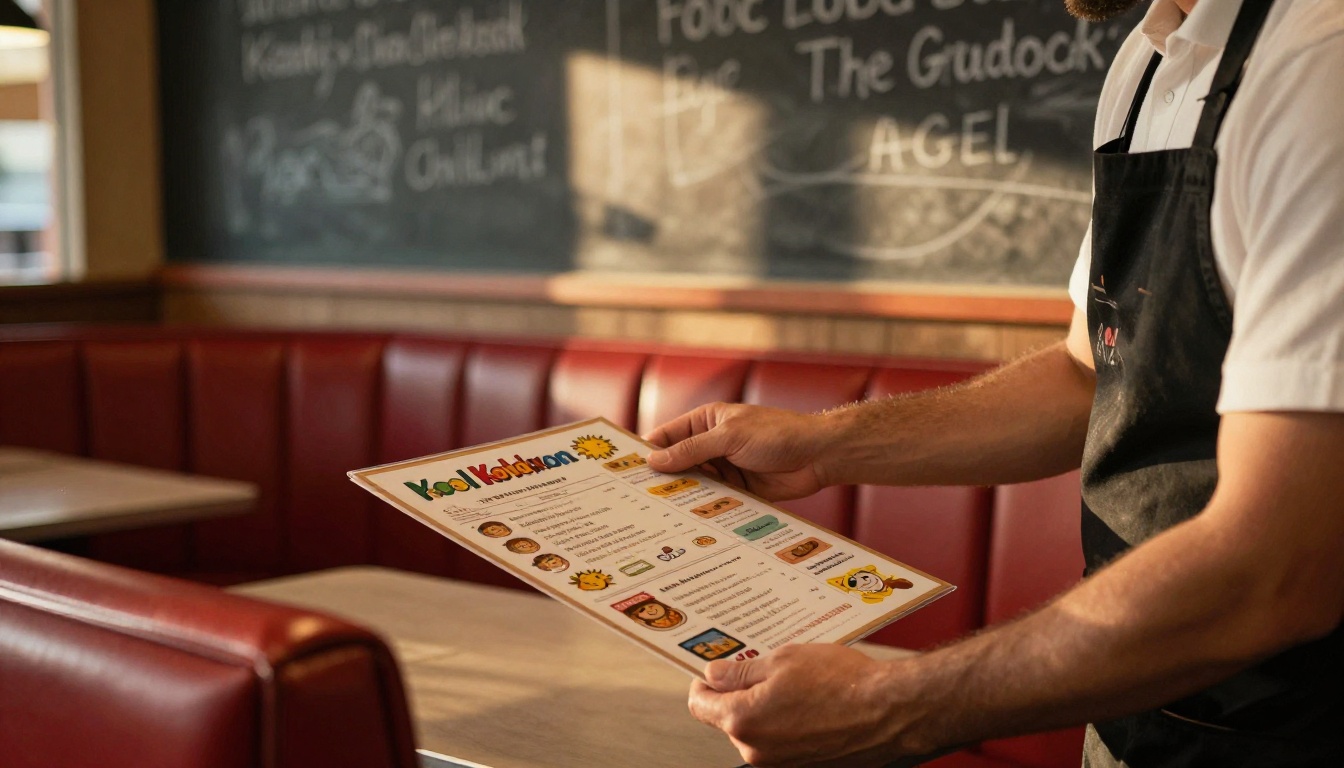
Paper is still the favorite format at the table. Children love holding something, and a printed menu doubles as an activity sheet.
Choose the Right Paper
Matte paper at 80 to 100 lb takes crayons better than glossy stock. For menus you will reuse, laminate them or use a wipeable synthetic paper. Disposable placemats cost a few cents each and remove any cleaning step.
Print In-House or Order Online
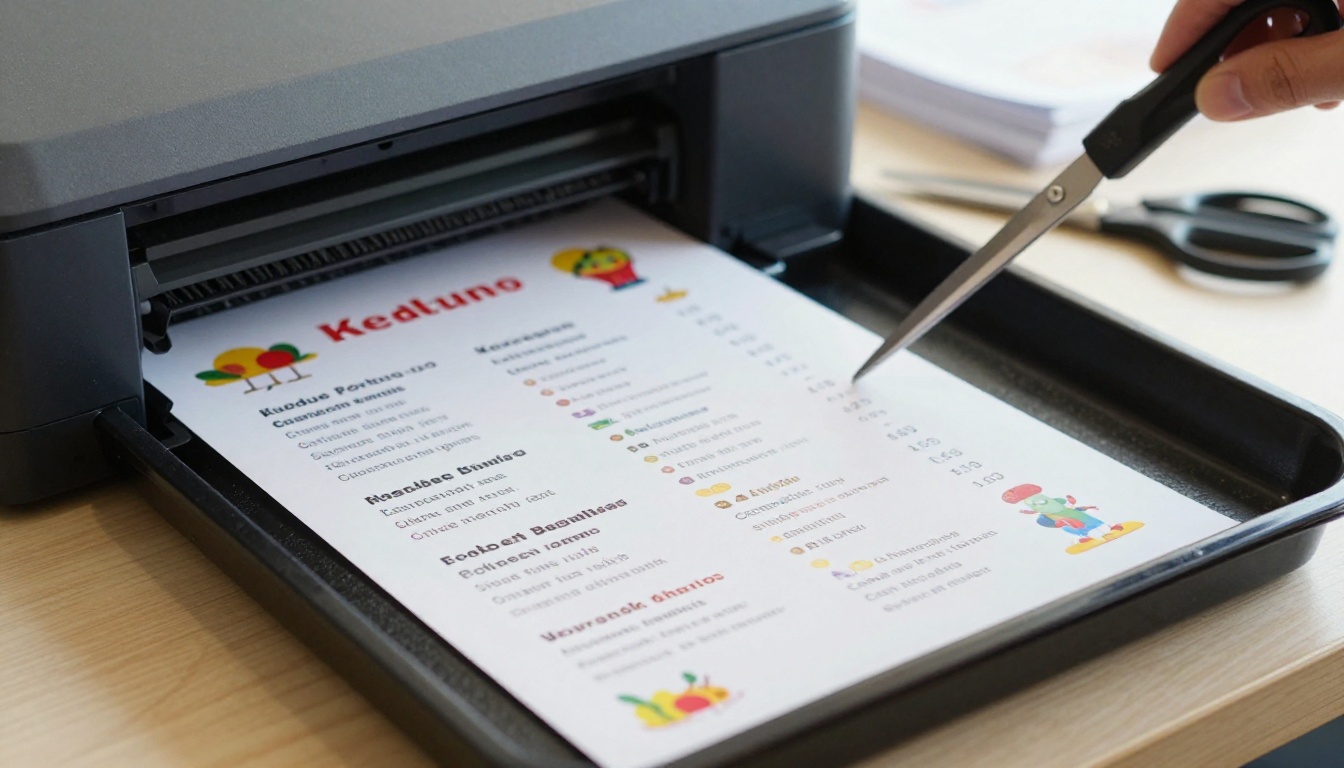
If you run fewer than 200 covers a week, an office printer is enough. Larger volumes go to a print shop, where a run of 500 placemats usually costs less than ordering weekly in small batches.
Keep a Spare PDF Ready
Store a final PDF with bleed and a version without. When a price changes, you update one file and reprint only what you need.
More diners now check menus before they arrive. A printed sheet is not enough when a parent wants to confirm that you have a nut free option while standing in a parking lot.
Why Digital Matters for Families
Parents decide on a restaurant with a phone in one hand and a child in the other. A page that loads fast, reads well on a small screen and needs no download wins over a PDF that opens slowly and zooms awkwardly.
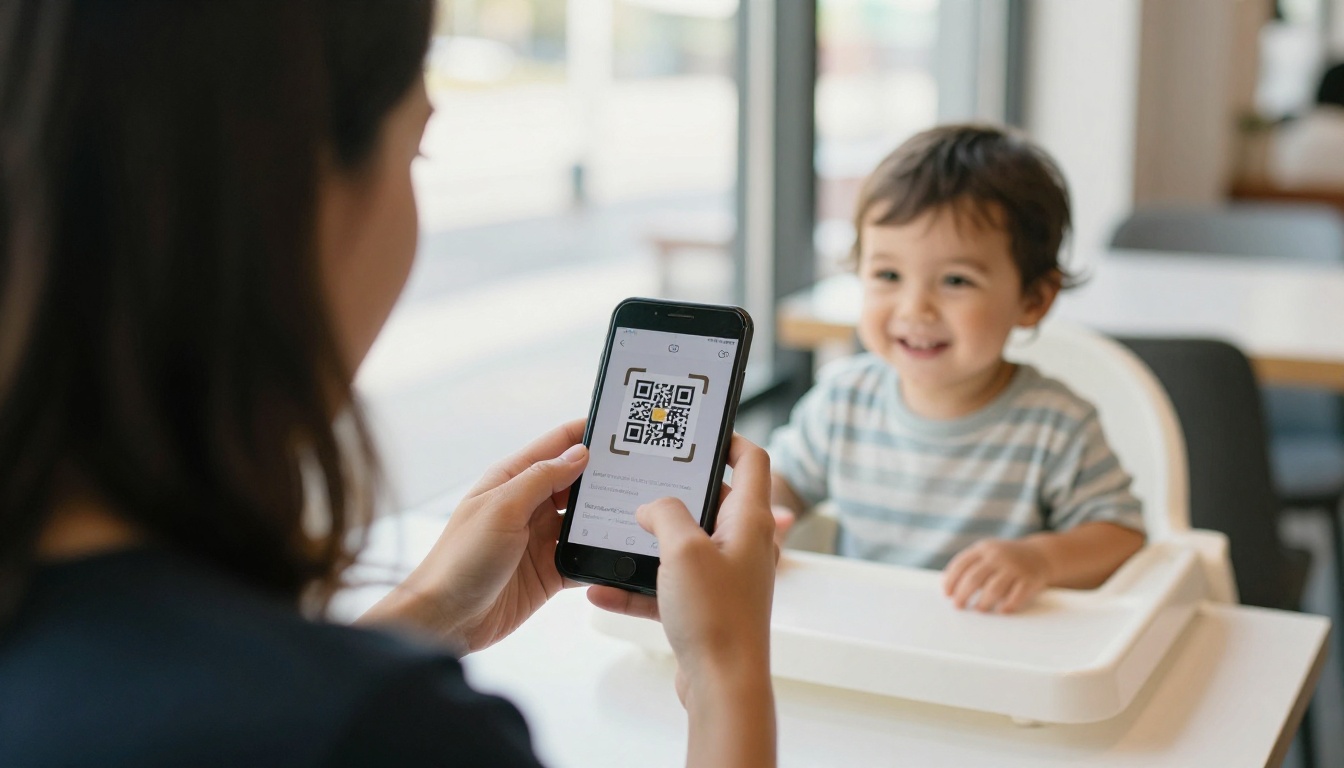
Links, QR Codes and Embeds
You can share the same menu in several ways:
- Direct link: paste it in social bios, Google Business Profile and messages
- QR code: place it on table tents, windows and the printed menu itself
- Embed: drop the menu into your own website page with a short code
- Email and chat: send it to birthday party hosts planning a visit
Print Versus Digital at a Glance
| Feature | Printed Menu | Digital Flipbook |
|---|
| Update cost | Reprint required | Instant, same link |
| Works as an activity | Yes, with crayons | Limited |
| Reaches diners before arrival | No | Yes |
| Allergen updates | Slow | Immediate |
| Tracks views | No | Yes, with analytics |
The strongest setup uses both. Print for the table, digital for everything else.
If your layout already exists as a PDF, you can turn it into an interactive page without any design software. The PDF to Flipbook Converter handles the conversion, and the Restaurant Menu Creator is built for exactly this kind of project.
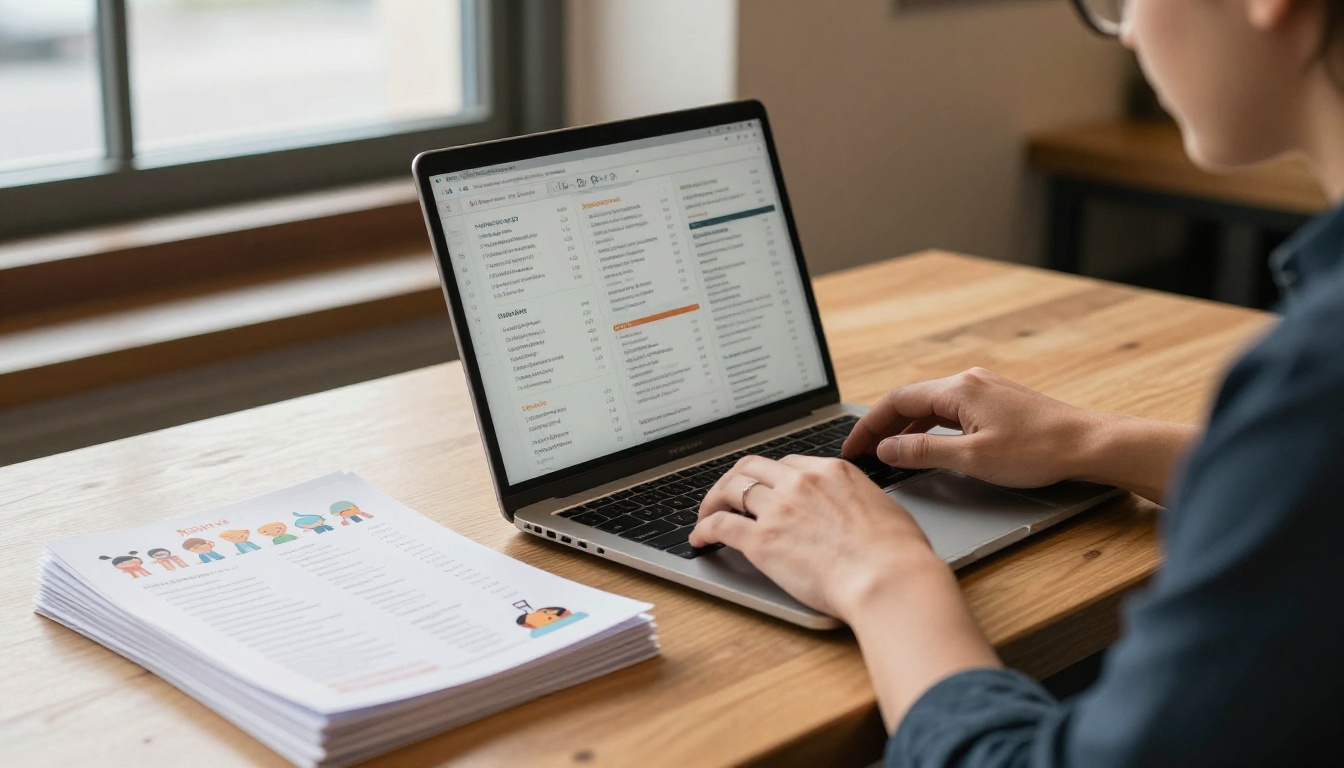
Step by Step Setup
- Start your account. Go to Flipbooks AI and sign in or create a free account.
- Upload the PDF. Drag your finished kids menu file into the uploader. Conversion takes a few seconds and keeps your fonts and images sharp.
- Customize the look. Add your logo, pick brand colors, choose a page turn effect and set the background to match your dining room.
- Add extras. Embed a short video of the kitchen or a sound effect, and link dishes to your ordering page.
- Set privacy. Keep the menu public, or use password protection for private party packages.
- Publish and share. Copy the link, download the QR code or paste the embed code into your website.
Settings Worth Checking
| Setting | Recommendation for Kids Menus |
|---|
| Page effect | Soft page curl, children enjoy the motion |
| Branding | Your logo and colors, no watermarks |
| Mobile view | Single page layout for narrow screens |
| Download | Allow offline download for parents |
| Analytics | Track which pages get opened most |
✅ Best practice: Test the flipbook on your own phone while standing at a table. If you need to pinch and zoom to read a price, enlarge the text and republish.
Pricing and Plans
Basic publishing is free to try. Unlimited flipbooks are available on the Standard plan, and analytics and lead generation come with the Professional plan. See the full list on the pricing page before you decide, and browse all flipbook tools for related layouts such as the Menu Flipbook Designer.
Real Examples You Can Copy
Seeing how other kinds of venues build their kids menus makes your own faster to design.
Pizzeria With a Tablet Menu
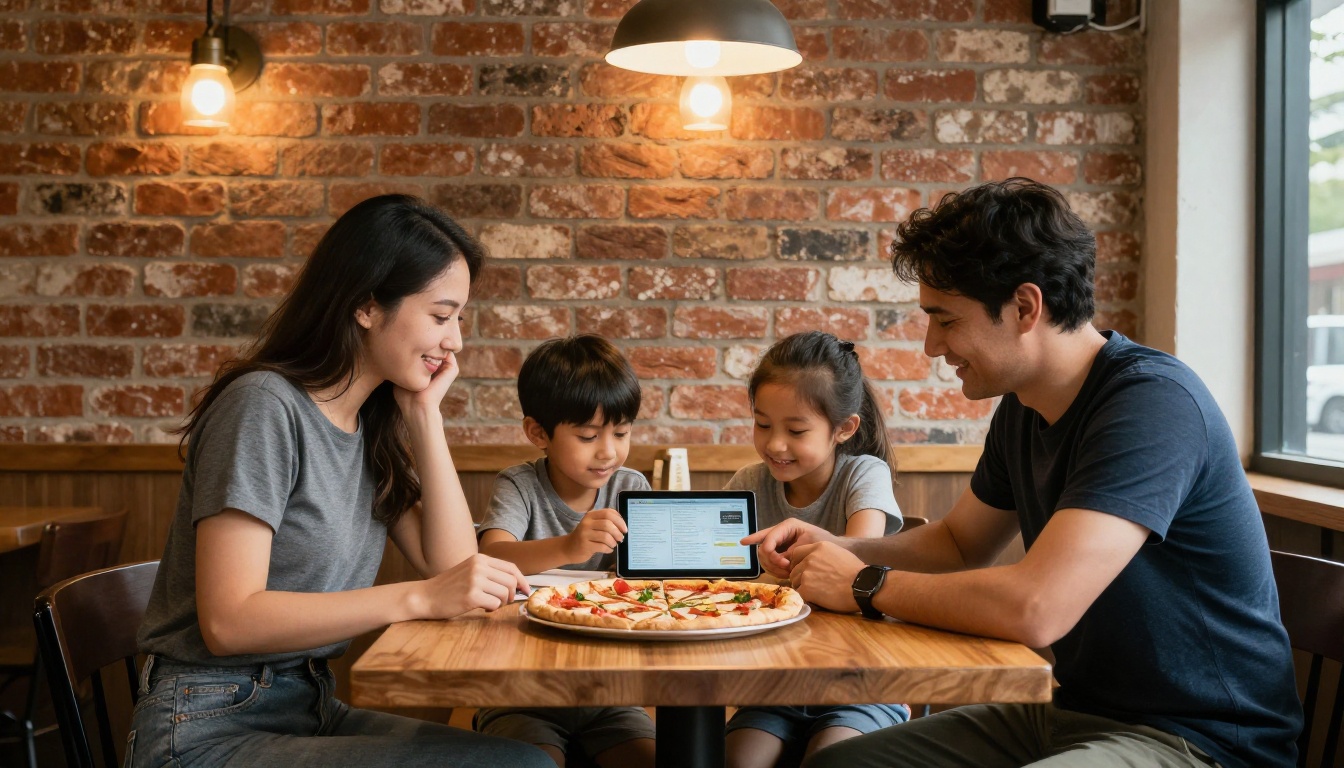
A neighborhood pizzeria shares a flipbook link and a QR code on every table. Parents open the kids page, and children choose a mini pizza by topping icon. Price changes are made once, and every table sees them right away.
Diner With a Placemat Menu
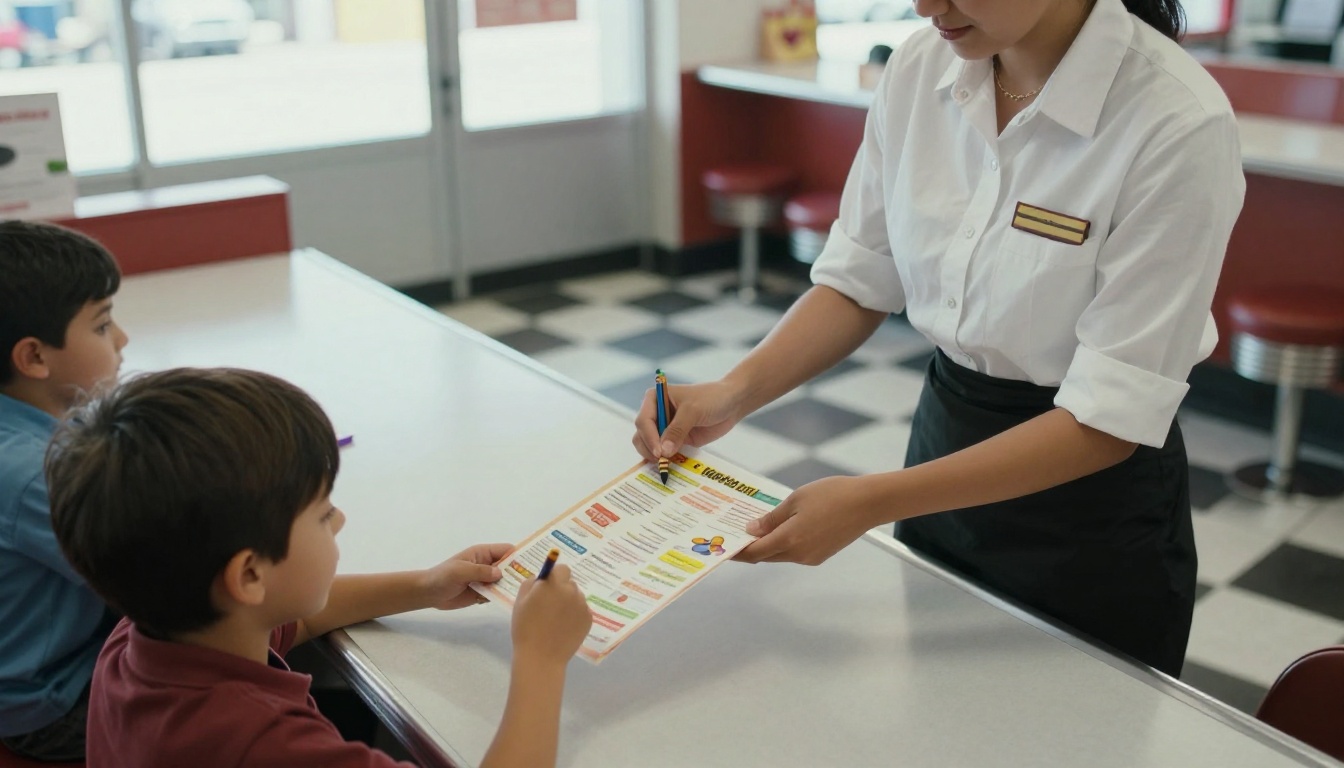
A classic diner prints a one page placemat with a maze, a word search and six dishes. The server hands it out with crayons at the moment of seating. The same PDF sits online as a flipbook so families can plan ahead.
Hotel Restaurant With a Seasonal Menu
A hotel restaurant swaps its kids menu every season: pumpkin pancakes in autumn, fruit skewers in summer. Because the online version keeps the same link, guests never see an outdated page, and there is no leftover print stock to throw away.
Quick Comparison of the Three Setups
| Venue | Print Format | Digital Format | Main Benefit |
|---|
| Pizzeria | Table tent with QR | Flipbook link | Fast price updates |
| Diner | Activity placemat | Flipbook page | Keeps kids busy |
| Hotel restaurant | Folded card | Embedded on site | Seasonal changes |
Mistakes to Avoid
Even a good template can fail when a few small details slip.
- Too many choices. More than eight dishes slows ordering and stresses the kitchen.
- Tiny text. If a parent needs to squint, they stop reading.
- No allergen information. This is the first thing many parents look for.
- Old prices online. A digital menu that disagrees with the table menu creates arguments at the register.
- Stock photos of food you do not serve. Children notice the difference.
- Forgetting the link. Print the QR code on the physical menu so one format always leads to the other.
💡 Pro tip: Review the kids menu every quarter. Remove the two least ordered dishes and add one new seasonal item. It keeps the page fresh without growing it.
Ready to Publish Yours
You already have the hard part: you know what your regulars order. Put it in a clean layout, print a few copies for the next shift and publish the same file as a flipbook so parents can find it before they leave the house.
Ready to build yours? Get started for free on Flipbooks AI, browse the full set of tools and templates, or compare plans and pricing to pick what suits your restaurant. If your menu is already a PDF, the embed option places it on your site in minutes.



