You finished the manuscript. Now comes the question that quietly decides how many people read it and how much you earn: where should the book actually live? Amazon's Kindle store offers a giant built-in audience, while an online flipbook built with a platform like Flipbooks AI gives you total control over design, pricing, access and reader data. Neither option is automatically better. The right answer depends on what you want the book to do for you.
This article puts both formats side by side, with numbers, scenarios and a short decision framework. By the end you will know which home suits your book, or whether it should live in both.
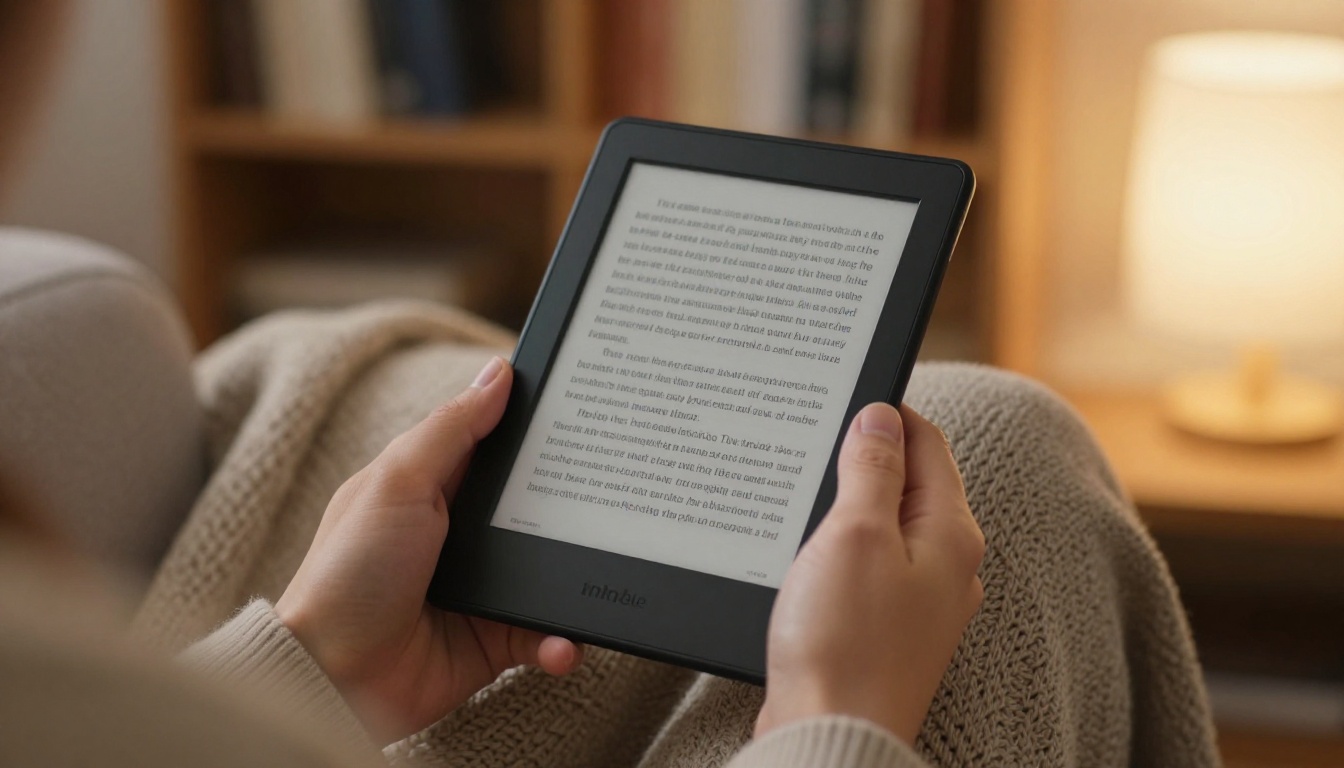
A Kindle ebook is a reflowable file (usually KPF or EPUB converted by Amazon) sold through the Kindle Direct Publishing marketplace. Readers buy it from Amazon and read it inside the Kindle ecosystem. The text adapts to the screen, so you give up fine control over layout.
An online flipbook is a web-based, page-turning version of your book, usually created from a PDF. It keeps your exact layout, fonts, images and spreads. Readers open it with a link in any browser, with no app and no account required.
What Kindle Does Well
Kindle gives you instant credibility and a storefront. Readers already have payment details saved, so impulse purchases are frictionless. Amazon's search, "also bought" recommendations and Kindle Unlimited bring organic traffic you could not buy easily elsewhere.
What a Flipbook Does Well
A flipbook preserves the book as designed. Cookbooks, photography books, workbooks, children's picture books and lookbooks look exactly as you intended. You also own the link, the audience and the data, so you can sell, gift, gate or give away the book on your own terms.

Side by Side Comparison
Here is the quick view before we dig into each factor.
| Factor | Kindle Ebook | Online Flipbook |
|---|
| Layout control | Limited, reflowable text | Full, fixed layout as designed |
| Best for | Novels, nonfiction text | Illustrated, designed, interactive books |
| Built-in audience | Huge (Amazon marketplace) | None, you bring the traffic |
| Reader data | Almost none shared with you | Analytics, views, time on page |
| Email list building | Not possible directly | Lead capture on Professional plan |
| Pricing freedom | Restricted royalty tiers | Any price, free, or gated |
| Access control | Amazon rules | Password protection, private links |
| Multimedia | Minimal | Embedded video and audio |
| Setup effort | Format conversion and review | Upload a PDF, publish in minutes |
💡 Pro tip: Treat this table as a starting point. A book's goal (sales, leads, authority, or sharing) should drive the choice more than any single feature.

How Much You Actually Earn
Money is where the formats differ most, so let us look at it plainly.
Kindle Royalty Math
KDP offers two royalty tiers. Roughly speaking, the 70% tier applies to ebooks priced within a set range (commonly $2.99 to $9.99) and subtracts delivery fees based on file size. The 35% tier applies outside that range. Image-heavy books carry larger files, so delivery fees can eat a surprising share of each sale.
Kindle Unlimited adds another model: you are paid per page read from a shared pool, which fluctuates monthly. It rewards long, fast-reading fiction and pays little for short reference books.
Flipbook Revenue Paths
A flipbook does not have a built-in checkout, which sounds like a drawback until you see the flexibility. You can:
- Sell access through your own store or payment link and keep the revenue minus payment processor fees.
- Offer the first chapters free and gate the full book behind an email signup or a password.
- Bundle the flipbook with a course, a membership or a service.
- Give it away as a lead magnet that feeds a paid offer.

A Worked Example
Imagine a $9.99 book that sells 500 copies in a quarter.
| Scenario | Price | Copies | Approx. author share | Approx. revenue |
|---|
| Kindle, 70% tier (small file) | $9.99 | 500 | ~$6.80 | ~$3,400 |
| Kindle, 70% tier (large image file) | $9.99 | 500 | ~$5.50 | ~$2,750 |
| Own checkout plus flipbook | $9.99 | 500 | ~$9.40 after processing fees | ~$4,700 |
The catch is volume. Kindle may deliver those 500 sales without you lifting a finger, while your own checkout needs traffic you generate yourself. The figures above are illustrative, so always check current KDP terms and your processor's fees before planning around them.
⚠️ Warning: A higher share per sale means nothing if nobody finds the book. Compare expected total revenue, not royalty percentage alone.
Design and Reading Experience
Reflowable ebooks adapt to whatever device and font size the reader picks. That is great for a 90,000-word novel. It is painful for a book where position matters: a recipe with a photo beside the ingredients, a workbook with fillable boxes, or a picture book where text sits over art.
A flipbook keeps spreads intact. Readers see the double-page layout on desktop and a clean single page on mobile. You can add:
- Embedded video and audio clips
- Clickable links and a table of contents
- Custom branding and colors
- Realistic page-turn effects
Which Genres Fit Which Format
| Book type | Better home | Why |
|---|
| Novel or memoir | Kindle | Text-first, Kindle readers expect it |
| Cookbook | Flipbook | Photos and layout matter |
| Children's picture book | Flipbook | Text and art must stay in place |
| Photography or art book | Flipbook | Full-bleed spreads |
| Business or how-to book | Both | Kindle for reach, flipbook for leads |
| Workbook or planner | Flipbook | Fixed layout, easy to share |
| Corporate or training manual | Flipbook | Private access, tracking |
For specific publication types, tools such as the Interactive E-Book Publisher and the E-Book Flipbook Generator are built around fixed-layout books.
Reach and Visibility
Kindle's biggest advantage is also its simplest: people already shop there. A reader searching "mystery thriller" or "keto cookbook" can land on your listing without ever hearing your name.
A flipbook works differently. Nobody stumbles on it inside a marketplace, so visibility comes from channels you control:
- Your website or blog, where the flipbook is embedded.
- Email newsletters and social posts linking to the reading page.
- Search traffic to a landing page built around the book's topic.
- Partnerships, podcasts and guest articles that point back to the link.
The upside is that every visit lands on your page, not a competitor's listing sitting next to yours. You can place a book on any page with the Embed Flipbook on Website tool.
The Mobile Factor
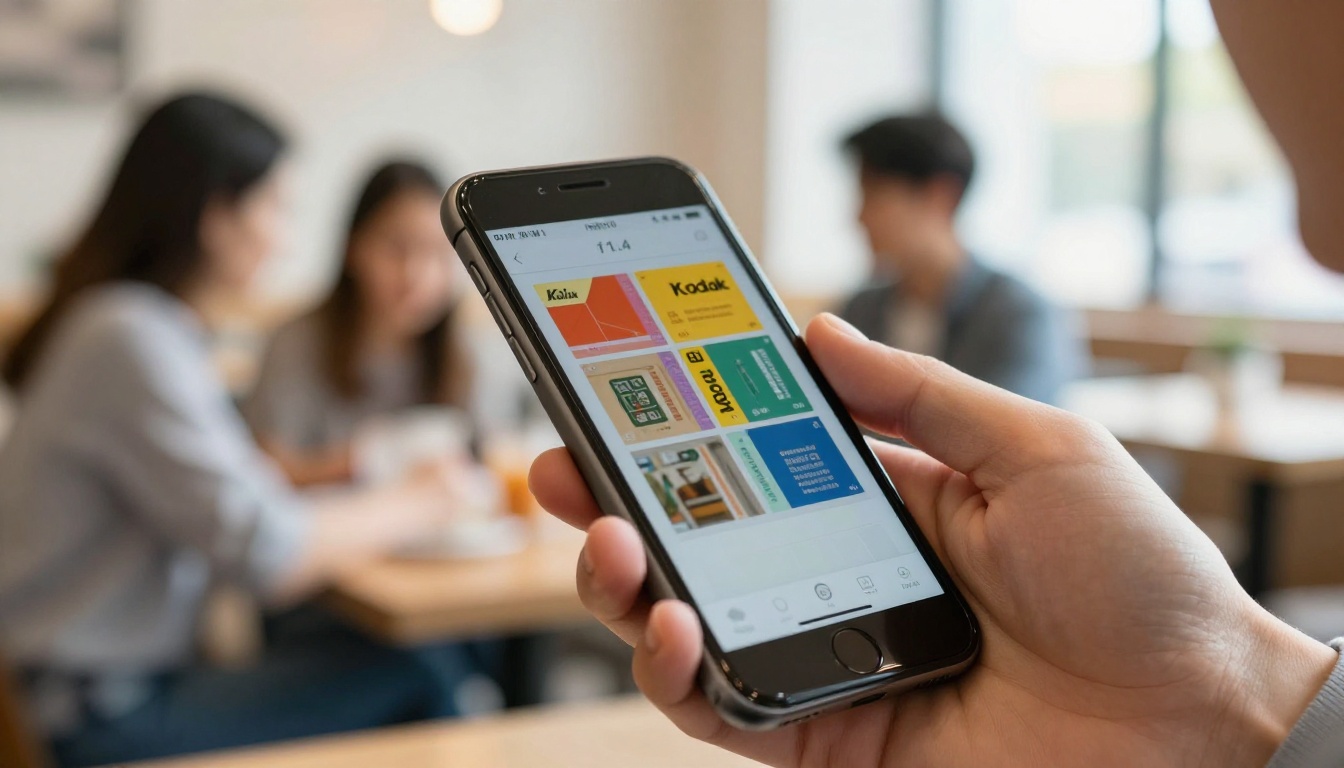
Most reading links are opened on phones. A flipbook opens instantly from a link or QR code, with no app and no download. That removes friction when you hand out a book at an event or text it to a client.
Data, Leads and Ownership
This is the section many authors overlook until it hurts.
When someone buys your Kindle ebook, Amazon owns the customer relationship. You see sales totals and page reads, but you do not get email addresses, locations or reading behavior. If you want a second book to launch to your existing readers, you have no list to send it to.
With a flipbook, you can see how readers behave. On the Professional plan at Flipbooks AI pricing, analytics and lead generation show how many people opened the book, which pages they spent time on, and who left contact details.

What Reader Data Reveals
- Drop-off pages: if most readers leave at page 12, rewrite or reorder that section.
- Popular chapters: repurpose them into blog posts and ads.
- Lead quality: readers who finish the book are far warmer prospects than casual clickers.
✅ Best practice: Put a lead form after your strongest chapter, not at the very start. Readers who already got value are much more willing to share an email address.
Privacy, Piracy and Control
Kindle files are protected by Amazon's DRM if you enable it, but you cannot decide who may read the book or when. A flipbook lets you set the rules:
- Password protection for clients, students or paying members.
- Private links you can revoke.
- Offline downloads only when you allow them.
- No watermarks on the reading experience, so the book looks like yours.

This matters most for paid training manuals, premium reports and members-only content. A consultant sending a 60-page proposal book to one client, for example, does not want it listed on a public marketplace. A password-protected flipbook solves that in one step.
Step by Step: Publish Your Book as a Flipbook
If your book belongs on the web, here is the process on Flipbooks AI.
- Create your account. Sign up at flipbooksai.com/account in a minute.
- Export your book as a PDF. Use your design or writing tool's highest quality export so images stay sharp.
- Upload the PDF. The PDF to Flipbook Converter turns it into a page-turning flipbook automatically, usually in under a minute.
- Customize the look. Add your branding, pick background colors, choose page effects, and embed video or audio where it helps.
- Choose sharing options. Copy the direct link, grab the embed code for your website, or add a password for private access.
- Turn on tracking. On the Professional plan, enable analytics and lead capture to see who reads and where.
- Promote the link. Add it to your email signature, social bios and a landing page.
💡 Pro tip: Preview the flipbook on your phone before sharing. If the text feels small, increase the font size in your source file and re-upload.

What It Costs
| Item | Kindle | Online Flipbook |
|---|
| Listing fee | Free | Free tier available |
| Per sale cost | 30% to 65% to Amazon | Payment processor fees only |
| Monthly cost | None | Plan based, with unlimited flipbooks on Standard and above |
| Formatting work | Conversion and checks | Upload PDF |
| Analytics | Basic sales reports | Reader level on Professional |
You can compare current plans on the pricing page.
Real Scenarios: Who Should Choose What
The Fiction Author
A romance writer with a series wants maximum visibility and Kindle Unlimited page reads. Kindle first. A flipbook of the first three chapters works as a free sample on the author's website to push readers to Amazon.
The Chef or Food Blogger
A 120-page cookbook with full-page photography breaks in reflowable format. Flipbook first. Sell it through a payment link, or offer it as a bonus to newsletter subscribers. The Recipe Book Flipbook tool fits this exact use.
The Consultant With a Business Book
Authority and leads matter more than royalties. Use both. Publish on Kindle for credibility and the "Amazon bestselling author" badge, and publish a flipbook with a lead form so readers can opt in for templates or a call.
The Course Creator
A workbook accompanying a paid course belongs behind a password. Flipbook only. Students get a polished, trackable book without any marketplace involved.
A Simple Decision Framework
Ask yourself five questions:
- Is the layout essential? If yes, lean flipbook.
- Do I need strangers to find it? If yes, lean Kindle.
- Do I want reader emails and data? If yes, lean flipbook.
- Will I promote it myself? If yes, a flipbook pays off faster.
- Do I want credibility and passive sales? If yes, add Kindle.
| Your priority | Recommendation |
|---|
| Passive marketplace sales | Kindle |
| Design fidelity | Flipbook |
| Lead generation | Flipbook (Professional plan) |
| Private or paid access | Flipbook |
| Authority and credibility | Both |
| Highest profit per copy | Flipbook, with your own traffic |
Can You Use Both?
Yes, and many authors do. The strongest setup is to treat the formats as partners rather than rivals.
- Publish the Kindle edition for marketplace reach and social proof.
- Publish a flipbook edition with the full design, bonus material and a lead form.
- Link the flipbook from your Kindle book's author page and the Kindle listing from your flipbook page, as platform rules allow.
- Use the flipbook's analytics to see which chapters resonate, then improve the next edition.
⚠️ Warning: Check Amazon's content and exclusivity terms before giving away your full text for free elsewhere, especially if you enroll in a program that requires exclusivity.
Your Next Step
Pick the format that matches your goal, and do not wait for a perfect launch. If your book depends on layout, data or private access, create your first flipbook today: get started for free on Flipbooks AI, and see your PDF turn into a page-turning book in minutes.
Browse all available tools and templates to find the one that suits your book, and check the pricing plans to choose the level that fits how many books you plan to publish. When you are ready to turn on reader analytics and lead capture with the Professional plan, head straight to account setup with pricing.



