Somewhere in your science wing there is a shelf of white three-ring binders, and at least one of them contains a titration procedure that was last edited when the school still used overhead projectors. Lab manuals are the backbone of every practical course, yet most departments still manage them like it is 1998: photocopy, staple, hand out, lose, repeat. With a tool like Flipbooks AI, you can turn those binders into a single link that every student, teacher and technician opens on any device.
This article walks through why paper manuals break down, what a digital flipbook version looks like, and exactly how a department can make the switch in an afternoon.
Why Paper Lab Manuals Fail
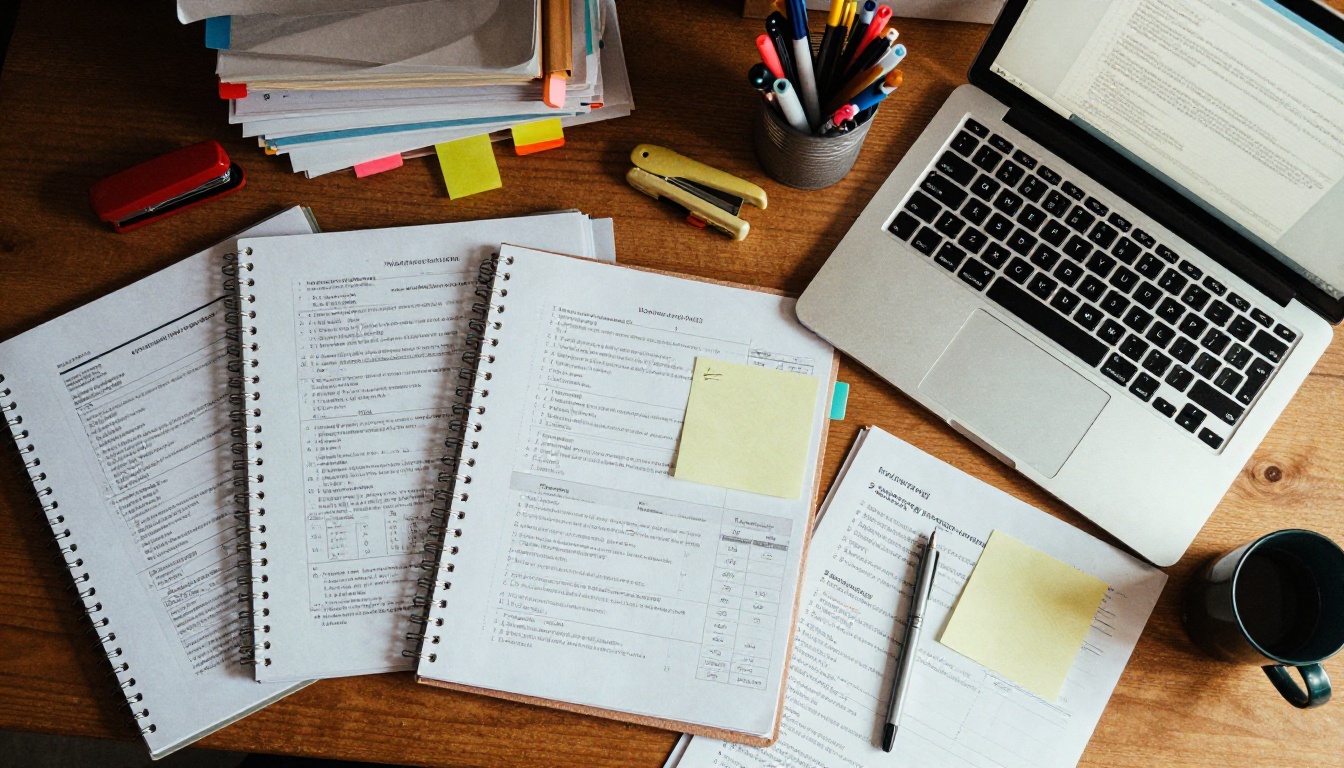
Paper is not the villain. A printed procedure on a bench is easy to read and does not need a battery. The trouble starts with everything around the paper: who owns the master copy, which version is current, and how many pages the copier ate this week.
The Version Problem
Three teachers teach the same Chemistry 101 course. Each one has a slightly different copy of the buffer preparation protocol. One lists 0.1 M, another 0.2 M, and the third has a handwritten correction nobody can read. When a student asks which one is right, the honest answer is "it depends on who you ask."
A digital lab manual has one source of truth. You update the file, republish, and the same link now shows the new pages. Nobody has to collect old sheets.
The Hidden Cost of Photocopying
Printing looks free because the cost hides in a shared budget line. It is not free. Toner, paper, staples, technician time and the occasional repair call all add up, and they repeat every semester when a manual is revised.
| Cost Item | Paper Binder Workflow | Digital Flipbook Workflow |
|---|
| Printing per student per term | 40 to 80 pages | 0 pages (optional single print) |
| Time to revise one procedure | 30 to 60 minutes (edit, print, swap) | 5 minutes (edit, republish) |
| Risk of outdated copies in circulation | High | Very low |
| Replacement of lost manuals | Reprint and rebind | Share the link again |
| Access from home or field work | None | Any phone, tablet or laptop |
💡 Quick audit: Count how many different versions of one lab handout exist in your department right now. If the answer is more than one, you already have a version problem.
Storage and Loss
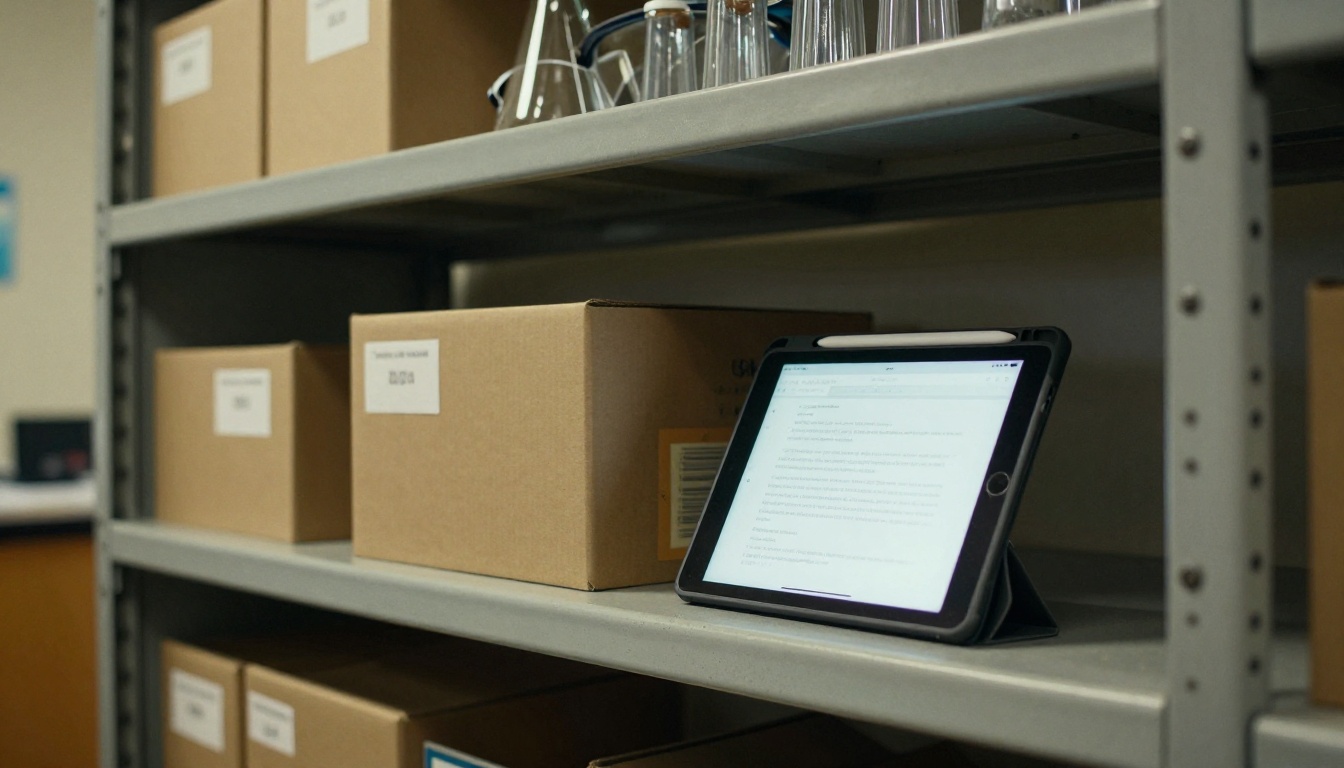
Binders pile up in prep rooms and supply cabinets. Staff retire, courses are renamed, and the one copy of the organic chemistry spectroscopy appendix disappears with them. A digital archive keeps every manual searchable and in one place, which also helps when an inspector or accreditation body asks for course documentation.
What a Digital Lab Manual Looks Like
A flipbook is a PDF that behaves like a real book on screen. Pages turn, the layout stays exactly as you designed it, and diagrams, tables and chemical structures remain sharp. It is not a clumsy file download. It is a page you share with a link, embed on your course site, or send in a class email.
Format Comparison
Before choosing a format, compare the common options teachers use today.
| Feature | Printed Binder | Plain PDF Attachment | Flipbook Link |
|---|
| One shared link | No | No (many copies float around) | Yes |
| Page turning on phones | Not applicable | Awkward pinch and scroll | Smooth, mobile responsive |
| Update without re-sending | No | No | Yes |
| Password protection | Physical lock only | Sometimes | Yes |
| Embed on school website | No | Limited | Yes |
| Usage statistics | None | None | Yes (Professional plan) |
Why Students Like It
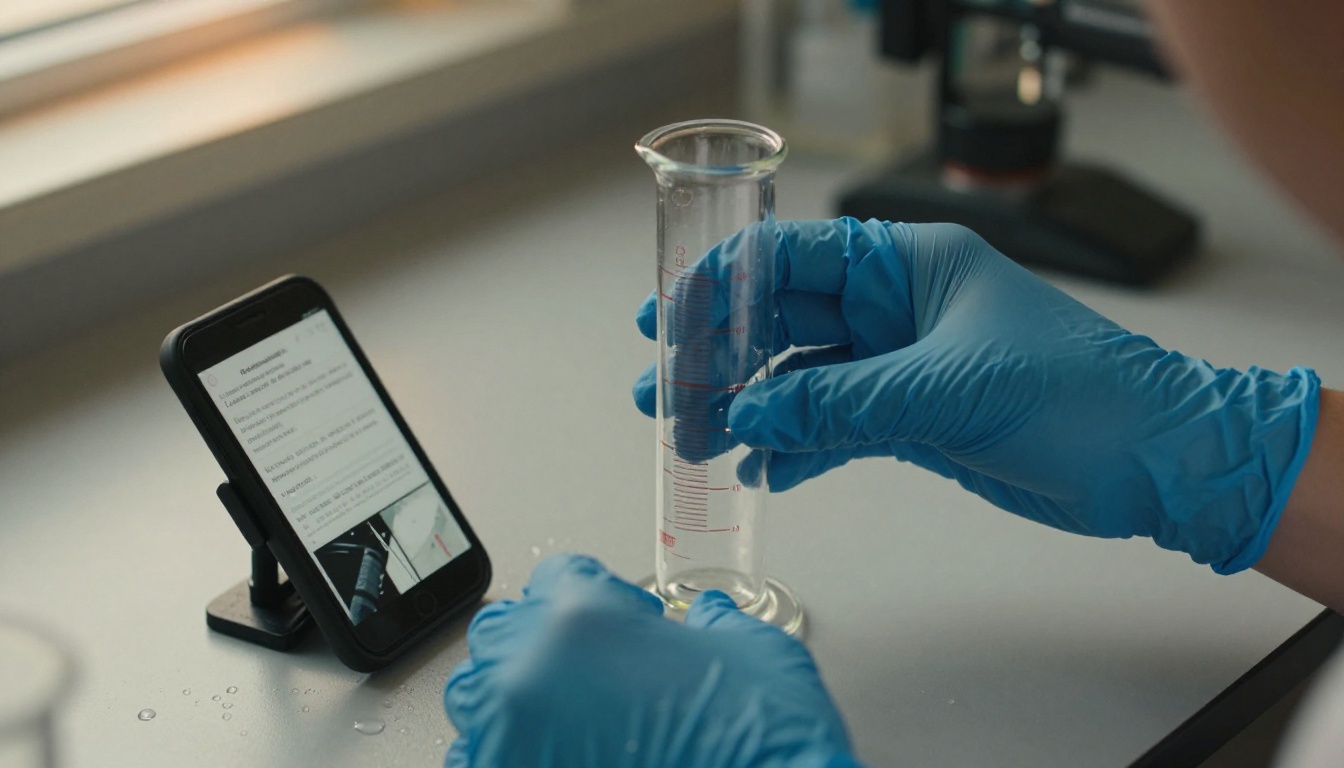
Picture a student mid-experiment, gloves on, one hand on a cylinder. They do not want to flip through a damp, crinkled sheet. A phone propped against a rack shows the next step, and the page does not curl when it meets a splash of water. Students can also zoom into a diagram of the apparatus setup far more easily than they can on a photocopy of a photocopy.
Why Teachers Like It
- One edit, everyone updated. Fix a typo in the safety section once.
- No chasing late handouts. The manual is available before class starts.
- Reusable across sections. Different sections of the same course share one link.
- Easy to hand over. A new teacher gets a link, not a mystery box of folders.
A Real Example: Three Departments
Numbers help, but stories land better. Here are three realistic scenarios that show how departments use shareable lab manuals.

Scenario 1: High School Chemistry
A chemistry teacher scans her 60-page titration and gas laws manual, uploads it, and shares the link in the class learning platform. Students open it at home to read the pre-lab questions, so class time goes to actual experiments instead of explaining where to put the burette.
Scenario 2: University Biology
A teaching assistant team keeps a cell culture protocol manual that changes each semester as equipment is replaced. They republish the same flipbook with updated pages. Students always have the right version, even when they open a bookmark from three weeks ago.
Scenario 3: A Shared Physics Lab
A small school has one physics lab used by four teachers. They publish a single manual with a table of contents, linked sections for mechanics, optics and electricity, and a safety chapter at the front. Nobody argues about which handout is current.
| Department | Typical Manual Length | Update Frequency | Main Benefit |
|---|
| High school chemistry | 40 to 80 pages | Yearly | Less photocopying, prep at home |
| University biology | 80 to 150 pages | Each semester | Always current protocols |
| Physics | 30 to 60 pages | Occasionally | One shared source of truth |
| Earth science field work | 20 to 40 pages | Yearly | Offline access in the field |
How to Create a Lab Manual Flipbook
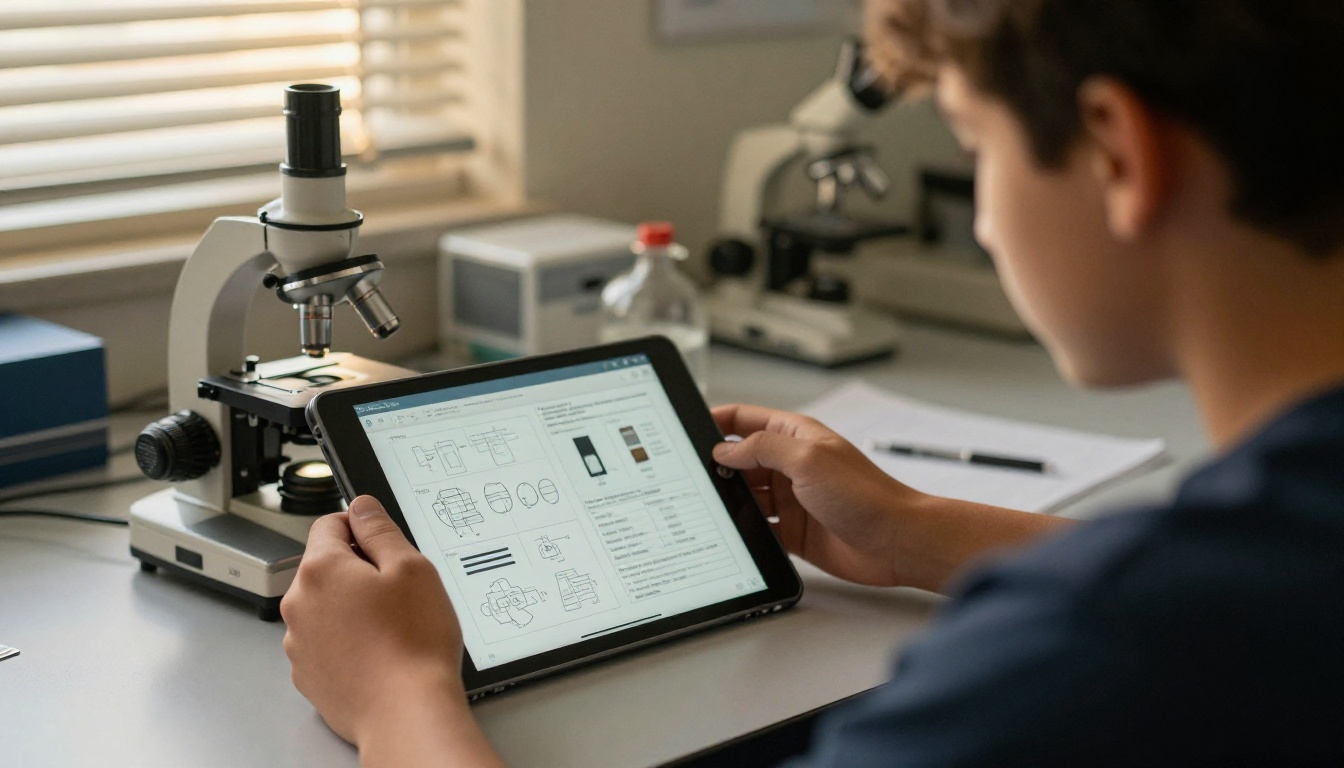
The process is short. If you already have your manual as a Word file or a PDF, you are nearly done. The PDF to Flipbook Converter handles the conversion, and the Training Manual Flipbook and Course Material Publisher tools fit lab documentation well.
Step 1: Sign Up
Head to Flipbooks AI and create an account. You can start with a free plan to test a single manual before moving the whole department.
Step 2: Prepare and Upload Your PDF
- Export your manual as a PDF from Word, Google Docs or your layout software.
- Check that diagrams are at least 150 dpi so they stay crisp when zoomed.
- Upload the PDF. The conversion into a page-turning flipbook starts automatically.
- Review the pages. Look for tables that broke across pages and fix them in the source file if needed.
⚠️ Watch out: Scanned pages saved as low-resolution images will look blurry. Rescan at 200 dpi or higher, especially for hand-drawn apparatus diagrams.
Step 3: Customize the Look
Add your school logo, pick colors that match your department branding, and choose a page-turn effect. Keep it simple: a calm background and readable page size matter more than animation. You can also add embedded videos of technique demonstrations, such as how to read a meniscus or set up a Bunsen burner, right beside the written step. Embedded audio works for pronunciation of chemical names.
Step 4: Choose How to Share
- Direct link: paste it into your learning platform or class email.
- Embed code: place the flipbook on your department website using the Embed Flipbook on Website tool.
- Password protection: limit access to enrolled students or staff only.
- QR code on the bench: print a small QR code that opens the manual on a student's phone.
Step 5: Analytics, Downloads and Lead Tools
On the Professional plan you get analytics showing which pages students open most, which is useful for spotting confusing procedures. Offline downloads help for field trips or labs with weak Wi-Fi. Compare options on the pricing page. No watermarks appear on your pages, and the Standard plan and above allows unlimited flipbooks, so every course can have its own manual.
| Need | Where to Set It Up | Plan |
|---|
| Share one manual with a class | Direct link | Free and above |
| Many courses, many manuals | Unlimited flipbooks | Standard and above |
| See which pages students read | Analytics | Professional |
| Collect sign-ups or emails | Lead generation | Professional |
| Work without Wi-Fi | Offline download | Per plan |
Safety Content Deserves Special Care
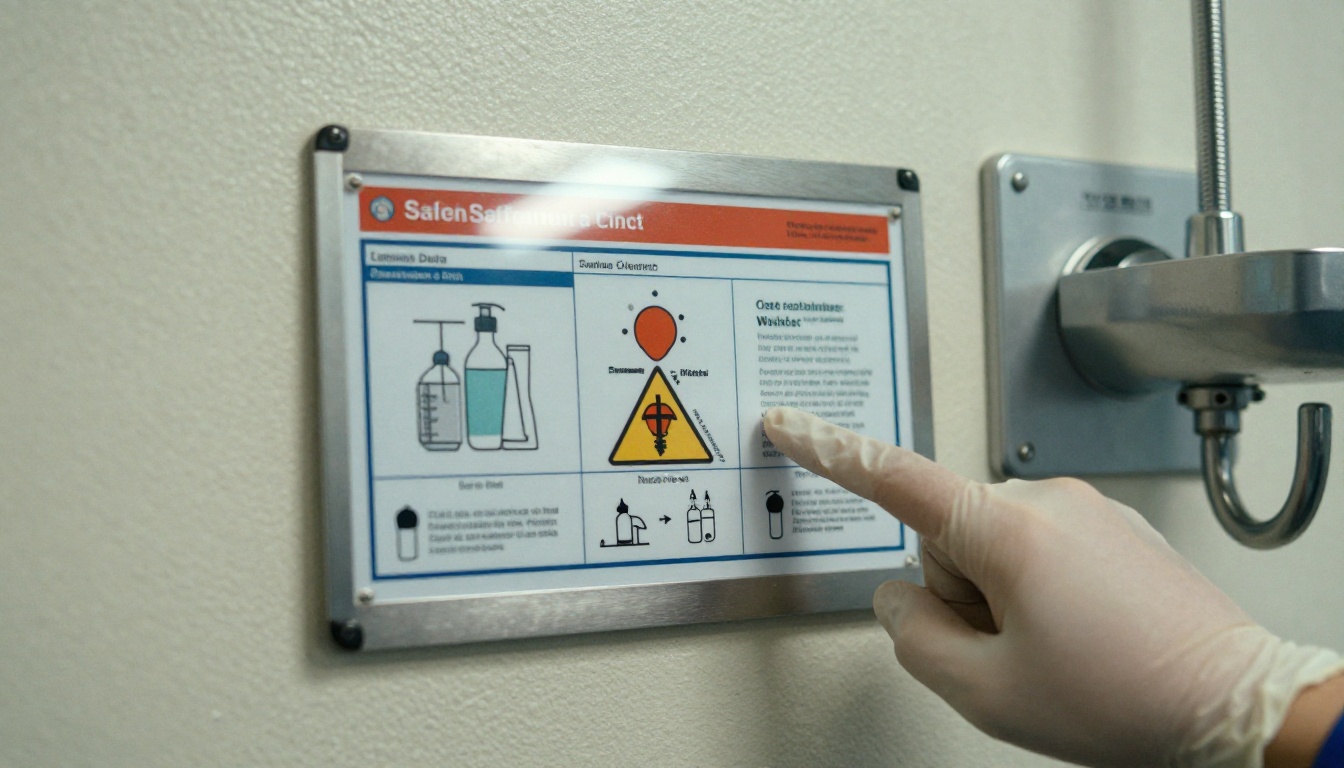
Lab manuals are not just recipes. They carry the safety information that keeps students out of the emergency room. Digital sharing makes this part stronger when you do it right.
Put Safety First in the Page Order
Make pages one to three the same in every manual: personal protective equipment, emergency exits, eyewash and shower locations, and spill response. Students who open any manual see the same opening every time.
Link to Safety Data Sheets
Include a clearly labeled page of safety data sheet links for each chemical used in the unit. When a supplier updates a sheet, you change one link, not forty printouts.
✅ Best practice: Keep a printed one-page safety summary posted on the wall. Digital is great for detail, but the wall sheet works when a phone battery is dead or a student needs help right now.
Track Acknowledgment
Ask students to confirm they have read the safety chapter before the first practical. With a shareable link and a short form, you have a written record, which also helps if a parent or administrator asks later.
Moving a Whole Department Over

One teacher can switch in an afternoon. A department takes a little more planning, but not much.
A Four Week Rollout Plan
- Week 1: Pick one course and one champion. Convert a single manual and test it in class.
- Week 2: Collect feedback from students and the lab technician. Fix layout issues.
- Week 3: Convert two or three more manuals. Agree on one shared front section for safety.
- Week 4: Publish all manuals on the department page and retire the old binders.
Share the Workload
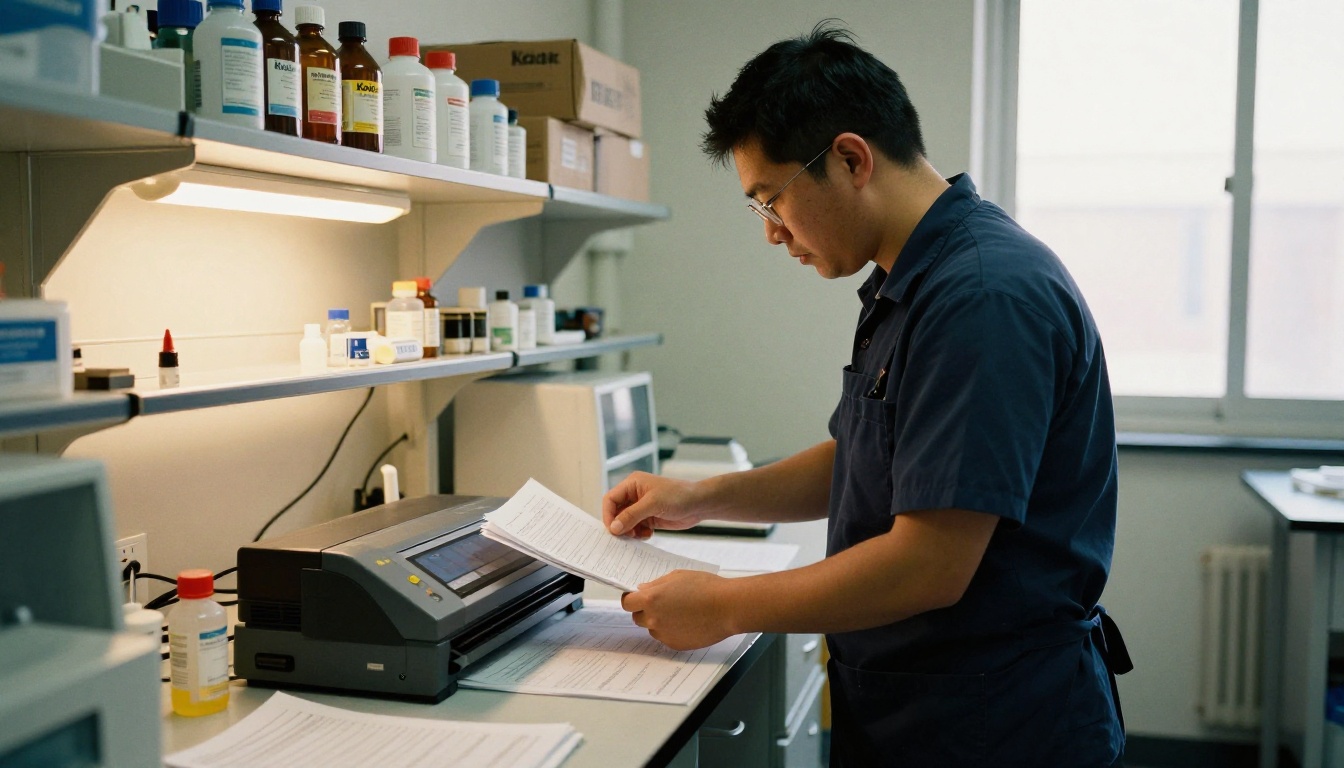
The technician can scan old procedures that only exist on paper. Teachers can clean up the language and add new photos. A department head can review the final result and set naming rules, such as Course Code, Unit, Year, so every manual is easy to find.
Common Mistakes to Avoid
- Uploading unedited scans. Clean text and sharp images read far better.
- Skipping version labels. Put a revision date on the first page.
- Burying the link. Put it on the course page, the syllabus and a bench QR code.
- Deleting all paper at once. Keep a small printed set for emergencies during the first term.
Print and Digital Together
You do not have to pick a side. Many teachers keep one printed copy per bench group and use the flipbook for everything else. The printed copy protects against dead batteries and lost Wi-Fi, while the digital version handles updates, zoom and sharing with students who were absent.
When Paper Still Wins
- Practical exams where phones are not allowed
- Labs with strict contamination rules around electronics
- Quick reference cards for equipment limits
When Digital Wins
- Remote catch-up for absent students
- Large cohorts across several sections
- Frequent revisions and shared teaching teams
- Parent and inspector access to course materials
| Situation | Best Option |
|---|
| Pre-lab reading at home | Flipbook link |
| Wet lab bench with gloves | Printed card or propped phone |
| Substitute teacher on short notice | Flipbook link |
| Exam conditions | Printed copy |
| Field trip with no signal | Offline download |
Your Next Lab Starts Here
Moving lab manuals from binders to shareable links is one of the cheapest improvements a science department can make. You cut printing, stop version confusion, give students access at home, and keep safety information consistent across every course. The switch costs an afternoon, not a budget cycle.
Ready to try it? Get started for free on Flipbooks AI and convert your first manual today. Browse all flipbook tools to find templates for training manuals, school newsletters and course materials. When you are ready to roll it out department-wide, compare pricing plans and pick the one that fits your staff and students.



