Most buyers browsing your listings will never fill in a "Contact Us" form. They will, however, trade an email address for something genuinely useful, such as a neighborhood booklet, a closing cost worksheet, or a checklist they can use tonight. That trade is the whole idea behind a lead magnet, and when it is designed well it becomes the most reliable source of warm buyer emails in your business. In this article you will find eight lead magnet ideas that work for real estate agents, the formats that make them feel premium, and a practical way to build them with Flipbooks AI so they look like a polished magazine instead of a plain PDF.

Why Buyers Hand Over Emails
A buyer shares an email address when the value they receive feels bigger than the risk of getting spammed. Real estate is a high-stakes purchase, so people are cautious, but they are also anxious and hungry for clear answers. Your job is to answer one specific question quickly.
The Trust Exchange
Think of every opt-in as a small transaction. The buyer pays with attention and an inbox slot. You pay with a useful resource. If the resource solves a real problem within five minutes, the buyer feels the exchange was fair and is far more likely to open your next email.
Intent Is Everything
A buyer who downloads "First Time Buyer Closing Cost Worksheet" is a very different lead from someone who joins a general newsletter. The first is planning a purchase within months. The second may just like pretty photos. Choose lead magnets that filter for buying intent, not curiosity.
💡 Pro tip: Name your lead magnet after the buyer's problem, not your service. "What Will My Monthly Payment Really Be?" beats "Free Consultation Resource" every time.
What Makes a Magnet Work
| Trait | Strong Example | Weak Example |
|---|
| Specific | "12 Questions to Ask at an Open House" | "Home Buying Tips" |
| Fast to use | One-page worksheet | 60-page ebook |
| Tied to a decision | Compare neighborhoods | General market news |
| Looks premium | Interactive flipbook | Plain text attachment |
Eight Lead Magnet Ideas That Work
Each idea below targets a different stage of the buying journey. You do not need all eight. Start with two, publish them, and watch which one earns more emails.

1. The Neighborhood Booklet
Buyers do not just buy a house. They buy a commute, a school zone, a coffee shop, and a feeling. A short booklet with photos, a map, average prices, and a local's favorite spots gives them a reason to share an email. A single agent can build one booklet per neighborhood and reuse it for years.
2. The First Time Buyer Checklist
Nervous first timers love a clear sequence. List every step from pre-approval to move-in day, with space to tick items off. This works especially well when promoted through social posts that speak directly to renters.
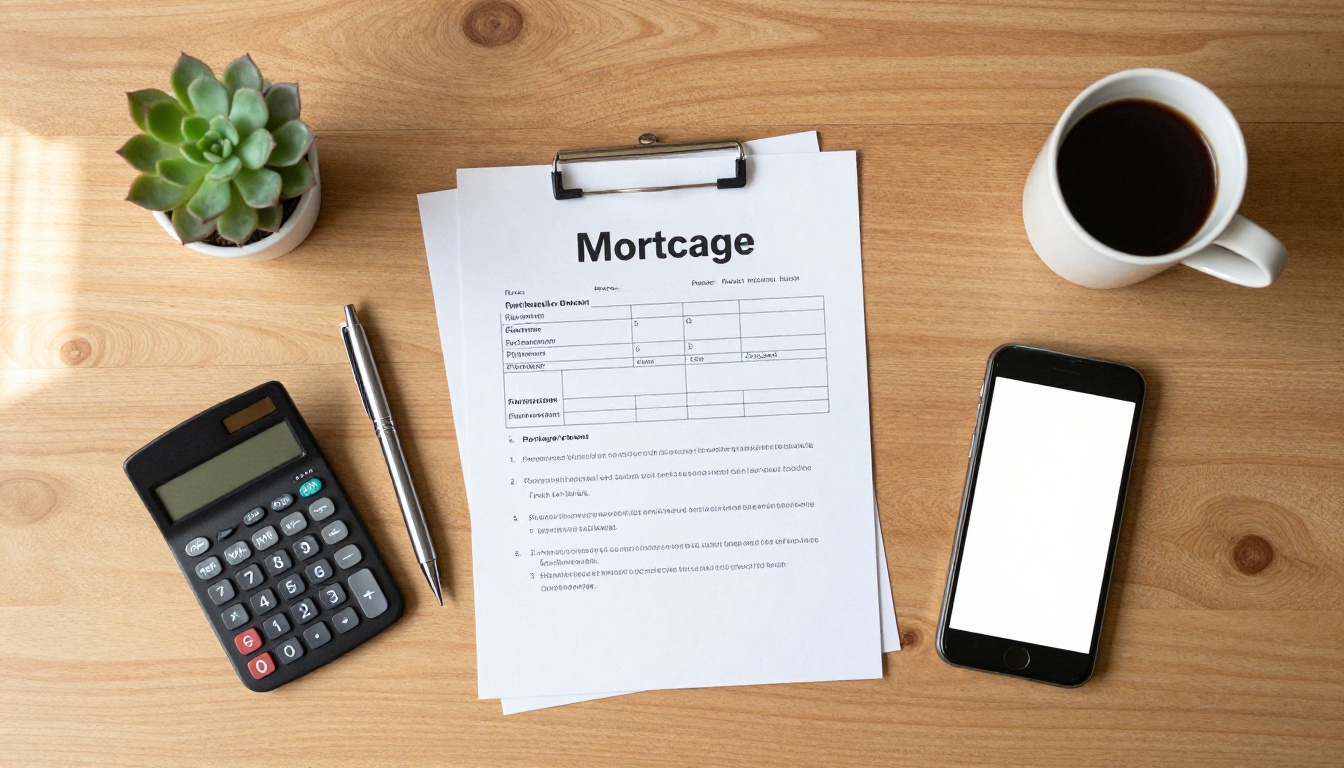
3. The Closing Cost Worksheet
Few buyers realize how many fees appear at closing. A simple worksheet where they enter a price and see estimated costs is a very high-intent magnet. People who fill it in are usually weeks away from making an offer.
4. The Open House Question List
Printed or digital, a list of smart questions to ask during a tour helps buyers feel prepared. Bring it to every open house, and add a QR code that sends visitors to the full version in exchange for an email.
5. The Local Market Snapshot
A quarterly report showing median prices, days on market, and inventory in one area gives buyers confidence. Because the numbers change, it also gives you a reason to email subscribers again each quarter.
6. The Home Staging and Inspection Checklist
Buyers also want to know what to look for. A "red flags to spot during a showing" checklist positions you as a protective advisor. It also pairs naturally with a real estate brochure design.
7. The Price Range Preview
Show what a specific budget buys in your market, with photos of real recent sales. Buyers love seeing proof before they commit. Titles like "What $450K Buys in Oakridge" generate curiosity and filter by budget at the same time.
8. The Relocation Starter Pack
People moving from another city have the strongest need for local information. A booklet covering schools, utilities, commute times, and a first month plan earns emails from buyers who are often ready to move fast.
✅ Best practice: Match each magnet to a single landing page and a single call to action. One page, one promise, one form field for email.
Comparing the Eight Options
Use this table to decide where to begin. Effort reflects how long a first version takes, and intent reflects how close the average downloader is to making an offer.
| Lead Magnet | Buyer Stage | Build Effort | Intent Level | Best Channel |
|---|
| Neighborhood Booklet | Early research | Medium | Medium | Social ads, website |
| First Time Buyer Checklist | Early planning | Low | Medium | Instagram, Facebook |
| Closing Cost Worksheet | Mid planning | Low | High | Search, email |
| Open House Question List | Active touring | Low | High | QR code at showings |
| Local Market Snapshot | Ongoing | Medium | Medium | Email, LinkedIn |
| Inspection Checklist | Active touring | Low | High | Website, open houses |
| Price Range Preview | Mid planning | Medium | High | Paid ads |
| Relocation Starter Pack | Ready to move | High | Very high | Search, partnerships |
The same information feels very different depending on how it is packaged. A plain attachment feels like homework. A page-turning booklet that opens in the browser feels like a gift.
Why Flipbooks Beat Plain PDFs
A PDF to flipbook conversion keeps your content but adds page-turn animation, fast loading on mobile, and a shareable link. Buyers read on their phones, usually while commuting or on the couch, so mobile-responsive design matters more than most agents realize.
Formats Compared
| Format | Looks Premium | Mobile Friendly | Trackable | Easy to Update |
|---|
| Plain PDF attachment | Low | Medium | No | Medium |
| Web page only | Medium | High | Yes | High |
| Interactive flipbook | High | High | Yes | High |
| Printed handout | Medium | None | No | Low |
Use Print as a Bridge
Print still works at open houses. Put a short version on a clipboard with a QR code pointing to the full flipbook. The buyer scans, enters an email, and gets the expanded version. You capture the lead and keep paper costs low.

How to Create a Buyer Booklet with Flipbooks AI
Here is a step-by-step path to turn any of the ideas above into a lead magnet. You can finish a first version in an afternoon.
Step 1: Write and Design the Content
Draft the booklet in Canva, Google Docs, or any design tool you already use. Keep it between 8 and 20 pages. Use large photos of the area, short paragraphs, and plenty of white space. Export it as a PDF.
Step 2: Upload and Convert
Create a free account at Flipbooks AI, then upload your PDF. The platform converts it into an interactive flipbook within moments. For brochure-style designs, the Real Estate Brochure Creator is a good starting point.
Step 3: Customize the Look
Add your logo, brand colors, and page-turn effect. Embed a short video of you introducing the neighborhood, or add audio narration. There are no watermarks, so the booklet looks like your own brand from the first page.
Step 4: Choose How to Share
You can share a direct link, embed the booklet on your website with the embed tool, or protect it with a password. A password works nicely when you send it by email only after someone signs up through your landing page.
Step 5: Turn On Lead Capture and Analytics
On the Professional plan you can collect emails inside the flipbook and see which pages get the most attention. Compare options on the pricing page to pick the plan that fits your volume. Unlimited flipbooks come with the Standard plan and above, which is handy when you build one booklet per neighborhood.
💡 Pro tip: Put your email gate after a free preview of the first two or three pages. Buyers see real value before they commit, and your opt-in rate usually rises.

Build the Landing Page That Converts
The best lead magnet in the world fails if the page promoting it is confusing. Keep the page short and focused.
What to Include
- A headline that names the buyer's problem
- Three bullet points describing what is inside
- A preview image of the booklet cover page
- A single email field and one button
- A short line promising no spam
Mistakes That Cost Emails
- Asking for too much. Name, phone, budget, and timeline in one form scares people off. Start with email only.
- Vague promises. "Free tips" tells buyers nothing.
- Slow pages. Buyers on mobile leave within seconds if images load slowly.
- No thank you page. Always confirm what happens next and when they will receive the resource.
⚠️ Warning: Always follow local privacy and email consent rules. Make unsubscribing simple, and only send what you promised at sign-up.

Follow Up Without Being Pushy
The download is only the first step. What you send in the next two weeks decides whether the buyer remembers you.
A Simple Five Email Sequence
| Day | Email Purpose | Example Subject |
|---|
| 0 | Deliver the resource | "Here is your neighborhood booklet" |
| 2 | Add a useful tip | "The one thing buyers forget at showings" |
| 5 | Share a recent sale story | "How the Garcias won in a tight market" |
| 9 | Offer a no-pressure call | "Want a quick look at your budget?" |
| 14 | Invite to a tour or open house | "This weekend in Oakridge" |
Keep Messages Human
Write the way you speak. Short paragraphs, one idea per email, and a clear next step. Mention the booklet they downloaded, because it reminds them why they signed up.
Segment by Magnet
Tag each subscriber with the lead magnet that brought them in. Someone who downloaded the relocation pack needs different messages than someone who grabbed the closing cost worksheet. Even simple tags such as "early" and "ready" will improve replies.
Measure What Is Working
Track a few numbers each month. You do not need a complicated dashboard.
Numbers Worth Watching
| Metric | What It Tells You | Healthy Starting Range |
|---|
| Landing page conversion | Is the promise clear? | 20% to 40% |
| Email open rate | Is the subject line working? | 35% to 50% |
| Reply rate | Are messages feeling personal? | 3% to 8% |
| Leads to tours | Is the magnet attracting real buyers? | 5% to 15% |
Review Page by Page
Flipbook analytics show which pages hold attention. If buyers spend most of their time on the school section, make a dedicated school booklet next. Let their behavior shape your next lead magnet.
Retire What Does Not Work
If a magnet earns few emails after a month and a half, change the title, the cover image, or the offer. If it still fails, replace it. Fresh ideas are cheaper than ignoring weak ones.
Real Examples You Can Copy
Seeing how other agents package these ideas makes them easier to apply.
- A downtown condo specialist built a "Building by Building" booklet comparing fees, amenities, and parking in six towers, then promoted it with a targeted post. The booklet became her top source of email sign-ups within two months.
- A suburban family agent printed a one-page open house question list with a QR code. Visitors scanned the code, entered an email, and received a longer booklet. She captured contact details from nearly every serious visitor.
- A relocation agent partnered with local employers to share a "Moving to Our City" flipbook with new hires. Each download came with a warm introduction.

Start Building Your First Magnet Today
Pick one idea from the list, write the first draft in a single sitting, and publish it by the end of the week. Perfect is not the goal. Useful is.
- Create your account and convert your first PDF on Flipbooks AI.
- Browse all available flipbook tools to find a template that fits your booklet.
- Compare pricing plans when you are ready for lead capture and analytics.
- Ready to go further? Get started for free and publish your first buyer booklet this week.
The agents who win more buyers are rarely the ones with the loudest ads. They are the ones who give people something helpful first, and who follow up like a neighbor instead of a salesperson.



