Choosing the right page order for your catalog has always been part intuition, part guesswork, and part argument in the conference room. One person wants hero products on page 3. Someone else insists the brand story needs to open the book. The sales team has opinions. The creative director has others. And in the end, the sequence gets decided by whoever is loudest or most persistent, not by any actual evidence of what works.
Platforms like Flipbooks AI are bringing intelligent, data-informed approaches to catalog sequencing. Instead of shuffling pages until something feels right, you get specific, reasoned suggestions based on how buyers actually browse, what product relationships drive continued reading, and where attention tends to drop off. This article breaks down exactly how that works, where it applies most, and how to put it into practice with your next catalog.
Why Page Order Shapes Catalog Performance
Most catalog creators invest the majority of their effort in individual page design, product photography, and copy. The sequence that ties those pages together receives far less attention. That asymmetry is expensive.
The Psychology of How People Browse
Buyers do not read catalogs the way they read books. Research across print and digital publications consistently shows that readers scan, jump backward, and drift based on what catches their eye. The first three to five pages establish tone, brand quality, and whether the catalog is worth the reader's continued time. Pages in the middle section are where interest either deepens or collapses. The final section is where buying decisions get made, or where abandonment happens.
A catalog that opens with low-priority items or confusing category jumps signals to the browser that this publication is not worth sustained attention. One that opens with a compelling visual story and builds naturally through its product range keeps readers moving toward the pages that actually convert.
What Poor Sequencing Actually Costs
Poor page order is rarely measured directly because most brands do not track per-page behavior in their catalogs. But the symptoms show up consistently: short average session times, low page depth, high exit rates on mid-catalog pages, and weak conversion on products that should perform strongly.
Research on digital publication behavior consistently shows that readers who reach past the halfway point of a catalog convert at significantly higher rates than those who exit early. Page sequence is one of the primary drivers of whether a browser reaches that point in the first place. The difference between a catalog that holds attention and one that loses it is often not the quality of the content. It is the order in which that content appears.

How AI Reads Your Catalog Structure
AI analyzes your catalog in ways that are both faster and more data-dense than any human editor can manage. It does not replace editorial judgment, but it processes patterns and relationships at a scale that makes its sequencing suggestions meaningfully informative.
Product Relationship Mapping
AI examines the relationships between your products: price points, category memberships, complementary use cases, visual similarity, and purchase intent signals. It identifies which items naturally draw attention toward related purchases and surfaces clusters that, when placed in sequence, create a coherent browsing path.
A furniture catalog benefits from grouping pieces that appear in the same room context. A fashion catalog benefits from building complete outfit narratives. A food menu benefits from following appetite progression. AI identifies these relationships across your entire product range simultaneously, something that takes a skilled editor hours to do manually even for a 40-page catalog.
Buyer Behavior Signals AI Uses
Beyond product relationships, AI draws on aggregated behavioral patterns from how buyers interact with similar catalogs and digital publications. The factors it weighs include:
- Category familiarity: Items buyers already recognize tend to appear earlier in the sequence, where less decision-making effort is required
- Price progression: Leading with mid-range items before introducing premium options builds willingness to spend upward
- Visual rhythm: Alternating between full-bleed lifestyle images and product detail pages prevents visual fatigue across long catalogs
- Decision proximity: Complex or expensive items benefit from appearing later, after the buyer has invested time and is emotionally engaged
- Category transitions: Items that bridge two product categories serve as natural connectors that maintain reading momentum
No single human editor tracks all of these signals simultaneously across a long catalog. AI holds them all in consideration at once, then surfaces a suggested sequence that balances these competing demands.
AI Ordering vs. Manual Decisions
Both approaches have genuine strengths. The question is not which one wins in isolation. It is how combining them produces the strongest outcome for your catalog.
Speed and Accuracy Side by Side
| Factor | Manual Ordering | AI-Suggested Ordering |
|---|
| Time to sequence a 50-page catalog | 4 to 8 hours | Under 5 minutes |
| Consistency across all sections | Depends on editor focus | Consistent throughout |
| Buyer behavior data integration | Rarely used | Core to suggestions |
| Handling 200+ product SKUs | Very difficult | Handles easily |
| Responsiveness to iteration testing | Slow to update | Fast to refresh |
| Creative and brand narrative feel | Strong | Good, needs human review |
| Seasonal adjustment | Manual each time | Quick to apply |
The efficiency case is straightforward. But the more meaningful point is about accuracy at scale. Human editors excel at narrative intuition and brand feel. They are less reliable at data-driven sequencing decisions across a large product range. AI fills that gap precisely, freeing editors to focus on what they do best.
Where Human Judgment Still Wins
AI suggestions are a structured starting point, not a finished editorial product. Seasonal campaign builds, brand storytelling arcs, launch sequences that require a specific emotional progression, and highly specific category rules all benefit from human review after AI has provided the structural foundation.
💡 Think of AI sequencing like a GPS route. You still decide whether to take the scenic road, stop at a specific point, or reroute around something the algorithm does not know about.
Catalog Types That Benefit Most
Some catalog formats see significantly higher returns from AI-informed sequencing than others. Here is where smarter page order makes the most measurable difference.
Fashion and Apparel
Fashion catalogs rely on outfit coherence and editorial momentum. Opening with a strong hero look, building through coordinated outfits and colorways, and resolving into accessories and add-ons creates a narrative arc that keeps buyers browsing. AI picks up on visual and price relationships between pieces and suggests groupings that feel editorial rather than arbitrary.
The Fashion Catalog Creator on Flipbooks AI is built for this workflow: upload a PDF, convert it into a digital flipbook, and use the thumbnail editor to refine the AI-informed sequence into the final brand-appropriate order.

Furniture and Home Decor
Furniture buyers think in rooms, not in individual pieces. AI sequencing recognizes this and groups items by room type, style family, and price tier. Placing full lifestyle room spreads before individual product pages lets buyers build a vision before making specific item decisions. This reduces comparison friction and tends to increase order values.
The Furniture Catalog Maker supports room-based sequencing within a digital format that includes page-flip animation and embedded product links.

Food, Beverage, and Menus
Restaurant menus follow well-documented sequencing principles. Drinks open the experience. Starters build appetite and commitment. Mains are the core decision zone. Desserts and add-ons close with high-margin final purchases. AI applies these patterns automatically and flags when a menu layout violates the expected flow before a customer ever sees it.
The Restaurant Menu Creator includes templates that embed these sequencing principles from the start.
Retail and Electronics
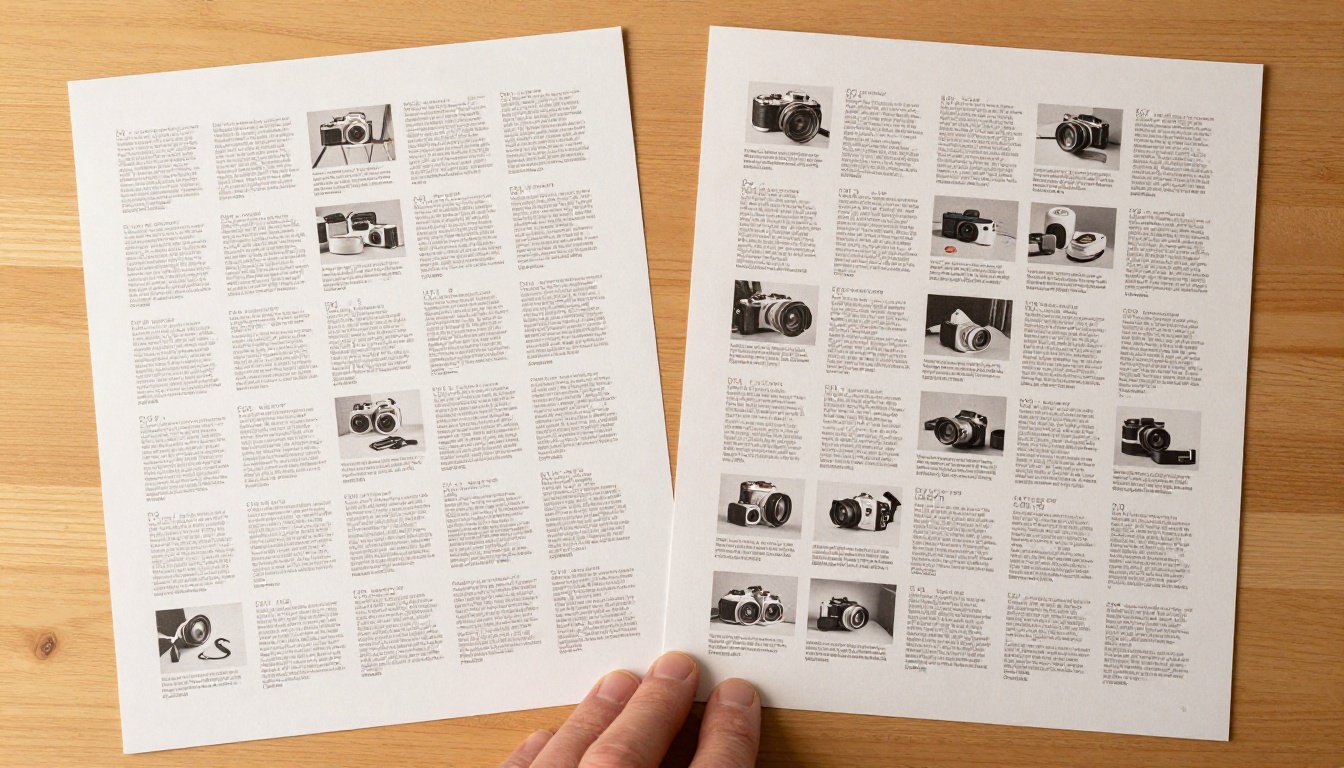
Electronics buyers need direct comparison before committing to a purchase. AI identifies product pages that contain comparable specifications and sequences them together, so a browser can evaluate options side by side without flipping through the full catalog. This is one of the clearest cases where sequencing directly affects conversion.
| Catalog Type | Primary AI Benefit | Ideal Opening Section |
|---|
| Fashion and Apparel | Outfit cohesion and visual arc | Hero editorial look |
| Furniture and Home Decor | Room scene grouping | Full room lifestyle spread |
| Food and Beverage | Appetite progression | Drinks and starters |
| Electronics and Tech | Comparison clustering | Flagship product spread |
| Beauty and Cosmetics | Routine-based sequencing | Core skincare essentials |
| Travel and Hospitality | Aspirational mood setting | Destination lifestyle imagery |
| Corporate and B2B | Trust-building before detail | Case studies or credentials |
3 Common Mistakes in Catalog Page Ordering
Even experienced catalog designers repeat the same sequencing errors. AI suggestion tools catch these by default, but it helps to know why they matter.
Burying Hero Products
The most consistent mistake is placing top-selling or highest-margin items in the middle section of a catalog, where drop-off rates are at their highest. AI recommendations consistently surface hero products within the first 20 percent of pages, where attention and buying intent are strongest.
⚠️ If your top 5 products appear after page 12 in a 40-page catalog, you are losing potential buyers to drop-off before they ever reach those pages.
Skipping Category Transitions
Jumping abruptly between product categories without a visual or tonal bridge creates friction. Buyers mentally disengage when the context shifts without warning. AI sequencing introduces natural transition moments, such as a lifestyle spread, a color palette page, or a feature highlight, so each chapter flows into the next without jarring the reader.

Ignoring Mobile Reading Patterns
Digital catalogs are browsed on phones far more often than on desktop. AI tools aware of device context suggest sequences that work on both orientations, placing text-heavy comparison content where readers have already committed enough attention to read carefully, rather than early in the sequence when they are still deciding whether to invest time.
How to Use Flipbooks AI for Smart Catalog Order
Flipbooks AI makes the process of building and publishing a digital catalog straightforward, even for teams without dedicated design staff. Here is how the workflow runs from upload to publishing.
Step 1: Upload Your Catalog PDF
Sign in at Flipbooks AI and use the Digital Catalog Maker or the PDF to Flipbook Converter to bring in your existing catalog. The platform converts it into an interactive flipbook in minutes, preserving your original design while adding the full digital layer.

Step 2: Review the Full Sequence in Thumbnail View
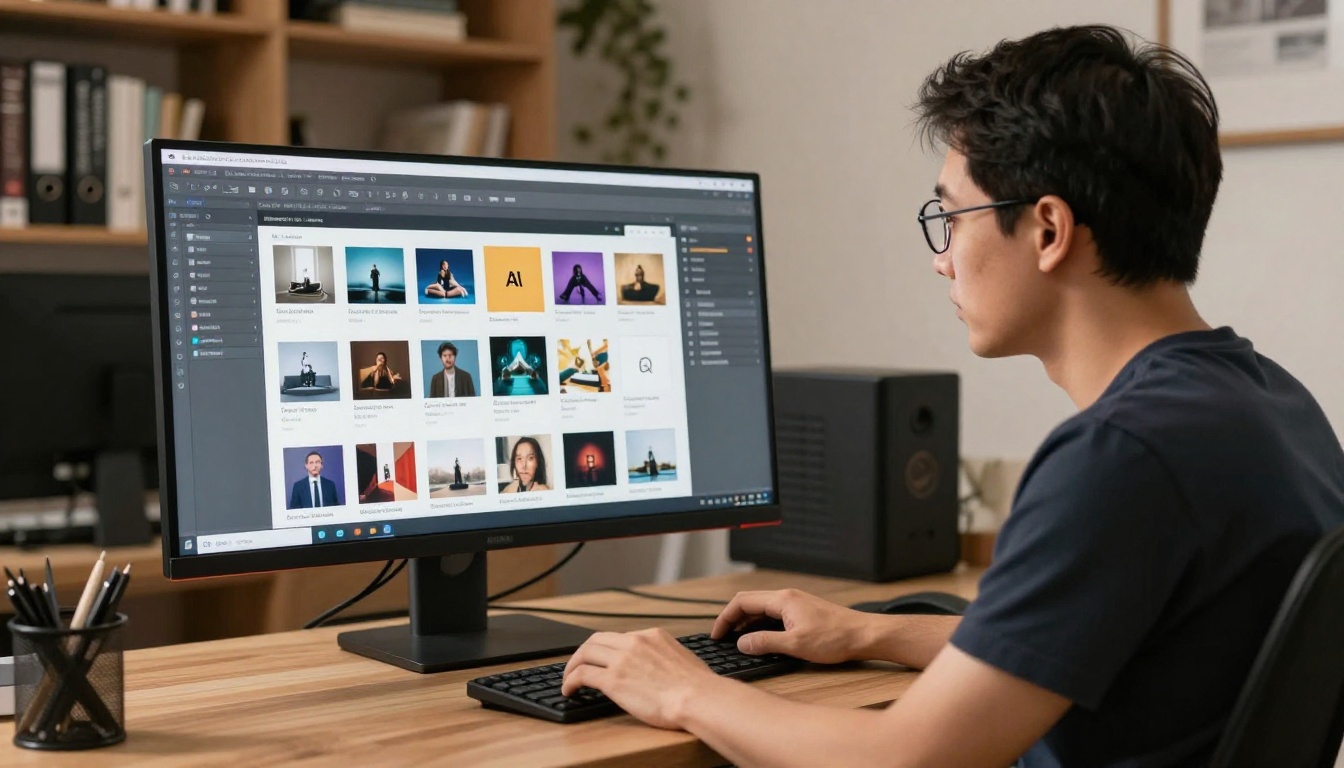
Once uploaded, the editor shows all pages as a grid of thumbnails. This view makes sequencing problems immediately visible in ways that editing page-by-page never reveals. You can see imbalances, abrupt transitions, and buried hero products at a glance. Most teams spot clear issues within the first 30 seconds of looking at the full grid.
Step 3: Reorder Using Informed Sequencing Logic
Use the thumbnail editor to drag and reorder pages. Apply the principles outlined above: hero content in the first 20 percent, category clusters grouped together, transitions between sections, and a strong call to action in the closing pages. The Catalog Flipbook Creator makes this reordering fast and intuitive.
✅ Aim for a three-act catalog structure: establish the brand and hero offer in the first third, develop through category depth in the middle, and resolve with specific offers and urgency in the final section.
Step 4: Add Branding and Interactive Features
Once the sequence is finalized, apply your brand colors, add your logo, and set up interactive elements including embedded video, audio, and clickable product links. All of this is available without watermarks on the Standard plan and above.
Step 5: Publish, Share, and Measure
Flipbooks AI provides multiple publishing options: a direct shareable link, an embed code for your website, password protection for private catalogs, and downloadable offline versions. The Professional plan adds full analytics so you can see exactly which pages hold the most attention, which pages get skipped, and where to refine your sequence for the next version.
| Feature | Free Plan | Standard Plan | Professional Plan |
|---|
| Flipbooks created | Limited | Unlimited | Unlimited |
| Watermark | Yes | No | No |
| Custom branding | No | Yes | Yes |
| Password protection | No | No | Yes |
| Page analytics and tracking | No | No | Yes |
| Offline downloads | No | No | Yes |
| Lead generation forms | No | No | Yes |
| Embedded video and audio | No | Yes | Yes |
Browse pricing plans to find the right option for your publishing needs.
What Catalog Analytics Tell You After Publishing
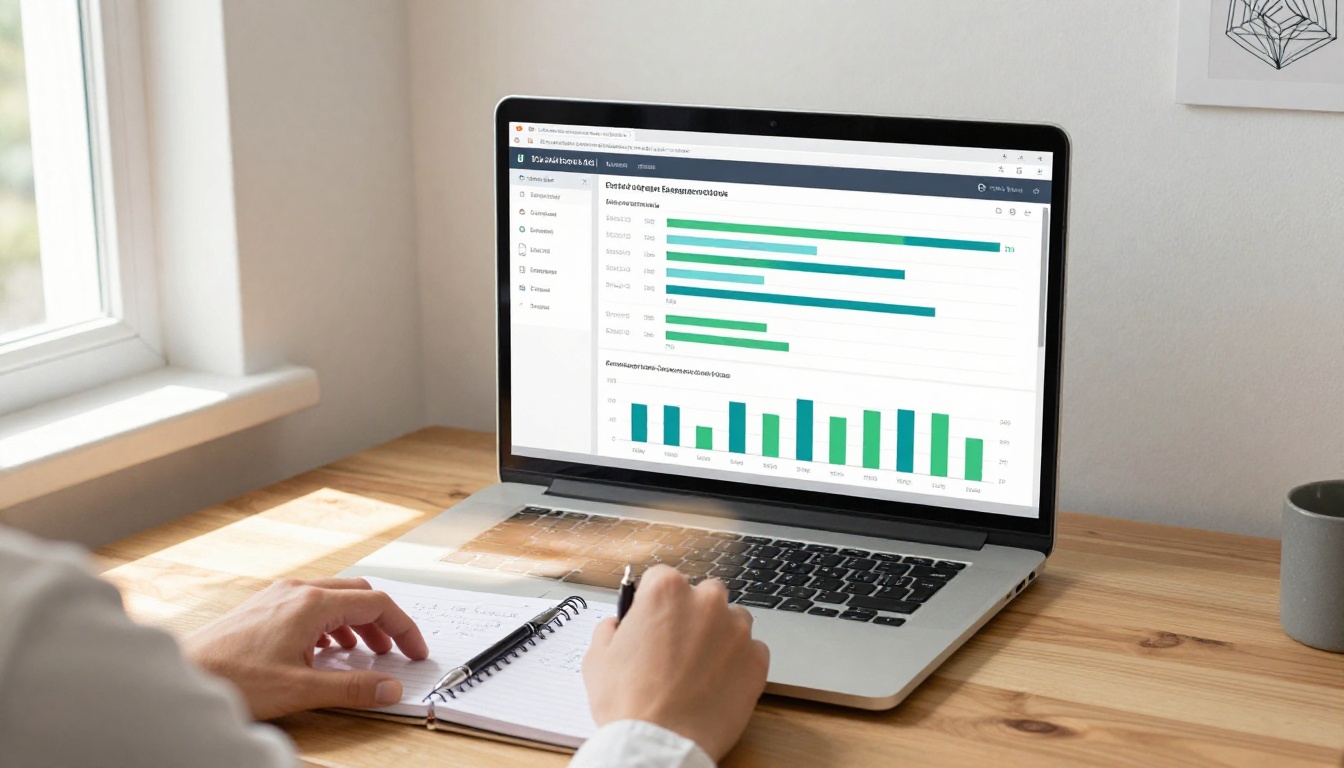
The data your catalog generates after publishing is exactly what makes the next version better. Page-level analytics close the loop between the sequencing decisions you made and the behavior they produced.
Signs That Sequencing Is Working
- Average page depth puts readers past the halfway point of the catalog
- Low exit rate on pages 3 through 10 indicates readers committed past the opening
- High interaction rates on pages following category transitions show the bridging worked
- Strong time-on-page for products in the first 25 percent confirms hero placement is effective
Signs That a Reorder Is Needed
- A high exit rate on pages 2 or 3 means the opening sequence is not compelling enough
- A sharp drop-off at a specific page means that page is breaking the reading flow
- Low interaction on your best products signals they are placed too late in the sequence

These signals feed directly into your next sequencing decision, creating an iteration loop where each catalog version performs better than the previous one because it is built on real data rather than assumptions.
💡 Catalogs updated based on analytics data every quarter consistently outperform those published once and left unchanged.
Stop Guessing. Start Sequencing With Purpose.
Page order is one of the most impactful and most overlooked variables in catalog performance. Whether you are building a fashion catalog, a furniture catalog, a restaurant menu, or a product catalog for any retail category, the right sequence is the difference between a publication that gets read to the final page and one that loses buyers after the first few spreads.
AI-informed sequencing gives you a structured starting point built on how actual buyers browse, what product relationships hold attention, and where drop-off happens most predictably. Combine that with the publishing, analytics, and sharing tools in Flipbooks AI, and you have everything needed to build catalogs that perform from page one through to the last.
Ready to stop guessing and start building catalogs that actually convert? Get started for free on Flipbooks AI today.



