You have a collection, a small budget and a deadline, and every buyer, stylist and customer is asking for "something to look at." The real question is whether that something should be a lookbook or a catalog. Pick wrong and you spend weeks on a document that does not move the sale you actually need. This article compares the two formats side by side, shows where each one earns its place, and gives you a clear rule for which to produce first. If you want to build either one as a digital page-turning publication, Flipbooks AI turns a PDF into a shareable flipbook in minutes.
Lookbook vs Catalog in One Minute
A lookbook is a styled, photo-led story. It shows how garments look worn, in a setting, with a point of view. A catalog is a structured product reference. It shows every item, in every color and size, with codes, prices and specs.
Think of it this way: a lookbook answers "Who is this brand and how would I wear it?" A catalog answers "What exactly can I order, and for how much?"

| Feature | Lookbook | Catalog |
|---|
| Main job | Build desire and brand identity | Enable ordering and comparison |
| Photography | Editorial, styled, on models | Clean, flat or ghost-mannequin |
| Text | Minimal: season, mood, credits | Heavy: SKUs, sizes, fabrics, prices |
| Page count | 12 to 40 pages | 30 to 200+ pages |
| Primary reader | Press, stylists, shoppers, influencers | Buyers, retailers, wholesale clients |
| Lifespan | One season or campaign | One season, updated often |
Why the Order Matters
Producing both at once sounds ideal, but a young label rarely has the budget or the product data to do it well. The first document sets the tone for how people perceive you, so the order is a strategic choice, not a formality.
Make the lookbook first if nobody knows your brand yet. Make the catalog first if buyers already know you and want to place orders. Most early-stage labels fall into the first camp, but there are real exceptions, which we cover below.
💡 Pro tip: Ask yourself who will open the file first. If the answer is "a person deciding whether they like us," start with the lookbook. If it is "a person ready to write a purchase order," start with the catalog.
What a Lookbook Does Best
A lookbook is your emotional pitch. It earns attention in places where a price list never could: press outreach, social media, influencer seeding and your own website.
Brand Story and Mood
A good lookbook has a clear visual thread. Maybe it is a coastal color palette, a street-cast look or a minimalist studio set. Every page reinforces the same feeling, so a stranger can describe your brand after thirty seconds.
Styling Ideas, Not Just Items
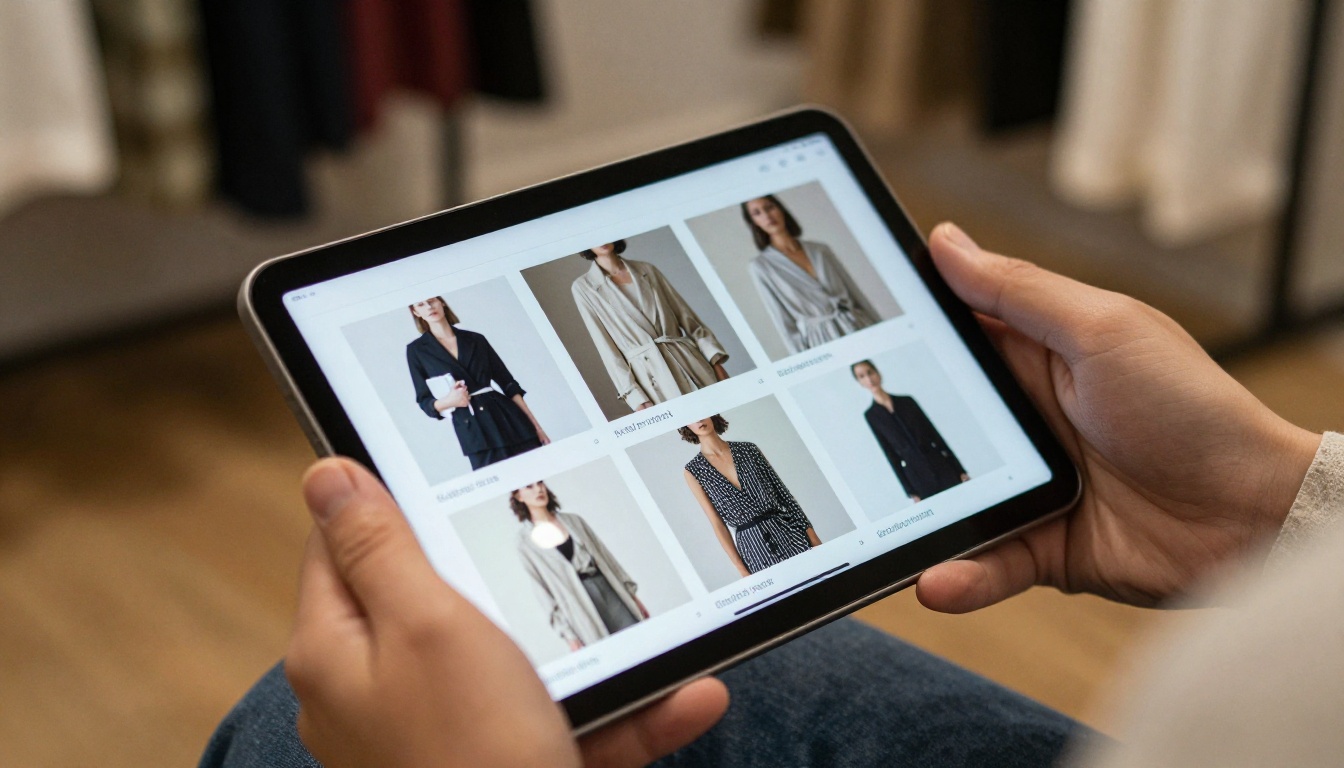
Shoppers rarely buy one piece in isolation. A lookbook shows the coat with the trousers, the bag, the boots. That outfit-level thinking raises average order value because you are selling a complete look rather than a single SKU.
Press and Partnership Outreach
Editors, stylists and collaborators need imagery fast. A lookbook gives them a curated set they can browse, rather than hunting through a product database.

Where a Lookbook Falls Short
- It rarely lists full size ranges or wholesale prices.
- Buyers cannot reliably build an order from it.
- Editorial shoots cost more per image than flat product photography.
- Items can be hard to identify without small captions or codes.
What a Catalog Does Best
A catalog is your operational tool. It removes friction from buying. If your goal is orders rather than awareness, it is the more useful asset.
Clarity and Completeness
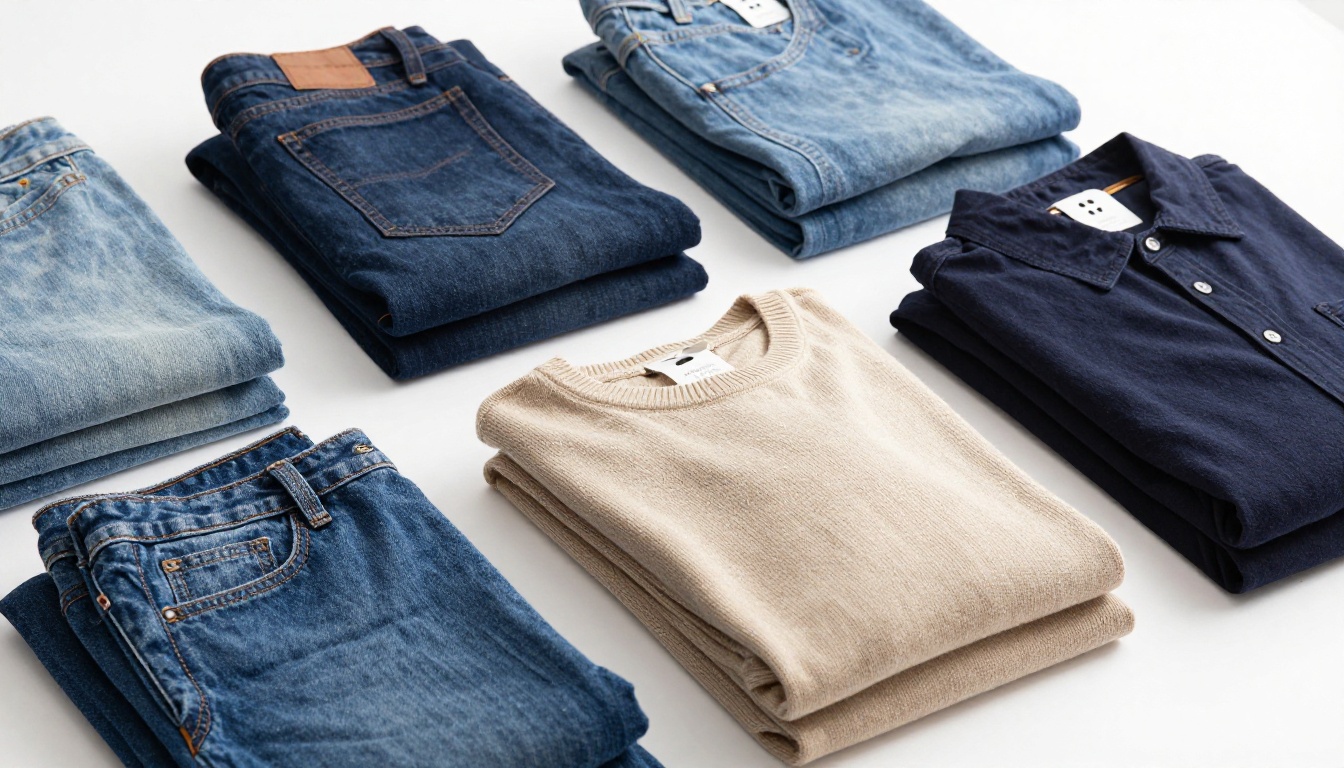
Every product appears with the same angle, the same lighting and the same information fields. This consistency lets a buyer compare a jacket in three colors in seconds.
Wholesale Readiness
Retailers want minimum order quantities, case packs, delivery windows and wholesale pricing. A catalog or line sheet carries all of that, which a lookbook should not.
Easy Updates
Because the structure is repeatable, you can refresh a catalog when stock changes or a new drop arrives, without redoing a creative concept.
Where a Catalog Falls Short
- It can feel cold and transactional if used as your only brand statement.
- Press and social audiences skip it because it lacks narrative.
- Producing accurate data for every SKU takes real time.
Cost and Effort Compared
Budget is usually the deciding factor for a new label, so here is a realistic comparison of what each format demands.
| Cost Area | Lookbook | Catalog |
|---|
| Photography | Higher: model, stylist, location, hair and makeup | Lower: studio, flat lay or ghost mannequin |
| Design time | Creative layout, more experimentation | Template-driven, repetitive |
| Copywriting | Short captions and a brand statement | Product descriptions, specs, care labels |
| Data prep | Light: product names and codes | Heavy: SKUs, sizes, prices, stock |
| Reuse value | Social posts, ads, press kits | Sales sheets, e-commerce uploads |
A lean lookbook can be done with six to ten strong looks. A lean catalog needs every single item you intend to sell, so its scope grows with your collection size. If you have 12 pieces, a catalog is cheap. If you have 120, it is a project.

A Simple Decision Framework
Use these five questions to decide. Count how many answers point to each format.
- Do customers already know your name? Unknown brand points to a lookbook. Known brand points to a catalog.
- Is your first target retail buyers or direct shoppers? Buyers lean catalog. Shoppers lean lookbook.
- Do you have final prices, sizes and SKUs? If not, you are not ready for a catalog.
- Do you need press coverage or collaborations? That points to a lookbook.
- Do you have a trade show or sales appointments booked? That points to a catalog or line sheet.
Three Quick Scenarios
- A new streetwear label with a 10-piece capsule: Lookbook first. The story and styling are the product at this stage.
- A bridal accessories brand with 80 items and boutique stockists: Catalog first. Stockists need codes and wholesale terms.
- A sustainable denim brand preparing for its first trade fair: A short lookbook for the booth plus a line sheet. Treat the line sheet as a compact catalog.
⚠️ Warning: Do not hand a buyer a lookbook with no prices or codes and expect an order. They will thank you for the pictures and then ask for a separate file anyway.
Whichever you choose, how you deliver it matters as much as what is inside. Large PDF attachments get blocked by email filters, load slowly on phones and give you zero visibility into whether anyone opened them.
A digital flipbook solves these problems. It opens in a browser with a page-turn effect, adapts to mobile screens and can be shared with a single link. You can embed it on your website, protect it with a password for wholesale customers and track how people interact with it on the Professional plan.
| Delivery Method | Pros | Cons |
|---|
| Emailed PDF | Familiar, simple | Heavy file, no tracking, easily forwarded |
| Printed copy | Tactile, premium feel | Expensive, slow, outdated quickly |
| Website embed flipbook | Always current, mobile friendly, trackable | Requires a link or embed code |
| Password-protected flipbook | Private wholesale access | Buyers need the access code |
How to Build Either One with Flipbooks AI
Both formats follow the same workflow. Here is a step-by-step process, using the dedicated tools for each.
Step 1: Design the Pages
Build your layout in any design tool you like and export it as a PDF. For editorial photography, keep pages image-led with generous margins. For a product catalog, use a repeating grid so every item has the same fields.
Step 2: Create Your Account
Head to Flipbooks AI and sign up. Then choose the tool that fits your document:
Step 3: Upload and Convert
Upload your PDF. The platform converts it into a flipbook with realistic page turns. You can also use the PDF to Flipbook Converter directly if you already have the file ready.
Step 4: Customize the Look
Add your logo, pick background colors that match your brand, and choose page effects. You can embed videos and audio, which is perfect for a lookbook: a short runway clip or a campaign soundtrack makes pages feel alive. Everything is mobile responsive and there are no watermarks.
Step 5: Share It
- Copy the direct link for emails and social bios.
- Use the Embed Flipbook on Website option to place it on your site.
- Add password protection for wholesale catalogs with trade pricing.
- Enable offline downloads so buyers can browse at a trade fair with weak signal.
Step 6: Track and Follow Up
With the Professional plan, you get analytics and lead generation. See which pages are viewed most and capture contact details from interested buyers. Check the options on the pricing page.

✅ Best practice: Keep one master file per season and publish a new version rather than creating a new document each time. Your link stays the same, and your customers always see the latest pages.
Building a Hybrid Without Doubling the Work
You do not have to choose forever. Many successful labels start with one and fold the strengths of the other into it.
Lookbook With Light Product Detail
Add small captions under each look listing the item name, code and starting price. This turns an editorial piece into a soft catalog. It will not replace a full order sheet, but it answers the most common question.
Catalog With Editorial Openers
Start the catalog with four to six lifestyle pages that set the mood, then switch to the grid. Buyers get the story and the specs in one file.

Reuse Your Assets
- Use lookbook images as hero banners and ad creative.
- Use catalog flat shots for marketplace listings and email product blocks.
- Use both inside a press kit when pitching editors.
Common Mistakes to Avoid
- Making the lookbook too long. Past 30 pages, attention drops. Edit hard.
- Skipping product codes. Even a lookbook benefits from small identifiers.
- Inconsistent photography in a catalog. Mixed angles and lighting make comparison harder.
- Publishing prices that are not final. Update the file after any price change.
- Forgetting mobile. Most first views happen on a phone, so test the layout on a small screen.
- No clear next step. Every page set should end with how to order, contact or visit the shop.

A Practical Timeline for a New Label
Here is a realistic sequence if you are launching a first collection in about eight weeks.
| Week | Task | Output |
|---|
| 1 to 2 | Finalize pieces, prices and SKU list | Product data sheet |
| 3 | Plan the shoot, moodboard and casting | Shot list |
| 4 | Editorial shoot | Lookbook images |
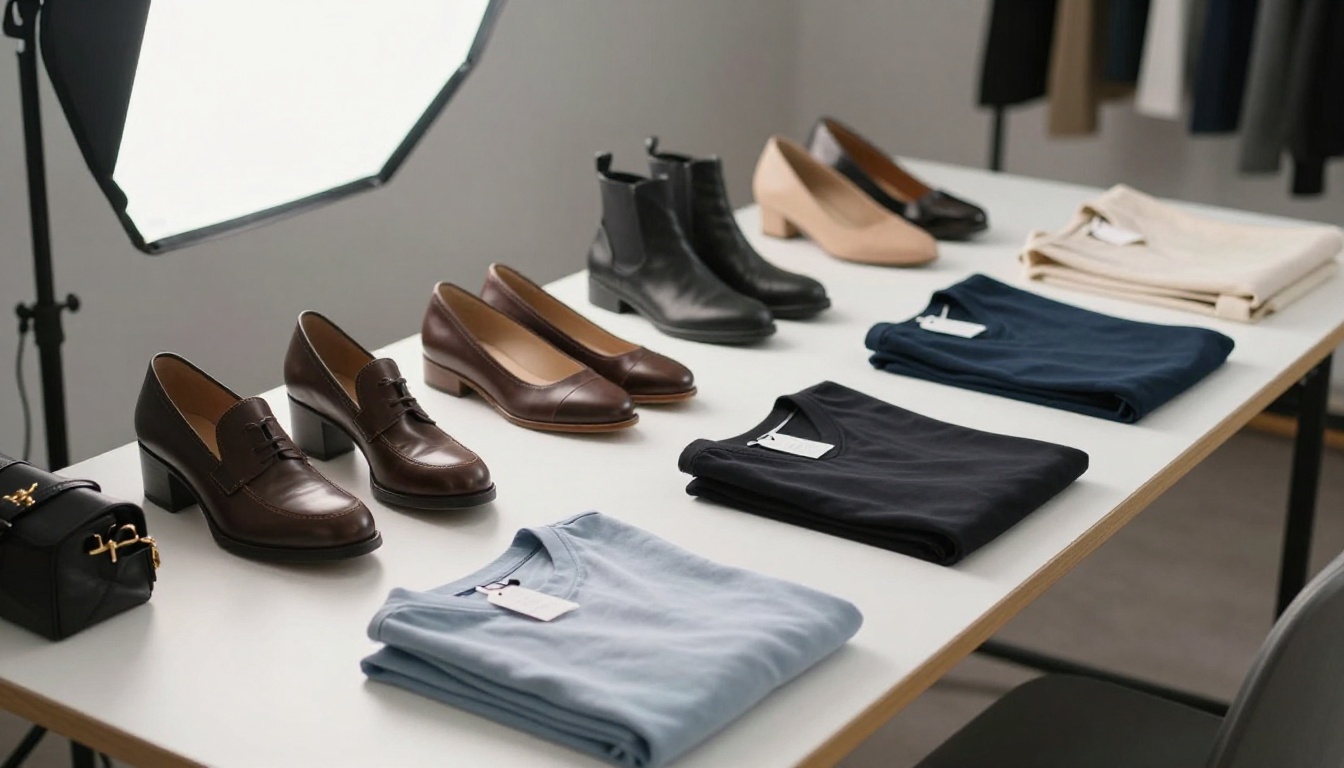
| 5 | Flat or ghost-mannequin product shoot | Catalog images |
| 6 | Layout and PDF export | Lookbook PDF, catalog draft |
| 7 | Convert to flipbooks, test on mobile | Shareable links |
| 8 | Send to press, stockists and shoppers | Live campaign |
If time is tight, publish the lookbook at the end of week 6 and finish the catalog while early interest builds. For a retail-first launch, flip that order and publish the catalog first.
Your Next Move
The answer to "lookbook or catalog first" comes down to your audience and your stage. Unknown brand chasing attention: start with the lookbook. Known brand with buyers waiting: start with the catalog. Unsure: build a short lookbook with captions and add a catalog once your product data is final.
Ready to publish? Get started for free on Flipbooks AI, browse all flipbook tools to find the right template, or compare pricing plans to see which tier fits your collection size.



