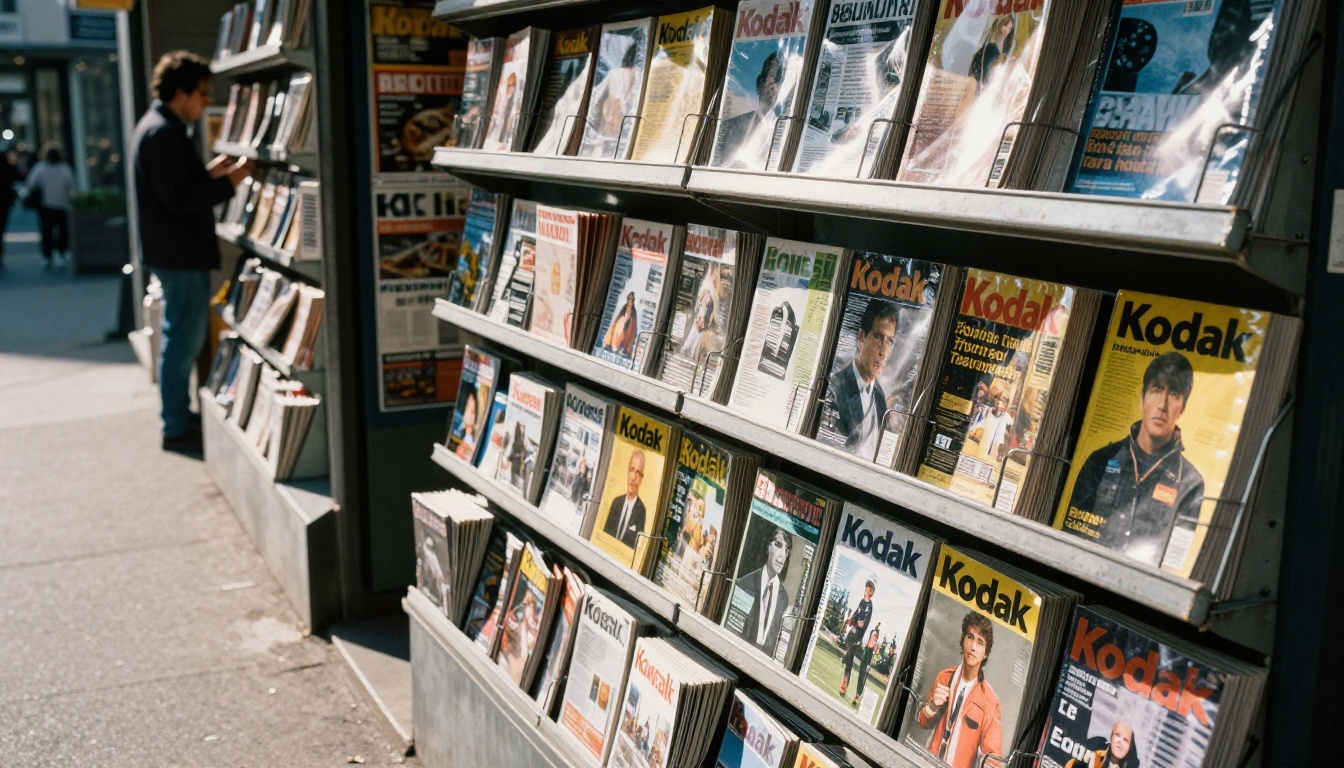
Every publisher eventually hits the same fork in the road: build a branded magazine app, or ship each issue as a flipbook edition that opens in any browser. One path promises a home-screen icon and push notifications. The other promises a launch measured in hours, not quarters. If you already publish PDFs and want a fast, low-risk way to put them in front of readers, a tool like Flipbooks AI shows how quickly a flipbook edition can go live. This article puts both formats side by side so you can decide with real numbers instead of guesses.

A magazine app is a native application (iOS, Android, or both) published through the Apple App Store and Google Play. Readers download it once, then browse a library of issues, often with subscriptions, push alerts, and offline reading baked in.
A flipbook edition is an issue converted from PDF into a page-turning web reader. It lives at a URL, embeds on any website, and works on desktop, tablet, and phone without an install. Think of it as your print layout, made interactive, and delivered by link.
| Feature | Magazine App | Flipbook Edition |
|---|
| Install required | Yes, from an app store | No, opens in a browser |
| Typical launch time | 3 to 9 months | Same day |
| Distribution | App Store, Google Play | Link, embed, email, social |
| Updates | Release cycle plus store review | Instant, replace the PDF |
| Push notifications | Native | Not native, use email and social |
| Print layout fidelity | Often reflowed or rebuilt | Exact PDF layout |
| Upfront cost | High | Low |
💡 Pro tip: The two formats are not mutually exclusive. Many publishers start with flipbooks to validate demand, then add an app once subscriber numbers justify the investment.
The Real Cost of Each Path
Budget is usually the first filter, and the gap is wide. Apps carry costs that do not show up on the first quote.
Building a Magazine App
A custom app involves design, development for two platforms, backend work for authentication and subscriptions, and a content pipeline that converts every issue into app-ready format. Agencies commonly quote five figures to six figures for a first release. Then come the recurring costs: annual developer accounts, OS compatibility updates every autumn, crash fixes, and store fees on in-app purchases.
White-label app platforms reduce the upfront bill, but they usually charge monthly fees per issue or per download, and your app sits inside someone else's template.
Publishing Flipbook Editions
A flipbook edition needs a PDF and a few minutes. You upload, pick branding, and share. Pricing is a flat subscription rather than a development project. You can review current pricing plans to see how that compares with an agency retainer.
| Cost Item | Magazine App (Year One) | Flipbook Edition (Year One) |
|---|
| Design and development | Very high | None |
| Developer accounts | Annual fees | None |
| Platform or hosting | Backend plus maintenance | Included in subscription |
| Per-issue production | Conversion and QA each issue | Upload the PDF |
| OS update maintenance | Ongoing | None |

Speed to Market and Workflow
Publishing calendars are unforgiving. A monthly title has a hard deadline every thirty days, and anything that adds friction between "final PDF" and "reader has it" costs you readers.
With an app, each issue typically needs to be processed, tested, and loaded into a content system. If you ship new app features, you also wait on store review, which can take anywhere from a few hours to several days. A bug found on release day cannot be patched instantly for readers who already updated.
With flipbooks, the workflow collapses to three steps:
- Export the final PDF from InDesign, Affinity Publisher, or Canva.
- Upload it and let the reader build the page-turn effect.
- Share the link or embed it on your site.
A typo caught an hour after publishing? Replace the file and the same link serves the corrected edition. That kind of agility is hard to match in a native release cycle.
✅ Best practice: Keep a fixed URL pattern for every issue, such as /issues/october-2026, so archived editions stay easy to find and share.
Reader Experience and Reach
Readers do not think in formats. They think in friction. Every extra step between a social post and the first page loses a portion of your audience.
The Install Barrier
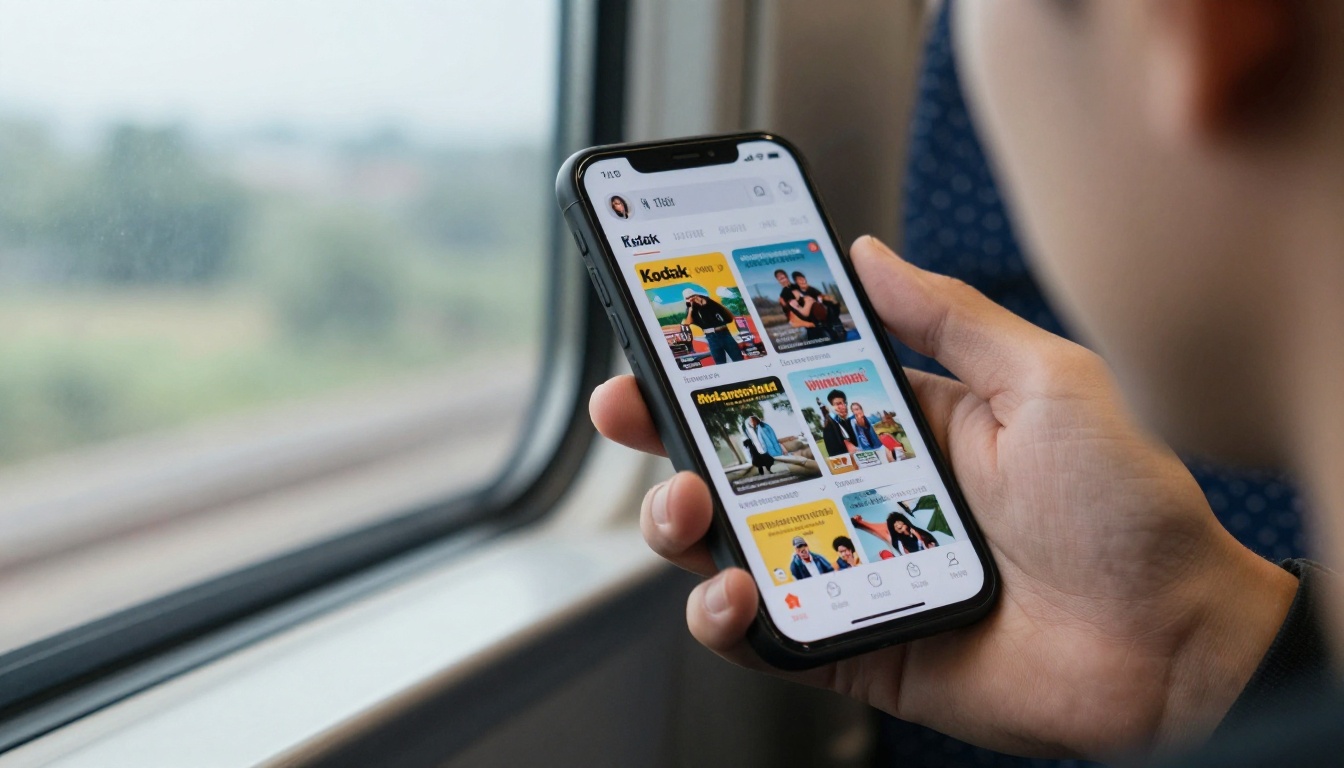
An app asks a casual visitor to leave the page, find a store listing, download hundreds of megabytes, open it, and possibly create an account. Committed subscribers will do this gladly. First-time visitors usually will not. Flipbooks remove the barrier completely: tap the link and the cover appears.
Where Apps Win
Apps shine for loyal audiences. A home-screen icon is a daily reminder. Push notifications announce a new issue the moment it drops. Offline reading is smooth, and in-app subscriptions let readers pay in two taps using stored payment details.
Where Flipbooks Win
Flipbooks are search-friendly, shareable, and embeddable. A single edition can appear on your homepage, in a newsletter, in a partner's site, and in a social bio at the same time. Mobile readers get a responsive layout, and desktop readers get a true spread. You can also let readers download an offline copy when you want to.
| Reader Need | Better Fit |
|---|
| Try the magazine without commitment | Flipbook |
| Daily habit and re-engagement alerts | App |
| Share one article spread with a friend | Flipbook |
| Read on a flight with no signal | App, or flipbook with offline download |
| Read on a work laptop with locked-down installs | Flipbook |
| Pay with stored credentials in two taps | App |
Design Fidelity and Content Control
Print designers spend days perfecting typography, margins, and image placement. Many magazine apps force a reflow into a scrolling article view, which can scramble that work. Others require you to rebuild each issue using a proprietary layout tool.
A flipbook keeps your PDF layout exactly as designed. The spread you approved is the spread readers see. You can still layer in interactivity: clickable links, embedded video and audio, and clear calls to action on specific pages.
This matters most for visual titles: fashion, travel, architecture, food, and photography. If you publish in those niches, a Magazine Flipbook Creator lets the pictures do the talking without rework. For lighter periodicals, an E-Magazine Publishing Tool covers newsletters and short-run editions too.

Analytics, Subscriptions, and Revenue
Revenue is where publishers should be most careful, because the formats monetize differently.
Paywalls and Subscriptions
Apps integrate directly with store billing, which is convenient but costs a commission on every transaction, often fifteen to thirty percent. Flipbooks do not process payments natively, but they support password protection, so you can gate a private edition behind credentials delivered after a payment on your own checkout. You keep the full margin and own the customer relationship.
Lead Generation
If your goal is to grow an email list or capture sponsor leads, flipbooks on the Professional plan include lead generation and analytics. You can see which pages hold attention, where readers drop off, and which links get clicked. Apps can offer similar data, but only if you build or buy the analytics layer.
| Revenue Model | Magazine App | Flipbook Edition |
|---|
| Paid subscriptions | In-app purchase, store commission | Your own checkout plus password protection |
| Advertising | Custom ad placements | Clickable ad pages, sponsor links |
| Lead capture | Requires custom build | Built into the Professional plan |
| Free promotional issues | Possible but behind a download | Open link, instant read |
⚠️ Watch out: Store commissions apply to digital subscription sales inside apps. Check the current policy before you model your margins.

How to Create a Flipbook Edition with Flipbooks AI
If the flipbook route fits, here is the workflow from PDF to published issue.
- Create your account. Create an account on Flipbooks AI and open the dashboard.
- Upload your PDF. Drag your final issue in. The PDF to Flipbook Converter processes every page and keeps your layout intact. Large, image-heavy files convert in moments.
- Customize the reader. Add your logo, set brand colors, choose the page-turn effect, and attach multimedia: embedded video, audio, and links on individual pages. No watermarks are added, ever.
- Set access rules. Keep an issue public for promotion, or lock it with a password for subscribers only.
- Share it. Copy the direct link, or use the Embed Flipbook on Website tool to place the reader on your homepage.
- Track results. On the Professional plan, review analytics and collect leads from readers who open the issue.
Unlimited flipbooks are included from the Standard plan upward, so a publisher with monthly, weekly, or special editions does not have to ration uploads. Mobile-responsive design is automatic, which means your issue works on phones without extra setup.
💡 Pro tip: Publish a free sample issue as an open link and a premium issue behind a password. Readers get a taste, and your paid edition stays protected.

Real-World Scenarios
Abstract comparisons only go so far. Here is how the choice plays out for different publishers.
- A regional lifestyle magazine with a small team and a monthly cycle. A flipbook gets every issue online the day it prints, embeds on the local tourism site, and sits in the newsletter. An app would eat the budget before it earned a single subscriber.
- A national weekly with a large paying audience. Subscriber loyalty and push alerts justify a native app. Flipbooks still help as the free sample and as the sharing format for single spreads.
- A trade publication sending issues to a controlled list of members. Password-protected flipbooks with lead tracking fit better than a public app listing.
- A cafe or hotel producing a seasonal in-house magazine. Flipbook editions on a tablet at the counter or a QR code on the table cost almost nothing to run.
- A photography collective that needs images to appear at full quality. Flipbook layout fidelity preserves every crop. A Photography Portfolio flipbook also doubles as a client-facing showcase.

A Simple Decision Framework
Answer these five questions honestly and the answer usually surfaces.
- How many readers pay you today? Under a few thousand, start with flipbooks. Over that, an app becomes defensible.
- How fast do you need to launch? If the answer is "this issue", the app is out.
- Does your audience open the magazine habitually? Daily or weekly habits favor apps. Occasional readers favor links.
- Do you depend on search and social sharing? Open URLs beat store listings for discovery.
- Can you fund a dedicated product team? Apps need ongoing developers. Flipbooks do not.
| If you are... | Start with |
|---|
| A new or small publisher | Flipbook edition |
| Testing a new title | Flipbook edition |
| Running a loyal paid base above several thousand | Flipbook first, then add an app |
| A trade or members-only title | Flipbook with password protection |
| A large publisher with a development team | App plus flipbook for acquisition |
The Hybrid Approach
The smartest teams treat flipbooks as the front door and an app as an optional living room. Flipbooks pull in new readers through search, social, and email. Once a reader becomes loyal, you invite them to the app. You pay for the app only after the audience has proven it deserves one.
Common Mistakes to Avoid
- Building an app first. Many publishers spend a year on development and discover that readers wanted the issue in their inbox.
- Ignoring mobile layout. Whatever format you choose, test on a mid-range phone, not only on a desktop monitor.
- Treating the PDF as a finished product. Add links, video, and calls to action to make the issue work harder.
- Skipping measurement. Without page-level data you will guess which stories matter.
- Locking everything behind a wall. Always keep at least one free sample open for new readers.
Ready to Publish Your Next Issue?
Pick the format that matches your audience today, not the one that sounds most impressive. For most publishers, that means starting with a flipbook edition and adding an app later if the numbers call for it.
Ready to publish your first edition? Get started for free on Flipbooks AI, browse all flipbook tools to match your publication type, and compare pricing plans to choose what works for you. When you are ready to grow, upgrade to Professional for analytics and lead generation.