Every catalog you drop in a mailbox is a bet. You pay for paper, ink, labels and postage before a single customer clicks, calls or buys. An emailed flipbook flips that math: the cost is mostly upfront design time, and each extra send costs close to nothing. This article puts both channels side by side so you can see the cost per order for each, not just the cost per piece. If you already have a PDF catalog, you can turn it into a page-turning digital version with Flipbooks AI and test the numbers yourself.
Quick note on the figures: the dollar amounts below are realistic planning estimates for a small to mid-size US brand. Your printer quotes, postal class and list quality will move them, so treat the tables as a template and swap in your own numbers.
Why Cost per Piece Misleads
Most teams compare a $2.40 printed catalog with a $0.002 email and declare the winner. That comparison is useless, because nobody buys a catalog. They buy products. What matters is what you spend to get one paying order.
The formula is simple:
Cost per order = total campaign cost / number of attributed orders
A channel with a high cost per piece can still win if it converts far better. A channel with a tiny cost per piece can still lose if nobody opens it. So we need both sides of the equation: cost and response.

The Three Numbers That Matter
- Total spend: design, production, delivery, list costs and software.
- Response rate: the share of recipients who place an order.
- Average order value (AOV): what each order is worth, so you can check margin and not just volume.
💡 Track cost per order and return on ad spend. A $60 cost per order is fine on a $400 average order and a disaster on a $40 one.
What a Mailed Catalog Really Costs
Print catalogs have more cost lines than most owners expect. Here is the full list.
Printing and Paper
A 32 page, full color, saddle stitched catalog usually runs between $0.60 and $1.40 each at runs of 5,000 to 20,000. Heavier paper, more pages or special coatings push that number up fast. Short runs under 1,000 can cost $2 or more per copy because setup fees get spread across fewer pieces.
Postage and Handling
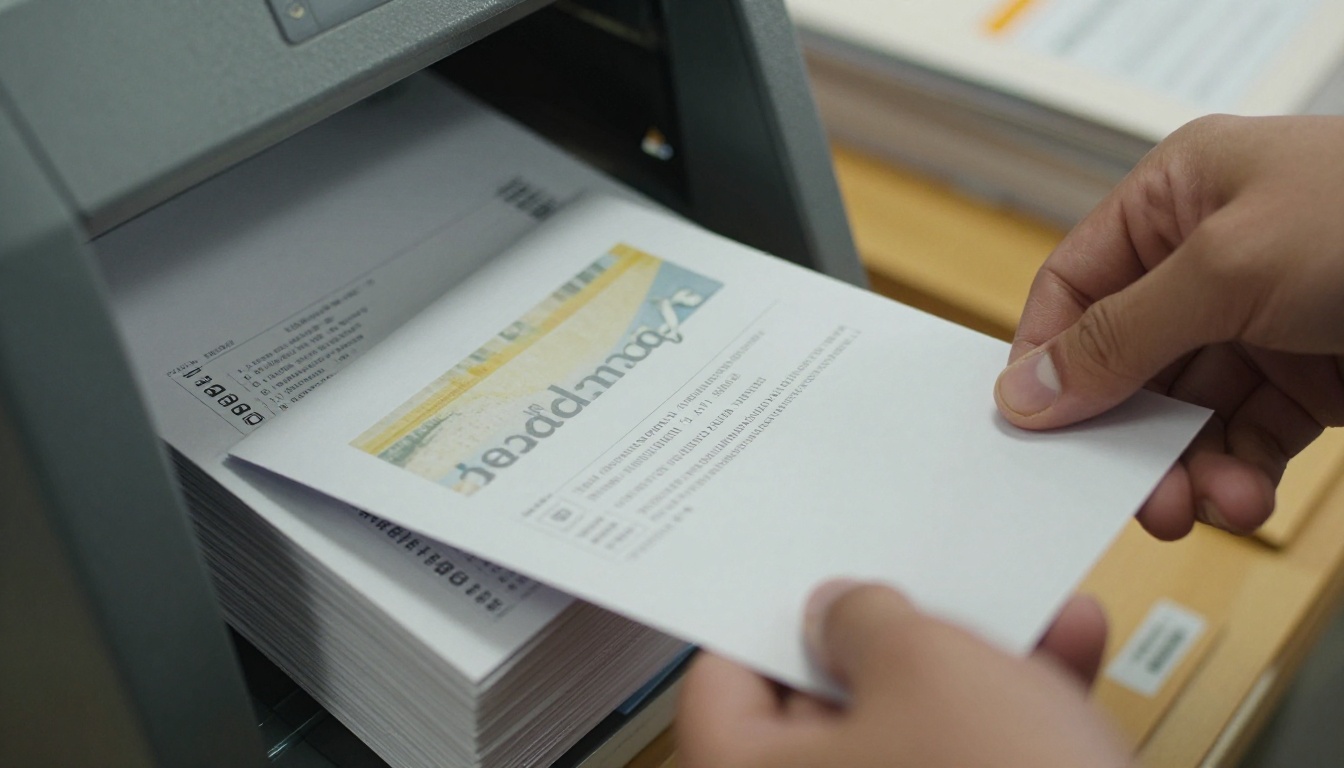
Postage is the line that surprises people. Marketing mail rates for catalogs commonly land around $0.45 to $1.20 per piece depending on weight, density and presort level. Add labeling, sorting and a mail house fee, and you can add another $0.10 to $0.30.
Lists, Design and Waste
- Mailing list: rented prospect lists often cost $80 to $150 per thousand names. Your own customer list is cheaper but smaller.
- Design and layout: a catalog redesign can take a week or more of designer time.
- Address cleanup: returned mail and outdated addresses are money lost before the piece lands.
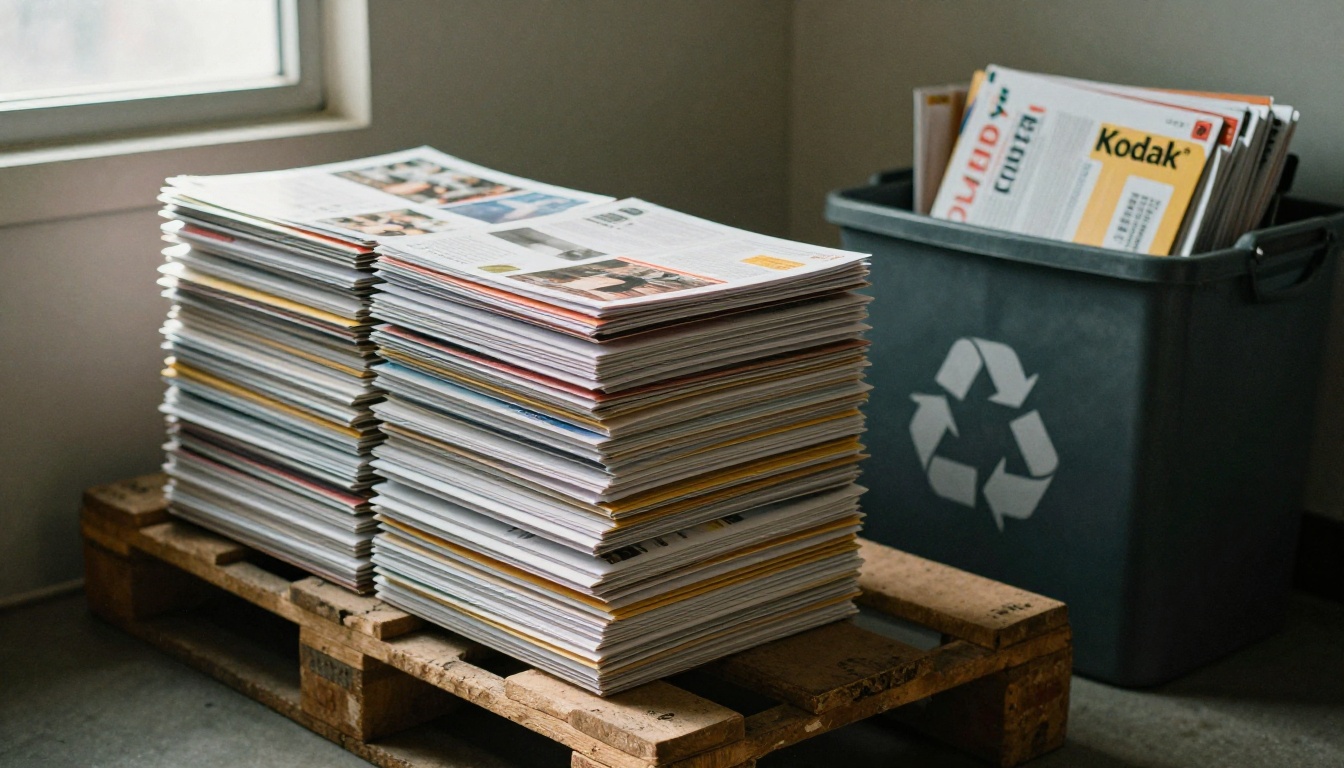
- Leftover stock: extra copies that never ship end up in a storage room and then a recycling bin.
Sample Print Budget for 10,000 Recipients
| Cost line | Per piece | Campaign total |
|---|
| Printing (32 pages, full color) | $0.95 | $9,500 |
| Postage (marketing mail) | $0.80 | $8,000 |
| Mail house, labels, sorting | $0.20 | $2,000 |
| List rental and cleaning | $0.15 | $1,500 |
| Design and layout | n/a | $2,500 |
| Total | $2.65 | $23,500 |
At a 2% order rate, 10,000 catalogs produce 200 orders. That puts the cost per order near $117.
What an Emailed Flipbook Really Costs
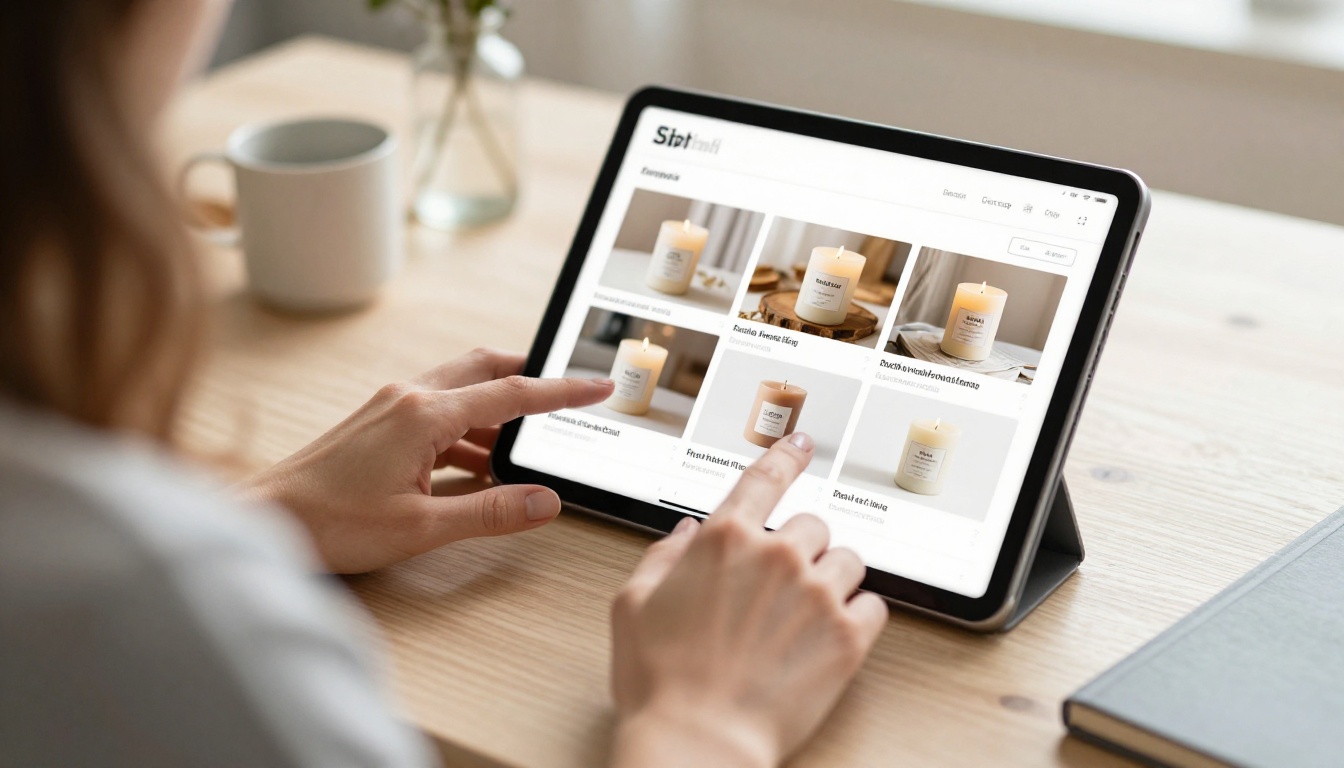
An emailed flipbook is a digital catalog that opens in the browser with realistic page turns. You send a link or a cover image in your email campaign. There is nothing to print, stamp or ship.
Where the Money Goes
- Design: you can reuse the same PDF you already built for print, so the extra design cost is often close to zero.
- Flipbook platform: a monthly plan. See current pricing.
- Email platform: most tools charge by list size, often $50 to $300 a month for 10,000 contacts.
- Optional extras: a few product photos, a short video or an offer banner.
Sample Digital Budget for 10,000 Recipients
| Cost line | Campaign total |
|---|
| Flipbook platform (one month) | $40 |
| Email platform (one month, 10,000 contacts) | $120 |
| Design time (reusing the print PDF, 3 hours) | $150 |
| Offer graphics and cover image | $90 |
| Total | $400 |
Digital response rates are lower per recipient. Say 0.8% of the list orders. That is 80 orders, so the cost per order is about $5.
⚠️ A low cost per order does not mean a better campaign overall. Email reaches people who already know you. A rented print list can reach strangers, which email cannot do legally or reliably.
Side by Side: Cost per Order
Here is the same 10,000 recipient campaign compared directly.
| Metric | Mailed catalog | Emailed flipbook |
|---|
| Total campaign cost | $23,500 | $400 |
| Cost per recipient | $2.35 to $2.65 | $0.04 |
| Typical order rate | 2.0% | 0.8% |
| Orders from 10,000 recipients | 200 | 80 |
| Cost per order | about $117 | about $5 |
| Revenue at $85 average order | $17,000 | $6,800 |
| Net after campaign cost | -$6,500 | +$6,400 |
Notice the last row. With these inputs, the mailed catalog loses money on the first mailing while the emailed flipbook returns profit. Print can still make sense, but only when order value, repeat purchase or lifetime value is much higher. We get to that below.

Where Print Still Wins
Fair is fair. Print catalogs have real strengths, and ignoring them would make this comparison dishonest.
Reach and Attention
A physical catalog sits on a kitchen counter for weeks. An email sits in a crowded inbox for hours. Print gets a longer life per impression, and it works for people who do not open promotional email.
Higher Order Values
Furniture, luxury goods, wholesale supply and home improvement catalogs often see average orders above $300. At that level, a $100 cost per order is easy to justify.
Prospecting Cold Audiences
Rented lists and saturation mailing can reach households you have never contacted. Email cannot do that without permission.
When Print Makes Sense
| Situation | Better choice |
|---|
| Average order under $75 | Emailed flipbook |
| Average order above $300 | Mailed catalog is viable |
| Existing customer list with emails | Emailed flipbook |
| Cold prospecting, no email permission | Mailed catalog |
| Seasonal catalog changing every month | Emailed flipbook |
| Tactile product (textiles, paper, gifts) | Mailed catalog or hybrid |
Break-Even: How Many Orders Pay for Print?
Use this quick formula to see what response print needs just to match email on profit:
Required order rate = (campaign cost / recipients) / (AOV x gross margin)
Assume $2.65 per piece, an $85 average order and a 45% gross margin. Each order brings $38 in margin. You need about 7% of recipients to order just to break even on the first mailing. That is far above the typical 1% to 4% range for catalogs.
Now try a $350 average order at 40% margin. Each order brings $140 in margin, and you need only about 1.9% to break even. That is realistic.
💡 If your break-even rate is above 4%, print probably will not pay on a first mailing. Consider print only for your top customers or as a follow-up.
Hidden Cost Differences
The budget tables leave out several costs that show up later.
Speed and Corrections
A typo in a printed catalog lives for months. In a flipbook, you fix the PDF, re-upload, and the link everyone already has shows the new version. A price change or out of stock item can be updated the same day.
Measurement
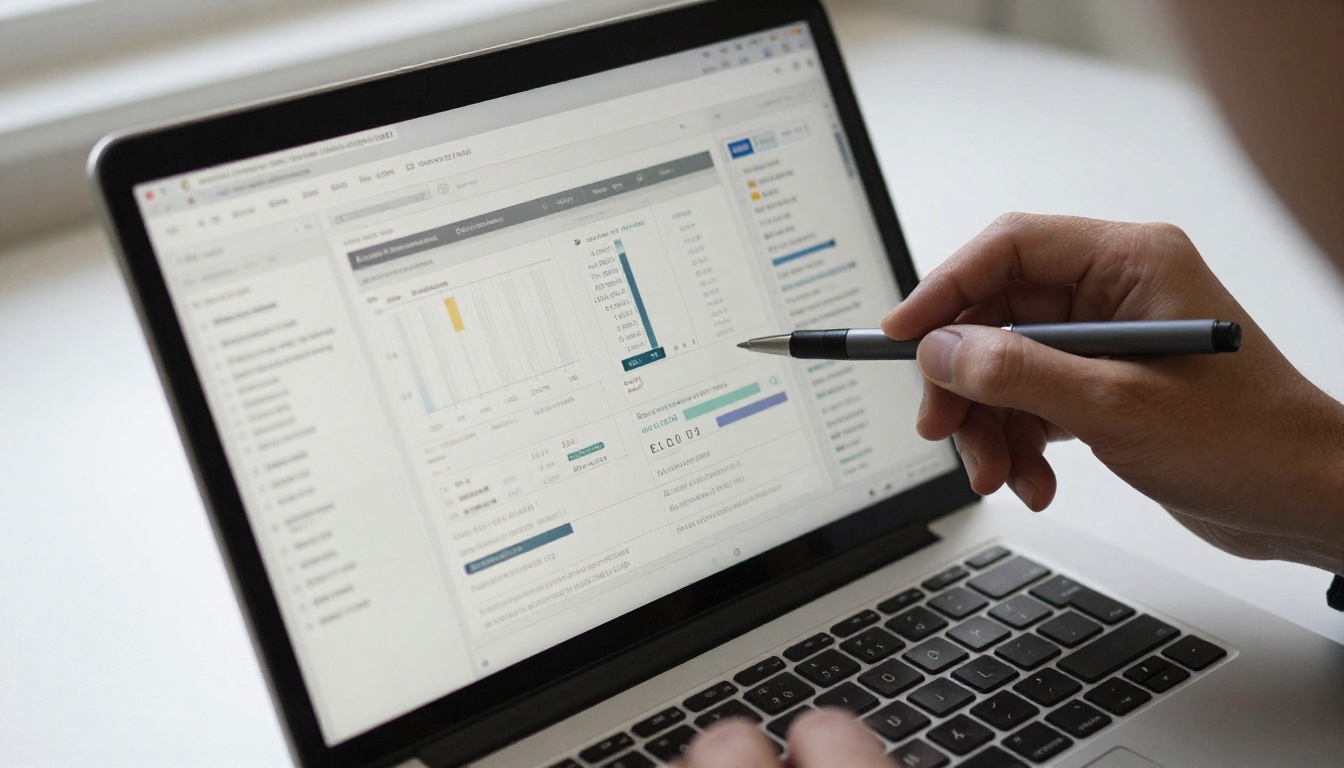
Print is hard to track. You need promo codes, special phone numbers or QR codes, and you still miss some orders. Flipbook links show opens, page views and clicks, so you can see which products people looked at. Detailed analytics and lead capture are part of the Professional plan on Flipbooks AI.
Timeline
Print jobs take weeks from final art to mailbox. A flipbook goes from PDF to live link in minutes. That gap matters during holidays and flash sales.
Environmental Cost
Mailed catalogs use paper, ink and fuel, and many recipients throw them away unopened. If sustainability matters to your customers, digital is an easier story to tell.
How to Build the Emailed Flipbook
Ready to test the digital side? Here is the workflow, from PDF to inbox.
Step 1: Upload and Convert
Take the PDF you already have, or export one from your design tool. Open Flipbooks AI and upload it. The PDF to Flipbook Converter turns each page into a smooth page-turning flipbook in seconds.
Step 2: Customize the Look
- Add your logo and brand colors so it feels like your store.
- Pick a page effect and background that match your products.
- Add clickable links on products that point to your shop pages.
- Embed a short video or audio clip on a hero product if you have one.
Flipbooks AI leaves no watermarks on your files. Try the Digital Catalog Maker or the Catalog Flipbook Creator for a ready-made starting point. Fashion brands can use the Fashion Catalog tool, and furniture sellers can try the Furniture Catalog maker.
Step 3: Choose Sharing Settings
- Copy the direct link for your email.
- Use the embed code on a landing page. See Embed Flipbook on Website.
- Turn on password protection for wholesale or members-only catalogs.
- Allow offline downloads for buyers who want to browse on a plane or in a warehouse.
Step 4: Write the Email
Keep the email short. Show a cover image, give one reason to click and put a single button that opens the flipbook.
- Subject line: name a benefit or a deadline, not the word "catalog".
- Preview text: add a product category or offer.
- Cover image: a strong shot of the catalog front page.
- Button: "Browse the new collection" or similar.
- Footer: a second link to your bestsellers.
Step 5: Track and Follow Up
Check which pages got the most views. Send a follow-up three days later to people who clicked but did not buy, featuring only the products they viewed. With lead generation turned on in the Professional plan, you can even capture an email before the catalog opens.
✅ Most digital orders come from the second and third email in a sequence, not the first. Plan at least three sends per catalog.
Real-World Examples
A Boutique Gift Shop
A shop with 3,000 past customers mailed a postcard-sized catalog and saw 45 orders at a $52 average. Cost per order was about $44. The next quarter they emailed a flipbook to the same list and got 31 orders at $58. Cost per order dropped below $4, and the shop reallocated the savings to better product photos.
A Furniture Showroom
A showroom selling dining sets averaged $1,400 per order. A mailed catalog to 4,000 high-income households cost $10,000 and brought 28 orders. Cost per order was $357, which was fine against a $1,400 ticket. They kept print and added an emailed flipbook for follow-up with showroom visitors.
A Wholesale Supplier
A supplier sends password-protected flipbooks with price lists to registered buyers, so competitors cannot grab the pricing. Each update costs nothing, and buyers always see current prices.
The Hybrid Plan That Often Wins
You do not have to pick one side forever. A common split looks like this:
- Email the flipbook to the whole list. This is your low-cost baseline.
- Mail a short print piece to your top 10% of customers. Use a postcard or a slim 8 page mini catalog with a QR code linking to the flipbook.
- Retarget clickers. Anyone who viewed three or more pages gets a second email with a time-limited offer.
- Review quarterly. Compare cost per order for each segment and shift budget to the winner.
Hybrid Budget Example
| Segment | Recipients | Channel | Cost | Orders | Cost per order |
|---|
| Top customers | 1,000 | Mini catalog plus email | $1,800 | 85 | $21 |
| Everyone else | 9,000 | Emailed flipbook | $400 | 72 | $5.60 |
| Total | 10,000 | Hybrid | $2,200 | 157 | $14 |
The hybrid delivers nearly double the orders of email alone for a tenth of the cost of a full print mailing.
Common Mistakes to Avoid
- Counting only the printing bill. Postage, list cost and design often match or exceed print.
- Sending the flipbook once. A single email reaches only a slice of your list. Follow up.
- Skipping tracking. Use unique links per campaign so you know what produced orders.
- Burying the link. One clear button beats five competing links.
- Using a giant file. Compress images so the flipbook opens fast on mobile.
Ready to Run the Numbers?
The pattern is clear. For most small and mid-size brands with an email list, the emailed flipbook delivers a far lower cost per order, and print earns its place when order values are high or you need to reach people outside your list.
Start with the digital version since it costs the least to test. Get started for free on Flipbooks AI, upload your existing PDF and send your first campaign this week. Browse all available flipbook tools for catalog, lookbook and price list templates, or check the Digital Price List Generator if your catalog is mostly pricing. When you are ready for analytics and lead capture, compare pricing plans and pick the one that fits.



