There's a better way to preserve birthday memories than printing photos and hoping the album survives the next move. A digital flipbook lets you compile every photo from the party, add a real page-turning effect, and share it instantly with anyone on any device. No shipping, no storage, no forgotten album collecting dust on a shelf. Flipbooks AI makes this possible in under an hour with zero design experience required. Whether you're capturing a child's first birthday or building a decade-spanning retrospective for someone turning 50, this format changes how you think about birthday memories.
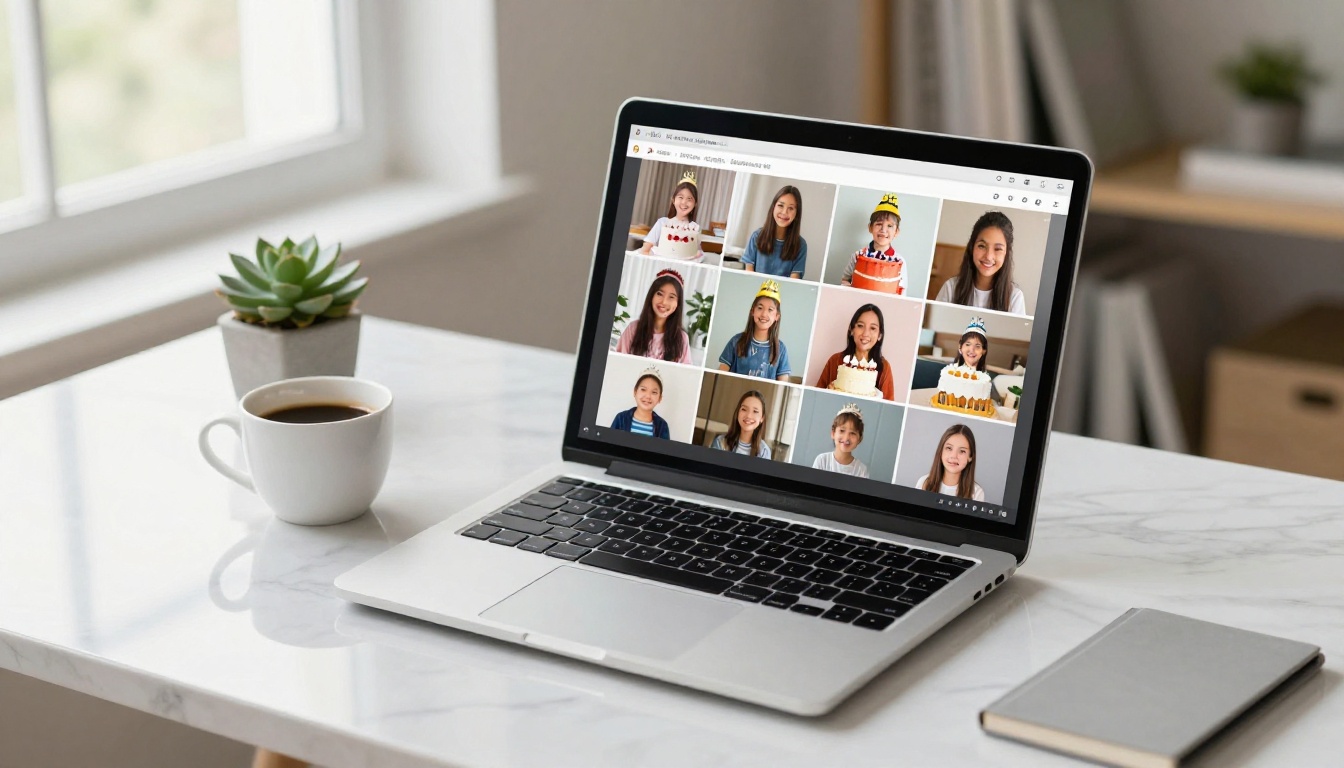
Why a Birthday Flipbook Beats a Physical Album
The Problem with Printed Photo Albums
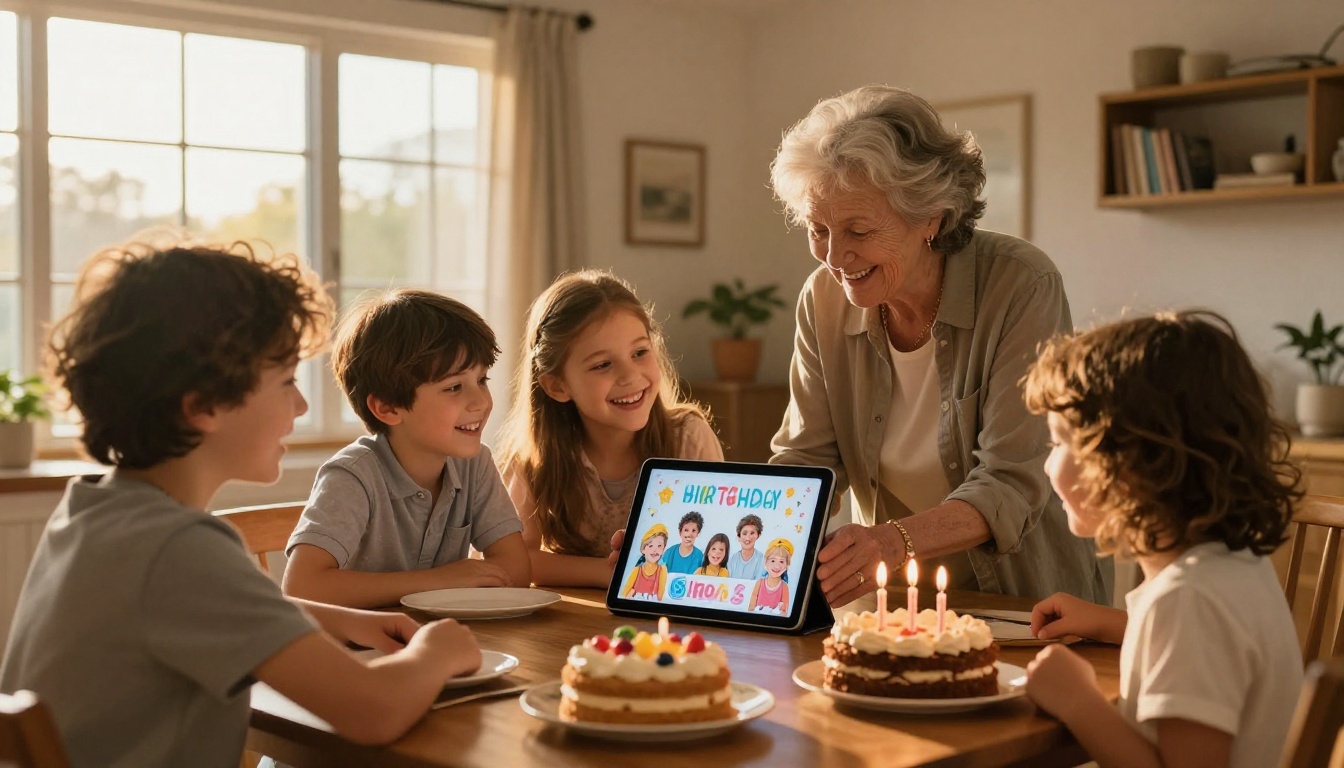
Printed albums are beautiful when they're new. But they get water-damaged, lost in moves, and only one person can look at them at a time. If grandma lives across the country, she either doesn't see the photos or you make a second copy and double the cost. And if someone wants to share a specific page, there's no easy way to do it.
A digital birthday flipbook solves every one of those problems. It lives in the cloud, plays on any device, and can be shared with a single link. Everyone sees the same experience, at the same quality, no matter where they are.
What Makes Flipbooks Special
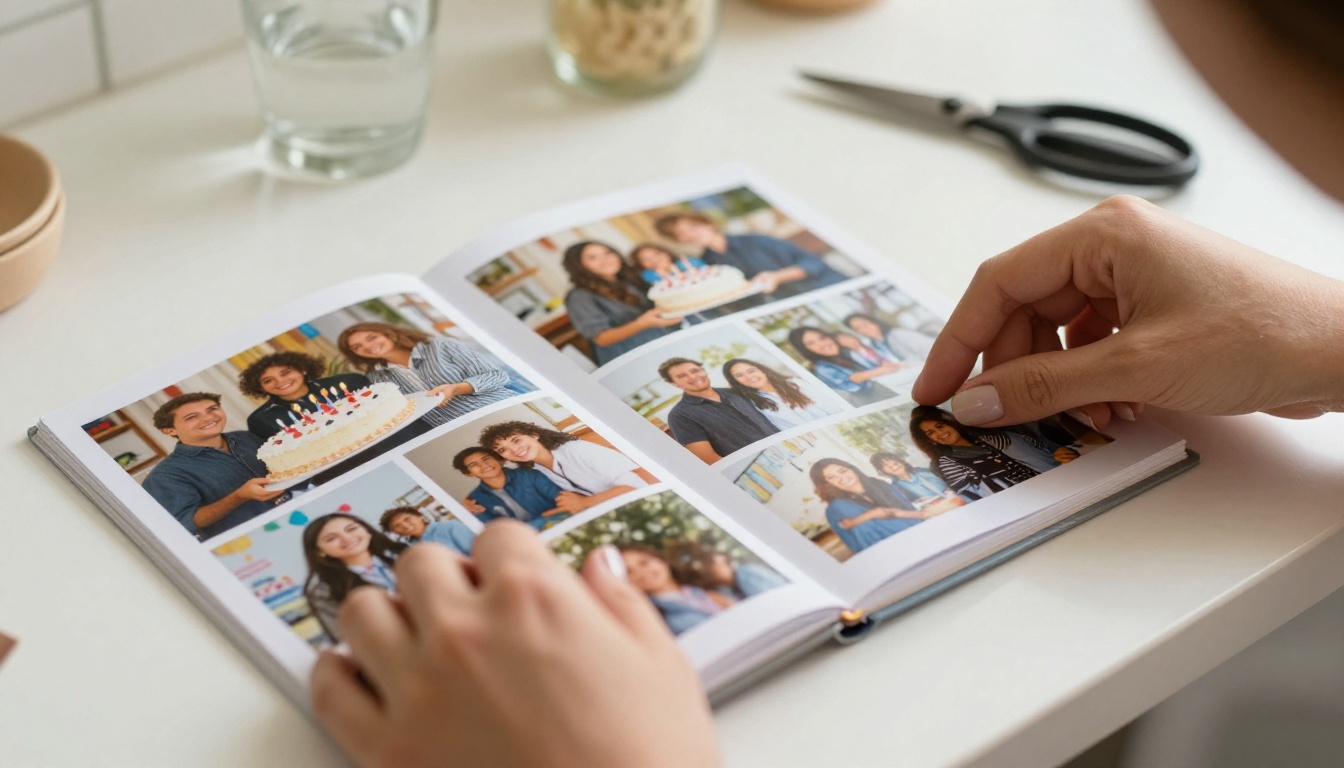
The key difference between a flipbook and a regular photo gallery or PDF is the experience. When someone opens your birthday flipbook, they feel like they're flipping through a real book. Pages turn with a smooth animation, photos display at full width, and the whole thing feels intentional and curated.
It's the kind of keepsake people actually want to open repeatedly, not just save and forget.
💡 A birthday flipbook also works as a permanent keepsake link. Send it to guests after the party and it doubles as a personalized thank-you note.
What Photos Belong in a Birthday Album Flipbook
The Must-Have Shots
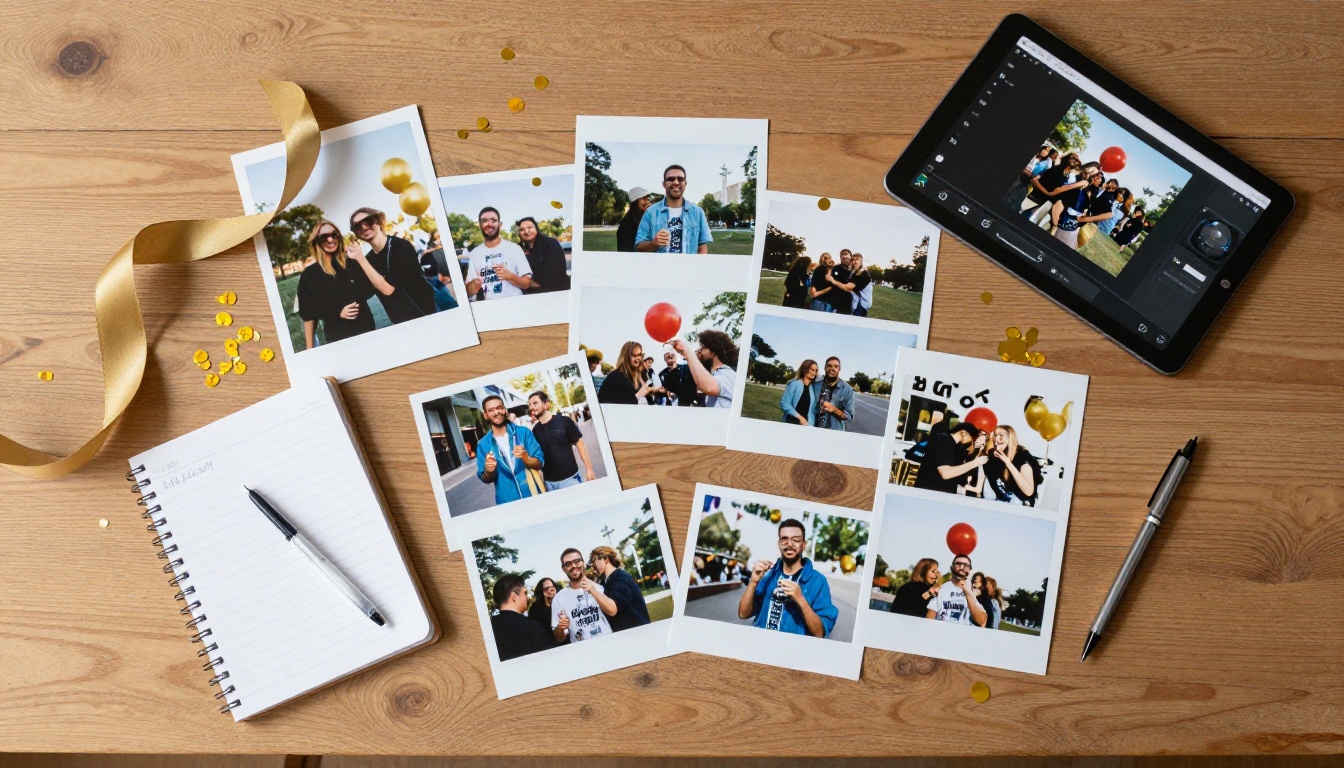
Before you start building, think about the story you want to tell. A great birthday album flipbook has a beginning, middle, and end. Here's what to pull from your camera roll:
- Before the party: setup shots, decorations, the birthday person getting ready
- Arrival moments: guests walking in, first reactions, hugs at the door
- Candid shots: laughing, talking, kids running around between activities
- The big moments: candle blowing, cake cutting, gift opening
- Group photos: everyone together at least once
- Closing shots: the happy tired faces, goodnight hugs, the aftermath
Aim for 20-40 photos. Enough to tell the full story without making anyone scroll through 200 nearly identical shots.
Organizing Your Photos Before You Start
Sorting your photos chronologically before building saves significant time and avoids a chaotic page order. Most photo apps (Google Photos, iPhone Photos, iCloud) let you select and export photos in date order. Once exported, rename them in sequence (photo-001.jpg, photo-002.jpg) so the album maintains the correct order when you build the PDF.
⚠️ Low-quality or blurry photos look worse when displayed at full flipbook width. Delete or replace them before you start building.
How to Make a Birthday Album as a Flipbook with Flipbooks AI
Flipbooks AI handles everything from upload to sharing. Here's exactly how the process works, step by step.
Step 1: Gather and Organize Your Photos
Export all your selected birthday photos into a single folder on your computer. Aim for consistent quality. If you're mixing phone shots with DSLR photos, make sure they're all oriented correctly and cropped to a similar format. A quick batch edit in Google Photos or Lightroom keeps the visual tone consistent across pages.
Step 2: Build Your PDF Birthday Album
Before uploading to Flipbooks AI, you need your photos formatted as a PDF. This is the only prep step, and it's straightforward:
- Open Canva, Google Slides, PowerPoint, or Adobe Express
- Set the page dimensions to landscape format (16:9) for the best flipbook display
- Drop one photo per slide, or create simple collages for variety on certain pages
- Add captions, dates, or short personal notes where they add meaning
- Export as high-quality PDF (avoid compressed settings)
💡 Canva has free birthday album templates you can fill with your own photos. Swap in your images, keep the layout clean, and export. Takes about 20 minutes for a 30-page album.
Step 3: Upload to Flipbooks AI
Create your account at Flipbooks AI (free to start). Once you're inside:
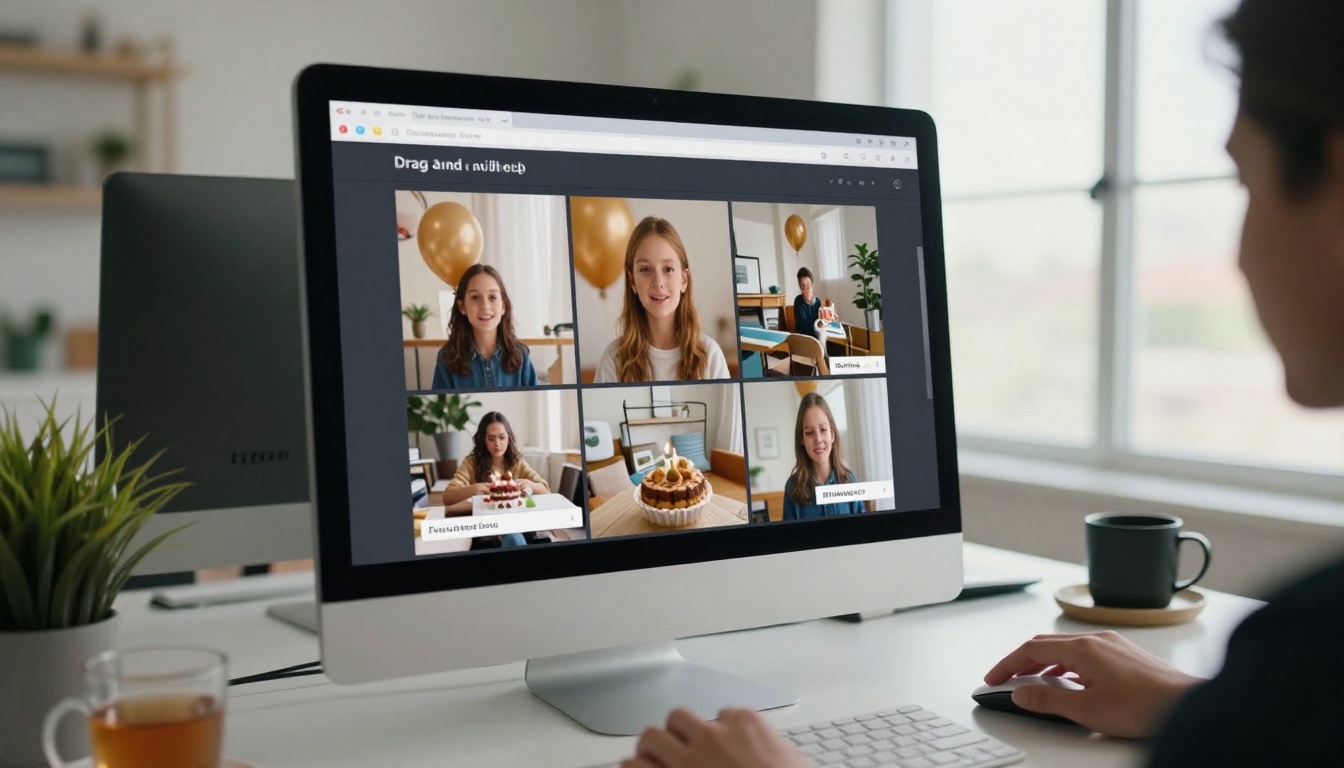
- Click "Create New Flipbook"
- Drag and drop your birthday album PDF into the upload zone
- Wait for the conversion, which usually completes in under two minutes
- Preview the result to confirm every page loaded at the correct quality
Step 4: Customize the Look and Feel
This is where your birthday album goes from good to genuinely impressive. The customization panel lets you:
- Set a cover thumbnail using the best photo from the party
- Adjust the page transition speed for the flip animation
- Add a title and description displayed above the flipbook
- Apply custom colors and fonts for branding (Standard plan)
- Enable or disable download to control what your audience can do with the album
- Set a password to keep the album private or time a surprise reveal
Step 5: Share It with Everyone
Once published, you get a direct link that works in any browser on any device. You can:
- Drop the link into a text message, WhatsApp group, or email thread
- Embed the flipbook on a website using the provided embed code
- Share on social media with an auto-generated preview image
- Send password-protected links to specific family members
- Offer offline download for permanent access (Professional plan via pricing)
✅ The Wedding Album Flipbook tool follows the exact same workflow. If you've done a wedding album, a birthday album takes half the time.
Birthday Flipbook Ideas for Every Celebration
First Birthday Albums
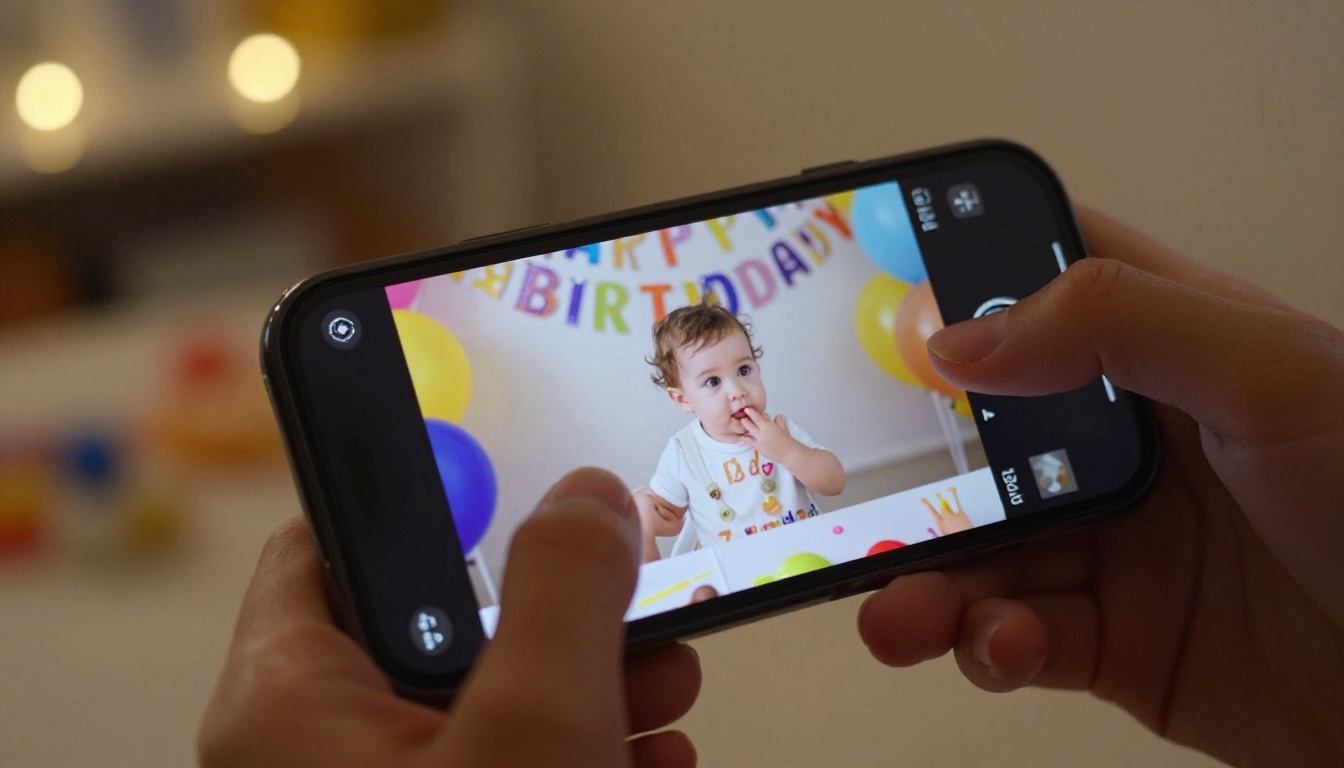
First birthdays produce hundreds of photos that rarely get organized beyond Instagram posts. A flipbook-style album is the perfect first birthday keepsake. Share it with relatives who couldn't attend, print the link on a thank-you card, or build a month-by-month retrospective showing the whole first year in one scrollable experience.
Milestone Birthdays: 30, 40, 50, 60
Milestone birthdays deserve more than a Facebook photo dump. For these occasions, build a retrospective flipbook: photos from across the person's life, organized by decade. Ask family members to send in old photos before the party. The result is deeply personal and completely irreplaceable.
💡 For a 50th birthday, dedicate 3-4 pages per decade. Start with childhood photos, move through the 20s, 30s, and 40s, and close with current favorites from the people who love them most.
Office and Group Birthday Tributes
When someone from the team is celebrating, a digital birthday tribute flipbook is far more thoughtful than a card that 20 people sign awkwardly. Collect one photo or message from each colleague, build a simple PDF in Canva, and share the flipbook link on Slack or by email. Takes 30 minutes and looks like you spent a week on it.
Long-Distance Birthday Celebrations
Family spread across different cities can't always be there in person. A shareable birthday flipbook bridges that gap immediately. Upload the party photos the same evening and share the link in the family group chat. Everyone experiences the celebration together, even if they're thousands of miles away.

Flipbooks AI Plans at a Glance
Different use cases call for different plan levels. Here's what matters most for personal birthday albums:
| Feature | Free | Standard | Professional |
|---|
| Flipbooks per account | 1 | Unlimited | Unlimited |
| Watermark-free | No | Yes | Yes |
| Custom branding | No | Yes | Yes |
| Password protection | No | Yes | Yes |
| Website embed | No | Yes | Yes |
| Offline downloads | No | No | Yes |
| Analytics dashboard | No | No | Yes |
| Lead generation tools | No | No | Yes |
For a single birthday album you want to share with family, the Standard plan covers everything you need. No watermarks, password protection for private albums, and custom branding so the flipbook looks polished and intentional.
Check pricing plans to see current rates and pick what fits your situation.
✅ Every paid plan removes watermarks permanently. Your birthday album photos are displayed without any platform branding interrupting the memories.
Not sure whether a flipbook is the right format for your birthday photos? Here's how the main options compare:
| Format | Instantly Shareable | Page-Turn Feel | Premium Appearance | Cost |
|---|
| Printed Photo Album | No | Yes | High | High |
| Google Photos Album | Yes | No | Low | Free |
| PDF File | Yes | No | Medium | Free |
| Instagram Story Highlights | Yes | Basic | Medium | Free |
| Digital Flipbook | Yes | Yes | High | Low |
| Printed Photo Book (Shutterfly, etc.) | No | Yes | High | High |
The flipbook format wins on the combination of shareability and premium feel. It's the only option that's both instantly shareable by link and gives the full page-turning book experience that makes memories feel significant.
Tips for Making Your Birthday Album Look Amazing
Photo Quality and Selection
The single biggest factor in a great-looking flipbook is photo quality. Before you build:
- Cut duplicates ruthlessly: pick the single best version of each moment
- Crop to landscape: horizontal photos fill the flipbook frame best
- Brighten dark shots: indoor party photos often need a slight exposure boost before export
- Include variety: mix candid shots, portraits, group moments, and detail shots of decorations and setup
Layout and Page Design
When you're building your PDF in Canva or a similar tool:
- Use a clean white or soft neutral background so photos get full focus
- Add one or two lines of text per page maximum, such as a date or a short caption
- Avoid cluttered collage layouts: they get confusing when displayed at flipbook width
- Use full-bleed photo pages for your best shots so they fill the entire spread
💡 The Photography Portfolio Flipbook style translates perfectly to birthday albums. Full-bleed photos, minimal text, maximum visual impact.
The Opening and Closing Pages
Your first page sets the tone for the whole album. Use a strong portrait of the birthday person, or a wide shot of the fully decorated venue. Your final page should feel like a warm, natural close: a group photo, a candid laughing moment, or a simple text page with the date and a short personal note. Don't let the album end on a random photo.

Share It, Protect It, and Keep It Forever
Once your birthday album flipbook is live on Flipbooks AI, you have real control over who sees it and how. Password protection keeps the album private until you're ready to reveal it. A direct link means no app download required on the recipient's end. They open the link in any browser, on any device, and the flipbook loads immediately.
For long-term preservation, the Professional plan includes offline download, so the birthday person can keep a permanent local copy that never disappears. That's the kind of permanence a printed album used to offer, now combined with the reach and shareability of a digital file.
⚠️ Don't rely on social media platforms to store important birthday memories. Accounts get deactivated, platforms change policies, and posts get buried in the feed. A flipbook with download enabled is a real, lasting backup.
You can also use Flipbooks AI tools for other occasion-based albums: the Yearbook Flipbook Maker works for school year recaps, the Event Program Maker handles printed event programs, and the Digital Portfolio Creator covers creative personal projects. The same simple workflow applies to all of them.
Your Next Birthday Deserves Better Than a Camera Roll
Birthdays happen once a year. The photos deserve more than a folder on your phone or a post that gets buried in the feed within days. A flipbook album gives those moments the presentation they deserve and makes it easy to share with everyone who was part of the celebration, whether they were at the party or watching from across the world.
Create your first birthday flipbook on Flipbooks AI and have it live in under an hour. No design skills needed, no complicated software, no watermarks on any paid plan.
Browse all available tools and templates to see everything the platform offers, and compare pricing plans to find the option that fits your needs.



