There are recipes that taste like memory. Your grandmother's Sunday roast, your dad's barbecue ribs, the birthday cake that appeared every single year without fail. Those dishes carry decades of love, inside jokes, and quiet rituals that no restaurant will ever replicate. The problem? Most family recipes live in fragile places: scribbled on index cards, tucked inside drawer-beaten notebooks, or locked inside someone's head with no backup plan. Turning those recipes into a digital family recipe flipbook is one of the most meaningful things you can do with an afternoon, and Flipbooks AI makes it easier than you'd expect.
Why a Digital Flipbook Beats a Printed Recipe Binder
The Problem with Physical Recipe Storage
Physical recipe cards get greasy, yellowed, and lost. Binders overflow. Notebooks fall apart. Worst of all, they can't be shared instantly with a cousin two time zones away who just called asking for mom's cookie recipe at 9 PM. Paper storage is fragile, unshareable, and one house fire or flood away from being gone forever.
What a Flipbook Actually Offers
A digital flipbook mimics the tactile feel of flipping through a real book. Pages turn, visuals pop, and the reading experience feels intentional and warm rather than like scrolling through a Google Doc. It's interactive, shareable by link, and accessible from any phone or laptop without a single download required.
| Feature | Physical Recipe Binder | Digital Flipbook |
|---|
| Shareable instantly | No | Yes |
| Works on mobile | No | Yes |
| Pages degrade over time | Yes | No |
| Add photos easily | Limited | Yes |
| Password protection | No | Yes |
| Send as a gift link | No | Yes |
| Print on demand | Yes | Yes (via PDF) |
| Accessible worldwide | No | Yes |
What to Include in Your Family Recipe Book
More Than Just Ingredients and Steps
The best family recipe books go beyond the recipe itself. The most treasured pages include the backstory: where the dish came from, which family member perfected it, and any specific ritual surrounding it. A short two-sentence story above each recipe turns a cookbook into a living family document.
Types of Recipes to Include
- Weeknight staples that kept everyone fed for years
- Holiday and celebration dishes (Thanksgiving turkey, Christmas cookies)
- Desserts and baked goods with family origin stories
- Recipes from older generations, especially those no longer with you
- Dishes that represent your cultural heritage
- "Secret" recipes that only one person in the family knows
Supporting Content That Makes the Book Richer
- Old photos of family members cooking those dishes
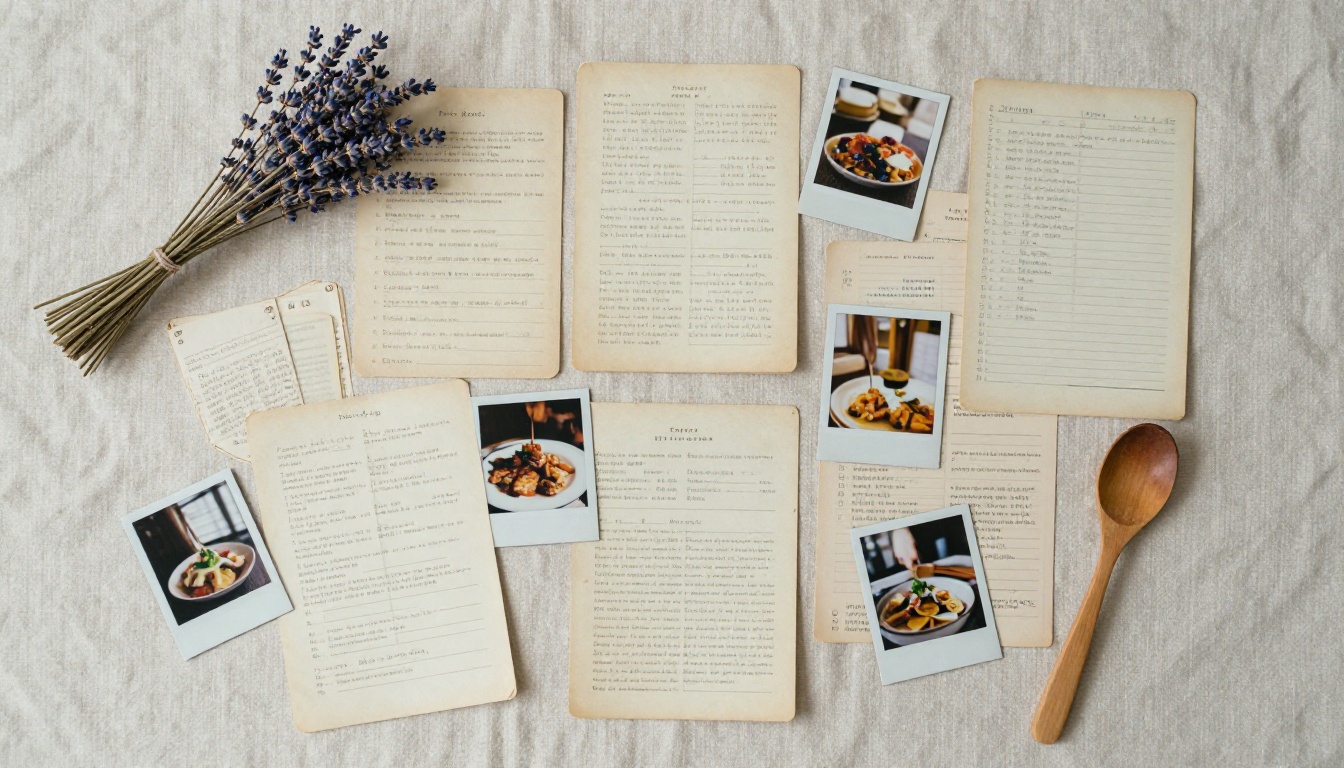
- Handwritten recipe card scans
- Short family anecdotes or stories tied to each dish
- Ingredient substitution notes for dietary restrictions
- Serving suggestions and pairing ideas
💡 If you have access to a scanner or a smartphone camera with a document scanning app, scan every handwritten recipe card before starting. Even if the handwriting is imperfect, those scans carry emotional weight that a retyped version simply cannot.
How to Collect and Organize Your Family Recipes
Start with a Recipe Inventory
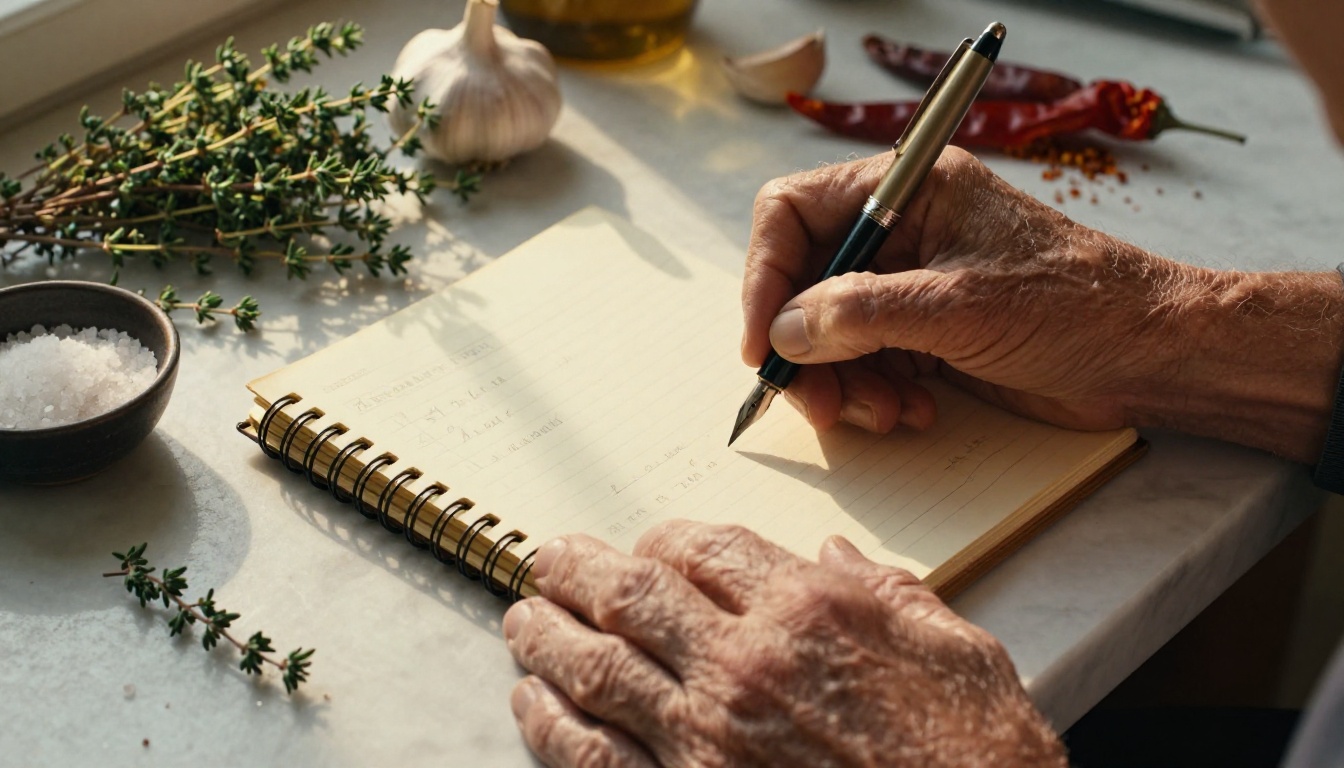
Before you design anything, collect everything. Send a message to your family group chat, text relatives directly, or set up a shared Google Doc where everyone can drop their favorites. Give people a simple template: recipe name, ingredients, steps, and one sentence about the memory attached to it.
Organize by Category, Not by Person
It's tempting to organize by family member, but organizing by category makes the book far more usable day-to-day. Consider these groupings:
- Breakfast and Brunch
- Soups and Stews
- Main Dishes (Meat, Poultry, Seafood)
- Sides and Salads
- Breads and Baked Goods
- Desserts and Sweets
- Drinks and Cocktails
- Holiday Specials
Add Photos Wherever Possible
A plated photo beside each recipe dramatically increases how often people actually use the book. Even a casual phone photo of the finished dish works beautifully. High-contrast, well-lit photos make your flipbook feel polished without requiring a professional photographer.
⚠️ Don't stress about professional photography. Warm natural light from a window is enough for most recipe photos. Avoid overhead fluorescent lighting as it makes food look flat and unappetizing.
How to Design Your Recipe Book
Build Your PDF First
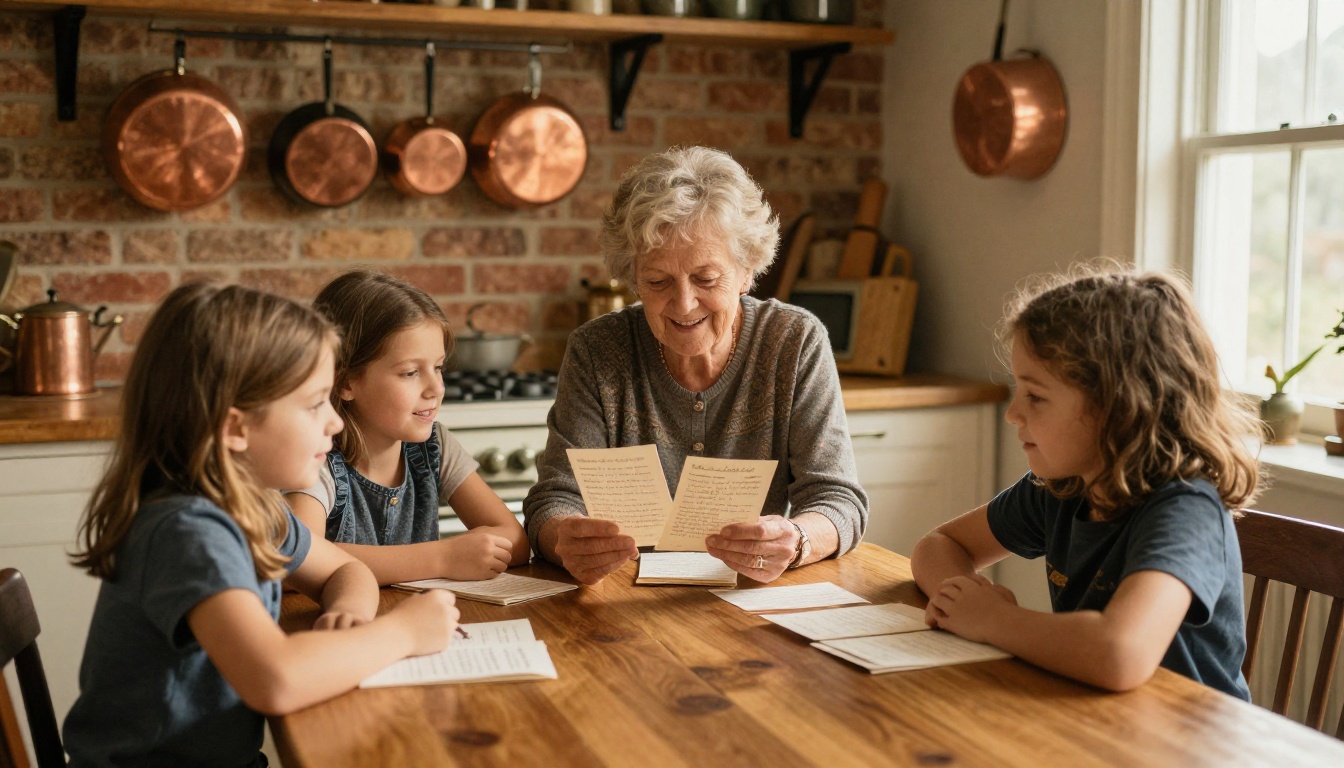
Whether you use Canva, Adobe InDesign, Microsoft Word, or Google Slides, building a clean PDF is the first step. Every flipbook starts as a PDF and gets converted. Think of the PDF as your print-ready master copy. This is where you control fonts, layout, photos, and the overall feel of the book.
Recipe Page Design Basics
Keep each recipe page clean and readable. A solid structure for each page:
- Recipe name (large, readable font)
- One-line description or family origin story
- Prep time, cook time, servings
- Ingredient list (left column)
- Step-by-step instructions (right column or full-width below)
- Photo of the finished dish
Opening Page and Section Dividers
Your opening page sets the tone for the whole book. Use a warm, nostalgic family photo in the kitchen, a styled shot of ingredients, or a scan of a meaningful handwritten recipe card. Section dividers between categories give the book a professional structure and make it easy to navigate while flipping through.
| Tool | Best For | Cost | Ease of Use |
|---|
| Canva | Visual design, templates | Free / Pro | Very Easy |
| Google Slides | Simple, shareable layout | Free | Easy |
| Microsoft Word | Text-heavy, straightforward | Paid | Easy |
| Adobe InDesign | Professional print layout | Paid | Advanced |
| Apple Pages | Mac users, clean templates | Free | Easy |
✅ Canva has free recipe book templates you can customize in under an hour. Search "recipe book" in Canva and filter by A4 or letter size for best flipbook conversion results.
How to Create Your Family Recipe Flipbook with Flipbooks AI
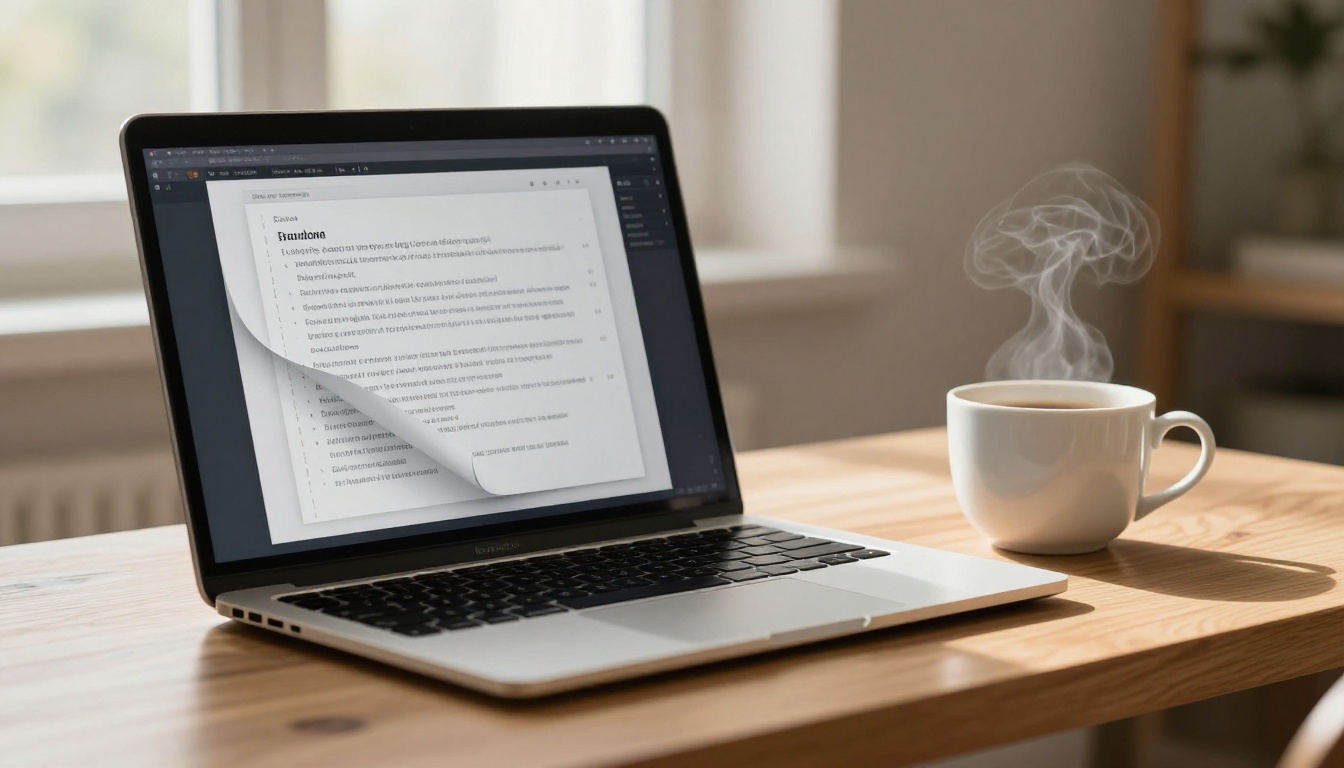
This is where everything comes together. Once your PDF is ready, Flipbooks AI converts it into a polished, interactive flipbook with realistic page-turning and mobile-responsive viewing. The dedicated Recipe Book Flipbook tool is built specifically for this kind of project.
Step 1: Create Your Account
Go to flipbooksai.com/account and sign up for free. No credit card required to get started. The free plan lets you test the upload process and see exactly how your PDF looks as a flipbook before committing to a paid plan.
Step 2: Upload Your Recipe PDF
From your dashboard, click "Create New Flipbook" and upload your recipe PDF. Flipbooks AI supports high-resolution multi-page documents. The conversion typically takes under a minute regardless of page count. You'll see a live preview of your flipbook immediately after processing.
Step 3: Customize the Look
After uploading, you can personalize several elements:
- Background color or texture behind the open book
- Page flip sound (on or off)
- Auto-flip speed for ambient or presentation viewing
- Custom branding including your own logo, title, or a personal dedication message
This is where the recipe book starts to feel truly yours rather than a generic upload.
Step 4: Set Privacy and Sharing Options
Family recipe books often contain personal stories, photos, and memories you may not want public. Flipbooks AI lets you password-protect your flipbook so only family members with the password can view it. This is especially valuable when distributing as a gift.
Sharing options include:
- Direct link to share via text, email, or WhatsApp
- Embed code for adding to a personal website or family blog
- QR code that links directly to the flipbook (perfect for printing on gift cards)
Step 5: Download and Distribute
With the Standard plan and above, you can offer offline downloads so family members can save a copy to read without internet access. The flipbook stays updated at the same link even if you re-upload a revised version later.
| Feature | Free | Standard | Professional |
|---|
| Unlimited flipbooks | No | Yes | Yes |
| Password protection | No | Yes | Yes |
| Custom branding | No | Yes | Yes |
| Offline downloads | No | Yes | Yes |
| Analytics | No | No | Yes |
| Lead generation | No | No | Yes |
| Watermarks | None | None | None |
💡 For a family recipe book you're distributing to relatives, the Standard plan covers everything you need. Check pricing plans to find the right fit for your project.
Sharing Your Recipe Flipbook with Family
Sharing by Link or QR Code
The simplest way to share your family recipe flipbook is through a direct link. Copy it from your Flipbooks AI dashboard and drop it into a family group chat. Within seconds, everyone has access on their phone or computer, with no app download required.
For older family members who are less comfortable with technology, printing a QR code on a small card alongside a handwritten note can be a beautiful touch. They scan it once and the book opens immediately.
Embedding on a Family Website
If your family has a shared website or blog, embed your recipe flipbook directly into a page using the embed code provided by Flipbooks AI. Use the Embed Flipbook on Website tool to set it up in minutes. It renders inline, so visitors can flip through the pages without ever leaving the site.
Making It a Living Document
One underrated advantage of a digital flipbook: you can always update it. If a new family recipe surfaces, or someone finally shares the secret ingredient they've been holding back, re-upload the updated PDF and your existing share link continues to work. The book grows as your family does.
Gifting Your Recipe Flipbook
The Personal Gift That Never Gets Old
A family recipe flipbook works as a gift for nearly every occasion: birthdays, holidays, wedding showers, housewarmings, or simply as a surprise. Unlike a physical book, you don't need to print or ship anything. The gift is a link, a QR code, or an embed, and it reaches people wherever they are in the world.
Gift Packaging Ideas
Even though the book is digital, the presentation matters. A few low-effort touches that land well:
- Print a recipe card-sized note with the flipbook link or QR code
- Create a simple card with a screenshot of the flipbook's first page and the access link inside
- Record a short voice message explaining what the book contains and send it alongside the link
- Use a password as part of the gift reveal ("the password is grandma's middle name")
Make It a Collaborative Gift
Instead of one person building the whole book, assign each family member a section or a handful of recipes. Share a Google Doc template, collect submissions over a few weeks, compile everything into one PDF, and upload it as a group. The finished book is richer for having every person's voice in it.
✅ Set a submission deadline at least two weeks before you need the flipbook ready. This gives you time to format, design, and upload without rushing.
Who This Works Best For
Families with Deep Culinary Traditions
If food is central to your family identity, whether that's a specific cultural cuisine, a regional specialty, or simply a signature dish that shows up at every gathering, a flipbook preserves that tradition in a form that can be passed on indefinitely.
Families Scattered Across Distances
When family members live in different cities or countries, a shared digital recipe flipbook becomes a thread of connection. Cooking the same dish from the same book, wherever you happen to be, carries real emotional weight.
Families Who've Lost Someone
One of the most meaningful uses of a family recipe flipbook is preserving the recipes of someone who has passed. Collecting those dishes, adding a short tribute or memory to each one, and distributing the book to family members is a form of living memorial far more personal than a photo album.
💡 Even one or two recipes written in a loved one's handwriting, scanned and included as an image page, can make a recipe flipbook into something people return to for decades.
Common Questions Answered Fast
Do I Need Design Experience?
No. Tools like Canva have free recipe book templates that require zero design knowledge. The core skill is collecting and organizing the recipes. Flipbooks AI handles the conversion automatically once your PDF is ready.
What If My Recipes Are Handwritten?
Scan them or photograph them with good lighting and include the scans as image pages within your PDF. Handwritten pages often become the most treasured parts of the finished book.
How Long Does It Take?
A basic 20 to 30 recipe flipbook with photos can be built in a weekend. A larger collection of 80 or more recipes might take a few weeks depending on how many contributors are involved. The upload and conversion on Flipbooks AI itself takes under 60 seconds once your PDF is ready.
Can Family Members View It on Their Phones?
Yes. Flipbooks AI flipbooks are fully mobile-responsive. They scale to any screen size and the page-turning interaction works naturally with touch gestures on smartphones and tablets.
More Ways to Use Flipbooks AI for Family Projects
Beyond recipe books, Flipbooks AI supports a wide range of personal and family projects that follow the same simple PDF-to-flipbook workflow:
All of these use the same workflow: build a PDF, upload, customize, share. Once you've made a recipe book, every other project feels effortless.
Your Recipes Deserve a Better Home
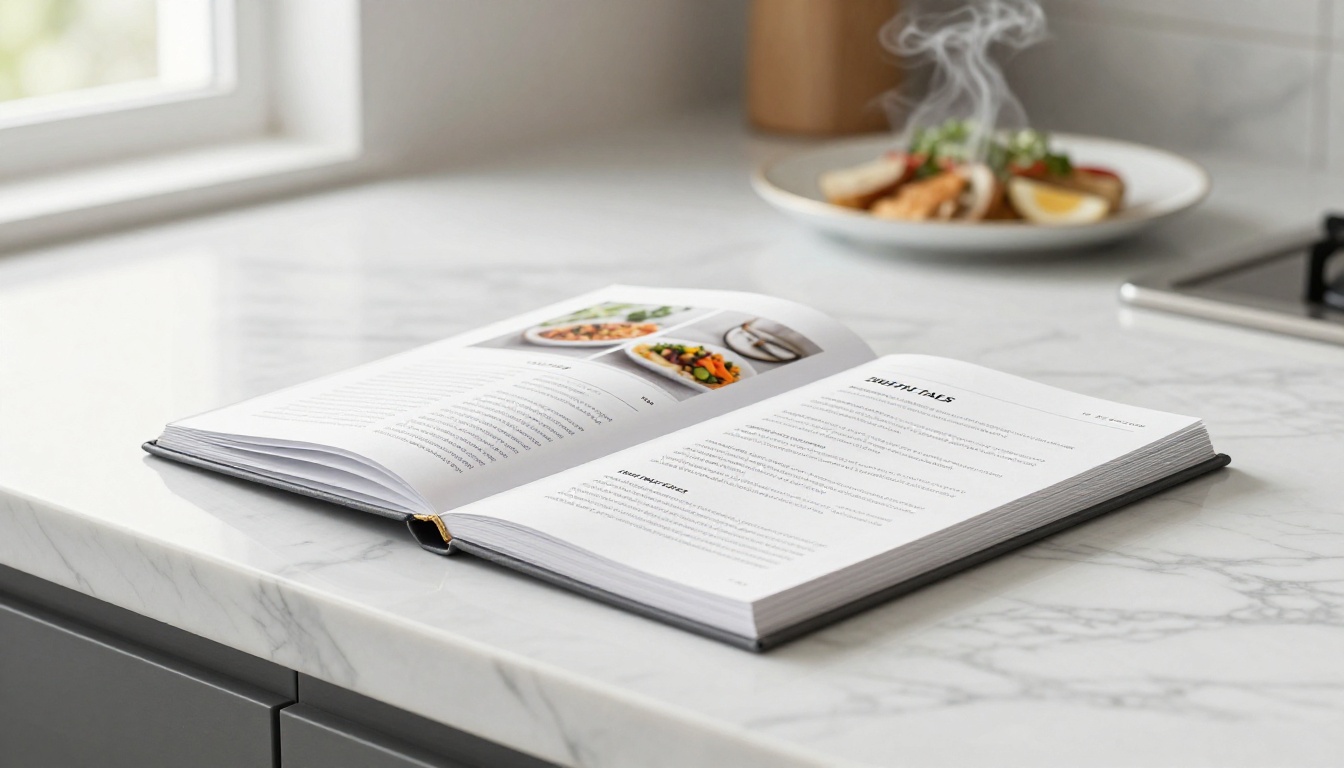
The recipes that matter most in your life are probably sitting in a shoebox, a faded binder, or someone's memory right now. A family recipe flipbook changes that. It takes those dishes out of fragile storage and puts them somewhere shareable, beautiful, and built to last.
Flipbooks AI removes every technical barrier between your recipes and a finished, professional flipbook. Upload a PDF, customize the look, add a password for privacy, and share a link that works on any device in the world, with no watermarks and no design experience required.
Ready to start? Create your free account and have your first flipbook ready before the end of the day.
Want to see all the tools available for personal and family projects? Browse the full tools directory or compare pricing plans to choose what works for your project.



