Anniversaries have a strange way of making you realize how fast time moves. One year turns into five, five into ten, and somewhere in between, you've built an entire world together out of ordinary days. A flipbook captures exactly that: the texture of your relationship, page by page, moment by moment. And with Flipbooks AI, creating one is far simpler than you might think.
Why a Flipbook Beats Every Other Anniversary Gift
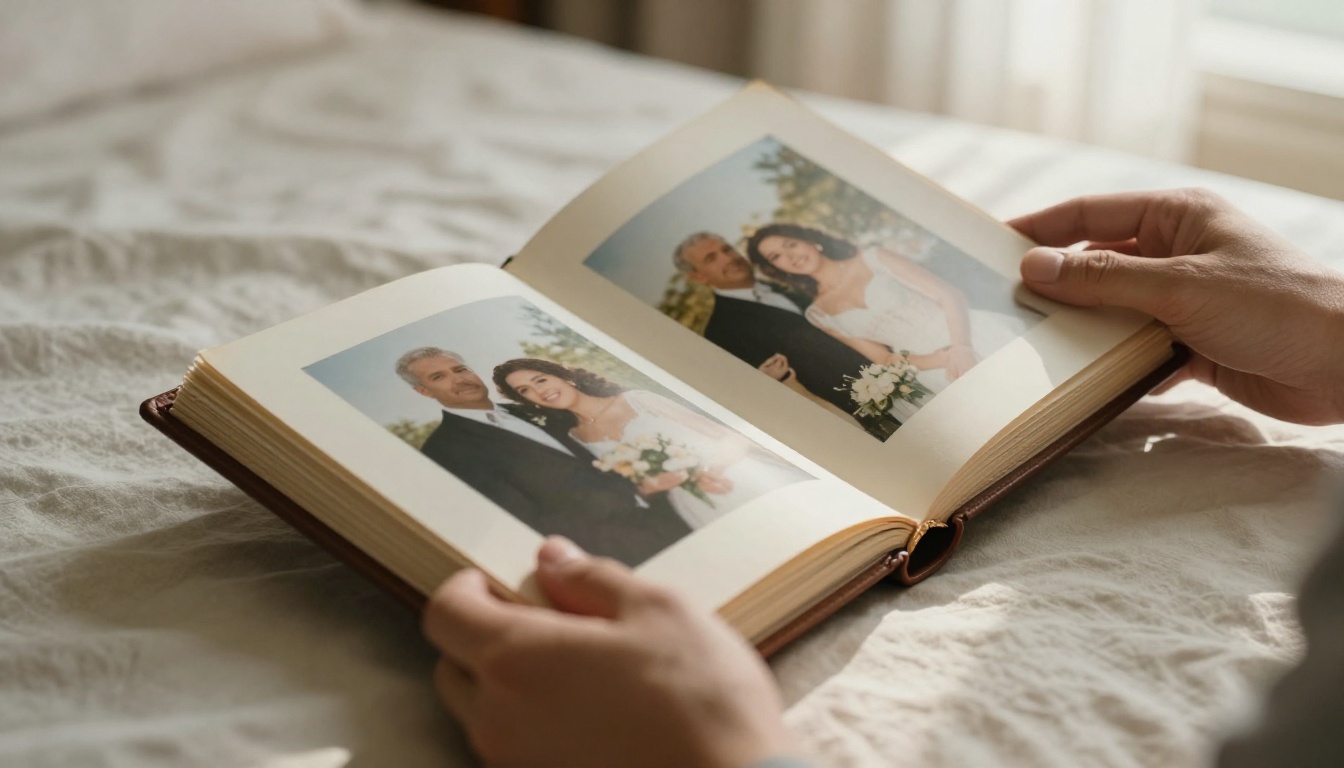
There's something about holding a physical object, or turning through digital pages, that photographs on a phone just can't match. A flipbook creates a narrative. It has a beginning, a middle, and a feeling of forward motion that a static photo album never delivers.
The Emotional Weight of Page-Turning
When someone turns a page, they're choosing to move forward through your story together. That physical or digital gesture carries emotional weight. Each page reveals something: a first trip, a holiday, a quiet Sunday morning. The accumulated effect is powerful in a way that scrolling through a camera roll never is.
Research on memory and nostalgia consistently shows that physical or interactive formats trigger stronger emotional recall than passive viewing. A flipbook, whether printed or digital, activates that same response.
Digital vs. Physical Anniversary Books
Both formats have real merit. Here's how they compare:
| Feature | Printed Photo Book | Digital Flipbook |
|---|
| Portability | Heavy, fragile | Share via link, anywhere |
| Cost | $30 to $150+ for print | Free to affordable |
| Interactivity | Static pages | Video, audio, clickable links |
| Personalization | Limited after printing | Edit anytime |
| Sharing | One physical copy | Share with anyone instantly |
| Longevity | Fades, can be damaged | Stored securely in the cloud |
For most couples, the digital flipbook wins on flexibility. You can share it with family, embed it on a private website, or keep it password-protected just between the two of you.
What Goes Into an Anniversary Flipbook
Before you upload anything, it helps to think about the content architecture of your flipbook. The best ones feel like short films: they have pacing, contrast, and emotional beats.
Photos That Tell Your Story
Not every photo deserves a page. Be selective. Aim for images that represent:
- Firsts: First trip together, first apartment, first holiday
- Milestones: Engagements, weddings, graduations, big moves
- Ordinary magic: Candid moments in the kitchen, lazy mornings, laughing at nothing
- People: Friends and family who shaped your relationship
- Places: Locations that mean something, even if the photo is imperfect
A strong anniversary flipbook has 20 to 40 pages. Enough to tell a full story without becoming exhausting to flip through.
Text, Captions, and Love Notes
Captions change everything. A photo of a beach becomes "The night we got lost and ended up finding that tiny restaurant" and suddenly it's irreplaceable. When adding text:
- Keep captions short (under 15 words)
- Use dates sparingly but meaningfully
- Add one or two longer notes for major milestones
- Consider a short opening message on the first page
💡 Write your captions in the voice you use when telling stories to friends. Formal captions feel cold. Conversational ones feel real.
Music and Video Clips
Flipbooks AI supports embedded video and audio, which changes the whole experience. Consider adding:
- A short video clip from a meaningful trip
- A voice note of you telling a story
- Background music that plays as someone flips through
This is one area where a digital flipbook completely outclasses a printed book.

How to Make a Flipbook for Your Anniversary Step by Step
This is where most people get stuck: they have all the photos, all the feelings, but no clear process. Here's exactly how to do it.
Step 1: Gather and Sort Your Photos
Pull everything from your phone, cloud storage, and old hard drives. Don't filter yet, just collect. Then sort chronologically or thematically depending on the story you want to tell.
Tools that help:
- Google Photos (search by date range or faces)
- iCloud shared albums
- External hard drive archives
Aim for 50 to 80 candidate photos, then cut down to 25 to 40 final selections.
Step 2: Design Your PDF Layout
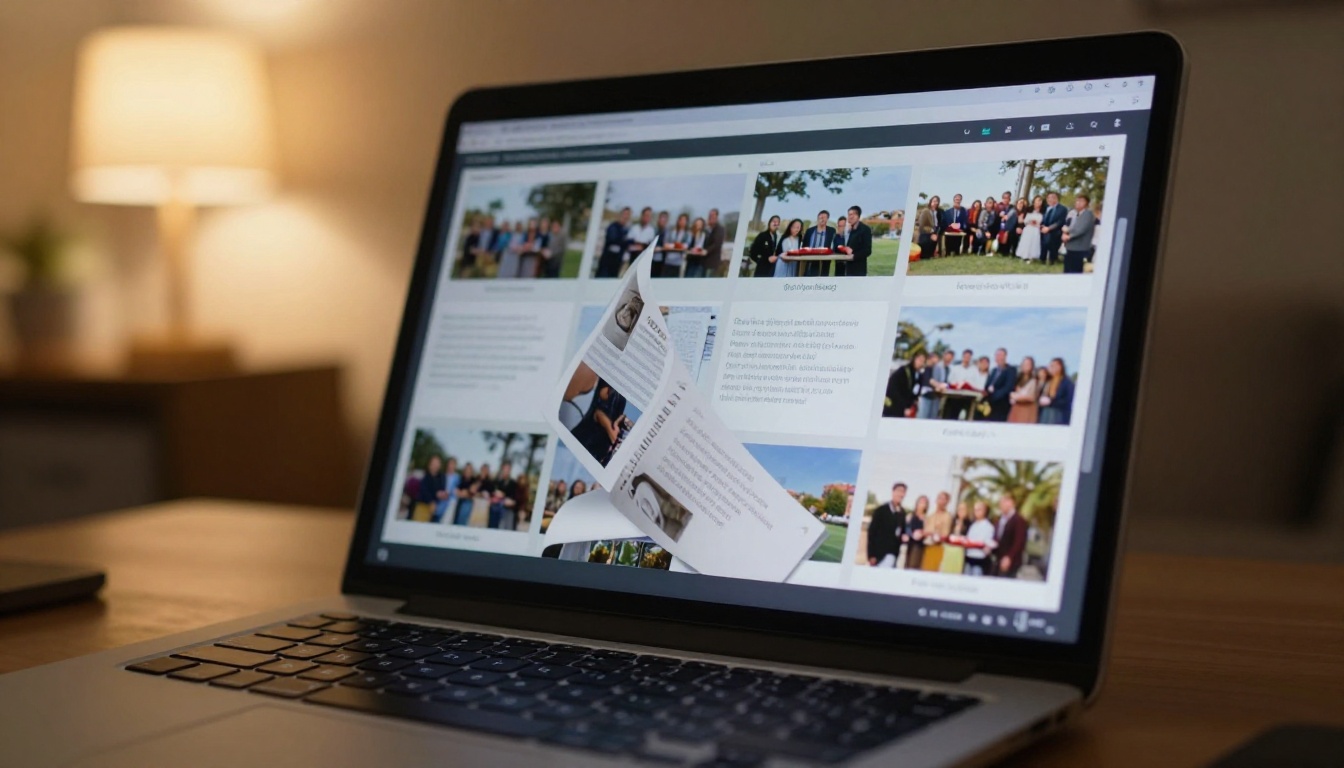
Flipbooks AI converts PDFs into beautiful interactive flipbooks. So your first step is creating that PDF. Options:
- Canva (free): Drag and drop photo book templates, export as PDF
- Adobe InDesign (professional): Full typographic control
- Google Slides: Simple, free, fast
Use a template with consistent margins and fonts. A clean layout lets the photos breathe.
✅ Keep your PDF at 16:9 ratio for widescreen viewing, or 4:3 for a more traditional book feel. Use 150 to 300 DPI for print-quality image resolution.
Step 3: Upload and Convert
Once your PDF is ready, head to Flipbooks AI and create your account. Then:
- Click New Flipbook
- Upload your PDF (supports files up to several hundred MB)
- Wait for the conversion (usually under 60 seconds)
- Preview the page-flip effect in the browser
The conversion engine preserves your fonts, images, and layout exactly as designed.
Step 4: Customize and Personalize
This is where your flipbook goes from generic to genuinely special. Inside the Flipbooks AI editor:
- Front page: Upload a specific photo as the front thumbnail
- Brand colors: Set accent colors to match your relationship (your wedding palette, a favorite color)
- Background: Choose from solid colors, gradients, or custom textures
- Page effects: Adjust the flip speed and shadow depth
- Embed media: Drop in video clips or audio files on specific pages
💡 Use the password protection feature to keep your flipbook private. Share the link only with your partner, or with family at a celebration.
Step 5: Share and Celebrate
Once published, you have several options:
- Direct link: Send via text, email, or WhatsApp
- QR code: Print it on a card for a physical gift element
- Embedded: Add it to a private website or digital invitation
- Downloaded: Save an offline version for permanent keeping
Anniversary Flipbook Ideas by Milestone
Not all anniversaries are the same. The first feels fragile and electric. The twenty-fifth feels earned and deep. Here are specific flipbook concepts for each stage.
1st Anniversary: The First Year
The first year is raw material, and there's so much of it. Focus on the newness: first holidays, first conflicts resolved, first routines established.
- Open with your first photo together
- Include a "things I've learned about you" text page
- Close with a "things I'm looking forward to" note
5th Anniversary: Half a Decade
Five years means you've weathered something. Lean into that. Show growth: who you were versus who you are now.
- Before and after photos on facing pages
- A map of all the places you've been together
- A "favorite memory per year" spread
10th, 25th, and Beyond
Decade-plus anniversaries deserve something epic. Consider creating a series of flipbooks, one per era, presented together.
⚠️ For long-term anniversaries, don't try to cram 25 years into one flipbook. Either curate ruthlessly (best 30 moments total) or split into themed volumes.

Surprise Anniversary Party Display
If you're organizing a celebration, a flipbook works brilliantly as a party element:
- Display it on a large screen in autoplay mode
- Send the link to guests beforehand so they arrive already nostalgic
- Set up a QR code at the entrance linking to it
- Use it as a digital guest book alternative where guests sign a physical page that gets photographed and added later
Flipbooks AI Plans for Your Anniversary Project
Choosing the right plan depends on what you need. Here's a clear breakdown:
| Plan | Price | Flipbooks | Notable Perks |
|---|
| Free | $0 | 1 | Basic conversion, platform branding visible |
| Standard | ~$9/mo | Unlimited | No watermarks, custom branding, password protection |
| Professional | ~$29/mo | Unlimited | Analytics, lead gen, offline downloads, priority support |
For a personal anniversary flipbook, Standard is the sweet spot. You get no watermarks, password protection for privacy, and unlimited flipbooks, so you can make one every year.
The Professional plan makes more sense if you're creating anniversary flipbooks for clients (event planners, wedding photographers, etc.) since it includes analytics showing who viewed the flipbook and for how long.
💡 Check the pricing page for current promotions. Annual plans typically offer two months free compared to monthly billing.
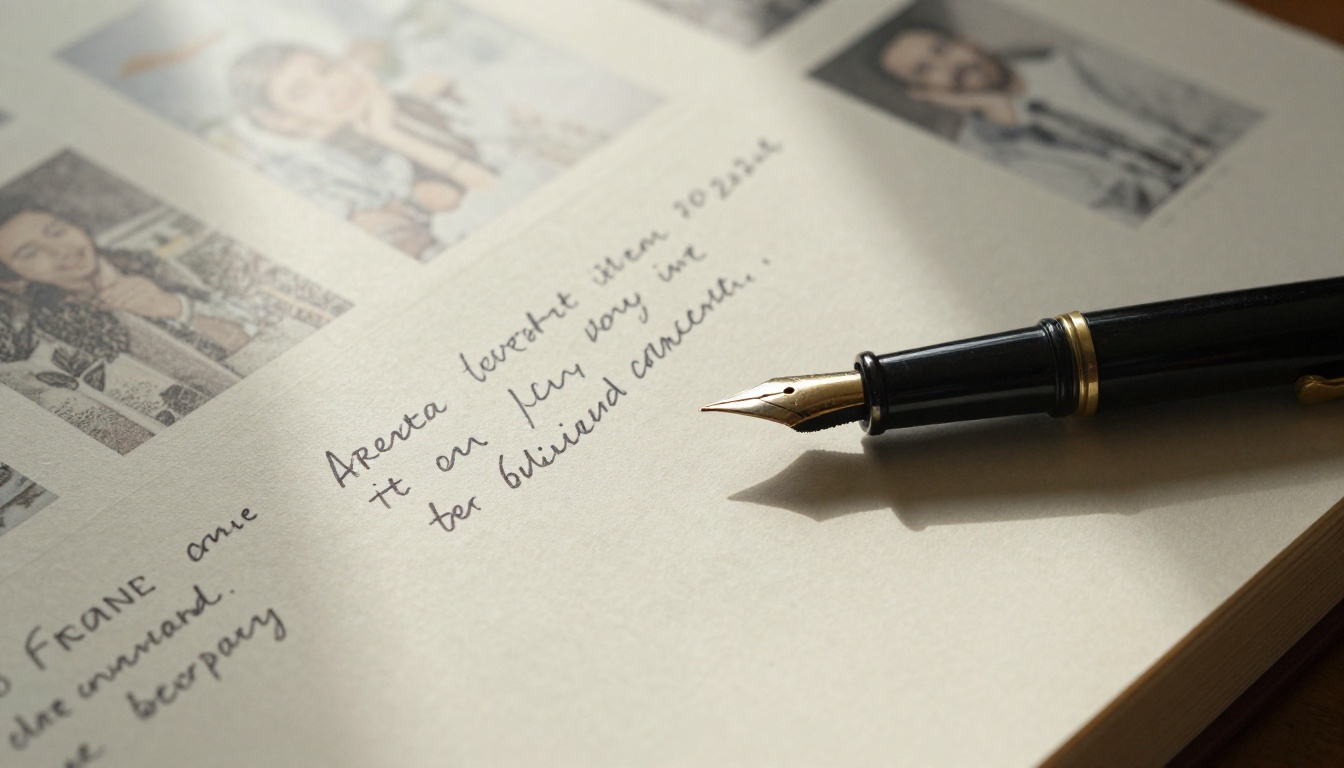
If your anniversary flipbook is rooted in your wedding, the Wedding Album Flipbook tool is specifically built for this. It includes:
- Pre-designed layouts optimized for wedding photography
- Full-bleed photo spreads that honor large format images
- Elegant serif font options suited to formal occasions
- Easy PDF export for printing or digital sharing
For anniversaries beyond the first, you can use it to create a retrospective: your wedding photos on the first half, and anniversary photos on the second half, bridging then and now in one seamless volume.
Photo Organization Tips That Save Hours
Most people spend more time finding photos than actually building the flipbook. These habits help:
- Create a shared album with your partner specifically for "keeper" photos
- Tag important moments immediately after trips or events
- Back up everything to at least two locations
- Sort yearly folders so you can pull by era quickly
| Photo Source | Best For | Retrieval Speed |
|---|
| Google Photos | Recent years, AI-powered search | Fast |
| iCloud | iPhone users, seamless sync | Fast |
| External HDD | Old photos pre-smartphone | Slow, manual |
| Social media archives | Candid moments, tagged photos | Medium |
| Physical prints | Early relationship, childhood | Slow, needs scanning |
⚠️ Social media exports compress image quality significantly. Always use original files from your camera or phone storage for the best print resolution in your flipbook.
3 Common Mistakes That Ruin Anniversary Flipbooks
Even with great photos, these errors consistently produce disappointing results.
Too Many Photos, Too Little Story
More is not better. Sixty pages of photos without editorial judgment produces visual noise, not emotion. Every page should earn its place. Ask: does this photo add something the previous one didn't?
Ignoring the First Page
The first page sets the tone for everything that follows. A blurry, poorly cropped, or randomly chosen photo as the front image creates the wrong impression immediately. Choose your absolute best shot, or create a simple typographic front page with your names and years together.
Forgetting the Ending
Great flipbooks end intentionally. The last page should land with weight: your most recent beautiful photo together, a forward-looking quote, or a simple "to be continued" with the date. Don't just let the photos run out.
Making It a Tradition, Not a One-Time Thing
The couples who get the most from anniversary flipbooks treat them as an annual ritual. Same date each year, same format, a growing archive of their life together.
By year ten, you'd have ten flipbooks. By year twenty-five, a full visual autobiography of your relationship.
Flipbooks AI stores everything in your account, so the archive builds automatically. No boxes in a closet, no fading prints. Just a permanent, searchable, shareable record of everything you've built.
The Digital Portfolio Creator is worth mentioning here too: some couples use it to build a "relationship portfolio," a single evolving document that gets updated each year with new pages appended.
✅ Set a calendar reminder two weeks before your anniversary to start gathering photos. That gives you time to sort, design, and publish without rushing.
Start Yours Before the Date Arrives
An anniversary flipbook doesn't require design skills, a big budget, or hours of free time. It requires intention: the decision to do something more meaningful than a card or a restaurant reservation.
Your photos are already sitting on your phone. Your story is already there. Flipbooks AI gives you the tool to shape it into something worth keeping.
Get started for free and have your first flipbook ready in under an hour. Or compare pricing plans if you want the full feature set from day one. Either way, your partner deserves something that shows you put real thought into it.
Because at the end of the day, that's what anniversaries are really about.



