Every bookstore owner knows the feeling: you design a beautiful seasonal catalog, send it as a PDF attachment, and watch it get buried in inboxes. Readers don't open attachments anymore. They tap, swipe, and share. That's exactly why making a flipbook for your bookstore is one of the smartest moves you can make right now. Flipbooks AI turns any PDF into an interactive, page-turning digital publication your readers will actually open, browse, and pass along.
Whether you run a cozy indie bookshop, a children's bookstore, or a specialty rare books dealer, a digital flipbook changes how your customers interact with your content. No printing costs. No email attachments. Just a shareable link that works on every device.
Why Bookstores Need Digital Flipbooks Now
The print catalog is expensive and slow. By the time you've designed, printed, and distributed a seasonal catalog, half the titles on it have changed. Digital flipbooks solve this completely.
Static PDFs Are Losing Readers
A PDF attached to an email has a rough life. It gets downloaded, maybe opened once, then forgotten in a Downloads folder. There's no page-turn animation, no embedded links, no way to click through to a product page. It feels like a document, not an experience.
Readers in 2027 expect interactivity. They're used to swiping through social stories, tapping through digital magazines, and scrolling curated feeds. A flat PDF doesn't compete with any of that.
What a Flipbook Changes
A flipbook looks and feels like a real magazine or catalog. Pages turn with a realistic animation. Readers can zoom into a book jacket, click an embedded link to buy, or share the entire publication with a single tap. On mobile, on desktop, on tablets, it works perfectly without any app download.
💡 A digital flipbook can be updated anytime. If a title sells out or a price changes, you update the source PDF and re-upload. No reprinting needed.

5 Flipbook Types That Work for Bookstores
Not every bookstore flipbook looks the same. Here are the five formats that consistently deliver results.
Seasonal Book Catalogs
This is the obvious one, and for good reason. A seasonal catalog in flipbook format performs dramatically better than a PDF. You can showcase new arrivals, staff picks, and seasonal themes with full-bleed images and clickable book jackets that link directly to your online store or order form.
A well-designed spring catalog might run 20-30 pages with featured titles, short reviews, and thematic sections like "Beach Reads" or "New in Literary Fiction." The flipbook format makes that feel like a magazine worth reading front to back.
Author Event Programs
When you host a signing, a reading, or a book club with a guest author, a digital event program adds a professional touch. Include the author's bio, an excerpt from the book, and a schedule. Send it as a shareable link before the event and embed it on your website's events page.

Monthly Newsletters
A bookstore newsletter as a flipbook beats a plain-text email every time. Instead of a wall of text, readers get a designed, visual publication they can page through. Feature new arrivals, short reviews, upcoming events, and a "book of the month" section. The Newsletter Flipbook Publisher brings your monthly content to life with minimal effort.
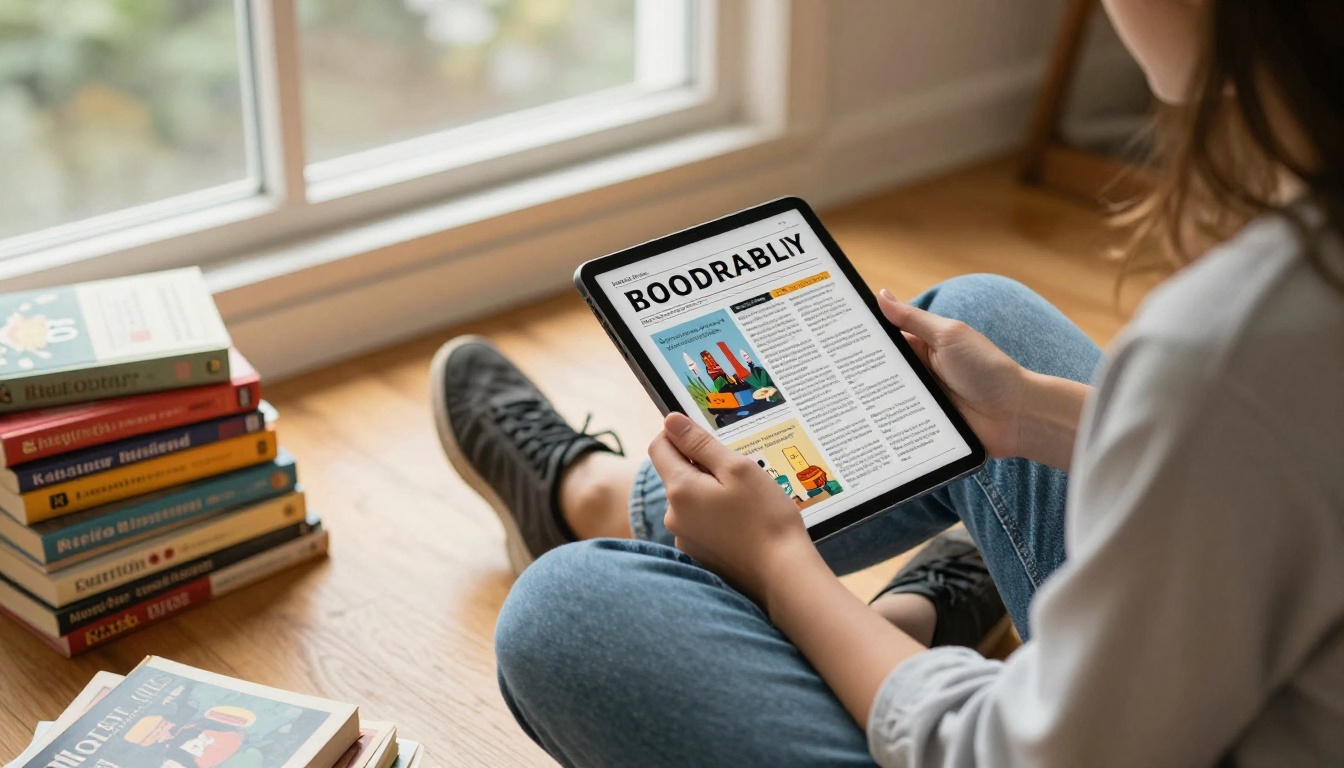
Staff Picks Lookbooks
Staff picks are one of the highest-converting sections of any bookstore. People trust recommendations from real humans who love books. A dedicated staff picks lookbook, updated monthly or quarterly, gives each recommendation room to breathe: a full-page spread with the jacket image, the staff member's photo, and a personal note about why they loved it.
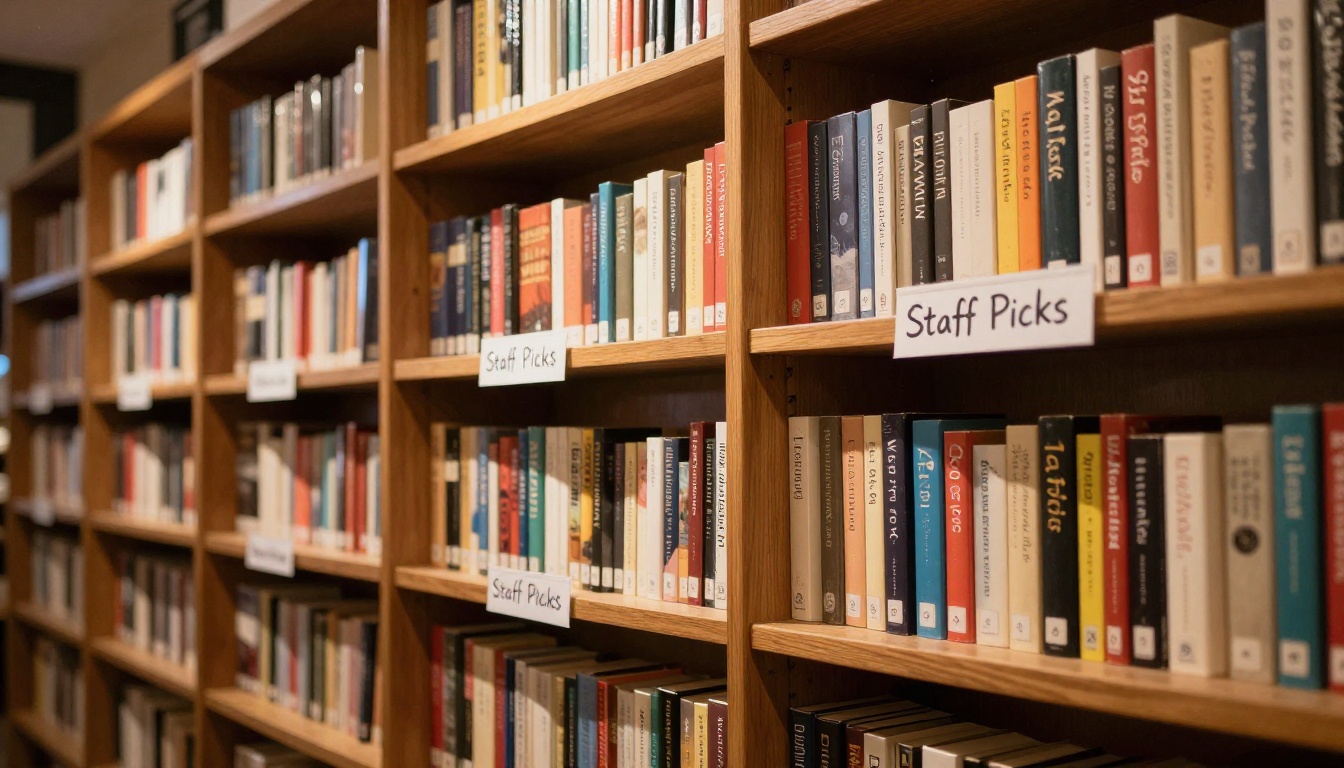
Reading Club Materials
If your bookstore runs a book club, a monthly reading packet in flipbook format elevates the whole experience. Include discussion questions, author background, thematic essays, and suggested companion reads. Members can access it on their phones during meetings instead of printing loose sheets.

Flipbook Plans Compared
Before you dive in, it's worth knowing what each plan offers. Here's a breakdown of what Flipbooks AI pricing provides across tiers.
| Feature | Free | Standard | Professional |
|---|
| Flipbooks per month | 3 | Unlimited | Unlimited |
| Watermark | Yes | No | No |
| Custom branding | No | Yes | Yes |
| Password protection | No | Yes | Yes |
| Analytics dashboard | No | No | Yes |
| Lead generation forms | No | No | Yes |
| Offline downloads | No | No | Yes |
| Embed on website | Yes | Yes | Yes |
| Mobile responsive | Yes | Yes | Yes |
| Video and audio embed | No | Yes | Yes |
✅ For most independent bookstores, the Standard plan covers everything: unlimited flipbooks, no watermarks, custom branding, and password protection for private content like wholesale catalogs or reading club archives.
How to Make a Flipbook for Your Bookstore
Here's the exact process, step by step. It takes less than 15 minutes from PDF to published flipbook.
Step 1: Design Your PDF
You don't need to be a designer. Tools like Canva, Adobe InDesign, or even Google Slides can produce a great bookstore catalog or newsletter as a PDF. Focus on:
- Full-bleed book jacket images: Large, vibrant photos of the jackets you're featuring
- Short, punchy text blocks: Reviews in 2-3 sentences, not paragraphs
- Clear section headings: "New Arrivals," "Staff Picks," "Events This Month"
- Consistent color palette: Match your bookstore's brand colors throughout
If you already have a printed catalog or newsletter, the PDF from your print vendor works perfectly. No redesign needed.
Step 2: Upload and Convert
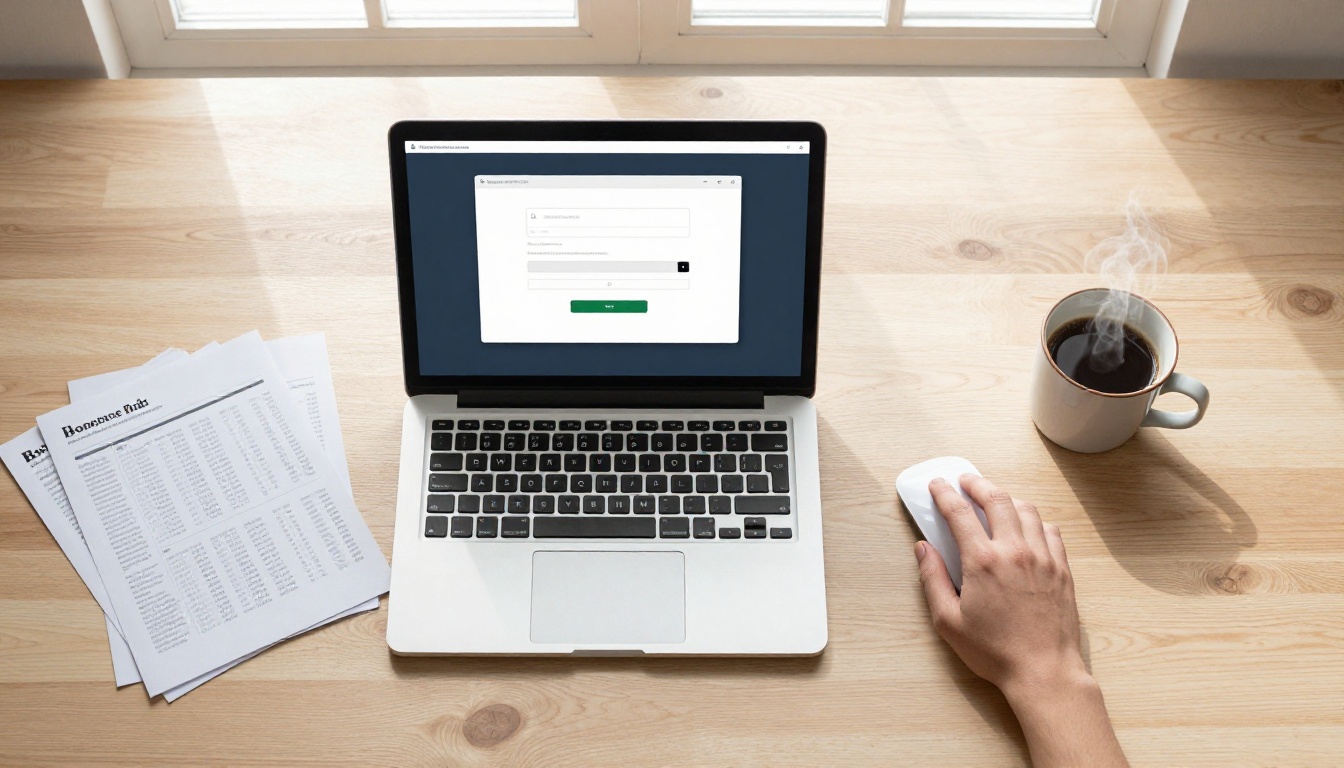
Head to Flipbooks AI and create your account. Once inside:
- Click New Flipbook on your dashboard
- Select your PDF file (up to 500MB depending on plan)
- Wait 30-60 seconds for conversion. Most bookstore catalogs process in under a minute.
- Preview your flipbook in the built-in editor
The PDF to Flipbook Converter handles all page sizes, so your existing catalog format works as-is.
Step 3: Brand It Your Way
This is where your flipbook stops looking generic and starts looking like your bookstore.

In the editor, you can:
- Upload your logo to appear on the flipbook viewer
- Set brand colors for the background, toolbar, and buttons
- Add a custom favicon for your publication
- Choose page effects: realistic page curl, flat swipe, or magazine-style flip
- Embed background music for an immersive experience (optional)
- Insert clickable hotspots on any page, linking to book purchase pages, author websites, or event registration forms
💡 Set password protection on your wholesale buyer catalog or reading club archive so only members can access it. This creates a sense of exclusivity that readers genuinely appreciate.
Step 4: Share With Your Readers
Once your flipbook is live, sharing takes seconds.

Sharing options include:
- Direct link: Copy and paste into any email, social post, or text message
- Embed code: Drop the flipbook directly onto your website's catalog or events page using the Embed Flipbook on Website tool
- QR code: Print a QR code on in-store receipts or your window display that opens the flipbook instantly on any phone
- Social share buttons: Readers can share directly to Instagram, Facebook, or Pinterest from within the flipbook
Your readers on mobile see the exact same beautiful experience as those on desktop. No app required.
Bookstore Use Cases by Type
Different bookstores have different needs. Here's how each store type benefits most.
| Bookstore Type | Best Flipbook Format | Top Feature to Use |
|---|
| Independent general | Seasonal catalog plus newsletter | Embed on website homepage |
| Children's bookstore | Reading club packet plus gift catalog | QR code printed in-store |
| Specialty and rare books | Curated quarterly catalog | Password protection for collector lists |
| Academic bookstore | Course materials list | Lead generation form |
| Online-only bookstore | Monthly new arrivals | Direct link via email campaign |
| Used bookstore | New stock arrivals | Weekly quick-publish from PDF |
⚠️ Don't try to cram every title into one massive flipbook. A 100-page catalog is hard to browse. Break it into themed sections: Fiction, Non-Fiction, New Arrivals, and Children's, each as its own focused publication.
Real-World Bookstore Scenarios
Independent Bookstore Seasonal Catalog
An indie bookstore publishes a quarterly catalog with 40 featured titles, curated by theme. Before flipbooks, they printed 500 copies at $2 each and watched most end up unread. Now they publish digitally, embed the flipbook on their homepage, and share the link in their email newsletter. Open rates increased because readers actually click through to browse the pages, not just skim a subject line.
Children's Bookstore Reading Club
A children's bookstore runs a monthly reading club for kids aged 6-12. Every month, parents receive a reading flipbook with the featured book, activities, coloring pages, and discussion questions. The flipbook format means kids can interact with it on a tablet, and parents love that there's nothing to print out or lose.
Specialty Bookstore New Arrivals
A rare books dealer releases a curated "New Acquisitions" flipbook every two weeks. Password-protected and sent only to verified collector clients, it includes high-resolution photos of each volume, provenance notes, and pricing. The password protection adds an element of exclusivity that clients actively look forward to.
Common Mistakes Bookstores Make
Too Much Text, Not Enough Visual
A flipbook is a visual medium. If your pages are mostly text with small images, you're not using the format to its potential. Book jackets are inherently visual. Feature them large. Let the artwork do the talking, and keep your descriptive text tight. Aim for a 60/40 visual-to-text ratio per spread.
Skipping Branding
A flipbook with your logo, colors, and custom viewer background looks professional and intentional. A default white-background flipbook with no branding looks like a draft someone forgot to finish. Spend 10 minutes in the editor setting up your brand identity. The difference in how customers perceive your store is real.
No Call to Action
Every page of your flipbook should give the reader somewhere to go next. Add hotspot links on book jackets that open your purchase page. Include a "Reserve This Title" button on new arrivals. Add an event registration link to your author event program. Without CTAs, your flipbook is a beautiful dead end.
Flipbooks AI has several specialized tools that map directly to bookstore needs:
The Numbers: Print vs. Digital Flipbook
Here's how the costs stack up for a typical independent bookstore publishing a quarterly catalog.
| Cost Factor | Printed Catalog | Digital Flipbook |
|---|
| Design cost | $200-500 | $200-500 |
| Production cost | $1-3 per copy | $0 |
| Distribution | Postage or in-store only | Instant, global |
| Updates after printing | Full reprint required | Edit and republish in minutes |
| Read analytics | None available | Full analytics (Professional plan) |
| Annual cost at 500 copies, 4x per year | $2,000-6,000+ | $0-20 per month |
The math is clear. Even accounting for the monthly platform fee, the savings are significant, especially for bookstores publishing multiple catalogs, newsletters, and event programs throughout the year.
Your Bookstore Flipbook, Ready in 15 Minutes
Here's what your first session looks like from start to finish:
- Choose your content: Start with your most recent catalog or newsletter PDF. If you don't have one yet, design a simple 8-12 page "New Arrivals" showcase in Canva.
- Create your account: Head to Flipbooks AI and sign up. A free plan is available with no credit card required.
- Upload your PDF: Drag and drop. Conversion takes under a minute for most bookstore documents.
- Apply your branding: Add your logo, set your store colors, and choose a page-flip style.
- Add hotspots: Link book jackets to your online store or order form for direct click-through.
- Publish and share: Copy the link, embed it on your website, or generate a QR code for in-store display.
Bookstore customers who receive flipbook catalogs consistently report:
- Higher browsing time: People spend 3-4x longer with a flipbook than with a static email
- More sharing: A shareable link gets forwarded. A PDF attachment almost never does.
- Better recall: The visual, interactive format makes featured titles more memorable
- Mobile convenience: No pinching to zoom on a tiny PDF. The flipbook adapts to any screen size automatically.
For a bookstore, where word-of-mouth and reader loyalty are everything, these aren't small numbers. They translate directly into more foot traffic, more online orders, and more readers who feel connected to your store.
Start Publishing Today
Your readers are already browsing digital content every day. A digital flipbook meets them exactly where they are, on their phones, tablets, and laptops, with a reading experience that feels premium rather than an afterthought.
Whether your bookstore needs a seasonal catalog, a staff picks lookbook, a reading club packet, or a monthly newsletter, the format is the same: a beautiful, interactive, shareable publication that makes your store look as good as it actually is.
Ready to create your first bookstore flipbook? Get started for free on Flipbooks AI, upload your first PDF, and have a live publication in under 15 minutes. Browse all flipbook tools to find the right fit for every piece of content your store creates, and compare pricing plans when you're ready to go unlimited and remove the watermark for good.



