Convention organizers spend weeks perfecting their programs. Then thousands of copies get printed, half end up on the floor by lunch, and half the attendees forget to pick one up at all. A digital flipbook flips that script entirely. Flipbooks AI lets you convert your convention program into an interactive, page-turning digital experience that attendees can access from any device before, during, and after the event.
Why Printed Convention Programs Fall Short
The Hidden Cost of Print
Most convention organizers underestimate how much printed programs actually cost. Between design revisions, bulk printing, shipping, and on-site distribution, a single event can burn thousands of dollars on materials that get thrown away by the end of the day.
| Cost Category | Printed Program | Digital Flipbook |
|---|
| Design Changes | Expensive reprints | Free updates anytime |
| Printing | $500–$5,000+ per event | $0 |
| Distribution | Staff labor + physical handling | Instant link or QR share |
| Updates Post-Print | Impossible | Live edits in seconds |
| Attendee Accessibility | Must be present to receive | Access from anywhere |
| Environmental Impact | High paper waste | Zero waste |
The table above tells a clear story. Digital convention programs are not just cheaper; they are more flexible, more accessible, and significantly better for your event's brand image.
What Attendees Actually Want
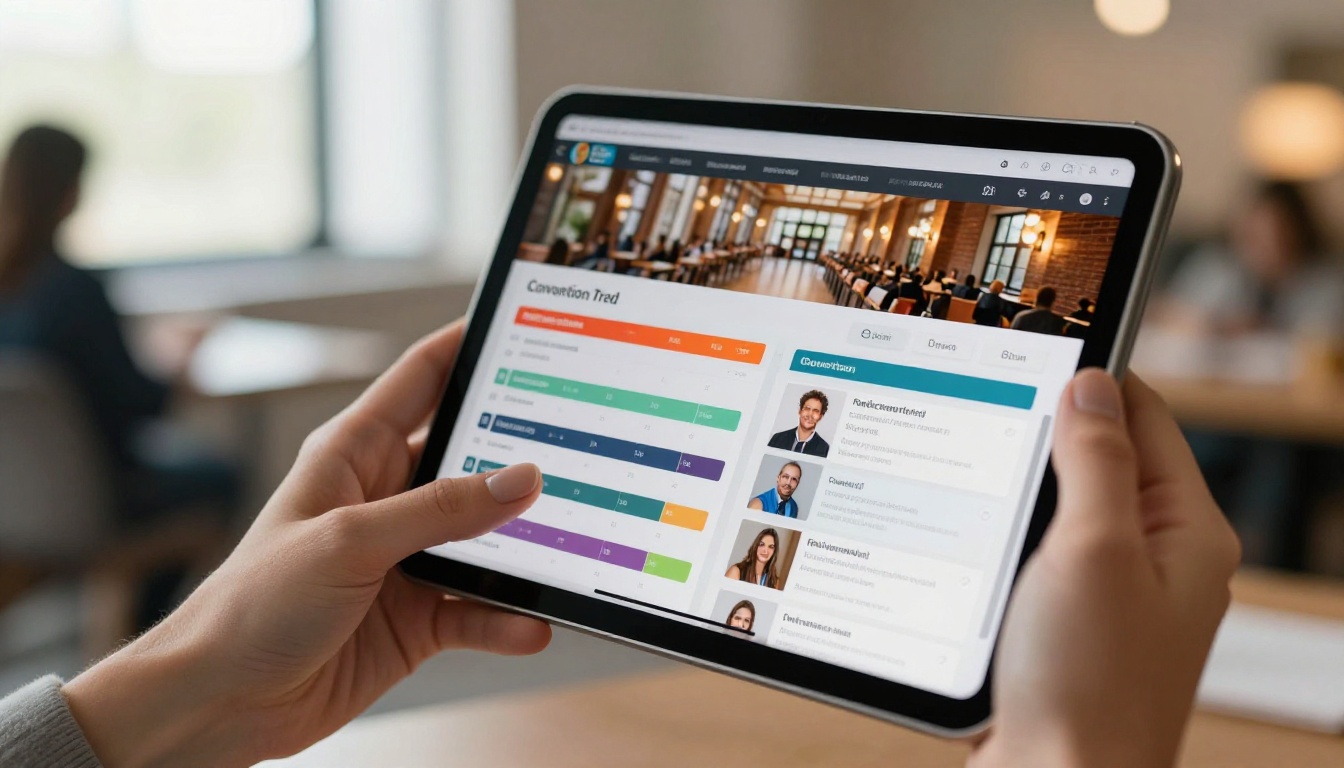
Attendees arrive at conventions with phones in hand. They are scanning QR codes, posting to social media, and looking things up in real time. A printed booklet competes poorly with a dynamic digital experience. A flipbook program lives on their device, can be bookmarked, searched, and referenced the moment a session title catches their eye.
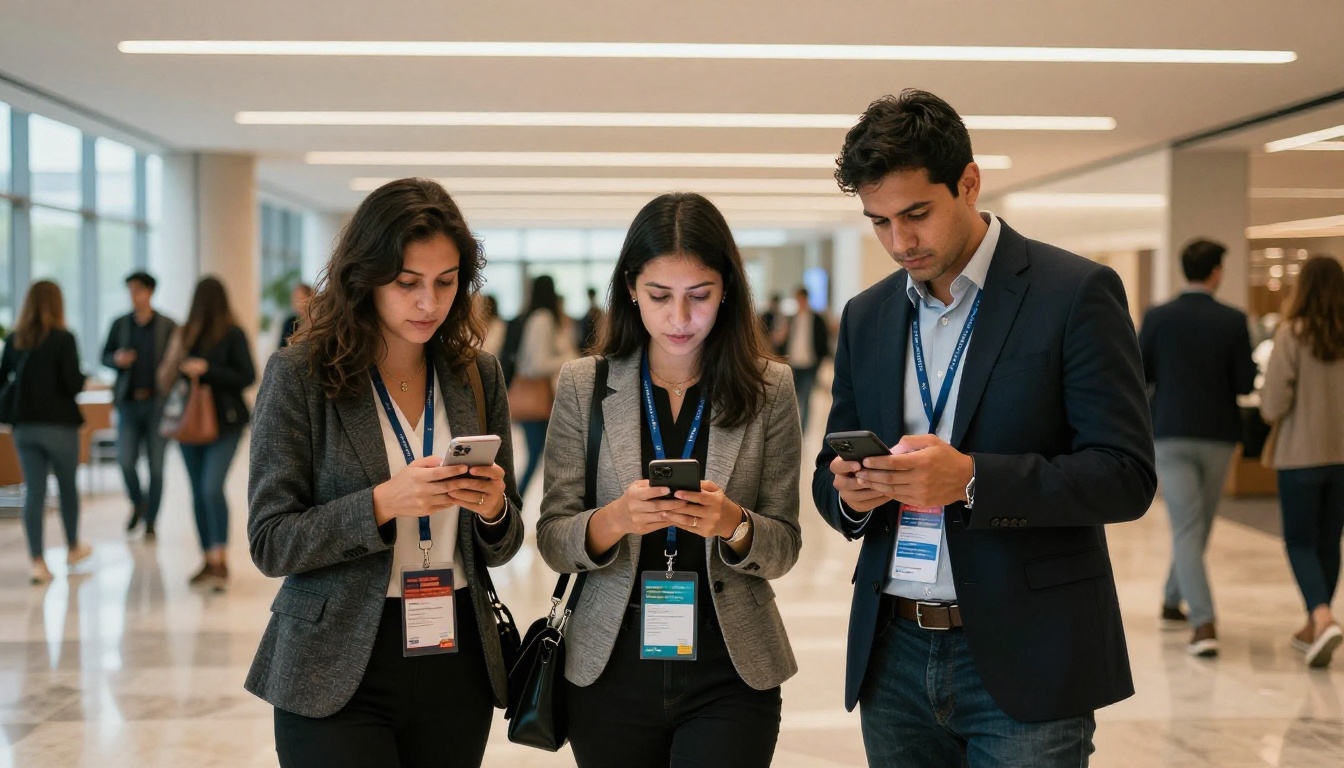
💡 Send your flipbook link 48 hours before the event via email. Attendees who pre-read the program ask better questions and stay longer at booths.
What Makes a Great Convention Program Flipbook
Must-Have Sections
Every convention program, digital or not, needs the same core structure. But in a flipbook, each section becomes interactive, visually engaging, and far easier to navigate than a folded paper booklet.
- Welcome message from the organizer or keynote sponsor
- Full schedule grid with session times, rooms, and track colors
- Speaker bios with headshots, credentials, and social links
- Floor map showing booth locations, restrooms, and emergency exits
- Sponsor pages with clickable logos and website links
- Workshop details including prerequisites and materials needed
- Networking events with times and venue information
- Post-event survey link or QR code embedded directly in the program
Features That Set Digital Programs Apart
The best convention program flipbooks do things that print never could. Clickable sponsor links turn your program into a revenue tool. Embedded videos let keynote speakers introduce themselves before the event starts. Password protection keeps private pre-event materials secure until the right moment.

| Feature | Static PDF | Printed Program | Flipbook |
|---|
| Page-turn animation | No | Yes (physical) | Yes (digital) |
| Clickable links | Sometimes | No | Yes |
| Embedded video | No | No | Yes |
| Password protection | Limited | No | Yes |
| Analytics tracking | No | No | Yes |
| Mobile-optimized | Rarely | No | Yes |
| Live updates | No | No | Yes |
| Offline access | Yes | Yes | Yes (download) |
| Sponsor integration | Minimal | Yes | Full |
✅ Use track colors in your schedule grid. Color-coded sessions (blue for tech, green for wellness, orange for business) help attendees navigate a packed program at a glance.
How to Create a Convention Program Flipbook with Flipbooks AI
This is where the actual work happens. The process takes under 30 minutes for most organizers, even if you are doing it for the first time.
Step 1: Create Your Account
Head to Flipbooks AI and create a free account. No credit card required to start. You can build and preview your flipbook before committing to a plan.
Step 2: Design Your Program in PDF Format
Before uploading, your program needs to be a well-designed PDF. Use tools like Adobe InDesign, Canva, or Google Slides to build the layout. Keep these specs in mind:
- Use landscape orientation (16:9) for a screen-friendly layout
- Embed all fonts to avoid substitution issues during conversion
- Keep file size under 100MB for smooth and fast processing
- Use RGB color mode for accurate on-screen color rendering
- Include bleeds if your design uses full-bleed background images
Step 3: Upload and Convert
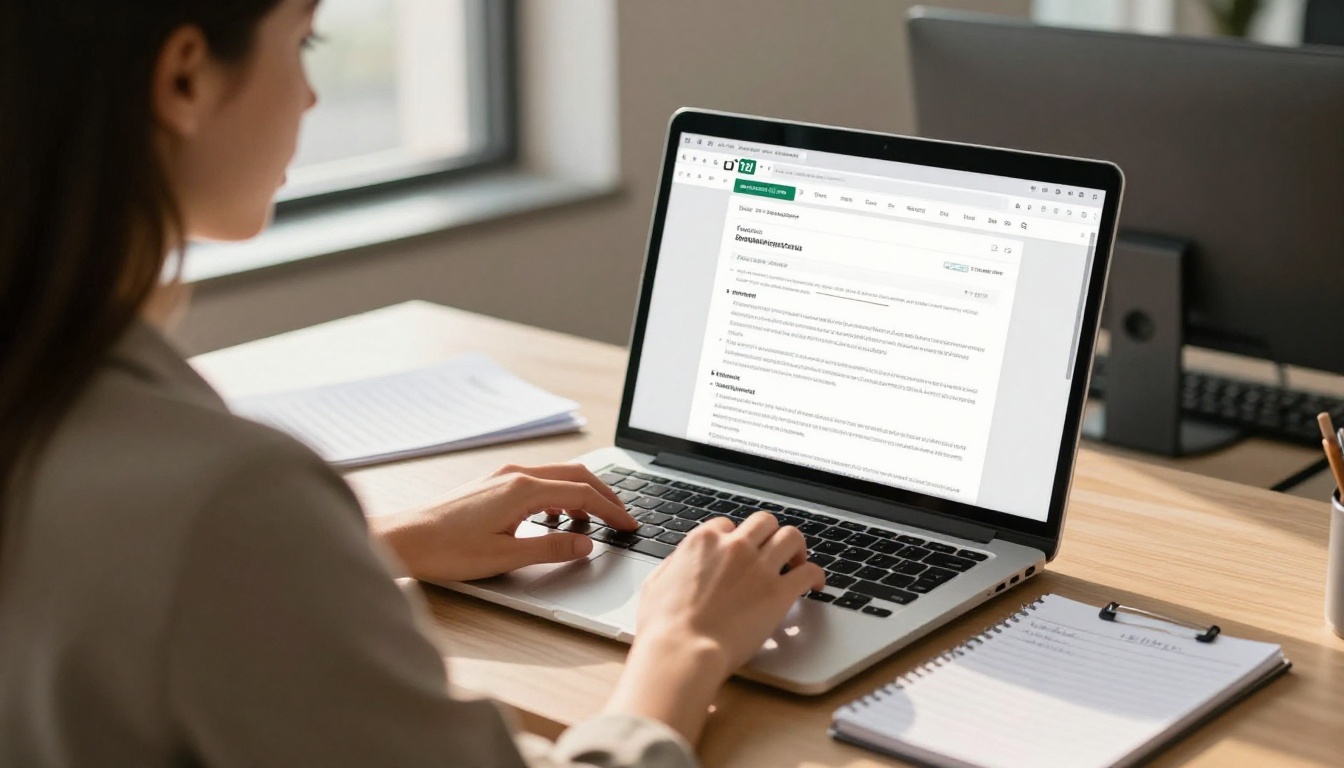
Once logged in, click New Flipbook and drag your PDF into the upload zone. The PDF to Flipbook Converter processes your file and generates a page-turning preview within seconds. You will see an instant rendering of your convention program with the flipbook animation applied automatically.
⚠️ Double-check that all fonts, images, and colors rendered correctly in the preview. If something looks off, re-export your PDF with embedded fonts and re-upload.
Step 4: Customize the Branding
This is where your event's identity comes through. In the editor, you can:
- Set your event's brand colors for the flipbook background and controls
- Upload your organization's logo to appear in the viewer header
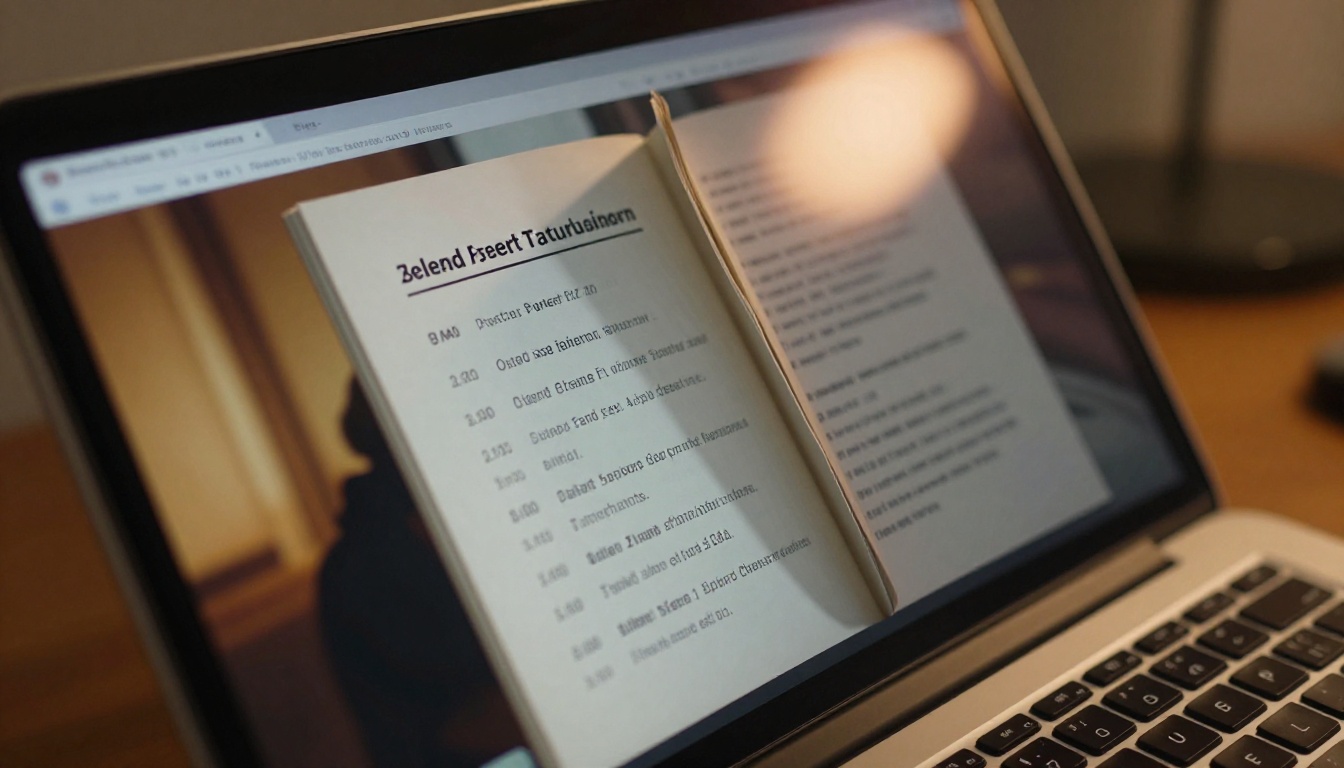
- Choose between flat page turn and 3D curl animation styles
- Add a custom domain or subdomain for sharing (Professional plan)
- Set a custom thumbnail for the cover page preview in social shares
Step 5: Add Interactive Elements
Now upgrade the program beyond what any printed version could offer:
- Clickable links: Add hotspots over sponsor logos, speaker names, and external URLs
- Embedded video: Drop a welcome video from your keynote speaker onto the cover page
- Table of contents: Auto-generate from your PDF headings for instant navigation
- Audio: Add background music or audio introductions to keynote sessions
- Forms: Embed lead capture or session feedback forms directly into specific pages
Step 6: Set Up Sharing and Access Control
Convention programs often have different distribution needs. A pre-event program might be password-protected for registered attendees only, while a post-event recap can be fully public.
- Direct link: Copy and share via email, SMS, or social media instantly
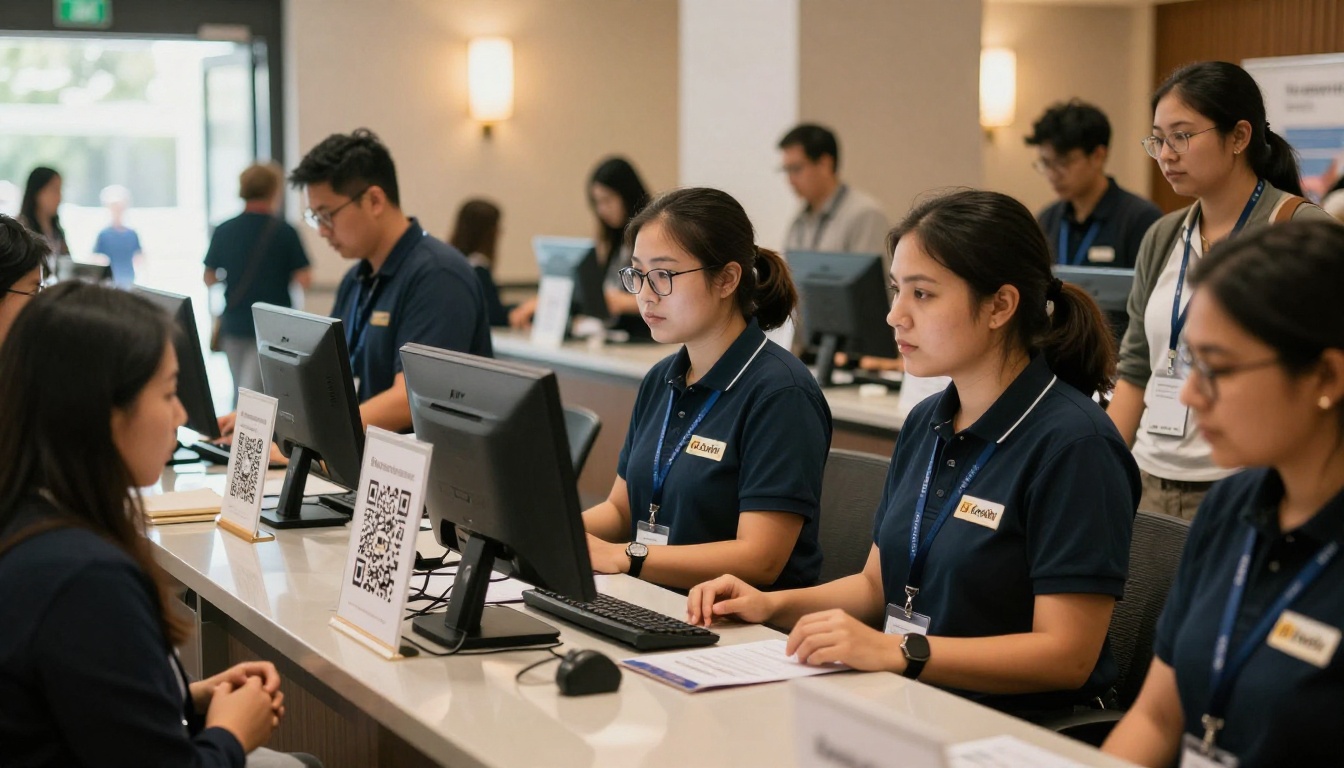
- QR code: Generate and print on signage, lanyards, or registration desk cards
- Embed code: Use the Embed Flipbook on Website tool to place the flipbook directly on your event's webpage
- Password protection: Require a passcode for restricted-access program versions
Step 7: Track Engagement with Analytics
Once your program is live, the Professional plan gives you access to real-time analytics showing:
- Total views and unique visitors by day and time
- Average time spent per page throughout the program
- Most-viewed sections and sessions during the event
- Geographic distribution of readers across regions
- Lead capture data if forms are embedded in sponsor pages
This data is valuable for sponsorship reporting. Show sponsors exactly how many attendees viewed their page, for how long, and what links they clicked. That kind of transparency builds long-term sponsor relationships.
Sharing Your Flipbook Program at the Event
QR Code Distribution
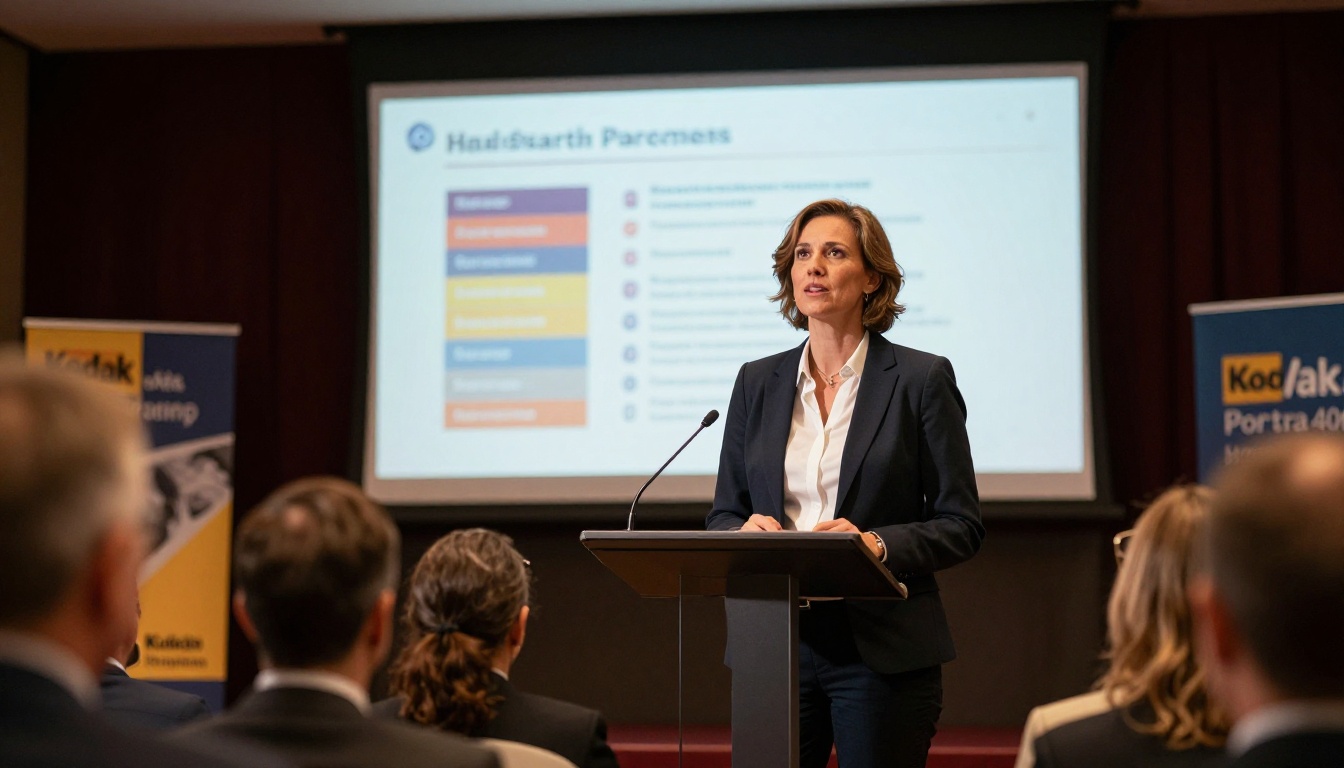
Print a single QR code on a foam board near every entrance. One scan opens the full digital program on any smartphone. No app download. No login. Instant access from the lobby to the last session of the day.
💡 Place QR code signs at eye level at registration, near coffee stations, and at each session room entrance. These are natural pause points where attendees have a moment to scan without breaking stride.
Embedding on Your Event Website
Most event websites already have a registration page. Add the flipbook embed code to a "Program" tab or dedicated page, and attendees can browse the full schedule without ever leaving your site. The Event Program Maker tool includes embed-ready output that works with any website builder, including WordPress, Squarespace, and Webflow.
Pre-Event Email Campaigns
Send the flipbook link as part of your attendee welcome email. Include a direct link to a specific page, like the keynote session or the floor map. Attendees who engage with the program before arriving are far more likely to attend multiple sessions, visit more booths, and stay through the closing remarks.
Pricing: What You Actually Need
Flipbooks AI pricing covers events of every size. Here is how the plans stack up specifically for convention organizers:
| Feature | Free | Standard | Professional |
|---|
| Flipbooks | 1 | Unlimited | Unlimited |
| Watermark | Yes | No | No |
| Custom branding | No | Yes | Yes |
| Password protection | No | Yes | Yes |
| Analytics | No | No | Yes |
| Lead generation | No | No | Yes |
| Offline downloads | No | Yes | Yes |
| Custom domain | No | No | Yes |
| Embedded video or audio | No | Yes | Yes |
For a single-event convention program, the Standard plan covers everything you need: unlimited flipbooks, no watermarks, password protection, and offline downloads. Organizers running multiple events per year or managing sponsor relationships will want the Professional plan for analytics and lead capture.
💡 The Professional plan's lead capture feature lets you place a form gate in front of specific program sections. Use this to collect attendee information for post-event sponsor marketing reports.
Real-World Use Cases for Convention Flipbooks
Industry Trade Shows
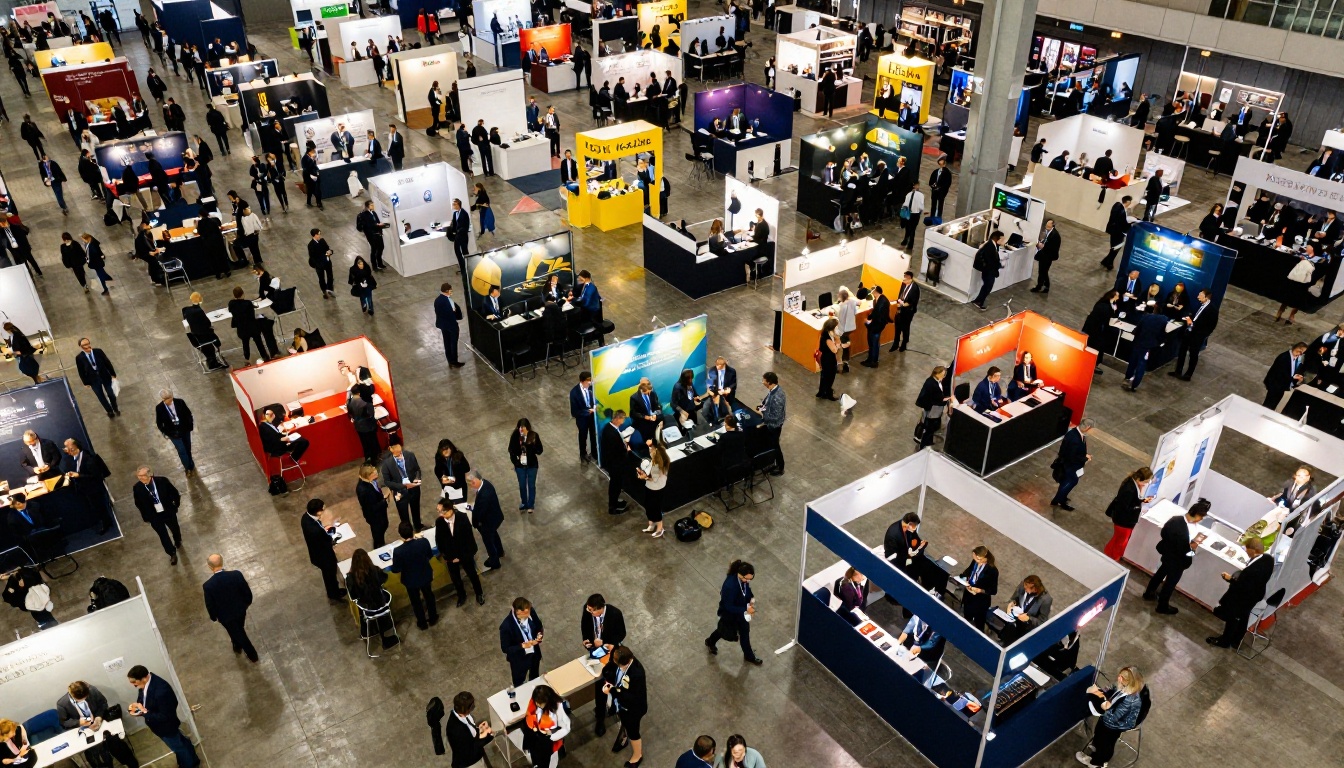
Trade shows with hundreds of exhibitors benefit most from digital programs. Attendees can search for exhibitors by name, click logos to visit websites, and filter sessions by topic track. No more carrying a 40-page booklet around the exhibition floor for six hours.
Academic Conferences
Abstract booklets, paper presentations, and speaker schedules packed into a single flipbook. With the Interactive E-Book Publisher, academic organizers can present research summaries with embedded citation links and author contact forms directly within the program.
Fan Conventions
Gaming, comics, and pop culture conventions thrive on detailed schedules, guest appearances, and panel lineups. A flipbook program with embedded video trailers and clickable social media links turns a standard event program into a memorable fan experience.
Corporate Conferences and Summits
Leadership summits and corporate conferences benefit from secure, password-protected programs. Sensitive agenda items, internal speaker notes, and confidential session materials can be distributed exclusively to registered attendees without risking public exposure or document leaks.
Common Mistakes Convention Organizers Make
Uploading a Low-Resolution PDF
The flipbook renders at screen resolution, so a blurry source PDF produces a blurry flipbook. Always export your final PDF at 300 DPI even when it is meant for screen display. The extra resolution gives the converter clean source material to work with and keeps speaker headshots and sponsor logos sharp.
Forgetting Mobile Optimization
Over 60% of attendees access event programs from their phones. Test your flipbook on both Android and iOS before publishing. Flipbooks AI automatically handles mobile-responsive rendering, but your original PDF layout should still be clean and readable at phone screen sizes.
Sending Only One Distribution Channel
Do not rely on a single QR code. Share the link via email, post it in your event's social media channels, embed it on the website, and include it in the SMS reminder. Every additional touchpoint increases the number of attendees who actually open and read the program before they arrive.

Not Updating the Program After Finalizing
Last-minute speaker changes, room swaps, and schedule additions are inevitable. With a digital flipbook, you update the source PDF and re-upload. Every attendee accessing the link sees the updated version immediately. No reprints, no paper inserts, no confusion at the registration desk ten minutes before doors open.
⚠️ If you share the flipbook link widely before the event, confirm your platform keeps the same public URL after a content update. This ensures existing bookmarks and QR codes continue to work without redistribution.
Your Next Convention Program
Running a convention is demanding work. Your program should not add to the stress. A digital flipbook gives attendees instant access, gives sponsors real performance data, and gives organizers the flexibility to make changes right up to the opening bell.
Flipbooks AI makes the conversion process fast, the customization intuitive, and the sharing effortless. Start with your existing PDF and have a polished, interactive convention program live in under an hour, with no technical experience required.
Ready to build it? Get started for free and upload your first convention program today. When you are ready to add analytics, lead generation, and custom branding, compare pricing plans to find the right fit for your event size and budget. Browse all available flipbook tools to see what else is possible across your full range of event materials.



