Etsy has over 90 million active buyers scrolling through millions of products every day. The sellers who win are not always the ones with the best products. They are the ones who present those products in a way that stops a buyer mid-scroll and says, "I need this." That is exactly what a flipbook can do for you. Flipbooks AI gives Etsy sellers a way to turn a simple PDF into an interactive, page-turning digital catalog that buyers actually want to browse through, share with friends, and return to before they buy.
Why Your Etsy Shop Needs a Flipbook
Most Etsy sellers rely on static product listings with a handful of photos. That works, but it leaves enormous opportunity on the table. A digital flipbook is something different: it is a shareable, branded, interactive catalog that lets buyers see your full product range in one place, flipping through pages like a real magazine. The result is a shopping experience that feels intentional and premium, even if you are a solo seller working from your kitchen table.
Static Listings vs. Interactive Catalogs
Static listings are one product at a time. A buyer lands on a page, sees a few photos, reads a description, and either buys or leaves. There is no natural flow pulling them deeper into your shop. A digital flipbook changes that entirely. A buyer opens your catalog link and they are immediately browsing your entire collection. They flip from page to page, see your seasonal bundles, your pricing, your story. It is an experience, not just a listing.
| Feature | Static Etsy Listing | Digital Flipbook Catalog |
|---|
| Shows one product | ✅ | ✅ |
| Shows full collection | ❌ | ✅ |
| Shareable as a single link | ❌ | ✅ |
| Page-turning browsing experience | ❌ | ✅ |
| Custom branding and colors | Limited | Full control |
| Embeddable on external websites | ❌ | ✅ |
| Analytics on viewer behavior | ❌ | ✅ (Professional plan) |
| Lead capture and email collection | ❌ | ✅ (Professional plan) |
What Buyers Actually Want to See
Buyers on Etsy are not just looking for a product. They are looking for a seller they can trust. A well-designed flipbook catalog signals professionalism, care, and quality before they even read a single word. It shows you take your shop seriously, and that impression carries directly into purchase decisions.
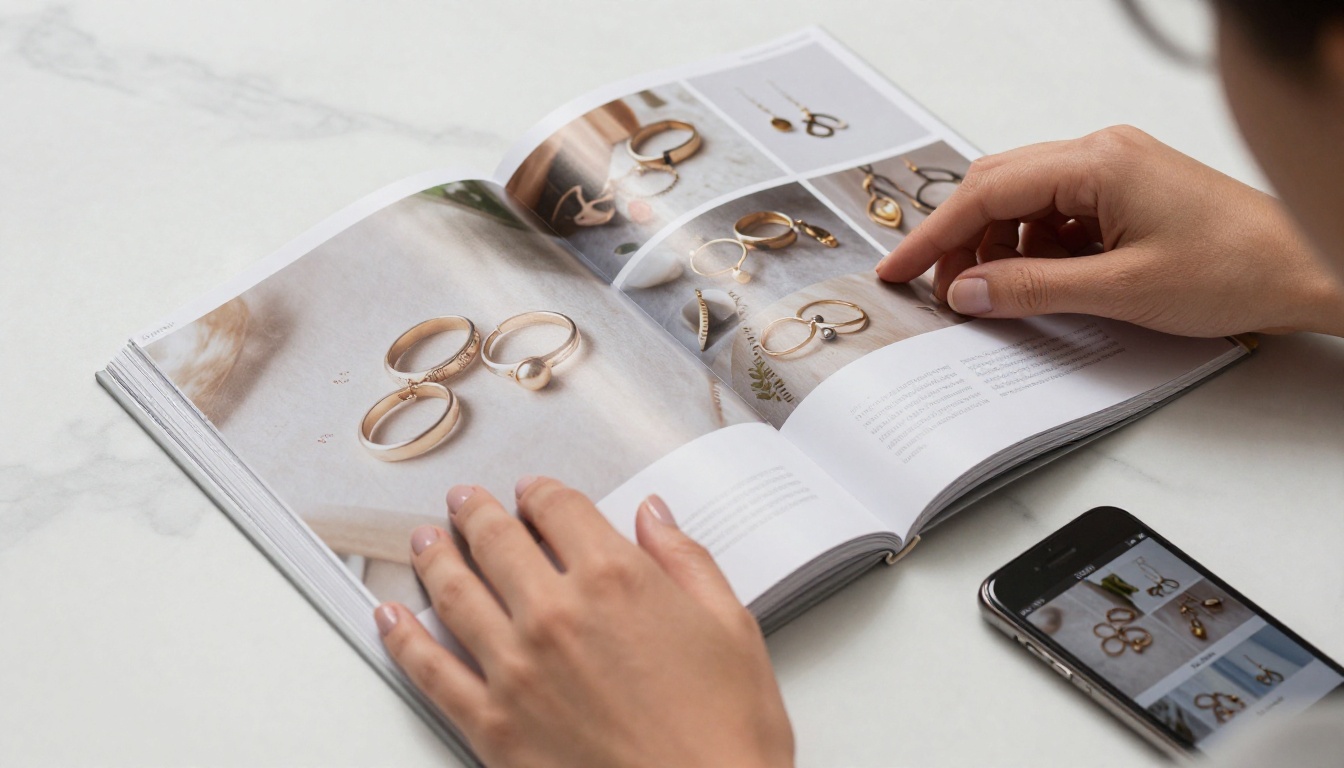
A flipbook also answers the questions buyers have without them needing to ask: What else do you make? Do you offer bulk pricing? What are your policies? What does your packaging look like? All of that fits naturally inside a catalog, reducing the back-and-forth that slows down sales.
What to Put in Your Etsy Flipbook
The best Etsy flipbooks are not just product galleries. They are curated brand experiences. Here is what to include to make yours count:
Product Photos and Descriptions
This is the foundation. Take your best product photos and arrange them in a logical flow. Group by category, by price point, or by season. Each spread should have a clean photo, a short description, and the price. Do not cram too much onto one page; white space is your friend.
💡 Pro Tip: Use lifestyle photos alongside studio shots. A photo of your ceramic mug sitting on a cozy kitchen table sells the feeling, not just the object. Buyers buy feelings.
Shop Policies and FAQs
Put your shipping times, return policy, and custom order process in the back section of your flipbook. Buyers who are on the fence often have one simple question holding them back. Answering it inside the catalog removes that friction before it becomes a reason not to buy.
Seasonal Collections and Bundles
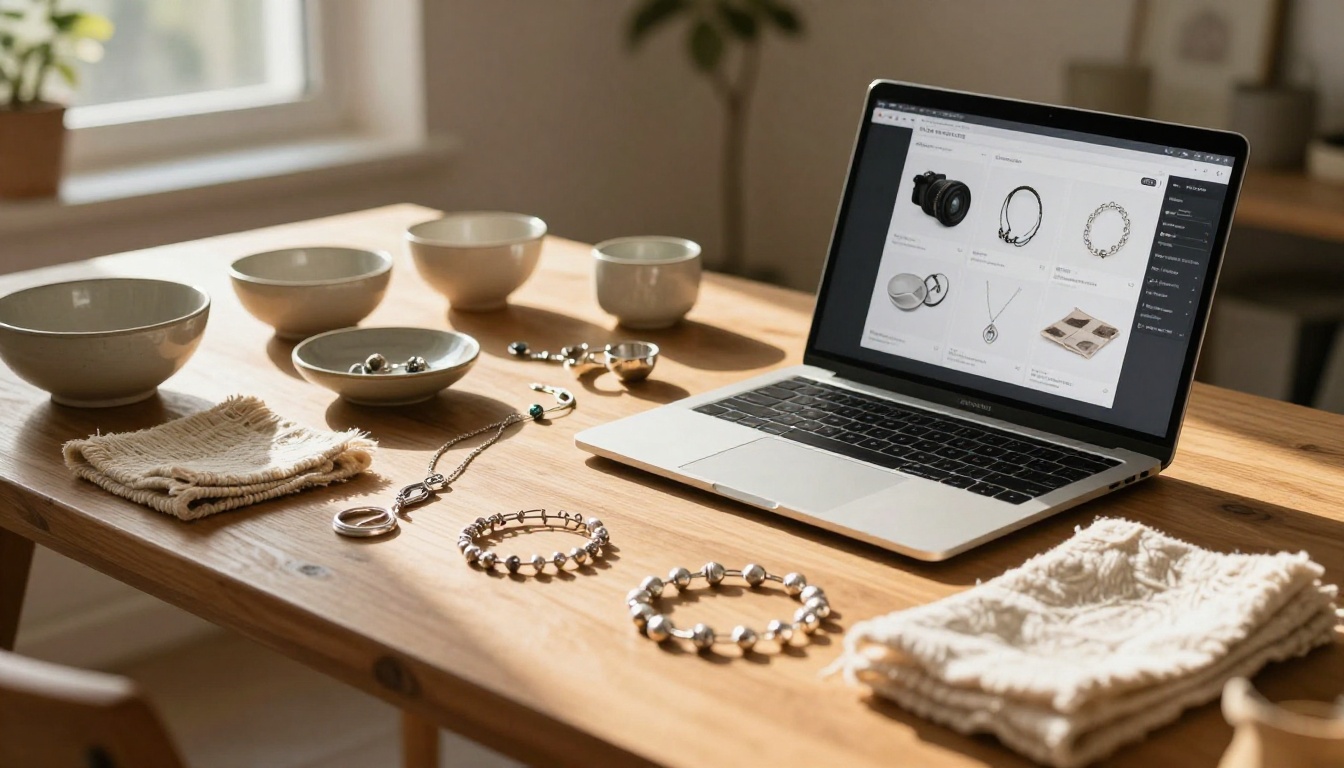
Create separate flipbooks for each season or major shopping event: holiday gift catalogs, Valentine's Day collections, back-to-school bundles. Send a fresh link to past buyers every season through Etsy messages. It keeps your shop top-of-mind without feeling pushy, and it gives buyers a reason to come back even when they were not actively looking.
✅ Best Practice: Build at least two flipbooks per year. One for your evergreen collection and one for your current seasonal offerings. Keep them updated and the link stays useful indefinitely.
Wholesale and Bulk Pricing Pages
If you offer wholesale pricing to boutiques, gift shops, or event planners, a flipbook is the perfect format to share those details professionally. It is far more impressive than a plain spreadsheet or a long Etsy message, and it positions you as a serious business rather than a hobbyist.
How to Make a Flipbook for Your Etsy Shop
Making a flipbook with Flipbooks AI takes less time than most sellers expect. Here is the full process from start to finish:
Step 1: Design Your PDF
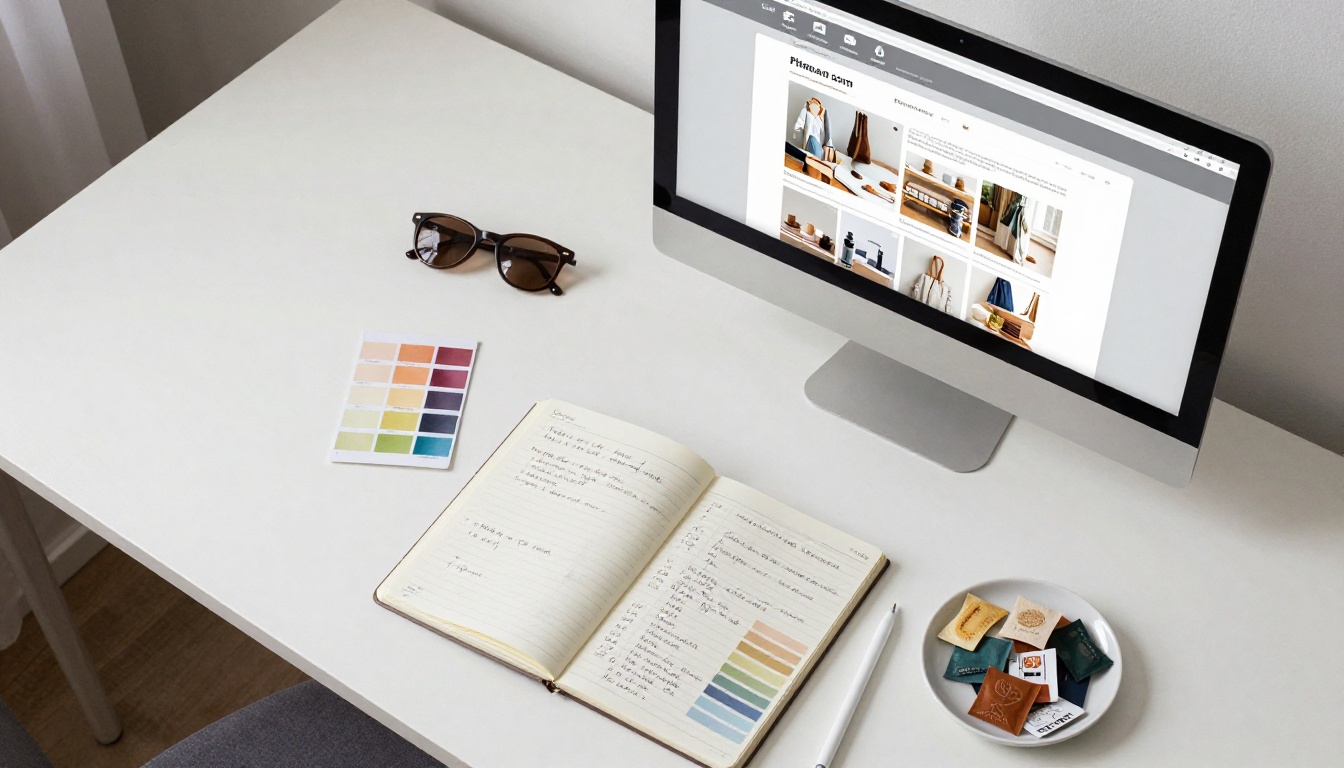
Before uploading anything, you need a PDF. You do not need to be a professional designer. Tools like Canva have free catalog templates you can fill in with your own photos and product details. Here is what your PDF should contain:
- A front page with your shop name, tagline, and brand colors
- Product spreads (two products per page is clean and readable on most screens)
- An "About the Maker" page with your story and photo
- A final page with your contact details, Etsy shop link, and social handles
Keep it between 8 and 20 pages. Long enough to show your full range, short enough to hold attention all the way through.
Step 2: Upload to Flipbooks AI
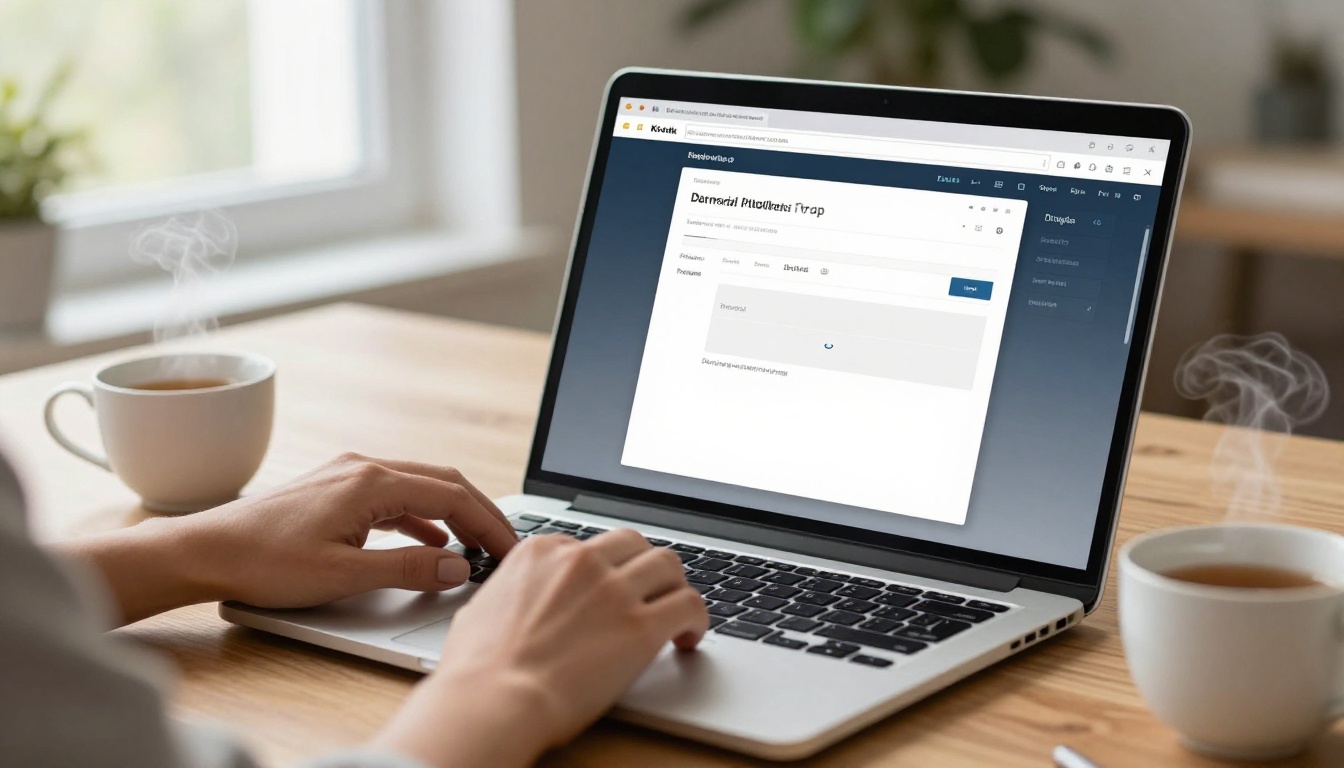
Once your PDF is ready, go to Flipbooks AI and create your account. The upload process is simple:
- Click the upload button on your dashboard
- Select your PDF file from your computer
- Wait for the conversion to finish (usually under 60 seconds)
- Your flipbook is live with a shareable link ready to copy
⚠️ Important: Make sure your PDF images are at least 150 DPI before uploading. Low-resolution images will look soft on the flipbook pages, which undermines the premium impression you are trying to create.
Step 3: Customize and Brand It
This is where your flipbook goes from generic to professional. Inside the Flipbooks AI editor you can:
- Set your brand colors for the flipbook background and navigation controls
- Upload your logo to appear consistently across every page
- Choose page-turning animation styles (soft paper, hardback, or magazine)
- Add background music if it fits your brand atmosphere
- Toggle the download button on or off depending on your preference
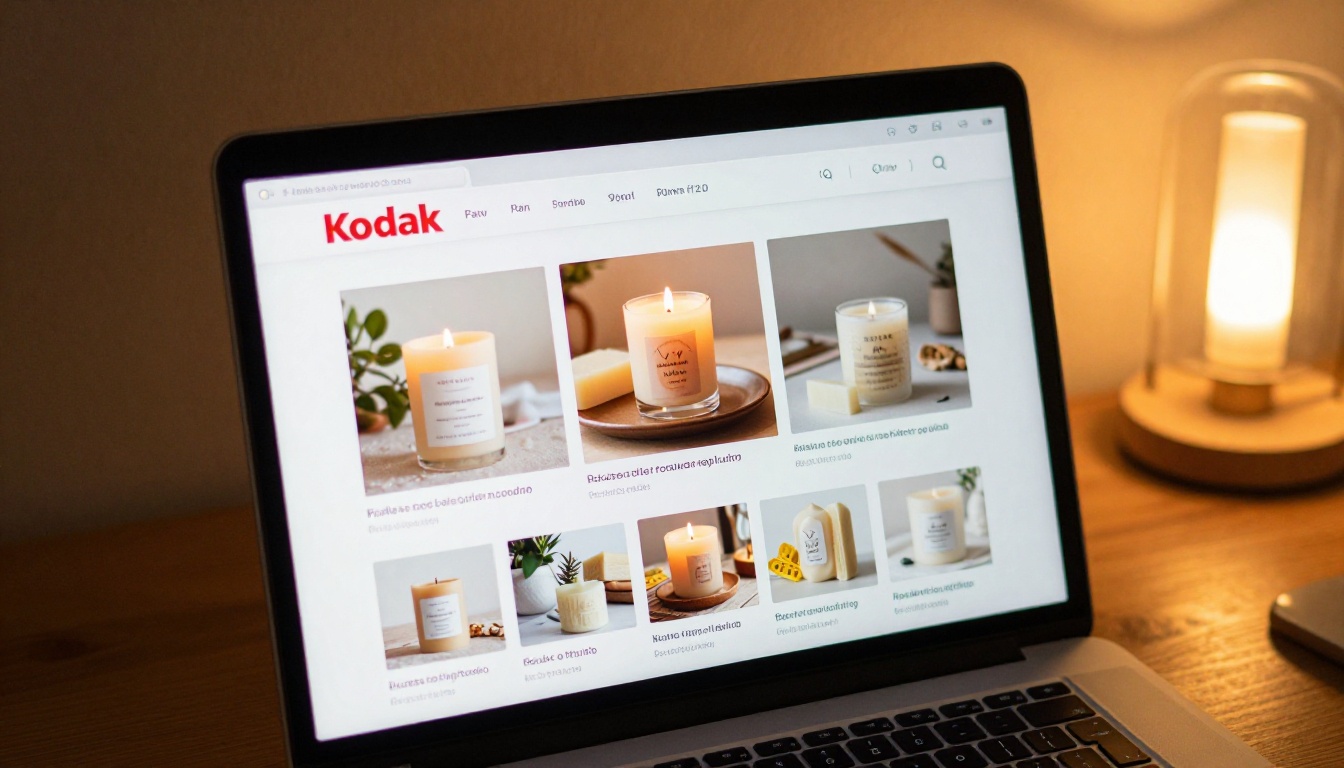
If you are on the Professional plan, you can also add lead capture forms directly inside the flipbook, collecting buyer emails before they even click through to your Etsy listing. That is your email list growing on autopilot. Check the pricing plans to see which tier fits your shop's current needs.
Step 4: Share the Link on Etsy
Once your flipbook is live, copy the shareable link and place it everywhere:
- Etsy shop announcement: Add it right at the top of your shop page as the first thing browsers see
- Listing descriptions: Reference your catalog in relevant product listings with anchor text like "see my full collection"
- Etsy messages: Share it automatically when a buyer asks "do you make anything else?"
- Instagram bio: One link that shows your entire product range
- Pinterest: Pin individual page screenshots linked back to the full flipbook
You can also use the Embed Flipbook on Website tool if you run a personal website or a Shopify store alongside your Etsy shop.
Flipbook Ideas for Different Etsy Niches
Not every Etsy shop is the same, and your flipbook strategy should reflect your specific niche. Here is how different types of sellers can put flipbooks to work:

Handmade Jewelry and Accessories
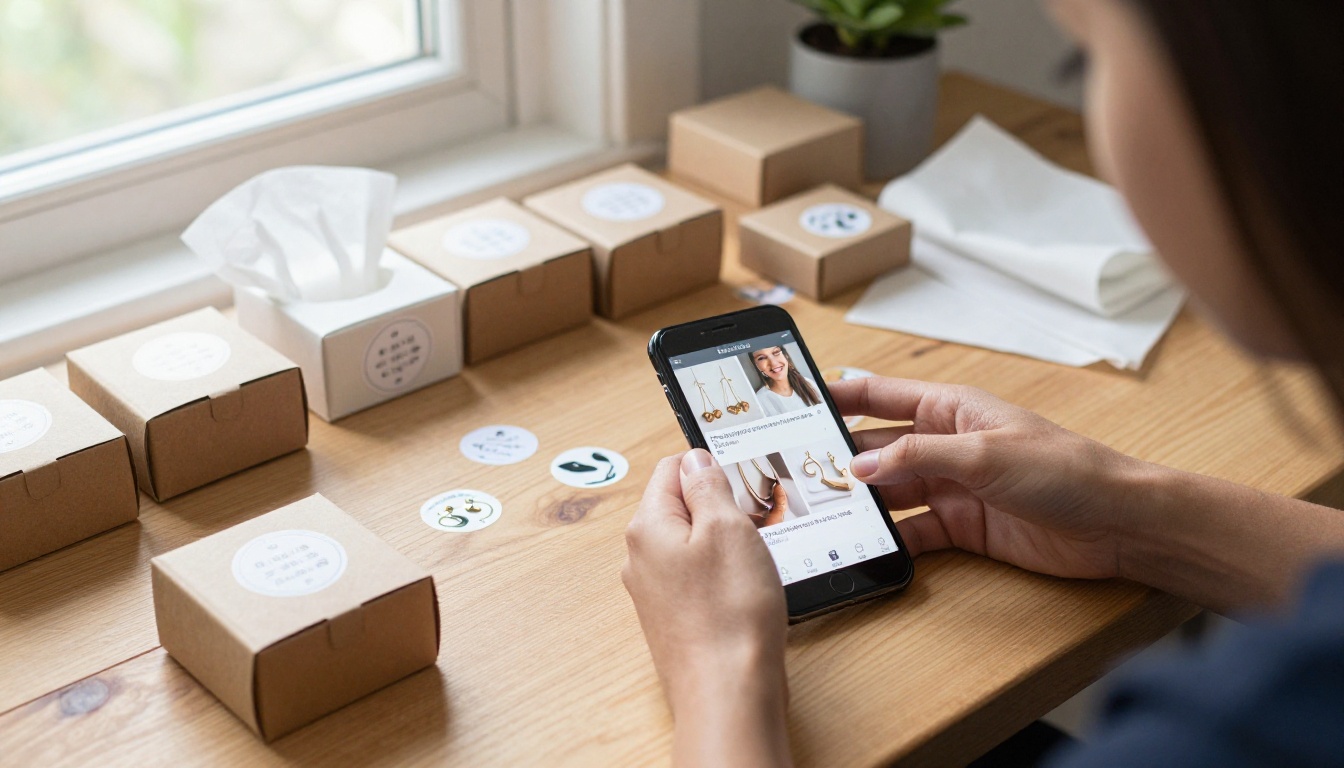
A jewelry flipbook works beautifully as a lookbook, pairing pieces worn in lifestyle photography with close-up studio shots. Buyers want to see how earrings look on a real person, not just against a white backdrop. Use the Interactive Lookbook Designer to create a browsing experience that feels editorial and high-end.
What to include: Material details and metal types, care and cleaning instructions, custom order options, and a size or measurement reference for rings and bracelets.
Digital Products and Printables
If you sell SVGs, printables, Lightroom presets, or digital files, a flipbook works as an incredible preview portfolio. Buyers can see what they are getting before they purchase, which dramatically reduces hesitation and refund requests.
What to include: Preview thumbnails of each file, compatible software list, license terms for personal vs. commercial use, and bundle pricing options.
Home Decor and Furniture Sellers
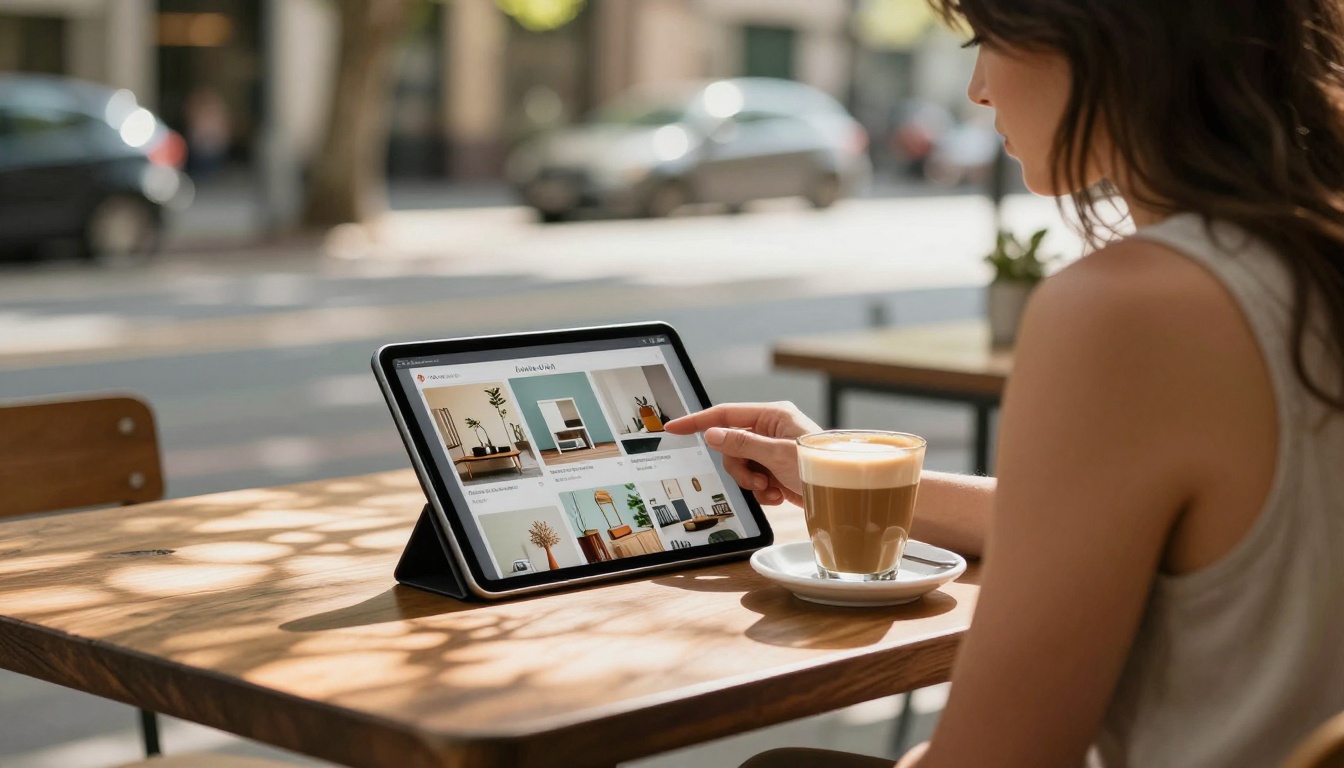
Larger or custom items benefit enormously from a catalog format. Buyers need to see dimensions, material options, and how each piece looks in an actual room setting. The Digital Catalog Maker is built exactly for this kind of multi-product, detail-rich presentation.
What to include: Room setting lifestyle photos, dimensions in both imperial and metric, available finishes or colors, and lead times for custom pieces.
Gift and Seasonal Shops
A flipbook works brilliantly as a digital gift catalog that buyers can forward to friends and family. "Here is a link to my wishlist" paired with a shareable flipbook of your products is a powerful conversion tool around major holidays and seasonal shopping moments.
Pricing and Plans Worth Knowing
Before committing to a platform, it helps to know exactly what you are getting at each tier. Here is how Flipbooks AI pricing stacks up for Etsy sellers at different stages:
| Feature | Free | Standard | Professional |
|---|
| Flipbooks allowed | Limited | Unlimited | Unlimited |
| Watermark on flipbook | Yes | No watermarks | No watermarks |
| Custom branding and logo | ❌ | ✅ | ✅ |
| Password protection | ❌ | ✅ | ✅ |
| Offline downloads | ❌ | ✅ | ✅ |
| Embed video and audio | ❌ | ✅ | ✅ |
| Analytics and viewer tracking | ❌ | ❌ | ✅ |
| Lead generation forms | ❌ | ❌ | ✅ |
| Embed on external website | ❌ | ✅ | ✅ |
| Mobile-responsive display | ✅ | ✅ | ✅ |
For most Etsy sellers starting out, the Standard plan gives you everything you need: no watermarks, unlimited flipbooks, custom branding, and the ability to embed your catalog anywhere. The Professional plan is worth the upgrade when you want analytics (seeing which pages buyers linger on) or lead capture to build your own email list directly from the flipbook.
💡 Pro Tip: Email is the one marketing channel you own outright. An Etsy shop can be deprioritized by the algorithm or suspended at any moment. A buyer email list built through your flipbook lead capture keeps you connected to your audience no matter what happens on the platform.
Tips to Make Your Flipbook Convert
A flipbook that looks good is a start. A flipbook that actually drives sales is a different thing. Here is how to close that gap:
CTAs Inside Your Flipbook
Every spread in your flipbook should give the buyer a clear next step. Not pushy, just intentional. A small caption saying "Order this piece at etsy.com/shop/yourshop" or "Message me on Instagram for custom sizing" removes the guesswork buyers face after they close the catalog.
The last page is prime real estate. Use it for a strong, direct call to action: "Love what you see? Visit my Etsy shop for current availability and pricing." If your flipbook format supports clickable links (Flipbooks AI does), make that text a live hyperlink.
Update It Regularly
A flipbook showing products you no longer sell actively hurts your credibility. Set a reminder to update your catalog every time you launch a new collection or retire old items. Because Flipbooks AI lets you replace the source PDF without changing the shareable link, you can update the content without re-sharing the link everywhere you placed it. The link stays the same, the content stays fresh.
✅ Best Practice: Treat your flipbook as a living document. Refresh it quarterly at minimum, and immediately after every major new product launch.
Social Sharing That Actually Works
The real power of a flipbook is how naturally it travels. One link does everything. Here is a simple content rhythm using your flipbook:
- Post individual page screenshots to Instagram with the flipbook link in your bio
- Send the flipbook link to wholesale inquiries instead of a plain price list attachment
- Include it in your Etsy "Thank You" message to new buyers, positioned as "see my full collection"
- Share seasonal versions on Pinterest two to three weeks before major shopping holidays
- Add the link to your email signature when handling custom order conversations
Buyers who see your flipbook in multiple places before they purchase have a much higher likelihood of converting, and a much higher average order value when they do.
Track What Actually Works
If you are on the Professional plan, the analytics dashboard shows you exactly which pages get the most time, where buyers drop off, and how many unique viewers your flipbook received. That data tells you what is working in your catalog and what needs to change. A jewelry seller who notices buyers spending three times longer on the sterling silver page than the gold page has a clear signal about where to invest in new product photography.

Start Selling Smarter
Making a flipbook for your Etsy shop is one of the highest-return moves available to independent sellers right now. It costs almost nothing in time, it sets you apart from sellers relying entirely on static listings, and it gives buyers a reason to spend more time in your world before they decide to buy.
Create your first flipbook for free on Flipbooks AI and see how it changes the way buyers interact with your products. If you want to see which plan fits your shop size and goals, check the pricing options before you sign up.
Not sure which format fits your niche? Browse the full tools directory to find a template built specifically for your type of shop, whether you sell handmade jewelry, digital downloads, home decor, or seasonal gifts.
Your products deserve more than a static listing. Give buyers something worth sharing.



