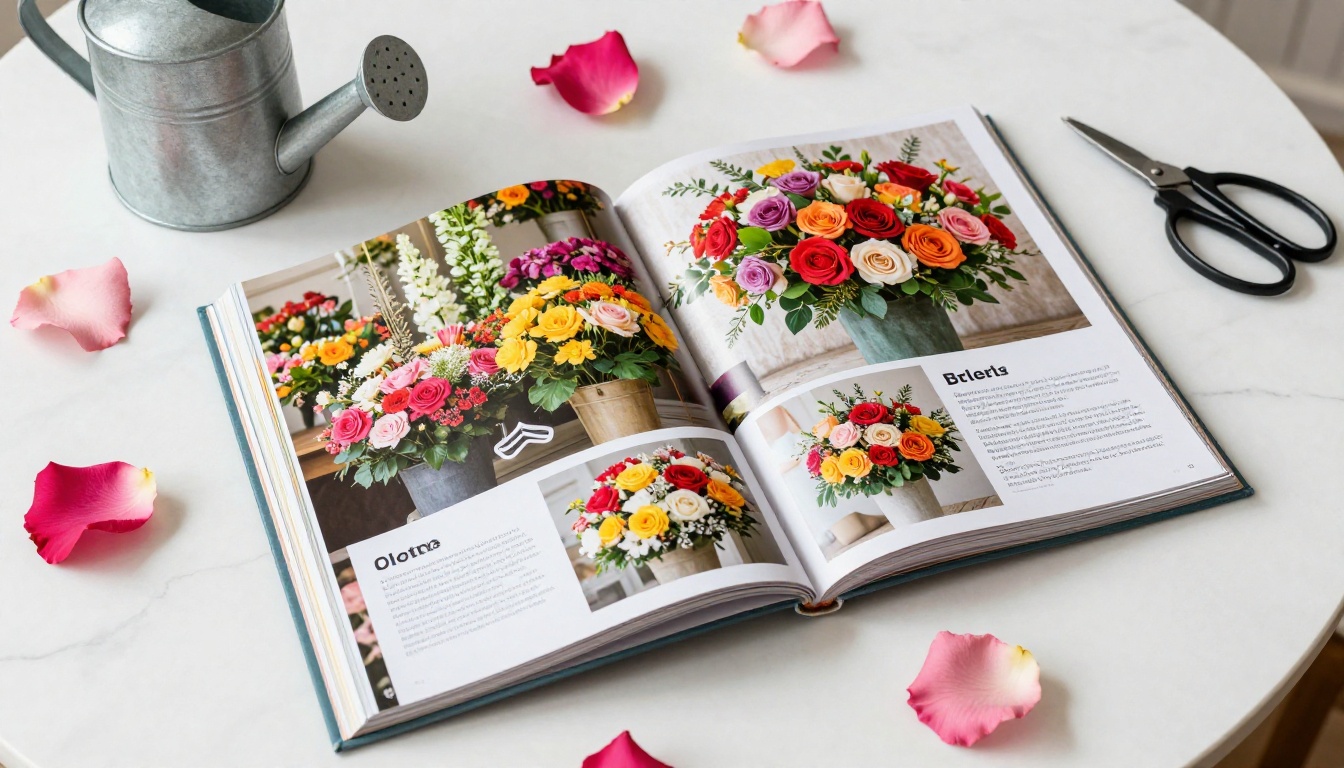
Your flower shop website deserves more than a static gallery of photos and a contact form. Customers who land on your site are already interested — they just need something that holds their attention long enough to place an order. A digital flipbook changes that entirely. Instead of scrolling past rows of images, visitors flip through your seasonal catalog like a real magazine, browse your wedding packages at their own pace, and arrive at your "order now" button feeling genuinely excited about what they saw.
Flipbooks AI makes this possible in under an hour, even if you have zero design experience. You upload a PDF, customize the look to match your brand, and get an embed code you drop right into your website. That's it.
Why Your Flower Shop Needs a Digital Flipbook
Most flower shop websites follow the same tired format: a homepage slider, a gallery page, a price list buried in a PDF nobody downloads. Visitors bounce within 30 seconds because nothing grabs them. A digital flipbook solves this in a way a static website simply cannot.
Static PDFs Are Killing Your Sales
A PDF is not a browsing experience. It's a document. When a customer clicks a PDF link on your site, they get a file download prompt, a gray Adobe Reader window, or a tiny in-browser preview that breaks on mobile. They close it. They leave.
A flipbook is the opposite. It opens instantly in the browser, works perfectly on any device, and feels like flipping through a real catalog. Pages turn with a satisfying animation. Customers linger. And customers who linger are customers who buy.
💡 Pro tip: Florists who add an embedded flipbook catalog to their homepage see longer average session times because visitors interact with the content rather than just scrolling past it.
What Customers Actually Want to Browse
Think about how people shop for flowers. They want to see options side by side. They want to flip from the "everyday bouquets" section to the "wedding arches" section without losing their place. They want to screenshot a page and send it to a friend. A well-built flower shop flipbook gives them all of that.
The types of content that perform best inside a florist's digital catalog:
- Seasonal arrangement collections with prices
- Wedding and event package breakdowns
- Corporate account offerings
- Add-on products (vases, chocolates, greeting cards)
- Care tips for different flower types
- A brief story about your shop and team
What Goes in a Flower Shop Flipbook
Before you create anything, plan your content. The flipbooks that convert best are the ones with a clear structure that mirrors how customers actually make buying decisions.
Seasonal Arrangements and Collections
Spring ranunculus, summer sunflowers, autumn dahlias, winter amaryllis. Seasonal content keeps your flipbook fresh and gives customers a reason to come back and browse again when the season changes. Dedicate a section of your catalog to your current season's hero arrangements.
✅ Best practice: Update your seasonal flipbook every 8-10 weeks. With Flipbooks AI, you can replace the source PDF and republish without changing the embed code on your website. Your visitors always see the latest version.
Wedding and Event Packages
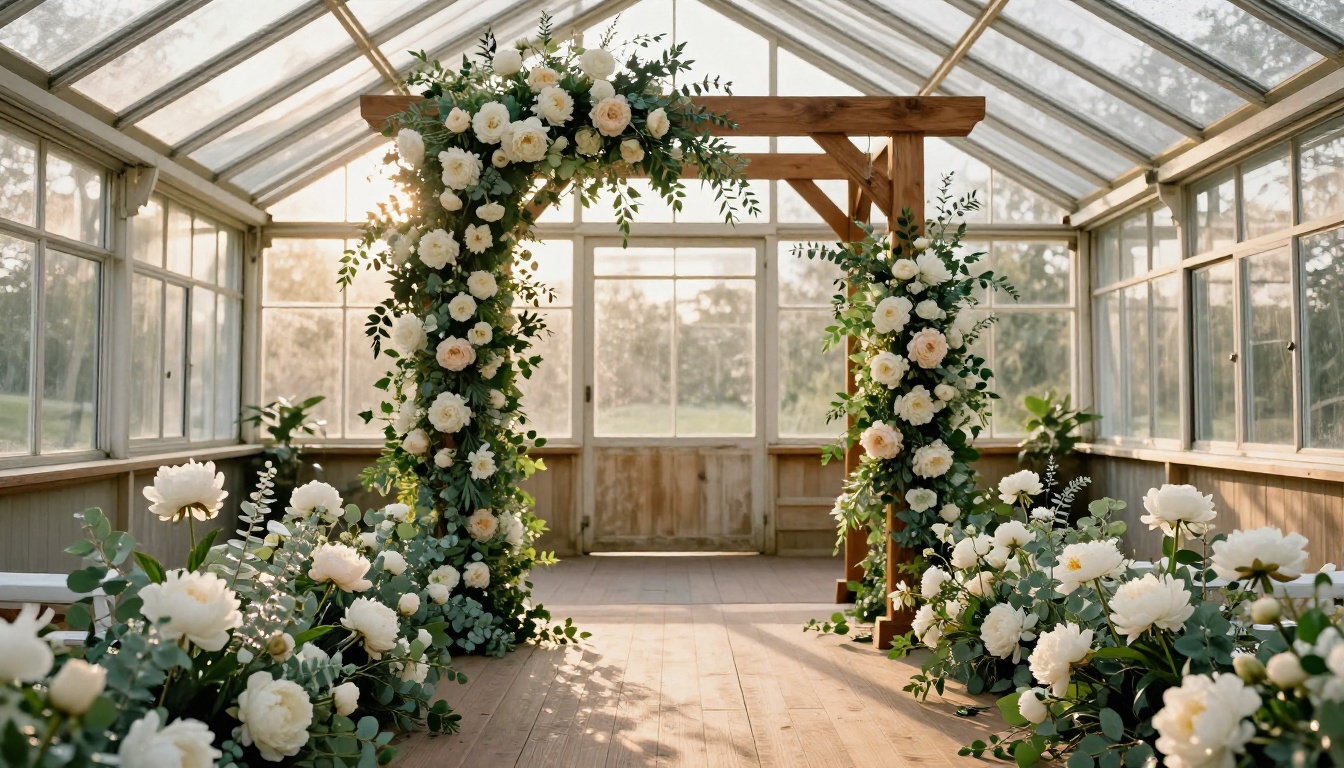
Wedding floristry is your highest-margin service. Your flipbook is the perfect place to showcase full ceremony setups: the arch, the aisle, the reception centerpieces, the bridal bouquet, the buttonholes. Real photography from past events sells this far better than a price list on a webpage.

Break your wedding section into clear tiers:
| Package | Inclusions | Typical Price Range |
|---|
| Elopement | Bridal bouquet, 2 buttonholes | $300-$600 |
| Intimate | Above + ceremony arch, 4 centerpieces | $800-$1,500 |
| Full Wedding | Complete ceremony and reception florals | $2,500+ |
| Corporate Event | Venue centerpieces, entrance displays | $500-$2,000 |
Presenting this inside a beautifully designed flipbook page rather than a plain HTML table on your website is a completely different experience. Customers spend more time considering each package when it's displayed with matching photography.
Add-Ons That Increase Order Value
The final pages of your flipbook are prime real estate for upsells. A single page showing a bouquet paired with a handwritten card, a ribbon upgrade, a candle, or a box of chocolates can add $15-$30 to an average order without any sales pressure.
How to Build Your Flower Shop Flipbook with Flipbooks AI
Here is the exact process to go from zero to a live, embedded flipbook on your website.
Step 1: Design Your PDF First
Your flipbook is only as good as your PDF. You don't need to be a graphic designer. Canva has free catalog templates that work perfectly for florists. The core principles:
- Use high-resolution photography (minimum 1500px wide)
- Stick to a consistent color palette that matches your brand
- Use no more than two fonts throughout
- Include prices where relevant (customers who see prices self-qualify before contacting you)
- Make every page tell a story, not just list a product
Standard A4 or US Letter dimensions work perfectly. Export as a PDF and you're ready to upload.
Step 2: Upload and Convert
Head to Flipbooks AI and create your account. The upload process takes under two minutes:
- Click Create New Flipbook
- Drag and drop your PDF file
- Wait for the automatic conversion (typically 30-60 seconds)
- Preview your flipbook with the page-turn animation applied
The PDF to Flipbook Converter handles files up to hundreds of pages without quality loss. Your images stay crisp, fonts render cleanly, and the page-turn effect is applied automatically.
Step 3: Brand It to Your Shop
This is where your flipbook stops looking generic and starts looking like your business. In the editor you can:
- Set your brand colors for the background, toolbar, and buttons
- Upload your logo to appear on the flipbook player
- Choose from multiple page-turn effects and transition speeds
- Set a custom slug for your flipbook's shareable link
- Add a thumbnail image that customers see before they start flipping
💡 Pro tip: Use a photo of your most eye-catching seasonal arrangement as the flipbook thumbnail. It acts like a book front and dramatically increases click-through rates when you share the link on social media or in emails.
Step 4: Add Interactive Elements
A static flipbook is good. An interactive one is better. Flipbooks AI lets you embed:
- Clickable links: Connect your "Order Now" buttons directly to your website's checkout or booking page
- Videos: Embed a short reel showing your team creating a centerpiece arrangement
- Audio: Add ambient background music for a premium feel
- Forms: Capture wedding inquiry leads directly inside the flipbook without redirecting visitors (Professional plan)
Step 5: Embed It on Your Website
Once you're happy with the flipbook, go to Share and copy the embed code. Paste it into your website wherever you want it to appear. It works on:
- WordPress: Paste in an HTML block
- Squarespace: Use the Code block
- Wix: Use the Embed HTML element
- Shopify: Paste into a page's custom HTML section
- Any website that accepts standard HTML
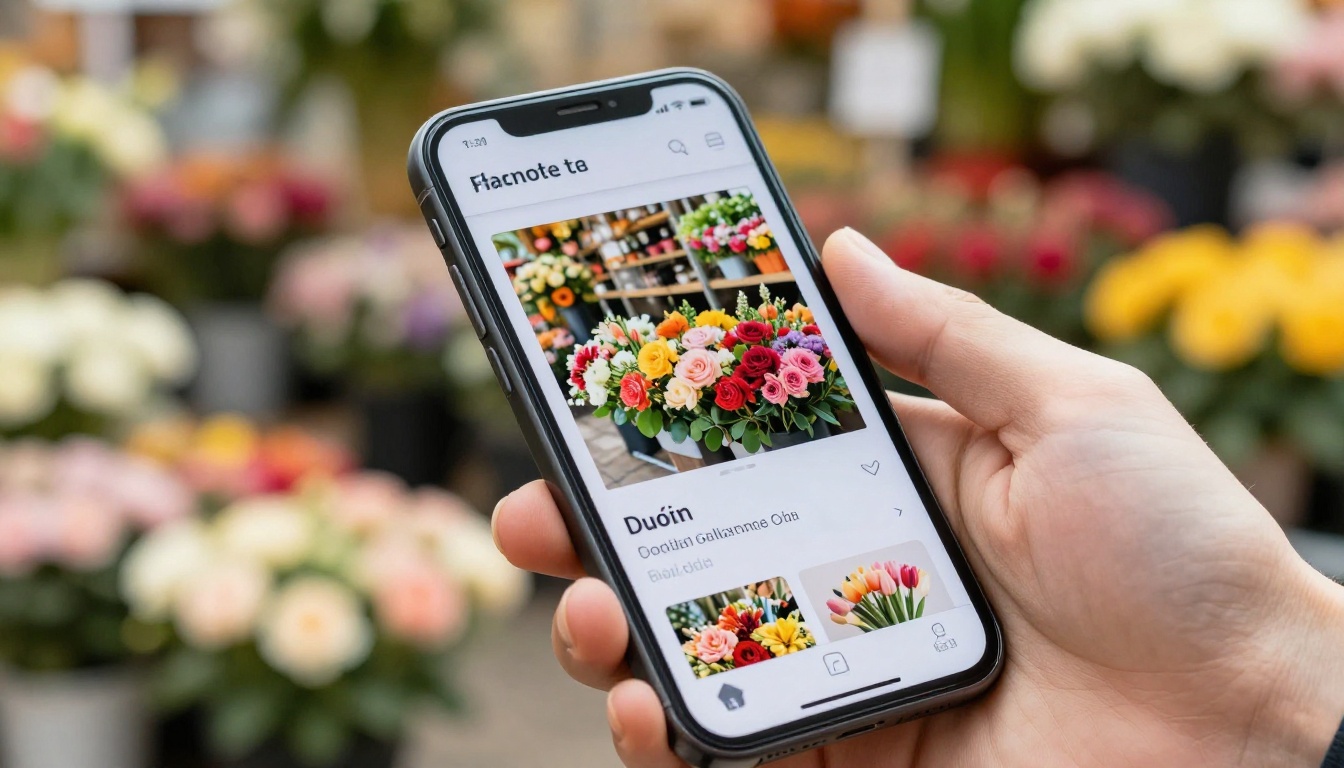
The embedded flipbook is fully responsive, so it resizes perfectly on mobile without any extra configuration.
✅ Best practice: Place your flipbook above the fold on your homepage, or create a dedicated "Our Collections" page that features the embedded catalog as the primary content. Both placements perform well in user testing.
Where to Place It for Maximum Impact
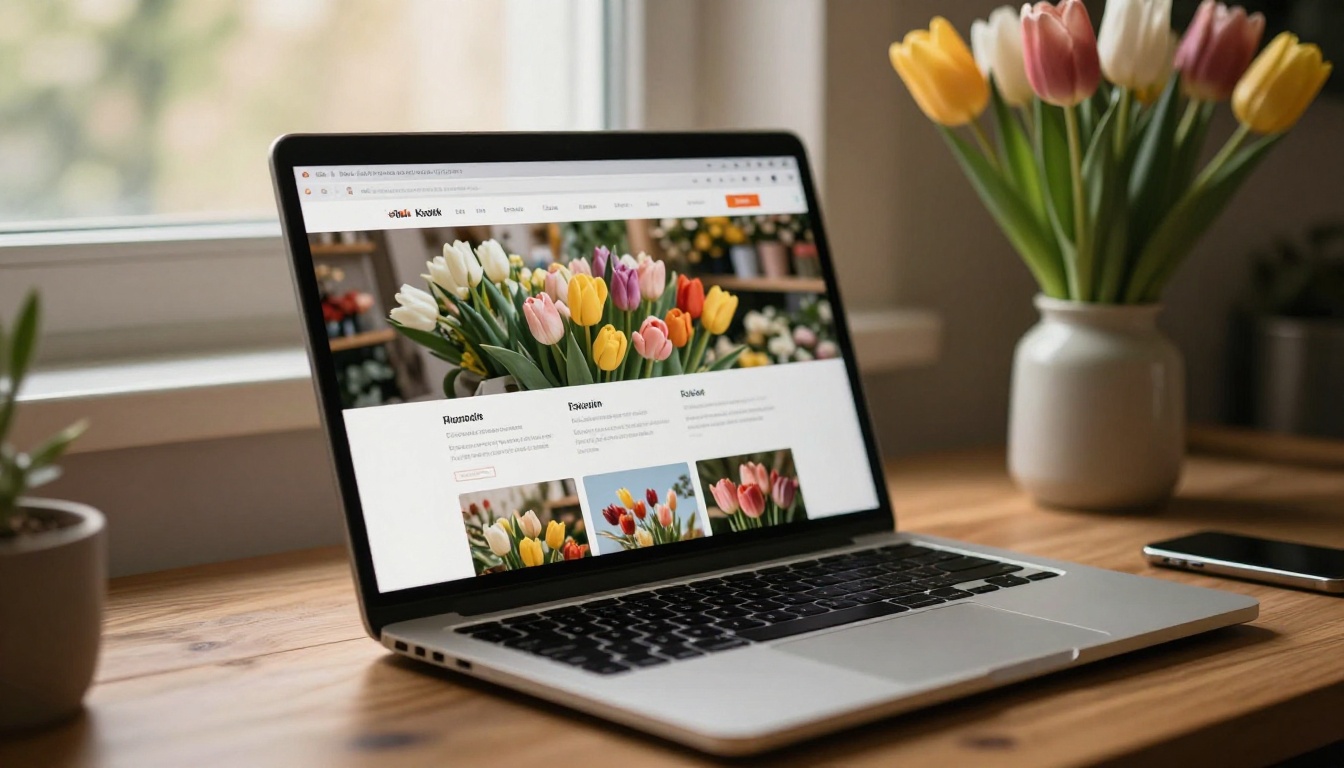
Not all placements on your website are equal. The flipbook placement that generates the most browsing activity is directly on the homepage, below your hero image and above your testimonials. Visitors see it immediately after landing and start flipping before they've even read your copy.
Other high-performing placements for flower shop websites:
| Placement | Best Content Type | Expected Benefit |
|---|
| Homepage (below hero) | Seasonal highlights, 8-12 pages | Highest browse time, lowest bounce rate |
| Dedicated catalog page | Full collection, 20-40 pages | Ideal for returning customers and SEO |
| Wedding services page | Wedding packages only | Higher inquiry conversion rate |
| Blog posts | Seasonal lookbooks | Social sharing and backlink potential |
| Email newsletter | Monthly new arrivals | Click-through rate improvement |
| Instagram bio link | Best-of collection | Mobile-first browsing experience |
Flower Shop Flipbook Ideas That Work
Beyond the standard product catalog, there are several flipbook formats that florists use effectively to build their brand and drive repeat orders.
Spring and Summer Seasonal Lookbooks
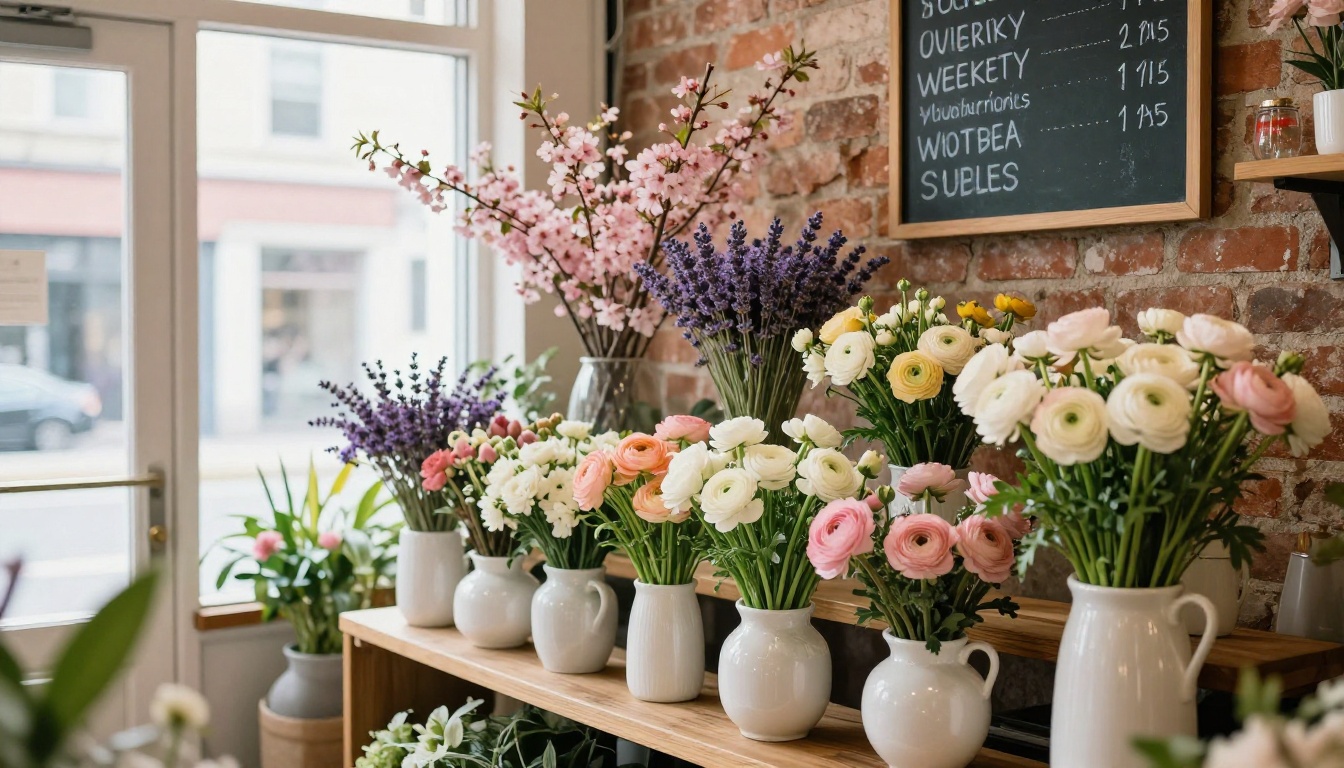
A lookbook is different from a product catalog. Instead of focusing on prices and specifications, a lookbook tells a visual story. Shoot your arrangements in lifestyle settings: a bouquet on a breakfast table, peonies beside a bathtub, sunflowers in a kitchen window. Compile these into a 12-16 page flipbook and share it at the start of each season.
The Interactive Lookbook Designer is built specifically for this use case. You can also use the Lookbook Flipbook Builder to add clickable product links directly on each page so customers can order from within the lookbook itself.
Valentine's Day and Mother's Day Specials
Holiday-specific flipbooks are among the highest-converting digital marketing assets a florist can create. A dedicated Valentine's Day flipbook showing your rose arrangements, gift bundles, and delivery options, sent to your email list two weeks before the holiday, consistently outperforms a standard promotional email.

The formula that works for seasonal holiday flipbooks:
- Opening page: A striking photo, the holiday name, and your shop name
- Pages 2-4: Your best-selling arrangements with prices clearly shown
- Pages 5-6: Add-on bundles (flowers with chocolates, champagne, candles)
- Page 7: Ordering information and cut-off deadlines for delivery
- Final page: Your contact details and social media handles
Corporate Flower Arrangements
Corporate accounts are worth pursuing because they provide predictable recurring revenue. A dedicated corporate services flipbook sets you apart from florists who rely on a single web page. Show your office reception arrangements, conference room centerpieces, and event florals in a professional, easy-to-forward format.

The Digital Catalog Maker works especially well for corporate-focused catalogs that need a clean, polished look. You can share it via a password-protected link that only goes to business contacts, keeping your trade pricing private.
💡 Pro tip: Create a separate, password-protected flipbook for your wholesale or trade pricing. With Flipbooks AI, you can set a custom password on any flipbook so only the right customers see it.
Plan Features Worth Knowing About
Flipbooks AI offers multiple plans. For most flower shops, the Standard plan covers everything you need day-to-day. Here is a practical breakdown:
| Feature | Free | Standard | Professional |
|---|
| Flipbooks allowed | 1 | Unlimited | Unlimited |
| Watermark removed | No | Yes | Yes |
| Custom branding | No | Yes | Yes |
| Password protection | No | Yes | Yes |
| Embed on website | Yes | Yes | Yes |
| Analytics | No | Basic | Advanced |
| Lead generation forms | No | No | Yes |
| Offline downloads | No | No | Yes |
| Custom domain | No | No | Yes |
| Video and audio embed | Yes | Yes | Yes |
For most independent florists, the Standard plan is the sweet spot. It removes watermarks, allows unlimited catalogs, and adds password protection (useful for wholesale price lists you only want trade customers to see).
The Professional plan is worth considering if you run workshops, have a wholesale arm, or want to capture wedding inquiry leads directly inside the flipbook without redirecting visitors to a separate contact form.
Real Results from Florists Using Digital Catalogs
The shift from static PDFs to interactive flipbooks produces a measurable effect on customer behavior. Florists who add an embedded catalog to their website consistently report:
- Longer time on site: Customers who browse a flipbook spend 3-5x more time on the page compared to those who view a static gallery
- Higher inquiry quality: Customers who reach out after browsing a detailed catalog are better informed, meaning fewer back-and-forth emails to clarify pricing and options
- Increased seasonal sales: A well-timed seasonal lookbook shared via email and social media drives a noticeable spike in orders in the week it goes out
- Better wedding conversion rates: Showing real photography from past events inside a professional-looking flipbook builds trust faster than a testimonials page alone
⚠️ Worth noting: The flipbook itself doesn't replace a good ordering system. Make sure every section of your catalog includes a clear call-to-action linking to wherever customers can actually place an order or send an inquiry.
Take Your Flower Shop Online
Your shop's personality, seasonal range, and craft deserve a presentation that matches the quality of your work. A digital flipbook on your website is one of the most effective ways to show new customers what you do and give existing ones a reason to order again.
The whole process takes less than an hour from a finished PDF to a live, embedded catalog on your site. No developer needed, no design agency, no subscription that breaks the bank.
Ready to build yours? Get started for free on Flipbooks AI and have your first flower shop flipbook live before the end of the week. Browse all available tools and templates to find the format that fits your catalog best, or check pricing plans to see which tier makes the most sense for your shop's needs.



