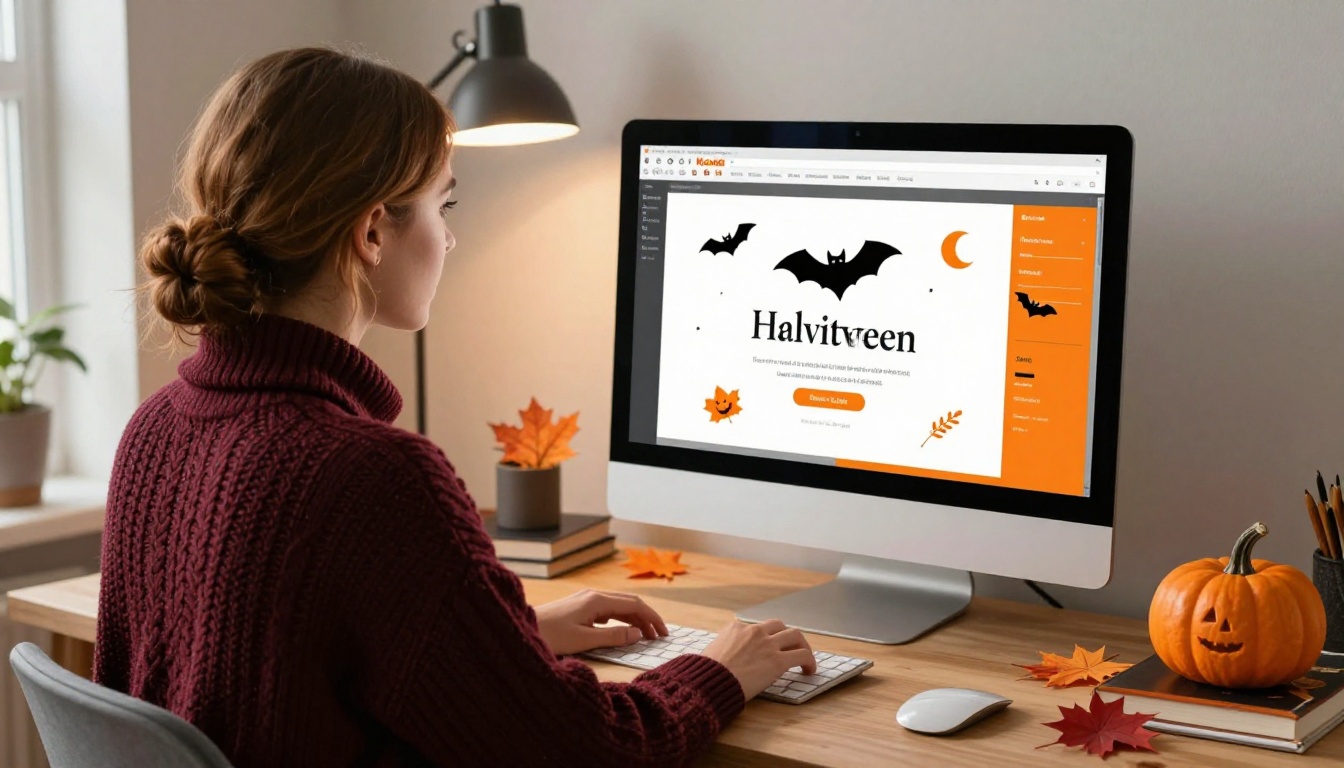
Halloween party planning starts with one thing: the invite. But if you're still sending a flat image or a plain PDF, you're missing a chance to set the tone before the night even begins. A digital flipbook turns your invitation into a small, interactive experience that guests can open, page through, and share from any device. This article walks through everything you need to know about how to make a flipbook for your Halloween party invites, from choosing the right design to sharing it with your entire guest list in seconds.
Why Your Halloween Invite Deserves Better
Paper invitations have their charm, but they get lost, thrown away, or forgotten on a kitchen counter. A digital flipbook invitation solves all of that. It lives in your guest's inbox or social feed, it pages through like a real booklet, and it can include your party theme, location, RSVP link, and more, all in a format that actually gets opened.
The difference between a flat image attachment and an interactive flipbook is the difference between a flyer and an experience.
Paper vs. Digital: The Real Comparison
| Feature | Paper Invites | Digital Flipbook |
|---|
| Cost per invite | $2 - $8 (printing + postage) | Free or low fixed monthly cost |
| Time to deliver | 3-7 business days | Instant |
| RSVP tracking | Manual calls or paper returns | Built-in link tracking |
| Interactivity | Static | Page turns, embeds, links |
| Eco-friendly | No | Yes |
| Guest experience | Passive | Engaging, shareable |
| Update after sending | Impossible | Edit anytime |
💡 A digital Halloween flipbook can be updated even after you send it. If the venue changes or the time shifts, just edit the flipbook and every shared link automatically reflects the new information.
What Makes a Flipbook Invitation Different
A PDF is flat. A flipbook has pages that turn. That single detail changes how people interact with your content. Instead of scrolling through a document, your guests flip through pages, which feels like opening a real invitation booklet. That tactile metaphor translates well on screen and makes the whole experience feel more intentional and special.
Flipbooks AI converts your PDF directly into a flipbook with page-turn animation, mobile responsiveness, and full sharing options. You don't need to know any code or have design experience beyond what you'd use to make a PDF in Canva or Google Slides.
What You Need Before You Start
Getting everything ready before you open the flipbook tool saves time and produces a better result.
Design Software Options
You'll need your invitation as a PDF. If you haven't designed it yet, these are the most common tools people use:
- Canva (free, easiest, has Halloween templates built-in)
- Adobe Express (free tier, good typography control)
- Google Slides or PowerPoint (export to PDF easily with no extra steps)
- Figma (free for individuals, more design control and precision)
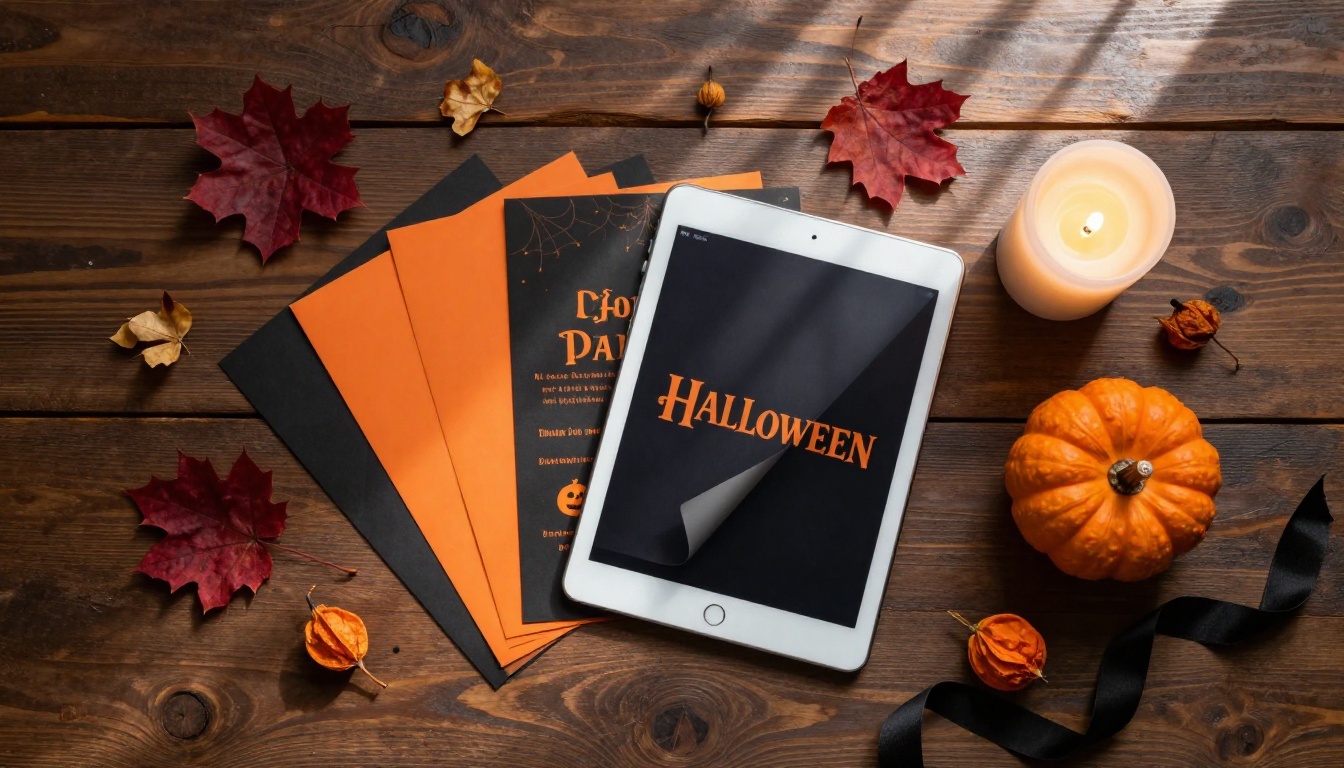
Design your invite as if it's a small booklet. Even a two-page spread works well: the first page as the cover, the second page with all the party details. You can go up to 10 or 20 pages if you want to include a map, a costume inspiration page, or a menu for the night.
✅ Best practice: Design at 1920x1080px (16:9) or standard A4/Letter for the cleanest flipbook output. Use dark backgrounds like black, deep navy, or dark burgundy with orange or cream typography to match the Halloween aesthetic.
Your Guest List and Delivery Method
Before building the flipbook, decide how you'll share it:
| Sharing Method | Best For | How It Works |
|---|
| Direct link | WhatsApp, SMS, email | Share a URL anyone can open instantly |
| Embed on a website | Event pages, personal blogs | Copy-paste embed code |
| QR code | Printed materials, Instagram Stories | Scan to open the flipbook |
| Password protected | Exclusive or private guest lists | Guests need a password to view |
| Social media share | Wider circles, Facebook events | Post the flipbook link directly |
How to Make a Flipbook for Your Halloween Party Invites
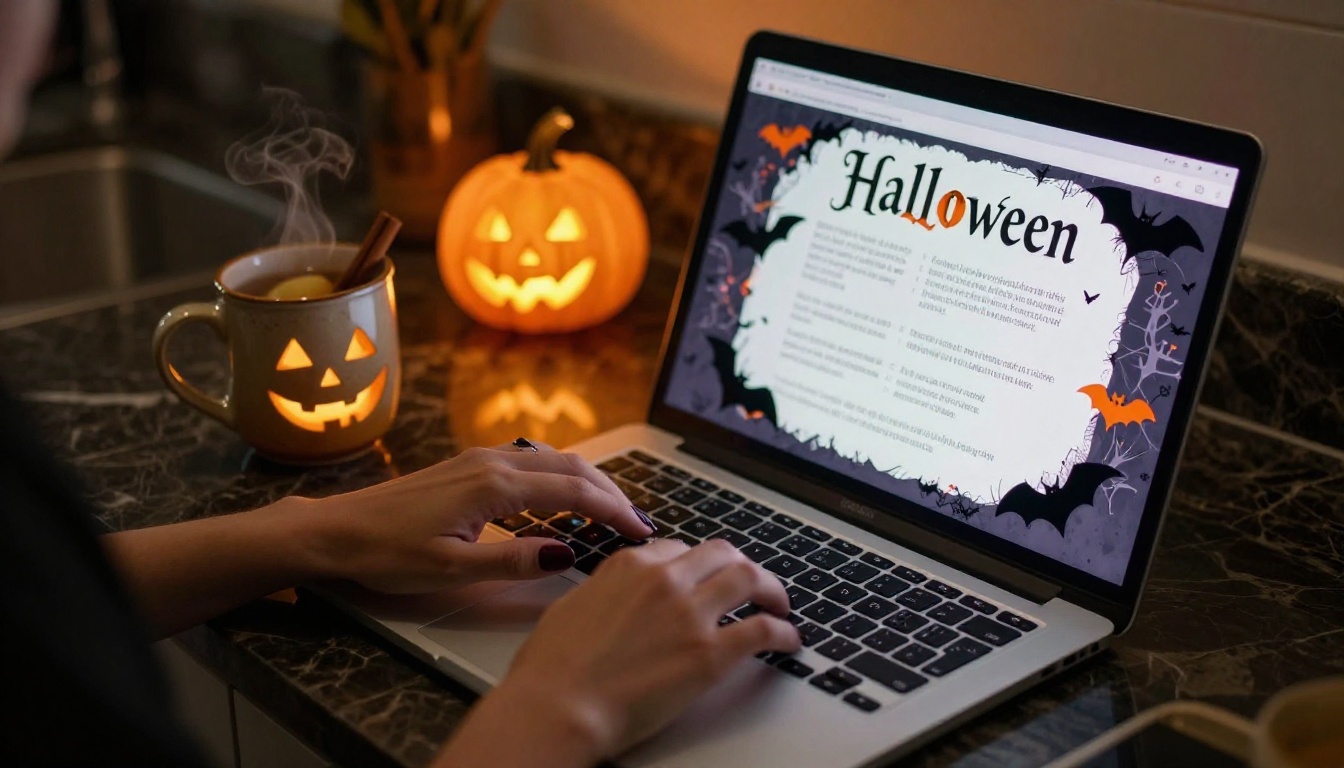
This is the step-by-step process from design to sharing. The whole thing can take under 30 minutes once your PDF is ready.
Step 1: Design Your Invitation in Pages
Open your design tool of choice and create a multi-page document. Think of page 1 as the cover and page 2 onward as interior spreads. For a Halloween party invite, a strong structure might look like this:
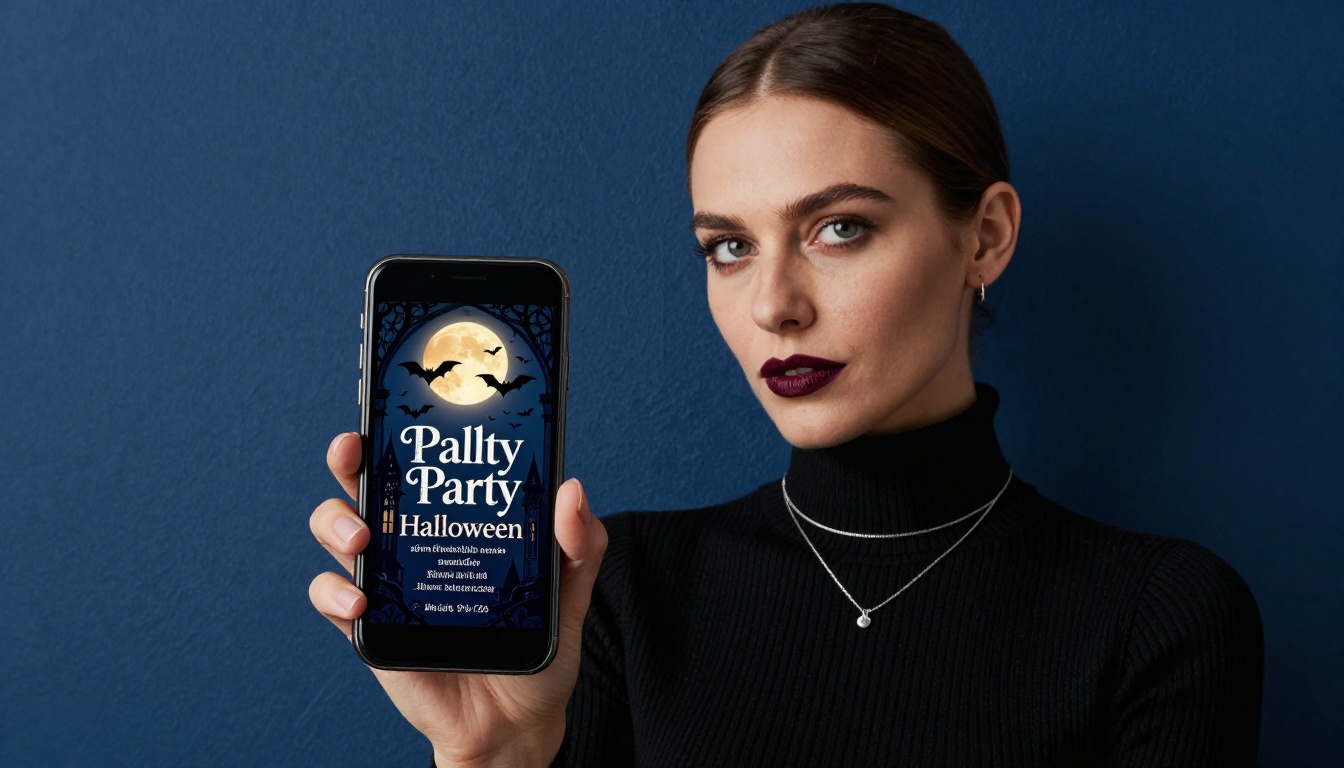
- Page 1 — Dramatic cover with a haunted house, bats, or moon illustration and your event name
- Page 2 — Party details: date, time, location, dress code
- Page 3 — RSVP instructions or link, any special notes like parking or costume contest rules
- Page 4 — A fun closing page, like a "See you in the dark..." sign-off with contact info
Keep the typography large and readable. Dark backgrounds look stunning in flipbook format because the page-turn animation contrasts beautifully against dark spreads.
Step 2: Export Your Design as PDF
Once your design is ready, export it as a PDF. In Canva, this is under Share > Download > PDF Print. In Google Slides, go to File > Download > PDF Document. Make sure all pages are included and resolution is set to high quality before exporting.
Step 3: Upload to Flipbooks AI
Head to Flipbooks AI and create a free account if you haven't already. Once inside:
- Click Create New Flipbook
- Select Upload PDF
- Drag and drop your Halloween invitation PDF
- Wait for the automatic conversion (usually under 60 seconds)
Your invitation is now a flipbook with page-turn animation. At this point it already looks dramatically better than the original PDF.
Step 4: Customize Your Flipbook
This is where it gets genuinely fun. Inside the Flipbooks AI editor, you can:
- Change the background color of the viewer to match your theme (pure black works brilliantly for Halloween)
- Add custom branding to the flipbook header
- Enable page sound for a subtle page-turn audio effect
- Set a custom thumbnail for the flipbook preview image guests see before opening
- Add a password if you want to keep the guest list exclusive and add a layer of mystery
💡 Set the flipbook background to black and the page-turn shadow to dark grey. Combined with dark Halloween invitation pages, this creates an immersive effect when guests open your invite for the first time.
Step 5: Share with Your Guests
Once the flipbook is published, you'll get:
- A direct link to copy and paste into any message or email
- An embed code if you want to place it on an event website
- A QR code you can print on physical preview cards or post on Instagram Stories
For most Halloween parties, the direct link shared over WhatsApp or a group chat is all you need. The link works on phones, tablets, and desktops without any app download required.
Halloween Invite Themes That Work Well as Flipbooks
The flipbook format amplifies certain design aesthetics better than others. These three approaches work especially well for Halloween.
Classic Haunted House
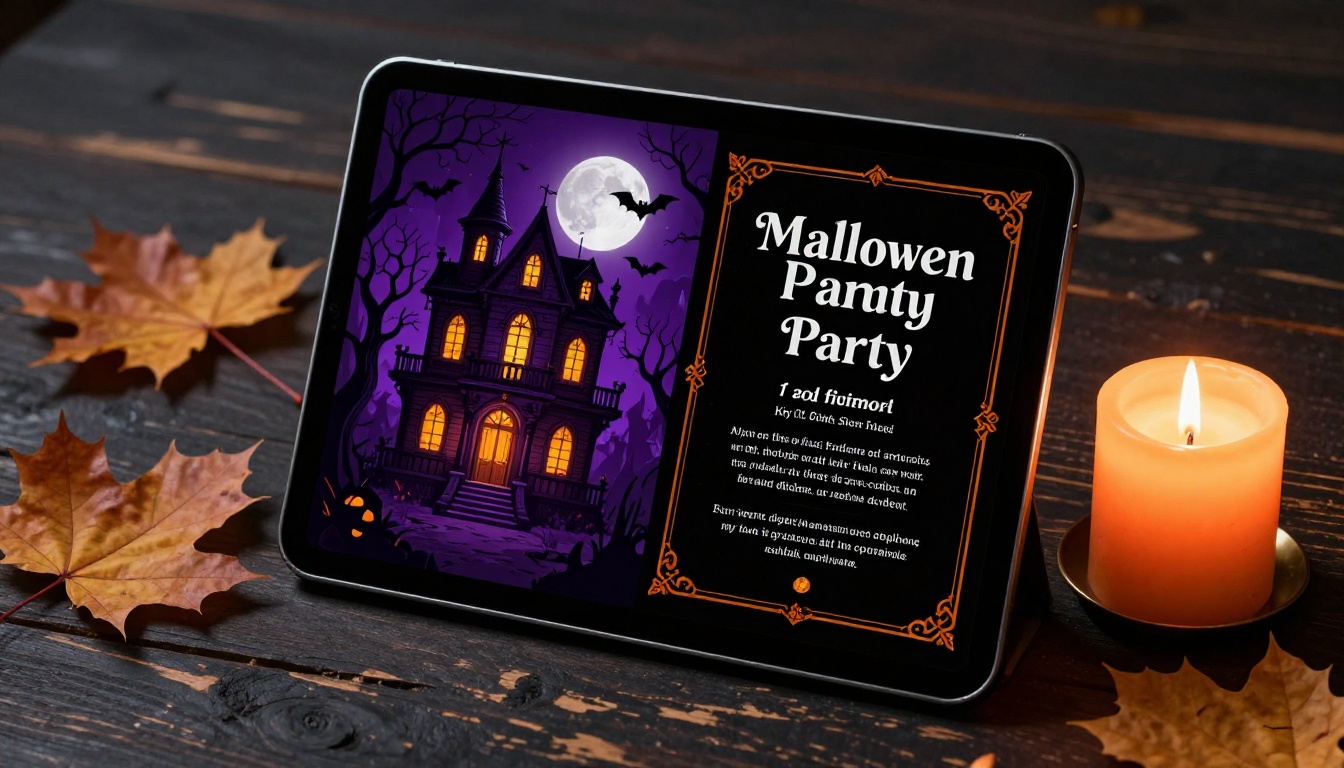
A dark Victorian mansion on the cover, bare tree silhouettes, a full moon, and bats in flight. Interior pages use aged-paper textures, dripping blood-red drop shadows on serif fonts, and candlelight photography as accent imagery. The page-turn animation feels like opening an old grimoire when done right. This is the crowd-pleaser and works for any age group at any type of Halloween event.
Elegant Gothic
All black pages with white and gold typography. Minimal illustration. A single skull or rose as an accent motif. This style suits adult Halloween parties where the vibe is more cocktail hour than trick-or-treat. The flipbook format elevates it further because the clean page turns reinforce the premium, theatrical aesthetic without any extra effort.
Playful and Fun
Bright orange backgrounds, cartoon ghosts, candy motifs, oversized bold typography. This works brilliantly for family Halloween parties or children's events. Use simple, high-contrast illustrations. The page-turn effect adds a storybook quality that younger guests genuinely love, and parents appreciate how easy it is to share.
Flipbook Features Worth Using for Halloween
Not every feature matters for a party invite, but a few are genuinely worth knowing about before you publish.
Password Protection for Exclusive Events
If your Halloween party has a limited guest list, password protecting the flipbook means only people with the password can open it. This adds a layer of theatrical mystery that fits the Halloween vibe perfectly. You can even theme the password, something like "pumpkin" or "ravens" or "hauntedhouse," to keep it in character with the invitation itself.
This feature is available on the Standard and Professional plans. Check the pricing page to see what works for your budget.
Embedding on Event Pages
If you have a Facebook event page, a personal website, or a party planning page, the embed code lets you drop the flipbook directly into the page. Guests can flip through the invitation right there without leaving the site, which keeps the experience seamless and impressive.
Mobile-First Sharing
Every flipbook made on Flipbooks AI is automatically mobile-responsive. This matters because the majority of your guests will open the invite on their phone. The page-turn animation works via swipe gesture on mobile, which makes the experience feel native and polished rather than clunky.
⚠️ Always preview your flipbook on your own phone before sending it out. Check that all text is readable at mobile size and that the page-turn gesture works as expected. What looks great on a desktop monitor can sometimes need a small font-size adjustment for phones.
Comparing Plans for Party Use
You don't need an enterprise plan to make a great Halloween party invite. Here's what each tier offers and which one makes sense for personal or event use.
| Plan | Price | Flipbooks | Watermark | Password Protection | Analytics |
|---|
| Free | $0/mo | Limited | Yes | No | No |
| Standard | From $9/mo | Unlimited | No | Yes | Basic |
| Professional | From $19/mo | Unlimited | No | Yes | Full + Lead Gen |
For a one-off Halloween party invite, the Standard plan covers everything you need: no watermarks, unlimited flipbooks, and password protection. If you plan to use flipbooks beyond the party for events, newsletters, or business purposes, the Professional plan adds full analytics so you can see exactly how many guests opened your invite and when.
💡 The free plan is a great way to test the format before committing. Build your flipbook, see how it looks, then upgrade to remove the watermark before sharing with your guests.
See all plan details here.
Real Scenarios Where This Works
It helps to see how different people are actually using Halloween flipbook invitations, because the format is more flexible than it first appears.
The neighborhood block party organizer builds a three-page flipbook: cover with the street name and event branding, page 2 with the schedule and potluck sign-up list, page 3 with a neighborhood map. Shared via WhatsApp group. Response rate went up because people actually read it instead of scrolling past a text message.
The office Halloween party committee creates a four-page flipbook with the venue, costume contest rules, the catered menu, and charity raffle details. Password protected so it stays internal to staff. Embedded in the company intranet page for easy access all week before the event.
The parent planning a kids' Halloween birthday party uses a six-page flipbook styled as a storybook. The page-turn animation makes it feel like reading a picture book with the child. Shared with other parents via the school class email thread. The kids who see it on their parents' phones get excited before the event even starts.
The small event planner uses the Event Program Maker for client events year-round and applies the same flipbook workflow to seasonal party invites. The consistent platform reduces learning time and the professional results impress clients every time.
Beyond the Halloween Invite
Once you have a Flipbooks AI account, you'll find uses for it well beyond October. The Wedding Album Flipbook is a favorite for couples sharing memories after the event. The Recipe Book Flipbook turns family or catering menus into something beautiful to share. The Digital Portfolio Creator works for creatives who want their work to feel premium and interactive. Browse all flipbook tools to see everything the platform can do across categories.
The platform is genuinely built for anyone who wants to share content in a format people actually enjoy reading, whether that's once a year for a Halloween party or every month for a business newsletter.
Your Halloween Party Starts Here
The invitation is the first impression of your event, and a flipbook invitation sets a tone that a text message or flat image simply cannot match. It takes less than 30 minutes to go from a design in Canva to a fully shareable, interactive flipbook that your guests will open, flip through, and talk about before the party even starts.
Ready to create yours? Get started for free on Flipbooks AI and have your Halloween party flipbook ready to share today. When you're ready for more features like password protection and unlimited flipbooks, check the pricing plans and pick what fits your needs. And if you want to see every tool available across all use cases, browse all tools and templates before you decide.
Your guests are waiting. Give them something worth flipping through.



